How to Scrape Domain.com.au Real Estate Property Data
Domain’s terms prohibit scraping its website. Here’s how to get property data through its official API, handle it responsibly, and capture pages for visual QA.
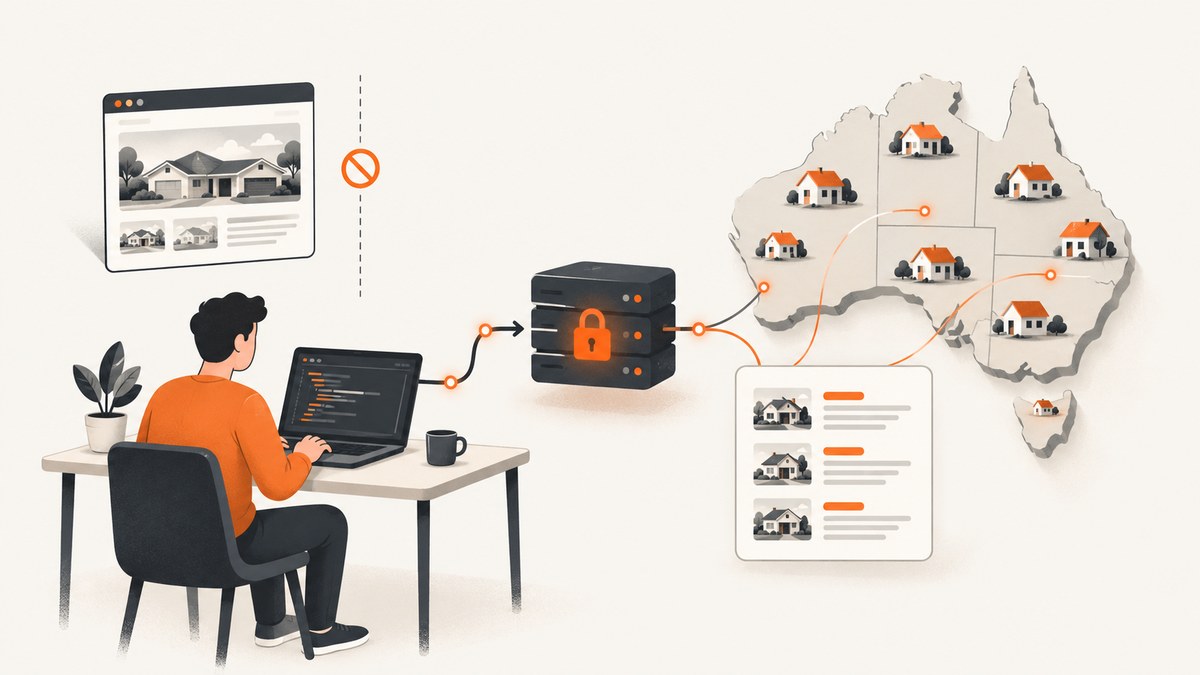
Direct answer: Don’t scrape Domain.com.au pages for property data. Domain’s published terms prohibit scraping, indexing, data-mining robots, and using the site to build a property database or competing product. For an approved use, apply for access to the Domain Developer API, choose the package that covers your fields, and use only the data and purposes allowed by your agreement. If you need a visual record of a page for a permitted QA or documentation workflow, a screenshot captures its appearance; it does not grant permission to collect or reuse the page’s underlying property data.
This guide explains the restriction, how to pursue licensed access, and how to build a careful API client once Domain has approved your project. It does not provide a scraper, browser automation script, proxy recipe, or CAPTCHA workaround for Domain pages.
1. Why direct scraping is not the right method
Domain’s General Terms and Conditions say users must not “scrape or index the Product or any part of it,” including information, images, applications, or files, and specifically mention data-mining robots and similar collection methods. The same terms prohibit using or accessing the Product to build a property-information database, derivative product, or product that competes with Domain. Check the current terms and any agreement that applies to your account before you build: terms can change, and an API agreement can add product-specific conditions.
That means a public listing page is not automatically a permitted data source. A browser request, HTML parser, headless browser, search engine cache, or third-party scraping service does not change the underlying restriction. Nor does limiting request frequency by itself create permission.
If your goal is market analysis, listing search, property enrichment, a valuation workflow, or an integration for an authorized business purpose, start with Domain’s licensed products. If your purpose does not fit the approved purpose in your API agreement, ask Domain about an appropriate product or use a dataset whose licence clearly covers your intended collection and use.
2. Choose a licensed data route
| Route | Use it for | Key checks |
|---|---|---|
| Domain Developer API | Approved software integrations using the packages and endpoints Domain grants to your project. | Approved purpose, package access, call limits, privacy duties, credential security, permitted display and retention. |
| Domain Data Extract | Data supply where the product and agreement fit your use case and you can establish lawful provenance. | Rights to disclose the data, relevant consents and disclosures, and the required continuing relationship with the properties or people in the data. |
| Another licensed dataset | A use case the Domain products or agreement do not cover. | Confirm collection rights, permitted fields, freshness, redistribution, retention, attribution, and permitted purpose with that provider. |
The Domain API package catalog lists options including Agents & Listings, Properties & Locations, Property Enrichment, Property Package, PropertyRadar, Price Estimation, Rental AVM, Schools Data, and Webhooks. The exact endpoints and access available depend on your project and approved package. Select the smallest package that covers your real need rather than collecting fields “just in case.”
Data Extract has separate restrictions. Domain’s Data Extract Terms should be reviewed for current requirements; the research for this guide identifies lawful direct provenance, disclosure rights, relevant consents and disclosures, and an ongoing relationship with the relevant properties or individuals as conditions. Don’t assume a record is transferable merely because it is already in your system.
3. Get access before writing the integration
- Write down the purpose. Describe the product feature, users, geography, data fields, update frequency, where data will be stored, and whether any data will be displayed or shared. Be specific enough for Domain to assess it.
- Review the terms. Read Domain’s API Terms and Conditions, applicable product schedule, privacy requirements, and the general terms relevant to your use. Confirm the approved purpose and any restrictions with Domain if something is unclear.
- Create a developer account and project. Use the Domain Developer Portal. The portal describes a workflow involving a project, selecting API packages, and using its Live API Browser or sandbox. A project may have access to particular packages; verify your project’s actual entitlements.
- Prototype against the documentation. Use the Live API Browser or sandbox to understand required parameters, response shapes, pagination, and errors. Keep the API version in the request path that matches the endpoint documentation.
- Request production access and review. Follow the portal’s process and your agreement before going live. Domain’s terms describe approved-purpose use and call limits; do not treat sandbox access as permission for a production use that has not been approved.
Domain’s Developer API documentation is the source of truth for endpoint paths, fields, authentication, response schemas, and package access. The examples below deliberately use an endpoint copied from your own authorized project’s API documentation rather than guessing an endpoint or field name. That keeps the client pattern concrete without implying every project has identical access.
4. Build an API client with safe defaults
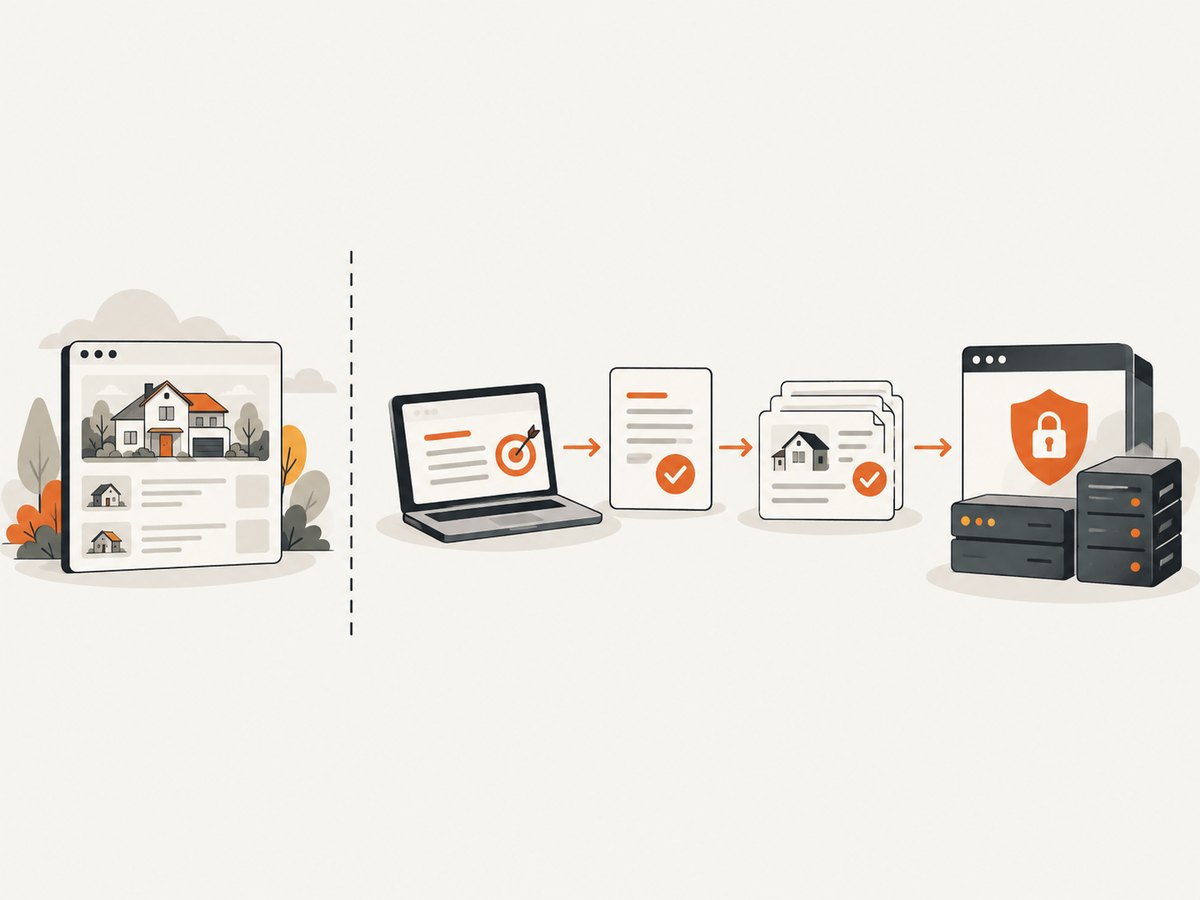
Once access is approved, copy the full endpoint and required parameters from the Domain Live API Browser or the relevant package documentation. Put the token in a server-side secret store or environment variable. Never embed it in browser JavaScript, a mobile app bundle, a public repository, or a URL that may be logged.
For the following examples, set DOMAIN_API_URL to the documented endpoint for your authorized package, DOMAIN_API_TOKEN to the credential format Domain issued, and DOMAIN_QUERY to the exact query string required by that endpoint. Authentication header names and query parameters vary by API product; use the credential method in your project’s documentation. These examples send a bearer token as a common pattern only if that is what your Domain endpoint specifies. Replace that header if your documentation gives a different scheme.
cURL
export DOMAIN_API_URL='PASTE_THE_DOCUMENTED_ENDPOINT_HERE'
export DOMAIN_API_TOKEN='YOUR_SERVER_SIDE_TOKEN'
export DOMAIN_QUERY='PASTE_DOCUMENTED_QUERY_PARAMETERS_HERE'

curl --fail-with-body --silent --show-error \
  --get "$DOMAIN_API_URL" \
  --header "Authorization: Bearer $DOMAIN_API_TOKEN" \
  --data-urlencode "$DOMAIN_QUERY" \
  --output response.json
Use --data-urlencode for query values that may contain spaces or punctuation. Some APIs use POST with a JSON body instead; follow the endpoint’s documented method and request schema rather than changing a GET endpoint by guesswork.
Python
import json
import os
import requests

url = os.environ["DOMAIN_API_URL"]
token = os.environ["DOMAIN_API_TOKEN"]
query = os.environ.get("DOMAIN_QUERY", "")

response = requests.get(
    url,
    headers={"Authorization": f"Bearer {token}"},
    params=dict([query.split("=", 1)]) if query else {},
    timeout=(5, 30),
)
response.raise_for_status()
data = response.json()

with open("response.json", "w", encoding="utf-8") as output:
    json.dump(data, output, ensure_ascii=False, indent=2)
Install the dependency with python -m pip install requests. The example expects a single query parameter in DOMAIN_QUERY; for several documented parameters, build a dictionary explicitly, for example {"documentedParam": "value"}. If your endpoint takes a JSON body, use the documented method and json=payload. Avoid writing personal or licensed data into debug logs.
Node.js
const url = new URL(process.env.DOMAIN_API_URL);
const token = process.env.DOMAIN_API_TOKEN;
if (!token) throw new Error("Set DOMAIN_API_TOKEN");

// Add only query parameters documented for this endpoint.
if (process.env.DOMAIN_QUERY) {
  const [key, ...rest] = process.env.DOMAIN_QUERY.split("=");
  url.searchParams.set(key, rest.join("="));
}

const response = await fetch(url, {
  headers: { Authorization: `Bearer ${token}` },
  signal: AbortSignal.timeout(30000),
});
if (!response.ok) {
  throw new Error(`Domain API returned HTTP ${response.status}: ${await response.text()}`);
}
const data = await response.json();
console.log(JSON.stringify(data, null, 2));
Run this in a Node.js version with built-in fetch, or use a supported HTTP client for your runtime. As in the other examples, match the documented authentication method, parameters, and HTTP method exactly.
5. Pagination, retries, and data quality
For a production integration, treat a successful HTTP response as the start of validation, not proof that the dataset is complete or current. Read the endpoint’s pagination fields and continue only as documented. Keep the cursor or page token exactly as returned; don’t infer that a page is complete from a short result unless the API says so.
- Bound each run. Set a maximum number of pages, elapsed time, and records per job. Persist progress so an interrupted job can resume without restarting the full extraction.
- Retry selectively. Network timeouts and transient server errors may be retried with capped exponential backoff and jitter. Respect any retry guidance and rate-limit response headers. Don’t blindly retry authorization, validation, or other client errors.
- Honor limits. Domain’s API terms make call limits binding and prohibit attempts to circumvent them. Build a queue and throttle requests within the limit for your account. If the volume does not fit, ask Domain about a suitable limit or product.
- Validate the schema. Check required identifiers, types, nullable fields, and documented enum values. Preserve unknown fields safely where useful, but do not assume a field’s meaning from its name alone.
- Deduplicate by the documented identifier. Do not use a street address as a universal primary key: units, address normalization, and property changes can make it ambiguous. Store the Domain identifier and the source retrieval time.
- Track provenance and retention. Record the source package, identifier, retrieval timestamp, approved purpose, licence or consent metadata that applies, and a deletion or retention decision. Make it possible to remove records when required.
For recurring updates, see whether the package supports Webhooks for the event you need. A webhook can reduce polling, but it does not remove your obligations around call limits, validation, secure credentials, or permitted use. Design handlers to verify requests as documented, tolerate duplicate delivery, and queue processing so a brief outage does not lose an update.
6. Display, redistribution, and storage constraints
API access is a limited licence for the approved purpose, not a general right to copy or resell the dataset. Domain’s API terms address privacy, credential security, call limits, re-identification, access by third parties, derivative works, and direct marketing. Confirm the precise clauses in the agreement that applies to your product before exposing data to customers, vendors, or other systems.
If you re-advertise listing data, the API terms specify additional display obligations. They call for property-detail pages to be set to no-index with major search providers, including Google and Bing, a “Powered by Domain Insight” attribution where applicable, and listing engagement events to be sent back through the Developer Platform. The terms also describe limits on modifying listing content and on taking enquiries off the platform. Apply the terms and product schedule to your precise display pattern; don’t assume a general API response can be republished without restrictions.
Data minimization helps both compliance and reliability: request only fields required for the approved feature, restrict staff access, encrypt credentials and stored data appropriately, and set retention and deletion procedures consistent with your contract and privacy obligations. Do not use API data for direct marketing or re-identification where the terms prohibit it.
7. Troubleshooting common API problems
| Symptom | Likely cause | What to check |
|---|---|---|
| 401 Unauthorized | Missing, expired, malformed, or wrong credential scheme. | Confirm the project token, header or credential placement, environment, and endpoint’s documented auth method. Rotate a leaked token. |
| 403 Forbidden | The project lacks the package or endpoint entitlement, or access is not approved for this use. | Check the project package, environment, agreement, and approved purpose with the Developer Portal or Domain. |
| 404 Not Found | Wrong path, version, resource identifier, or base URL. | Copy the endpoint and version from the package documentation; verify the identifier belongs to that resource. |
| 400 or 422 response | Invalid parameter, unsupported value, or request body shape. | Compare the request with the endpoint schema and required fields. URL-encode query values and avoid undocumented parameters. |
| 429 Too Many Requests | Call limits or rate limiting have been reached. | Reduce concurrency, honor retry guidance, queue work, and ask Domain about limits if the approved workload needs more capacity. Never rotate identities to bypass limits. |
| Empty or unexpectedly small results | Filters are restrictive, pagination stopped early, or the selected package does not cover the data. | Inspect documented filters and pagination metadata; test a known permitted query in the API Browser and verify package access. |
| Duplicate records | Overlapping pages, retries, webhook redelivery, or an unstable local key. | Use documented source identifiers, make writes idempotent, and track page or event checkpoints. |
| Schema parsing fails | Optional or changed fields, null values, or an API version mismatch. | Validate against the right version, handle nulls, monitor schema changes, and avoid assuming undocumented fields. |
Keep a request ID, timestamp, endpoint version, and status code in operational logs where provided, but do not log secrets or unnecessarily retain full licensed responses. Escalate access or entitlement questions to Domain rather than attempting alternate routes around an authorization failure.
8. Performance, reliability, and cost planning
Domain API pricing and limits are governed by the package and agreement; this guide does not assume a universal price, quota, or service level. Confirm fees, call limits, support, and any production conditions before estimating total cost. Budget for development and maintenance too: endpoint version changes, schema changes, monitoring, privacy controls, storage, and compliance review all have operating costs.
Batch or paginate within documented capabilities, use webhooks where appropriate, and cache only where your agreement and data freshness needs allow. A cache can reduce repeated calls and improve response time, but define a TTL based on the use case and contract. Cache keys should include relevant filters and API version; avoid serving one user’s authorized result to another user accidentally.
For reliability, use bounded timeouts, a queue for background sync, idempotent writes, capped retries, and alerts for sustained authorization, rate-limit, and schema errors. Do not turn temporary API failure into stale data presented as current: store retrieval timestamps and make freshness visible to downstream code. Test recovery from a partial page sequence and duplicate webhook deliveries in your own environment.
There is no responsible way to give a scrape-versus-API benchmark here: direct scraping is disallowed by the cited terms, and no performance measurements are supplied. Compare licensed options on the axes that matter to your project: permission, field coverage, update mechanism, authentication and limits, provenance and consent, redistribution and retention, and total implementation and operating cost.
9. Visual QA for a permitted workflow
Sometimes an authorized product team needs a visual record of a page for regression review, documentation, or a support investigation. A screenshot is useful for checking rendering and layout, but it is not a substitute for the Domain API and does not grant rights to scrape, retain, or republish listing content. Use a page and workflow you are authorized to capture.
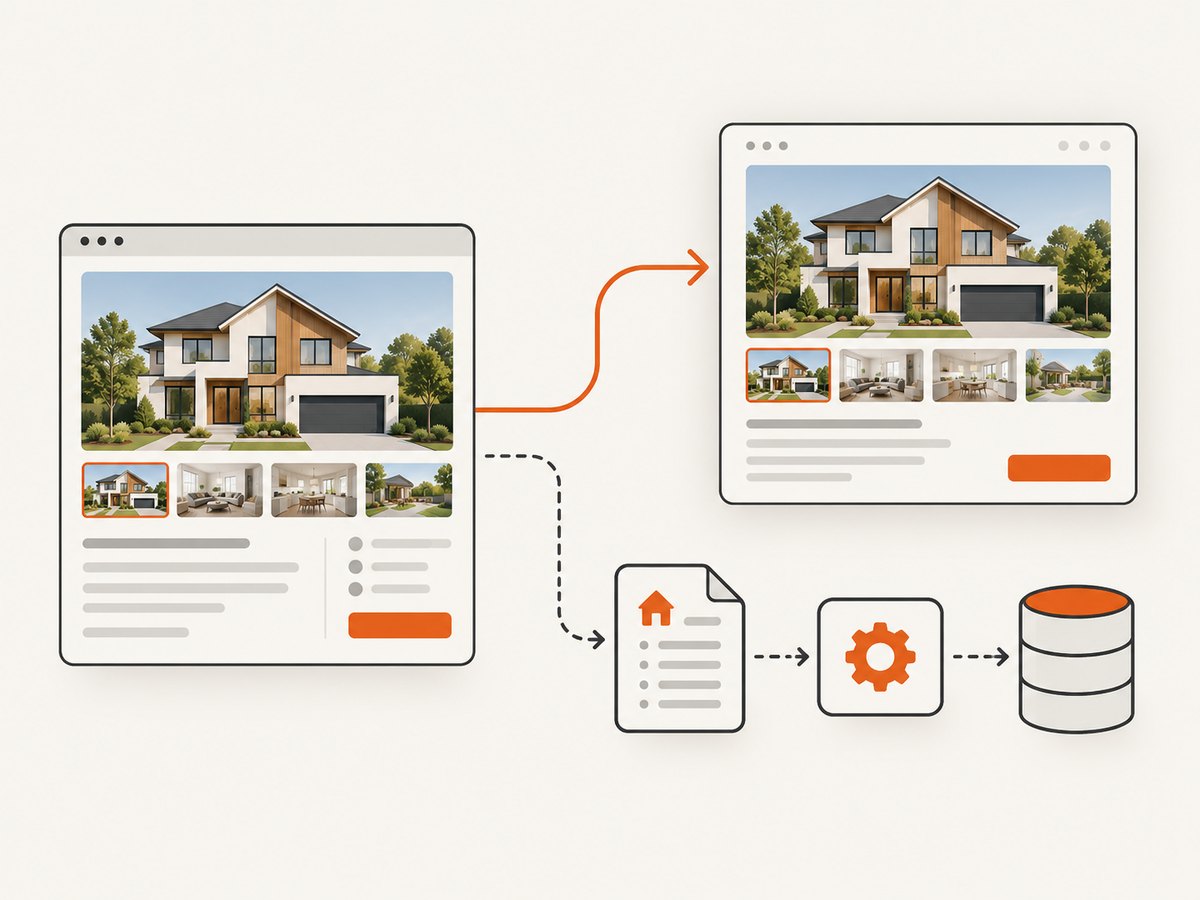
For a local browser workflow, open your own permitted test page in a browser, set the viewport and state you need, and save a screenshot using the browser’s developer tools or an approved test harness. Keep test data and credentials out of the captured page. Compare screenshots after deployments and investigate meaningful layout changes rather than treating image capture as data extraction.
Or skip the browser setup
For authorized visual capture, ScreenshotNeo is a website screenshot API and MCP server. It captures a URL as PNG, JPEG, WebP, or PDF. Its cookie-consent handling accepts banners like a visitor and removes 60+ known consent platforms, newsletter popups, and chat widgets before capture; each step can be turned off. It bills only clean shots: bot checks/CAPTCHAs, blank pages, timeouts, failed loads, and cache hits cost nothing, with the outcome reported in X-Page-Verdict and X-Billed headers. The MCP server includes take_screenshot, get_page_info, and capture_pdf for Claude, Cursor, and other MCP clients. The free plan includes 1,000 screenshots a month with no card; paid plans start at $5 for 3,000. See the ScreenshotNeo API docs.
curl -G "https://api.screenshotneo.com/v1/shot" -d access_key=YOUR_API_KEY --data-urlencode url=https://stripe.com -o shot.webpUse screenshot output for visual QA or documentation you are authorized to make; it does not provide Domain property data or override Domain’s terms. Sign up for ScreenshotNeo’s free 1,000 screenshots a month, with no card required.
10. Checklist before launch
- ☐ The use case and fields are covered by a written approved purpose.
- ☐ The package, endpoint version, authentication, parameters, and limits match the current Domain documentation.
- ☐ Credentials stay server-side and can be rotated.
- ☐ Pagination, timeouts, retries, validation, deduplication, and recovery are implemented.
- ☐ Each record carries source identifiers and retrieval provenance.
- ☐ Privacy, consent, access, retention, and deletion practices fit the agreement.
- ☐ Display, attribution, no-index, and engagement-event obligations are implemented where relevant.
- ☐ Operations monitoring distinguishes authorization failures, limits, data freshness, and schema changes.
FAQ
Is there an official Domain.com.au API?
Yes. Domain maintains a Developer Portal with API packages and documentation. Access and permitted use depend on the project, packages, and agreement.
Can I scrape a few listings for a personal project?
The published terms prohibit scraping and also restrict using the Product to build a property-information database. A small volume does not itself create permission. Check the current terms and obtain an authorized data source for your purpose.
Can I use screenshots instead of the API?
A screenshot records rendered pixels, not a licensed data feed. It does not authorize automated collection or reuse of listing details. Use screenshots only for a permitted visual purpose.
What if I already have property data?
For Domain Data Extract, verify lawful source, rights to disclose, relevant consent and disclosure, and the required ongoing relationship described in the applicable terms. Existing possession alone does not establish those rights.
Can I republish API listings on my site?
Only if your approved purpose and agreement permit that display, and you meet the specific attribution, no-index, engagement-event, and content handling obligations that apply.


