How to Scrape E-Commerce Category Pages
Learn how to collect complete, reliable product datasets from category pages with Python, Scrapy, and Playwright while respecting site controls.
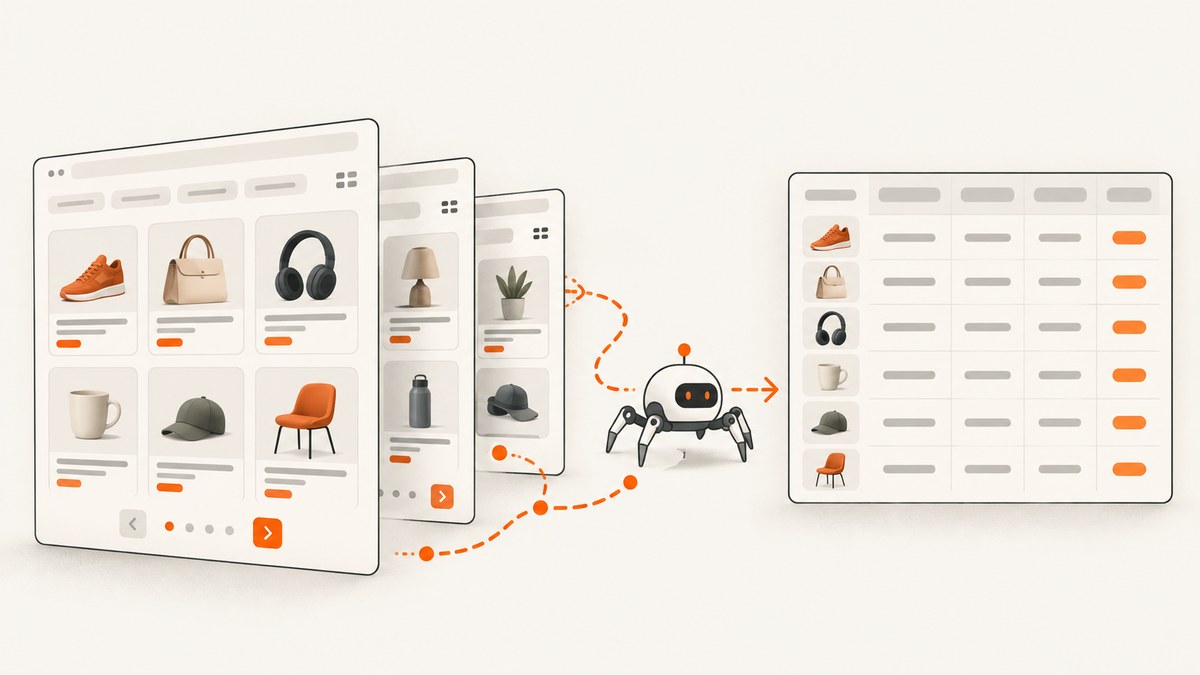
Short answer: start by defining the product fields and crawl boundary, check robots.txt and the site’s terms, then fetch category pages conservatively. Parse ordinary HTML with selectors first. Follow real pagination links or a permitted JSON endpoint until the sequence ends, and use a browser such as Playwright only when JavaScript is required. Normalize URLs and prices, deduplicate by SKU or canonical URL, and record crawl metadata so the result can be audited.
This guide shows a complete workflow for scraping category pages with Python, BeautifulSoup, Scrapy, and Playwright. It covers static HTML, numbered pagination, load-more controls, infinite scroll, JavaScript-rendered prices, retries, validation, and common failures.
1. Define the dataset and crawl boundary
Write down what one product record contains before writing a spider. A practical schema is:
product_url: the canonical product page URL when availabletitleskuor another exposed stable product IDpriceas a numeric value andcurrencyseparatelyavailabilityimage_urlcategory_pathcrawled_at, HTTP status, and source page
Also specify which category URLs are in scope, the maximum number of pages per category, and how often a refresh runs. A hard page cap prevents a malformed next link or faceted-navigation loop from turning into an unbounded crawl.
2. Check access rules before collecting data
Fetch and read the site’s robots.txt first. Google describes robots.txt as a way to manage crawler traffic, not a mechanism for hiding URLs from search results; it is not a complete permission grant. Review the site’s terms, authentication requirements, rate limits, privacy obligations, copyright and database rules, and any contract that applies to your use. Do not attempt to bypass login walls, access controls, CAPTCHAs, or anti-bot systems.
Use a descriptive user agent with a contact address where appropriate, keep concurrency low, and stop when the site signals that you are exceeding its limits. If the data will be republished, obtain the rights needed for that use.
3. Discover every category and product URL
Begin with normal navigation links. Google recommends direct links from menus to categories, subcategories, and products, and suggests XML sitemaps or merchant feeds when links do not expose the complete catalog. A sitemap or feed can be more efficient than crawling every category page, although its fields may differ from the page’s fields.
Keep a queue of canonical category URLs. Remove tracking parameters that do not change content, but preserve parameters that select a legitimate page, sort, or category state. Record the original URL as well as the canonical form so you can diagnose discovery problems.
4. Inspect one response and identify the product card
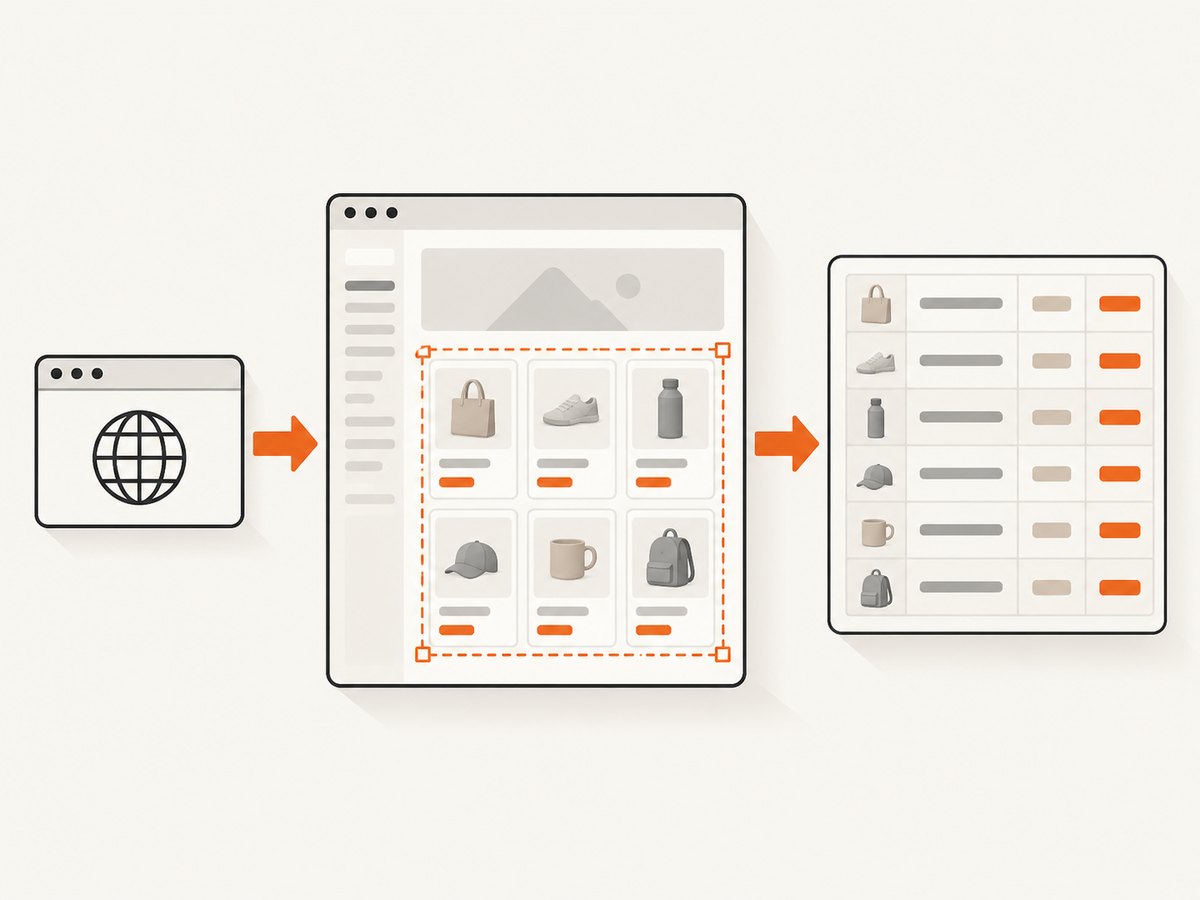
Request one category page and inspect its HTML before choosing selectors. Find the repeated container around one product card, then identify stable attributes such as data-product-id, semantic classes, or links. Prefer selectors tied to structure or stable attributes over long chains of generated class names.
import requests
from bs4 import BeautifulSoup
from urllib.parse import urljoin

url = "https://example.com/category/shoes"
headers = {"User-Agent": "CatalogResearchBot/1.0 (+you@example.com)"}
r = requests.get(url, headers=headers, timeout=30)
r.raise_for_status()

soup = BeautifulSoup(r.text, "html.parser")
for card in soup.select("article.product-card"):
    link = card.select_one("a.product-card__link")
    title = card.select_one("h2, .product-card__title")
    price = card.select_one(".price")
    print({
        "product_url": urljoin(url, link["href"]) if link and link.get("href") else None,
        "title": title.get_text(" ", strip=True) if title else None,
        "price_text": price.get_text(" ", strip=True) if price else None,
    })
Replace the selectors with those from the site you are permitted to crawl. Save a small HTML fixture from each important template. Fixtures let you detect a selector break without repeatedly requesting the live site.
5. Follow numbered pagination safely
Prefer a real next-page <a href> or a documented request pattern. Follow pages until the next link disappears, product IDs stop changing, or your configured maximum is reached. Google recommends unique URLs for paginated sequences and warns that URL fragments are not reliable page numbers.
from urllib.parse import urljoin

seen_products = set()
page_url = "https://example.com/category/shoes"
max_pages = 50

for page_number in range(1, max_pages + 1):
    response = requests.get(page_url, headers=headers, timeout=30)
    response.raise_for_status()
    soup = BeautifulSoup(response.text, "html.parser")
    cards = soup.select("article.product-card")
    if not cards:
        break

    new_ids = 0
    for card in cards:
        product_link = card.select_one("a.product-card__link")
        product_url = urljoin(page_url, product_link["href"]) if product_link else None
        if product_url and product_url not in seen_products:
            seen_products.add(product_url)
            new_ids += 1
            # Extract and persist the record here.

    if new_ids == 0:
        break
    next_link = soup.select_one("a[rel='next'], a.next-page")
    if not next_link or not next_link.get("href"):
        break
    page_url = urljoin(page_url, next_link["href"])
Do not assume that page numbers are contiguous. Some sites return an empty page, redirect to the first page, or repeat products after a sort change. Stop on repeated canonical URLs and keep a set of stable product IDs or URLs.
6. Handle load-more buttons and infinite scroll
Inspect the browser’s network requests to learn whether a button requests JSON or HTML for the next batch. Use that endpoint only when it is publicly accessible and permitted. An endpoint with an explicit page or cursor is usually more reliable and cheaper than simulating clicks.
If no stable endpoint exists and products appear only after JavaScript runs, use a browser renderer as a slower fallback. Google notes that its crawlers generally do not click buttons or trigger JavaScript functions that require user actions to update page contents. The same limitation applies to a plain HTTP client.
7. Render JavaScript with Playwright when necessary
import asyncio
from playwright.async_api import async_playwright

async def scrape_category(url, limit=20):
    async with async_playwright() as p:
        browser = await p.chromium.launch()
        page = await browser.new_page(
            user_agent="CatalogResearchBot/1.0 (+you@example.com)"
        )
        await page.goto(url, wait_until="domcontentloaded", timeout=60000)
        await page.wait_for_selector("article.product-card", timeout=30000)

        for _ in range(limit):
            button = page.locator("button.load-more")
            if await button.count() == 0 or not await button.is_enabled():
                break
            before = await page.locator("article.product-card").count()
            await button.click()
            try:
                await page.wait_for_function(
                    "(n) => document.querySelectorAll('article.product-card').length > n",
                    before,
                    timeout=15000,
                )
            except Exception:
                break

        records = await page.locator("article.product-card").evaluate_all("""
            cards => cards.map(card => ({
                title: card.querySelector('h2, .product-card__title')?.textContent.trim() || null,
                url: card.querySelector('a')?.href || null,
                price: card.querySelector('.price')?.textContent.trim() || null
            }))
        """)
        await browser.close()
        return records

asyncio.run(scrape_category("https://example.com/category/shoes"))
Wait for a meaningful condition such as a card count increase or a specific selector, rather than sleeping for an arbitrary long period. Close pages and browsers promptly, and limit concurrent browser contexts because each consumes substantially more memory and CPU than an HTTP request.
8. Build a controlled Scrapy spider
Scrapy is useful when you have many categories, retries, scheduled refreshes, item pipelines, and persistent job state. Spiders generate requests, parse responses, and return structured items. Its selectors support CSS and XPath.
import scrapy

class CategorySpider(scrapy.Spider):
    name = "category"
    allowed_domains = ["example.com"]
    start_urls = ["https://example.com/category/shoes"]
    custom_settings = {
        "ROBOTSTXT_OBEY": True,
        "DOWNLOAD_DELAY": 1.0,
        "CONCURRENT_REQUESTS_PER_DOMAIN": 2,
        "AUTOTHROTTLE_ENABLED": True,
        "RETRY_TIMES": 3,
    }

    def parse(self, response):
        for card in response.css("article.product-card"):
            yield {
                "product_url": response.urljoin(card.css("a::attr(href)").get()),
                "title": card.css("h2::text, .product-card__title::text").get(default="").strip(),
                "price_text": " ".join(card.css(".price ::text, .price::text").getall()).strip(),
                "source_category": response.url,
            }
        next_url = response.css("a[rel='next']::attr(href), a.next-page::attr(href)").get()
        if next_url:
            yield response.follow(next_url, callback=self.parse)
Configure ROBOTSTXT_OBEY, a suitable user agent, download delays, concurrency limits, retries, and an item pipeline that validates and persists records. Add a page limit or duplicate filter for sites with faceted URLs.
9. Normalize, deduplicate, and validate records
Canonicalize product URLs by resolving relative links, removing tracking parameters, and applying the site’s canonical URL when it is available. Parse localized prices into a decimal value plus currency; do not treat a comma as a decimal separator without knowing the locale. Normalize availability into a small controlled vocabulary such as in_stock, out_of_stock, and unknown, while retaining the original text.
Deduplicate by SKU when it is stable. Otherwise use a canonical product URL, preserving variant IDs when variants are separate sellable records. Keep the raw price, raw availability label, response status, selector version, category URL, and crawl timestamp alongside normalized fields.
Track missing-field rates, duplicate rates, page counts, HTTP status distributions, and unexpected changes in card counts. Alert when a previously populated field becomes empty across many pages. Validate output against representative fixtures before scheduling a large crawl.
10. Reliability, performance, and cost controls
- Timeouts: use connection and total timeouts; never let one stalled page hold the queue forever.
- Retries: retry transient 408, 429, and 5xx responses with exponential backoff and jitter. Do not retry permanent 4xx errors indefinitely.
- Caching: cache responses during development and scheduled refreshes when permitted. Conditional requests can reduce bandwidth.
- Concurrency: start with one or two requests per host and increase only when the site permits it.
- Page caps: stop after a configured maximum, repeated product IDs, repeated URLs, or a cursor that does not advance.
- Browser use: reserve Playwright for JavaScript-required pages; HTTP parsing is faster and consumes fewer resources.
- Observability: log URL, status, elapsed time, retry count, parser version, and extracted-card count.
The largest cost difference usually comes from rendering every page in a browser when only a JSON endpoint or server HTML was needed. Discover the lightest permitted source first, then render only the pages that require it.
11. Troubleshooting common failures
| Symptom | Likely cause | Fix |
|---|---|---|
| Zero product cards | Wrong selector or client-rendered HTML | Inspect the raw response, verify the card selector, then inspect network requests or use Playwright. |
| Only the first page is collected | Next link is hidden in a load-more control or cursor request | Inspect the button’s network request and use its permitted endpoint or browser fallback. |
| Duplicate products | Tracking parameters, sort URLs, or repeated pages | Canonicalize URLs and deduplicate by SKU or stable product URL. |
| Prices are missing | Price is inserted after JavaScript runs or stored in JSON-LD | Check embedded structured data, permitted JSON responses, and rendered DOM. |
| HTTP 429 | Requests are too frequent | Honor Retry-After, reduce concurrency, add delay, and schedule fewer refreshes. |
| 403 or login redirect | Authentication or access control | Do not bypass it. Request permission or use an approved feed or API. |
| Browser timeout | Slow resource, selector never appears, or page error | Use staged waits, capture diagnostics, increase the timeout modestly, and stop after bounded retries. |
| Wrong currency | Locale-dependent rendering | Set an allowed locale or currency context and store both raw text and parsed currency. |
12. Or skip the browser setup
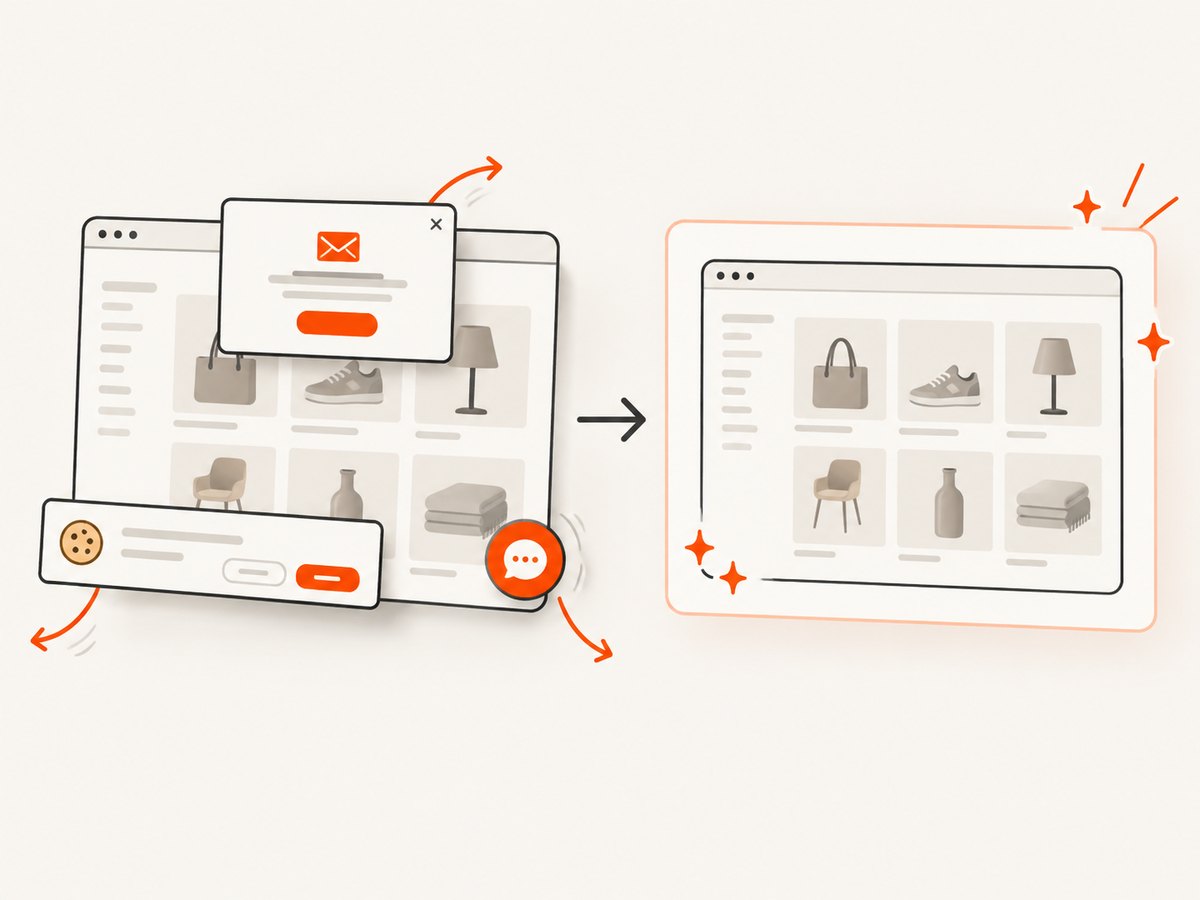
ScreenshotNeo provides a website screenshot API and MCP server when you need a visual record of category pages or rendered states. It accepts one GET request and returns PNG, JPEG, WebP, or PDF. Cookie and consent banners, newsletter popups, and chat widgets are removed before capture; each step can be turned off. Bot checks, blank pages, timeouts, failed loads, and cache hits are not billed, and response headers identify the page verdict and whether the shot was billed. An MCP server provides take_screenshot, get_page_info, and capture_pdf tools for Claude, Cursor, and other MCP clients.
See the ScreenshotNeo API documentation for all options, including full-page capture with lazy images, CSS selectors, custom JavaScript and CSS, waits, blocked resources, headers, cookies, user agents, timezone and geolocation, caching, signed links, asynchronous jobs, bulk capture, and usage reporting.
curl -G "https://api.screenshotneo.com/v1/shot" -d access_key=YOUR_API_KEY --data-urlencode url=https://example.com/category/shoes -o category.webpimport requests
r = requests.get("https://api.screenshotneo.com/v1/shot", params={"access_key": "YOUR_API_KEY", "url": "https://example.com/category/shoes"}, timeout=90)
open("category.webp", "wb").write(r.content)const q = new URLSearchParams({ access_key: 'YOUR_API_KEY', url: 'https://example.com/category/shoes' }); const res = await fetch(`https://api.screenshotneo.com/v1/shot?${q}`);The Free plan includes 1,000 shots each month with no card. Paid plans start at $5 for 3,000 shots; every feature is available on every plan. Create a free ScreenshotNeo account and start with the monthly free allowance.
13. FAQ
Can I scrape every product from a category URL?
Only if the category’s pagination, load-more requests, or sitemap exposes them and your collection complies with the site’s rules. A single HTML response often contains only the first batch.
Should I use BeautifulSoup or Scrapy?
BeautifulSoup is convenient for a small script or one-off parser. Scrapy is better when you need queues, throttling, retries, pipelines, and scheduled multi-category crawls.
When is Playwright justified?
Use it when the required product data appears only after permitted JavaScript execution or user interaction and no stable data endpoint is available.
How do I know a crawl is complete?
Record page and product counts, stop on a missing or repeated next link, compare stable IDs across pages, and alert on sudden changes in counts or missing-field rates.
Does robots.txt make scraping legal?
No. It communicates crawler preferences. Terms, privacy, copyright, database rights, contracts, authentication, and applicable law still require separate review.


