How to Scrape Etsy Product, Shop, and Search Data
Use Etsy Open API v3 for compliant product, shop, and keyword data. Learn authentication, pagination, OAuth, limits, errors, and safer workflows.

Use Etsy Open API v3 for permitted access to Etsy product, shop, and search data. Do not build an unauthorized browser scraper. Etsy’s current documentation says applications must not sidestep the API, and its API Terms prohibit automated systems or browser extensions that access, analyze, or scrape Etsy data unless Etsy has expressly authorized the activity in writing.
The practical workflow is to register the correct Etsy app, authenticate with an API key, add OAuth when private data or write operations are involved, call documented listing and shop endpoints, paginate with limit and offset, cache according to Etsy’s rules, and preserve required attribution. This guide shows how to build that workflow and explains what the API can and cannot tell you about consumer search.
What “scraping Etsy” should mean in a compliant application
People usually mean one of three jobs:
- Reading listings from a seller’s own shop.
- Reading shop or listing data for multiple sellers who have consented to your application.
- Finding listings or shops with keyword queries.
Etsy Open API v3 is a REST interface for these marketplace and shop workflows. It documents listing and shop resources, keyword query parameters, authentication, OAuth scopes, and response schemas. It is the supported collection mechanism; copying HTML from Etsy pages with a headless browser is not a substitute.
The API does not automatically reproduce every field or ranking decision visible in Etsy’s consumer search UI. Search results on the site can depend on relevance, personalization, and other marketplace behavior. Treat API keyword results as API results, not as a guaranteed replica of the storefront’s ranking.
Choose the right Etsy access path
| Access path | Best for | Approval and scope considerations |
|---|---|---|
| Seller App | A tool for one seller’s own shop | Approval is described as automated for eligible sellers. |
| Personal App | Tools used by buyers or sellers at limited scale | A practical starting point when the application does not need broad seller coverage. |
| Commercial Access | Products that need broader seller coverage | Requested after a Personal App; Etsy reviews requests manually. |
Decide this before writing code. A dashboard for one consenting merchant has a different authorization and data-retention profile from a multi-seller analytics product. Commercial applications must follow Etsy’s API Terms, caching policies, branding requirements, OAuth rules, and the prohibition on sidestepping the API.

Register an app and protect credentials
- Create the app in Etsy’s Developer Portal using the access path that matches your use case.
- Store the app keystring and shared secret in a secret manager or environment variables. Never commit them to a repository or send them to a browser client.
- Use HTTPS for every API request.
- Request only the OAuth scopes your feature needs. Read-only public data and private seller data do not have the same permission requirements.
- Plan for Etsy’s required attribution: The term ‘Etsy’ is a trademark of Etsy, Inc. This application uses the Etsy API but is not endorsed or certified by Etsy.
Requests use an x-api-key header containing the app keystring and shared secret. OAuth bearer authorization is required for scoped private-data and write operations. Keep the API-key and OAuth layers conceptually separate: the key identifies your application, while OAuth represents a user’s granted permissions.
Make a first authenticated request with cURL
The following pattern shows the request shape. Replace the placeholder with the key value issued for your application and use the documented endpoint for the resource you need.
curl --request GET \
  --url 'https://api.etsy.com/v3/application/shops?limit=25&offset=0' \
  --header 'x-api-key: YOUR_APP_KEYSTRING_AND_SHARED_SECRET'
Use the listing, shop, or keyword operation from the current API reference rather than guessing paths. Keep query parameters URL-encoded, and request only the fields needed by your application where the operation supports field selection.
Python: paginate listing or shop results
This example is intentionally endpoint-agnostic: set endpoint to the documented collection operation for your approved use case. The loop stops when a page contains fewer records than requested.
import os
import time
import requests

API_KEY = os.environ["ETSY_API_KEY"]
endpoint = "https://api.etsy.com/v3/application/shops"
page_size = 100
offset = 0
records = []

while True:
    response = requests.get(
        endpoint,
        headers={"x-api-key": API_KEY},
        params={"limit": page_size, "offset": offset},
        timeout=30,
    )
    response.raise_for_status()
    payload = response.json()

    # Collection response names are defined by each Etsy operation.
    page = payload.get("results", payload if isinstance(payload, list) else [])
    records.extend(page)

    if len(page) < page_size:
        break
    offset += page_size
    time.sleep(0.2)

print(f"Fetched {len(records)} records")
Some operations return a collection object with a result array and metadata; others may use a schema specific to that operation. Read the operation schema and adjust the extraction line instead of assuming every endpoint has identical JSON.
Node.js: fetch a page with OAuth when required
Modern Node.js releases include fetch. Use the API key for application identification and add an OAuth bearer token for an operation that requires a seller’s granted permission.
const endpoint = new URL('https://api.etsy.com/v3/application/shops');
endpoint.searchParams.set('limit', '25');
endpoint.searchParams.set('offset', '0');

const res = await fetch(endpoint, {
  headers: {
    'x-api-key': process.env.ETSY_API_KEY,
    'Authorization': `Bearer ${process.env.ETSY_ACCESS_TOKEN}`
  }
});

if (!res.ok) {
  throw new Error(`Etsy API returned ${res.status}: ${await res.text()}`);
}

const data = await res.json();
console.log(data);
Do not send an OAuth token when the operation does not require it, and do not expose the token in client-side JavaScript. Refresh and revoke tokens according to the OAuth flow configured for your app.
Query Etsy listings, shops, and keywords
Product and listing data
Use the documented listing resources to retrieve structured listing information. A robust ingestion record normally stores the listing identifier, shop identifier, requested fields, retrieval timestamp, and the raw response needed for audit or reprocessing. Avoid collecting fields you do not need.
Shop data
Shop resources support shop-oriented workflows, such as a seller dashboard or an approved multi-seller integration. Confirm that your app’s access path and OAuth scopes cover the shop data you request, especially when information is private or associated with a seller account.
Keyword search
The API reference documents keyword query parameters. Build the query from user input with the client library’s parameter encoder, then paginate the collection. Record the exact keyword, filters, offset, and retrieval time so that downstream users can understand how a result set was produced.
Do not promise that your API search is the same as Etsy’s consumer search page. Etsy’s privacy-policy material describes a search engine that returns relevant matches and may highlight shops or listings; that describes the consumer experience, not permission to copy its ranking or every visible field.
Pagination, caching, and rate-safe collection
Collection URLs support limit and offset. A safe paginator should:
- Set a bounded page size accepted by the operation.
- Advance the offset only after a successful response.
- Stop on an empty or short page, or follow documented total metadata when available.
- Persist a checkpoint so a process restart does not duplicate the entire job.
- Back off on transient failures and avoid unbounded concurrency.
- Honor Etsy’s current rate and caching policies.
Cache only what the applicable API terms permit. Store a freshness timestamp and invalidate records when your product’s freshness promise requires it. A cache is not a license to retain data forever, and it should not be used to avoid an endpoint restriction.
OAuth and private or write operations
OAuth 2.0 is required for scoped private data and write operations. The user should be sent through Etsy’s authorization flow, see the requested scopes, and return to your HTTPS callback. Your server exchanges the authorization result for tokens, encrypts tokens at rest, and associates them with the consenting account.
Use least privilege: request a read scope for a read-only dashboard and add write scopes only when the feature genuinely changes Etsy data. Handle token expiry as a normal state. Prompt for reauthorization when a refresh cannot be completed, and provide a way for the seller to disconnect your app.
Common errors and fixes
| Symptom | Likely cause | Fix |
|---|---|---|
| 401 Unauthorized | Missing or malformed API key, or an expired OAuth token | Check the exact x-api-key value, renew OAuth, and keep secrets server-side. |
| 403 Forbidden | The app or token lacks the required scope, or the use case is not approved | Review app type, requested scopes, and Etsy approval requirements. Do not bypass the restriction with a browser scraper. |
| 400 Bad Request | Wrong parameter name, invalid value, or incorrectly encoded keyword | Compare parameters with the current operation schema and let your HTTP client encode them. |
| Empty results | Keyword, shop identifier, filters, or offset produce no matches | Log the complete query, test offset zero, remove filters one at a time, and verify the identifier. |
| Duplicate records | Offset checkpoint was not persisted or pages were retried incorrectly | Use stable identifiers, save checkpoints after successful pages, and upsert rather than blindly insert. |
| Results differ from Etsy.com | Consumer ranking and personalization are not guaranteed API fields | Document that your product reports API results and avoid claiming storefront rank parity. |
| Slow imports | Small pages, excessive concurrency, or repeated uncached requests | Use an appropriate page size, bounded workers, checkpointing, and policy-compliant caching. |
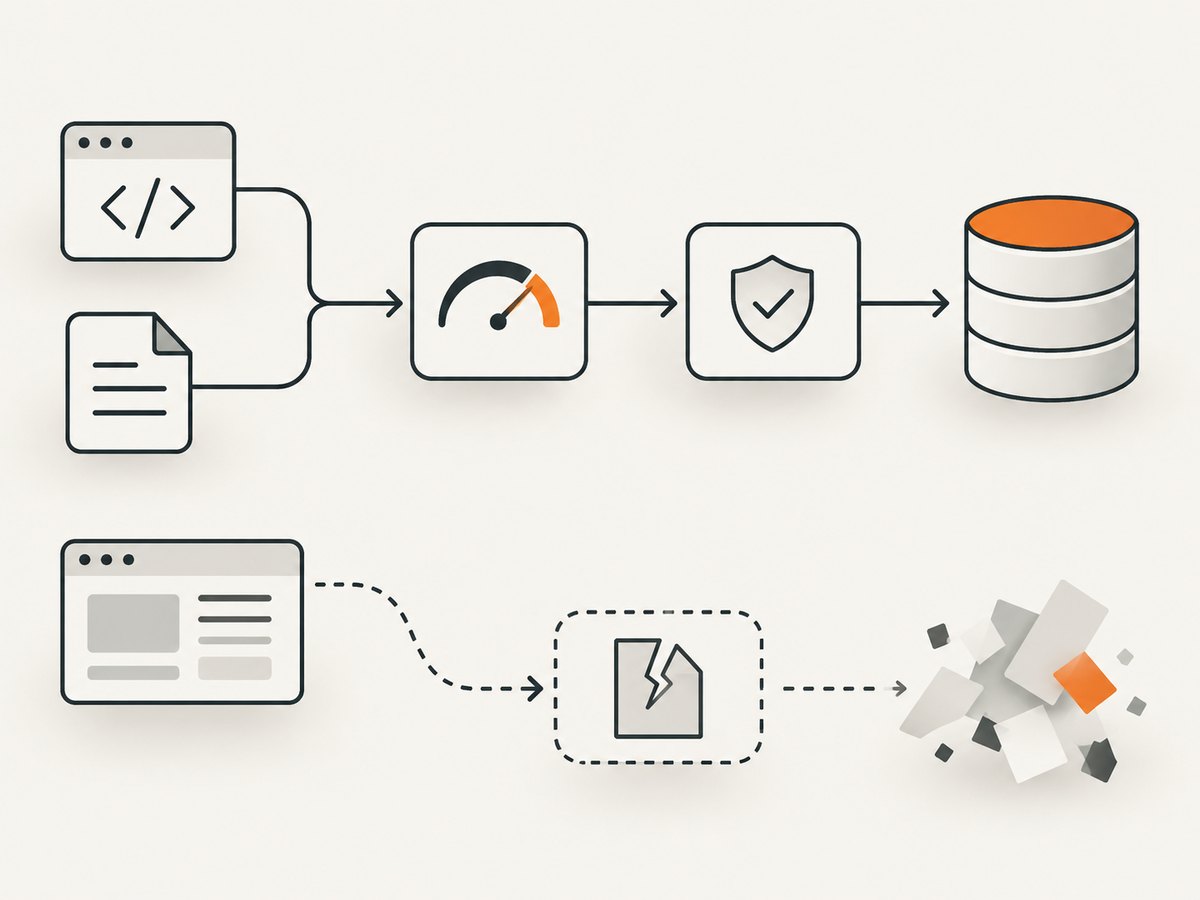
Reliability, performance, and cost planning
Measure your own workload by records per page, requests per import, retry count, and elapsed time. The dossier does not establish a universal Etsy API latency or quota benchmark, so do not publish one as a guarantee. Design for variable response times with request timeouts, retries for safe idempotent reads, and durable job state.
For large collections, process pages as a stream instead of holding the entire response in memory. Use a queue for scheduled imports, cap concurrent requests, and make the consumer idempotent. Separate raw API capture from normalized tables so a schema change does not force another collection run.
Your direct Etsy API cost depends on the app and infrastructure arrangement you choose; the supplied documentation does not specify a universal per-request price. Budget for your own compute, storage, monitoring, and any commercial-access review work. The cost of violating the terms can be greater than an engineering shortcut is worth, so keep the collection path inside the documented API.
When you need a visual record of an Etsy page
Structured API data is the right source for product and shop records. Sometimes a team also needs a screenshot of a public page for a design review, incident record, or human verification. A browser capture should be a separate, authorized activity and should not be used to evade Etsy’s API rules.
Or skip the browser setup
ScreenshotNeo is a website screenshot API and MCP server. One GET request returns a PNG, JPEG, WebP, or PDF. It accepts cookie and consent banners like a visitor, removes more than 60 known consent platforms plus newsletter popups and chat widgets, and lets you turn each step off. Bot checks, blank pages, timeouts, failed loads, and cache hits are not billed; response headers identify the page verdict and whether the shot was billed.
See the complete parameter reference in the ScreenshotNeo documentation. This one-call example captures a page without installing or operating a browser:
curl -G "https://api.screenshotneo.com/v1/shot" -d access_key=YOUR_API_KEY --data-urlencode url=https://stripe.com -o shot.webpimport requests
r = requests.get("https://api.screenshotneo.com/v1/shot", params={"access_key": "YOUR_API_KEY", "url": "https://stripe.com"}, timeout=90)
open("shot.webp", "wb").write(r.content)const q = new URLSearchParams({ access_key: 'YOUR_API_KEY', url: 'https://stripe.com' });
const res = await fetch(`https://api.screenshotneo.com/v1/shot?${q}`);ScreenshotNeo also supports full-page capture with lazy images loaded, CSS-selector element capture, dark mode, device presets and custom viewports, retina scale, PDF paper settings, custom CSS and JavaScript, clicks, selector or network-idle waits, request blocking, headers, cookies, user agents, authorization, timezone, geolocation, transparent backgrounds, resizing, TTL caching, signed links, asynchronous jobs with signed webhooks, bulk capture for 100 URLs per call, a usage API, and an OpenAPI specification. Its parameter names are compatible with those used by other screenshot APIs, which can simplify a migration.
An MCP server provides take_screenshot, get_page_info, and capture_pdf tools for Claude, Cursor, and other MCP clients. The Free plan includes 1,000 screenshots per month with no card; paid plans start at $5 for 3,000 shots. Create a free ScreenshotNeo account.
Compliance checklist
- Use Etsy Open API v3 for Etsy data collection.
- Choose Seller, Personal, or Commercial Access based on the real audience and scale.
- Keep the app keystring, shared secret, and OAuth tokens out of client code and logs.
- Request only necessary scopes and fields.
- Use documented listing, shop, and keyword operations.
- Implement
limit/offsetpagination, checkpoints, retries, and policy-compliant caching. - Include Etsy’s required trademark/API attribution.
- Do not claim that API keyword results reproduce Etsy consumer ranking.
- Monitor the current reference because endpoints, scopes, and policies evolve.
FAQ
Can I scrape Etsy with Selenium or Playwright?
Do not use an automated browser to collect Etsy data unless Etsy has expressly authorized it in writing. Use the documented API instead.
Do I need OAuth for every request?
No. OAuth is required for scoped private data and write operations. Public, application-level operations still require the application API key.
Can I reproduce the exact Etsy search page?
No guarantee should be made. The API documents keyword filtering and listing/shop resources, while consumer ranking and personalization may differ.
How should I handle more than one seller?
Start with a Personal App for limited scale, then request Commercial Access when broader seller coverage is necessary and your use case meets Etsy’s review requirements.
Where do I find the current endpoint and schema names?
Use Etsy’s current API reference and operation schemas. The documentation evolves; avoid hard-coding assumptions from an old example.
Can an AI agent collect screenshots while my app uses Etsy data?
Yes, for authorized visual capture, ScreenshotNeo’s MCP server exposes screenshot, page-info, and PDF tools to MCP clients. Keep that visual workflow separate from Etsy API authorization and data-collection rules.


