How to Scrape Expedia: Public Travel Data With JavaScript
Learn the legal, practical way to extract travel data with JavaScript using authorized APIs or a local fixture—not automated Expedia.com copying.

Direct answer: you should not run a JavaScript scraper against Expedia.com without express authorization. Expedia.com’s U.S. Terms of Service prohibit accessing, monitoring, or copying service content with a robot, spider, scraper, other automated means, or manual process. The terms also prohibit bypassing robot-exclusion restrictions and imposing an unreasonable or large load on infrastructure. See the Expedia.com U.S. Terms of Service and the broader Expedia Group website terms before designing an integration.
You can still learn the complete JavaScript extraction workflow safely. This guide uses a local HTML fixture (or a page that expressly permits automation), shows how to parse and validate travel fields, and explains the authorized alternatives for live Expedia inventory. For production booking use cases, start with the Expedia Group Developer Hub API catalog and its current partner requirements.
Does Expedia allow web scraping?
Expedia’s published consumer terms say: “You agree that you will not access, monitor or copy any content on our Service using any robot, spider, scraper or other automated means or any manual process.” The same terms address robot-exclusion controls and excessive load. Expedia Group’s broader website terms, last modified July 22, 2026, also prohibit automated or manual copying without express prior written permission.
“Public” means a person can view a page in a browser. It does not grant permission to copy that page automatically. JavaScript, Playwright, Puppeteer, rotating proxies, stealth fingerprints, CAPTCHA workarounds, and request throttling do not change a site’s terms. Do not use the tutorial below against Expedia.com unless you have written authorization that covers the exact data, endpoints, frequency, and use.
Authorized ways to obtain Expedia travel data
| Route | Best for | Key limits |
|---|---|---|
| Expedia Group API products | Authorized booking and inventory integrations | Partner access, product specifications, and API access terms apply. Travel Content cannot be freely redistributed. |
| Expedia dataset repository | Defined academic or research projects | CC BY-NC 4.0 plus additional repository terms; not live inventory and not permission to scrape Expedia.com. |
| Local fixture or permitted demo page | Learning selectors, parsing, validation, and tests | No live Expedia data; you provide the HTML and permission. |
The Developer Hub API catalog includes lodging and vacation rentals, car rental, and activities. Its car-rental description states access to 47,000 vendors across more than 190 countries; that is Expedia Group’s own description of that product, not a guarantee of hotel availability. The API access terms say partners must follow the specifications and use the API for procuring bookings on Expedia websites. They also restrict altering, sharing, or redistributing Travel Content and describe limits on incorporating API data into AI models. Read the current terms for your product before requesting access.
Build a safe JavaScript scraper against a local fixture
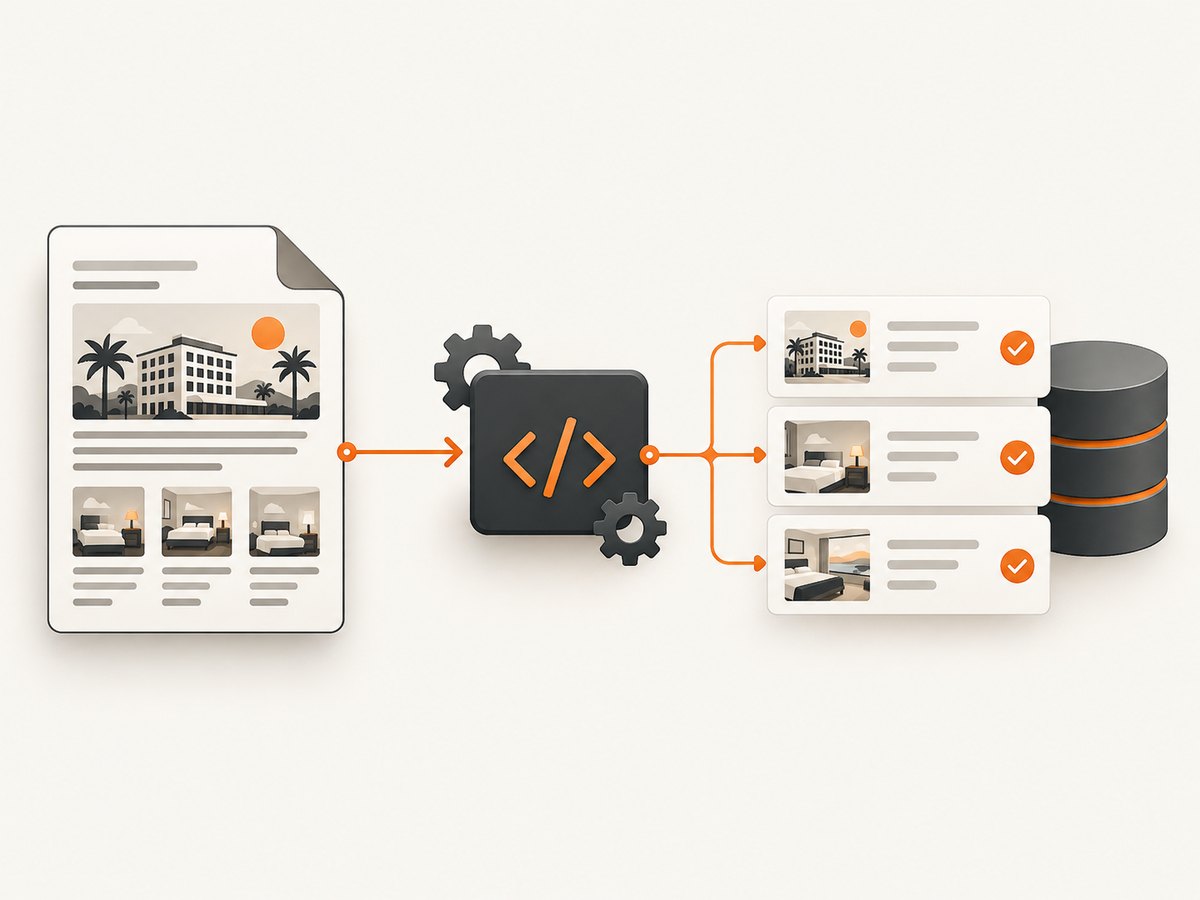
The following example is intentionally not an Expedia scraper. It reads fixture.html from disk, extracts hotel cards, validates the fields, and writes JSON. Replace the fixture only with a site or dataset whose terms expressly permit your intended automation.
1. Create an authorized fixture
<!doctype html>
<html>
  <body>
    <article class="hotel-card" data-hotel-id="demo-101">
      <h2 class="hotel-name">Harbor View Hotel</h2>
      <span class="hotel-city">Lisbon</span>
      <span class="hotel-rating">4.6</span>
      <span class="hotel-price" data-currency="EUR">145</span>
      <a class="hotel-link" href="https://example.test/hotels/demo-101">Details</a>
    </article>
  </body>
</html>
2. Install a parser
mkdir travel-parser
cd travel-parser
npm init -y
npm install cheerio
# save the HTML above as fixture.html
3. Parse stable semantic selectors
// scrape-fixture.mjs
import { readFile, writeFile } from 'node:fs/promises';
import * as cheerio from 'cheerio';

const html = await readFile(new URL('./fixture.html', import.meta.url), 'utf8');
const $ = cheerio.load(html);
const hotels = [];

$('.hotel-card').each((index, card) => {
  const root = $(card);
  const id = root.attr('data-hotel-id')?.trim();
  const name = root.find('.hotel-name').first().text().trim();
  const city = root.find('.hotel-city').first().text().trim();
  const ratingText = root.find('.hotel-rating').first().text().trim();
  const priceText = root.find('.hotel-price').first().text().trim();
  const currency = root.find('.hotel-price').first().attr('data-currency')?.trim();
  const href = root.find('a.hotel-link').first().attr('href')?.trim();
  const rating = Number(ratingText);
  const price = Number(priceText);

  if (!id || !name || !city || !Number.isFinite(rating) ||
      !Number.isFinite(price) || !currency || !href) {
    console.warn(`Skipping card ${index}: required field is missing or invalid`);
    return;
  }
  hotels.push({ id, name, city, rating, price, currency, href });
});

await writeFile('hotels.json', JSON.stringify(hotels, null, 2));
console.log(`Wrote ${hotels.length} hotel records`);
Run it with node scrape-fixture.mjs. A production parser should treat selectors as an input contract, keep raw HTML for debugging when permitted, and record a schema version. Never assume a missing price means zero; represent it as missing and decide whether to reject the record.
4. Validate the output
const allowedCurrencies = new Set(['EUR', 'USD', 'GBP']);

function validateHotel(hotel) {
  if (hotel.rating < 0 || hotel.rating > 5) throw new Error('rating out of range');
  if (hotel.price < 0) throw new Error('negative price');
  if (!allowedCurrencies.has(hotel.currency)) throw new Error('unknown currency');
  const url = new URL(hotel.href);
  if (url.protocol !== 'https:') throw new Error('unexpected URL scheme');
}
Validate dates, occupancy, currency, and availability according to your authorized source’s schema. Prices may be per night, per stay, or subject to taxes and fees; preserve the source labels instead of silently converting them.
When browser automation is permitted
A parser such as Cheerio works when the authorized HTML already contains the data. Use a browser only when the permitted page renders essential content with JavaScript. Rendering does not override terms, robots directives, authentication boundaries, or privacy obligations.
import { chromium } from 'playwright';

const browser = await chromium.launch({ headless: true });
const page = await browser.newPage();
try {
  await page.goto('https://permitted.example.test/search', {
    waitUntil: 'domcontentloaded',
    timeout: 30_000
  });
  await page.waitForSelector('.hotel-card', { timeout: 10_000 });
  const hotels = await page.locator('.hotel-card').evaluateAll(cards =>
    cards.map(card => ({
      name: card.querySelector('.hotel-name')?.textContent?.trim() ?? null,
      price: card.querySelector('.hotel-price')?.textContent?.trim() ?? null
    }))
  );
  console.log(JSON.stringify(hotels, null, 2));
} finally {
  await browser.close();
}
Keep an authorized crawl bounded: define the URL list, maximum pages, concurrency, timeout, and retention period. Cache responses where the permission permits caching. Avoid personal data, account pages, and inferred sensitive attributes.
Common errors and fixes
| Error | Likely cause | Fix |
|---|---|---|
| Empty selector result | The content is client-rendered or the selector changed. | Inspect the authorized fixture, wait for a documented readiness selector, and add a selector contract test. |
TimeoutError |
Slow page, blocked resource, or incorrect readiness condition. | Use a realistic timeout, log navigation and selector timings, and verify the target permits automation. Do not add bypass techniques. |
| Malformed prices | Localized separators, currency symbols, or “from” labels. | Keep the original string, parse with a locale-aware routine, and store currency separately. |
| Duplicate hotels | Pagination or responsive markup repeats cards. | Deduplicate by an authorized stable ID plus source URL; do not merge records solely by name. |
| 403 or CAPTCHA | The site is restricting automated access. | Stop. Check permission and use the provider’s API or dataset. Do not rotate proxies or defeat the control. |
| Stale results | Browser cache, application cache, or old fixture. | Record retrieval time, use permitted cache controls, and distinguish cached from fresh data. |
Performance, reliability, and cost
For a local fixture, parsing is fast and has no network cost. For an authorized live source, reliability comes from small bounded jobs, idempotent writes, exponential backoff for transient errors, and clear stop conditions. Set separate navigation, selector, and total-job timeouts. Persist a request ID and source timestamp so a failed retry cannot silently overwrite newer data.
Measure the parts that matter: pages per job, median and tail latency, parse failure rate, missing-field rate, HTTP status distribution, and duplicate rate. Respect published rate limits and your contract. An API may charge per request or booking; your agreement is the source of truth. Do not estimate Expedia scraping costs from page views or claim a benchmark without a measured, authorized test.
Or skip the browser setup
If your goal is a clean image or PDF of an authorized page, ScreenshotNeo provides a website screenshot API and MCP server. One GET request returns PNG, JPEG, WebP, or PDF. It accepts consent banners as a visitor and removes more than 60 known consent platforms, newsletter popups, and chat widgets before capture; each step can be turned off. Bot checks, blank pages, timeouts, failed loads, and cache hits are not billed, and response headers identify the page verdict and billing status.
See the ScreenshotNeo API documentation for all options, including full-page capture with lazy images, CSS-element capture, device presets, retina scale, custom CSS and JavaScript, waits, request blocking, headers, cookies, geolocation, caching, signed links, async jobs, bulk capture, and usage data.
curl -G "https://api.screenshotneo.com/v1/shot" -d access_key=YOUR_API_KEY --data-urlencode url=https://stripe.com -o shot.webpimport requests
r = requests.get("https://api.screenshotneo.com/v1/shot", params={"access_key": "YOUR_API_KEY", "url": "https://stripe.com"}, timeout=90)
open("shot.webp", "wb").write(r.content)const q = new URLSearchParams({ access_key: 'YOUR_API_KEY', url: 'https://stripe.com' });
const res = await fetch(`https://api.screenshotneo.com/v1/shot?${q}`);An MCP server exposes take_screenshot, get_page_info, and capture_pdf to Claude, Cursor, and other MCP clients. Plans include 1,000 screenshots per month free with no card; paid plans start at $5 for 3,000. Create a free ScreenshotNeo account.
FAQ
Can I scrape Expedia hotel prices for a personal project?
Not from Expedia.com unless your project has express permission. Use an authorized Expedia Group API, a permitted dataset, or synthetic/local fixture data.

Is there an Expedia API for hotel search?
Expedia Group publishes API products through its Developer Hub. Check the catalog, onboarding requirements, specifications, and current access terms for the product you need.
Can I use the Expedia research dataset for commercial data collection?
The repository describes an academic and research release under CC BY-NC 4.0 plus additional terms. Review the complete license and repository conditions; it is not live inventory.
Does Playwright make scraping permissible?
No. Playwright controls a browser; it does not grant permission to copy content or bypass access controls.
How should I store extracted travel data?
Keep source, retrieval time, currency, pricing qualifiers, authorization basis, and schema version. Retain only what your agreement and privacy obligations allow.


