How to Scrape Facebook Without Getting Blocked
Learn the permission-first way to collect Facebook data, handle rate limits, and avoid violations instead of chasing unreliable evasion tricks.
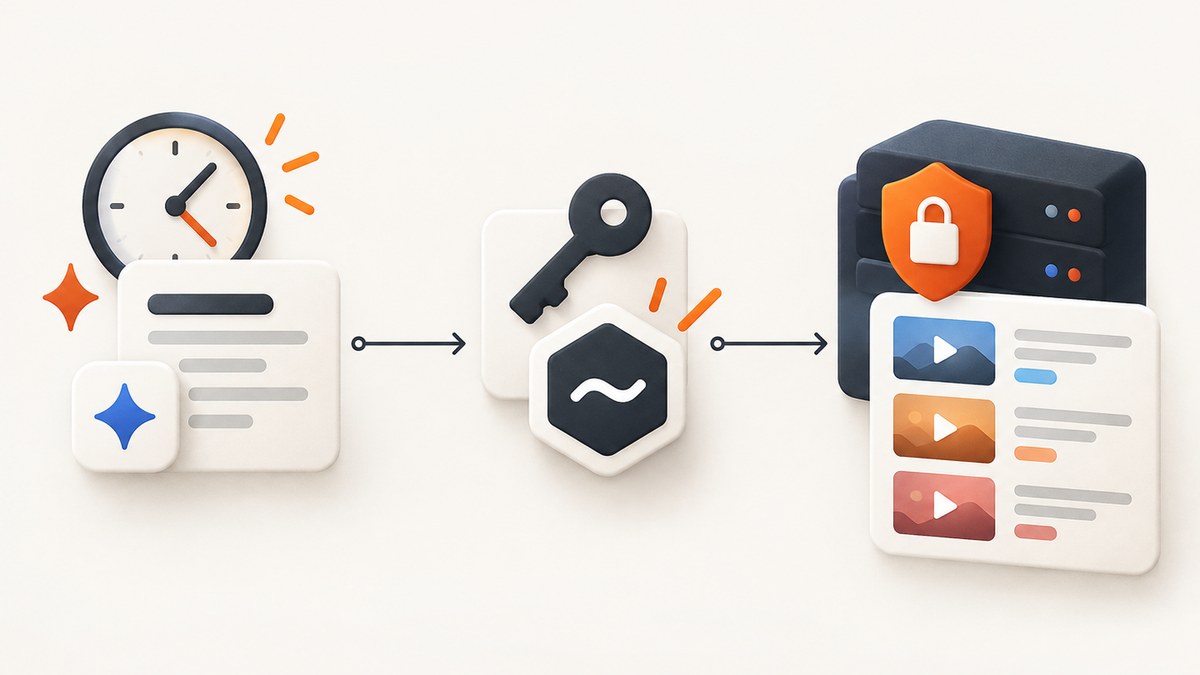
Short answer: You cannot reliably scrape Facebook without permission or without risking enforcement. Meta’s Automated Data Collection Terms require express written permission or an explicitly authorized Meta interface. The dependable approach is to define a narrow purpose, obtain authorization, use the documented API or product that grants the required permissions, collect only what you need, and stop when Meta signals a limit or denial.
This guide explains what “blocked” means, why it happens, how to build a compliant collection workflow, and how to troubleshoot ordinary API failures. It does not provide proxy rotation, CAPTCHA bypasses, stolen-account access, fingerprint spoofing, or a request rate intended to hide automation. Those methods try to defeat Meta’s controls and are unstable by design.
1. Is Facebook scraping allowed?
Meta’s Automated Data Collection Terms, effective October 7, 2024, state: “You will not engage in Automated Data Collection without first obtaining Meta’s express written permission or in any manner that is not explicitly authorized by Meta.” Accepting general terms does not itself provide that written permission. Meta says authorization must be obtained through its formal process.
Meta also requires technical and governance measures, including rate limiting, monitoring, incident response, and compliance with robots.txt, page-header tags, and similar opt-out protocols. Treat these as requirements for an approved project, not as suggestions for getting around a block.
What counts as authorization?
- Express written permission: Keep the approval, scope, expiry, and contact responsible for it in your project records.
- A documented Meta-authorized API or product: Verify that the endpoint and permissions cover the exact fields and objects you need.
- A first-party export or data-sharing arrangement: Use it only for the stated purpose and retention period.
If you cannot show one of these routes, pause collection and ask Meta for the correct authorization path. “The page is public” is not equivalent to permission for automated collection.
2. Why Facebook blocks automated collection
Meta describes three broad controls:
| Control | What it does | What you should do |
|---|---|---|
| Rate limits | Caps interactions over time. | Use a conservative schedule, honor retry headers, and back off on 429 responses. |
| Data limits | Restricts how much data a person or application can obtain. | Request the smallest page size and field set that meets your purpose. |
| Pattern recognition | Identifies behavior associated with automation and abuse. | Use your own identifiable application, IP addresses, and user-agent; do not impersonate ordinary users. |
Meta’s 2021 anti-scraping article says it blocks billions of suspected scraping actions per day across Facebook and Instagram and reported more than 300 enforcement actions in the prior year. In February 2025, Meta Engineering described source-code analysis and other methods that help identify scraping vectors; it also noted that scrapers try to evade rate limiting. These controls adapt, so a number that appears to work today is not a safety guarantee tomorrow.
3. A permission-first collection workflow
- Write the purpose. Specify the business question, fields, objects, countries, date range, and who may access the result. Reject “collect everything” requirements.
- Confirm the legal and policy basis. Verify that the data is public or otherwise provided to you, obtain Meta’s express written permission or use the authorized product with the required permissions, and record the scope.
- Honor opt-out signals. Check robots.txt, page-header tags, and other Meta-provided exclusion mechanisms. If an owner or Meta signals that collection is not wanted, exclude it.
- Use an identified client. Register your application where required. Send a truthful user-agent and use IP addresses you control. Keep credentials in a secret manager.
- Bound every query. Set a maximum number of pages, records, fields, and total bytes. Add a deadline and a kill switch.
- Schedule conservatively. Space requests, cache results, and use exponential backoff with jitter for transient failures. A 429, challenge, or access denial is a stop signal, not an invitation to switch identities.
- Protect the result. Minimize personal data, encrypt it in transit and at rest, restrict access, log access, define a retention deadline, and delete records when the permitted purpose ends.
- Monitor permission changes. Review Meta policy and app-permission changes. Authorization can be revoked, and Meta reserves the right to restrict collection.
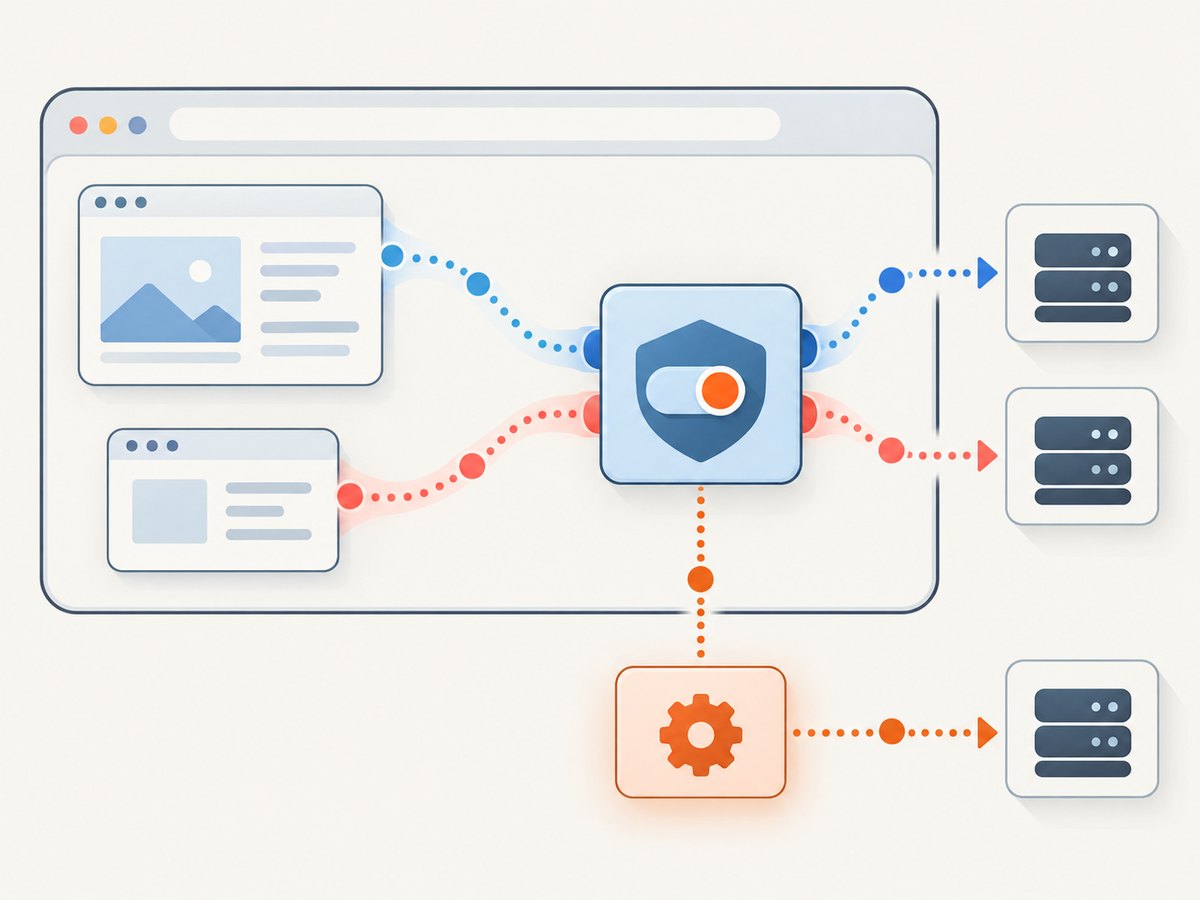
4. Example: bounded API client with backoff
The following Python example is a template for an authorized Meta API integration. Replace the placeholder endpoint and fields only with those documented for your approved product. It deliberately stops on a 429, permission error, challenge, or cap instead of attempting to bypass the response.
import os
import random
import time
import requests

TOKEN = os.environ["META_ACCESS_TOKEN"]
ENDPOINT = os.environ["AUTHORIZED_META_ENDPOINT"]
MAX_PAGES = 20
PAGE_SIZE = 25

session = requests.Session()
session.headers.update({
    "Authorization": f"Bearer {TOKEN}",
    "User-Agent": "ExampleAuthorizedCollector/1.0 (contact: data-team@example.com)",
    "Accept": "application/json",
})

url = ENDPOINT
params = {"limit": PAGE_SIZE, "fields": "id,created_time"}
records = []

for page in range(MAX_PAGES):
    response = session.get(url, params=params, timeout=30)

    if response.status_code == 429:
        raise RuntimeError("Rate limit received; stop the job and obtain guidance before retrying.")
    if response.status_code in (401, 403):
        raise RuntimeError("Authorization or permission denied; verify the approved scope.")
    if response.status_code in (202, 202):
        raise RuntimeError("Challenge or asynchronous review required; do not bypass it.")
    response.raise_for_status()

    payload = response.json()
    batch = payload.get("data", [])
    records.extend(batch)

    if len(records) >= 500 or not payload.get("paging", {}).get("next"):
        break

    url = payload["paging"]["next"]
    params = None
    time.sleep(2.0 + random.random())

print(f"Collected {len(records)} records within the approved bounds.")
In production, persist a checkpoint after each successful page, hash or pseudonymize identifiers when possible, and send structured events to your audit log. Do not silently retry an authorization failure.
5. Rate limits, retries, and caching
There is no universal safe request rate
Meta’s public material describes adaptive rate, data, and pattern controls; it does not publish a request-per-minute number that guarantees safety for every app, endpoint, account, or time period. Select a low starting rate based on your authorization, then lower it when you see throttling.
Use bounded exponential backoff
For a documented transient server error, retry a small, fixed number of times with delays such as 2, 4, 8, and 16 seconds plus random jitter. Honor a Retry-After header when present. For 401, 403, a challenge, or a policy denial, do not retry automatically. Escalate to the owner of the authorization.
Cache by purpose
Cache responses using a key containing the endpoint, approved parameters, and authorization scope. Set an expiry that matches your purpose. Caching reduces duplicate collection and helps demonstrate data minimization. Never use a cache to retain data beyond the approved retention period.
6. Handling privacy and security
- Collect only fields necessary for the stated purpose.
- Separate identifiers from analysis data and limit who can re-link them.
- Encrypt exports and restrict downloads.
- Record consent or authorization references with each dataset.
- Define deletion jobs and verify that backups follow the same policy.
- Rotate tokens, revoke unused credentials, and alert on unusual volume.
If your purpose changes, stop and reassess authorization. A permission granted for aggregate research may not cover individual-level marketing, resale, or enrichment.
7. Common errors and fixes
| Symptom | Likely cause | Fix |
|---|---|---|
| HTTP 401 | Expired, malformed, or missing token. | Refresh credentials through the approved flow; never copy a token from another person. |
| HTTP 403 | Missing permission, app review requirement, or revoked authorization. | Check the documented scope and approval record. Ask the app owner or Meta for clarification. |
| HTTP 429 | Rate or data limit exceeded. | Stop, preserve the response, reduce scope and frequency after authorization review, and wait for guidance. |
| Challenge or checkpoint | Meta detected behavior requiring verification. | Stop automation and complete only the official verification or support process. |
| Empty data | Object is unavailable, fields are not permitted, or filters are too narrow. | Test one authorized object with the smallest field set and compare it with the API documentation. |
| Pagination loop | Checkpoint or cursor is not persisted correctly. | Store the next cursor, detect repeated cursors, and enforce a maximum page count. |
| Timeouts | Large response, slow network, or an overly broad query. | Lower page size, set a deadline, checkpoint progress, and retry only documented transient failures. |
8. Performance, reliability, and cost planning
Performance comes from reducing work: request fewer fields, use server-side filters, paginate, and cache. Reliability comes from checkpoints, idempotent writes, bounded retries, and alerts. Keep a per-run budget for requests, bytes, records, and wall-clock time. If the budget is reached, finish the current page and stop.
Plan for policy or permission revocation as a normal failure mode. Your pipeline should be able to pause without losing the audit trail or repeatedly contacting the endpoint. Estimate cost from the authorized API or product’s pricing, then include storage, review, deletion, and monitoring in the project budget. Do not assume that a technically successful request is an authorized or durable one.
9. Or skip the browser setup
If your approved workflow needs visual snapshots of a Facebook page you are allowed to access, ScreenshotNeo can return a screenshot or PDF with one GET request. It is for capture and visual verification, not for bypassing Meta controls or extracting data without authorization.

Before capture, ScreenshotNeo accepts cookie or consent banners and removes more than 60 known consent platforms, newsletter popups, and chat widgets; each step can be turned off. Bot checks, blank pages, timeouts, failed loads, and cache hits are not billed, and the response identifies the result with X-Page-Verdict and X-Billed headers. Its MCP server provides take_screenshot, get_page_info, and capture_pdf tools for Claude, Cursor, and other MCP clients. The free plan includes 1,000 screenshots each month with no card; paid plans start at $5 for 3,000.
See the ScreenshotNeo documentation for all options and authorization considerations.
curl -G "https://api.screenshotneo.com/v1/shot" -d access_key=YOUR_API_KEY --data-urlencode url=https://www.facebook.com -o shot.webpimport requests
r = requests.get("https://api.screenshotneo.com/v1/shot", params={"access_key": "YOUR_API_KEY", "url": "https://www.facebook.com"}, timeout=90)
open("shot.webp", "wb").write(r.content)const q = new URLSearchParams({ access_key: 'YOUR_API_KEY', url: 'https://www.facebook.com' });
const res = await fetch(`https://api.screenshotneo.com/v1/shot?${q}`);Use the returned image only for a permitted purpose, respect access controls, and stop if the page presents a bot check or denial. Create a free ScreenshotNeo account with 1,000 screenshots per month and no card.
10. Checklist before you collect
- Written Meta permission or a documented authorized interface is on file.
- Purpose, fields, audience, retention, and deletion date are defined.
- Robots.txt, page headers, and opt-out signals are honored.
- Client identity, user-agent, credentials, and IP ownership are clear.
- Request, data, and time budgets have hard limits.
- 429s, challenges, and denials stop the job.
- Logs contain authorization references and deletion events.
- Someone owns policy monitoring and incident response.
FAQ
Can I scrape only public Facebook posts?
Public visibility does not by itself grant permission for automated collection. Confirm authorization and use an interface that explicitly permits the fields and volume.
Will rotating proxies prevent blocks?
There is no dependable evasion method. Proxy rotation and identity impersonation can violate terms and make investigation harder.
What should I do after a 429?
Stop the job, save the response, and review your approved limits. Resume only after you have documented guidance and a lower, bounded plan.
Is browser automation safer than an API?
Not automatically. Page automation still counts as automated collection and remains subject to Meta’s permission and technical controls. Prefer the documented authorized interface for your use case.
Can ScreenshotNeo bypass a Facebook challenge?
No. Treat a challenge, blank page, timeout, or denial as a stop signal. ScreenshotNeo is useful for permitted visual capture, and those failed or blocked outcomes are not billed.


