How to Scrape G2 Software Reviews
G2’s terms require express written consent for automated review collection. Learn how to request access, scope a compliant project, and analyze authorized data.

G2’s current Terms of Use prohibit automated scraping or extraction of reviews and related site data without G2’s express prior written consent. Public visibility does not change that restriction. If you need G2 review data, first request written permission or a licensed export, feed, or integration; then collect only the approved fields and follow the agreed limits and downstream-use rights.
This guide explains how to scope that permissioned work, analyze an approved export with runnable examples, handle common data-quality problems, and choose alternatives if G2 does not authorize access. It does not provide a scraper or instructions for bypassing G2’s protections.
1. Can you scrape G2 software reviews?
Not without G2’s express prior written consent under the current Terms of Use. Section 9 prohibits accessing, collecting, copying, scraping, harvesting, caching, indexing, storing, archiving, or otherwise extracting content or data from the site without that consent. The restriction applies even when a review can be viewed in a browser.
The terms also bar automated agents from bypassing access controls, technical protections, rate limits, session restrictions, identity validation, bot-detection systems, CAPTCHAs, robots.txt directives, or IP blocking. They prohibit disguising where access comes from, including proxy or VPN use to mask traffic. The Community Guidelines separately prohibit copying content with robots, spiders, scrapers, or other automated means without express written permission, and warn against violating robot-exclusion headers or putting an unreasonable load on G2 infrastructure.
G2 says violations may result in account suspension or termination, IP blocking, technical countermeasures, and legal action. Scraped content also cannot be sold, published, syndicated, sublicensed, redistributed, or commercially exploited under the terms unless G2 expressly authorizes the use. Review the G2 Terms of Use and Community Guidelines before planning collection; terms can change, so confirm the current language directly.
2. Does G2 have a public API or export?
This research did not establish a generally available public G2 reviews API or a self-serve export for people who lack authorization. That is not proof that no licensed integration, partner access, or customer-specific export exists. Treat any claimed endpoint, feed, or integration as unverified until G2 confirms availability, scope, and rights in writing.
Start with G2’s own access or partnership channels and ask specifically about the data you need. A vendor blog or a code sample that describes page parsing does not establish permission to collect G2’s data. Nor does the existence of an endpoint imply a license to use it.
3. Request permission before collecting
- Describe the project. Explain the research or product purpose, who will access the results, whether the work is commercial, and how the findings will be used.
- Ask for the approved route. Request express written permission or a licensed export, feed, or integration. Do not assume that permission to view the site includes permission to automate collection.
- Get a field-level scope. List the exact products, URLs or endpoints, date range, and fields you want. Possible fields to discuss include review title, star rating, review body, visible role or segment, and visible date. G2’s authorization—not this list—determines what may be collected.
- Agree on operations. Put the permitted request rate, identification requirements, geographic scope, collection window, and response to rate-limit or access-control messages in writing.
- Agree on data handling. Specify reviewer-data treatment, storage location, retention period, deletion process, access controls, and permitted downstream analysis or sharing.
- Confirm rights beyond collection. Ask whether internal analysis, commercial analysis, publication of summaries, redistribution, model training, or creation of a competing database is allowed. Do not infer any of these rights from permission to collect.
Keep the approval and its scope with the project records. If the response is unclear about a field, method, or use, resolve that question before collection begins.
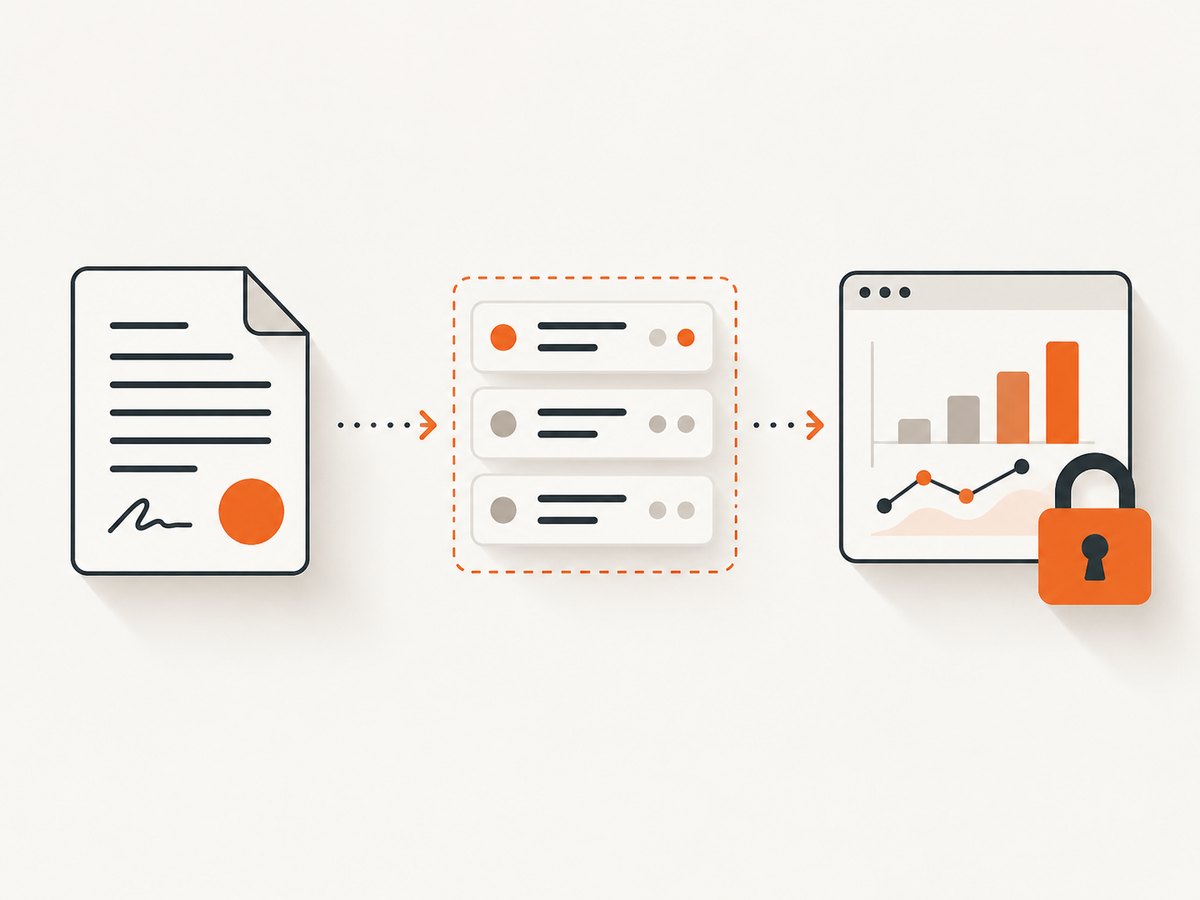
4. Run an authorized collection responsibly
Once authorization is in place, follow the approved method and scope exactly. Identify your client honestly if required, request only authorized material, and stop if the server returns an access-control, rate-limit, CAPTCHA, or other response that the approval does not cover. Do not rotate proxies or VPNs, spoof user agents, create alias accounts, defeat CAPTCHAs, or attempt to evade bot detection or robots.txt.
Record enough provenance to explain where an approved record came from and how it was handled. A practical record may include the approved source reference, collection time, authorization or project identifier, fields collected, and deletion status. Keep reviewer identities and other metadata out unless the written scope expressly allows them and the project needs them.
Keep collection and analysis separate
Design the analysis to consume the approved export or feed, rather than reaching back to G2 for extra fields. Validate the input against the authorized field list. If an export includes columns outside that list, quarantine or remove them according to the agreement; do not silently add them to your analysis.
Use a stable internal record ID only if the source and license permit it. Avoid joining review records to outside identity data unless that use has also been authorized. Limit access to the people who need it, and make retention and deletion dates actionable rather than leaving them as notes in a document.
5. Analyze an approved CSV export
The examples below process a CSV that G2 has provided or that your written authorization allows you to collect. They do not connect to G2 or scrape its pages. Adapt the column names to the actual licensed export, and remove fields your authorization does not allow. The examples summarize ratings and count review text; they do not publish or redistribute the underlying reviews.
Python: validate fields and summarize ratings
import csv
from collections import Counter
from pathlib import Path

INPUT = Path("authorized_reviews.csv")
ALLOWED_COLUMNS = {"rating", "review_title", "review_body", "review_date", "role"}

with INPUT.open(newline="", encoding="utf-8-sig") as f:
    reader = csv.DictReader(f)
    columns = set(reader.fieldnames or [])
    unexpected = columns - ALLOWED_COLUMNS
    if unexpected:
        raise ValueError(f"Unexpected columns; review authorization: {sorted(unexpected)}")
    if "rating" not in columns:
        raise ValueError("CSV is missing the authorized rating column")

    ratings = Counter()
    review_count = 0
    text_chars = 0
    for row in reader:
        raw = (row.get("rating") or "").strip()
        if not raw:
            continue
        try:
            rating = float(raw)
        except ValueError:
            continue
        if not 1 <= rating <= 5:
            continue
        ratings[rating] += 1
        review_count += 1
        text_chars += len(row.get("review_body") or "")

print("Valid rated reviews:", review_count)
print("Rating counts:", dict(sorted(ratings.items())))
print("Average rating:", round(sum(r * n for r, n in ratings.items()) / review_count, 2) if review_count else "n/a")
print("Review-body characters:", text_chars)
Before treating the result as representative, check the export’s date range, product identity, missing ratings, duplicate records, and any filters used to generate it. An average without its sample size and coverage can mislead. Avoid quoting review text publicly unless the license permits that publication.
Node.js: validate a JSON export
If your licensed delivery is JSON, Node.js can perform the same basic field and rating checks. Save the authorized records as authorized_reviews.json.
import { readFile } from "node:fs/promises";

const allowed = new Set(["rating", "review_title", "review_body", "review_date", "role"]);
const rows = JSON.parse(await readFile("authorized_reviews.json", "utf8"));
if (!Array.isArray(rows)) throw new Error("Expected a JSON array");

const counts = new Map();
let total = 0;
for (const row of rows) {
  const unexpected = Object.keys(row).filter((key) => !allowed.has(key));
  if (unexpected.length) {
    throw new Error(`Unexpected fields; check authorization: ${unexpected.join(", ")}`);
  }
  const rating = Number(row.rating);
  if (!Number.isFinite(rating) || rating < 1 || rating > 5) continue;
  counts.set(rating, (counts.get(rating) ?? 0) + 1);
  total += 1;
}
const weighted = [...counts].reduce((sum, [rating, n]) => sum + rating * n, 0);
console.log({ total, counts: Object.fromEntries(counts), average: total ? weighted / total : null });
cURL: retrieve a file you are authorized to download
Use a URL supplied through the approved delivery channel and credentials issued for that purpose. This generic example downloads a licensed file; it is not a G2 endpoint and should not be pointed at an undocumented URL.
curl --fail --location --output authorized_reviews.csv \
  --header "Authorization: Bearer YOUR_APPROVED_TOKEN" \
  "https://YOUR_APPROVED_EXPORT_HOST/path/to/export.csv"
Store credentials in a secrets manager or protected environment rather than source code or shell history. Confirm the actual host, authentication scheme, expiry, and permitted download method with the provider.
6. Data quality, privacy, and retention checklist
- Is every source, product, field, and date range covered by the written approval?
- Can each record be traced to its approved source and collection period?
- Have malformed ratings, missing dates, duplicates, and encoding issues been measured?
- Are reviewer names, profile links, and other identifying fields excluded unless expressly authorized?
- Are summaries clearly labeled with sample size, coverage dates, and known selection limits?
- Does every downstream user understand whether internal analysis, public reporting, or redistribution is allowed?
- Are retention and deletion dates tracked, with a process for backup copies and derived data where required?
Review text may contain personal information even when a dataset appears focused on product feedback. Follow the agreement and your organization’s privacy and data-governance requirements. If you cannot establish a clear basis for a field or use, leave it out and ask the data provider.
7. Troubleshooting
| Problem | Likely cause | Practical response |
|---|---|---|
| You cannot find a public API or export | Public self-serve review access was not established by this research. | Ask G2 about licensed access or an approved integration. Verify any claimed API directly with G2 before using it. |
| A page displays a CAPTCHA or access-denied response | G2’s access controls are blocking the request or require validation. | Stop automated access. Do not attempt to solve or evade the challenge; contact G2 and follow the written authorization process. |
| You receive a rate-limit response | The request exceeded a limit or the method is not approved. | Stop and consult the agreement or G2 contact. Do not rotate IPs, disguise traffic, or retry at a higher rate. |
| The export includes unexpected columns | The delivery schema changed, or the export includes data outside the approved scope. | Pause processing, isolate the file, compare fields with the authorization, and ask G2 how to handle out-of-scope fields. |
| Ratings do not parse consistently | Locale formatting, blanks, labels, or changed export conventions may be present. | Inspect a small authorized sample, document the expected format, reject invalid values, and report the issue to the provider. |
| Review counts differ from a page total | Filters, time windows, pagination, moderation, or export coverage may differ. | Compare the export’s documented scope and generation time. Do not fill gaps with unauthorized automated collection. |
| A colleague wants to quote or share reviews | Collection permission may not grant publication or redistribution rights. | Check the written license for the exact proposed use and obtain additional permission if needed. |
8. Alternatives when G2 access is unavailable
If G2 does not authorize the requested collection, use limited manual research of publicly displayed information where appropriate, cite the source pages, and avoid bulk copying. Another option is to obtain review data from a provider that explicitly licenses the fields and downstream use you need. Compare alternatives by permission scope, field coverage, reviewer privacy, rate limits, geographic coverage, retention and deletion obligations, provenance, export format, and commercial-use rights.
Do not treat a third-party tutorial, proxy service, or scraper vendor as a substitute for permission from G2. Avoid proxy rotation, VPN masking, CAPTCHA bypass, identity masking, or other evasion tactics; G2 expressly prohibits them in its terms.
9. ScreenshotNeo for permitted visual research
ScreenshotNeo is a website screenshot API and MCP server from Yorker Media. A screenshot can preserve the visual appearance of a page for a permitted research record, but a screenshot is not a review-data export, does not grant permission to collect G2 content, and does not replace G2’s written authorization. Use it only where your access and intended retention or sharing are allowed.

Or skip the browser setup: for a page you are authorized to capture, one GET request returns an image or PDF. See the ScreenshotNeo API documentation for configuration and output options.
curl -G "https://api.screenshotneo.com/v1/shot" -d access_key=YOUR_API_KEY --data-urlencode url=https://stripe.com -o shot.webpimport requests
r = requests.get("https://api.screenshotneo.com/v1/shot", params={"access_key": "YOUR_API_KEY", "url": "https://stripe.com"}, timeout=90)
open("shot.webp", "wb").write(r.content)const q = new URLSearchParams({ access_key: 'YOUR_API_KEY', url: 'https://stripe.com' });
const res = await fetch(`https://api.screenshotneo.com/v1/shot?${q}`);ScreenshotNeo accepts cookie or consent banners and removes more than 60 known consent platforms, newsletter popups, and chat widgets before capture; each of those steps can be turned off. Bot checks, blank pages, timeouts, failed loads, and cache hits cost nothing, and response headers report the page verdict and billing status. Its MCP server offers take_screenshot, get_page_info, and capture_pdf tools for AI agents. The free plan includes 1,000 screenshots per month with no card; paid plans start at $5 for 3,000. Sign up for 1,000 free screenshots a month, with no card required.
10. Frequently asked questions
Does public visibility make automated collection permissible?
No. G2’s terms require express prior written consent for automated extraction, including material that can be viewed publicly.
Can I use review text to train a model?
Do not assume so. Model training is a downstream use that must be expressly covered by the applicable written license.
Can I publish an average rating or chart?
Check whether the approval covers publication of derived results, and preserve any required attribution, scope, or methodology details. Permission to collect alone does not establish publication rights.
What if G2 does not respond to an access request?
Do not interpret silence as consent. Use an authorized alternative, limited manual research as appropriate, or wait for explicit written approval.
Sources
- G2 Terms of Use, including Section 9.
- G2 Community Guidelines.


