How to Scrape Google Play App Reviews and Data
Use Google’s documented reviews API first, then collect public Play pages carefully with pagination, policy checks, and reproducible exports.
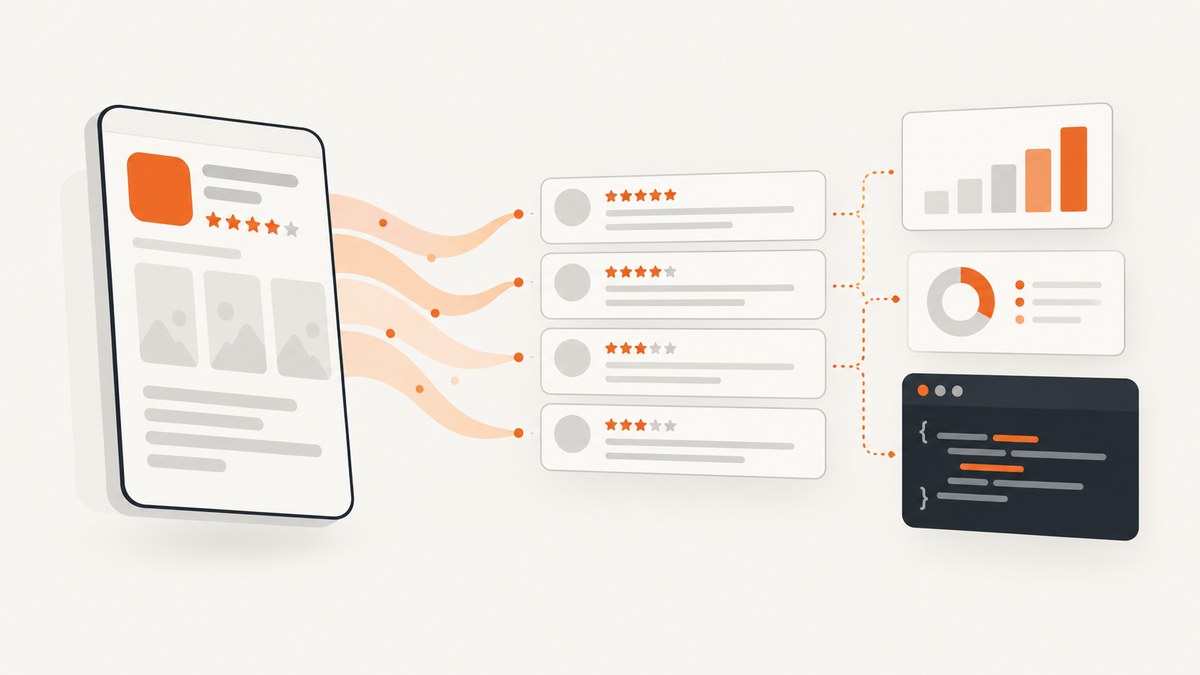
Short answer: If you are authorized to access an app through Google Play Developer API, start with the documented reviews.list method. It accepts an app package name, uses the Android Publisher OAuth scope, and returns reviews with pagination fields. Public-page collection is a separate method: it requires you to inspect the current Google terms and machine-readable instructions that apply to your request, and the available sources do not establish that every scraping implementation is permitted.
This guide shows both approaches. You will learn how to identify an app, call reviews.list, follow pagination, store raw responses, validate data, and build a cautious browser collector for public pages. It also explains what the official documentation does not promise: unrestricted access to every review, a universal quota, a guaranteed historical archive, or permission for a particular scraper.
1. Choose the collection method
| Method | What it gives you | Requirements and limits |
|---|---|---|
| Google Play Developer API | Structured review responses from reviews.list for a specified package name. |
Authorized OAuth context with the https://www.googleapis.com/auth/androidpublisher scope. The reference documents pagination and translation parameters, but it does not establish unrestricted coverage for every caller. |
| Public-page collection | HTML or rendered content visible on a Google Play listing. | You must check current Google terms and machine-readable instructions, handle dynamic pages, and expect markup or delivery behavior to change. The research sources do not resolve whether a particular implementation is permitted. |
Use the API when you control the relevant developer account and need a repeatable, documented request. Consider public-page collection only after reviewing the applicable terms, robots instructions, purpose, geography, and downstream use with your legal or compliance team. Google’s general Terms of Service describe a condition against automated access when it violates machine-readable instructions on Google pages, with robots.txt as an example. That is a general rule, not a determination for every Play Store scenario.
2. Find the package name
The API path identifies an app with packageName. It is the application identifier used in the Play listing URL, usually the value after id=. For example, a listing URL such as https://play.google.com/store/apps/details?id=com.example.app has the package name com.example.app.
- Open the listing in a browser.
- Copy the value of the
idquery parameter. - Keep the package name unchanged, including periods and capitalization.
- Use that value in the API path and in your output metadata.
3. Call the documented reviews.list endpoint
Google documents this method as:
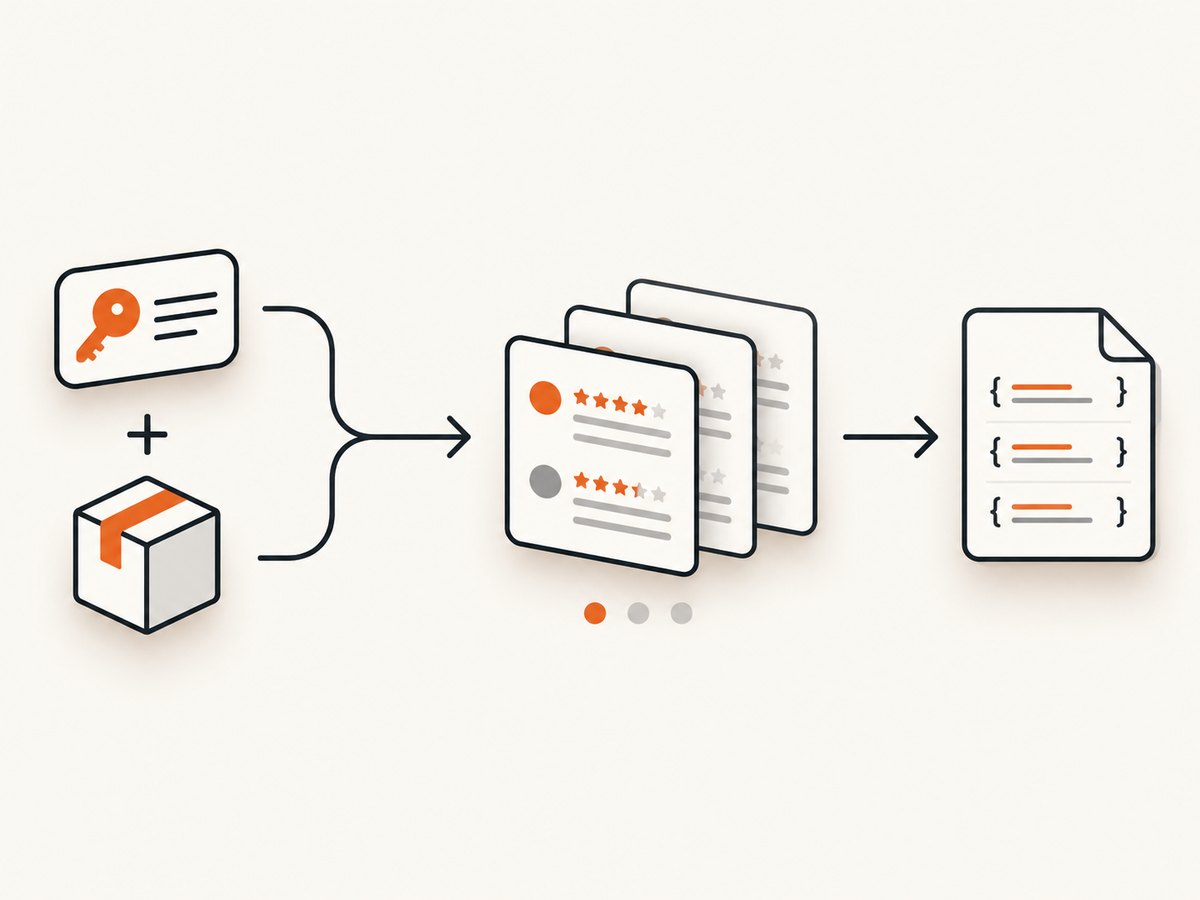
GET https://androidpublisher.googleapis.com/androidpublisher/v3/applications/{packageName}/reviewsThe request requires an OAuth access token authorized for the Android Publisher scope:
https://www.googleapis.com/auth/androidpublisherThe reference documents these query parameters:
| Parameter | Purpose |
|---|---|
token |
Continue from a pagination token returned by a previous response. |
startIndex |
Specify a starting index when supported by the method. |
maxResults |
Request a page size. Do not assume a maximum value that is not stated in the current reference. |
translationLanguage |
Request the documented translation language option. |
The response contains a reviews[] collection and pagination information in tokenPagination and pageInfo. Treat the response as the source of truth for whether another page exists. Do not invent a page limit or assume that the first page represents all reviews.
See the official reviews.list reference for the current request and response schema. The reference was updated on 2025-05-21 UTC; verify it again before publishing or deploying a collector.
4. Complete API examples
cURL
export ACCESS_TOKEN='YOUR_OAUTH_ACCESS_TOKEN'
export PACKAGE_NAME='com.example.app'

curl --fail-with-body \
  -H "Authorization: Bearer ${ACCESS_TOKEN}" \
  "https://androidpublisher.googleapis.com/androidpublisher/v3/applications/${PACKAGE_NAME}/reviews?maxResults=100" \
  -o reviews-page-1.json
Use the returned pagination token in a subsequent request. URL-encode query values when they contain reserved characters.
Python: fetch every page and save JSONL
import json
import os
import time
from pathlib import Path

import requests

TOKEN = os.environ["ANDROID_PUBLISHER_TOKEN"]
PACKAGE_NAME = os.environ["PLAY_PACKAGE_NAME"]
BASE = f"https://androidpublisher.googleapis.com/androidpublisher/v3/applications/{PACKAGE_NAME}/reviews"

headers = {"Authorization": f"Bearer {TOKEN}"}
params = {"maxResults": 100}
Path("reviews.jsonl").write_text("")

with requests.Session() as session:
    while True:
        response = session.get(BASE, headers=headers, params=params, timeout=60)
        response.raise_for_status()
        page = response.json()

        with open("reviews.jsonl", "a", encoding="utf-8") as out:
            for review in page.get("reviews", []):
                out.write(json.dumps(review, ensure_ascii=False) + "\n")

        pagination = page.get("tokenPagination", {})
        next_token = pagination.get("nextPageToken")
        if not next_token:
            break

        params = {"token": next_token, "maxResults": 100}
        time.sleep(0.2)
This script preserves each review as a JSON object, which makes retries and later schema changes easier to manage. Store the request timestamp and package name beside the file so an analyst can reproduce the run.
Node.js
const fs = require('node:fs/promises');

const token = process.env.ANDROID_PUBLISHER_TOKEN;
const packageName = process.env.PLAY_PACKAGE_NAME;
const base = `https://androidpublisher.googleapis.com/androidpublisher/v3/applications/${packageName}/reviews`;
let params = new URLSearchParams({ maxResults: '100' });
const rows = [];

while (true) {
  const res = await fetch(`${base}?${params}`, {
    headers: { Authorization: `Bearer ${token}` }
  });
  if (!res.ok) throw new Error(`${res.status}: ${await res.text()}`);
  const page = await res.json();
  rows.push(...(page.reviews || []));

  const next = page.tokenPagination?.nextPageToken;
  if (!next) break;
  params = new URLSearchParams({ token: next, maxResults: '100' });
}

await fs.writeFile('reviews.json', JSON.stringify({ packageName, reviews: rows }, null, 2));
Run this with a Node version that provides the built-in fetch. Keep the OAuth token in an environment variable or secret manager, never in source control.
5. Normalize and validate the response
Keep the raw API response before transforming it. A useful normalized record includes the package name, collection timestamp, review identifier, author information exposed by the response, rating, text, language or translation fields, and any developer-reply fields present in the current schema. Because the reference can evolve, write transformations that tolerate missing fields.
- Use a stable review identifier when deduplicating.
- Do not use review text as a primary key; users can edit text.
- Record the requested translation language separately from the original content.
- Validate that each page is an object before reading
reviews. - Persist the pagination token only after successfully writing the page, so a retry does not skip data.
- Hash or encrypt sensitive exports and restrict access to raw author-related fields.
6. Public Google Play page collection
Public-page collection is technically different from the Developer API. A page can be rendered by JavaScript, vary by locale or device, and change its HTML structure. The following example captures rendered HTML for inspection; it intentionally avoids pretending that a particular CSS selector is a permanent review contract.
Minimal Playwright collector
import asyncio
from pathlib import Path
from playwright.async_api import async_playwright

URL = "https://play.google.com/store/apps/details?id=com.example.app&hl=en"

async def main():
    async with async_playwright() as p:
        browser = await p.chromium.launch(headless=True)
        page = await browser.new_page(locale="en-US")
        await page.goto(URL, wait_until="domcontentloaded", timeout=60_000)
        await page.wait_for_timeout(2_000)
        html = await page.content()
        Path("play-listing.html").write_text(html, encoding="utf-8")
        await browser.close()

asyncio.run(main())
Before running automation, inspect the site’s current machine-readable instructions and terms for your target request. If you proceed, rate-limit requests, identify your internal purpose, avoid bypassing access controls, and stop when the site signals that automation is not allowed. Do not treat a successful HTTP response as permission.
Extraction workflow
- Capture a small sample manually and record locale, URL, timestamp, and viewport.
- Inspect the rendered DOM and choose selectors based on stable attributes where available.
- Save the original HTML alongside extracted rows for audits.
- Write a parser that tolerates absent nodes and changed ordering.
- Compare a new sample with a fixture before deploying parser changes.
- Deduplicate by a stable visible identifier when one exists; otherwise retain a content hash plus timestamp and mark it as an approximation.
7. Or skip the browser setup
If your job is to capture the listing itself for documentation, QA, or an agent workflow, ScreenshotNeo provides a one-request website screenshot API. It accepts the cookie or consent banner like a visitor and removes more than 60 known consent platforms, newsletter popups, and chat widgets before capture. Bot checks, blank pages, timeouts, failed loads, and cache hits are not billed, and each response reports the result with X-Page-Verdict and X-Billed headers.
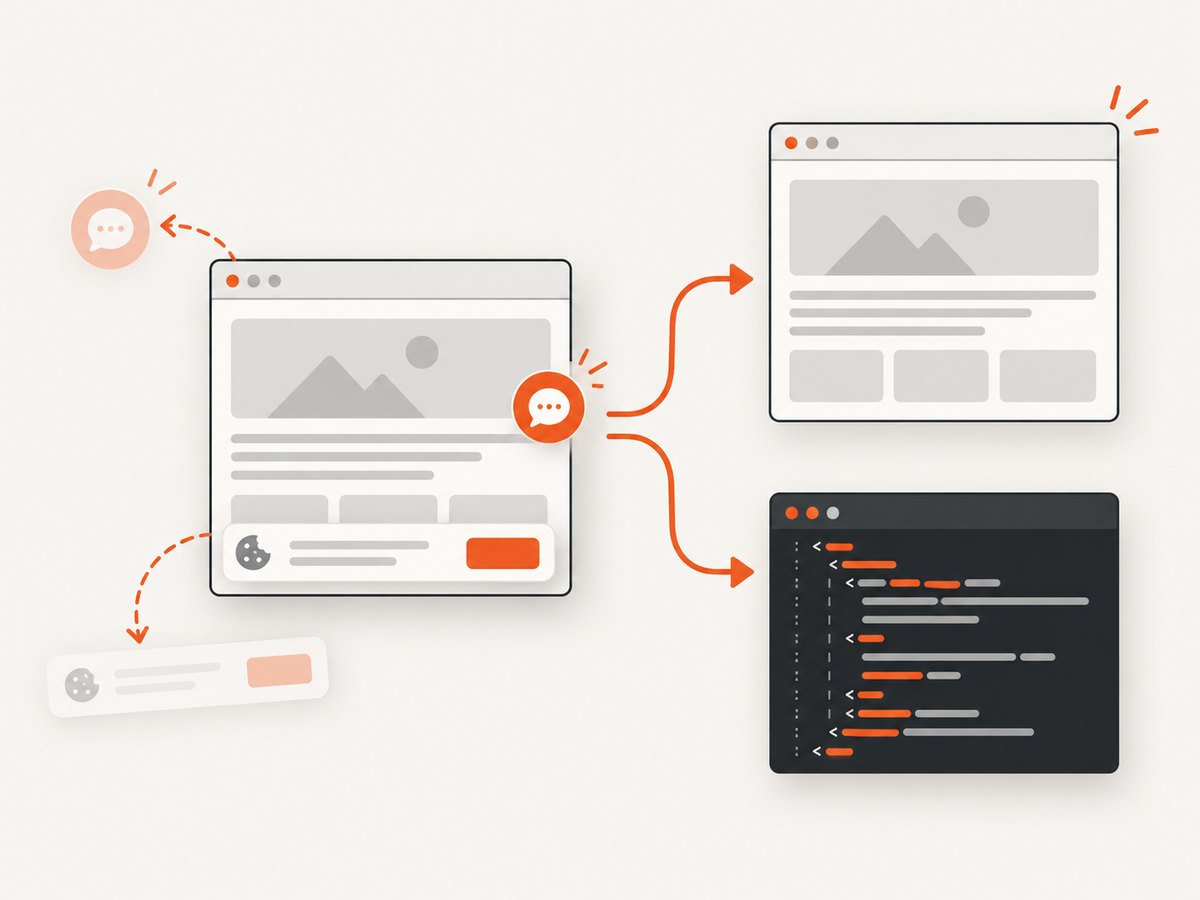
Read the ScreenshotNeo API documentation for all options.
cURL
curl -G "https://api.screenshotneo.com/v1/shot" -d access_key=YOUR_API_KEY --data-urlencode url=https://play.google.com/store/apps/details?id=com.example.app -o shot.webpPython
import requests; r = requests.get("https://api.screenshotneo.com/v1/shot", params={"access_key": "YOUR_API_KEY", "url": "https://play.google.com/store/apps/details?id=com.example.app"}, timeout=90); open("shot.webp", "wb").write(r.content)Node.js
const fs = require('node:fs/promises');
const q = new URLSearchParams({ access_key: 'YOUR_API_KEY', url: 'https://play.google.com/store/apps/details?id=com.example.app' });
const res = await fetch(`https://api.screenshotneo.com/v1/shot?${q}`);
if (!res.ok) throw new Error(`${res.status}: ${await res.text()}`);
await fs.writeFile('shot.webp', Buffer.from(await res.arrayBuffer()));
You can configure full-page capture, a device preset or custom viewport, retina scale, dark mode, custom CSS or JavaScript, selector waits, delays, network-idle waits, blocked resource types, cookies, headers, user agents, timezone, geolocation, transparent backgrounds, resizing, caching TTL, signed links, asynchronous jobs, webhooks, and bulk capture. For an app-listing archive, record the URL, options, timestamp, verdict, and billed status with each image.
An MCP server provides take_screenshot, get_page_info, and capture_pdf tools for Claude, Cursor, and other MCP clients. The Free plan includes 1,000 screenshots per month with no card; paid plans start at $5 for 3,000. Create a free ScreenshotNeo account.
8. Troubleshooting
| Symptom | Likely cause | Fix |
|---|---|---|
401 Unauthorized |
Missing, expired, or incorrectly scoped OAuth token. | Refresh the token and verify the Android Publisher scope. |
403 Forbidden |
The caller lacks access to the requested application or operation. | Check the authorized account and the current API terms; do not assume package-name knowledge grants access. |
Empty reviews array |
The page contains no returned records, or the caller’s authorized view does not include the expected data. | Save the complete response, inspect pageInfo, and verify the package name and account context. |
| Repeated pages | The next token was not replaced or a failed page was marked complete. | Persist tokens only after successful writes and log every request token. |
| Browser HTML has no reviews | Content is rendered later, locale-dependent, or delivered differently to automation. | Wait for the relevant state, capture rendered HTML, test a real browser manually, and treat selectors as changeable. |
| Parser suddenly returns zero rows | Markup changed or a consent/interstitial page was captured. | Keep HTML fixtures, detect unexpected page types, and review the current terms and machine-readable instructions. |
| Screenshot is blank or blocked | The target did not load, showed a bot check, or timed out. | Inspect ScreenshotNeo’s X-Page-Verdict and X-Billed headers, then adjust waits, viewport, headers, or caching. |
9. Performance, reliability, and cost
- Pagination: Process one page at a time and checkpoint after each successful write. This limits loss when a token expires or a worker stops.
- Retries: Retry transient network failures with bounded backoff. Do not blindly retry authorization or policy errors.
- Reproducibility: Store package name, locale, translation language, request parameters, timestamp, response body, and parser version.
- Coverage: Report exactly what your authorized API response or public-page sample contains. The reviewed documentation provides no universal coverage, quota, speed, or historical-depth number.
- Cost: The research sources do not establish Google API pricing or quotas. For ScreenshotNeo, cache hits and failed or unusable captures are not billed; select a TTL that matches how often listings change.
- Privacy: Reviews can contain personal information. Minimize retention, restrict access, and document deletion rules for raw exports.
10. Policy and data-use boundary
Google Play’s ratings and reviews policy prohibits manipulation, including inflating ratings or reviews through illegitimate methods such as fraudulent or incentivized reviews. That policy concerns authenticity and manipulation; it should not be read as a complete technical permission for scraping. The Google Play Developer API terms also impose additional limits on particular API uses, including restrictions involving third-party accounts for some developer operations. Check the current terms that apply to your exact account, endpoint, purpose, and downstream use.
FAQ
Does reviews.list return every review?
The reference documents the method and pagination, but it does not establish unrestricted access to every review for every caller. Describe only the records your authorized responses return.
Can I use the API without an OAuth token?
The documented method requires the Android Publisher OAuth scope. An API key alone is not the documented authorization model.
Should I scrape HTML or use the API?
Use the API when you have the required authorized context and need structured, repeatable responses. Treat public-page collection as a separate, terms-sensitive method.
Is a robots.txt check enough?
No. Google’s Terms mention machine-readable instructions such as robots.txt, but the sources do not say that one check resolves every contractual or legal question.
How should I handle changed page markup?
Keep raw fixtures, detect interstitials, test selectors against samples, and version your parser. Expect public HTML to change.
Next step: implement the documented API path first, keep an auditable raw export, and only then evaluate public-page collection for a clearly defined, compliant purpose. If you need reliable visual captures of Play listings, start with 1,000 free ScreenshotNeo screenshots per month.


