How to Scrape Hover Popups With Selenium and Python
Learn how to reveal, wait for, and extract hover tooltips and popups with Selenium and Python, including dynamic pages, iframes, and troubleshooting.
To scrape a hover popup with Selenium and Python, move the pointer onto its trigger with ActionChains, wait for the popup with an explicit condition, then read its text or the attribute that contains the value. A typical sequence is:
- Open the page in a WebDriver session.
- Find the trigger with a stable selector.
- Run
ActionChains(driver).move_to_element(trigger).perform(). - Wait for the popup to become visible or present.
- Read
popup.text, an ARIA attribute, or another data attribute. - Move away and reacquire elements before processing the next trigger.
Selenium’s Python API documentation describes ActionChains as useful for complex pointer actions such as hovering. Explicit waits are preferable to a fixed sleep because they finish as soon as the page reaches the required state.
Complete working example
Install Selenium and a browser driver (Selenium Manager can obtain a compatible driver in current Selenium releases):
python -m pip install seleniumThe example below handles a page with triggers identified by common tooltip attributes. Replace the selectors with ones from the target site.
from selenium import webdriver
from selenium.webdriver.common.by import By
from selenium.webdriver.common.action_chains import ActionChains
from selenium.webdriver.support.ui import WebDriverWait
from selenium.webdriver.support import expected_conditions as EC
from selenium.common.exceptions import (
    TimeoutException,
    StaleElementReferenceException,
    NoSuchElementException,
)

URL = "https://example.com/page-with-tooltips"
TRIGGER_SELECTOR = '[data-tooltip], [aria-describedby], .tooltip-trigger'
POPUP_SELECTOR = '.tooltip, [role="tooltip"]'

options = webdriver.ChromeOptions()
# options.add_argument("--headless=new")  # enable in CI or servers
options.add_argument("--window-size=1440,1000")

driver = webdriver.Chrome(options=options)
wait = WebDriverWait(driver, 10, poll_frequency=0.1)

try:
    driver.get(URL)
    wait.until(EC.presence_of_all_elements_located((By.CSS_SELECTOR, TRIGGER_SELECTOR)))

    # Re-find the list on every iteration. Frameworks often replace nodes after hover.
    trigger_count = len(driver.find_elements(By.CSS_SELECTOR, TRIGGER_SELECTOR))
    for index in range(trigger_count):
        try:
            triggers = driver.find_elements(By.CSS_SELECTOR, TRIGGER_SELECTOR)
            trigger = triggers[index]
            driver.execute_script(
                "arguments[0].scrollIntoView({block: 'center', inline: 'center'});",
                trigger,
            )

            ActionChains(driver).move_to_element(trigger).perform()
            popup = wait.until(
                EC.visibility_of_element_located((By.CSS_SELECTOR, POPUP_SELECTOR))
            )

            value = popup.text.strip()
            if not value:
                # Some components keep the visible value in an attribute.
                value = (
                    popup.get_attribute("aria-label")
                    or popup.get_attribute("data-tooltip")
                    or ""
                ).strip()

            print({"index": index, "text": value})

            # Move to a neutral location before the next trigger.
            ActionChains(driver).move_by_offset(0, 0).perform()

        except (TimeoutException, StaleElementReferenceException, NoSuchElementException) as exc:
            print(f"Skipping trigger {index}: {exc.__class__.__name__}")
finally:
    driver.quit()
Choosing reliable selectors
Inspect the element that receives the pointer and the element that becomes visible. Prefer selectors that describe behavior or accessibility:
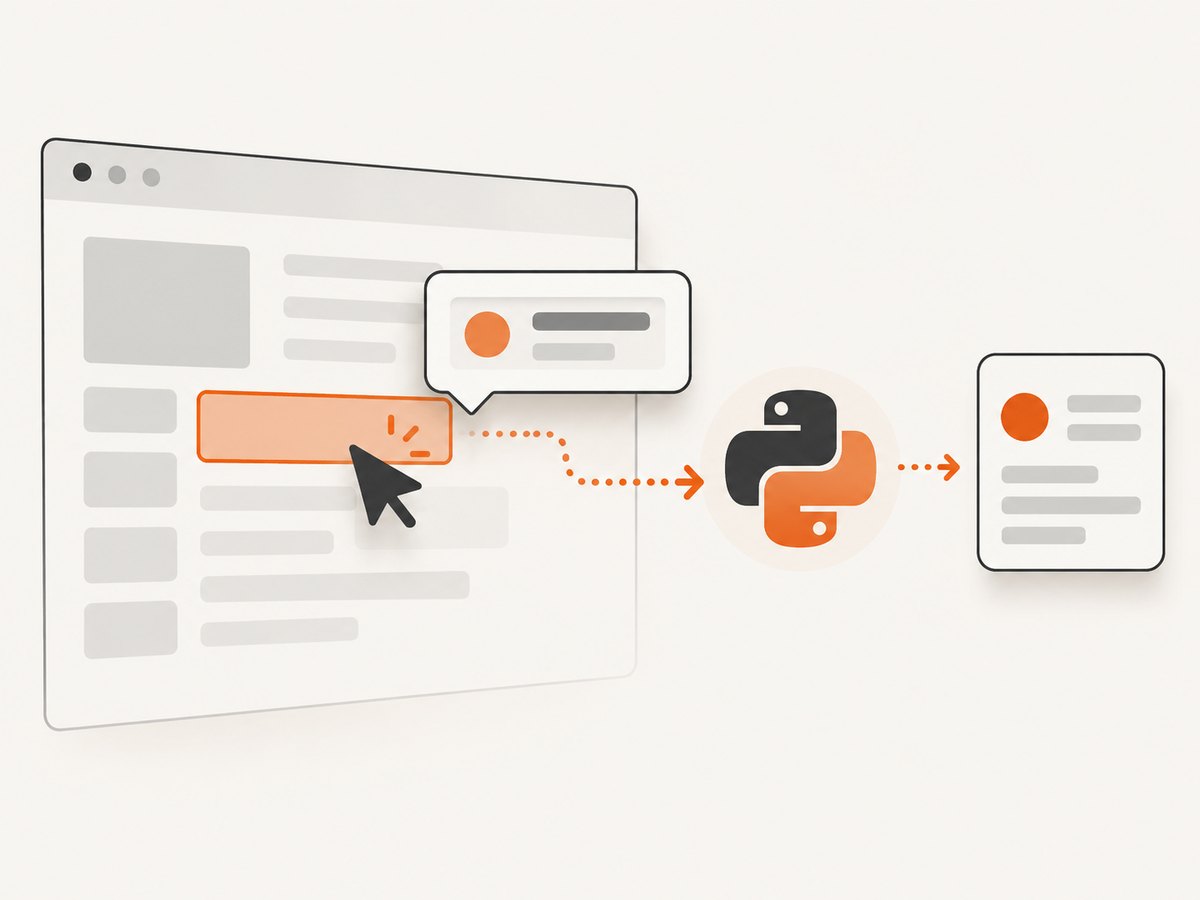
data-tooltip,data-testid, or another documenteddata-*attribute.aria-describedbyon the trigger, followed by the referenced element’s ID.role="tooltip"on the popup.- A component-specific class that is stable across builds.
Avoid generated CSS module names, long ancestry selectors, and selectors tied to a particular framework build. If a trigger has aria-describedby="tip-42", use that relationship to avoid reading a different tooltip elsewhere:
trigger = driver.find_element(By.CSS_SELECTOR, '[aria-describedby]')
popup_id = trigger.get_attribute('aria-describedby')
popup = wait.until(EC.visibility_of_element_located((By.ID, popup_id)))
text = popup.text.strip()
Waiting for dynamic popups
Use WebDriverWait with a condition that matches the site’s behavior. The Selenium waits documentation distinguishes implicit and explicit waits; an explicit wait is a good fit when a pointer event inserts or reveals a node.
| Condition | Use when |
|---|---|
visibility_of_element_located |
The popup must be displayed and readable. |
presence_of_element_located |
The node is inserted first and visibility is controlled separately. |
text_to_be_present_in_element |
The shell appears immediately but its text arrives later. |
| Custom callable | You need to match a trigger-specific ID or attribute. |
Do not replace a condition with an arbitrary long time.sleep. A short sleep can be useful for diagnosing animations, but a condition adapts to fast and slow responses.
Reading text, attributes, and hidden values
popup.text returns rendered text. Tooltips can instead store their value in an attribute or in an accessibility tree:
text = popup.text.strip()
if not text:
    text = (popup.get_attribute("aria-label") or "").strip()
if not text:
    text = (popup.get_attribute("title") or "").strip()
if not text:
    text = (popup.get_attribute("data-value") or "").strip()
For a trigger whose tooltip is entirely represented by an attribute, no hover is needed:
value = trigger.get_attribute("data-tooltip")
if not value:
    value = trigger.get_attribute("title")
Use JavaScript only to inspect DOM state or scroll. Keep the pointer action itself as a WebDriver action so the page receives the expected mouse events.
Small icons, charts, and offset movement
Center movement is the clearest default. A tiny SVG point or icon may require an offset inside its hit area:
target = driver.find_element(By.CSS_SELECTOR, "svg .data-point")
driver.execute_script("arguments[0].scrollIntoView({block: 'center'});", target)
ActionChains(driver).move_to_element_with_offset(target, 2, 2).perform()
popup = wait.until(EC.visibility_of_element_located((By.CSS_SELECTOR, '[role="tooltip"]')))
Try a few offsets when the visual target is smaller than its layout box. Keep the offset inside the element; an outside point can trigger a neighboring item or nothing at all.
Processing many triggers safely
Dynamic applications can replace the trigger list after every hover. Store an index or stable key, then locate the element again on each iteration. If the order changes, collect a stable attribute first:
items = driver.find_elements(By.CSS_SELECTOR, '[data-product-id]')
ids = [item.get_attribute('data-product-id') for item in items]

for product_id in ids:
    trigger = wait.until(EC.presence_of_element_located(
        (By.CSS_SELECTOR, f'[data-product-id="{product_id}"]')
    ))
    ActionChains(driver).move_to_element(trigger).perform()
    popup = wait.until(EC.visibility_of_element_located((By.CSS_SELECTOR, '[role="tooltip"]')))
    print(product_id, popup.text.strip())
Iframes and Shadow DOM
Iframes
Selenium cannot locate elements inside an iframe from the parent document. Switch to the frame, scrape the popup, then return to the default document:
frame = wait.until(EC.presence_of_element_located((By.CSS_SELECTOR, 'iframe.widget')))
driver.switch_to.frame(frame)
try:
    trigger = wait.until(EC.element_to_be_clickable((By.CSS_SELECTOR, '.trigger')))
    ActionChains(driver).move_to_element(trigger).perform()
    popup = wait.until(EC.visibility_of_element_located((By.CSS_SELECTOR, '[role="tooltip"]')))
    print(popup.text)
finally:
    driver.switch_to.default_content()
Nested frames require another switch_to.frame. Inspect the target page to identify the correct frame; frame names and nesting vary by site.
Shadow DOM
Light-DOM selectors do not cross a shadow boundary. Find the host, obtain its shadow root, and query inside it:
host = driver.find_element(By.CSS_SELECTOR, 'help-widget')
root = host.shadow_root
trigger = root.find_element(By.CSS_SELECTOR, '.trigger')
ActionChains(driver).move_to_element(trigger).perform()
popup = WebDriverWait(driver, 10).until(
    lambda d: root.find_element(By.CSS_SELECTOR, '[role="tooltip"]')
)
print(popup.text)
Some closed shadow roots cannot be queried directly. In that case, use an exposed accessibility attribute, a component API, or the site's documented test hook.
Common errors and fixes
| Symptom | Likely cause | Fix |
|---|---|---|
| Popup never appears | The page needs a real pointerover, the trigger is off-screen, or the selector points to a wrapper. | Scroll into view, use move_to_element, verify the hit target in DevTools, and try an offset for tiny targets. |
| Timeout after hover | Animation or network work takes longer than the wait. | Wait for visibility or text, increase the timeout based on observed behavior, and check for overlays intercepting the pointer. |
| Text is empty | The value is in aria-label, title, a data attribute, or a child rendered later. |
Inspect the live DOM and read the property that actually contains the value. |
StaleElementReferenceException |
The framework replaced the node after the hover. | Reacquire the trigger and popup inside each loop iteration. |
| Wrong popup is read | A global popup selector matches an old or unrelated tooltip. | Use aria-describedby, a component container, or a selector scoped to the active widget. |
NoSuchElementException in an iframe |
The driver is still in the parent document. | Switch to the correct frame before locating the trigger. |
| Hover works manually but not headless | Viewport size, scrolling, timing, or an animation differs. | Set a realistic window size, scroll the target to the center, and wait for a condition rather than a fixed delay. |
Performance and reliability checklist
- Use one driver session per batch instead of starting Chrome for every tooltip.
- Set a bounded page-load and explicit wait timeout so a broken page cannot block the whole job.
- Use stable selectors and collect IDs before hovering when the DOM is frequently re-rendered.
- Close or dismiss cookie banners and chat overlays if they cover the trigger.
- Save the URL, trigger key, selector, and exception for skipped items so the run is auditable.
- Limit concurrency according to available CPU and memory; each browser session consumes substantial resources.
- Capture screenshots or HTML only when diagnosing a failure, since collecting them for every item increases storage and runtime.
Or skip the browser setup
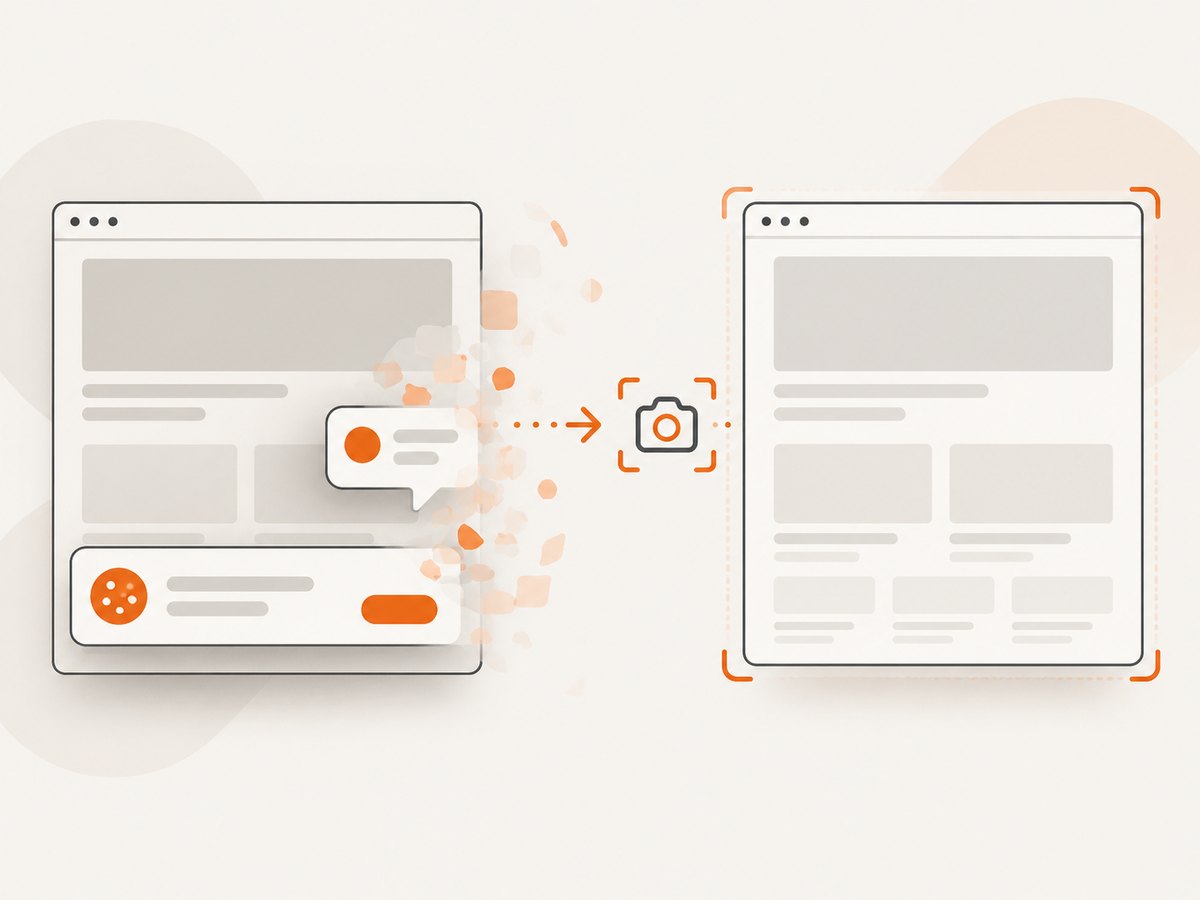
If your goal is a clean screenshot rather than extracting tooltip text, ScreenshotNeo provides a single HTTP request for PNG, JPEG, WebP, or PDF output. See the ScreenshotNeo API documentation for options.
curl -G "https://api.screenshotneo.com/v1/shot" -d access_key=YOUR_API_KEY --data-urlencode url=https://stripe.com -o shot.webpimport requests
r = requests.get("https://api.screenshotneo.com/v1/shot", params={"access_key": "YOUR_API_KEY", "url": "https://stripe.com"}, timeout=90)
r.raise_for_status()
open("shot.webp", "wb").write(r.content)const q = new URLSearchParams({ access_key: 'YOUR_API_KEY', url: 'https://stripe.com' });
const res = await fetch(`https://api.screenshotneo.com/v1/shot?${q}`);
if (!res.ok) throw new Error(`HTTP ${res.status}`);
const bytes = Buffer.from(await res.arrayBuffer());
require('node:fs').writeFileSync('shot.webp', bytes);ScreenshotNeo removes cookie and consent banners, newsletter popups, and chat widgets before the shot. Bot checks, blank pages, failed loads, timeouts, and cache hits are not billed, and the response identifies the result with X-Page-Verdict and X-Billed headers. Its MCP server includes take_screenshot, get_page_info, and capture_pdf tools for AI agents. The Free plan includes 1,000 screenshots per month with no card; paid plans start at $5 for 3,000 shots. Create a free ScreenshotNeo account.
FAQ
Can Selenium trigger a tooltip without moving the mouse?
Usually no. Most hover interfaces listen for pointerover or mouseenter, so use an ActionChains pointer move. A value exposed in title or a data attribute can be read directly.
Should I use implicit and explicit waits together?
Keep synchronization simple. An explicit wait gives each operation a clear condition; mixing long implicit waits with explicit waits can make timeout behavior harder to predict.
How do I know which element is the popup?
Hover manually, inspect the live DOM, and watch for a node whose visibility, text, or ARIA relationship changes. Prefer the trigger's aria-describedby target when available.
Why does a chart tooltip disappear before I can read it?
The pointer may have moved outside the hit area, or the chart may redraw. Use an offset inside the point, read the popup immediately after an explicit wait, and reacquire the node after redraws.


