How to Scrape Images from DeviantArt
Learn how to download DeviantArt images when creators allow it, use the documented API conditionally, and respect copyright and platform controls.
Direct answer: On DeviantArt, use the deviation’s own download control when it is available. If you are building an authorized integration, the documented API includes a conditional original-file download route, but it returns the file only “if allowed.” If neither route is available, ask the artist or find an appropriately licensed alternative. Do not try to get around disabled downloads, authentication, paid access, or other platform controls.
A file being downloadable does not mean you have permission to repost, edit, redistribute, or use it commercially. DeviantArt’s Help Center says to consult the original creator for terms of use. [DeviantArt: How do I buy or download content?]
1. What “scraping” can and cannot mean here
People use “scrape” to mean anything from saving one image to collecting many files with a script. Those actions have different access and rights implications. For an individual deviation, the supported path is the download option DeviantArt shows. For an API integration, use documented access and respect the endpoint’s permission condition. The research available for this article does not establish that arbitrary automated or bulk retrieval is allowed.
DeviantArt says not all content is downloadable. Where a download is exposed, its help instructions say to click the arrow beneath the main image. Depending on the work, the offered download can be a full-size image, a ZIP file, or paid content. Creators can choose whether to allow free downloads of a deviation’s main source file. [Download help] [Creator download settings]
2. Download an image using DeviantArt’s control
- Open the deviation’s page on DeviantArt and confirm it is the work you intend to download.
- Look beneath the main image for the download arrow or download control.
- Select the offered file. Check whether it is the full-size image, a ZIP, or a paid download, and follow the site’s displayed steps.
- Keep a record of the deviation URL, creator, download date, and any license or permission terms relevant to your intended use.
- Before publishing or modifying the file, verify the creator’s terms. If the terms are unclear, ask the creator.
If no download control appears, treat that as the creator or platform’s chosen access boundary. Do not try to reconstruct a hidden file URL or automate around the missing control. Ask the artist for permission or use another work whose license covers your intended use.
3. Download limits and paid content
DeviantArt’s help page describes weekly free public download limits by membership tier: Non-Core and Core Basic members get 10; Core+, Core Pro, and Core Pro+ get up to 150; and Core Max members get up to 300. The page says these limits exclude Sta.sh and paid content. These are platform-published limits and may change, so check the current help page before planning a workflow. [Current download guidance]
Do not treat a paid download as an invitation to automate around the purchase flow. Use the access and terms DeviantArt presents for that item. If you are collecting files for a project, first confirm that your account, the item’s availability, and the creator’s license all support that use.
4. Use the documented API only when access is allowed
The surfaced DeviantArt developer reference lists /deviation/download/{deviationid} for downloading an original file “if allowed.” It also describes OAuth in the documented API context. The reference is dated 2021-05-26; the available research did not establish current authorization for general bulk retrieval. Read the current developer documentation and applicable terms before implementing an integration. [DeviantArt API reference] [DeviantArt Terms of Service help]
The reference establishes the route shape, but does not, by itself, provide enough information here to supply a verified, runnable API request, token flow, response format, or bulk-download procedure. Do not guess those details. Follow the current official API instructions for authentication, request parameters, and permitted usage. If the API denies a file or indicates it is not allowed, stop and use the creator-approved route.
Before writing an API client
- Confirm that the current API documentation supports your intended use and account.
- Use the documented OAuth flow and keep credentials out of source control, browser code, and logs.
- Request only the individual content you are authorized to access; do not infer that one successful request permits bulk collection.
- Handle access-denied and unavailable responses as final boundaries, not as prompts to try alternate endpoints.
- Preserve attribution and license information alongside the downloaded file.
5. Know the difference between downloading and having rights
Download availability is a file-access feature, not a copyright license. DeviantArt’s Help Center states: “The ability to download an image or content does not mean it belongs to you, and you should always consult the original creator for terms of use.” [DeviantArt Help Center]
Before reusing an image, identify the creator and find the license or written permission that applies to your specific use. Permission to view or save a work does not automatically cover editing it, reposting it, including it in a product, or using it commercially. DeviantArt’s copyright policy and submission agreement provide platform context; the creator’s terms and applicable law determine what you may do. [Copyright Policy] [Submission Agreement]
6. When a screenshot is enough
If you need to document how a public deviation page appeared, rather than obtain the original artwork file, a screenshot is a different task. A screenshot records a rendered view; it does not grant rights to reproduce the artwork or replace an available creator-provided original file. Respect page access controls and avoid capturing content you are not authorized to view.
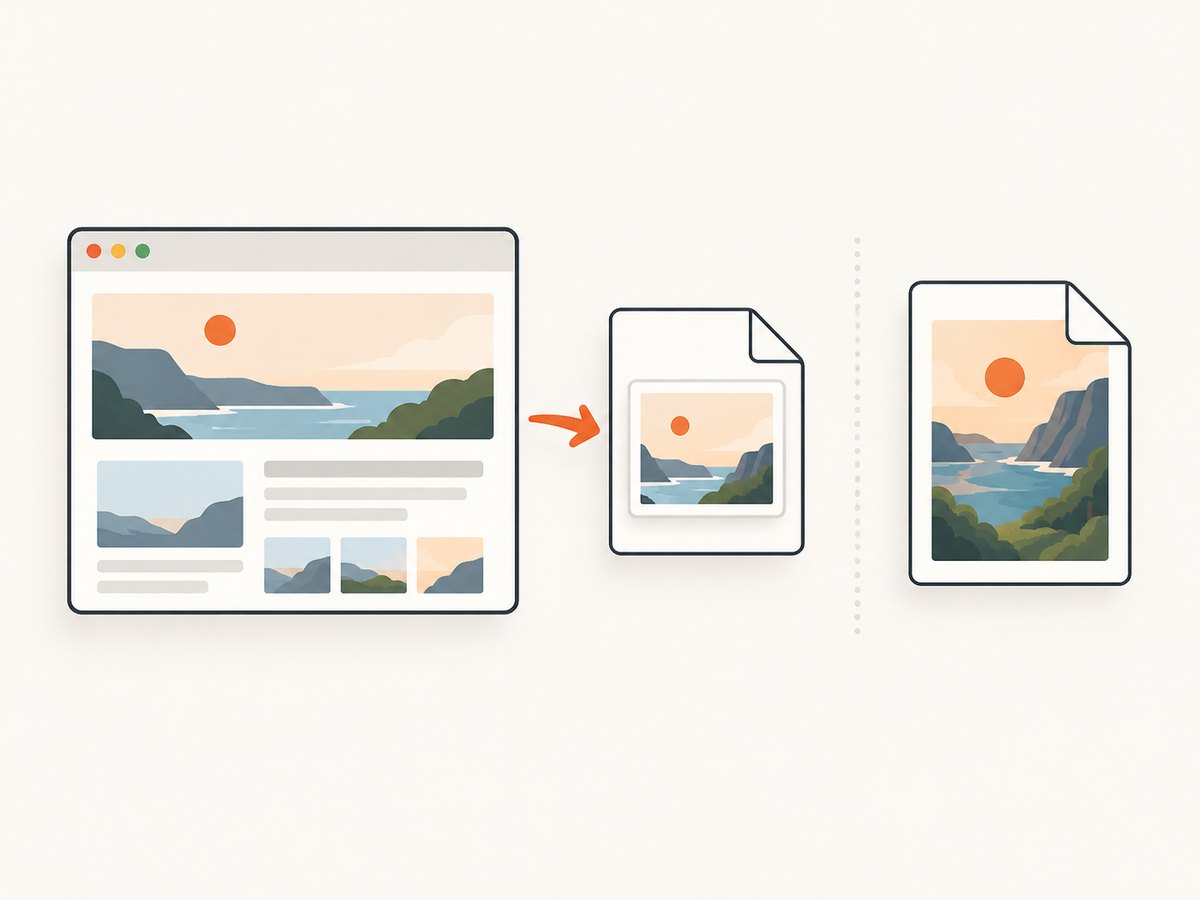
ScreenshotNeo is a website screenshot API and MCP server from Yorker Media. For page documentation, it can return a rendered screenshot or PDF, but a page capture should not be mistaken for permission to reuse the depicted art.
7. Or skip the browser setup
For an authorized screenshot of a public page, ScreenshotNeo takes a URL in one API call. See the ScreenshotNeo API documentation for request options.
curl -G "https://api.screenshotneo.com/v1/shot" -d access_key=YOUR_API_KEY --data-urlencode url=https://www.deviantart.com/ -o shot.webpimport requests
r = requests.get(
"https://api.screenshotneo.com/v1/shot",
params={"access_key": "YOUR_API_KEY", "url": "https://www.deviantart.com/"},
timeout=90,
)
r.raise_for_status()
open("shot.webp", "wb").write(r.content)const q = new URLSearchParams({
access_key: 'YOUR_API_KEY',
url: 'https://www.deviantart.com/'
});
const res = await fetch(`https://api.screenshotneo.com/v1/shot?${q}`);
if (!res.ok) throw new Error(`Screenshot request failed: ${res.status}`);
await Bun.write('shot.webp', res);Replace the example URL with a page you are allowed to capture. These requests capture a page view; they do not download the original deviation file. Cookie banners, popups, and chat widgets are removed before the shot. Bot checks, blank pages, and failed loads are never billed. An MCP server lets AI agents use screenshot tools. The free plan includes 1,000 screenshots a month with no card; paid plans start at $5 for 3,000. Create a free ScreenshotNeo account.
8. Troubleshooting
| What you see | Likely reason | What to do |
|---|---|---|
| No download arrow or control | The deviation is not offered for download, or the creator has not enabled it. | Ask the creator or choose a work with a suitable license. Do not try to bypass the control. |
| The download is a ZIP file | The creator or platform supplied a package rather than a single image. | Check the contents and any included terms before extracting or reusing files. |
| The file is smaller or different from expected | The available download may not be the full-size original; offerings vary by deviation. | Check the download description. Ask the creator if you need a particular source file. |
| The download requires payment | The content is offered as paid content. | Follow the official purchase flow and review the applicable terms. Do not automate around payment. |
| An API request is denied or returns no original file | The endpoint is conditional, and access may not be allowed for that deviation or request. | Follow current official API authentication and permission guidance. Treat a denial as a stop condition. |
| You can download but are unsure whether you can reuse it | File access does not convey copyright or a reuse license. | Read the creator’s terms and obtain permission when needed. |
| Your planned collection exceeds a weekly limit | DeviantArt publishes per-tier limits for free public downloads. | Check the current tier and limit guidance. Do not evade limits with alternate accounts or access methods. |
9. Reliability, workflow, and cost considerations
For a small, human-reviewed set, the site’s download control makes the offered file and any paid requirement visible at the point of access. Keep a simple manifest with the page URL, creator, filename, download date, and permission or license notes. This prevents a common operational mistake: losing the context that explains why a file was saved and what use was allowed.
For authorized API work, build around the current documented API contract rather than assumptions inferred from a route name. Expect that some deviations will not yield original files. Make the workflow stop cleanly when access is denied, record errors without exposing OAuth credentials, and avoid repeatedly retrying a denied request. The available reference is old enough that you should verify its current status before depending on it.
Cost can include membership limits, paid deviations, and engineering time. Confirm the content’s download terms before estimating a batch. A successful download still may not be usable for your intended purpose, so rights review belongs before—not after—a production workflow.
10. Frequently asked questions
Can I download the full-size image?
Sometimes. DeviantArt says some deviations offer a full-size image or ZIP, while availability varies. Use the download option shown for that deviation.
Can I use an image just because DeviantArt lets me download it?
No. Download access does not transfer ownership or establish reuse rights. Consult the creator’s terms and obtain permission or a suitable license.
Can I scrape many DeviantArt images with a script?
The sources here do not establish general permission for bulk retrieval. The API route is conditional (“if allowed”). Verify current API rules and authorization for your exact use; do not bypass platform controls.
What should I do if there is no download option?
Ask the artist or choose an image offered under terms that cover your use. The absence of a control is not a technical obstacle to work around.
Does ScreenshotNeo download the original artwork?
No. ScreenshotNeo captures a rendered page as an image or PDF. Use DeviantArt’s own download option for an offered original file, subject to its terms.
Sources
- DeviantArt Help Center: How do I buy or download content?
- DeviantArt Help Center: How do I enable or disable downloads on my deviations?
- DeviantArt Developers: API reference
- DeviantArt Help Center: Terms of Service
- DeviantArt Help Center: Copyright Policy
- DeviantArt Help Center: Submission Agreement


