How to Scrape Imovelweb Without Getting Blocked in 2026
A permission-first guide to collecting Imovelweb data responsibly, handling blocks, and choosing an authorized screenshot workflow.
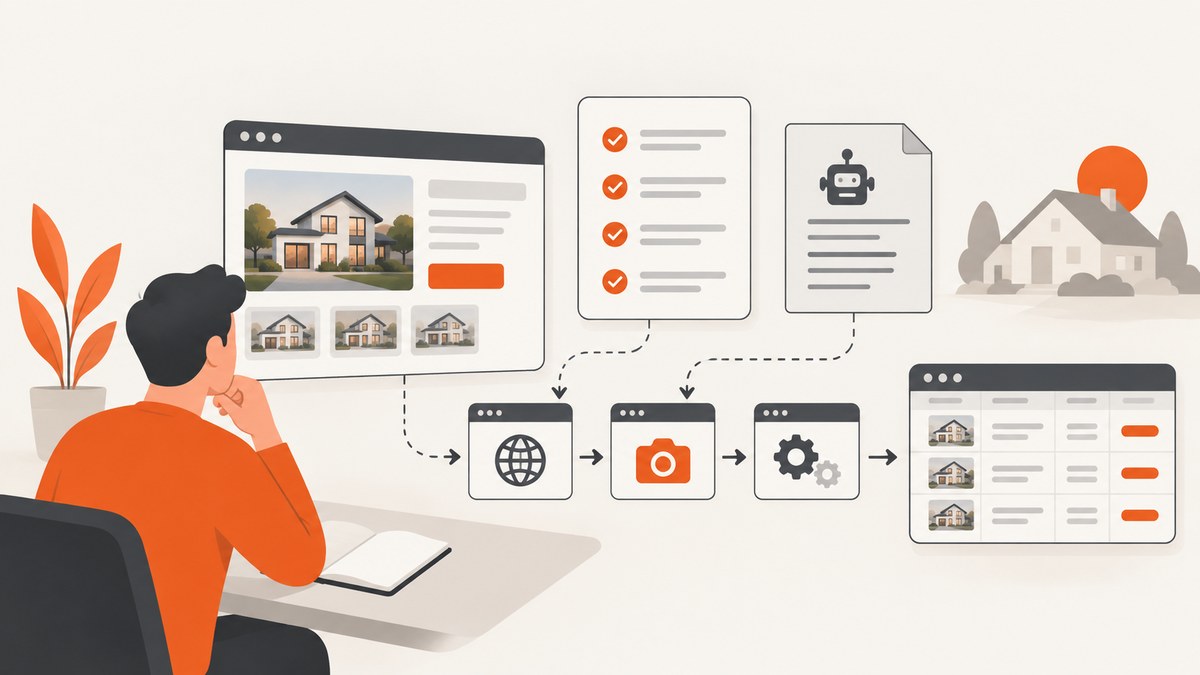
Direct answer: You cannot guarantee that a scraper will avoid Imovelweb blocks by changing user agents, rotating proxies, solving CAPTCHAs, or slowing requests. A dependable approach starts with permission, the live site rules, and a narrow collection plan. Check Imovelweb’s current terms and robots.txt, request written authorization or a licensed feed for repeated or commercial use, identify your crawler, keep traffic modest, cache permitted responses, and stop when the site denies access.
The Imovelweb terms located for this research say that third-party content published through ads, news, or links may not be altered, distributed, published, or used commercially without prior authorization from Imovelweb or the advertiser. The page is labeled © 2020, so confirm the live terms before collecting data. The same text says site operations are systematically recorded, including transaction time, IP address, registered-user identity, and the operation performed. Google describes robots.txt as crawler instructions and warns that it should not be used to protect private content. A robots allowance is not a license to republish listing text or photos.
1. What “blocked” means here
“Blocked” can mean an HTTP denial, a challenge page, an empty result, a redirect to a login or consent page, or automated access that simply stops working. The research available for this article does not verify Imovelweb’s current anti-bot vendor, request thresholds, CAPTCHA behavior, API, or authorized bulk-data program. Do not present a particular proxy, fingerprint, browser setting, or delay as a confirmed bypass.
When a request fails, treat it as a signal to pause. Save the URL, timestamp, status code, response headers, and a small redacted sample for diagnosis. Do not keep increasing concurrency or rotate identities to continue after a denial. Contact Imovelweb and, where relevant, the advertiser for an approved route.
2. Check permission before writing code
- Read the live terms. Record the URL and date you checked. The located Imovelweb terms state: “Todo e qualquer conteúdo ou serviço prestado por outras empresas e publicado no Imovelweb através de anúncios, notícias ou hyperlinks não poderá ser alterado ou distribuído, publicado ou utilizado para fins comerciais por qualquer usuário sem autorização prévia da equipe Imovelweb ou do próprio anunciante.” Read the current Portuguese text at Imovelweb’s terms.
- Check robots.txt. Fetch
https://www.imovelweb.com.br/robots.txtand keep a dated copy. Google’s guidance explains that robots.txt gives crawler instructions and says, “Atenção: não use o robots.txt para bloquear o acesso a conteúdo particular.” A disallowed path may still be indexed, and an allowed path still may not be licensed for reuse. - Define the job. Write down the URLs, fields, volume, refresh interval, retention period, users, and whether you will publish or sell the result. Listing descriptions, photographs, phone numbers, names, and geolocation can create separate copyright and privacy obligations.
- Ask for written authorization. For monitoring, lead generation, historical datasets, or any commercial or large-scale collection, request a feed or API. Ask which fields are allowed, how often you may refresh, whether photos can be stored, how attribution works, and whether redistribution is permitted.
- Set stop conditions. Stop on a written denial, repeated access errors, a challenge page, a sudden policy change, or any response that indicates automated access is not welcome.
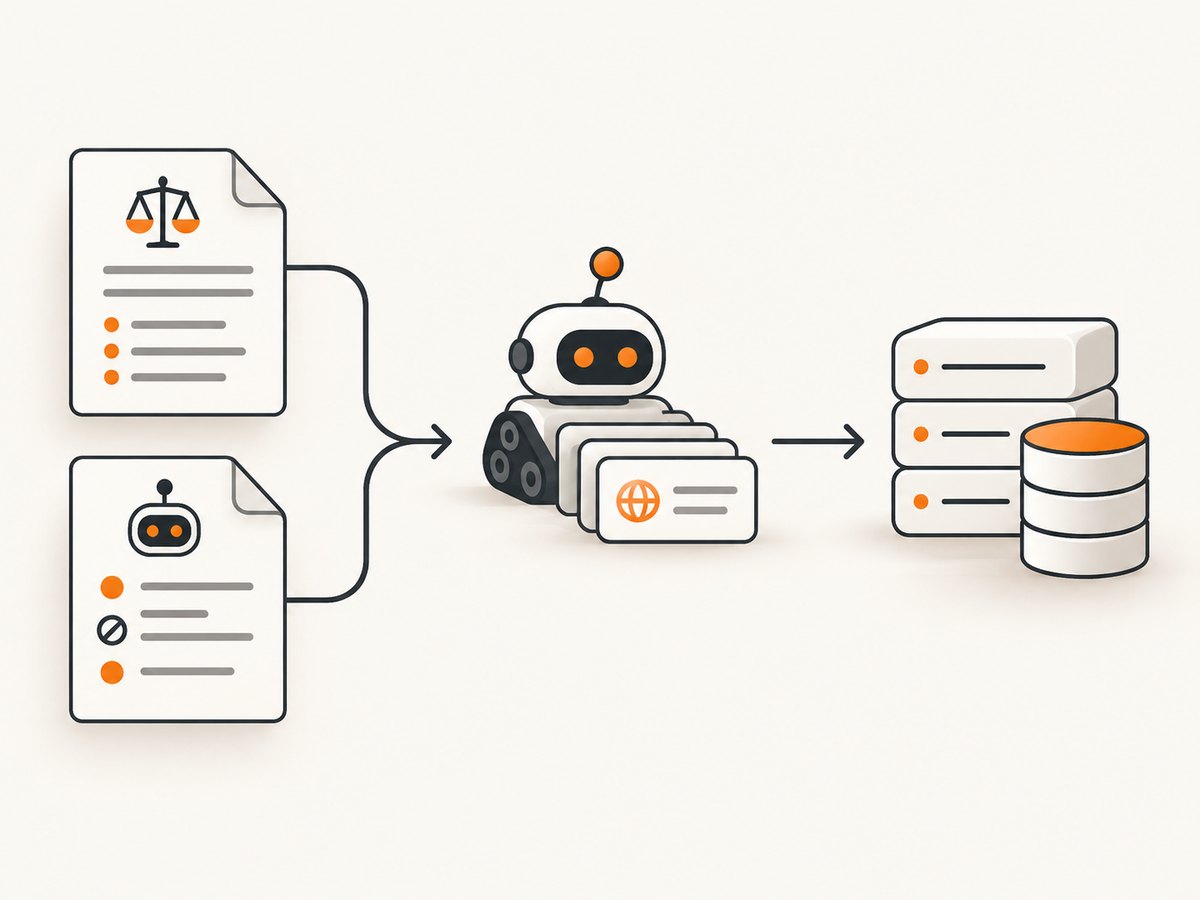
3. A compliant collection workflow
Once your scope is authorized, use a small, observable worker. Fetch only the pages you need, identify the client in a user agent when the agreement permits it, enforce a delay, cache responses, and avoid parallel bursts. Keep raw responses only as long as your authorization and privacy policy allow.
Python with Playwright
This example visits an authorized listing, waits for the page to settle, extracts title and canonical URL, and writes a snapshot. It does not attempt to solve challenges or hide the client.
import asyncio
import json
from pathlib import Path
from urllib.parse import urlparse
from playwright.async_api import async_playwright

TARGET = 'https://www.imovelweb.com.br/'  # use an authorized URL
OUT = Path('imovelweb-page.json')

async def main():
    host = urlparse(TARGET).hostname
    if host != 'www.imovelweb.com.br':
        raise ValueError('Unexpected host')

    async with async_playwright() as pw:
        browser = await pw.chromium.launch(headless=True)
        page = await browser.new_page(
            user_agent='AuthorizedResearchBot/1.0 (+mailto:you@example.com)',
            locale='pt-BR',
        )
        response = await page.goto(TARGET, wait_until='domcontentloaded', timeout=60000)
        if response is None:
            raise RuntimeError('No response')
        if response.status >= 400:
            raise RuntimeError(f'HTTP {response.status}; stop and investigate')

        title = await page.title()
        canonical = await page.locator("link[rel='canonical']").get_attribute('href')
        result = {
            'url': page.url,
            'status': response.status,
            'title': title,
            'canonical': canonical,
        }
        OUT.write_text(json.dumps(result, ensure_ascii=False, indent=2), encoding='utf-8')
        await browser.close()

asyncio.run(main())
Install with pip install playwright and playwright install chromium. In production, add a queue, a persistent cache, structured logs, and an allowlist of paths covered by your authorization. If the page presents a bot check, record that fact and stop; do not automate a bypass.
Pagination, fields, and structured data
Prefer a licensed export or structured endpoint supplied by Imovelweb. If your agreement permits HTML extraction, select only the fields you need. Validate that a page is a listing before saving it, and treat missing fields as normal. Do not assume CSS classes remain stable. JSON-LD can be useful when present, but verify that its fields are covered by your permission and that it does not include contact data you are not allowed to retain.
4. Simple HTTP requests with cURL
For a page that your authorization explicitly allows to be fetched without a browser, inspect headers first and save the response for review:
curl --fail-with-body --location \
  --user-agent 'AuthorizedResearchBot/1.0 (+mailto:you@example.com)' \
  --max-time 60 \
  'https://www.imovelweb.com.br/' \
  -D response.headers \
  -o response.html
Do not follow redirects blindly if they leave the approved host. Check the final URL, status, content type, and body size. A 200 response containing a challenge page is not a successful data response.
5. Node.js example with an explicit stop policy
const target = 'https://www.imovelweb.com.br/';
const controller = new AbortController();
const timer = setTimeout(() => controller.abort(), 60000);

try {
  const res = await fetch(target, {
    signal: controller.signal,
    headers: {
      'User-Agent': 'AuthorizedResearchBot/1.0 (+mailto:you@example.com)',
      'Accept': 'text/html,application/xhtml+xml'
    },
    redirect: 'manual'
  });

  if (res.status >= 300 && res.status < 400) {
    throw new Error(`Redirect ${res.status}; review the Location header`);
  }
  if (!res.ok) {
    throw new Error(`HTTP ${res.status}; stop rather than retrying blindly`);
  }

  const type = res.headers.get('content-type') || '';
  if (!type.includes('text/html')) {
    throw new Error(`Unexpected content type: ${type}`);
  }

  const html = await res.text();
  console.log({ bytes: Buffer.byteLength(html), url: target });
} finally {
  clearTimeout(timer);
}
6. Rate, retry, and cache settings
There is no verified Imovelweb safe rate in the supplied research. Choose the lowest rate that completes your authorized job and ask the operator if you need a documented limit. A practical control set is:
- One worker per host until the owner approves more.
- A fixed delay between requests rather than a burst.
- Exponential backoff only for transient network failures, with a small retry cap.
- No retries for 401, 403, 429, challenge pages, or explicit denial.
- A cache keyed by canonical URL and request parameters, with a retention period agreed in writing.
- A circuit breaker that pauses the job after consecutive failures.
Measure successful pages, denied pages, status codes, bytes, latency, and cache-hit ratio. These metrics help you demonstrate restraint and identify a broken selector without sending more traffic.
7. Troubleshooting common failures
| Symptom | Likely cause | Safe fix |
|---|---|---|
| 403 or 401 | Access is denied or credentials are required. | Stop, verify authorization, and contact Imovelweb. Do not rotate identities. |
| 429 | Rate or quota control. | Stop the queue, preserve the response, and ask for an approved rate. Do not retry in a tight loop. |
| 200 with a challenge | The response is an interstitial rather than a listing. | Classify it as blocked, stop, and request an authorized feed or support guidance. |
| Empty HTML | JavaScript rendering, a failed load, or an interstitial. | Capture headers and a redacted body sample. Use a browser only if your authorization permits it. |
| Selector returns nothing | Markup changed or the URL is not a listing. | Inspect one page manually, use stable semantic data where allowed, and update the parser. |
| Redirect loop | Consent, login, locale, or security flow. | Limit redirects, inspect each Location header, and resolve the flow with the site owner. |
| Timeouts | Slow resources, network problems, or deliberate throttling. | Use a bounded timeout, log timing, reduce scope, and stop after repeated failures. |
| Personal data in output | Listings include names, phones, or exact addresses. | Remove fields not covered by your purpose and authorization; apply retention and access controls. |
8. Reliability, privacy, and cost considerations
Reliability: HTML scraping is fragile because templates, consent flows, and URLs change. A permitted feed with a documented schema is usually easier to operate. Version your parser, keep fixtures from authorized pages, and alert when the expected field count drops.
Performance: Browser rendering consumes more CPU and memory than direct HTTP. Use it only when the approved page requires client-side rendering. Cache unchanged pages, process a bounded queue, and avoid downloading images when your purpose is text metadata and the agreement allows excluding them.
Privacy: Minimize collection of contact details and precise locations. Restrict logs, encrypt stored data, define deletion dates, and document who can access the dataset. Public visibility does not remove privacy responsibilities.
Cost: Your main costs are browser compute, bandwidth, storage, parser maintenance, and any licensed feed. A slower, cached, authorized workflow can cost less than repeatedly re-fetching pages that return blocks or challenge content.
9. Or skip the browser setup
If your goal is a clean visual record of an authorized Imovelweb page rather than a structured listing database, ScreenshotNeo provides a single screenshot request. Its capture can accept cookie or consent banners like a visitor and remove more than 60 known consent platforms, newsletter popups, and chat widgets before the shot; each step can be turned off. Bot checks, blank pages, timeouts, failed loads, and cache hits are not billed, and the response identifies the result with X-Page-Verdict and X-Billed headers. Use it only for pages you are allowed to capture.
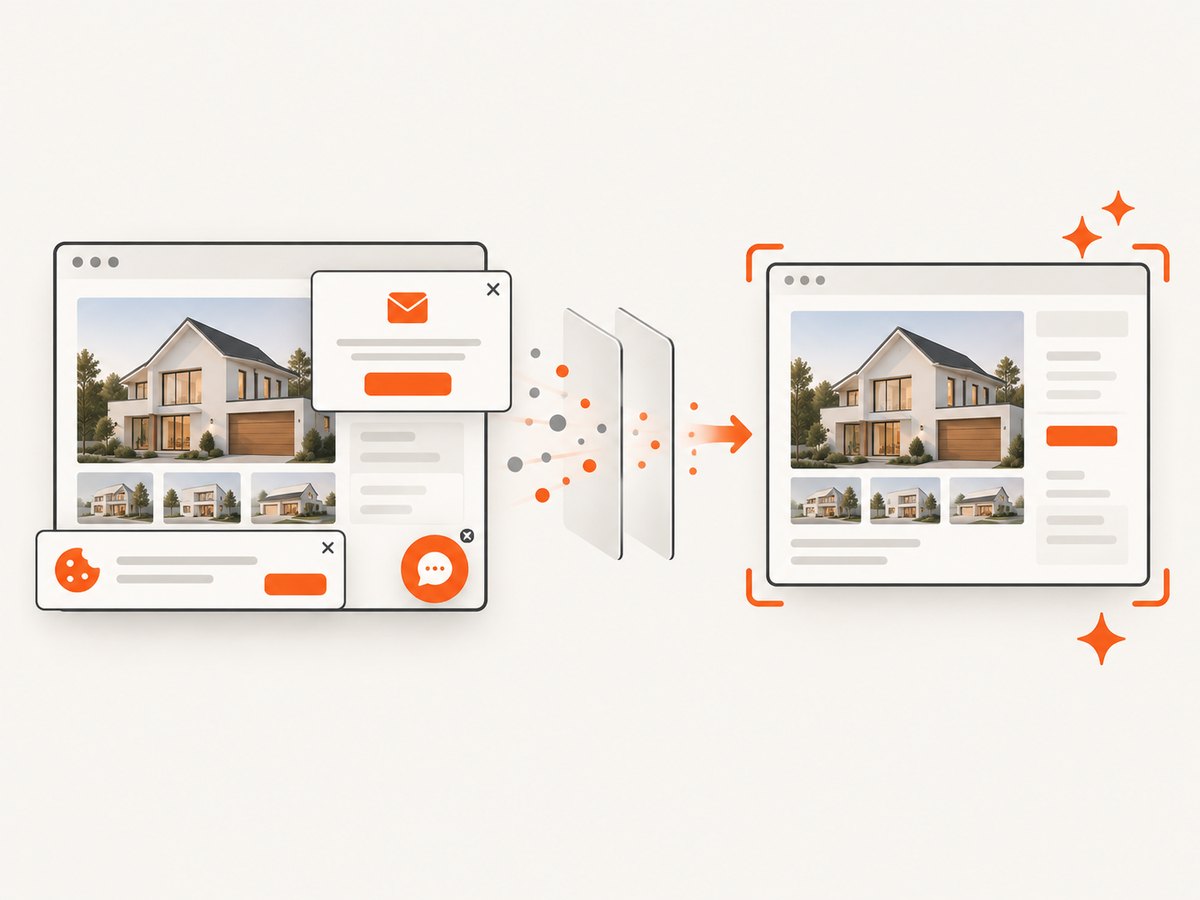
See the ScreenshotNeo API documentation for all options. The API supports full-page capture with lazy images loaded, CSS-selector element capture, dark mode, device presets or custom viewports, retina scale, PDF output, custom CSS and JavaScript, clicks, selector or network-idle waits, request blocking, headers, cookies, user agents, authorization, timezone, geolocation, transparent backgrounds, resizing, caching, signed links, asynchronous jobs, bulk capture, usage reporting, and an OpenAPI specification.
cURL
curl -G 'https://api.screenshotneo.com/v1/shot' -d access_key=YOUR_API_KEY --data-urlencode url=https://www.imovelweb.com.br/ -o imovelweb.webpPython
import requests
r = requests.get('https://api.screenshotneo.com/v1/shot', params={'access_key': 'YOUR_API_KEY', 'url': 'https://www.imovelweb.com.br/'}, timeout=90)
r.raise_for_status()
open('imovelweb.webp', 'wb').write(r.content)
Node.js
const q = new URLSearchParams({ access_key: 'YOUR_API_KEY', url: 'https://www.imovelweb.com.br/' });
const res = await fetch(`https://api.screenshotneo.com/v1/shot?${q}`);
if (!res.ok) throw new Error(`HTTP ${res.status}`);
const buffer = Buffer.from(await res.arrayBuffer());
await import('node:fs/promises').then(fs => fs.writeFile('imovelweb.webp', buffer));
ScreenshotNeo also has an MCP server with take_screenshot, get_page_info, and capture_pdf tools for Claude, Cursor, and other MCP clients. Free accounts include 1,000 screenshots per month with no card; paid plans start at $5 for 3,000 shots. Create a free ScreenshotNeo account.
10. FAQ
Can I scrape Imovelweb if robots.txt allows it?
Robots.txt is an instruction for crawlers, not a commercial-use license. Confirm the terms and obtain permission for reuse.
Should I use proxies to avoid a block?
Do not use identity rotation to bypass a denial. Ask for an approved feed or access method.
Is there a documented Imovelweb API?
This research did not verify a current API or bulk-data program. Contact Imovelweb directly and treat any claim of an API as unverified until confirmed by the operator.
What should I do with listing photos?
Assume photos require separate permission. Store or republish them only when your written authorization covers those actions.
Can ScreenshotNeo extract a CSV of listings?
ScreenshotNeo captures images or PDFs. It is useful for authorized visual records; it does not replace a licensed structured data feed.


