How to Scrape Indeed Responsibly
Learn when Indeed access is authorized, which rules apply, how to request approved API access, and how to avoid unsafe scraping practices.

Direct answer: responsible Indeed data collection starts by confirming that your exact purpose, data fields, volume, retention period, and access method are authorized. Indeed’s current Terms apply to access through the Site and APIs. Its third-party Developer Agreement prohibits scraping and creating permanent copies of End User or Job Seeker content except where required for an approved Integration or expressly allowed by documentation. If your authorization is unclear, stop collection and obtain written approval or legal advice.
This guide explains how to make that decision, how to pursue an approved integration, how to design a compliant data pipeline, and what to do when a project does not qualify. It does not provide instructions for bypassing bot checks, account limits, CAPTCHAs, rate limits, or other security controls.
1. Decide whether your proposed access is authorized
Write down the project before writing code. A precise description exposes gaps that a generic “scrape jobs” plan hides.
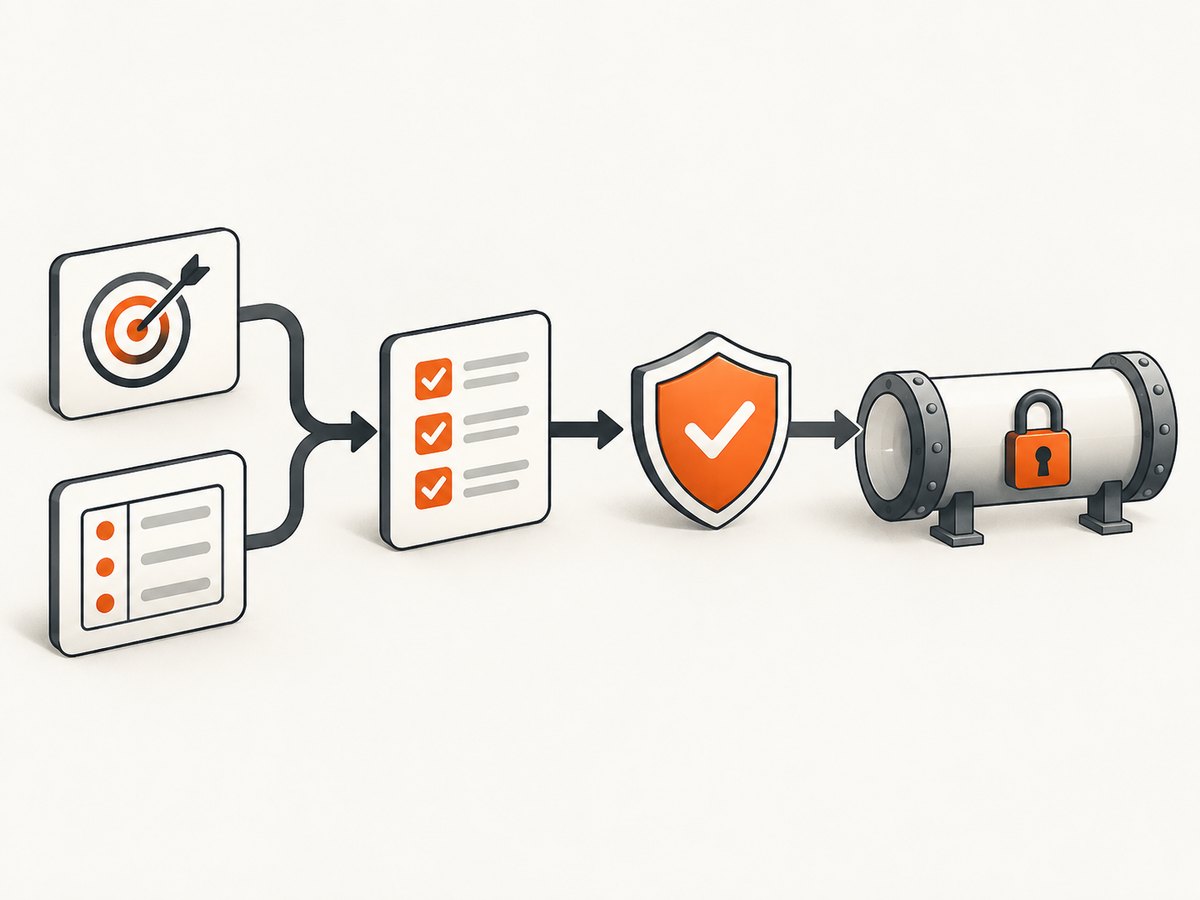
| Question | What to document |
|---|---|
| Purpose | For example, an approved recruitment integration, internal reporting, or a personal job search. |
| Data | Exact fields required: title, location, company, posting URL, or other fields permitted by the relevant documentation. |
| Volume | Requests per hour and day, number of users, and expected growth. |
| Retention | How long records remain, where they are stored, and when they are deleted. |
| Recipients | Internal teams, customers, vendors, or downstream systems that will receive the data. |
| Access method | A documented API or integration flow, rather than HTML collection from pages. |
Then compare that description with the current Indeed Terms of Service and the documentation for the specific Indeed developer program. The Terms page currently displays a July 17, 2026 update date in the supplied research. Terms can change, so check them when planning and again before launch.
Personal job-search access is not a scraping license
Indeed’s Terms describe a license for job seekers to use the Site and its content for personal, non-commercial job-search purposes. That permission is revoked when someone attempts to use the Site for another purpose. A person viewing jobs for their own search therefore does not automatically have permission to copy listings into a commercial database or redistribute them.
The developer agreement contains an explicit restriction
Indeed’s third-party Developer Agreement prohibits developers from “scrape, build databases or otherwise create permanent copies” of End User or Job Seeker content, except when required for the Integration or expressly permitted by the Documentation. It also prohibits bypassing limits or security protections. Read the complete agreement and the documentation for your program before requesting credentials.
2. Use Indeed’s documented developer process
- Identify the product and integration purpose. Describe the user-facing feature and why each field is necessary.
- Request access through Indeed’s developer process. The Developer Agreement describes limited API access for integration purposes, subject to documentation and agreement. Indeed may grant API keys at its discretion.
- Obtain written approval where required. The agreement says approval may be required before first use or distribution of an Integration. Keep the approval, scope, and versioned documentation with your project records.
- Implement only documented endpoints and fields. Do not substitute page scraping when an endpoint does not expose a field you want.
- Confirm limits and monitoring requirements. Indeed may monitor usage, request metrics, restrict access, or terminate access for violations.
- Review the design before launch. Have privacy, security, and legal reviewers confirm the purpose, retention, user notices, and deletion process.
3. Build a data-minimizing pipeline
An approved connection still needs controls. Treat every returned field as restricted until you can explain why it is needed.
Recommended controls
- Allowlist fields instead of storing the entire response.
- Keep a retention deadline for each table or object.
- Hash or tokenize identifiers when a stable key is needed without retaining raw values.
- Encrypt data in transit and at rest, and restrict production credentials to the service that needs them.
- Log request IDs, endpoint names, status codes, and aggregate counts; avoid logging resumes, email addresses, phone numbers, or other personal content.
- Provide deletion and correction workflows for data that your approved integration is allowed to retain.
- Separate test data from production data and remove test exports after the test window.
A safe policy gate in Python
The following runnable example is a local review gate. It prevents a job from starting until the project has an approval record, a documented endpoint, a field allowlist, and a retention period. Replace the values only after your authorization is documented.
from dataclasses import dataclass
from datetime import date

@dataclass
class CollectionPlan:
    purpose: str
    approved: bool
    endpoint_documented: bool
    fields: set[str]
    allowed_fields: set[str]
    retention_days: int


def validate(plan: CollectionPlan) -> None:
    problems = []
    if not plan.purpose.strip():
        problems.append("purpose is missing")
    if not plan.approved:
        problems.append("written approval is missing")
    if not plan.endpoint_documented:
        problems.append("endpoint is not documented for this integration")
    unexpected = plan.fields - plan.allowed_fields
    if unexpected:
        problems.append(f"fields are outside the approved allowlist: {sorted(unexpected)}")
    if plan.retention_days <= 0:
        problems.append("retention_days must be positive")
    if problems:
        raise RuntimeError("Collection blocked: " + "; ".join(problems))


plan = CollectionPlan(
    purpose="Approved internal integration",
    approved=False,                 # Change only after approval is recorded.
    endpoint_documented=False,      # Confirm in the current Indeed documentation.
    fields={"job_title", "location"},
    allowed_fields={"job_title", "location"},
    retention_days=30,
)

validate(plan)
print(f"Plan validated on {date.today().isoformat()}; collection may proceed.")
This gate does not grant permission. It makes missing decisions visible before an HTTP client, browser, or scheduled job can collect anything.
4. Do not use technical signals as permission
Indeed says it employs anti-scraping technology to prevent third parties from lifting listings, and it uses secure communication relays to protect direct contact information. A robots.txt rule, if you encounter one, would not by itself establish authorization under the Terms or developer documentation. This guide did not inspect Indeed’s robots.txt, and a robots rule cannot replace an agreement.
Never rotate proxies to conceal the application, defeat an account limit, solve a CAPTCHA, impersonate a browser to evade controls, or probe undocumented endpoints. Those actions can violate the agreement and make it harder to establish a legitimate integration.
5. Handle personal data carefully
Job listings can contain names, contact details, or other information connected to an individual. Indeed’s data-protection statement describes secure communication relays, de-identification, and aggregation. Your system should collect and retain the minimum data needed for the approved purpose.
Practical privacy checklist
- Document the lawful and contractual basis for each data category.
- Do not collect Job Seeker content unless the approved integration and documentation require it.
- Redact personal fields from application logs and error payloads.
- Restrict exports and add an owner for deletion requests.
- Set automatic expiry jobs rather than relying on manual cleanup.
- Review vendors that receive the data and record the permitted purpose for each one.
6. Reliability and performance without evasion
Approved access still benefits from ordinary engineering discipline. Use the limits and retry guidance in the applicable documentation. Apply exponential backoff only for transient failures, cap retries, and stop on authorization, validation, or permission errors.
| Condition | Action |
|---|---|
| 2xx response | Validate the schema, keep only approved fields, and record an aggregate success metric. |
| 429 or documented limit response | Pause according to the documented retry guidance; do not open extra accounts or rotate identities. |
| 401/403 | Stop and check credentials, approval status, scopes, and agreement terms. |
| 5xx or network timeout | Retry a small, bounded number of times with backoff; send persistent failures to an operator. |
| Schema change | Quarantine the response and review the current documentation before updating code. |
Cache only what your agreement permits. A cache that becomes a permanent copy of End User or Job Seeker content can create the exact risk the Developer Agreement addresses. Set an expiry that matches the approved retention period and delete expired records automatically.
7. Troubleshooting common project failures
“The page is public, so I can copy it.”
Cause: confusing visibility with permission. Fix: verify the Terms, developer documentation, purpose, and data scope. Use an approved endpoint or stop.
“Robots.txt allows my crawler.”
Cause: treating a technical convention as a contract. Fix: obtain authorization under the applicable agreement; robots.txt cannot approve an otherwise restricted use.
“The API does not return the field I need.”
Cause: trying to extend an integration beyond its documented scope. Fix: ask Indeed whether the field and use case can be approved. Do not collect it from HTML as a workaround.
“Requests are blocked or challenged.”
Cause: anti-scraping or security controls. Fix: stop automated access, check your approved integration and limits, and contact the program owner. Do not bypass the control.
“Our database has more data than we need.”
Cause: storing complete responses by default. Fix: add an allowlist, redact logs, set expiry jobs, and delete fields outside the approved purpose.
“Approval changed after launch.”
Cause: relying on an old agreement or undocumented assumption. Fix: pause affected jobs, preserve an audit record, review the current terms, and obtain updated written scope.
8. Or skip the browser setup
When your project needs screenshots of pages you are authorized to access, ScreenshotNeo provides a single HTTP request that returns PNG, JPEG, WebP, or PDF. It does not authorize access to Indeed data; you remain responsible for permission and terms. It can remove cookie banners, newsletter popups, and chat widgets before the shot. Bot checks, blank pages, timeouts, failed loads, and cache hits are not billed, and each response identifies the page verdict and billing result in headers. Its MCP server lets Claude, Cursor, and other MCP clients call take_screenshot, get_page_info, and capture_pdf.

See the ScreenshotNeo API documentation for all options.
curl -G "https://api.screenshotneo.com/v1/shot" -d access_key=YOUR_API_KEY --data-urlencode url=https://stripe.com -o shot.webpimport requests
r = requests.get("https://api.screenshotneo.com/v1/shot", params={"access_key": "YOUR_API_KEY", "url": "https://stripe.com"}, timeout=90)
open("shot.webp", "wb").write(r.content)const q = new URLSearchParams({ access_key: 'YOUR_API_KEY', url: 'https://stripe.com' });
const res = await fetch(`https://api.screenshotneo.com/v1/shot?${q}`);There are 1,000 screenshots each month on the free plan with no card. Paid plans start at $5 for 3,000 shots, and every feature is included on every plan. Create a free ScreenshotNeo account.
9. Cost and operational planning
Budget for approved API usage, storage, monitoring, review time, and deletion workflows. Avoid collecting data merely because a request is cheap: contractual scope and privacy obligations remain the controlling constraints. For screenshot work, ScreenshotNeo bills only clean shots; cache hits and failed or unusable captures are not billed. Choose caching TTLs, image formats, viewport sizes, and PDF settings that match the actual requirement.
10. Frequently asked questions
Does Indeed allow scraping?
The supplied official agreements restrict scraping and permanent copies except where required for an Integration or expressly permitted by documentation. Check the current Terms and obtain approval for your specific use.
Can I collect listings for a personal project?
Personal, non-commercial job-search use is described in the Terms, but that does not automatically permit building a reusable database or redistributing listings.
Can I use a headless browser with permission?
Only if the applicable agreement and documentation authorize that method and purpose. A browser does not expand your permission.
Should I keep a permanent archive?
Only when the approved Integration and documentation require or expressly allow it. Otherwise use the minimum retention period and delete expired records.
What should I do if the scope is uncertain?
Pause collection, preserve the project description, and obtain written authorization or advice from counsel familiar with the relevant jurisdictions.
Conclusion
Responsible Indeed access is a permission and data-governance problem before it is a programming problem. Define the purpose and fields, use the documented developer process, minimize retention, respect limits, and stop when authorization is unclear. If the approved task is to capture pages for documentation or monitoring, ScreenshotNeo can handle the screenshot step without requiring you to maintain browser infrastructure.


