How to Scrape Instagram Reels Automatically
There is no general, documented Instagram API for scraping other people’s Reels. Here’s how to check authorization, use supported workflows, and handle permitted research safely.

Direct answer: you should not automatically scrape Instagram Reels unless you have explicit permission and a supported way to access the specific data. The official Instagram API material covered by the research documents authenticated publishing of Reels from professional accounts; it does not establish a supported general endpoint for collecting or downloading other people’s Reels. Public visibility is not permission for automated bulk collection. If you own or administer the account, check Meta’s current API documentation for the data and permissions available to that account before building a reader.
This guide explains how to assess the request, use the documented publishing workflow when that is your goal, and structure a permitted collection project without relying on login sharing, scraping workarounds, or anti-detection tactics. Access rights and reuse rights are separate: being able to view or download a video does not automatically grant the right to republish it.
1. Decide whether your use is authorized
Meta defines scraping as automated collection from a website or app. It can be authorized, such as crawling done with the site’s consent, or unauthorized. Meta states that using automation to collect data from its products without permission violates its terms, and describes rate limits and data limits as part of its defenses against scraping. Its guidance does not treat information being visible to ordinary visitors as blanket permission for automation. Read Meta’s explanation, How We Combat Scraping, before designing a collector.
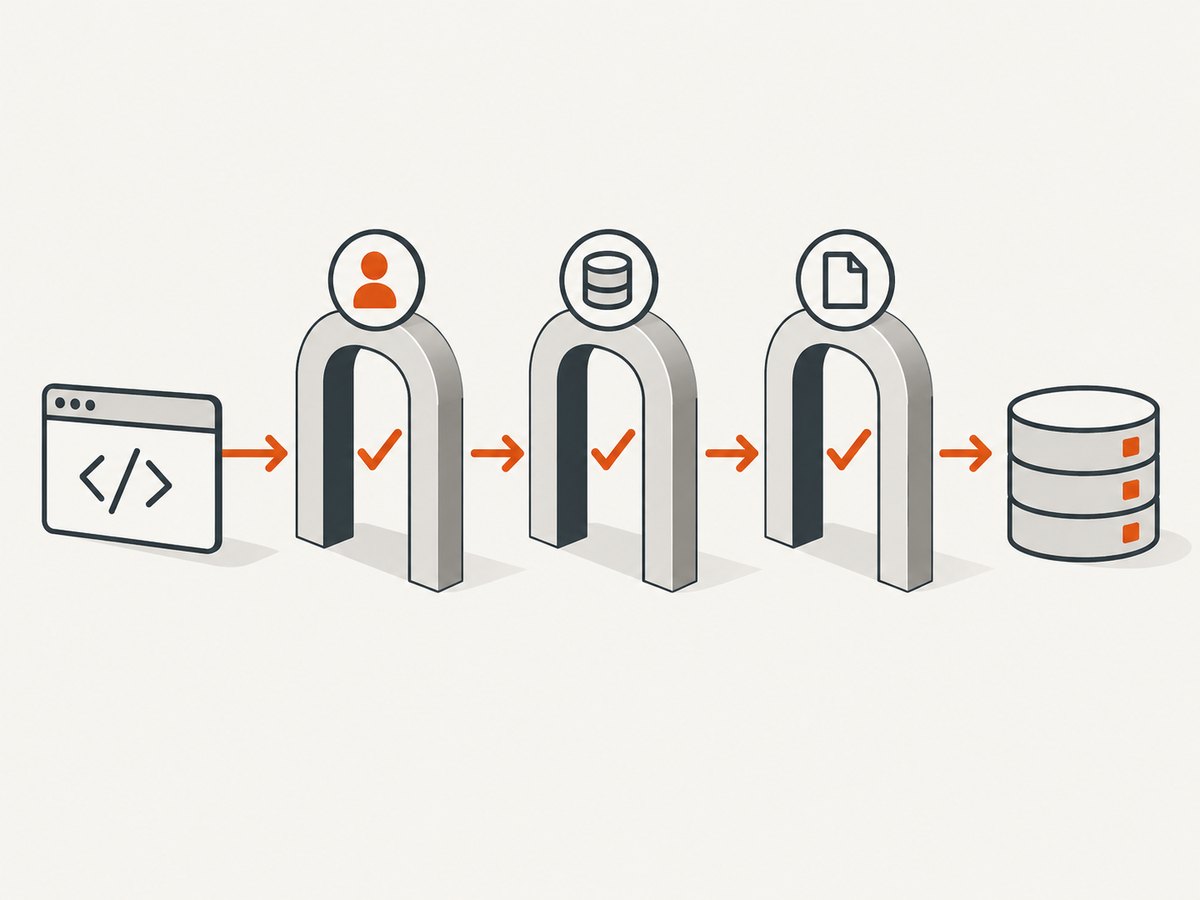
Before writing code, answer these questions:
- Whose account or media? Is it your organization’s professional account, a creator’s account you administer, or a third party’s content?
- What operation? Are you publishing a Reel you control, reading account data through a documented permission, capturing a visual reference, or downloading media?
- What permission covers it? Confirm the current API endpoint, app review or permission requirements, account eligibility, permitted purpose, and data retention rules in official Meta documentation.
- Do you have reuse rights? Get permission for any media you plan to republish, redistribute, or use beyond the access the platform grants.
Stop if you cannot confirm the endpoint and permission for the exact read operation. Do not substitute browser automation, shared credentials, session cookies, or third-party “download” endpoints for an authorized API. Those methods do not establish permission, may expose account credentials, and can fail when the site changes.
2. Know what the documented Instagram API example supports
The official material found for this topic covers a publishing workflow for professional Instagram accounts. In broad terms, an authenticated client creates a media container using a publicly accessible source video URL and an access token, checks the container’s processing status, then publishes the Reel. That is a way to publish content to an account you are authorized to manage. It is not evidence of a general API for bulk-reading or downloading third-party Reels.
Start from the current Instagram API collection in Meta’s Postman workspace and follow its links to current official developer documentation. Verify every endpoint and permission against current Meta documentation before implementing; account requirements and API behavior can change. The collection requires authentication and the appropriate account permissions. Do not infer that a publishing permission also grants read or download access.
If your actual need is to publish content that you control, use the documented publishing path and test against an account and app with the required permissions. If your need is third-party Reel data, first locate an official current read endpoint that explicitly grants that operation. The research for this guide did not resolve which current endpoint and permission set, if any, supports permitted automated reads of third-party Reels, so this article does not invent one.
3. A safe implementation plan for permitted collection
For an approved project, write down its scope before building the collector. A narrow scope makes it easier to confirm that the permission matches the data and purpose. Keep the authorization evidence and technical controls alongside the code.
- Define the fields. List only the specific fields your project needs. Separate post metadata, account information, and video files; access to one does not imply access to the others.
- Confirm eligibility. Check whether the account type, app mode, review status, and user authorization satisfy the current endpoint’s requirements.
- Set retention and reuse rules. Decide who can access the results, how long they are kept, how deletion requests are handled, and whether the data or media will be shown outside the project.
- Use the documented endpoint. Make authenticated requests with the minimum scopes needed. Use official pagination and rate-limit guidance when the endpoint documents them.
- Record provenance. Store the source account, retrieval time, endpoint, permission basis, and any restrictions with each record. Do not treat a successful HTTP response as proof of reuse rights.
- Recheck access periodically. Review current API documentation and project permissions before expanding the fields, account set, or purpose.
The following small Python example is deliberately a project-scope validator, not an Instagram scraper. It checks that a project has identified its authorization basis and scope before you connect it to an approved API client. It makes no network calls and cannot grant access; fill in the values only after confirming them in current official documentation.
#!/usr/bin/env python3
"""Validate a documented, authorized collection plan before implementation."""
from dataclasses import dataclass

@dataclass
class CollectionPlan:
    account_type: str
    operation: str
    permission_basis: str
    approved_endpoint: str
    fields: tuple[str, ...]
    retention_days: int
    reuse_permission: bool


def validate(plan: CollectionPlan) -> list[str]:
    errors = []
    if not plan.account_type.strip():
        errors.append("Identify the account type and who administers it.")
    if not plan.operation.strip():
        errors.append("Specify the exact operation: publish, read metadata, or another task.")
    if not plan.permission_basis.strip():
        errors.append("Record the permission basis; public visibility is not enough.")
    if not plan.approved_endpoint.startswith("https://"):
        errors.append("Record the HTTPS endpoint from current official documentation.")
    if not plan.fields:
        errors.append("Choose only the fields required for the approved purpose.")
    if plan.retention_days < 1:
        errors.append("Set a finite retention period and deletion process.")
    if plan.reuse_permission is False:
        errors.append("Do not republish media without separate reuse permission.")
    return errors

if __name__ == "__main__":
    plan = CollectionPlan(
        account_type="professional account administered by our team",
        operation="publish a Reel we own",
        permission_basis="account authorization and current Meta API permission",
        approved_endpoint="https://www.postman.com/meta/instagram/collection/6yqw8pt/instagram-api",
        fields=("publishing status",),
        retention_days=30,
        reuse_permission=True,
    )
    problems = validate(plan)
    if problems:
        print("Plan needs review:")
        for problem in problems:
            print(f"- {problem}")
        raise SystemExit(1)
    print("Scope recorded. Implement only the operation documented for this account.")
This check is intentionally conservative: setting reuse_permission=True is a declaration by the project owner, not a legal determination. Likewise, a URL in the plan is a record of the documentation consulted, not proof that the endpoint supports every listed operation. Keep the endpoint-specific implementation separate and verify it against the current documentation.
4. What to do when the goal is publishing or visual review
Publishing your own Reel
Use Meta’s authenticated publishing flow for an eligible professional account. Provide a source video URL that meets the API’s requirements, create the media container, poll the documented status until processing is complete, then publish it. Handle API errors according to current documentation. Avoid copying a publishing example and changing its purpose into a third-party downloader: the workflow’s existence does not authorize that use.
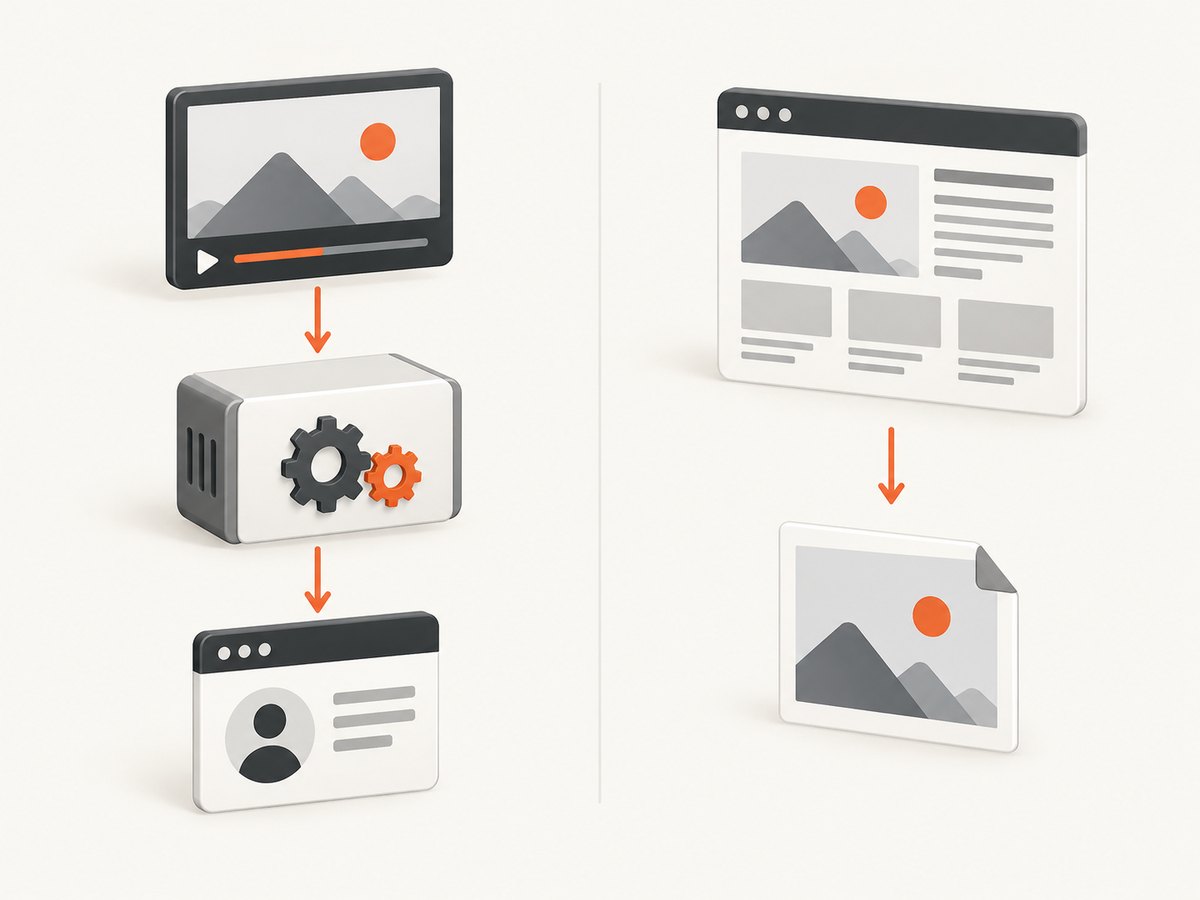
Keeping an internal visual reference
If your team has permission to review a page visually, a screenshot can preserve what was displayed at a particular moment, but it is not a way to retrieve the original Reel video or bypass Instagram’s access controls. Treat screenshots as a separate record, restrict access to them, and confirm that your use is permitted. For your own pages or authorized URLs, ScreenshotNeo is a website screenshot API: one GET request can return a PNG, JPEG, WebP, or PDF. See the ScreenshotNeo site and the API docs for its supported options.
5. Troubleshooting common failures
| Symptom | Likely cause | Next step |
|---|---|---|
| No documented endpoint for the requested Reel data | The available documentation may cover a different operation, such as publishing, or the account may not qualify. | Do not guess endpoints. Check current official read-access documentation and contact the platform through its developer support path if the permission question remains unclear. |
| Authentication or permission error | The token, app, account type, or granted permission does not satisfy the endpoint requirements. | Review the current endpoint prerequisites and token permissions. Request only permissions needed for the documented use. |
| A Reel is visible in the app but unavailable through your integration | Visibility in the consumer interface does not imply API availability or automated collection permission. | Confirm the API’s documented media availability for this account and content. Do not fall back to browser scraping. |
| Publishing container remains in processing or fails | The source URL, media, permissions, or container state may not meet publishing requirements. | Use the current publishing guide’s status and error details, verify the source video meets requirements, and retry only after correcting the reported issue. |
| Access is rate-limited or blocked | The request rate or collection behavior may exceed platform limits, or the operation may not be authorized. | Stop automated requests, inspect official limits and permissions, and do not rotate accounts, proxies, or identities to evade enforcement. |
| You can view or download a video but cannot republish it | Technical access is not a copyright license. | Get permission from the rights holder or use media you created or licensed. Meta’s copyright guidance explains that downloading content does not itself settle copyright concerns. |
6. Reliability, performance, and cost considerations
Do not estimate a large-scale collection job from a few successful page loads. Official APIs may have permissions, rate limits, data limits, pagination rules, and media availability constraints. Design around the documented limits for the exact endpoint; if the endpoint or permission is unclear, the reliable choice is to resolve that question before collecting anything.
- Reliability: Record request outcomes and timestamps, distinguish temporary failures from permission failures, and make retries bounded. Follow the endpoint’s retry instructions rather than repeatedly sending requests after denial.
- Performance: Request only required fields and process authorized pages incrementally if official pagination is provided. Avoid parallelizing requests beyond documented limits.
- Security: Keep access tokens out of source control and logs, restrict them to the smallest available permissions, and revoke credentials that are no longer needed. Never give a scraping service your Instagram password.
- Cost: Budget for your own storage, processing, review, and any API infrastructure. No supported general third-party Reel scraping endpoint or associated pricing was established by the research, so a per-Reel collection cost cannot be stated responsibly.
- Rights and retention: Minimize retained media and metadata, document the permission basis, and follow deletion and reuse terms for the project.
7. Or skip the browser setup
For a website URL you are authorized to capture, ScreenshotNeo can return an image or PDF with one GET request. This is for screenshots, not for scraping or downloading Instagram Reel video. Consult the ScreenshotNeo API documentation for request options.
curl -G "https://api.screenshotneo.com/v1/shot" -d access_key=YOUR_API_KEY --data-urlencode url=https://stripe.com -o shot.webpimport requests
r = requests.get("https://api.screenshotneo.com/v1/shot", params={"access_key": "YOUR_API_KEY", "url": "https://stripe.com"}, timeout=90)
open("shot.webp", "wb").write(r.content)const q = new URLSearchParams({ access_key: 'YOUR_API_KEY', url: 'https://stripe.com' });
const res = await fetch(`https://api.screenshotneo.com/v1/shot?${q}`);
if (!res.ok) throw new Error(`Screenshot request failed: ${res.status}`);
await import('node:fs/promises').then(fs => fs.writeFile('shot.webp', Buffer.from(await res.arrayBuffer())));ScreenshotNeo removes cookie and consent banners, newsletter popups, and chat widgets before capture; each step can be turned off. Bot checks, blank pages, timeouts, failed loads, and cache hits are not billed, and response headers identify the page verdict and billing status. Its MCP server gives AI agents tools for screenshots, page information, and PDF capture. The Free plan includes 1,000 shots each month with no card; paid plans start at $5 for 3,000 shots. Create a free ScreenshotNeo account.
8. Frequently asked questions
Does a public Reel mean I can scrape it?
No. Public visibility alone is not permission for automated bulk collection under the guidance in this research. Confirm authorization and supported API access for the exact operation.
Can I use the publishing API to download other creators’ Reels?
The documented publishing example supports publishing content to an authorized professional account. It does not establish a general third-party download API.
If I can download a Reel, can I repost it?
Not automatically. Permission to access or download and permission to reuse are distinct. Obtain the necessary rights before redistribution.
Is a screenshot equivalent to a Reel download?
No. A screenshot records a visual view of a page; it does not provide the original video file or authorize collection of the media.
Where should I check for changes?
Use current official Meta developer documentation and changelogs for API permissions, endpoint behavior, and media availability. The research behind this guide did not settle the current third-party Reel read-access question.


