How to Scrape Instagram Without Getting Blocked
There is no reliable block-proof Instagram scraper. Learn the authorized API route, enforcement limits, compliant workflows, and safer screenshot options.

Short answer: You cannot reliably scrape Instagram without getting blocked, and avoiding detection would not make unauthorized collection permitted. Instagram and its parent company Meta actively detect and restrict automated collection. The dependable approach is to use Meta’s documented API for an eligible use case, collect only the data your permission covers, and stop when the API does not support your intended workflow.
Meta defines scraping as “the automated collection of data … from a website or other interfaces and features built for people.” It distinguishes authorized collection from unauthorized automation that violates its terms. Meta also says it has an External Data Misuse team dedicated to making unauthorized scraping harder and more costly. Read Meta’s explanation of scraping and protection.
Can I scrape Instagram without getting blocked?
No method can guarantee that. Request delays, proxies, VPNs, browser automation, rotating accounts, or changing fingerprints do not turn an unauthorized workflow into an approved one, and none provides a permanent block-proof threshold. A technique that works today can fail after an enforcement change, and attempts to disguise automation can create additional account, contractual, privacy, and security exposure.
Meta reported in May 2021 that it blocked “billions of suspected scraping actions per day across Facebook and Instagram.” That is a historical, company-reported figure, not a current rate or an independently audited benchmark. It demonstrates the scale of enforcement rather than giving you a safe request limit. See Meta’s 2021 report.
Separate the two questions that are often confused:
- Permission: Are you authorized to access and use this data for this purpose?
- Detection: Did the service fail to identify your automation yet?
Only the first question establishes a defensible collection plan.
Choose the official route before writing a collector
Meta’s documented Instagram API is designed for Instagram professionals—businesses and creators managing their presence. The Facebook Login path documented by Meta requires a Facebook Page linked to a professional Instagram account and cannot access consumer accounts. Capabilities include managing and publishing media, replying to comments on your media, identifying media where your account is mentioned, finding hashtagged media, and obtaining certain metadata and metrics about other Instagram businesses and creators. Permissions, review requirements, and supported fields can change, so verify the current Meta developer documentation before implementation.
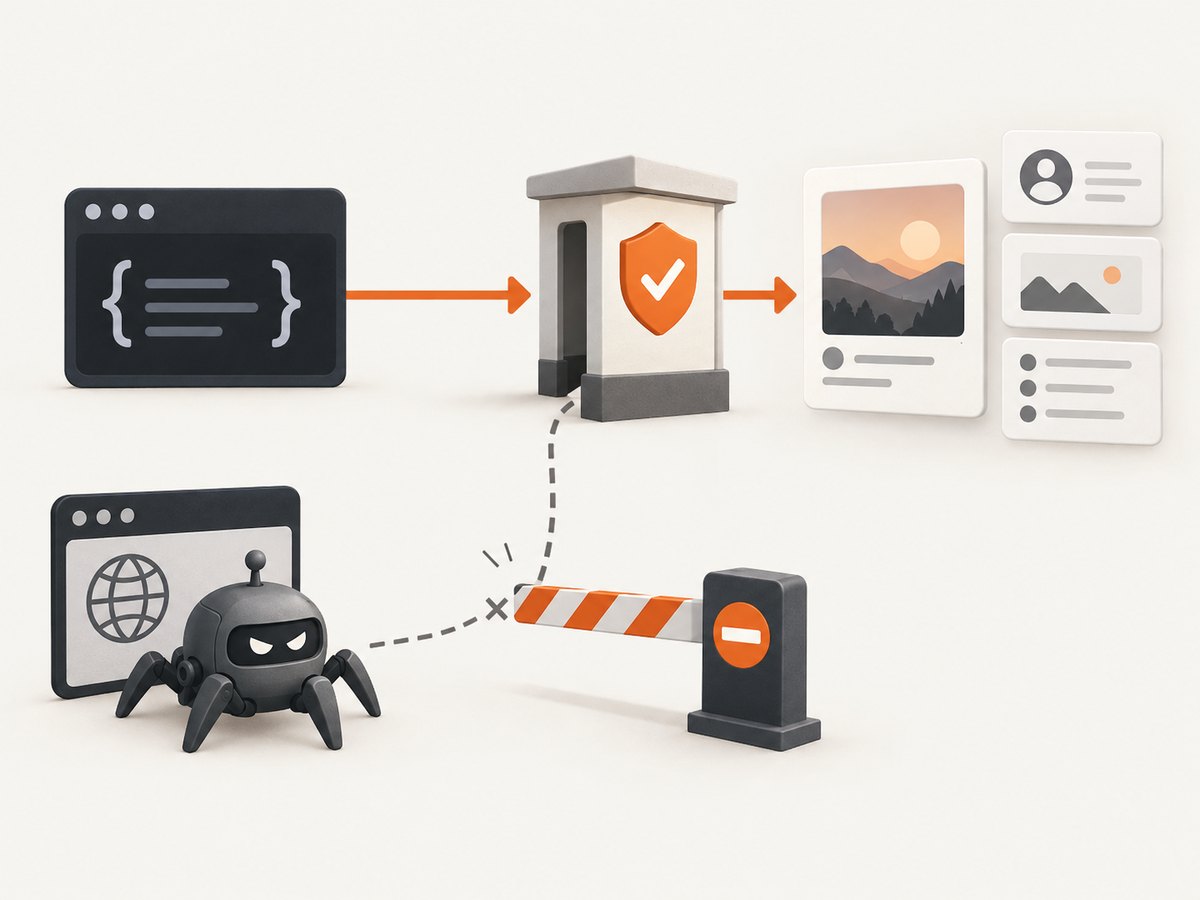
Eligibility checklist
- Identify whether the account is a Business or Creator account.
- For the Facebook Login path, confirm that a Facebook Page is linked to that professional Instagram account.
- Write down the exact fields, accounts, time range, and business purpose you need.
- Check that the current API documentation lists those fields and actions.
- Request only the permissions needed for that purpose.
- Define retention, deletion, access control, and user-request procedures before collecting data.
If your target is a consumer account, private content, arbitrary public profiles, or data outside the documented capabilities, treat that as an unsupported use case. Do not “fall back” to HTML scraping or login automation. Redesign the workflow, request data from the account owner, or use a licensed provider whose access is explicitly authorized.
Build a compliant collection workflow
A robust workflow has a policy gate before any network request. The gate records who authorized access, what data is needed, why it is needed, and when it must be deleted. It should fail closed when eligibility or scope is unknown.
1. Define the data contract
| Question | Example decision |
|---|---|
| Whose account? | Our organization’s linked professional account |
| What data? | Media published by that account and permitted metrics |
| Purpose? | Monthly reporting for the account owner |
| Retention? | Delete raw responses after the reporting period |
| Access? | Restrict tokens and reports to the analytics team |
2. Obtain and protect authorization
Use Meta’s current login and permission flow for the eligible account. Keep access tokens in a secret manager, never in source control or client-side JavaScript. Log token creation, rotation, and revocation events without recording the token value. Separate development and production credentials.
3. Make the smallest supported requests
Request only documented fields and the minimum page size needed. Follow the API’s published pagination and error behavior. Store the provider’s identifiers so you can de-duplicate records without repeatedly downloading the same objects. Respect response headers and documented rate controls. If the API returns an authorization or rate error, stop and correct the workflow; do not increase concurrency or switch identities to push through it.
4. Handle deletion and privacy requests
Maintain a deletion path keyed by the provider’s identifiers. Remove cached records and derived reports when your retention policy or a valid request requires it. Avoid collecting comments, profile details, or media unrelated to your stated purpose. Encrypt stored data and limit production logs to operational metadata.
What not to do
- Do not create or buy fake accounts to distribute requests.
- Do not rotate proxies, VPNs, user agents, cookies, or device fingerprints to evade controls.
- Do not bypass CAPTCHAs, login challenges, rate limits, robots controls, or access restrictions.
- Do not reuse session cookies obtained from another person or system.
- Do not claim that a delay schedule makes unauthorized collection acceptable.
- Do not sell or outsource “scraping-for-hire” access as a compliance shortcut.
Meta’s January 2023 account of the Voyager Labs matter described alleged fake accounts and unauthorized automated collection, followed by a settlement update in December 2024 that recorded a permanent injunction and monetary payment. It is an example of reported enforcement, not a prediction about every project. Read Meta’s account.
Instagram Basic Display API is not a workaround
Instagram Basic Display API was deprecated on December 4, 2024. A current integration migration notice says the replacement Instagram for Business integration is for Business and Creator accounts. Do not start a new consumer-account integration against the retired API; verify migration details directly with Meta before changing production code. See the deprecation notice.
Diagnostics: why Instagram blocks automation
| Symptom | Likely cause | Compliant fix |
|---|---|---|
| Login challenge or CAPTCHA | Unrecognized or automated access | Stop the collector; use the documented API and review account security. |
| HTTP 401 or permission error | Missing, expired, or insufficient token | Reauthorize the eligible account and request only documented permissions. |
| HTTP 403 | Access is not allowed for that object or account | Check account type, Page linkage, app review, and current API capability. |
| HTTP 429 or throttling | Provider rate control | Honor the documented limit, back off, and reduce scope; never rotate identities. |
| Empty or partial fields | Field is unavailable, removed, or outside permission scope | Confirm the current schema and adjust the data contract. |
| HTML changes break a parser | Unsupported page scraping | Remove the parser and migrate to an authorized endpoint or owner-provided export. |
Performance, reliability, and cost planning
Authorized API calls are usually more reliable than parsing rendered pages because the provider controls the schema and authentication contract. Reliability still depends on token expiry, permission review, pagination, transient errors, and changes to documented capabilities.
- Measure useful work: Track successful records, authorization failures, throttles, and deletions separately.
- Use bounded retries: Retry only transient failures, with exponential backoff and a maximum attempt count. Never retry permission failures indefinitely.
- Make jobs resumable: Persist the last successful cursor or provider identifier so a restart does not duplicate requests.
- Cache carefully: Cache only data your policy permits you to retain, and attach an expiry to every cache entry.
- Budget review work: App review, permission changes, and account-owner support can cost more time than the HTTP calls.
- Estimate total cost: Include storage, monitoring, token management, compliance reviews, and deletion handling—not only API usage.
When a screenshot is the actual requirement
If your legitimate need is a visual record of a page you are allowed to view—such as your own public profile, a campaign QA check, or an approved report—capture the page as an image instead of extracting a dataset. A screenshot does not grant permission to collect private content or bypass a login challenge. Keep captures within the same purpose, retention, and access rules as any other data.
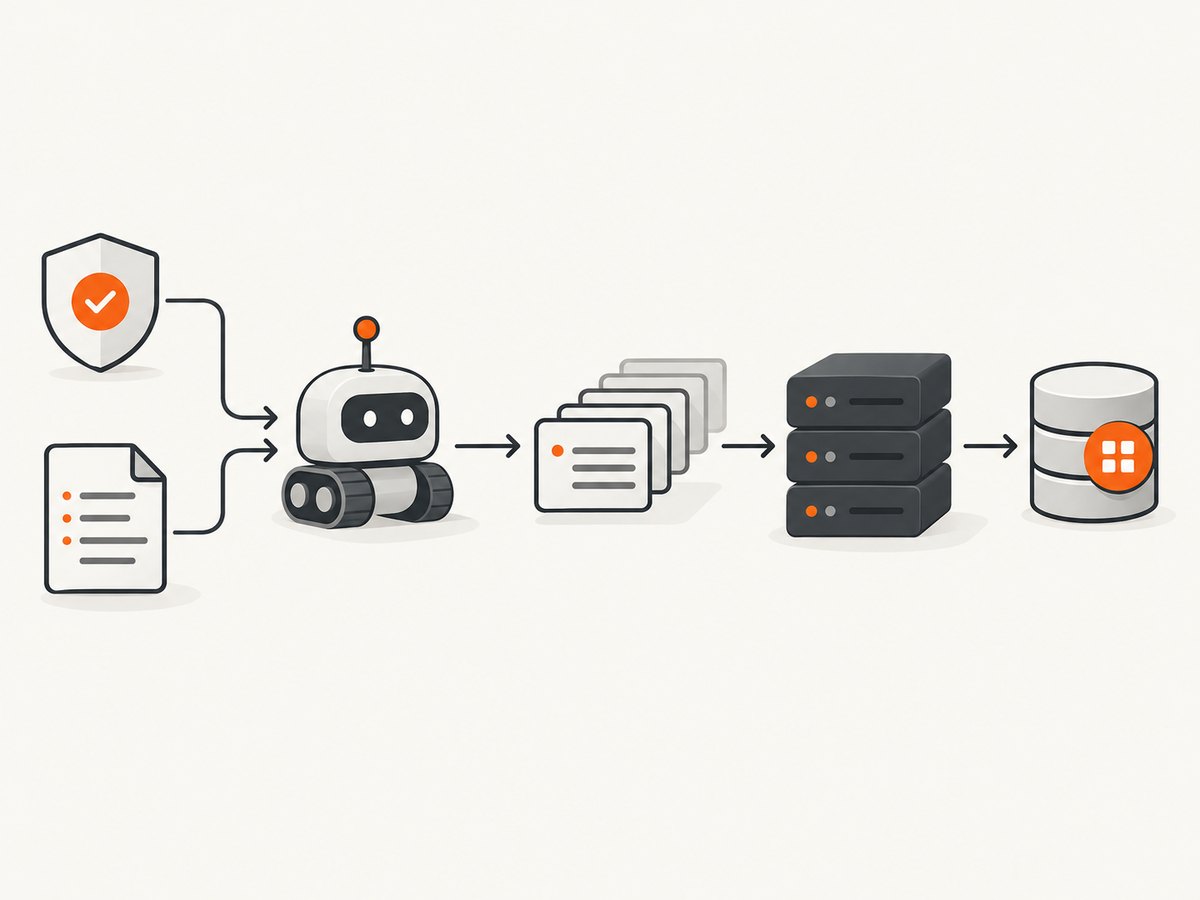
Or skip the browser setup
ScreenshotNeo is a website screenshot API and MCP server. For an approved page capture, one GET request returns PNG, JPEG, WebP, or PDF. It accepts the URL and capture options, so you do not need to maintain a browser, wait for rendering, or write a DOM screenshot service. Read the ScreenshotNeo API documentation for the current parameter list.
cURL
curl -G "https://api.screenshotneo.com/v1/shot" \\
  -d access_key=YOUR_API_KEY \\
  --data-urlencode url=https://www.instagram.com/your-approved-public-page/ \\
  -o shot.webp
Python
import requests

r = requests.get(
    "https://api.screenshotneo.com/v1/shot",
    params={
        "access_key": "YOUR_API_KEY",
        "url": "https://www.instagram.com/your-approved-public-page/",
    },
    timeout=90,
)
r.raise_for_status()
open("shot.webp", "wb").write(r.content)
Node.js
const q = new URLSearchParams({
  access_key: 'YOUR_API_KEY',
  url: 'https://www.instagram.com/your-approved-public-page/'
});
const res = await fetch(`https://api.screenshotneo.com/v1/shot?${q}`);
if (!res.ok) throw new Error(`Screenshot failed: ${res.status}`);
const data = Buffer.from(await res.arrayBuffer());
await Bun.write('shot.webp', data);
ScreenshotNeo removes cookie and consent banners before capture and can remove more than 60 known consent platforms, newsletter popups, and chat widgets; each cleanup step can be disabled. It does not make an unauthorized Instagram collection allowed. Bot checks, blank pages, timeouts, failed loads, and cache hits are not billed, and the response identifies the result with X-Page-Verdict and X-Billed headers. An MCP server provides take_screenshot, get_page_info, and capture_pdf tools for Claude, Cursor, and other MCP clients.
For larger approved capture jobs, options include full-page screenshots with lazy images loaded, CSS-selector element capture, device presets or custom viewports, dark mode, retina scale, custom CSS and JavaScript, click actions, selector or network-idle waits, blocked resource types, custom headers and cookies, timezone and geolocation, transparent backgrounds, resizing, chosen cache TTLs, signed public-image links, asynchronous jobs with signed webhooks, bulk capture of up to 100 URLs per call, usage reporting, and an OpenAPI specification. The same parameter names used by other screenshot APIs also work, which simplifies migration.
The Free plan includes 1,000 shots per month with no card. Paid plans start at $5 for 3,000 shots; every feature is available on every plan. Create a free ScreenshotNeo account.
FAQ
Is public Instagram data automatically free to scrape?
No. Visibility does not by itself grant permission for automated collection, reuse, or redistribution. Check the applicable terms, account context, and API permissions.
Will using a proxy prevent an Instagram block?
No. A proxy can change the network path, but it does not authorize the activity or guarantee that enforcement systems will allow it.
Can browser automation make scraping compliant?
Browser automation is an implementation technique, not permission. Use it only where you are authorized and where the service allows that access; prefer the documented API when one exists.
What should I do if my account is blocked?
Stop automated requests, secure the account, review Meta’s notices and current documentation, and use the official support or appeal process available to the account. Do not create replacement identities to continue.
Is there an official way to collect Instagram data?
For eligible professional accounts and documented capabilities, use Meta’s current Instagram API. Consumer-account access and unsupported fields are not covered by that route.
Decision checklist
- Have you identified the account owner and obtained authorization?
- Does the current Meta API document your exact data and action?
- Is the account eligible, including the required professional account and Page linkage?
- Are permissions, retention, deletion, and access controls documented?
- Will the workflow stop on permission, CAPTCHA, or rate-limit errors?
- If you only need a visual record, can you capture an approved page instead of collecting a dataset?
If any answer is unknown, pause collection and resolve that question first. There is no dependable technical shortcut that turns unauthorized Instagram scraping into a block-proof or approved process.


