How to Scrape Local Business Listings With Python
Learn a permission-aware Python workflow for collecting local business data from permitted pages and authorized APIs, with parsing, validation, and troubleshooting.
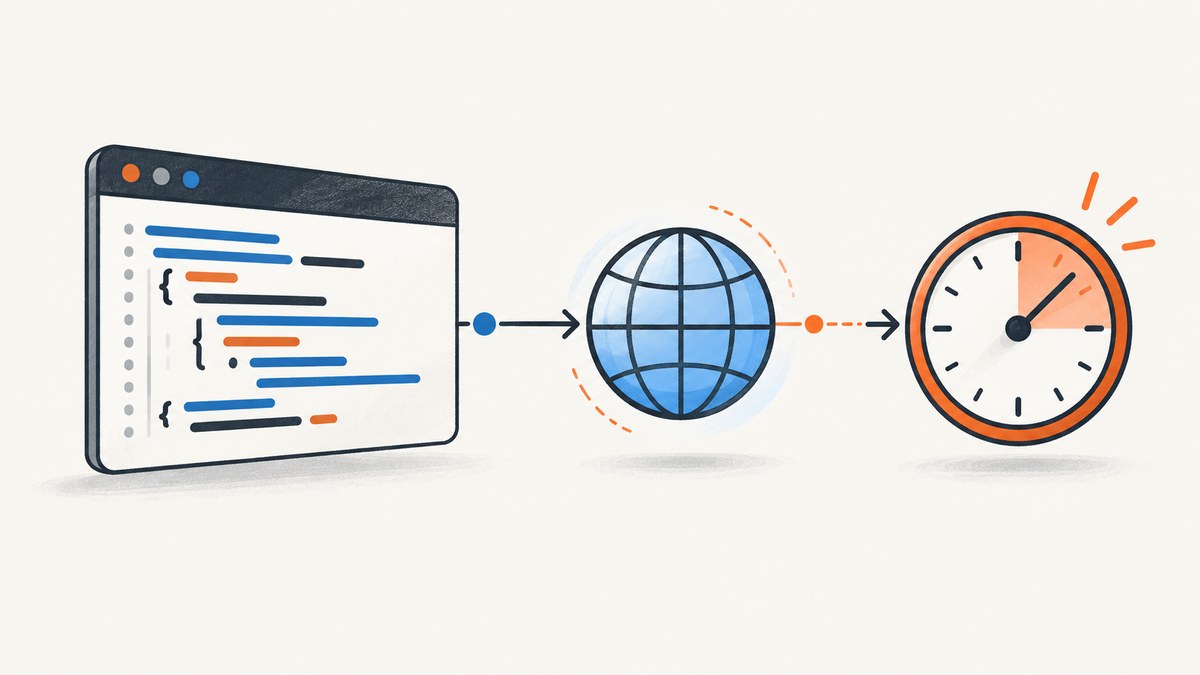
Short answer: you can collect local business listings with Python when the source permits automated access and your intended use is allowed. Start by identifying the source, reading its terms and machine-readable instructions, and choosing the narrowest retrieval method: an authorized API, a data export, or permitted static HTML. Then fetch slowly, parse only the fields you need, preserve provenance, and follow the source’s retention, attribution, and display rules.
Scraping is a collection technique, not permission. Google’s terms prohibit automated access that violates machine-readable instructions and scraping content that does not belong to you. Google Maps Platform terms also say: "Customer will not extract, export, or otherwise scrape Google Maps Content for use outside the Services." The current terms for your product, account, billing region, and intended use control. Read the Google Terms of Service and Places API policies before writing a collector.
1. Choose a source before writing code
Define the source and the output before opening a URL. Record the source URL, collection date, intended use, and fields required. Typical fields might include a business name, public address, category, telephone number, website URL, and source identifier. Avoid collecting personal information that your project does not need.
| Source | When it fits | Questions to answer |
|---|---|---|
| Documented API | The provider authorizes programmatic access | What are quota, billing, retention, attribution, and geography rules? |
| Data export | The owner supplies a file or feed | What license covers reuse and how often may it be refreshed? |
| Permitted static HTML | A site publishes listings and allows your user agent to fetch them | Do the terms, robots.txt, and intended reuse permit collection? |
| Owner-authorized management API | You manage listings for a business client | Do you have explicit authorization and consent for each operation? |
Do not treat Google Maps as a default source for an independent directory. Maps terms give copying business names, addresses, and user reviews as examples of scraping Maps Content for use outside the services. Places policies restrict pre-fetching, caching, or storing Places content beyond stated exceptions, require attribution when API content is displayed, and point EEA customers to different terms. Place IDs are exempt from the stated caching restrictions, but that does not make other place content freely reusable.
2. Check terms and robots.txt
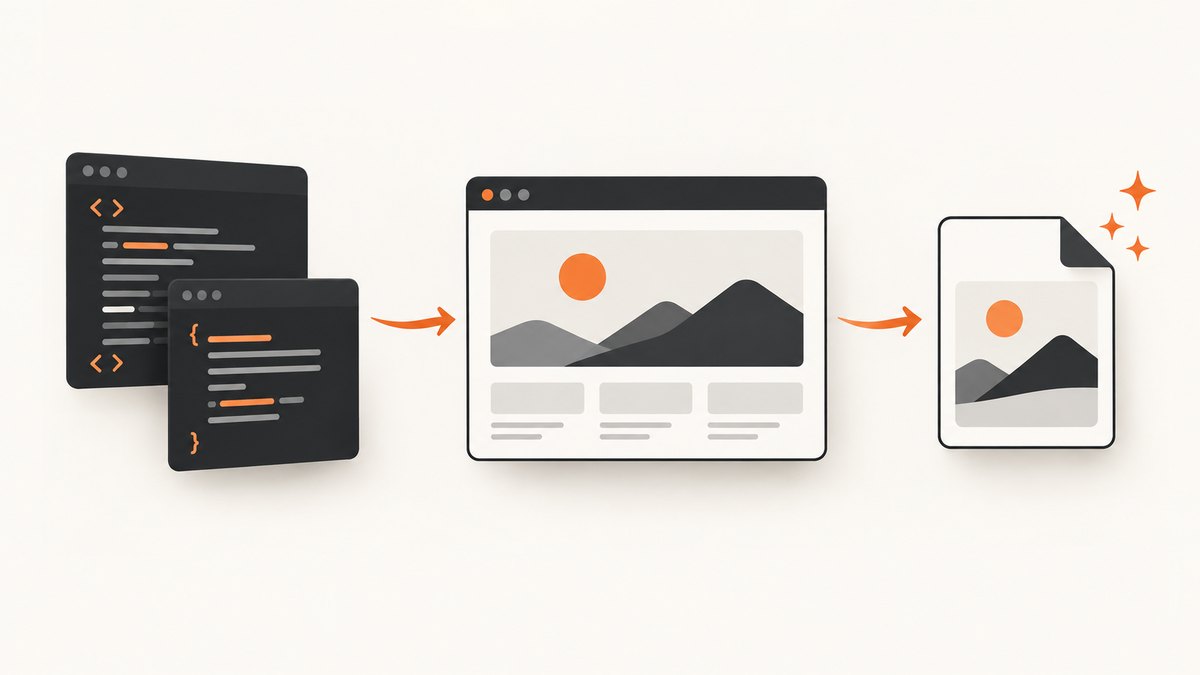
Read the source’s terms, API documentation, license, and any machine-readable access instructions. Python’s urllib.robotparser can read robots.txt and answer whether a user agent may fetch a URL. That result is one input to an access decision; it is not a contract or legal permission.
from urllib.robotparser import RobotFileParser
from urllib.parse import urlparse

url = 'https://example.com/directory/listing'
parts = urlparse(url)
robots_url = f'{parts.scheme}://{parts.netloc}/robots.txt'

rp = RobotFileParser(robots_url)
rp.read()
user_agent = 'LocalListingResearchBot/1.0'

if not rp.can_fetch(user_agent, url):
    raise RuntimeError('robots.txt does not allow this URL for the chosen user agent')

print('Allowed by robots.txt')
print('crawl-delay:', rp.crawl_delay(user_agent))
print('request-rate:', rp.request_rate(user_agent))
The parser exposes crawl_delay() and request_rate() when the file declares those directives. A missing directive is not a license to send rapid requests. Use a finite timeout, low request volume, and a clear user agent. Stop when the site returns an access denial, CAPTCHA, bot check, or other signal that automated collection is not welcome.
3. Fetch a permitted HTML page with Python
For a page you are allowed to fetch, the standard library’s urllib.request opens a URL and returns response bytes. A Request supplies headers and urlopen() accepts a timeout. Decode using the response’s declared charset instead of assuming UTF-8.
from urllib.request import Request, urlopen
from urllib.error import HTTPError, URLError

url = 'https://example.com/directory'
request = Request(
    url,
    headers={
        'User-Agent': 'LocalListingResearchBot/1.0 (+https://example.com/contact)',
        'Accept': 'text/html,application/xhtml+xml'
    }
)

try:
    with urlopen(request, timeout=20) as response:
        raw = response.read()
        charset = response.headers.get_content_charset() or 'utf-8'
        html = raw.decode(charset, errors='replace')
        print(response.status, response.url, len(raw))
except HTTPError as exc:
    print(f'HTTP error {exc.code}: {exc.reason}')
except URLError as exc:
    print(f'Network error: {exc.reason}')
The Python documentation describes urllib.request as a URL-opening interface and recommends higher-level HTTP clients for more advanced use. The example above keeps dependencies to the standard library. If your permitted source requires sessions, retries, or richer connection handling, use a maintained HTTP client and follow its current documentation.
Equivalent command-line and Node.js requests
Use these only for a source that permits the request. They retrieve HTML; they do not bypass authentication, bot checks, or access controls.
curl --fail --location --max-time 20 \
  -A 'LocalListingResearchBot/1.0' \
  -H 'Accept: text/html' \
  'https://example.com/directory' \
  -o directory.html
const response = await fetch('https://example.com/directory', {
headers: {
'user-agent': 'LocalListingResearchBot/1.0',
'accept': 'text/html'
},
signal: AbortSignal.timeout(20000)
});
if (!response.ok) throw new Error(`${response.status} ${response.statusText}`);
const html = await response.text();
console.log(html.length);4. Parse only the fields you need
HTML selectors belong to the source’s markup. They can break whenever the publisher changes its templates, so keep selectors in one place, validate required fields, and save a small sample of source HTML for debugging. The following example parses repeated article.business elements from a page you control or are authorized to process. It uses Python’s built-in HTMLParser; adapt the tags and attributes to the actual permitted source.
from html.parser import HTMLParser
from urllib.request import Request, urlopen
from urllib.parse import urljoin
import csv
from datetime import date

class ListingParser(HTMLParser):
    def __init__(self, base_url):
        super().__init__()
        self.base_url = base_url
        self.rows = []
        self.current = None
        self.field = None
        self.buffer = []

    def handle_starttag(self, tag, attrs):
        attrs = dict(attrs)
        if tag == 'article' and 'business' in attrs.get('class', '').split():
            self.current = {'source_url': self.base_url, 'collected_on': str(date.today())}
        elif self.current and tag in ('h2', 'address'):
            self.field = 'name' if tag == 'h2' else 'address'
            self.buffer = []
        elif self.current and tag == 'a' and self.field is None and attrs.get('href'):
            self.current['website'] = urljoin(self.base_url, attrs['href'])

    def handle_data(self, data):
        if self.current and self.field:
            self.buffer.append(data)

    def handle_endtag(self, tag):
        if self.current and ((tag == 'h2' and self.field == 'name') or (tag == 'address' and self.field == 'address')):
            self.current[self.field] = ' '.join(''.join(self.buffer).split())
            self.field = None
            self.buffer = []
        if tag == 'article' and self.current:
            if self.current.get('name'):
                self.rows.append(self.current)
            self.current = None

url = 'https://example.com/directory'
request = Request(url, headers={'User-Agent': 'LocalListingResearchBot/1.0'})
with urlopen(request, timeout=20) as response:
    charset = response.headers.get_content_charset() or 'utf-8'
    html = response.read().decode(charset, errors='replace')

parser = ListingParser(url)
parser.feed(html)

with open('listings.csv', 'w', newline='', encoding='utf-8') as output:
    fields = ['name', 'address', 'website', 'source_url', 'collected_on']
    writer = csv.DictWriter(output, fieldnames=fields, extrasaction='ignore')
    writer.writeheader()
    writer.writerows(parser.rows)

print(f'wrote {len(parser.rows)} listings')
This is a template, not a claim that any particular directory uses these elements. For JSON-LD, prefer the source’s documented schema and validate types before reading values. Treat missing fields as missing, rather than guessing. Keep the original source URL and collection timestamp beside every record.
5. Pagination, deduplication, and freshness
- Follow documented pagination. Stop at the last permitted page, and put a maximum page count in configuration so a malformed next link cannot create an unbounded crawl.
- Throttle requests. Add a delay between requests, reuse responses when the source permits it, and avoid fetching identical URLs repeatedly.
- Deduplicate with a source-appropriate key. A stable authorized record ID is preferable. Otherwise normalize a combination such as name, street, and postal code, while keeping the original values for review.
- Track changes. Store collection timestamps and provenance. Re-check stale fields on a schedule allowed by the source. Do not assume a listing remains accurate because it appeared in an earlier response.
- Minimize retention. Store only what your use requires and follow API-specific limits. Google Business Profile policies describe a limited temporary storage provision of no more than 30 calendar days for the content covered by that policy; do not reuse that number as a general allowance for Maps or Places data.
6. Authorized Google alternatives
For Google data, identify the exact product rather than saying simply "Google scraping." Places API policies govern Places content, display attribution, caching, and regional terms. Google Business Profile APIs are scoped to listings owned by the user or managed with the business owner’s authorization. The Business Profile policy also describes limited temporary storage and says certain automated listing actions require prior specific and express consent. An owner-authorized management workflow is a different use case from building an independent directory.
Before implementation, answer: Which API and account are involved? Is the billing address in the EEA? Are you displaying results inside the permitted Google service context? How long may you retain them? What attribution is required? If you cannot answer those questions, pause and obtain clarification or permission.
7. Or skip the browser setup
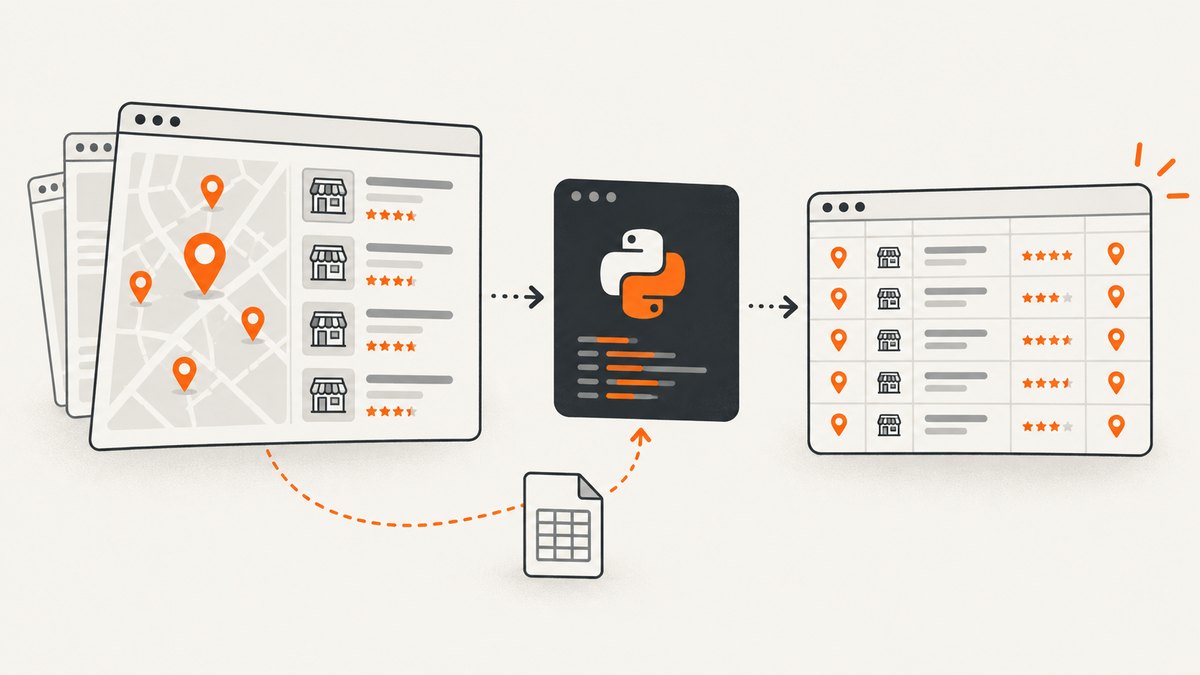
If your actual task is to capture a permitted listing page as an image or PDF for review, ScreenshotNeo provides a single HTTP request instead of maintaining browser automation. See the ScreenshotNeo API documentation for options.
curl -G 'https://api.screenshotneo.com/v1/shot' \
  -d access_key=YOUR_API_KEY \
  --data-urlencode url=https://example.com/directory \
  -o directory.webp
import requests
r = requests.get(
'https://api.screenshotneo.com/v1/shot',
params={'access_key': 'YOUR_API_KEY', 'url': 'https://example.com/directory'},
timeout=90
)
r.raise_for_status()
open('directory.webp', 'wb').write(r.content)const q = new URLSearchParams({ access_key: 'YOUR_API_KEY', url: 'https://example.com/directory' });
const res = await fetch(`https://api.screenshotneo.com/v1/shot?${q}`);
if (!res.ok) throw new Error(`${res.status} ${res.statusText}`);
require('fs').writeFileSync('directory.webp', Buffer.from(await res.arrayBuffer()));ScreenshotNeo removes cookie banners, newsletter popups, and chat widgets before capture. Bot checks, blank pages, failed loads, timeouts, and cache hits are not billed, and response headers identify the page verdict and whether the shot was billed. Its MCP server gives Claude, Cursor, and other MCP clients tools for screenshots, page information, and PDFs. You get 1,000 screenshots each month free with no card; paid plans start at $5 for 3,000 shots. Create a free ScreenshotNeo account.
8. Troubleshooting
| Symptom | Likely cause | Fix |
|---|---|---|
| 403 or 429 response | Access denied, rate limiting, or a rule violation | Stop, read the terms and robots.txt, reduce volume, and request authorized access. Do not rotate identities to evade controls. |
| Empty HTML | Content is rendered by JavaScript or requires a session | Use the source’s documented API or export, or obtain permission for an approved rendering workflow. Do not assume a browser is allowed. |
| Unicode appears broken | The response was decoded with the wrong charset | Use response.headers.get_content_charset() and retain replacement handling for malformed bytes. |
| Parser returns zero rows | Selectors do not match the current markup | Save a permitted sample, inspect its structure, update centralized selectors, and add validation for required fields. |
| Duplicate businesses | Pagination overlap, aliases, or multiple locations | Use a stable source ID where allowed; otherwise normalize carefully and preserve the source URL for manual review. |
| Data becomes stale | Listings change after collection | Record timestamps, schedule permitted refreshes, and label the collection date in your output. |
| Unexpected storage or display restriction | API policy or regional terms differ from assumptions | Check the exact product policy, billing region, attribution requirement, and retention exception before storing or publishing. |
9. Performance, reliability, and cost
For permitted HTML, the main costs are network time, parsing, and maintenance. Fetch only the pages and fields needed. Set finite connect and read timeouts, use bounded retries for transient network failures, and avoid retrying authorization errors. Log status, URL, elapsed time, response size, parser warnings, and collection timestamp without recording secrets.
Reliability comes from explicit limits: maximum pages, maximum response bytes, a queue that can pause, and a checkpoint after each successful page. Validate names and addresses before writing output, and quarantine malformed records rather than silently publishing them. A slower, predictable collector is easier to operate than a bursty one that triggers blocking or produces partial data.
API pricing and quotas vary by provider and account. Do not infer a quota from a sample script. For Google products, review the current product and billing documentation, including regional terms. For ScreenshotNeo, the current plans are Free 1,000 shots per month, Starter $5 for 3,000, Growth $15 for 15,000, Pro $39 for 60,000, Scale $99 for 250,000, and Business $249 for 1,000,000; yearly billing gives two months free and every feature is on every plan.
10. Practical checklist
- Identify the exact source, API, account, region, and intended use.
- Read terms, license, robots.txt, retention rules, and attribution requirements.
- Prefer an authorized API or export over HTML collection when available.
- Use a clear user agent, finite timeout, low request rate, and bounded pagination.
- Decode response bytes using the declared charset.
- Parse only required fields and keep selectors maintainable.
- Record provenance, collection time, missing values, and validation failures.
- Deduplicate with a permitted stable key and refresh only as allowed.
- Stop on access denial, CAPTCHA, or bot checks.
- Review output and policy again before displaying or selling the data.
FAQ
How do I scrape Google Maps with Python?
First determine whether your intended collection and reuse are allowed under the applicable Maps and Places terms. Directly copying Maps content into an independent directory is restricted. Use an authorized API or owner-approved workflow when that matches your use case.
Can robots.txt permission replace legal permission?
No. RobotFileParser.can_fetch() reports a published crawler rule for a user agent. Terms, contracts, licenses, privacy obligations, and API policies still apply.
Should I use Beautiful Soup?
A third-party parser can be convenient, but this workflow uses Python’s standard library so the retrieval example has no extra dependency. Choose a parser that you can maintain and keep it aligned with the source’s permitted markup.
How do I get local business data without scraping?
Ask the business owner for an export, use a documented provider API, or use an owner-authorized management API. These routes make permissions, fields, retention, and attribution easier to document.
What should each record contain?
Keep the fields necessary for your use, plus source URL, collection date, and an allowed source identifier. Label missing values and preserve enough provenance to explain where a value came from.


