How to Scrape Local Storage With Headless Browsers
Read localStorage with Playwright after navigating to the right origin, handle sessionStorage separately, and protect exported browser state.

To scrape localStorage with a headless browser, navigate to the page on the origin whose data you need, then read window.localStorage in that page. With Playwright, you can evaluate JavaScript in the page or use its WebStorage API. Local storage belongs to a specific origin (scheme, host, and port), so it cannot be read from an unrelated site. For reusable login state, save a browser context with storageState(); it includes cookies and localStorage, but not sessionStorage.
This guide uses Playwright with JavaScript. It also includes runnable Python, Node.js, and cURL examples, plus the important limits and security considerations. The cURL example demonstrates that a plain HTTP client cannot inspect browser localStorage: it has no browser page or JavaScript environment.
1. Read localStorage with Playwright
Install Playwright and its Chromium browser, save the following as read-storage.mjs, and run it with Node.js. Replace the example URL with a page you are authorized to access. The script navigates first, then reads key/value strings from that page’s origin.
npm init -y
npm install playwright
npx playwright install chromium
// read-storage.mjs
import { chromium } from 'playwright';
const targetUrl = process.argv[2] ?? 'https://example.com';
const browser = await chromium.launch({ headless: true });
try {
const context = await browser.newContext();
const page = await context.newPage();
await page.goto(targetUrl, { waitUntil: 'domcontentloaded', timeout: 30_000 });
const entries = await page.evaluate(() => Object.entries(window.localStorage));
console.log(JSON.stringify(entries, null, 2));
} finally {
await browser.close();
}node read-storage.mjs https://example.comEach entry is a pair of strings: [key, value]. Values are strings even when an application stores serialized JSON, so parse a value only when you know its format. For example, JSON.parse(value) can throw if the value is plain text or malformed JSON.
Read selected keys or use Playwright’s storage API
A complete dump may include unrelated preferences or sensitive credentials. If you need only a few values, read those keys explicitly:
const selected = await page.evaluate(() => ({
  theme: localStorage.getItem('theme'),
  locale: localStorage.getItem('locale'),
  missingKey: localStorage.getItem('not-present')
}));
console.log(selected);
getItem() returns null for a missing key. Playwright’s documented WebStorage API offers an explicit asynchronous interface for the current page’s origin:
const allItems = await page.localStorage.items();
const theme = await page.localStorage.getItem('theme');
console.log(allItems, theme);
Use page.evaluate() for a compact one-off collection or for code that needs browser APIs directly. Use the WebStorage API when its explicit storage operations suit the script. Check the Playwright version installed in your project: this API is documented in current Playwright materials, but may not be present in older versions. See the Playwright WebStorage API documentation.
2. Understand origin scope and when reads fail
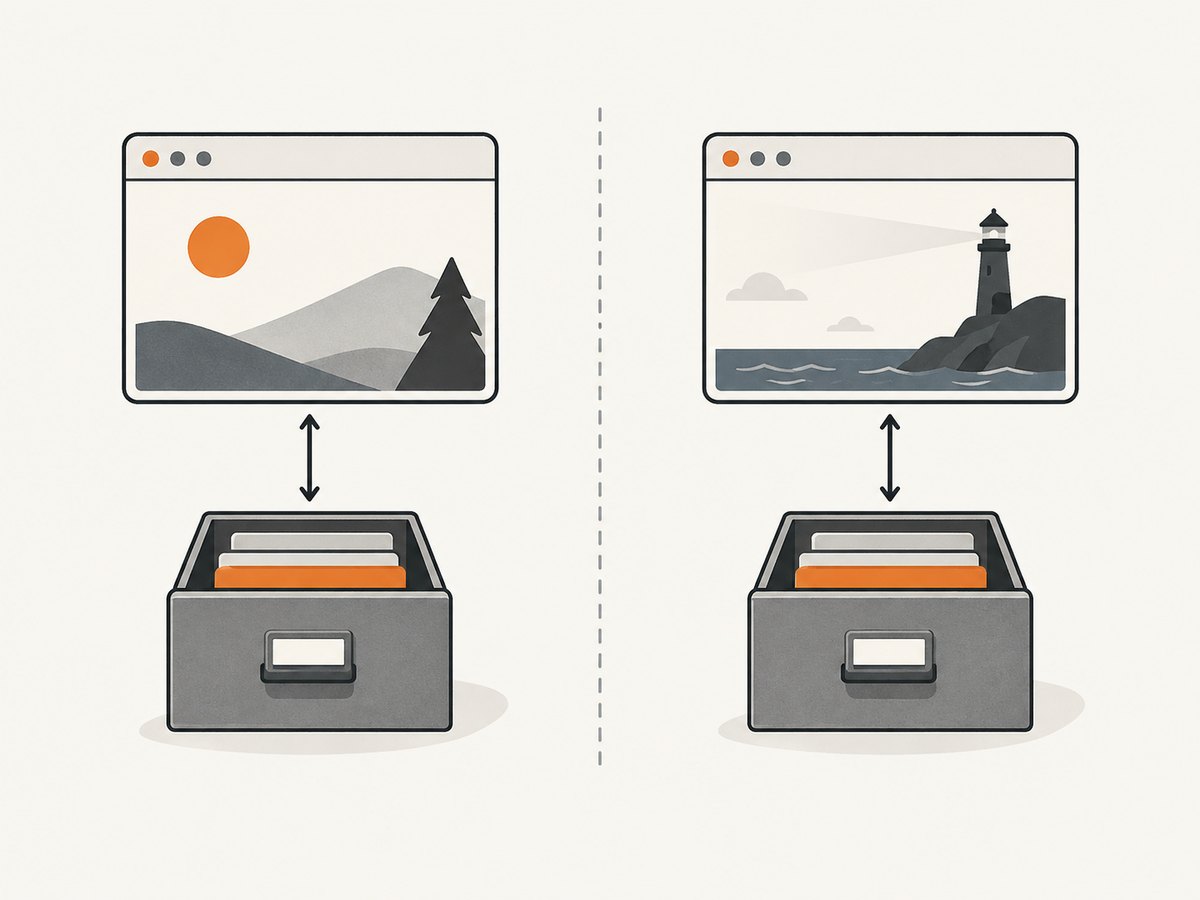
Storage is associated with the page’s origin. An origin comprises the scheme, host, and port, so https://example.com, http://example.com, and https://example.com:8443 do not share the same localStorage area. Navigate to the exact origin that owns the data before reading it. The browser’s same-origin boundary also means JavaScript running on one site cannot use localStorage to inspect another site’s storage.
The HTML Standard notes that access to localStorage may raise a SecurityError, including for documents with opaque origins or when policy disallows persistent storage. For example, a page opened from some file: URLs may not have a normal web origin. Catch errors around the read when handling arbitrary URLs:
const result = await page.evaluate(() => {
  try {
    return { entries: Object.entries(window.localStorage), error: null };
  } catch (error) {
    return { entries: null, error: `${error.name}: ${error.message}` };
  }
});
A redirect can change the final page’s origin. If the script lands on a login provider or a different host, it will see that final origin’s storage, not the original URL’s. Inspect page.url() after navigation and confirm it matches the expected site. Also, a read-modify-write sequence is not a cross-tab transaction: the standard cautions that localStorage has no locking mechanism across agent clusters. Avoid assuming concurrent updates are atomic.
3. Save and reuse browser state
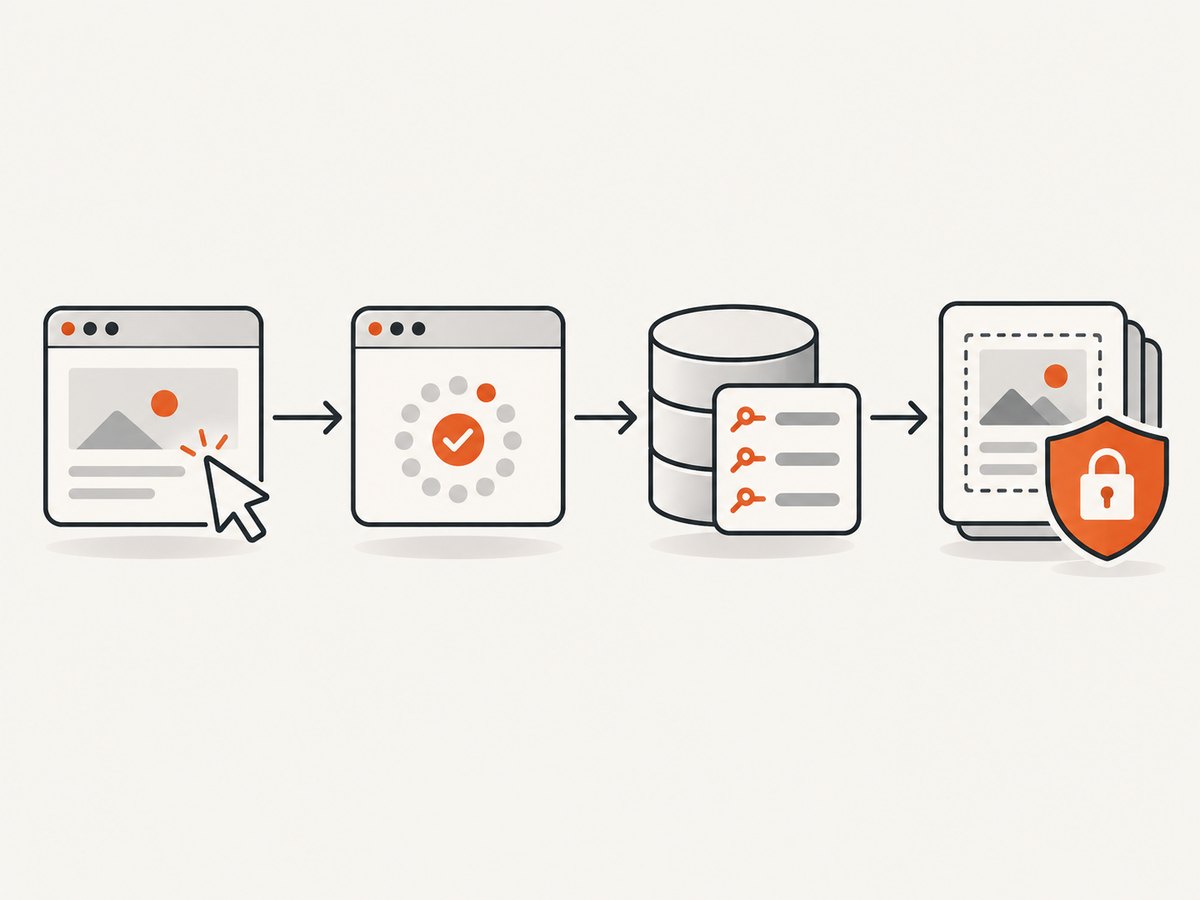
If the goal is to carry an authenticated browser session into another run, save the context state rather than manually copying a few localStorage keys. Playwright’s storageState() snapshot includes cookies and localStorage. IndexedDB can be included where the application stores authentication there; the option was added in Playwright v1.51. Check the installed version before depending on it.
// save-state.mjs
import { chromium } from 'playwright';

const browser = await chromium.launch({ headless: true });
try {
  const context = await browser.newContext();
  const page = await context.newPage();
  await page.goto('https://example.com/login');

  // Complete the site's authorized login flow here.
  // Wait for an authenticated page or other reliable login signal.
  await page.waitForURL('https://example.com/dashboard');
  await context.storageState({ path: 'state.json' });
} finally {
  await browser.close();
}
Reuse the snapshot to create a fresh context:
const context = await browser.newContext({ storageState: 'state.json' });
const page = await context.newPage();
await page.goto('https://example.com/dashboard');
The login portion is deliberately site-specific: use the site’s normal authorized authentication flow and wait for a real success condition. A redirect alone may not prove login succeeded. If your app relies on IndexedDB, use await context.storageState({ path: 'state.json', indexedDB: true }) only with a Playwright version that supports that option. The documented API also adds storage formats and WebAuthn-related state over time; consult the BrowserContext storageState API for version-specific options.
4. Handle sessionStorage separately
sessionStorage is distinct from localStorage. Playwright’s normal storage-state workflow does not automatically save it. When you need to carry session storage into a new context, capture it from the page and inject it before the site’s scripts run. Restrict the restoration to the intended hostname so values are not written on unrelated pages.
// Capture in the original context after reaching the right page.
const sessionData = await page.evaluate(() => {
  const result = {};
  for (let i = 0; i < sessionStorage.length; i++) {
    const key = sessionStorage.key(i);
    result[key] = sessionStorage.getItem(key);
  }
  return result;
});

// Restore before app scripts execute in the new context.
const nextContext = await browser.newContext();
await nextContext.addInitScript(({ hostname, values }) => {
  if (window.location.hostname !== hostname) return;
  for (const [key, value] of Object.entries(values)) {
    window.sessionStorage.setItem(key, value);
  }
}, { hostname: 'example.com', values: sessionData });

const nextPage = await nextContext.newPage();
await nextPage.goto('https://example.com/dashboard');
Use addInitScript() because the application may read session storage as soon as its own JavaScript starts. Injecting after navigation can be too late. Session storage is scoped to a browsing context and origin; restoring it should match the same site and intended tab workflow. Playwright provides this separate pattern in its authentication guidance.
5. Python, Node.js, and cURL alternatives
Python with Playwright
The Python API follows the same steps: launch a browser, navigate, evaluate in the page, and close the browser. Install the package and Chromium first:
python -m pip install playwright
python -m playwright install chromium
# read_storage.py
import asyncio
import json
import sys
from playwright.async_api import async_playwright
async def main():
target_url = sys.argv[1] if len(sys.argv) > 1 else 'https://example.com'
async with async_playwright() as p:
browser = await p.chromium.launch(headless=True)
try:
page = await browser.new_page()
await page.goto(target_url, wait_until='domcontentloaded', timeout=30_000)
entries = await page.evaluate('() => Object.entries(window.localStorage)')
print(json.dumps(entries, indent=2))
finally:
await browser.close()
asyncio.run(main())python read_storage.py https://example.comNode.js with direct Playwright WebStorage
For an installed Playwright version that includes WebStorage, the Node.js read can be shortened after navigation:
import { chromium } from 'playwright';
const browser = await chromium.launch({ headless: true });
try {
  const page = await browser.newPage();
  await page.goto('https://example.com', { waitUntil: 'domcontentloaded' });
  console.log(await page.localStorage.items());
} finally {
  await browser.close();
}
Why cURL cannot scrape localStorage
cURL can fetch an HTTP response, but localStorage exists inside a browser’s origin-scoped JavaScript environment. An HTTP request does not execute the page’s scripts or expose its browser storage. You can use cURL to retrieve a public page’s HTML, but you need browser automation such as Playwright to inspect localStorage.
curl -L 'https://example.com' -o page.htmlThis downloads the response body only. It does not log in, run client-side code, or read storage. Do not treat cookies supplied to cURL as equivalent to localStorage: cookies are sent with HTTP requests under their own rules, while localStorage is read by page JavaScript.
6. Or skip the browser setup
ScreenshotNeo is a website screenshot API and MCP server. It does not expose a site’s localStorage; use the Playwright workflow above when storage values are the goal. When you only need a rendered screenshot or PDF, one request avoids maintaining a browser installation. See the ScreenshotNeo site and API documentation.
curl -G "https://api.screenshotneo.com/v1/shot" -d access_key=YOUR_API_KEY --data-urlencode url=https://example.com -o shot.webpScreenshotNeo accepts cookie and consent banners like a visitor and removes 60+ known consent platforms, newsletter popups, and chat widgets before capture; each step can be turned off. Bot checks, blank pages, timeouts, failed loads, and cache hits are not billed, and response headers report the page verdict and billing status. Its MCP server provides take_screenshot, get_page_info, and capture_pdf for Claude, Cursor, and other MCP clients. The free plan includes 1,000 shots each month with no card; paid plans start at $5 for 3,000 shots.
Create a free ScreenshotNeo account for 1,000 screenshots a month with no card.
7. Troubleshooting common problems
| Symptom | Likely cause | Fix |
|---|---|---|
SecurityError reading localStorage |
The page has an opaque origin or storage is blocked by policy. | Use the site’s normal HTTP(S) origin, check browser context policies, and catch the read error so the run reports it cleanly. |
| Storage is empty | The final page is a different origin, the app has not initialized, or the key exists only after login. | Check page.url(); wait for a page-specific readiness signal; complete authorized login and verify the expected key exists. |
| Works manually, fails headlessly | The script may be visiting a different redirect path or racing app initialization. | Wait for a meaningful selector or application condition after navigation. Avoid arbitrary sleeps as the only readiness check. |
| Saved state does not authenticate | Session expired, required state is in IndexedDB, or the snapshot was taken before login completed. | Confirm login success before snapshot, enable IndexedDB capture on a supporting Playwright version if needed, and regenerate expired state. |
sessionStorage is missing in a new context |
storageState() does not include it. |
Serialize it explicitly and restore with addInitScript() before navigating, scoped to the correct hostname. |
| JSON parsing a stored value fails | LocalStorage values are strings and are not guaranteed to contain JSON. | Inspect the raw value first; parse only keys known to store JSON and handle parse errors. |
| Playwright method is undefined | The installed version predates that documented API. | Upgrade Playwright deliberately or use page.evaluate(() => Object.entries(localStorage)). |
8. Reliability, performance, and cost
Storage reads themselves are small, but the browser startup and page navigation usually dominate runtime. Reuse a browser process and create a fresh context per independent user or job when running a service; this avoids launching a browser for every read while keeping storage isolated. Close contexts and browsers in cleanup paths, including when navigation fails. Set navigation timeouts and use condition-based waits so slow pages fail clearly rather than hanging indefinitely.
Choose domcontentloaded when the initial document is enough, then wait for a specific app signal if client-side initialization populates storage later. Waiting for every network connection to become idle can be unreliable on pages with analytics, polling, or streaming requests. A fixed delay is simple but wastes time on fast pages and can still be too short on slow ones.
Do not run parallel read-modify-write sequences against shared localStorage and assume they are atomic. A scrape-only read is less exposed to races, but another tab can still change values while the job runs. If the exact consistency matters, coordinate with the application or take a snapshot at a known point in its workflow.
Playwright itself is open-source software, but operating a headless browser has infrastructure costs: compute, memory, browser downloads, and maintenance. There is no universal speed or cost figure; it depends on the pages, concurrency, browser environment, and wait strategy. Keep extracted data minimal, limit concurrency to available resources, and avoid collecting credentials or unrelated personal data.
9. Security checklist
- Automate only sites and accounts you are authorized to access.
- Read only the keys needed; do not dump storage into routine logs.
- Treat
state.jsonas a credential because cookies and headers may enable account impersonation. - Keep browser-state files outside source control, restrict access, and delete them when no longer needed.
- Use secret storage for login credentials and API keys; never hard-code them in committed scripts.
- Redact tokens from exceptions, debugging output, and captured artifacts.
Playwright specifically warns that saved browser state may contain sensitive cookies and headers. Its authentication guide recommends keeping the file out of repositories. A localStorage dump can also contain bearer tokens or personal data, so apply the same care.
10. FAQ
Can I read localStorage without opening a page?
No. You need a document with the relevant origin in a browser context. Navigate to that site, then inspect its storage.
Does a screenshot API return localStorage?
No. Screenshot APIs return rendered images or documents. They do not replace an automation script when the required output is browser storage data.
Should I scrape every key?
Usually not. Prefer a small allowlist of keys and avoid exporting session or authentication values unless the task requires them.
Can storage snapshots be shared between projects?
Only when that is appropriate for the same authorized account and environment. Snapshots contain reusable session material and should be treated like secrets.


