How to Scrape Lowe’s Product and Pricing Data in 2026
Lowe’s terms restrict automated scraping. Learn the authorized catalog and API workflow for product, price, inventory, and location-aware data.
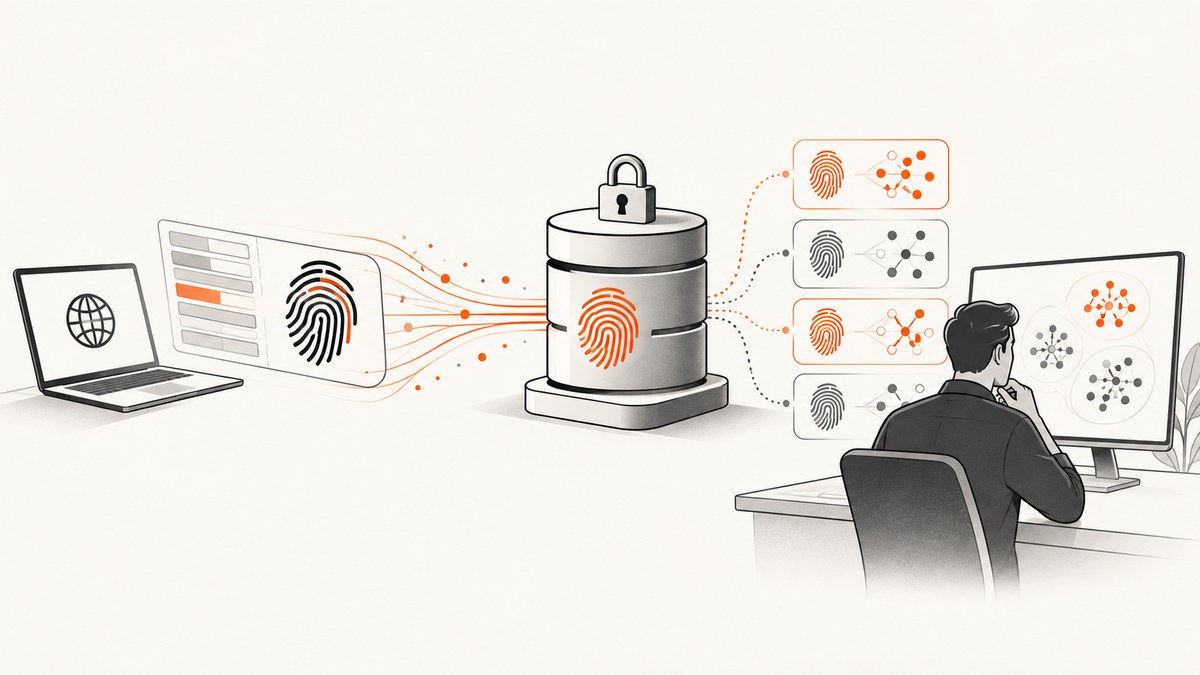
Direct answer: Do not build a bot that automatically retrieves or data-mines Lowe’s public storefront. Lowe’s Terms of Use effective April 13, 2026 prohibit using robots, spiders, site-retrieval applications, or other manual or automatic processes to retrieve, index, data mine, reproduce, or circumvent the site’s navigation and presentation. The same terms address scraping or gathering site information for downstream product sales. Read the current Lowe’s terms and obtain authorization for your use case.
If you need a catalog, comparison service, inventory workflow, or pricing display, investigate Lowe’s documented partner route instead. The Lowe’s Developer Hub describes organizational registration, app setup, credentials, and feed subscriptions for product catalog integrations. Access is partner-based; the reviewed documentation does not establish that every reader can enroll or that any particular commercial terms, limits, or fees apply to every account.
1. What “scrape Lowe’s data” means
In this context, scraping means programmatically collecting product information from pages or requests instead of manually viewing each item. A project may need:
- Product IDs, names, descriptions, categories, specifications, and images.
- Prices, promotions, availability, and inventory signals.
- Store or ZIP-code context for local pricing and stock.
- Historical snapshots for an internal analysis or a comparison workflow.
Those requirements do not make public-site automation permitted. Separate the business need from the collection method. Ask whether you need a broad catalog, current details for a viewed product, or a one-off human review. Then choose an authorized source and document the applicable license.
2. Public storefront extraction versus the partner workflow
| Question | Public-site extraction | Lowe’s documented partner route |
|---|---|---|
| Authorization | Subject to restrictive website terms that prohibit automated retrieval and data mining. | Developer Hub onboarding with organization registration, an application, credentials, and subscriptions. |
| Coverage | Whatever pages a crawler happens to reach, with brittle page structure. | A catalog component intended for product details, pricing, and inventory integration. |
| Freshness | Depends on crawl timing and page behavior. | Lowe’s Product Discovery guidance recommends a catalog export (commonly daily), then a Product Detail API request when a shopper views an item. |
| Location | May show a default or session-specific context. | National defaults and local context can use store and/or ZIP fields where available; Lowe’s documentation says a store ID is needed for store pricing. |
| Access dependency | No permission is implied by a page being public. | Eligibility, credentials, contractual terms, limits, and fees must be confirmed with Lowe’s. |
The partner route is the appropriate starting point for an ongoing integration. It is not evidence that Lowe’s offers an unrestricted public API.
3. Lowe’s recommended catalog and detail pattern
Lowe’s Product Discovery documentation describes a two-stage workflow:
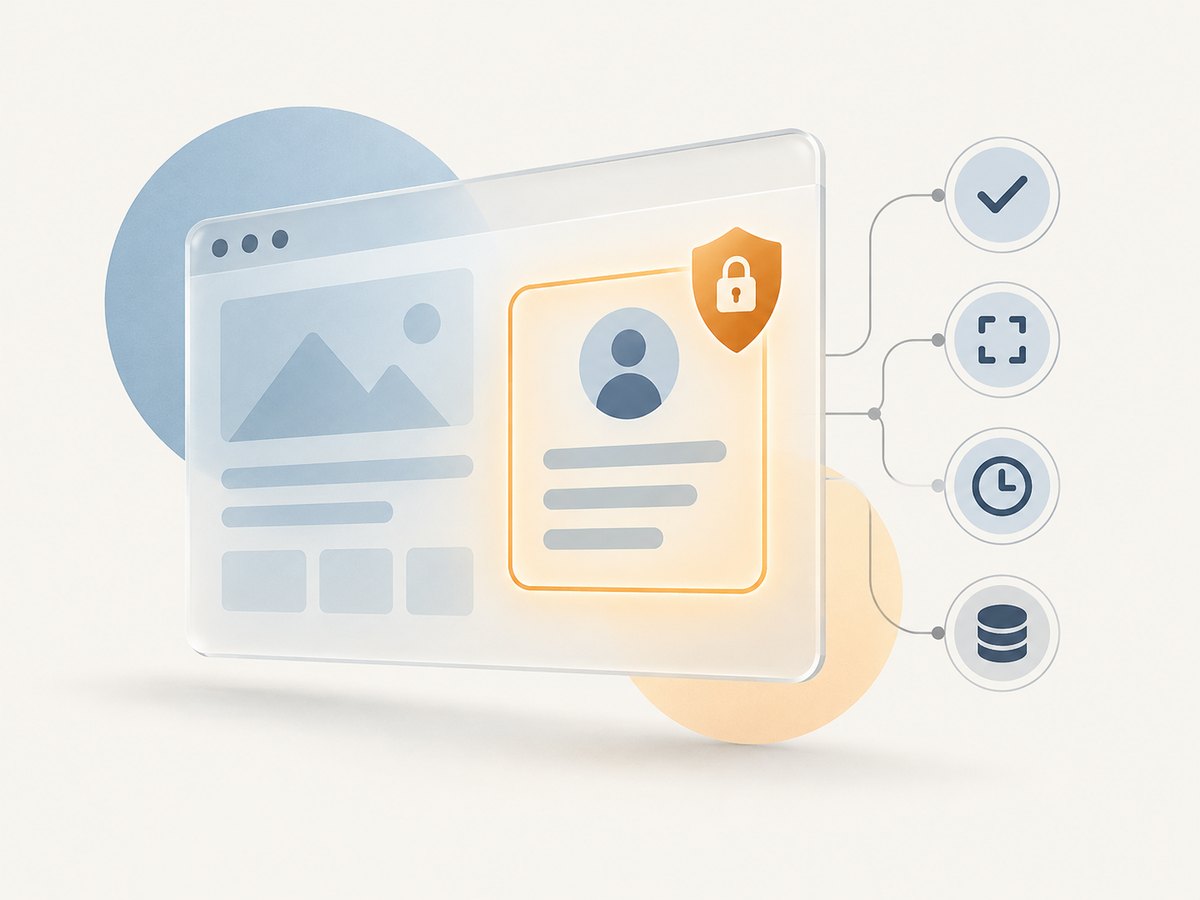
- Load the catalog feed. Use the feed for broad product coverage such as descriptions, images, specifications, and categories. Store the source timestamp and the catalog version or file identifier supplied by your partner setup.
- Refresh a viewed product. When a shopper opens an item, call the documented Product Detail API to obtain more current price, inventory, and promotions.
- Apply location context. Pass the supported store or ZIP fields when the experience is local. For store pricing, retain the store ID used for the request.
- Show freshness. Display when data was retrieved and which geography it represents. Treat price and stock as volatile values.
Do not assume that every partner receives an identical schedule. The Developer Hub describes configurable synchronization, while Product Discovery recommends a daily export in its common workflow. Confirm the actual cadence and fields for your account.
4. Implementation plan for an authorized integration
Step 1: Define the data contract
Write down the fields your application truly needs: SKU or product ID, title, category, image URLs, specifications, national price, local price, inventory state, promotions, store ID, ZIP code, retrieval time, and source version. Avoid collecting fields you cannot justify retaining.
Step 2: Review terms and request partner access
Review the Terms of Use, then use the Lowe’s Product Catalog Developer Hub to investigate registration, app creation, authentication, and feed subscriptions. Ask Lowe’s to confirm eligibility, licensing, permitted use, rate limits, synchronization behavior, retention rules, and any fees before implementation.
Step 3: Ingest the catalog safely
The following Python example is runnable against a feed file that your authorized Lowe’s arrangement has delivered. It normalizes records without assuming an undocumented URL or schema. Adjust the column names to the contract for your account.
import csv
import json
from datetime import datetime, timezone

INPUT = "lowes_catalog.csv"
OUTPUT = "catalog_normalized.jsonl"

# Map these names to the columns in your contracted feed.
FIELD_MAP = {
    "product_id": "product_id",
    "title": "title",
    "category": "category",
    "description": "description",
    "image_url": "image_url",
    "price": "price",
    "inventory": "inventory",
    "store_id": "store_id",
    "zip": "zip",
}

retrieved_at = datetime.now(timezone.utc).isoformat()
with open(INPUT, newline="", encoding="utf-8") as source, open(OUTPUT, "w", encoding="utf-8") as dest:
    for row in csv.DictReader(source):
        item = {key: row.get(column) or None for key, column in FIELD_MAP.items()}
        item["catalog_retrieved_at"] = retrieved_at
        dest.write(json.dumps(item, ensure_ascii=False) + "\n")
Validate required identifiers, reject malformed prices, preserve the raw source for audit where your agreement permits it, and make ingestion idempotent. A repeated feed should update the same product key rather than create duplicates.
Step 4: Refresh volatile fields on demand
Your partner documentation will provide the actual Product Detail endpoint, authentication method, and parameter names. Do not guess an endpoint from storefront traffic. Keep the endpoint in configuration and pass location explicitly when supported:
import os
import requests

DETAIL_ENDPOINT = os.environ["LOWES_PRODUCT_DETAIL_ENDPOINT"]
TOKEN = os.environ["LOWES_PARTNER_TOKEN"]

params = {
    "product_id": "YOUR_PRODUCT_ID",
    # Include only fields documented for your account.
    "store_id": "YOUR_STORE_ID",
    "zip": "YOUR_ZIP_CODE",
}
response = requests.get(
    DETAIL_ENDPOINT,
    params=params,
    headers={"Authorization": f"Bearer {TOKEN}"},
    timeout=30,
)
response.raise_for_status()
detail = response.json()
print(detail)
This code intentionally uses placeholders because the reviewed Lowe’s materials do not publish one universal endpoint or guarantee the same credentials for every partner. Replace them only with values Lowe’s supplies to your organization.
Equivalent cURL and Node.js request shapes
curl --fail-with-body --get "$LOWES_PRODUCT_DETAIL_ENDPOINT" \
  -H "Authorization: Bearer $LOWES_PARTNER_TOKEN" \
  --data-urlencode "product_id=YOUR_PRODUCT_ID" \
  --data-urlencode "store_id=YOUR_STORE_ID" \
  --data-urlencode "zip=YOUR_ZIP_CODE"
const endpoint = process.env.LOWES_PRODUCT_DETAIL_ENDPOINT;
const token = process.env.LOWES_PARTNER_TOKEN;
const params = new URLSearchParams({
  product_id: 'YOUR_PRODUCT_ID',
  store_id: 'YOUR_STORE_ID',
  zip: 'YOUR_ZIP_CODE'
});
const response = await fetch(`${endpoint}?${params}`, {
  headers: { Authorization: `Bearer ${token}` }
});
if (!response.ok) throw new Error(`${response.status}: ${await response.text()}`);
const detail = await response.json();
console.log(detail);
5. Location, freshness, and data quality
A price without geography and time is ambiguous. Store the store ID or ZIP used for every local request, the UTC retrieval time, and the source version. If your user changes stores, refresh the detail response rather than reusing a value from the previous location.
Lowe’s notes that product descriptions, prices, and availability may contain inaccuracies or omissions. Add validation appropriate to your use case:
- Reject negative or non-numeric prices.
- Flag a sudden currency or unit change for review.
- Represent unknown inventory as
null, not “out of stock.” - Show “last updated” beside volatile fields.
- Require a fresh detail response before checkout or another consequential action.
6. Common errors and fixes
| Symptom | Likely cause | Fix |
|---|---|---|
| 403 or blocked storefront requests | Automated retrieval conflicts with the website terms or access controls. | Stop the crawler. Review the terms and request authorized partner access. |
| 401/403 from a partner API | Missing, expired, or incorrectly scoped credentials. | Check the credential type and environment, then ask Lowe’s to confirm app permissions and onboarding status. |
| Empty local price or inventory | No store ID/ZIP, unsupported location field, or an item unavailable in that geography. | Send the documented location fields, verify the store ID, and display an explicit unknown state. |
| Stale price after a catalog import | Catalog data is being treated as real-time. | Use the catalog for breadth and call Product Detail for viewed items. |
| Duplicate products | Rows keyed by title or URL instead of a stable product identifier. | Use the contracted product ID and make imports upserts. |
| Timeouts or partial feed files | Large transfer, transient network failure, or interrupted download. | Use resumable downloads if provided, checksum files where available, retry with backoff, and quarantine incomplete files. |
| Unexpected schema change | Feed configuration or partner version changed. | Validate headers before loading, alert on removed fields, and confirm changes with Lowe’s. |
7. Performance and reliability
Reduce unnecessary requests
Import the broad catalog on its documented schedule. Refresh only products a user views or fields that your agreement identifies as volatile. Cache detail responses briefly, keyed by product ID plus store or ZIP, and invalidate them when the user changes location.
Design for retries
Use bounded exponential backoff for transient 5xx responses and network failures. Do not retry authentication failures indefinitely. Record request IDs, status codes, latency, and the partner response timestamp without logging secrets.
Protect downstream users
Keep a last-known value with its age, but label it as potentially stale. If the age exceeds your business threshold, show “price unavailable” or request a fresh detail response. Do not turn an omitted field into a confident statement about stock.
Control operating cost
The largest avoidable cost is fetching detail data for products nobody views. Batch catalog processing, deduplicate product IDs, and use conditional or delta mechanisms only when Lowe’s documents them. Confirm rate limits and any per-call fees with Lowe’s before setting concurrency.
8. When a screenshot is the actual requirement
Sometimes “scrape” really means “save what a shopper sees” for a human review, visual regression record, or an internal evidence file. A screenshot does not grant permission to automate Lowe’s site; follow the same terms and authorization requirements. For an authorized page capture, you can use ScreenshotNeo, a website screenshot API and MCP server.
9. Or skip the browser setup
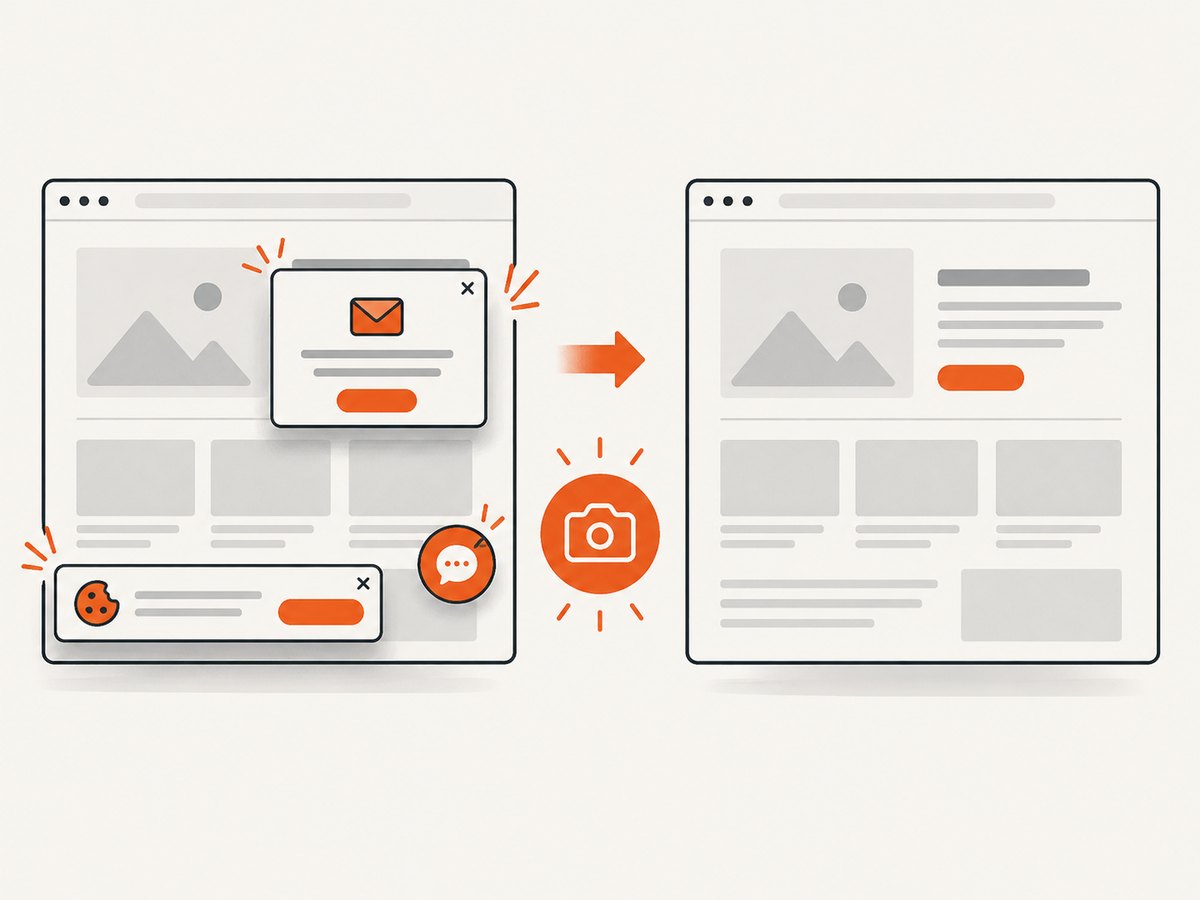
For an authorized URL, ScreenshotNeo accepts one GET request and returns PNG, JPEG, WebP, or PDF. Before capture it accepts the cookie or consent banner like a visitor and removes more than 60 known consent platforms, newsletter popups, and chat widgets. Bot checks or CAPTCHAs, blank pages, timeouts, failed loads, and cache hits are not billed; response headers identify the page verdict and whether it was billed. An MCP server provides take_screenshot, get_page_info, and capture_pdf tools for Claude, Cursor, and other MCP clients.
See the ScreenshotNeo documentation for all options, including full-page and element capture, device presets, custom CSS and JavaScript, headers, cookies, user agents, authorization, waits, blocking rules, PDF settings, caching, signed links, asynchronous jobs, bulk capture, and usage reporting.
curl -G "https://api.screenshotneo.com/v1/shot" -d access_key=YOUR_API_KEY --data-urlencode url=https://www.lowes.com -o lowes.webpimport requests
r = requests.get("https://api.screenshotneo.com/v1/shot", params={"access_key": "YOUR_API_KEY", "url": "https://www.lowes.com"}, timeout=90)
r.raise_for_status()
open("lowes.webp", "wb").write(r.content)
const q = new URLSearchParams({ access_key: 'YOUR_API_KEY', url: 'https://www.lowes.com' });
const res = await fetch(`https://api.screenshotneo.com/v1/shot?${q}`);
if (!res.ok) throw new Error(`${res.status}: ${await res.text()}`);
const data = Buffer.from(await res.arrayBuffer());
require('fs').writeFileSync('lowes.webp', data);
ScreenshotNeo has 1,000 screenshots a month free with no card. Paid plans start at $5 for 3,000 shots, and every feature is available on every plan. Create a free ScreenshotNeo account.
10. Pre-launch checklist
- Define whether you need catalog breadth, current product details, or an authorized screenshot.
- Review the current Lowe’s terms for your intended use.
- Ask Lowe’s about partner eligibility, licensing, credentials, fields, limits, synchronization, and fees.
- Use a catalog feed for broad data and Product Detail calls for viewed items.
- Record store or ZIP context and retrieval time.
- Validate prices, inventory states, identifiers, and schema changes.
- Add bounded retries, monitoring, and stale-data handling.
- Keep credentials out of source control and logs.
FAQ
Is Lowe’s product data public?
Pages may be publicly viewable, but Lowe’s terms still restrict automated retrieval and data mining. Public visibility is not permission to crawl.
Does Lowe’s have an API anyone can use?
The Developer Hub documents a partner catalog and API path. It does not establish unrestricted public access. Confirm eligibility and terms with Lowe’s.
Should I use the catalog feed or detail API?
Use the catalog for broad listings, then Product Detail for current price, inventory, and promotions when a shopper views an item.
Why does the same product have different prices?
Location and time can change the result. Store pricing requires a store ID according to Lowe’s documentation; retain both geography and retrieval time.
Can ScreenshotNeo bypass Lowe’s restrictions?
No. ScreenshotNeo is a capture tool, not authorization to automate a site. Use it only for pages and workflows you are allowed to access.


