How to Scrape Naver.com: 2026 Python Guide
A cautious Python workflow for retrieving and parsing public Naver pages, with access checks, resilient HTML handling, and clear limits on what current documentation confirms.

Short answer: Python can request and parse a public Naver.com page with ordinary HTTP and HTML parsing tools, but the available official research does not verify a current Naver Search API endpoint, automated-access terms, quotas, or stable page selectors. Treat the code below as a general example for public pages you are allowed to access, not a verified Naver-specific integration. First inspect the target’s current access rules; stop if access is denied or limited.
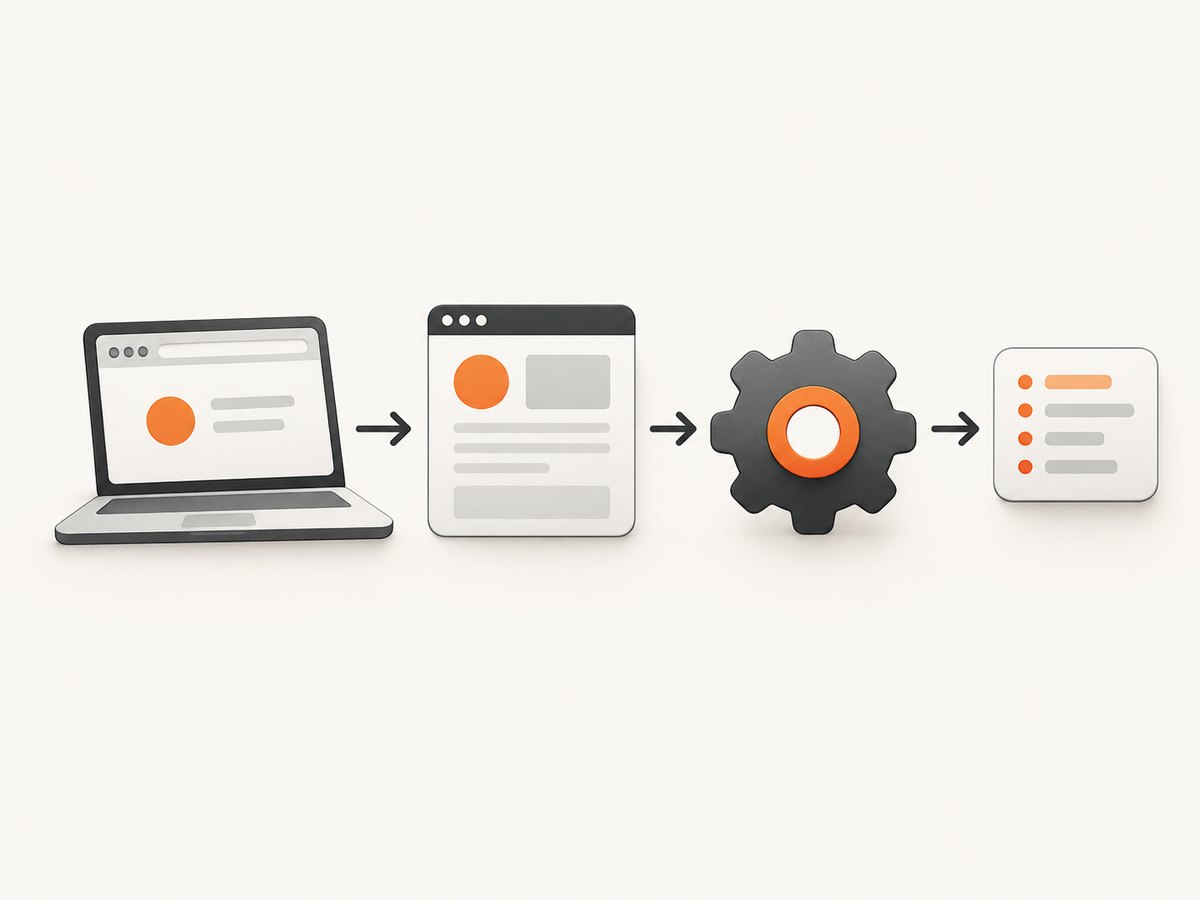
This guide shows a restrained request-and-parse workflow, how to handle changing HTML and failures, and when a screenshot is more useful than extracting text. NAVER’s historical materials discuss how its search crawler collects other sites and historical APIs or site-owner tools. They do not grant permission to scrape Naver.com results or establish the current interface for doing so.
1. What “scraping Naver.com” can mean
People may mean collecting publicly visible HTML from a Naver page, extracting fields from a page they can access, using an official search API, or asking NAVER to collect a site they own. These are different tasks. The available research does not verify a current search API or its terms, and it does not establish that automated collection of Naver.com search results is permitted.
Keep the distinction between your script and NAVER’s own crawler clear. NAVER’s published web-document guidance describes how site owners can signal collection restrictions and how NAVER handles web documents. That is guidance about NAVER’s collection of other sites, not authorization for a third party to automate requests to Naver.com. NAVER’s 2011 description of its external-blog collection system also discussed compliance with robots conventions and site-owner collection or search-exposure restrictions.
| Goal | What the evidence supports | Practical next step |
|---|---|---|
| Parse a public page you are allowed to access | A general HTTP and HTML parser workflow is appropriate; current Naver-specific selectors are unverified. | Check current access rules, then adapt the illustrative parser to the page’s actual markup. |
| Search through a NAVER API | Historical announcements describe APIs, but do not establish current endpoints, quotas, authentication, or terms. | Confirm all requirements in current official NAVER developer documentation before coding. |
| Submit your own site for collection | Historical materials describe Webmaster Tools and a Syndication API; current interfaces need verification. | Look for current official site-owner guidance and follow its instructions. |
NAVER’s 2013 web-document guidance recommends signaling collection restrictions through robots.txt, using a sitemap and standard hyperlinks, and returning protocol-compliant error pages and appropriate redirects. Those are historical search guidelines, not a scraping permission grant. The same guidance’s item 4 says “검색 수집 제한 시 robots.txt로 알릴 것” (“When restricting search collection, indicate it with robots.txt”). Read NAVER’s web-document guidance and check current official instructions before relying on it.
2. Check access rules before making requests
- Identify the exact page and purpose. Limit collection to public pages and fields you need. Do not try to get around a login, CAPTCHA, paywall, block, or other access control.
- Review current published rules. Check the site’s robots instructions and applicable terms. Robots rules communicate crawler preferences; they are not a substitute for legal advice or a general grant of permission.
- Prefer an official API if one is currently documented for your use. Verify the endpoint, authentication method, permitted use, quota, and response format in current official documentation. The historical announcements in this research are not sufficient to configure a present-day API client.
- Keep requests slow and bounded. Request only the pages needed, cache results, and stop when the site returns an access-denied or rate-limit response.
- Record what happened. Log the URL, request time, status code, content type, and parser outcome. Avoid logging secrets or unnecessary personal data.
3. Set up a small Python scraper
The example uses requests for HTTP and Beautiful Soup for parsing. It fetches one supplied public URL, checks the response before parsing, and extracts generic document metadata. It does not assume Naver’s current result-page structure or claim that a specific Naver URL is suitable for automated collection.
python -m pip install requests beautifulsoup4from urllib.parse import urlparse
import time
import requests
from bs4 import BeautifulSoup
USER_AGENT = "ExampleResearchBot/1.0 (contact: developer@example.com)"
TIMEOUT_SECONDS = 20
def fetch_public_html(url: str) -> str:
parsed = urlparse(url)
if parsed.scheme != "https" or not parsed.netloc:
raise ValueError("Provide a complete HTTPS URL")
headers = {"User-Agent": USER_AGENT, "Accept": "text/html"}
response = requests.get(
url,
headers=headers,
timeout=(5, TIMEOUT_SECONDS),
allow_redirects=True,
)
if response.status_code in (401, 403, 429):
raise RuntimeError(
f"Access denied or rate limited (HTTP {response.status_code}); stop collecting"
)
response.raise_for_status()
content_type = response.headers.get("Content-Type", "").lower()
if "text/html" not in content_type:
raise RuntimeError(f"Expected HTML, received {content_type or 'unknown content type'}")
# requests normally determines encoding from headers; use its detected encoding
# when present, then return decoded text for the HTML parser.
if response.encoding is None:
response.encoding = response.apparent_encoding
return response.text
def parse_document(html: str) -> dict:
soup = BeautifulSoup(html, "html.parser")
title_tag = soup.find("title")
description_tag = soup.find("meta", attrs={"name": "description"})
# Generic example: replace these with fields actually present on a page
# you are authorized to parse. Missing fields are normal and remain None.
return {
"title": title_tag.get_text(" ", strip=True) if title_tag else None,
"description": (
description_tag.get("content")
if description_tag and description_tag.get("content")
else None
),
"canonical": (
soup.find("link", rel="canonical").get("href")
if soup.find("link", rel="canonical")
else None
),
}
if __name__ == "__main__":
target_url = "https://example.com/public-page"
try:
html = fetch_public_html(target_url)
print(parse_document(html))
time.sleep(2) # Example pause before any next request
except (requests.Timeout, requests.ConnectionError) as exc:
print(f"Temporary network failure: {exc}")
except (requests.HTTPError, RuntimeError, ValueError) as exc:
print(f"Stopped: {exc}")To adapt it, replace the example URL only after you have checked the target page’s current access rules. Then inspect the returned HTML and write selectors for fields that are actually present. A parser returning None is preferable to silently inventing a value when a field is missing.
4. Parse changing pages without brittle assumptions
HTML changes. A selector that matched yesterday can stop matching after a redesign, and a page can return a valid HTML shell without the data you expected. NAVER’s current result markup and selectors were not verified in the research for this article, so do not copy a guessed class name from an old example and treat it as stable.
- Prefer semantic structure where available. Use document titles, metadata, stable links, or meaningful element relationships when the target actually provides them.
- Check optional fields. Test whether a tag exists and whether its attribute is present before reading it. Keep missing values explicit.
- Validate outputs. For example, reject an empty title if your downstream process requires one, and save a small sample of permitted responses for parser maintenance.
- Separate fetch and parse errors. A network failure, a non-HTML response, and a selector mismatch require different fixes.
- Do not infer completeness from one page. Pagination, localization, personalization, and dynamically populated content can change what a page contains. Do not attempt to defeat controls or access limits to obtain more.
If the content you need is not present in the returned HTML, first confirm that you are authorized to collect it and whether an official interface exists. This guide does not recommend automating a browser to work around missing data or access restrictions.
5. Rate limits, retries, caching, and data quality
A reliable collector does less work. Use a small fixed delay between requests, limit the number of pages in a run, and cache successful responses for a period appropriate to your task. Repeatedly requesting the same page increases load and makes your own results harder to reason about.
- On HTTP 429: stop the run. Do not immediately retry in a loop. Resume only when permitted and at a lower rate, honoring any published retry guidance.
- On 401 or 403: treat the response as an access boundary. Do not rotate identities or alter requests to evade it.
- On 5xx or transient connection failures: if your collection is allowed, use a small retry limit with exponential backoff and jitter. Never retry indefinitely.
- On redirects: inspect the final URL and status. A redirect may lead to a different page or an access notice.
- For caching: store the retrieval time and relevant response metadata. Set an expiry based on how often the source is expected to change; do not treat cached content as current indefinitely.
- For parsing: track counts of missing fields and parse failures. A sudden change can indicate a page redesign or a response that is not the expected page.
Normalize and store only the fields required for your task. Keep source URL and retrieval timestamp with each record so that a value can be traced back to its page and collection time. Apply your organization’s retention and privacy rules to stored data.
6. When a screenshot is the right output
Scraping extracts structured values from HTML. A screenshot is useful when the task needs a visual record of a page, a rendered layout, or an image for review. A screenshot does not make inaccessible content accessible and does not replace permission checks. For a visual capture, use a documented capture interface rather than writing a browser automation stack when a service meets your needs.

Or skip the browser setup
ScreenshotNeo is a website screenshot API and MCP server for developers. One GET request can return a PNG, JPEG, WebP, or PDF. Cookie and consent banners, newsletter popups, and chat widgets are removed before capture; each cleanup step can be turned off. Bot checks, blank pages, timeouts, failed loads, and cache hits cost nothing, and response headers report the page verdict and billing status. Its MCP server gives AI agents tools for screenshots, page information, and PDF capture.
For the available parameters and setup details, see the ScreenshotNeo documentation. This example captures a public page to a WebP file:
import requests

r = requests.get(
    "https://api.screenshotneo.com/v1/shot",
    params={"access_key": "YOUR_API_KEY", "url": "https://stripe.com"},
    timeout=90,
)
r.raise_for_status()
open("shot.webp", "wb").write(r.content)
The same request from cURL:
curl -G "https://api.screenshotneo.com/v1/shot" \
  -d access_key=YOUR_API_KEY \
  --data-urlencode url=https://stripe.com \
  -o shot.webp
And from Node.js:
const q = new URLSearchParams({
  access_key: 'YOUR_API_KEY',
  url: 'https://stripe.com'
});
const res = await fetch(`https://api.screenshotneo.com/v1/shot?${q}`);
if (!res.ok) throw new Error(`Screenshot request failed: ${res.status}`);
const bytes = new Uint8Array(await res.arrayBuffer());
await import('node:fs/promises').then(fs => fs.writeFile('shot.webp', bytes));
ScreenshotNeo offers a free plan with 1,000 shots per month and no card; paid plans start at $5 for 3,000 shots. Every feature is on every plan. See ScreenshotNeo, then sign up for 1,000 free screenshots a month with no card.
7. Other useful capture options
If you need more than a basic screenshot, ScreenshotNeo supports full-page capture with lazy images loaded, CSS-selector element capture, dark mode, 12 device presets and custom viewports, retina scale, PDF paper size and margins, landscape and page ranges, HTML/CSS-to-image, custom CSS and JavaScript, click-before-capture, hidden selectors, selector/delay/network-idle waits, request and resource blocking, custom headers and cookies, user agents and Authorization, timezone and geolocation, transparent backgrounds, resizing, configurable cache TTL, signed links for public image tags, asynchronous jobs with signed webhooks, bulk capture of 100 URLs per call, a usage API, and an OpenAPI spec. Parameter names used by other screenshot APIs also work to ease switching.
For repeated work, choose synchronous capture for a single result and asynchronous jobs or bulk capture for larger workflows. Cache only when the page freshness requirements allow it. For public embedding, signed links are available; do not put an API key in client-side code. Keep credentials in a server-side secret store and rotate them if exposed.
8. Troubleshooting
| Symptom | Likely cause | Action |
|---|---|---|
| HTTP 401 or 403 | The page or endpoint requires authorization, or access is denied. | Stop. Check current official access instructions; do not attempt to bypass the response. |
| HTTP 429 | Requests are being rate limited. | Stop the run, reduce request volume, and follow published retry guidance if available. |
| Timeout or connection error | Network delay, server delay, or an unavailable host. | Use a finite timeout. For permitted collection, retry a small number of times with backoff, then record the failure. |
| Unexpected content type | The response may be a document other than HTML, an error page, or a redirect target. | Check status, final URL, and content type before parsing. |
| Title or metadata is missing | The page may omit the field, or its markup may have changed. | Handle it as optional; inspect an authorized sample and update the parser based on observed markup. |
| HTML parses but expected content is absent | The content may not be in the returned HTML, or the response may be a challenge or alternate page. | Do not try to defeat a challenge. Confirm the permitted access path and use an official interface if one is documented. |
| Screenshot output is not an image | The request may have failed or returned an error response. | Check the HTTP status and response headers before writing the body as an image; consult the service documentation. |
9. Performance, reliability, and cost
For a small allowed collection, request latency and the target’s response time usually matter more than Python parsing. Keep concurrency low; parallel requests can increase load and provoke rate limits. Reuse a session for multiple requests when appropriate, cap the run, and cache responses. Add metrics for request count, status distribution, elapsed time, and missing fields so failures are visible rather than silently producing incomplete data.
There is no verified Naver-specific quota or API price in the research used for this guide. Confirm any current API pricing and limits in official documentation before estimating a production budget. With a screenshot service, account for the number of captures, the chosen format and options, cache behavior, and whether the workflow uses individual calls or bulk jobs. ScreenshotNeo’s published plan amounts are 1,000 free shots/month, Starter $5 for 3,000, Growth $15 for 15,000, Pro $39 for 60,000, Scale $99 for 250,000, and Business $249 for 1,000,000; yearly billing gives two months free. Only clean shots are billed under the supplied product facts.
Collection quality is also a reliability issue. NAVER has historically described work to collect quality documents and distinguish original documents from copies. Its 2013 announcement discussed a “SONAR” algorithm for identifying original documents among similar documents. Do not assume that scraping, copying, or submitting content guarantees that NAVER will index it or rank it. See NAVER’s historical original-document announcement.
10. FAQ
Is there a current Naver Search API endpoint I can use?
This research did not verify a current endpoint, authentication scheme, quota, or terms. Confirm these details in current official NAVER developer documentation before implementing an API client.
Does NAVER’s robots guidance authorize scraping Naver.com?
No. The cited guidance concerns web-document collection conventions and site owners’ signals to NAVER’s crawler. It is not evidence of permission for third-party collection of Naver.com pages.
Can I use this parser unchanged on Naver search results?
No. It extracts generic title and description metadata and uses an example URL. Current Naver page structure and selectors were not verified; adapt the parser only after confirming access is permitted and inspecting the actual response.
Will submitting my site guarantee that it appears in search?
No such guarantee is supported. Historical NAVER material described submission and collection-status tools, but also described quality and originality considerations. Verify current site-owner tools and do not treat submission as a ranking promise.
Sources and scope
This guide relies on the historical NAVER materials in the research dossier: web-document collection guidance (2013), crawler-convention description (2011), OpenAPI announcement (2005), Syndication API announcement (2010), Webmaster Tools announcement (2016), and original-document announcement (2013). These sources explain historical guidance and capabilities; they do not establish current Naver.com scraping permission, live API requirements, or present-day page selectors. Confirm those details in current official documentation before relying on them.


