How to Scrape Product Hunt: Products, Upvotes, and Makers
Use Product Hunt’s official GraphQL API to collect products, votes, makers, rankings, and timestamps without prohibited page scraping.
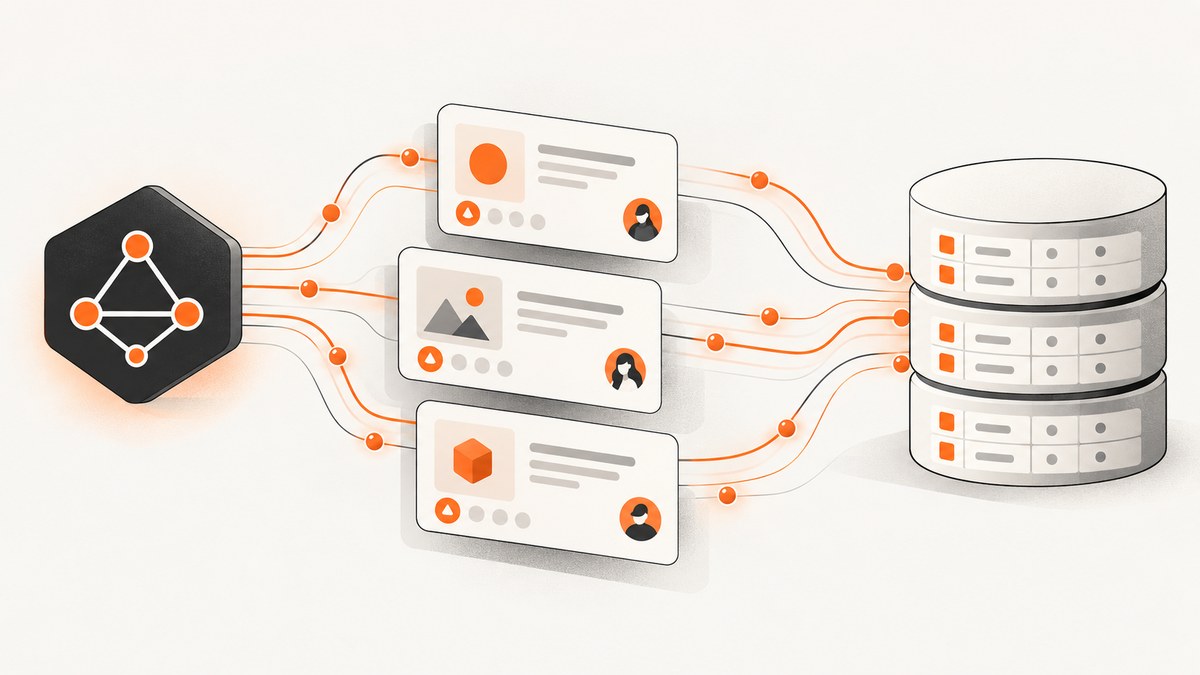
Direct answer: use Product Hunt’s official v2 GraphQL API instead of crawling Product Hunt pages. The API returns typed Post fields for product names, taglines, URLs, websites, creation times, current vote counts, makers, creators, comments, product links, media, and ranking values. You need an access token, and you should confirm permission before using the data commercially.
Product Hunt’s Terms of Service prohibit crawling, scraping, or spidering its pages, data, or content through manual or automated means. A browser scraper, HTML parser, headless crawler, or reverse-engineered private endpoint is therefore not a safe default. The documented API gives you a stable authorization model and a structured GraphQL response.
What you can collect from Product Hunt
The central object is a Post. Select only the fields your application needs, then store the response with a retrieval timestamp. A practical record looks like this:
| Dataset column | Product Hunt field | Why keep it |
|---|---|---|
| post_id | id |
Stable identifier for joins and deduplication |
| name | name |
Launch or product name |
| tagline | tagline |
Short positioning statement |
| slug | slug |
Readable identifier |
| post_url | url |
Canonical Product Hunt launch URL |
| website_url | website |
Product’s destination site |
| created_at | createdAt |
When the Post was created |
| featured_at | featuredAt |
When it was featured, when present |
| votes_count | votesCount |
Current aggregate vote count |
| maker_ids | makers { id } |
Stable maker references |
| maker_names | makers { name } |
Readable maker names |
| creator_id | userId |
User who created the Post |
| comments_count | commentsCount |
Engagement context |
| reviews | reviewsCount, reviewsRating |
Review volume and rating context |
| ranks | dailyRank, weeklyRank, monthlyRank, yearlyRank |
Available ranking values |
| assets | productLinks, media |
Additional launch links and media |
| retrieved_at | Your field | Shows when mutable values were observed |
votesCount is a current aggregate, not an immutable historical total. If you need trend data, run scheduled API reads and append observations with retrieved_at. Do not overwrite the only copy of an earlier count.
Authorization, scopes, and commercial use
- Create and configure an application through Product Hunt’s My Apps flow.
- Obtain an OAuth access token using the documented flow, or use the developer-token route described in Product Hunt’s API documentation for scripts tied to your account.
- Use the token as a bearer token in requests to
https://api.producthunt.com/v2/api/graphql. - Request the minimum scope and fields needed. Public scope is the default read-oriented scope for third-party applications.
Product Hunt says the goal of the API is to provide access to Product Hunt data through a simple GraphQL interface. It also states that the API must not be used for commercial purposes and directs businesses to contact hello@producthunt.com. Treat that as a launch-blocking check for a paid dataset, client reporting product, or revenue-generating integration. Ask Product Hunt for written approval before building a commercial workflow.
Product Hunt may rate-limit applications that do not follow fair-use expectations. Keep your token server-side, never commit it to a repository, and rotate it if it is exposed.
Build a products, votes, and makers query
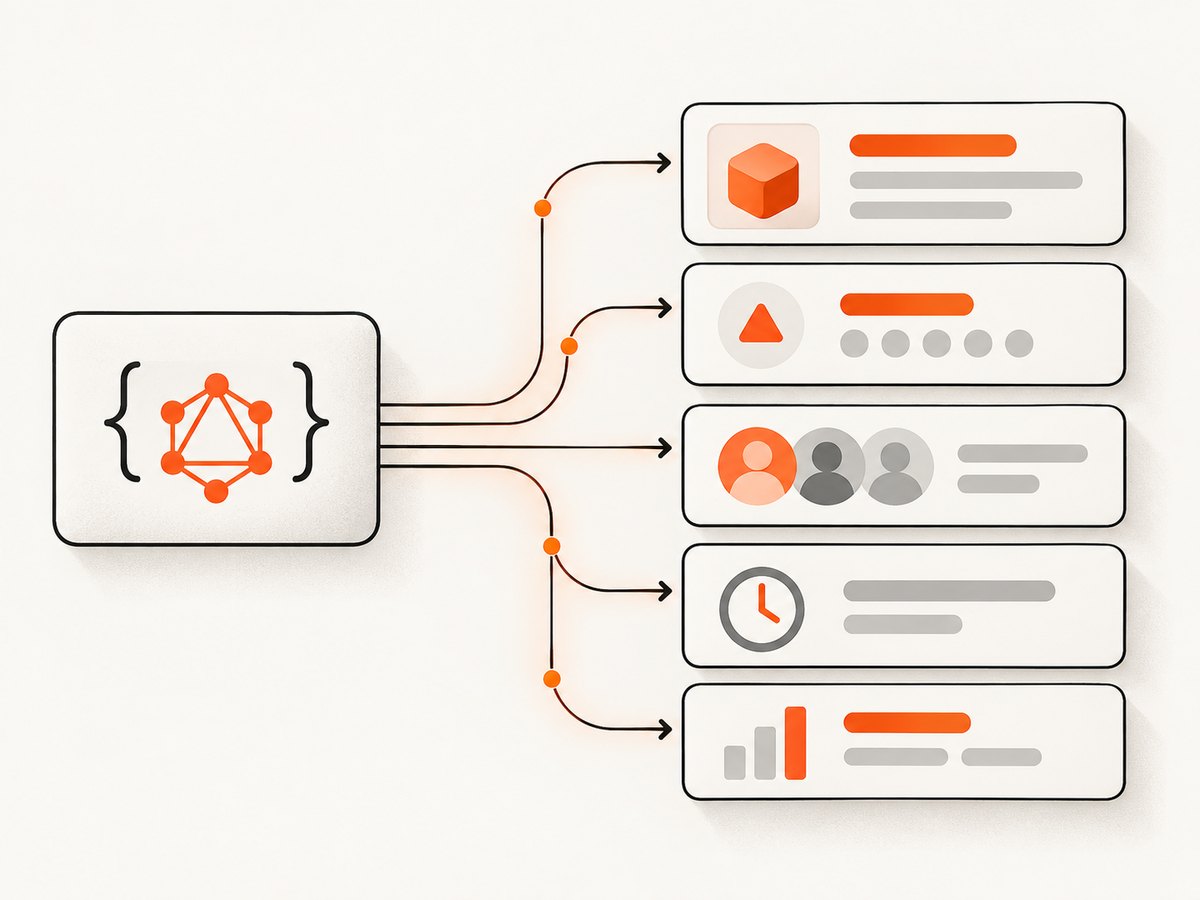
The following query requests a compact launch record. The exact connection arguments available for a collection depend on the schema version and object being queried, so inspect the current schema in the API documentation when adding filters or pagination arguments.
query Products($first: Int!, $after: String) {
  posts(first: $first, after: $after) {
    nodes {
      id
      name
      tagline
      description
      slug
      url
      website
      createdAt
      featuredAt
      votesCount
      commentsCount
      reviewsCount
      reviewsRating
      dailyRank
      weeklyRank
      monthlyRank
      yearlyRank
      user {
        id
        name
        username
      }
      userId
      makers {
        id
        name
        username
      }
      productLinks {
        url
        type
      }
      media {
        url
        type
      }
    }
    pageInfo {
      endCursor
      hasNextPage
    }
  }
}
Send the query and variables as JSON. GraphQL returns an errors array when a field, argument, or permission is invalid; check it before reading data.
Runnable cURL example
curl https://api.producthunt.com/v2/api/graphql \
  -H "Authorization: Bearer $PRODUCT_HUNT_TOKEN" \
  -H "Content-Type: application/json" \
  --data @query.json
Save the query and variables in query.json:
{
  "query": "query Products($first: Int!, $after: String) { posts(first: $first, after: $after) { nodes { id name tagline slug url website createdAt votesCount makers { id name username } user { id name username } dailyRank weeklyRank monthlyRank yearlyRank } pageInfo { endCursor hasNextPage } } }",
  "variables": {"first": 50, "after": null}
}
For production code, generate the JSON rather than hand-editing a long one-line query. Keep the token in an environment variable or secret manager.
Runnable Python collector
import os
import time
import requests

ENDPOINT = "https://api.producthunt.com/v2/api/graphql"
TOKEN = os.environ["PRODUCT_HUNT_TOKEN"]

QUERY = """
query Products($first: Int!, $after: String) {
  posts(first: $first, after: $after) {
    nodes {
      id name tagline slug url website createdAt featuredAt votesCount
      commentsCount reviewsCount reviewsRating
      dailyRank weeklyRank monthlyRank yearlyRank
      user { id name username }
      userId
      makers { id name username }
    }
    pageInfo { endCursor hasNextPage }
  }
}
"""

def fetch_page(after=None):
    response = requests.post(
        ENDPOINT,
        headers={
            "Authorization": f"Bearer {TOKEN}",
            "Content-Type": "application/json",
        },
        json={"query": QUERY, "variables": {"first": 50, "after": after}},
        timeout=30,
    )
    response.raise_for_status()
    payload = response.json()
    if payload.get("errors"):
        raise RuntimeError(payload["errors"])
    return payload["data"]["posts"]

records = []
cursor = None
while True:
    page = fetch_page(cursor)
    retrieved_at = time.strftime("%Y-%m-%dT%H:%M:%SZ", time.gmtime())
    for post in page["nodes"]:
        records.append({
            "post_id": post["id"],
            "name": post["name"],
            "tagline": post["tagline"],
            "slug": post["slug"],
            "post_url": post["url"],
            "website_url": post["website"],
            "created_at": post["createdAt"],
            "featured_at": post["featuredAt"],
            "votes_count": post["votesCount"],
            "maker_ids": [m["id"] for m in post["makers"]],
            "maker_names": [m["name"] for m in post["makers"]],
            "creator_id": post["userId"],
            "retrieved_at": retrieved_at,
        })
    if not page["pageInfo"]["hasNextPage"]:
        break
    cursor = page["pageInfo"]["endCursor"]

print(f"Collected {len(records)} posts")
This collector follows the returned cursor until hasNextPage is false. Add a bounded page count or a date filter if you are running a recurring job and only need recent launches.
Runnable Node.js example
const endpoint = 'https://api.producthunt.com/v2/api/graphql';
const token = process.env.PRODUCT_HUNT_TOKEN;

const query = `
  query Products($first: Int!, $after: String) {
    posts(first: $first, after: $after) {
      nodes {
        id name tagline slug url website createdAt votesCount
        user { id name username }
        userId
        makers { id name username }
        dailyRank weeklyRank monthlyRank yearlyRank
      }
      pageInfo { endCursor hasNextPage }
    }
  }
`;

async function getPage(after = null) {
  const res = await fetch(endpoint, {
    method: 'POST',
    headers: {
      Authorization: `Bearer ${token}`,
      'Content-Type': 'application/json'
    },
    body: JSON.stringify({ query, variables: { first: 50, after } })
  });
  if (!res.ok) throw new Error(`HTTP ${res.status}`);
  const body = await res.json();
  if (body.errors) throw new Error(JSON.stringify(body.errors));
  return body.data.posts;
}

const rows = [];
let cursor = null;
for (;;) {
  const page = await getPage(cursor);
  const retrievedAt = new Date().toISOString();
  for (const post of page.nodes) {
    rows.push({
      post_id: post.id,
      name: post.name,
      tagline: post.tagline,
      slug: post.slug,
      post_url: post.url,
      website_url: post.website,
      created_at: post.createdAt,
      votes_count: post.votesCount,
      maker_ids: post.makers.map(m => m.id),
      maker_names: post.makers.map(m => m.name),
      creator_id: post.userId,
      retrieved_at: retrievedAt
    });
  }
  if (!page.pageInfo.hasNextPage) break;
  cursor = page.pageInfo.endCursor;
}
console.log(`Collected ${rows.length} posts`);
Pagination, filtering, and data modeling
Use cursor pagination
GraphQL connections expose a cursor and hasNextPage. Pass the previous page’s endCursor as after. Avoid offset pagination: inserts or changing rankings can shift offsets between requests.
Request small pages
Start with 25 or 50 records. Larger pages reduce round trips but increase response size, memory use, and the chance that one request times out. Ask only for fields you actually store.
Normalize makers
Store a post table and a maker table joined through a post-maker table. A maker can appear on multiple launches, and a launch can have multiple makers. Keep both the maker ID and the display name because names can change.
Keep snapshots of mutable values
Votes, comments, reviews, and rank fields can change. Store each observation with a retrieval timestamp if you need historical analysis. A daily job can append one row per Post per day; a high-frequency job should account for fair-use limits.
Handle missing values
featuredAt, rank fields, websites, media, and review values may be null or absent. Represent them as null in your database instead of converting them to zero or an empty string. A missing rank does not mean rank zero.
What not to do: browser scraping
Do not automate Product Hunt pages with a headless browser, parse HTML cards, replay private requests, or rotate accounts to evade limits. Product Hunt’s Terms of Service prohibit crawling, scraping, and spidering pages, data, or content, and prohibit processes that interfere with the service or create an unreasonable load. Violations can lead to termination of access.

If the API does not expose a field you need, ask Product Hunt whether it can provide that field or authorize your use case. Do not infer permission from the fact that a value is visible in a browser.
Or skip the browser setup
If your workflow also needs a visual record of a Product Hunt page or launch destination, ScreenshotNeo provides a website screenshot API and MCP server. It accepts one GET request and returns PNG, JPEG, WebP, or PDF. See the ScreenshotNeo API documentation for the complete option list.
curl -G "https://api.screenshotneo.com/v1/shot" -d access_key=YOUR_API_KEY --data-urlencode url=https://www.producthunt.com -o shot.webpimport requests
r = requests.get("https://api.screenshotneo.com/v1/shot", params={"access_key": "YOUR_API_KEY", "url": "https://www.producthunt.com"}, timeout=90)
open("shot.webp", "wb").write(r.content)const q = new URLSearchParams({ access_key: 'YOUR_API_KEY', url: 'https://www.producthunt.com' }); const res = await fetch(`https://api.screenshotneo.com/v1/shot?${q}`);- Cookie banners, newsletter popups, chat widgets, and more than 60 known consent platforms are removed before the shot; each cleanup step can be turned off.
- Bot checks, blank pages, timeouts, failed loads, and cache hits are not billed. Responses include
X-Page-VerdictandX-Billedheaders. - An MCP server lets Claude, Cursor, and other MCP clients call
take_screenshot,get_page_info, andcapture_pdf. - There are 1,000 free screenshots each month with no card. Paid plans start at $5 for 3,000 shots.
Create a free ScreenshotNeo account to add page captures to your Product Hunt data workflow.
Troubleshooting
| Symptom | Likely cause | Fix |
|---|---|---|
| HTTP 401 or 403 | Missing, expired, or incorrectly formatted token | Send Authorization: Bearer TOKEN, verify the application, and rotate the token if necessary. |
| GraphQL “field does not exist” | Schema mismatch or typo | Check spelling and current schema documentation. Remove the field or update the query. |
| GraphQL returns data plus errors | One selection failed while others resolved | Log the entire errors array and treat the affected record as incomplete. |
| Empty maker list | No makers are associated, or the field is unavailable to your scope | Distinguish an empty list from null, then verify permissions and the Post ID. |
| Duplicate posts | Retries or offset-like pagination | Use id as an idempotency key and cursor pagination. |
| Votes appear to move backward | Different retrieval times or a corrected aggregate | Keep retrieved_at; do not assume every sample is monotonic. |
| 429 or throttling | Too many requests or unfair-use pattern | Reduce concurrency, add exponential backoff, cache results, and request fewer fields. |
| Commercial review blocks launch | API documentation restricts commercial use without approval | Contact Product Hunt at hello@producthunt.com and wait for permission. |
Performance, reliability, and cost notes
- Performance: Smaller selections and pages produce less JSON and faster parsing. Reuse HTTP connections where your client supports it.
- Reliability: Retry transient network failures and 5xx responses with capped exponential backoff. Do not blindly retry authentication or GraphQL validation errors.
- Consistency: A multi-page export is not necessarily one instantaneous snapshot. Votes and ranks can change while pagination runs. Record start and end times.
- Storage: Keep raw responses for audits when allowed, plus normalized tables for analytics. Hash or key records by Post ID to make reruns idempotent.
- API cost: Product Hunt’s documentation does not promise a fixed commercial pricing model for API use. Confirm limits and commercial terms directly with Product Hunt.
- Screenshot cost: ScreenshotNeo bills only clean shots; failed loads, blank pages, bot checks, timeouts, and cache hits are free. Its plans include a free tier and paid tiers from $5 for 3,000 shots.
FAQ
Can I scrape Product Hunt HTML for a one-off report?
The Terms of Service prohibit manual and automated crawling, scraping, and spidering of Product Hunt pages, data, or content. Use the official API or ask Product Hunt for permission.
Does votesCount show a historical total?
No. It is the current aggregate returned at retrieval time. Store timestamps and repeated observations for history.
Can I use the API in a paid product?
The API documentation says it must not be used for commercial purposes and directs businesses to contact Product Hunt. Obtain approval before launch.
How do I identify a maker reliably?
Store the maker’s user ID from makers, along with the name and username for display. Use the ID for joins.
What if the API lacks a field I need?
Ask Product Hunt whether the field is available through an authorized scope or integration. Avoid reverse-engineering private endpoints.


