How to Scrape Retail Prices, Sales, and Store Stock
A permission-aware workflow for collecting retail prices, promotions, and store availability with reliable context, throttling, and freshness.
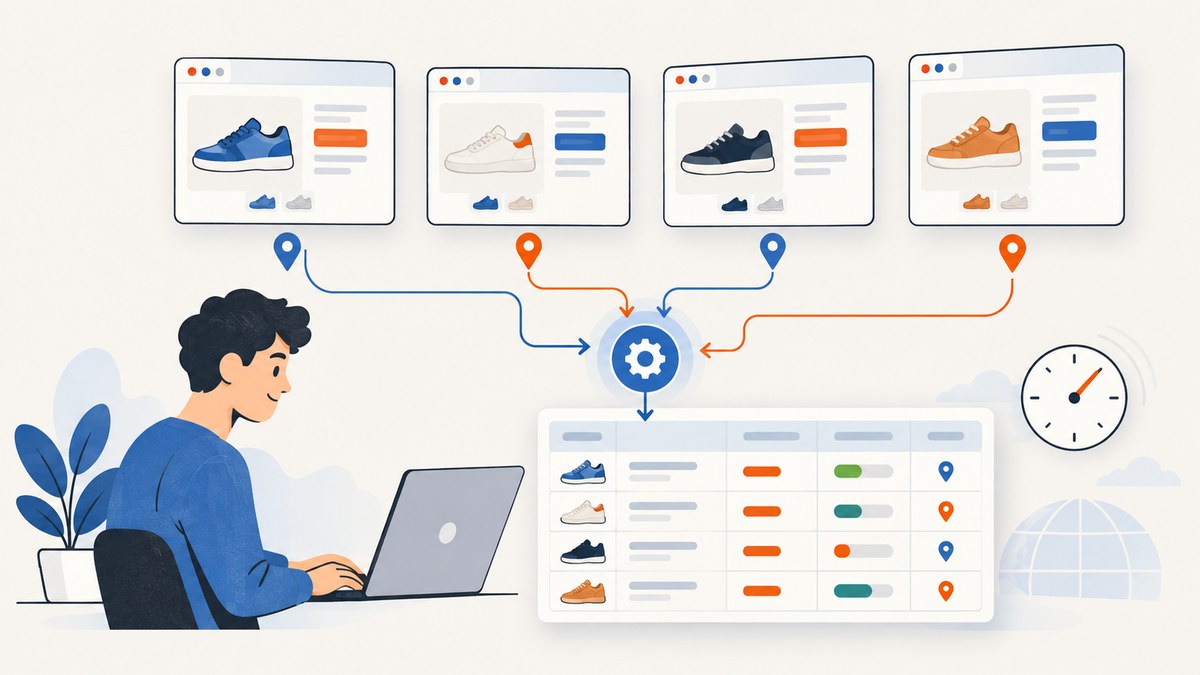
To scrape retail prices, sales, and store stock reliably, first choose an access route that the retailer permits, then capture the product, offer, location, fulfillment mode, and retrieval time together. Prefer an official API or feed when one supports your use case. If page collection is allowed, read the rendered page and its structured Product and Offer data, validate it against what a shopper sees, and treat store availability as a time-and-location observation rather than a guarantee.
Define exactly what you are collecting
“Price” can mean list price, current offer price, sale price, coupon-adjusted price, or a displayed unit price. “Stock” can mean online availability, pickup at a selected store, delivery availability, or a broad label such as “in stock.” Write these definitions before building a collector.
- Product identity: retain the canonical URL and a GTIN, SKU, retailer product ID, or other stable identifier when available.
- Variant: record size, color, pack count, model, seller, and condition. Different variants can have different offers.
- Market: store country, currency, postal area, language, and tax display.
- Fulfillment: shipping, delivery, pickup, or in-store purchase.
- Time: store retrieval time in UTC and display a local time to readers.
A useful observation record is: retailer, product ID, canonical URL, variant, seller or offer ID, displayed price, currency, promotion text, availability label, store or location, fulfillment type, retrieved-at timestamp, response status, and extraction-method version.
Check permission and select an access route
Start with the retailer’s developer portal, feed documentation, terms, and API policy. Confirm authentication, eligible account type, fields, geographic scope, quota, retention, redistribution, and competitive-use restrictions. An API that exists is not automatically permission to republish every field.
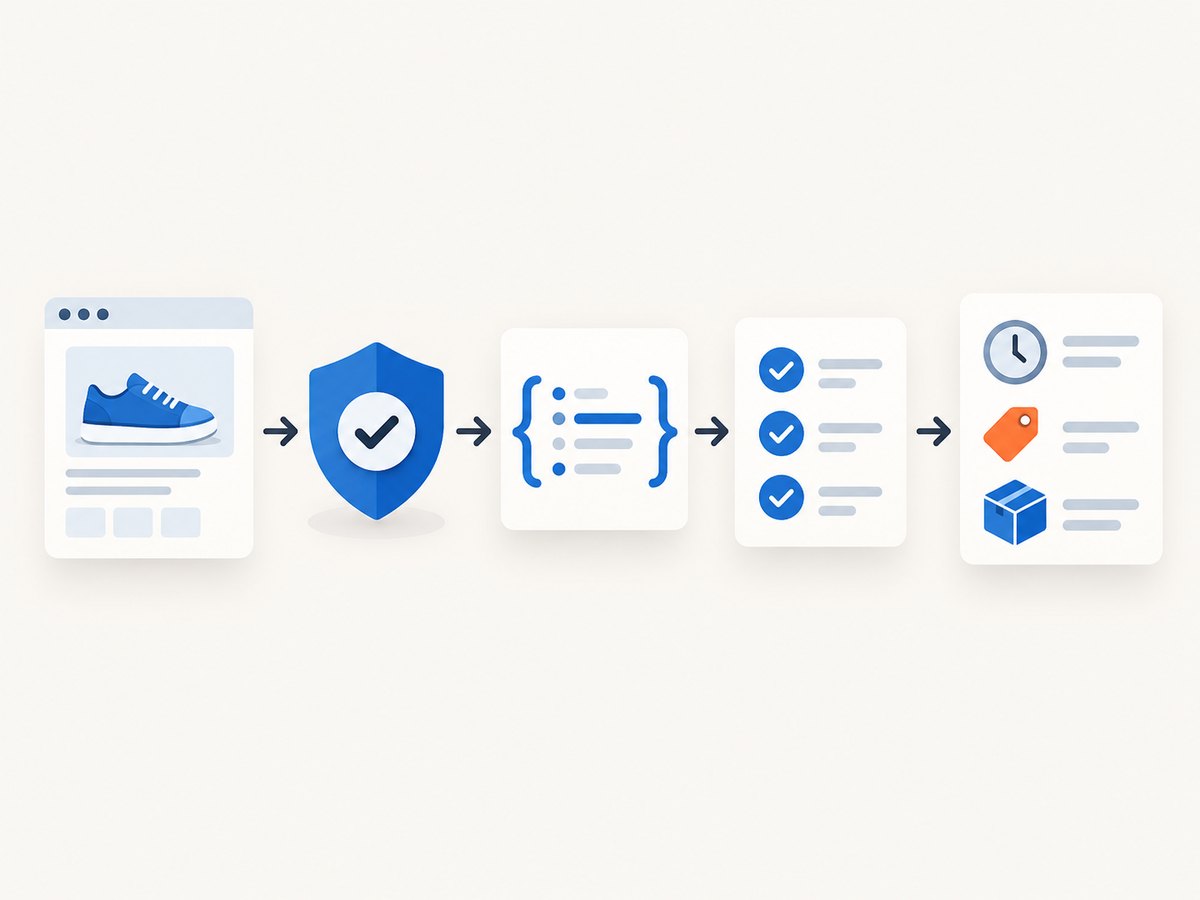
Prefer an official API or feed when it covers the required products and stores. Walmart’s documentation says limits vary by API and exposes usage information in response headers; its marketplace terms place restrictions on copying, public display, redistribution, competitive use, and excessive use. Review the current portal and contract for your account, country, endpoint, and purpose. Amazon’s Selling Partner API is designed around sellers’ and vendors’ own operational data and requires the appropriate seller account and developer profile. Do not treat a seller API as a general public price-monitoring interface.
When no suitable API exists, determine whether page collection is allowed by the retailer’s terms and applicable law. Read robots.txt and follow its parseable crawler rules. RFC 9309 says that a crawler that successfully downloads the file MUST follow the parseable rules
; robots rules do not replace terms, API policies, or a permission review.
Inspect product and offer data
Retail pages commonly expose JSON-LD or other machine-readable Product and Offer data. The Schema.org vocabulary separates fields such as price, priceCurrency, availability, and place-related information. Google’s product guidance documents availability values including InStock, OutOfStock, and InStoreOnly.
Structured data is usually less brittle than a CSS selector tied to presentation, but it is not automatically current or correct for your selected store. Validate:
- the JSON-LD product matches the visible title, SKU, and selected variant;
- the offer seller and condition are the ones you intend to track;
- the currency and price represent the displayed offer, not a hidden range or subscription price;
- the availability label matches the shopper-facing message;
- the selected store, postal code, or delivery region is reflected in the response.
Keep the relevant raw response or an audit reference only when the retailer’s terms permit that retention. Avoid unrelated personal information.
Build a permission-aware collector
1. Model a request
A request should identify a product URL or API ID, market, store, variant, and desired fulfillment mode. Queue duplicate product-store combinations so a page is not fetched repeatedly.
2. Fetch conservatively
Use the retailer’s documented quota. Set connection and read timeouts, identify your client where required, and avoid parallel bursts. Cache only when caching is allowed and the freshness window fits the use case.
3. Parse and validate
Parse API fields or JSON-LD first, then use visible-page checks for conflicts. Mark an observation as uncertain when price, store, or fulfillment context cannot be established.
4. Normalize
Convert numeric prices to a decimal representation without losing the displayed currency. Keep the original promotion text and price type so a later user can distinguish a sale from a regular offer.
5. Publish with freshness
Label a result “listed as in stock at Store A when checked at 14:05 UTC.” Do not claim “in stock now” unless your process supports that claim for the reader’s selected store and a recent check. Prices, promotions, and store inventory can change immediately after collection.
Example: extracting JSON-LD from an allowed page
The following Python example is a starting point for a page you are permitted to fetch. It collects Product and Offer objects, but it does not bypass login, bot checks, paywalls, or access controls.
import json
import requests
from bs4 import BeautifulSoup

url = "https://example.com/product"
r = requests.get(url, headers={"User-Agent": "price-research/1.0"}, timeout=30)
r.raise_for_status()
soup = BeautifulSoup(r.text, "html.parser")

for tag in soup.select('script[type="application/ld+json"]'):
    try:
        data = json.loads(tag.string or tag.get_text())
    except json.JSONDecodeError:
        continue
    items = data if isinstance(data, list) else [data]
    for item in items:
        if item.get("@type") in ("Product", "Offer"):
            print(json.dumps(item, indent=2))
For JavaScript-rendered pages, use an approved retailer API or a browser automation process only where the terms allow it. Wait for the selected store and variant to finish loading, then capture the final DOM and structured data. A static HTTP response may contain a generic offer while the rendered page shows a store-specific result.
Rate limits, retries, and reliability
Rate limits are operational constraints, not suggestions. Walmart documents token-bucket behavior, the x-current-token-count and X-Next-Replenishment-Time headers, and HTTP 429 responses. The documented default US Marketplace table includes an inventory rate of 200 requests per minute for that table; other APIs, countries, versions, and feed types differ. A separate displayed global-marketplace feed table includes endpoint-specific limits such as 10 inventory requests per hour. Recheck the live portal before deployment.
- Read quota headers and record them with job metrics.
- On 429, pause until the server’s replenishment indication or use exponential backoff with jitter.
- Retry transient 5xx and network failures a small, bounded number of times.
- Do not retry a 401, 403, validation error, or a terms-related denial without changing authorization or the request.
- Use idempotent job IDs so a retry cannot create duplicate observations.
- Alert on sudden changes in currency, selector matches, product IDs, or availability distributions.
Amazon Associates Central describes an initial Product Advertising API limit of 1 request per second, with additional capacity tied to attributed shipped revenue up to 10 requests per second. That guidance concerns PA-API usage and does not authorize scraping retailer pages.
Common errors and fixes
| Error | Likely cause | Fix |
|---|---|---|
| 429 Too Many Requests | Endpoint quota exceeded | Honor retry timing, reduce concurrency, and monitor quota headers. |
| Price is blank | Variant or location is not selected, or price is rendered by JavaScript | Select the variant/store, use the permitted rendered response or API, and record uncertainty. |
| Price differs from the page | JSON-LD is stale, a range, or a different seller | Compare title, SKU, seller, visible price, and currency before accepting the field. |
| “In stock” is wrong for a store | Markup is generic or store context expired | Bind the request to a store/postal code and show the check time; never infer live inventory from a generic label. |
| 403 or bot challenge | Access is restricted | Stop automated collection and use an official feed or obtain permission. Do not attempt to defeat the control. |
| Duplicate rows | Multiple offers, URLs, or retries | Deduplicate by retailer, product, variant, seller, store, fulfillment, and timestamp window. |
| Currency mismatch | Locale or market changed | Pin the market and store the currency with every numeric value. |
Performance, cost, and data quality
For large catalogs, schedule by change frequency: fast-moving sale pages more often, stable products less often. Deduplicate URLs, batch API requests where the retailer supports batching, and cache permitted responses. Store only fields needed for the stated purpose. A store-stock project usually costs more operationally than an online-price project because each product may need a separate store and fulfillment request.
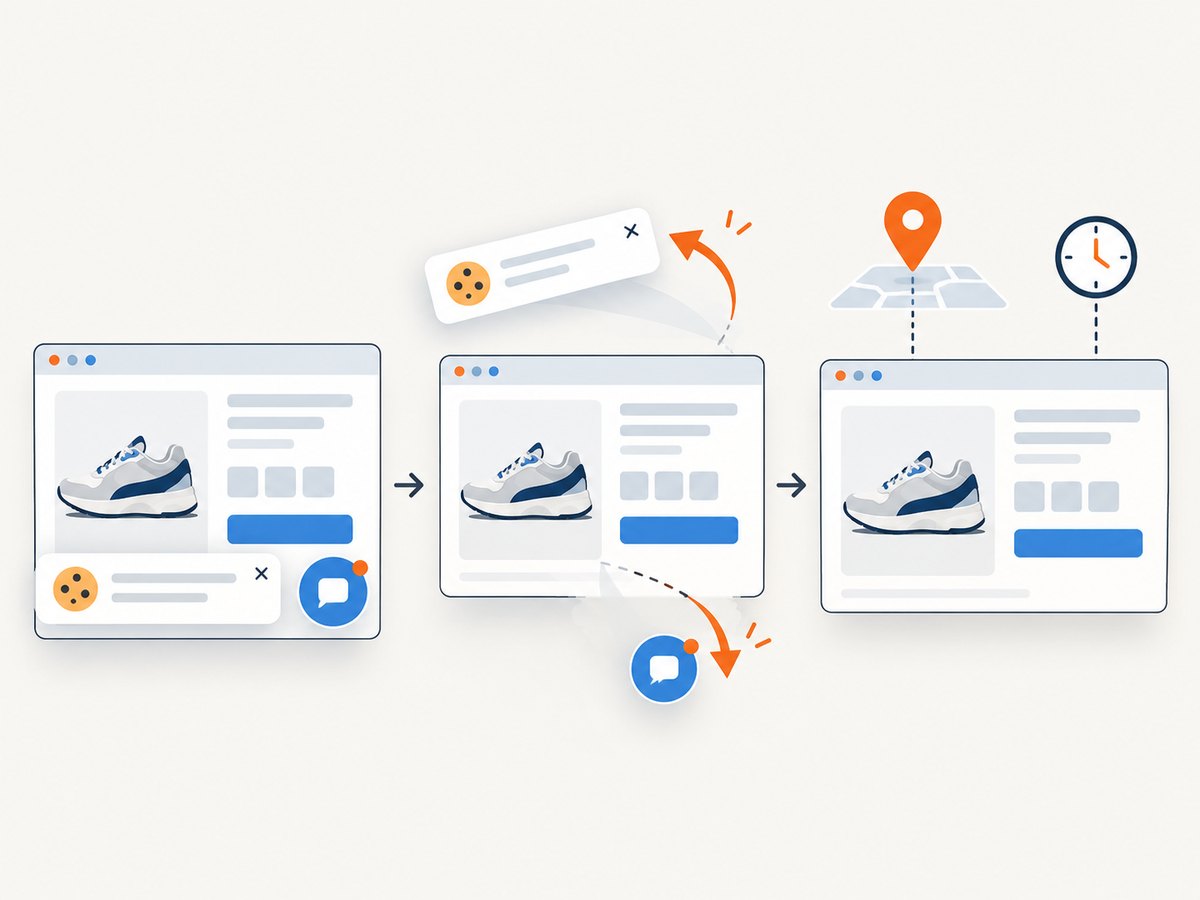
Measure successful observations, rejected or uncertain observations, 429 rate, median and tail latency, freshness age, and the percentage of records with a stable product ID and store ID. These metrics reveal data quality without pretending that a page label is a guarantee of inventory.
Or skip the browser setup
ScreenshotNeo provides a website screenshot API and MCP server. Use it when you need a visual record of an allowed product page after it has rendered, while keeping your retailer permission review and structured-data validation in place.
One GET request returns PNG, JPEG, WebP, or PDF. Cookie and consent banners are accepted and removed before capture, along with 60+ known consent platforms, newsletter popups, and chat widgets; each step can be turned off. Bot checks, blank pages, timeouts, failed loads, and cache hits cost nothing, and response headers report the page verdict and whether it was billed. The MCP server exposes take_screenshot, get_page_info, and capture_pdf for Claude, Cursor, and other MCP clients.
See the complete option list and parameter names in the ScreenshotNeo documentation. Relevant controls include full-page capture with lazy images loaded, CSS-selector element capture, dark mode, device presets or custom viewports, retina scale, custom CSS and JavaScript, clicks, selector or network-idle waits, request and resource blocking, headers, cookies, user agents, Authorization, timezone, geolocation, transparent backgrounds, resizing, chosen-TTL caching, signed links, asynchronous jobs with signed webhooks, bulk capture of up to 100 URLs, a usage API, and an OpenAPI specification.
curl -G "https://api.screenshotneo.com/v1/shot" -d access_key=YOUR_API_KEY --data-urlencode url=https://stripe.com -o shot.webpimport requests
r = requests.get("https://api.screenshotneo.com/v1/shot", params={"access_key": "YOUR_API_KEY", "url": "https://stripe.com"}, timeout=90)
open("shot.webp", "wb").write(r.content)const q = new URLSearchParams({ access_key: 'YOUR_API_KEY', url: 'https://stripe.com' });
const res = await fetch(`https://api.screenshotneo.com/v1/shot?${q}`);Free usage includes 1,000 screenshots each month with no card. Paid plans start at $5 for 3,000 screenshots, and every feature is available on every plan. Create a free ScreenshotNeo account to try the capture workflow.
FAQ
Can I scrape product prices from retailer websites?
Only after checking the retailer’s current terms, API policies, and applicable law for your purpose. Public visibility does not by itself establish permission to copy, reuse, or republish data.
Does robots.txt give permission?
No. Follow its crawler rules, but also review contracts, terms, and API policies.
Is structured data guaranteed to be live?
No. Product and Offer markup can be stale, generic, or unrelated to the selected store. Validate it against the shopper-facing page and retain context.
How should I describe store availability?
Include the store or location and retrieval time, for example “listed as in stock at Store A when checked at 14:05 UTC.”
What should I do when no official API exists?
Review permission first. If page collection is allowed, collect conservatively and document selectors, context, throttling, and freshness. Otherwise seek a licensed feed or a direct arrangement with the retailer.


