How to Scrape Search Engine Results
Learn how to collect search results through authorized APIs, respect provider rules, and build reliable SERP data pipelines with Python, cURL, and Node.js.

Short answer: do not begin by sending automated requests to a search engine’s public results page. First identify the engine, read its current terms and automated-access policy, and use an official or explicitly authorized API when one exists. For Google, automated queries and scraping results without express permission violate Google’s published spam policies and Terms of Service. Google’s Custom Search JSON API is a documented route for returning JSON results from a configured Programmable Search Engine, but Google currently says the API is closed to new customers and that existing customers must transition by January 1, 2027. Verify eligibility and current limits before building around it.
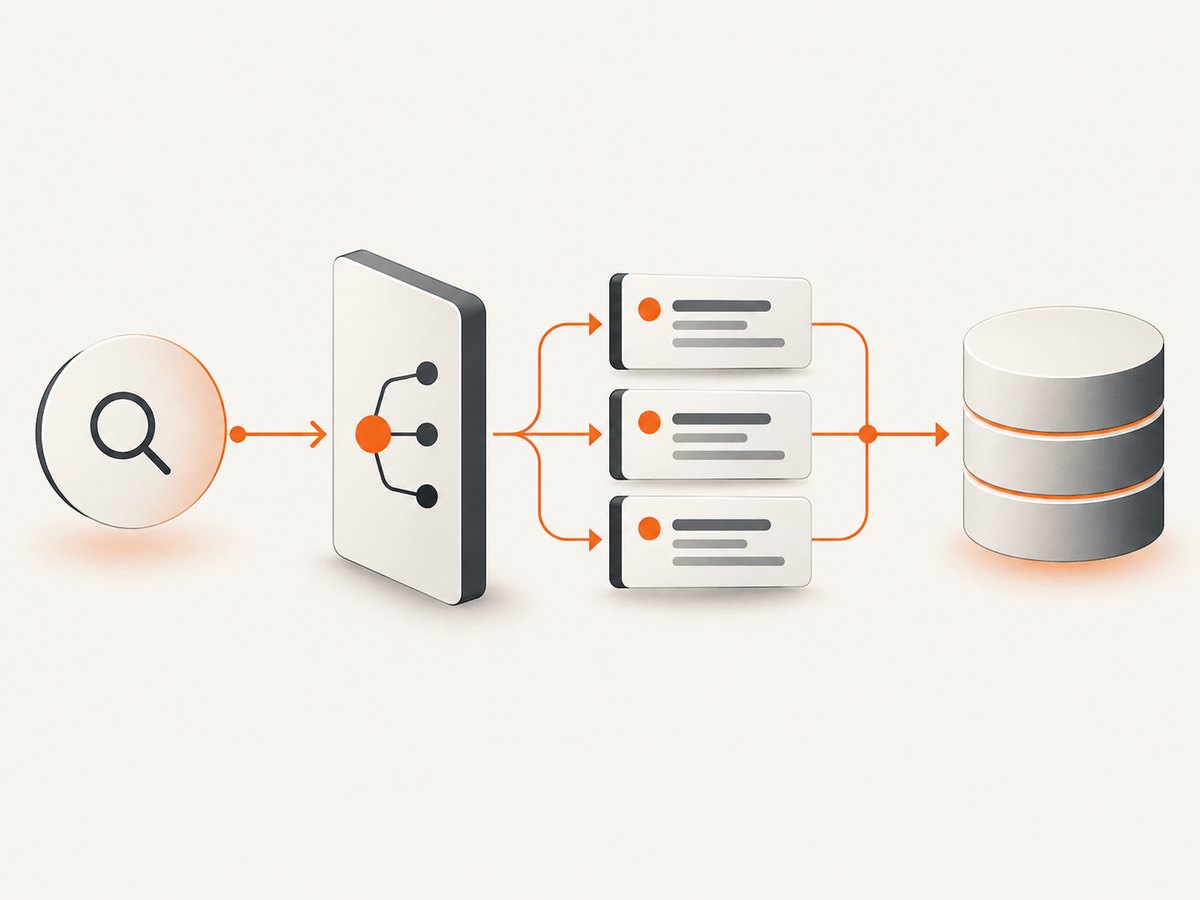
This guide shows the complete workflow: define the result data you need, select an authorized route, implement pagination and error handling, store only what you need, and monitor quota and policy changes. It also explains when a screenshot is useful and how ScreenshotNeo can capture an authorized results page for visual auditing.
1. Decide what “search results” means
A search result page can contain several different data sets. Write down the exact fields before choosing an access method:
- Organic result links, titles, and snippets
- Paid advertisements
- Local or map results
- News, image, video, shopping, or other vertical results
- Knowledge panels, related questions, and suggestions
- Ranking position, page, language, country, and retrieval time
These are not interchangeable. An API may return only the result types documented for its product. The research for this article does not establish that Google’s Custom Search JSON API covers every feature shown on Google’s public page, so confirm field and feature coverage in the current documentation before committing to a schema.
2. Read the provider’s rules before writing a collector
Google Search Central describes automated queries to Google Search, including scraping results for rank checking or other automated access without express permission, as machine-generated traffic. Its published statement says: “Such activities violate our spam policies and the Google Terms of Service.” Read the machine-generated traffic policy and Google Terms of Service for the current wording and scope.
This is a provider policy statement, not a universal legal conclusion about every search engine or jurisdiction. A court dispute does not create a general permission to scrape: reports about Google LLC v. SerpApi described a July 2026 dismissal followed by an amended complaint and renewed motion, while the current disposition was not established in the supplied research.
If you crawl ordinary websites linked from results, evaluate those sites separately. Google’s robots.txt documentation explains that robots.txt manages crawler access and traffic; it is not a way to guarantee that a URL is absent from Search and is not proof that you have legal authorization for a different kind of automated access.
3. Prefer an official or authorized data route
Compare each route on six dimensions:
- Authorization and eligibility: does the provider document this use and can your account use it?
- Fields: are the result types and metadata you need actually returned?
- Geography and language: can you specify the market and language required by your use case?
- Quota and price: what are the daily limits, rate limits, and overage costs?
- Storage and reuse: may you retain, display, or redistribute the returned data?
- Reliability: how are errors, maintenance, and policy changes communicated?
Google documents the Custom Search JSON API as returning programmatic results in JSON from a configured Programmable Search Engine and requiring an API key. Its current overview says the service is closed to new customers, provides 100 free queries per day, allows additional queries for a fee, and gives existing customers until January 1, 2027 to transition. These details are time-sensitive; check the overview immediately before launch.
4. Configure a documented search API
If your account is eligible, create a Programmable Search Engine, record its engine identifier (cx), create an API key, and keep both values in environment variables. Never put an API key in browser JavaScript, a public repository, or a client-side application.
A minimal request has a query (q), API key (key), and engine identifier (cx). Pagination, language, country, safe-search, and date filters are available only when supported by the current API documentation and your configured engine. Treat the following names as configuration examples and verify them against the provider’s live reference:
| Parameter | Purpose | Operational note |
|---|---|---|
q |
Search expression | Normalize whitespace and enforce a maximum length. |
num |
Results per request | Use the documented maximum; do not assume every value is accepted. |
start |
Pagination offset | Stop when the response has no next-page link. |
gl, cr |
Country targeting | Record the setting with each collection. |
hl, lr |
Interface or language preference | Confirm supported language codes. |
safe |
Content filtering | Set explicitly for repeatable jobs. |
dateRestrict |
Recency constraint | Store the exact filter used. |
5. Python implementation with pagination and retries
The script below reads credentials from the environment, requests one page at a time, preserves the raw response, and stops when the API does not advertise another page. It uses exponential backoff only for transient HTTP failures. Respect the provider’s rate limits; retries do not make an unauthorized request acceptable.
import json
import os
import time
from typing import Any

import requests

API_URL = 'https://www.googleapis.com/customsearch/v1'
API_KEY = os.environ['GOOGLE_API_KEY']
ENGINE_ID = os.environ['GOOGLE_CX']


def search(query: str, pages: int = 1) -> list[dict[str, Any]]:
    rows: list[dict[str, Any]] = []
    for page in range(pages):
        start = 1 + page * 10
        params = {
            'key': API_KEY,
            'cx': ENGINE_ID,
            'q': query,
            'start': start,
            'num': 10,
        }
        for attempt in range(4):
            response = requests.get(API_URL, params=params, timeout=30)
            if response.status_code in (429, 500, 502, 503, 504):
                if attempt == 3:
                    response.raise_for_status()
                time.sleep(2 ** attempt)
                continue
            response.raise_for_status()
            payload = response.json()
            for item in payload.get('items', []):
                rows.append({
                    'title': item.get('title'),
                    'link': item.get('link'),
                    'snippet': item.get('snippet'),
                    'retrieved_at': time.time(),
                    'query': query,
                    'page': page + 1,
                })
            if not payload.get('queries', {}).get('nextPage'):
                return rows
            break
    return rows

if __name__ == '__main__':
    results = search('developer documentation', pages=2)
    print(json.dumps(results, indent=2, ensure_ascii=False))
Install the dependency with python -m pip install requests, then run with GOOGLE_API_KEY=... GOOGLE_CX=... python search.py. Keep the retrieval timestamp, query, page, language, and geography alongside each record so later analysis is reproducible.
6. cURL request
Use --get and --data-urlencode so spaces and punctuation in a query are encoded safely:
curl --fail-with-body --get 'https://www.googleapis.com/customsearch/v1' \
  --data-urlencode "key=$GOOGLE_API_KEY" \
  --data-urlencode "cx=$GOOGLE_CX" \
  --data-urlencode 'q=developer documentation' \
  --data-urlencode 'num=10'
For production, write the response to a restricted file or pipe it directly into a parser. Do not place the key in shell history, CI logs, or a URL that another service will retain.
7. Node.js implementation
const endpoint = new URL('https://www.googleapis.com/customsearch/v1');
endpoint.search = new URLSearchParams({
  key: process.env.GOOGLE_API_KEY,
  cx: process.env.GOOGLE_CX,
  q: 'developer documentation',
  num: '10'
});

const response = await fetch(endpoint);
if (!response.ok) {
  const detail = await response.text();
  throw new Error(`Search API ${response.status}: ${detail}`);
}
const data = await response.json();
const results = (data.items || []).map((item, index) => ({
  position: index + 1,
  title: item.title,
  link: item.link,
  snippet: item.snippet
}));
console.log(JSON.stringify(results, null, 2));
Use a server-side runtime with a supported fetch implementation. Add bounded retries for 429 and 5xx responses, and emit metrics for latency, status code, quota errors, and empty result sets.
8. Reliability, performance, and cost design
Control request volume
Deduplicate identical jobs, cache results for the shortest period your use case permits, and schedule non-urgent work. A queue with a fixed concurrency limit prevents a traffic spike from becoming a provider-side block or an exhausted quota.
Make failures visible
Store the request parameters, response status, provider error code, retry count, and final outcome. Distinguish an empty result set from a failed request. Alert on sustained 401/403 errors, 429 responses, rising latency, and schema changes.
Budget conservatively
Calculate expected requests as queries × pages × refreshes. Include retries in the estimate. Google’s overview currently states 100 free queries per day for the Custom Search JSON API and says additional queries are available for a fee, but eligibility and pricing can change. Set an application-level daily ceiling below the provider limit and stop the job when it is reached.
Minimize retention
Keep only fields needed for the stated purpose. Apply access controls, retention windows, and deletion procedures. If you display snippets or links to users, verify the provider’s storage, display, and reuse terms first.
9. Common errors and fixes
| Error | Likely cause | Fix |
|---|---|---|
| 401 or 403 | Missing, invalid, restricted, or ineligible API key | Check the key, API enablement, allowed origins or IPs, and current eligibility. |
| 400 | Malformed query or unsupported parameter | Log the encoded request, remove optional parameters, and validate against the current reference. |
| 429 | Quota or rate limit exceeded | Slow down, queue work, cache duplicates, and review quota rather than retrying immediately. |
| 5xx or timeout | Transient provider or network failure | Use bounded exponential backoff with jitter and record the final failure. |
No items |
Legitimate zero-result response or engine configuration mismatch | Inspect the raw JSON, query, and Programmable Search Engine scope. |
| Unexpected rankings | Different engine scope, country, language, personalization, or freshness | Record all settings and do not compare collections made with different configurations. |
10. When a screenshot is useful
Structured JSON is the right format for analysis, alerts, and databases. A screenshot is useful when you need a visual audit trail: reviewing layout, checking whether an authorized internal search page rendered correctly, or attaching evidence to a support ticket. It is not a substitute for permission to automate a public search engine.
11. Or skip the browser setup
For an authorized page that you need to render as an image or PDF, ScreenshotNeo’s API documentation provides a single-call route:

curl -G "https://api.screenshotneo.com/v1/shot" -d access_key=YOUR_API_KEY --data-urlencode url=https://example.com/search?q=developer -o shot.webpimport requests
r = requests.get("https://api.screenshotneo.com/v1/shot", params={"access_key": "YOUR_API_KEY", "url": "https://example.com/search?q=developer"}, timeout=90)
open("shot.webp", "wb").write(r.content)const q = new URLSearchParams({ access_key: 'YOUR_API_KEY', url: 'https://example.com/search?q=developer' });
const res = await fetch(`https://api.screenshotneo.com/v1/shot?${q}`);Cookie banners, newsletter popups, and chat widgets are removed before the shot. Bot checks, blank pages, failed loads, timeouts, and cache hits are not billed, and response headers identify the page verdict and billing result. You can capture full pages or one CSS-selected element, choose PNG, JPEG, WebP, or PDF, set device and viewport options, wait for a selector or network idle, add custom CSS or JavaScript, set headers and cookies, block resources, use caching, create signed links, submit asynchronous jobs, or capture up to 100 URLs in one bulk call. ScreenshotNeo also provides an MCP server with take_screenshot, get_page_info, and capture_pdf for AI clients such as Claude and Cursor.
The Free plan includes 1,000 screenshots per month with no card. Paid plans start at $5 for 3,000 screenshots, and every feature is available on every plan. Create a free ScreenshotNeo account.
12. Practical launch checklist
- Identify the exact result types and fields you need.
- Read the target provider’s current terms and automated-access policy.
- Confirm API eligibility, quotas, pricing, geography, language, and reuse terms.
- Keep credentials server-side and rotate them.
- Implement pagination, bounded retries, rate control, and caching.
- Log query settings, timestamps, response status, and schema version.
- Set a daily budget and a stop switch for blocks or access challenges.
- Delete data when the retention period ends.
- Recheck documentation before changing providers or increasing volume.
FAQ
Is scraping Google results allowed?
Google states that automated queries and result scraping without express permission violate its spam policies and Terms of Service. Use a documented, authorized route and verify the current rules.
Does robots.txt give permission to scrape a search engine?
No. robots.txt has a defined crawler and traffic-management purpose. It is not a substitute for terms, authorization, or legal advice.
Can I use the Custom Search JSON API for a new project?
Google’s current overview says the API is closed to new customers. Existing customers are told to transition by January 1, 2027. Check the live documentation for your account’s status.
Should I store complete result pages?
Only if the provider’s terms permit it and your use case requires it. Prefer minimal fields, limited retention, and documented deletion.
When should I capture a screenshot instead of collecting JSON?
Use JSON for computation and storage. Use screenshots for visual verification or an audit artifact on pages you are authorized to access.


