How to Scrape Shopify Stores Responsibly
Scraping a Shopify store depends on your authorization, purpose, data, and jurisdiction. Here’s how to choose a permitted approach, limit collection, and handle blocks responsibly.
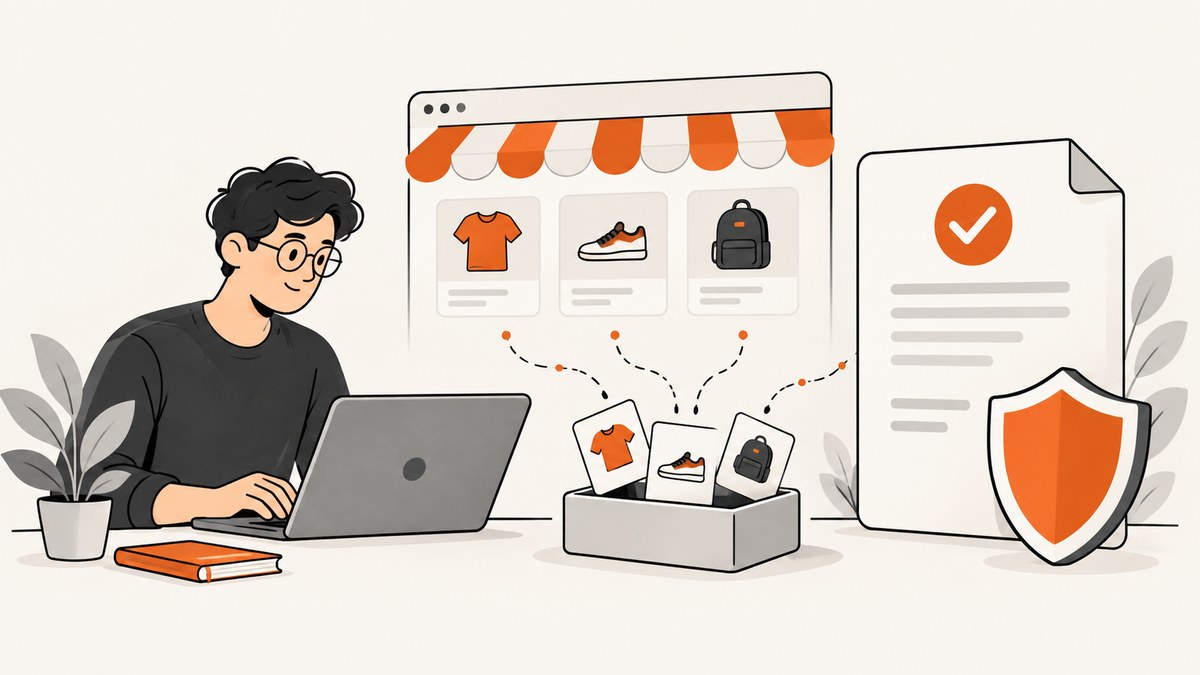
Whether you may scrape a Shopify store depends on what you collect, how you collect it, why you need it, whether you have authorization, and the laws and terms that apply to your project. Public visibility is not blanket permission for automated bulk extraction or reuse. Shopify’s API terms expressly restrict scraping its APIs, merchant data, merchant stores, and services unless authorized in writing or applicable law expressly prohibits the restriction. Read Shopify’s API Terms.
For a store you own or are authorized to assess, use the access method that fits the purpose: Shopify documents Web Bot Auth for verifying an owner-authorized crawler, and its APIs support specific application purposes. Read the store’s robots.txt, keep collection narrow, and stop if the site presents a challenge or denies access. This is practical platform guidance, not a legal opinion; applicable rules vary by jurisdiction and project.
1. Start with purpose and permission
Write down what decision or feature the collected information will support before making requests. Then define the smallest set of fields, pages, and collection period that can answer that question.
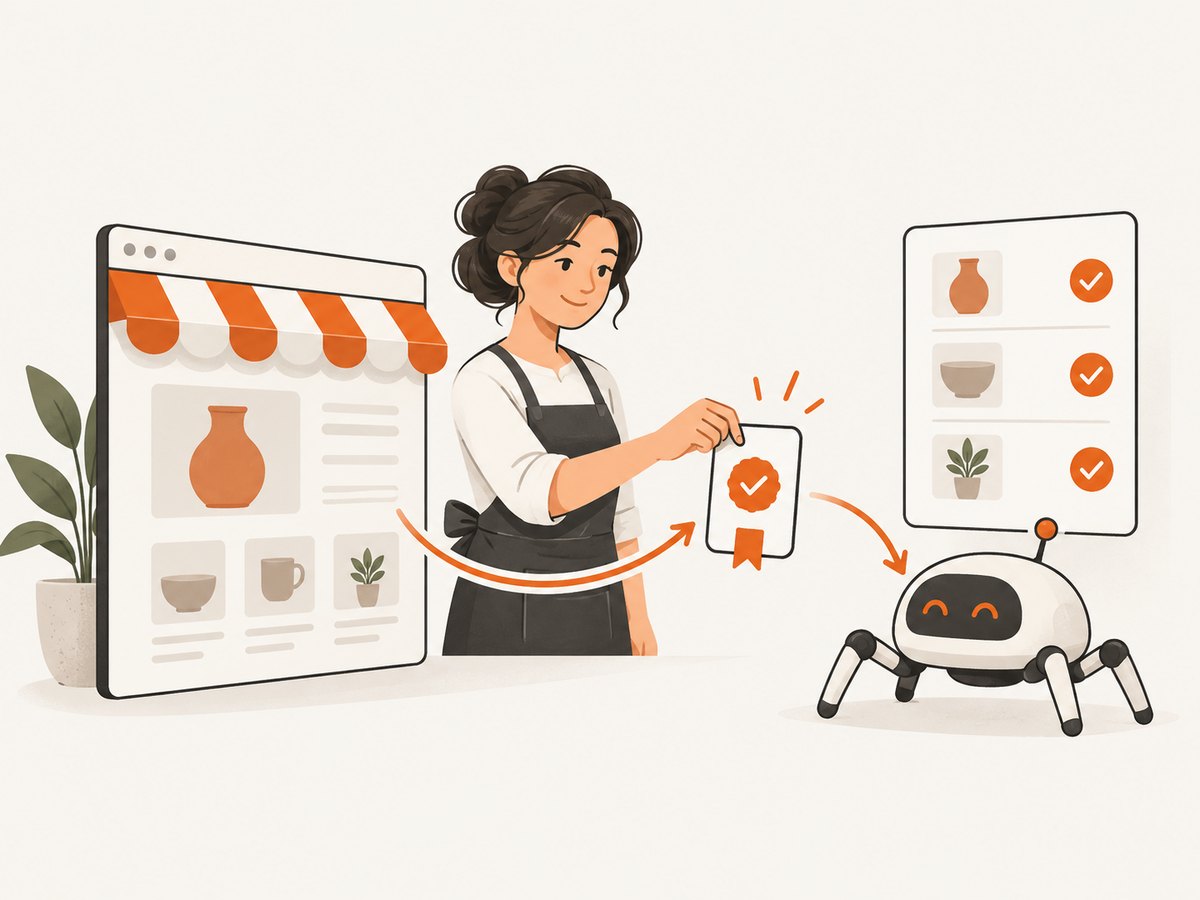
- Identify who controls the store. If it is a merchant’s store, obtain that merchant’s permission and confirm the scope. If you are building an app, use the Shopify authorization and API path appropriate to the app’s purpose.
- Specify the data. Public product names and descriptions present different concerns from customer details or nonpublic merchant data. Do not collect sensitive or personal data unless it is necessary and properly authorized.
- Set retention and access rules. Record why you collect each field, who can access it, how it is secured, and when it will be deleted.
- Check applicable terms and law. Consider Shopify’s terms, the store’s own terms where applicable, privacy obligations, and the law governing the project. There is no universal legal answer based only on a page being public.
Shopify’s API Terms say applications should request only the merchant data needed to provide their service, obtain the merchant’s permission, protect the data, maintain a privacy policy, and comply with applicable law. These are API-related requirements; do not treat them as a complete statement of every rule for every kind of storefront access.
2. Choose an authorized collection path
For an owner-authorized public-store audit: Web Bot Auth
Shopify documents Web Bot Auth signatures that store owners can create in the admin and put in request headers so their crawler can be verified. Shopify identifies accessibility and SEO audits, automated testing, and data analysis as intended uses. Signatures can expire, with a maximum configured period of three months. See Shopify’s guide to crawling your store.
Use the signature only for the authorized crawler and scope. Keep it secret, set an expiration appropriate to the work, and rotate or revoke it when the work ends. The following Python example illustrates a deliberately small, owner-authorized request. Supply the signature according to the instructions in Shopify Admin; do not put secrets in source control.
import os
import requests
from urllib.parse import urlparse

# Example: set SHOPIFY_STORE_URL to the exact store URL you are authorized to audit.
store_url = os.environ["SHOPIFY_STORE_URL"].rstrip("/")
signature = os.environ["SHOPIFY_WEB_BOT_AUTH"]

# Keep this allowlist narrow. Do not accept arbitrary URLs from untrusted input.
allowed_host = urlparse(store_url).hostname
url = store_url + "/products.json"
if urlparse(url).hostname != allowed_host:
    raise ValueError("URL host does not match the authorized store")

response = requests.get(
    url,
    headers={"Shopify-Web-Bot-Auth": signature},
    timeout=(5, 20),
)
response.raise_for_status()
print("HTTP", response.status_code)
print(response.text[:2000])  # Inspect only the small response needed for the audit.
This is a request pattern, not a guarantee that a particular path is available or that the response contains the fields you need. Follow the current Shopify instructions for the signature header and choose pages within the granted scope. Do not crawl more pages merely because a request succeeds.
For an app: use the supported API for its stated purpose
Shopify describes the Storefront API as supporting buyer-facing storefronts and carts, including headless and custom storefronts. That stated purpose does not grant general permission to harvest store data for an unrelated index or bulk dataset. Choose an API based on the app’s actual function, request only authorized data and scopes, and comply with the API terms and relevant Shopify app API documentation.
Do not use Shopify API credentials to scrape the API or systematically collect data outside the application’s authorized purpose. The terms prohibit scraping Shopify APIs, Merchant Data, Merchant Stores, and Services except where authorized in writing or where applicable law expressly prohibits that restriction; they also restrict systematic or automated collection through the API and using it to build a commerce or product index.
Read robots.txt, but understand what it means
Before an authorized public-store crawl, inspect the store’s /robots.txt and follow its crawler instructions. Shopify explains that robots.txt rules are advisory: not every crawler follows them. An allowance is not permission to scrape at scale, does not override terms or authorization requirements, and does not bypass access controls. See Shopify’s robots.txt guidance.
3. Keep the crawl narrow and low impact
The sources do not establish one universally safe request rate for every Shopify store. Choose a conservative scope with the store owner, avoid unnecessary repeat requests, cache responses where appropriate, and reduce load by requesting only pages and fields needed for the task.
- Use an explicit list of allowed hosts and paths; never let user input turn your crawler into a general-purpose URL fetcher.
- Set connection and read timeouts, identify the job internally, and log status codes without storing unnecessary response data.
- Limit concurrency and avoid overlapping runs. A successful response does not mean unlimited repetition is appropriate.
- Cache results for the period that fits the audit, and avoid fetching unchanged pages repeatedly.
- Keep personal and merchant data out of logs, analytics, and development fixtures unless necessary and authorized.
- Stop on verification challenges, 403 responses, or other denials. Ask the owner or Shopify for an approved route rather than trying to evade the restriction.
Shopify documents Cloudflare protections on public store requests and says visitors may see verification challenges when behavior appears automated. Treat a challenge as a boundary, not an obstacle to defeat. See Shopify’s bot-protection guidance.
4. A minimal Python workflow for an authorized audit
This example fetches one explicitly configured page from a store you are authorized to assess. It observes the response status, times out, and does not follow a list of discovered links. Install the dependency with python -m pip install requests. Provide SHOPIFY_STORE_URL and SHOPIFY_WEB_BOT_AUTH as environment variables using the owner-authorized values.
import os
import requests
from urllib.parse import urlparse

base = os.environ["SHOPIFY_STORE_URL"].rstrip("/")
auth = os.environ["SHOPIFY_WEB_BOT_AUTH"]
parsed = urlparse(base)
if parsed.scheme != "https" or not parsed.hostname:
    raise SystemExit("Set SHOPIFY_STORE_URL to an HTTPS store URL")

url = base + "/"
try:
    r = requests.get(
        url,
        headers={"Shopify-Web-Bot-Auth": auth},
        timeout=(5, 20),
        allow_redirects=False,
    )
except requests.Timeout:
    raise SystemExit("Timed out; stop and review scope or ask the owner")

if r.status_code in (401, 403, 429):
    raise SystemExit(f"Access denied or limited ({r.status_code}); stop and seek authorization")
if 300 <= r.status_code < 400:
    raise SystemExit(f"Redirect returned ({r.status_code}); inspect with the owner before continuing")
r.raise_for_status()
print("Fetched authorized page; bytes:", len(r.content))
The header spelling and signature setup must match Shopify’s current Web Bot Auth instructions for your store. Keep the crawler’s target fixed to the approved host, and do not add automated retry loops for denials or challenges. If you have a specific application use case, implement the supported API flow and authorization Shopify documents for that use case rather than adapting a storefront crawler to bypass API requirements.
5. Or skip the browser setup
If you are permitted to capture a page visually for an audit, [ScreenshotNeo](https://screenshotneo.com) can return a screenshot from one GET request. See the ScreenshotNeo API documentation. A screenshot is a visual record; it does not grant permission to crawl, extract, or reuse the underlying store data. Respect authorization and stop if the store presents a challenge.

curl -G "https://api.screenshotneo.com/v1/shot" \
  -d access_key=YOUR_API_KEY \
  --data-urlencode url=https://stripe.com \
  -o shot.webp
Replace the example target with a store page you are authorized to capture. ScreenshotNeo removes cookie banners, popups, and chat widgets before the shot; bot checks, blank pages, and failed loads are never billed; its MCP server lets AI agents take screenshots; and 1,000 screenshots a month are free with no card, with paid plans starting at $5 for 3,000. Sign up for 1,000 free screenshots a month, no card required.
6. Troubleshooting
| Symptom | Likely cause | Responsible next step |
|---|---|---|
| 401 or 403 | Missing, invalid, expired, or out-of-scope authorization; access denial | Stop requests. Confirm the signature and scope with the store owner; ask for an approved route. |
| Verification or CAPTCHA page | Automated behavior triggered a bot defense | Pause. Do not rotate identities, disguise automation, or route around the challenge. Contact the owner. |
| 429 or repeated throttling | Request volume or timing is not acceptable to the endpoint | Stop the run, reduce its scope, and coordinate an appropriate schedule with the owner. Do not assume a universal safe rate. |
| Timeout or incomplete page | Network delay, a slow response, or page behavior requiring browser rendering | For an authorized audit, review the exact page with the owner; avoid aggressive retries and narrow the work. |
| Robots.txt allows the path, but access is denied | Robots rules are advisory and do not override access controls or terms | Follow the denial and obtain authorization; do not treat robots.txt as an access grant. |
| API request works, but requested data is unavailable | The app lacks the relevant authorization or the API is not intended for that purpose | Review Shopify’s API docs, scopes, merchant authorization, and terms. Do not switch to scraping the API. |
7. Reliability, performance, and cost considerations
Reliability: keep the authorized scope and signature expiration documented, use finite timeouts, and make jobs safe to stop. Record operational metadata such as timestamps and status codes, but avoid logging secrets or whole responses by default. If a denial occurs, treat it as a terminal state until the owner or platform provides guidance.
Performance: fewer pages, fewer fields, caching, and limited concurrency reduce work and avoid unnecessary store load. There is no dossier-backed request-rate number that can be recommended across all stores. Agree scope and timing with the owner rather than relying on a guessed delay.
Cost: account for engineering and storage costs, API or infrastructure usage, and the effort of maintaining authorization and deletion processes. Shopify’s sources here do not establish a universal price for a compliant collection workflow. Minimize retained data so storage, security, and deletion remain manageable.
Data handling: Shopify’s API terms call for permission, data minimization, security, privacy documentation, and legal compliance for API applications. Apply appropriate safeguards to any collected information and determine which privacy obligations apply to your particular data, actors, and geography.
8. A pre-run checklist
- The store owner or Shopify has authorized this collection path and purpose.
- The requested pages and fields are the minimum needed.
- I have read and will follow applicable robots.txt instructions.
- Credentials are kept out of code, logs, and public repositories.
- Timeouts, concurrency, caching, retention, and deletion are defined.
- The job stops on challenges, denial, or throttling and does not evade them.
Frequently asked questions
Is scraping a Shopify store illegal?
There is no single answer for every store and jurisdiction. Authorization, data type, collection method, purpose, terms, and applicable law matter. Shopify’s API terms expressly restrict scraping its APIs and related data and services except in stated circumstances; they are not a universal ruling on every publicly visible page.
Does a public product page mean I can collect it?
No blanket permission follows from visibility alone. Check authorization, terms, access controls, robots instructions, and legal obligations, especially before systematic collection or reuse.
Can I use Shopify’s Storefront API to build a product database?
The API’s documented buyer-facing storefront and cart purpose does not itself authorize unrelated bulk harvesting or index building. Use an API only for its supported, authorized application purpose and comply with its terms.
What should I do if the store blocks my crawler?
Pause and ask the owner or platform for an authorized method. Do not evade verification, access restrictions, or denial responses.
Sources
- Shopify API License and Terms of Use (listed as updated February 27, 2026).
- Shopify Help: Crawling your store.
- Shopify Help: Editing robots.txt.liquid.
- Shopify Help: Protecting your store from bots.
- Shopify Developers: APIs for apps.


