How to Scrape Sites That Block Headless Playwright Browsers
Learn why headless Playwright is detected, what authorized alternatives work, and how to capture pages reliably without bypassing access controls.
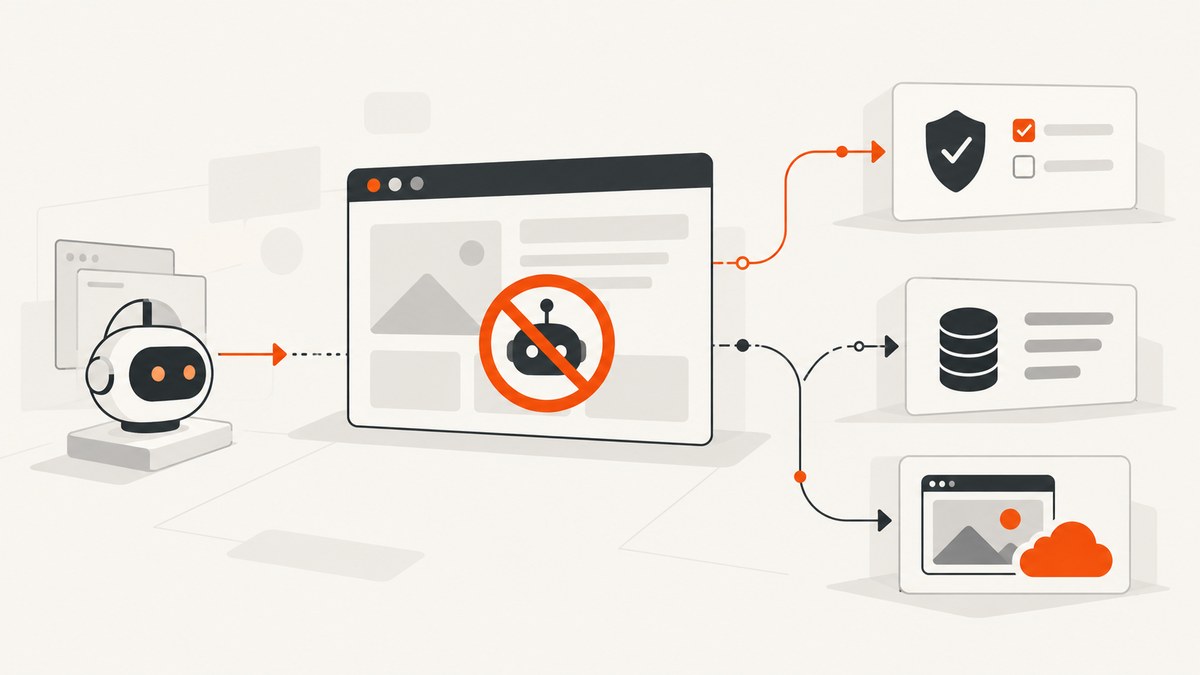
Short answer: A site that blocks headless Playwright is usually detecting several independent signals: browser and JavaScript fingerprints, request headers, session history, network identity, and behavior. Treat the response as an access-control decision, not a Playwright bug. For authorized work, use the site’s API or export first, ask the owner to allowlist your traffic, run a stable browser profile at a low rate, and stop when you reach a challenge, login wall, or explicit denial.
Cloudflare describes multiple bot-detection engines that combine JavaScript detections, machine-learning scores, headers, session characteristics, browser signals, network patterns, and behavior. Turnstile also evaluates visitor and site signals. A headed window may appear to work while headless mode fails because the detection system sees a different browser configuration or traffic pattern.
1. Start with authorization
Before changing code, determine whether you are allowed to automate the target.
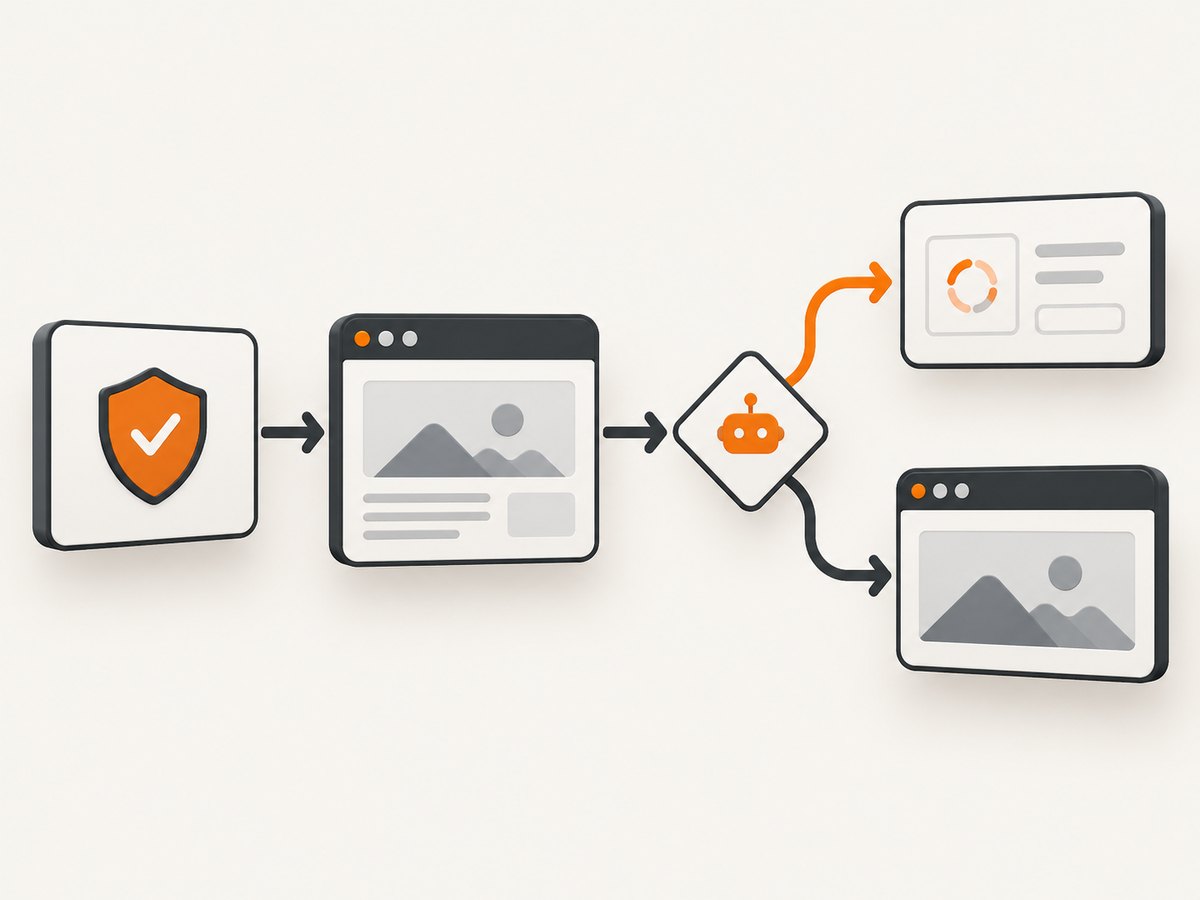
- Look for an official API, RSS or Atom feed, data export, sitemap, or documented integration.
- Read the site’s terms, usage policy, and
robots.txt. Robots.txt communicates the operator’s preference; it is not a technical permission grant. Cloudflare explains that compliance is voluntary and recommends server-side controls when an operator needs to enforce a block. - If automation is permitted but your traffic is challenged, request an allowlist. Give the owner your user-agent, source IP ranges, schedule, endpoints, and purpose.
- Stop at authentication boundaries, CAPTCHA or Turnstile challenges, repeated 403/429 responses, or an explicit denial. Do not rotate identities or add stealth patches to defeat the decision.
These steps protect your access and make failures diagnosable. They also distinguish a compatibility problem from an authorization problem.
2. Why headless Playwright gets detected
Browser and JavaScript fingerprints
Pages can inspect browser APIs, rendering behavior, feature consistency, and automation-related properties. Cloudflare’s JavaScript Detections documentation describes identifying headless browsers and other malicious fingerprints. A normal desktop Chrome session has a different combination of graphics, fonts, permissions, timing, and storage state than a fresh automation context.
Headers and session context
Detection systems score more than the user-agent string. Header order, accepted formats, cookies, navigation history, and whether a session behaves like a real visitor can all contribute. Cloudflare documents a machine-learning bot score based on headers, session characteristics, and browser signals.
Network and behavioral signals
Request bursts, repeated URL patterns, unusual ASN or JA4 fingerprints, and many short-lived sessions can look automated. Turnstile evaluates network and browser-related signals, while Cloudflare describes dynamically recalculated scraping detections. Random delays do not turn unauthorized traffic into authorized traffic.
Challenges are policy gates
A JavaScript challenge, Turnstile page, login requirement, rate limit, or block is an instruction from the site. Capturing the challenge HTML and calling it the requested content produces bad data. Record the response and stop or escalate through the owner’s documented process.
3. A permission-first Playwright workflow
Use Playwright when you have permission and need JavaScript execution, authenticated state, or interaction. Keep the context stable, limit concurrency, cache results, and make every failure visible.
Install and create a small worker
npm install playwright
npx playwright install chromium
import { chromium } from 'playwright';
const target = process.env.TARGET_URL;
if (!target) throw new Error('Set TARGET_URL');
const browser = await chromium.launch({
// Uses Playwright's real-Chrome "new headless" channel.
channel: 'chromium',
headless: true
});
const context = await browser.newContext({
viewport: { width: 1440, height: 900 },
locale: 'en-US',
timezoneId: 'UTC',
serviceWorkers: 'allow'
});
const page = await context.newPage();
page.setDefaultNavigationTimeout(45_000);
const response = await page.goto(target, {
waitUntil: 'domcontentloaded'
});
const status = response?.status() ?? 0;
const finalUrl = page.url();
const title = await page.title();
const bodyText = await page.locator('body').innerText().catch(() => '');
const challenge = /verify you are human|checking your browser|turnstile|captcha/i
.test(`${title}\n${bodyText}`);
console.log(JSON.stringify({ status, finalUrl, title, challenge }));
if (challenge || status === 403 || status === 429) {
await page.screenshot({ path: 'blocked-response.png', fullPage: true });
await browser.close();
process.exitCode = 2;
} else {
await page.screenshot({ path: 'page.png', fullPage: true });
await browser.close();
}Playwright documents the chromium channel as its new headless mode, which uses the real Chrome browser and can improve compatibility. It does not override the target site’s rules or guarantee that a challenge will pass.
Reuse an authorized, stable session
If the owner gives you a login or allowlist, persist only the state you are authorized to use. Avoid creating a new context for every URL. Keep cookies, locale, timezone, viewport, and user-agent consistent with the approved profile.
const context = await browser.newContext({
  storageState: 'authorized-state.json',
  viewport: { width: 1440, height: 900 },
  locale: 'en-US'
});
Do not place credentials or storage-state files in source control. Restrict their filesystem permissions and rotate them when the owner requests it.
Wait for the content you actually need
domcontentloaded is a useful first boundary, but single-page applications may render data later. Prefer a specific selector or a documented network response over a long fixed sleep.
await page.goto(target, { waitUntil: 'domcontentloaded' });
await page.locator('main article').waitFor({ state: 'visible', timeout: 20_000 });
const article = await page.locator('main article').innerText();
When an owner tells you that a particular endpoint is safe to call, monitor that response to make your extraction deterministic. Do not use response interception to evade a challenge.
Rate limits, retries, and caching
Use a queue with bounded concurrency, exponential backoff for transient 5xx errors, and the server’s Retry-After value for 429 responses. Cache successful pages by URL and relevant parameters. Never retry a 403 or challenge indefinitely; classify it as a policy or authorization result.
async function withBackoff(operation, attempts = 3) {
  for (let i = 0; i < attempts; i++) {
    const result = await operation();
    if (![429, 500, 502, 503, 504].includes(result.status())) return result;
    const retryAfter = Number(result.headers()['retry-after']);
    const delay = Number.isFinite(retryAfter)
      ? retryAfter * 1000
      : 2 ** i * 1000;
    await new Promise(resolve => setTimeout(resolve, delay));
  }
  throw new Error('Retries exhausted');
}
4. Headed mode, real Chrome, and hosted browsers
| Option | Use it when | Limits |
|---|---|---|
| Official API or export | The owner provides structured access | May omit visual layout or interactive state |
| Permissioned Playwright | You need JavaScript, login, or interaction | You maintain browsers, storage, retries, and observability |
| Headed Playwright | You are diagnosing a compatibility issue locally | A visible window is not permission and may not match production |
| Real-Chrome headless channel | You want Chrome-compatible rendering | It cannot bypass challenges or policy |
| Hosted browser rendering | You need managed browsers and an approved provider path | Target-site controls still apply; verify allowlisting and terms |
Cloudflare Browser Run documents Playwright support and notes that target-site bot controls still apply to its crawler. A hosted browser reduces infrastructure work; it does not create authorization.
5. What not to treat as a fix
- User-agent-only changes: detection uses more than one header.
- Random sleeps: timing changes do not address authorization or fingerprint consistency.
- Proxy or identity rotation: it can increase suspicion and may violate the site’s policy.
- Stealth patches or CAPTCHA solving: these are evasion techniques, not a permission process.
Cloudflare’s bot-protection guidance discusses these behaviors in the context of attacker evasion. Treat third-party bypass claims as unverified and high risk.
6. Or skip the browser setup
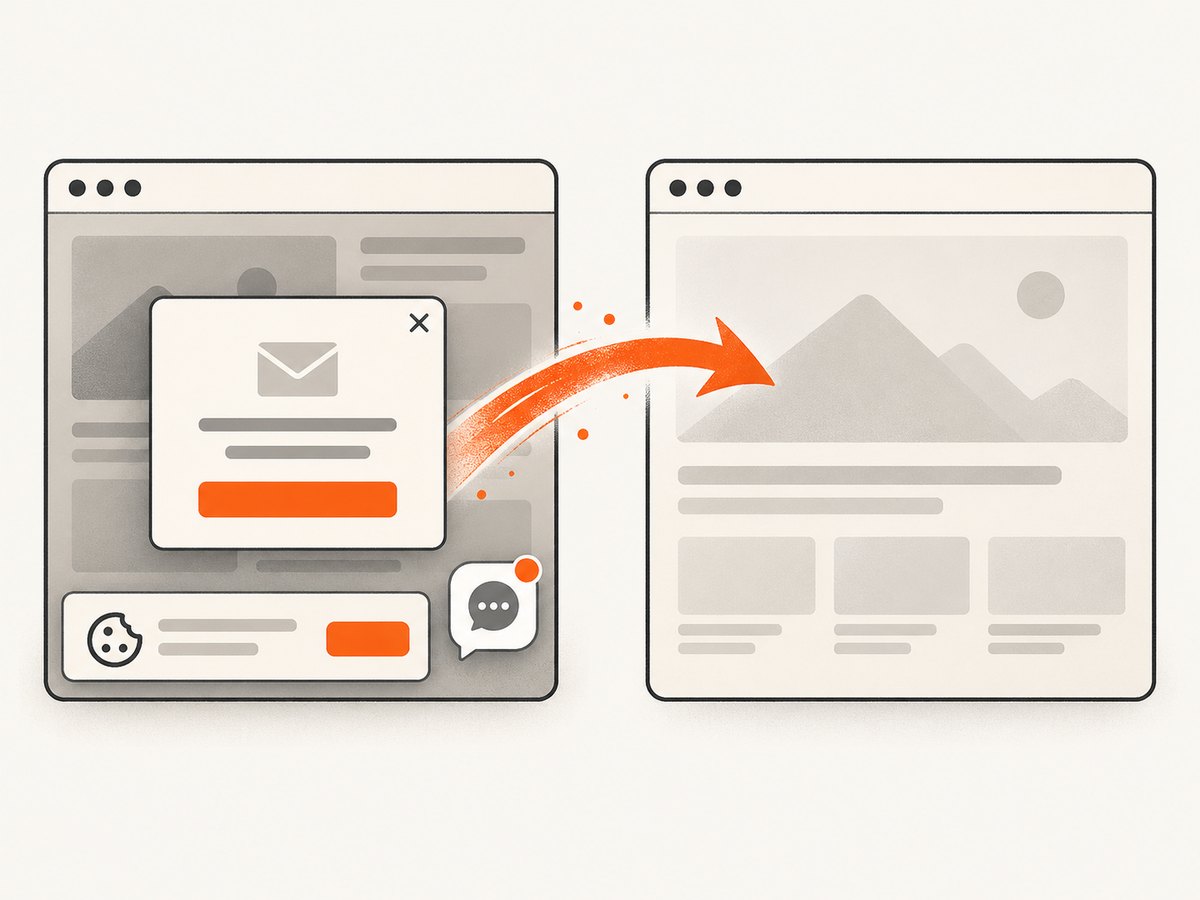
For pages you are allowed to capture, ScreenshotNeo provides a website screenshot API and MCP server. One GET request returns PNG, JPEG, WebP, or PDF. It accepts cookie and consent banners like a visitor, then removes more than 60 known consent platforms, newsletter popups, and chat widgets before the capture; each step can be turned off.
curl -G "https://api.screenshotneo.com/v1/shot" -d access_key=YOUR_API_KEY --data-urlencode url=https://stripe.com -o shot.webpimport requests
r = requests.get("https://api.screenshotneo.com/v1/shot", params={"access_key": "YOUR_API_KEY", "url": "https://stripe.com"}, timeout=90)
open("shot.webp", "wb").write(r.content)const q = new URLSearchParams({ access_key: 'YOUR_API_KEY', url: 'https://stripe.com' });
const res = await fetch(`https://api.screenshotneo.com/v1/shot?${q}`);See the ScreenshotNeo API documentation for parameter names and response details. Options include full-page capture with lazy images loaded, CSS-selector element capture, dark mode, 12 device presets or a custom viewport, retina scale, PDF paper size and margins, custom CSS and JavaScript, clicks, selector waits, delays, network-idle waits, request and resource blocking, custom headers, cookies, user-agent and Authorization, timezone, geolocation, transparent backgrounds, resizing, TTL caching, signed image links, asynchronous jobs with signed webhooks, bulk capture of up to 100 URLs per call, a usage API, and an OpenAPI specification. Common parameter names used by other screenshot APIs also work.
Only clean shots are billed. Bot checks, blank pages, timeouts, failed loads, and cache hits cost nothing, and the response identifies the result with X-Page-Verdict and X-Billed headers. ScreenshotNeo also has an MCP server with take_screenshot, get_page_info, and capture_pdf tools for Claude, Cursor, and other MCP clients.
The Free plan includes 1,000 shots per month with no card. Paid plans start at $5 for 3,000 shots; yearly billing gives two months free, and every feature is available on every plan. Create a free ScreenshotNeo account.
7. Troubleshooting checklist
| Symptom | Likely cause | Fix |
|---|---|---|
| 403 immediately | IP, ASN, account, or policy block | Stop retries; request allowlisting or use the official API. |
| 429 responses | Rate limit | Honor Retry-After, reduce concurrency, and cache. |
| Challenge HTML saved as content | Challenge detection was not checked | Inspect status, title, body markers, and final URL before parsing. |
| Headed works, headless fails | Different browser signals or session state | Test the real-Chrome channel, compare approved profiles, and ask the owner to allowlist. |
| Blank page | Rendering error, blocked resource, or app failure | Capture console and network logs; wait for a specific selector; verify the URL manually. |
| Login loop | Expired or unauthorized storage state | Reauthenticate through the permitted flow; never bypass MFA. |
| Missing lazy content | Capture occurred before scrolling or rendering | Scroll deliberately and wait for the content selector, if allowed. |
8. Performance, reliability, and cost
- Measure the full path: DNS, navigation, JavaScript rendering, waits, screenshot encoding, and download time.
- Control concurrency: more workers can trigger rate limits and increase memory use. Start with a small queue and increase only with permission.
- Cache immutable results: use URL plus relevant headers, cookies, viewport, and capture options as the cache key.
- Separate outcomes: success, challenge, authorization failure, timeout, and transient server error should have different retry policies.
- Choose the cheapest authorized path: an API is usually more stable for structured data; browser rendering is appropriate when the rendered page itself is the deliverable.
- For screenshot workloads: ScreenshotNeo’s cache TTL, bulk capture, async jobs, signed webhooks, and non-billing of failed or cached responses can make spend easier to predict.
9. FAQ
Does headed mode solve detection?
No. It can help diagnose rendering differences, but a site may still identify the session or deny automation.
Is robots.txt permission to scrape?
No. It expresses the operator’s preference. Review terms and obtain permission where required.
Should I rotate proxies?
Not as a response to a block. Rotation can violate policy and make traffic more suspicious.
Can a hosted browser bypass Cloudflare?
No provider can promise that. Cloudflare states that controls still apply to crawlers such as Browser Run. Use an approved, allowlisted route.
When is a screenshot API better than Playwright?
Use one when the output is an image or PDF and you do not need to manage an interactive browser session. Confirm that the target permits the capture.
What should I log?
Record URL, timestamp, status, final URL, response headers, challenge classification, latency, retry count, and a redacted error. Keep credentials and personal data out of logs.


