How to Scrape Stock Prices with Python
Get stock prices with Python using a documented data API, or learn when HTML scraping makes sense. Includes runnable examples, error handling, and source-selection advice.
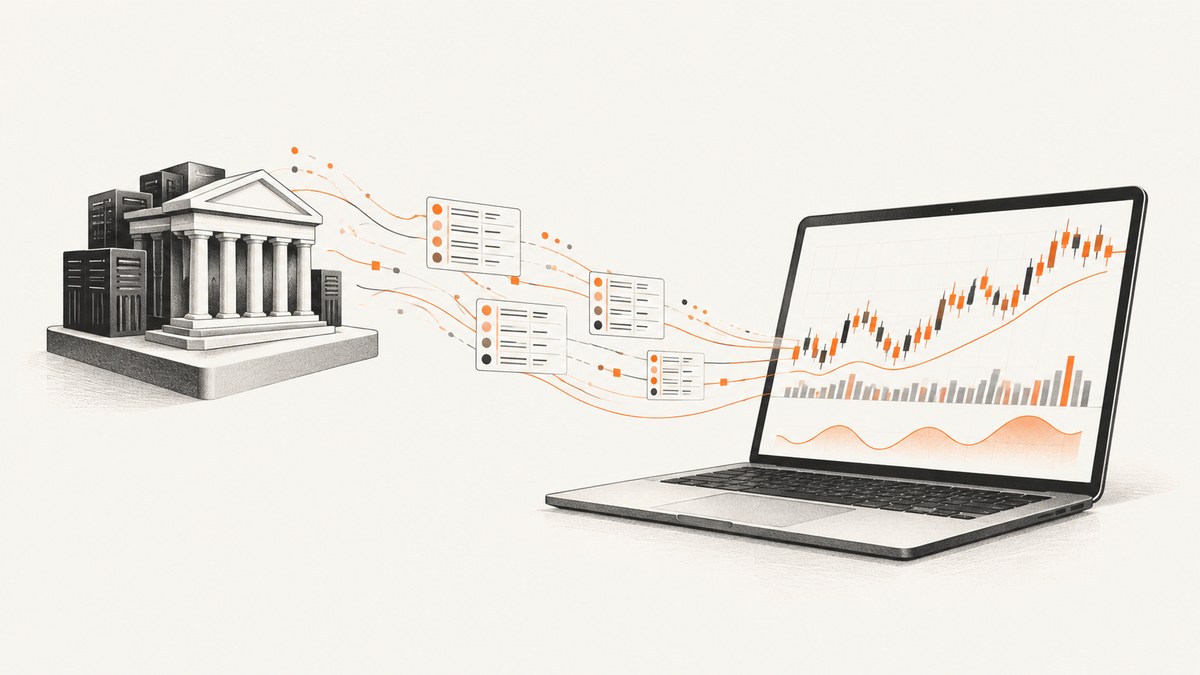
Short answer: If you need dependable stock prices, use a documented market-data API or a Python client that retrieves data from a provider. An API returns structured data such as JSON or CSV, so your code does not depend on a finance webpage keeping the same HTML. Scrape a rendered webpage only when you specifically need information displayed on that page, the source permits your intended access, and you can maintain a parser as the page changes.
First decide what “price” means for your job: a current quote, intraday prices, daily open-high-low-close-volume (OHLCV), or adjusted historical prices. Those needs can have different endpoints, freshness, terms, and access requirements. This guide uses Alpha Vantage as a documented API example, then explains HTML parsing, yfinance, SEC data, troubleshooting, and practical reliability considerations.
1. Choose the kind of price data you need
Before writing a scraper, write down the symbol, time range, interval, and whether you need adjusted prices. A closing price for a daily report is different from a quote intended to reflect a currently open market. “Current” also depends on the provider’s update schedule and access tier.
| Need | Look for | Check before building |
|---|---|---|
| Daily history | A daily time-series endpoint | Date coverage, output size, and whether values are adjusted |
| Adjusted history | An adjusted time-series endpoint | What adjustments the provider applies and how it labels them |
| Intraday series | An intraday endpoint and interval parameter | Available intervals, history, latency, and access tier |
| Current quote | A quote endpoint | Whether it is end-of-day, delayed, or real time, and whether your use is allowed |
Alpha Vantage documents daily OHLCV, adjusted historical data, and quote endpoints. Its documentation says its default quote endpoint updates at the end of each trading day; it describes realtime or 15-minute delayed US market quote access through premium membership for personal use, and directs commercial use to sales. Verify the current endpoint details, terms, and tiers before relying on them because provider offerings can change. Alpha Vantage documentation
2. Get historical daily prices with Python
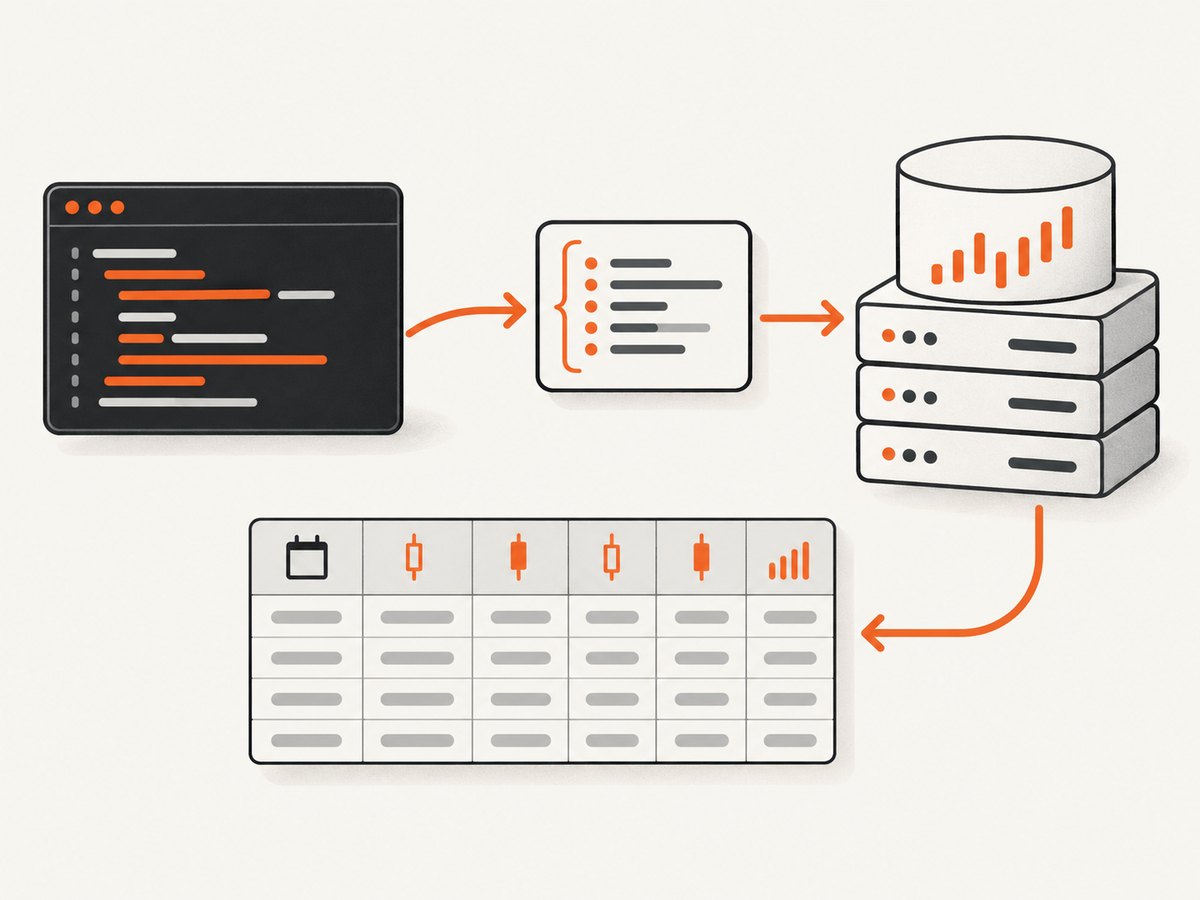
This example requests daily IBM data from Alpha Vantage’s documented query endpoint. It uses a finite timeout, keeps the key outside the source file, checks the HTTP response, and inspects the provider’s JSON object before treating it as a time series. It is a representative implementation based on the documented endpoint and Requests behavior; the code has not been run as part of this article.
Step 1: Install Requests and set your key
python -m pip install requestsSet the environment variable in the shell where you will run Python. Replace the placeholder with your own provider key; do not commit it to source control.
# macOS or Linux
export ALPHAVANTAGE_API_KEY='your_api_key_here'

# PowerShell
$env:ALPHAVANTAGE_API_KEY='your_api_key_here'
Step 2: Request and validate the response
import os
import sys
import requests

API_URL = "https://www.alphavantage.co/query"


def get_daily_prices(symbol: str, outputsize: str = "compact") -> dict:
    api_key = os.environ.get("ALPHAVANTAGE_API_KEY")
    if not api_key:
        raise RuntimeError("Set ALPHAVANTAGE_API_KEY before running this script")

    params = {
        "function": "TIME_SERIES_DAILY",
        "symbol": symbol,
        "outputsize": outputsize,
        "apikey": api_key,
    }
    response = requests.get(API_URL, params=params, timeout=20)
    response.raise_for_status()
    payload = response.json()

    # Provider errors or notices can arrive in a successful HTTP response.
    if not isinstance(payload, dict):
        raise ValueError("Expected a JSON object from the data provider")
    if "Error Message" in payload:
        raise ValueError(f"Provider rejected the request: {payload['Error Message']}")
    if "Note" in payload or "Information" in payload:
        message = payload.get("Note") or payload.get("Information")
        raise RuntimeError(f"Provider returned an access or usage notice: {message}")

    series_key = "Time Series (Daily)"
    if series_key not in payload:
        raise ValueError(f"Expected {series_key!r}; received keys: {list(payload)}")
    return payload[series_key]


if __name__ == "__main__":
    symbol = sys.argv[1] if len(sys.argv) > 1 else "IBM"
    prices = get_daily_prices(symbol)
    for date, values in prices.items():
        print(date, values)
Run it with python stock_prices.py IBM. The daily response is a mapping from date strings to fields such as open, high, low, close, and volume. Treat the field labels and values as provider data: check the provider’s current documentation before building calculations around them. The endpoint and parameters are documented by Alpha Vantage; Requests recommends checking HTTP status because successfully decoding JSON does not prove that the request succeeded. Requests JSON response guidance
Output size and adjusted data
The example uses TIME_SERIES_DAILY and outputsize=compact. Consult Alpha Vantage’s current documentation for the available output size and adjusted-series function choices, and select the endpoint matching the values you need. Do not silently combine adjusted and unadjusted series. Record the symbol, endpoint, interval, retrieval time, and adjustment choice alongside stored data so a later reader can interpret it.
3. How do I get a stock’s current price with Python?
Use a provider’s quote endpoint when you need a quote, and verify its freshness and access terms. Do not assume that a response is real time because a field is called “price” or “quote.” Alpha Vantage documents a quote endpoint but says the default quote endpoint updates at the end of each trading day. Its documented realtime or 15-minute delayed US quote access has additional tier and usage details, so check those directly before choosing it for a time-sensitive or commercial application.
The request pattern is the same as the daily example: set the function to the documented quote function, pass an explicit symbol and key, use a timeout, call raise_for_status(), parse JSON, and check for provider-level error or information messages. Use the precise function and response fields in the provider’s current documentation rather than assuming daily-series fields apply to quotes.
4. cURL, Python Requests, and Node.js request patterns
For debugging or a small integration, a cURL call makes the HTTP request visible. Keep your key private and avoid pasting a real key into shared shell history or logs. The exact endpoint parameters remain provider-specific; this follows Alpha Vantage’s documented query pattern.
curl -G 'https://www.alphavantage.co/query' \
  --data-urlencode 'function=TIME_SERIES_DAILY' \
  --data-urlencode 'symbol=IBM' \
  --data-urlencode 'outputsize=compact' \
  --data-urlencode "apikey=$ALPHAVANTAGE_API_KEY"
In Python, the complete validation example above is the recommended starting point. For Node.js, use the same URL and query parameters, check the HTTP status before trusting parsed JSON, and inspect the provider payload for an error or notice:
const params = new URLSearchParams({
  function: 'TIME_SERIES_DAILY',
  symbol: 'IBM',
  outputsize: 'compact',
  apikey: process.env.ALPHAVANTAGE_API_KEY,
});

const response = await fetch(
  `https://www.alphavantage.co/query?${params}`,
  { signal: AbortSignal.timeout(20_000) },
);

if (!response.ok) {
  throw new Error(`HTTP ${response.status}: ${await response.text()}`);
}

const payload = await response.json();
if (payload['Error Message'] || payload.Note || payload.Information) {
  throw new Error(
    payload['Error Message'] || payload.Note || payload.Information,
  );
}
const daily = payload['Time Series (Daily)'];
if (!daily) throw new Error('Daily time series missing from response');
console.log(daily);
These snippets show request mechanics, not a guarantee of a provider’s current quota, pricing, field schema, or commercial-use rights. Check those details at the source before deploying.
5. Is it better to scrape a stock website or use an API?
Use an API when your goal is price data. Structured responses avoid coupling your code to page layout, and provider documentation gives you a place to check endpoint behavior and access conditions. Use HTML parsing when the required information is only available in a permitted page representation or when the rendered page itself is the object of your task.
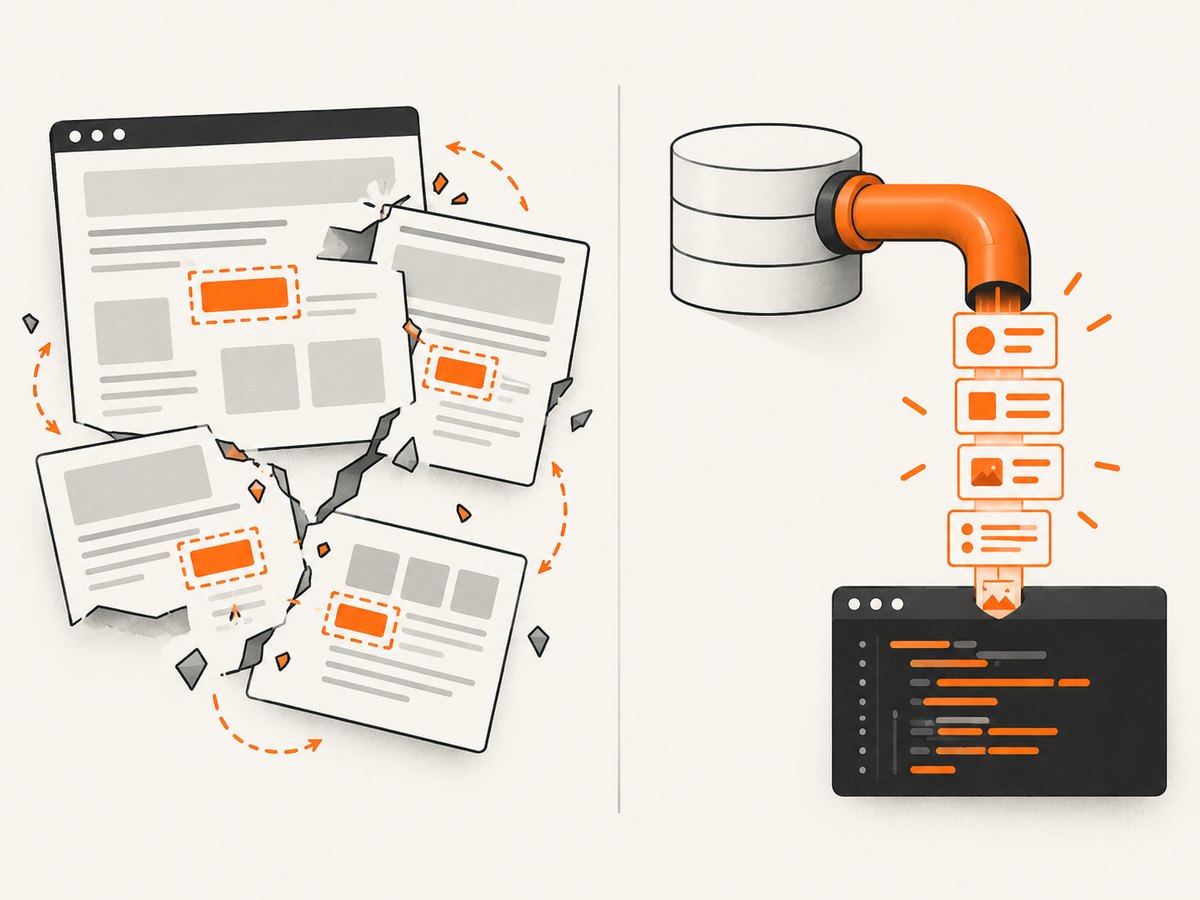
HTML scraping usually means requesting a page, checking the response, parsing semantic markup, and extracting the value and its context. The parser must know whether a value is a quote, close, delayed price, or something else. A page may render data with JavaScript, change its markup, show consent or sign-in flows, or deny automated requests. A selector that worked yesterday can return no value or the wrong element after a site update.
A cautious HTML parsing skeleton
Only use this pattern against a page whose owner permits the access and intended use. This is a generic example; it does not target Yahoo Finance or assert that scraping any particular financial website is permitted.
import requests
from bs4 import BeautifulSoup

url = "https://example.com/market-page"
response = requests.get(
    url,
    headers={"User-Agent": "YourAppName/1.0 contact@example.com"},
    timeout=20,
)
response.raise_for_status()

soup = BeautifulSoup(response.text, "html.parser")
price_element = soup.select_one("[data-price]")
if price_element is None:
    raise ValueError("Expected price element was not found; page markup may have changed")

raw_price = price_element.get("data-price") or price_element.get_text(strip=True)
print(raw_price)
Replace the example domain and selector only after inspecting a source you are allowed to access. Validate the extracted value and retain enough context to catch unexpected markup. Do not work around bot checks, rate limits, authentication, or access restrictions. If the page requires client-side rendering, a plain HTTP request may not include the displayed value; first check whether the provider offers a supported data API.
6. Where yfinance fits
yfinance is a community Python package that can be convenient for research and education. Its project documentation says it is not affiliated with, endorsed by, or vetted by Yahoo, and describes it as an open-source tool using Yahoo’s publicly available APIs. The project also says Yahoo Finance API use is intended for personal use only. Treat that as the project’s statement, not a statement made by Yahoo, and review the project’s current documentation and applicable terms for your use case. yfinance project documentation
Do not treat an unofficial package as an official Yahoo API or assume its interface, availability, or data-use rights meet production requirements. For an application that needs a documented contract, commercial display, redistribution, or a particular freshness level, compare providers and their terms directly.
7. SEC data is for filings and reported facts, not price quotes
The SEC’s EDGAR APIs provide filing history and company facts in JSON, including XBRL datasets. They are useful when your question concerns filings or reported financial facts. They are not a live or historical stock-price feed. The SEC says its data.sec.gov JSON APIs do not require authentication or API keys. SEC EDGAR API documentation
8. Reliability, performance, and cost
- Check status and content. A successful JSON parse is not a successful request by itself. Validate the HTTP status, expected top-level keys, and the specific fields your program needs.
- Use finite timeouts. A stalled request should fail within a known period so a scheduled job can report the problem instead of hanging indefinitely.
- Handle provider limits. Read the provider’s current access and rate-limit guidance. If a request is refused or a provider returns a usage notice, slow down or adjust access according to its documented terms; do not evade restrictions.
- Cache where suitable. If your use case does not need a fresh request for every reader, cache results for a period appropriate to the data’s freshness. Store retrieval time and the source’s stated interval so cached data is not mistaken for a live quote.
- Make retries selective. A transient network failure may merit a bounded retry with a delay. A bad symbol, invalid key, or access restriction will not be repaired by repeated immediate requests. Avoid retry loops that increase load.
- Measure actual needs. Daily history and current quotes have different freshness requirements. Choose the endpoint and access tier based on the job, then account for request limits, keys, data rights, and provider charges. No independent benchmark or universal cost comparison is established here.
- Keep credentials out of code. Use environment variables or a secrets manager in deployed applications, and redact keys from exception logs.
9. Troubleshooting common problems
| Symptom | Likely cause | What to do |
|---|---|---|
| HTTP error from Requests | Network, endpoint, key, or provider response issue | Use the status and response details to diagnose it; keep raise_for_status() and check that the endpoint and query are current. |
| JSON parses, but no price series appears | Provider returned an error, information, or usage notice as JSON | Inspect the full top-level keys and handle provider messages before accessing the time-series key. |
| Missing environment variable | The key was set in another shell or not set at all | Set ALPHAVANTAGE_API_KEY in the process environment that launches Python; never paste the key into a public repository. |
| Symbol rejected or empty series | Typo, unsupported symbol format, or endpoint mismatch | Verify the symbol format and endpoint with provider documentation; do not assume every provider uses the same ticker notation. |
| Quote looks stale | The endpoint may update at end of day or be delayed | Check documented quote freshness and required access tier. Select a supported tier suitable for the use case. |
| HTML selector returns no element | Markup changed, the response is an interstitial, or content is rendered client-side | Check status and response HTML, confirm permission, update a semantic selector, or use a supported API. Do not bypass access controls. |
| Prices disagree between sources | Different timestamps, adjustments, coverage, or definitions | Compare source, timestamp, currency, interval, and adjustment basis before comparing numbers. |
10. Or skip the browser setup
If what you need is a screenshot of a financial page for documentation, monitoring, or an agent workflow, a screenshot API captures the rendered page rather than returning a stock-price data series. ScreenshotNeo is a website screenshot API and MCP server. One GET request returns a PNG, JPEG, WebP, or PDF. Its capture can accept cookie or consent banners and remove more than 60 known consent platforms, newsletter popups, and chat widgets; those steps can be turned off. Bot checks, blank pages, failed loads, timeouts, and cache hits are not billed, and the response identifies the page verdict and billing status in headers. Its MCP server offers take_screenshot, get_page_info, and capture_pdf for Claude, Cursor, and other MCP clients.
Here is the one-call Python example. Replace the target URL and provide your ScreenshotNeo key:
import requests
r = requests.get("https://api.screenshotneo.com/v1/shot", params={"access_key": "YOUR_API_KEY", "url": "https://stripe.com"}, timeout=90)
open("shot.webp", "wb").write(r.content)
See the ScreenshotNeo API documentation for request options. Cookie banners, popups, and chat widgets are removed before the shot; bot checks, blank pages, and failed loads are never billed; an MCP server lets AI agents take screenshots; and 1,000 screenshots per month are free with no card, with paid plans starting at $5 for 3,000. Sign up for the free plan.
11. Frequently asked questions
Can I scrape stock prices for a commercial product?
That depends on the provider’s current terms, the data, and how you display or redistribute it. Check the provider’s own rules and obtain the appropriate access; do not infer commercial rights from being able to retrieve a page or response.
Should I use adjusted or unadjusted prices?
Choose based on the analysis and the provider’s definitions. Keep the choice explicit in your data pipeline and avoid comparing series with different adjustment bases as if they were identical.
Can the SEC tell me a stock’s current price?
No. SEC EDGAR APIs are for filings and reported company facts. Use a market-data provider for price history or quotes.
Does a screenshot API return stock price data?
No. It returns an image or PDF of a rendered page. For machine-readable price fields, use a market-data API or another source that documents those fields and your permitted use.


