How to Scrape TCGplayer Price History
TCGplayer prohibits scraping without express permission, and its documented API covers current pricing—not historical time series. Here are the authorized options.

Direct answer: Do not scrape TCGplayer’s website for price history unless you have express permission. TCGplayer’s published Terms of Service prohibit crawling, scraping, or spidering its websites without that permission, and its API terms prohibit automated collection of Site content, including pricing, except through API access under those terms. The official pricing references describe current price fields; they do not document a historical time-series endpoint. [TCGplayer Terms of Service] [TCGplayer API Terms & Conditions] [TCGplayer pricing documentation]
If you already have approved API access, use only the endpoints, data, storage, display, and purpose TCGplayer approved. If you do not, the current Getting Started guide says new API access is no longer being granted. For historical trends, ask TCGplayer about authorized access or assess a separate price-history provider’s data rights and coverage. [TCGplayer API Getting Started]
1. What TCGplayer’s published rules mean
TCGplayer’s site terms state: “You agree not to crawl, scrape or spider any of our websites without express permission from us.” Its API terms separately constrain automated collection and limit approved API use to the approved party and purpose. An API key does not automatically authorize every use of the data.
The API terms also discuss redistribution, combining TCGplayer pricing with other pricing data, and building a similar or competitive service. Those restrictions can affect storage, presentation, and commercial use. Review the live terms for your specific application rather than inferring that a technically successful request is permitted. The terms also require source attribution in applicable uses and a prominent non-endorsement notice; follow the current wording and requirements.
The access status is time-sensitive. The official guide identifies API v1.39.0 and currently says, “We are no longer granting new API access at this time.” Check the live guide before planning around that status. Existing access remains subject to current terms and its approved scope.
2. Does the official API provide price history?
The official pricing references document current market, low, mid, high, direct-low, and buylist pricing fields for products or SKUs. They describe looking up current values. The cited documentation does not specify an endpoint that returns a historical time series, daily snapshots, or a price-change timeline.
That distinction matters: a current price lookup and a price history are different data products. A consumer page may display historical information in some contexts, but that does not establish that the API exposes it or that automated collection of the page is allowed. Do not treat browser developer tools, a network request observed on the site, or an undocumented endpoint as authorization.
3. If you already have approved API access
- Confirm scope. Re-read your approval and the current API terms. Confirm that your specific purpose, users, data retention, and display model are covered.
- Use documented pricing references. The pricing docs describe product and SKU-oriented current price fields. The “Get Market Price by SKU” reference identifies a SKU through a productConditionId; the list market prices workflow is based on product IDs.
- Build around the approved fields. Treat a returned value as a current price observation, not as an official historical record. Keep any locally retained data within the approved scope and comply with the restrictions on redistribution and use.
- Attribute the source where required. The API terms specify identifying TCGplayer as the source of pricing data and linking to the relevant product page or search result in applicable services.
- Re-check documentation and terms. API versions, access availability, and policy language can change.
The code below is an illustrative request shape for the documented current-pricing workflow, not a promise that a new developer can obtain credentials or that a particular request is approved. Use the exact endpoint, authentication format, identifiers, and parameters in the documentation attached to your approved account. Do not run it with credentials unless you have authorization for the requested use.
Minimal Python pattern for an approved current-price request
import os
import requests

# Replace this with the exact documented endpoint and parameters
# available to your approved TCGplayer API account.
endpoint = os.environ["TCGPLAYER_APPROVED_PRICING_ENDPOINT"]
access_token = os.environ["TCGPLAYER_ACCESS_TOKEN"]

response = requests.get(
    endpoint,
    headers={"Authorization": f"Bearer {access_token}"},
    timeout=30,
)
response.raise_for_status()
data = response.json()
print(data)
This deliberately avoids inventing a URL, authentication exchange, or request schema not established by the cited material. Consult the current official docs for the concrete resource and required fields. Treat errors such as an expired token or an unapproved endpoint according to the API’s actual response and your account instructions.
4. If you need a historical trend
There are two responsible paths to investigate:
- Ask TCGplayer. If history is essential, contact TCGplayer and ask whether it offers an authorized way to access the required history for your use. Do not assume the current pricing API includes it.
- Evaluate a separate provider. Research providers independently and verify that the service really covers the game, set, printing, and condition you need; retains historical observations; explains its data provenance and collection permissions; and provides a suitable update cadence, export method, terms, and cost. This research did not verify a specific compliant history provider.
Before committing, write down your required granularity (for example, daily versus hourly), product identity model, historical depth, and permitted downstream use. A provider’s claim to show a chart does not by itself answer where the data came from or whether your planned reuse is covered.
5. Designing your own authorized tracker
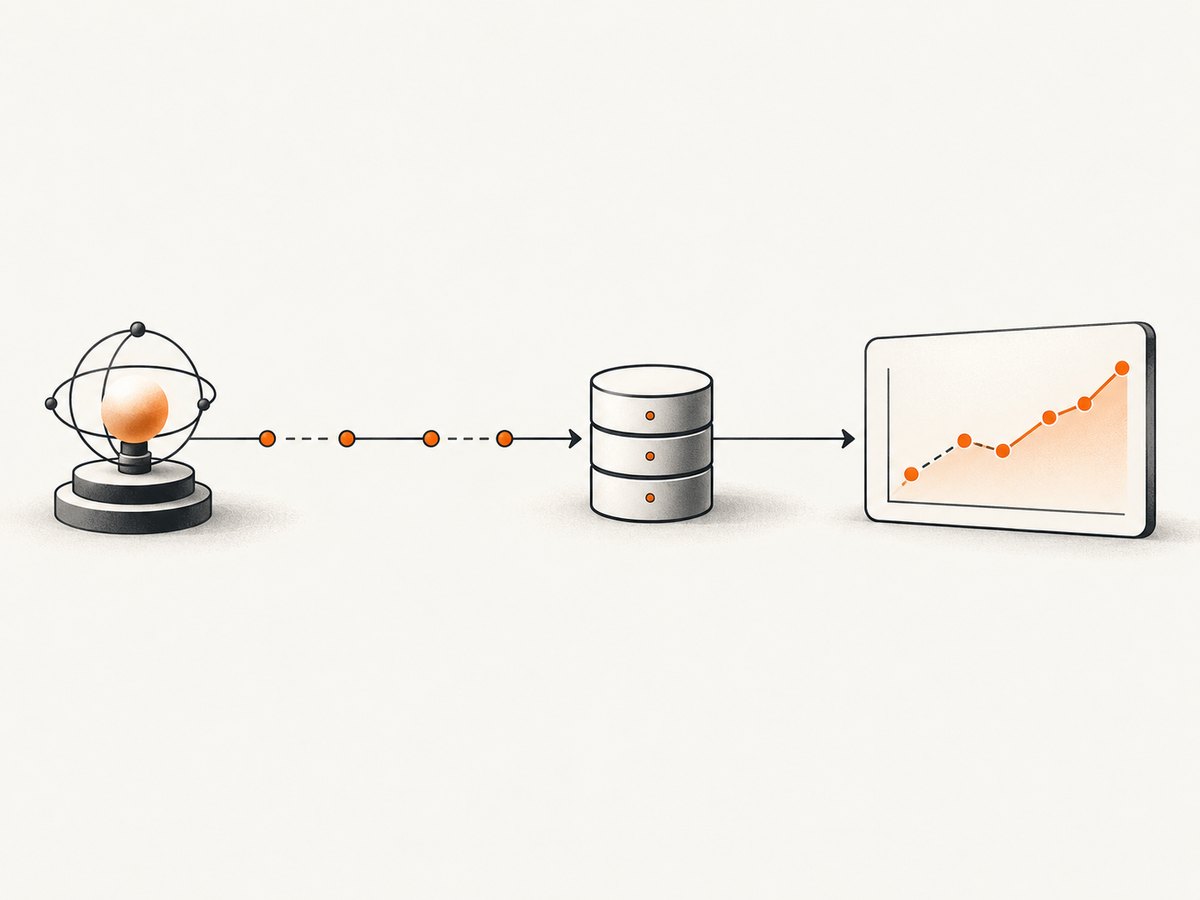
If you have a lawful data source that permits retention and tracking, you can build a simple time-series system around it. The pattern below is source-neutral. It does not authorize collection from TCGplayer.
Choose a stable product key
Store an identifier that distinguishes the game, set, printing, language, finish, and condition where those dimensions matter. A product name alone is often ambiguous. Keep the provider’s identifier alongside your own normalized key so that later corrections can be traced.
Store observations, not just the latest value
Each observation should include the source, product key, currency, price field, value, observation timestamp, and any relevant condition. Retain source attribution and provenance data. Avoid mixing market price, seller listing price, buylist price, shipping, tax, or fees as if they were one comparable value.
CREATE TABLE price_observation (
    source TEXT NOT NULL,
    product_key TEXT NOT NULL,
    price_field TEXT NOT NULL,
    currency TEXT NOT NULL,
    amount NUMERIC NOT NULL,
    observed_at TIMESTAMP WITH TIME ZONE NOT NULL,
    PRIMARY KEY (source, product_key, price_field, currency, observed_at)
);

CREATE INDEX price_observation_lookup
    ON price_observation (product_key, price_field, observed_at);
Use a transaction or an upsert strategy if the source can repeat observations for the same timestamp. Keep the raw response only if your source terms permit it; otherwise persist only the fields you are allowed to retain.
Schedule conservatively and make ingestion idempotent
Request data at the frequency your source permits and your product needs. A daily graph rarely benefits from polling every few seconds. Make retries safe by using a deterministic observation key, and record failed retrievals separately from valid price points so missing data is not mistaken for a zero price.
Handle corrections and missing observations
Price feeds can omit products, change identifiers, or return incomplete data. Preserve observation timestamps and source references. Do not silently carry the last known price forward as if it were newly observed. If you interpolate or aggregate, label the derived series and keep the underlying observations where retention is allowed.
6. Common mistakes and troubleshooting
| Symptom or assumption | Why it happens | What to do |
|---|---|---|
| “The website shows a chart, so an API history endpoint must exist.” | A site display does not establish a documented API capability or permission to automate collection. | Use only documented and approved API resources. Ask TCGplayer about authorized history access. |
| “I can scrape slowly or add a proxy.” | Changing request volume or routing does not supply the express permission required by the site terms. | Do not use scraping or evasion as a workaround. Obtain permission or use a separately authorized source. |
| “My key works, so this use is allowed.” | API approval is discretionary and scoped to an approved party and purpose. | Check the approval and terms for your storage, display, and commercial use. |
| No new API key is available. | The current Getting Started guide says new API access is not being granted. | Recheck the live guide and ask TCGplayer about availability; do not substitute website scraping. |
| A price differs from checkout total. | TCGplayer notes that product prices represent current seller prices and may exclude shipping, tax, or processing fees; listing price and availability are not guaranteed accurate or current. | Label the value and timestamp accurately. Do not present it as a guaranteed transaction total. |
| History has gaps or jumps. | In a permitted third-party feed, products may be unavailable, identifiers may change, or cadence may vary. | Record source timestamps and missing observations. Validate product identity before comparing points. |
7. Performance, reliability, and cost
For an authorized current-price workflow, use the documented request pattern and avoid making a new pricing call every time a user views a price. TCGplayer’s pricing reference recommends local caching to avoid repeated price calls for displayed values. Apply caching only within your approval and terms, and choose a refresh interval that matches the source’s allowed use and your freshness needs.
Historical storage adds costs beyond retrieval: database writes, indexes, backups, data-quality checks, and retention. Estimate volume as products × observations per product × retention period, then account for indexes and replicas. Store numeric values with currency and price-field labels; converting currencies or combining price sources creates additional assumptions and may be restricted by the API terms.
For reliability, distinguish source errors, authorization failures, missing products, and valid zero or low values. Retry transient failures with bounded backoff only where the API guidance permits it. Avoid tight retry loops. Record when an observation was actually fetched so consumers can see staleness. Never fill a failed request with an old value without marking it as stale.
8. Or skip the browser setup
If your task is to capture a visual record of a page you are allowed to access, ScreenshotNeo is a screenshot API and MCP server. It captures a page as PNG, JPEG, WebP, or PDF; a screenshot is a visual snapshot, not structured pricing history or permission to collect data.

One GET request returns a screenshot. See the ScreenshotNeo documentation for options.
curl -G "https://api.screenshotneo.com/v1/shot" -d access_key=YOUR_API_KEY --data-urlencode url=https://stripe.com -o shot.webpimport requests
r = requests.get("https://api.screenshotneo.com/v1/shot", params={"access_key": "YOUR_API_KEY", "url": "https://stripe.com"}, timeout=90)
open("shot.webp", "wb").write(r.content)const q = new URLSearchParams({ access_key: 'YOUR_API_KEY', url: 'https://stripe.com' });
const res = await fetch(`https://api.screenshotneo.com/v1/shot?${q}`);- Cookie banners, newsletter popups, and chat widgets are removed before the shot; each cleanup step can be turned off.
- Bot checks, blank pages, failed loads, timeouts, and cache hits are never billed; response headers identify the page verdict and billing result.
- An MCP server gives AI agents tools for screenshots, page information, and PDF capture.
- The Free plan includes 1,000 screenshots a month with no card; paid plans start at $5 for 3,000. Every feature is on every plan.
Sign up for 1,000 free screenshots a month, with no card required.
9. Frequently asked questions
Can I collect a few pages manually?
This article addresses automated collection. For any use of site content, check TCGplayer’s current terms and get permission where required; do not treat small scale as an automatic exception.
Can I turn current API prices into history by saving them?
Only if your API approval and applicable terms permit that collection, storage, and use. A current-price endpoint does not itself grant permission to retain or redistribute a time series.
Does ScreenshotNeo create a price database?
No. It returns visual captures. It can help document a page you may access, but it does not provide historical price records or authorize scraping.
What should I verify in a third-party tracker?
Confirm coverage at the printing and condition level, historical depth and cadence, export capability, data source and collection permissions, and terms for your intended display or commercial use.
Sources
- TCGplayer Terms of Service
- TCGplayer API Terms & Conditions
- TCGplayer Pricing overview and linked pricing endpoint references
- TCGplayer API Getting Started


