How to Scrape TikTok Profiles: Official APIs, Research Access, and Safe Workflows
Learn which TikTok APIs support profile data, how authorization and research approval work, and how to avoid unsupported scraping methods.
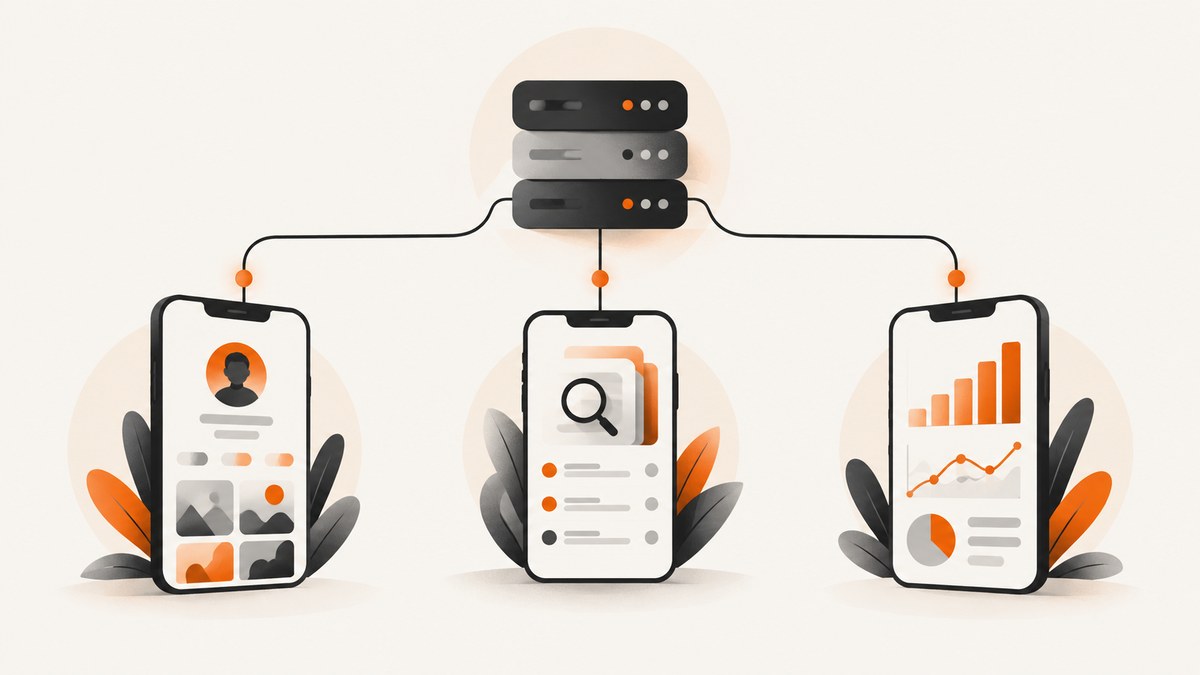
There is no single official endpoint for unrestricted scraping of arbitrary TikTok profiles. The correct method depends on your purpose: displaying a creator who authorized your application, conducting approved academic or independent research, or analyzing a business account that you manage. TikTok’s documented services have different scopes, eligibility rules, and data rights.
This guide explains the supported routes, shows request patterns in cURL, Python, and Node.js, covers authorization and data handling, and explains what to do when you need a visual record of a public profile rather than structured profile data.
Choose the right TikTok access route
| Goal | Documented route | What it supports | Main condition |
|---|---|---|---|
| Show a connected creator’s identity and public videos in your app | Display API | Basic profile information and public-video metadata through /v2/user/info/, /v2/video/list/, and /v2/video/query/ |
User authorization and the documented scopes |
| Study public accounts or content | Research Tools / Research API | Approved researchers can request specified public account and content data | Eligible organization, ethical review, application, and approval |
| Measure a business account you operate | Accounts API for Business | Follower-base, profile-engagement, reach, and organic-post analytics | Business access process; check the current application requirements |
A scope list is not a license to query any arbitrary account. TikTok’s scope documentation distinguishes permissions such as user.info.basic, user.info.profile, user.info.stats, and video.list; your app still needs the correct authorization flow and an eligible user or project.
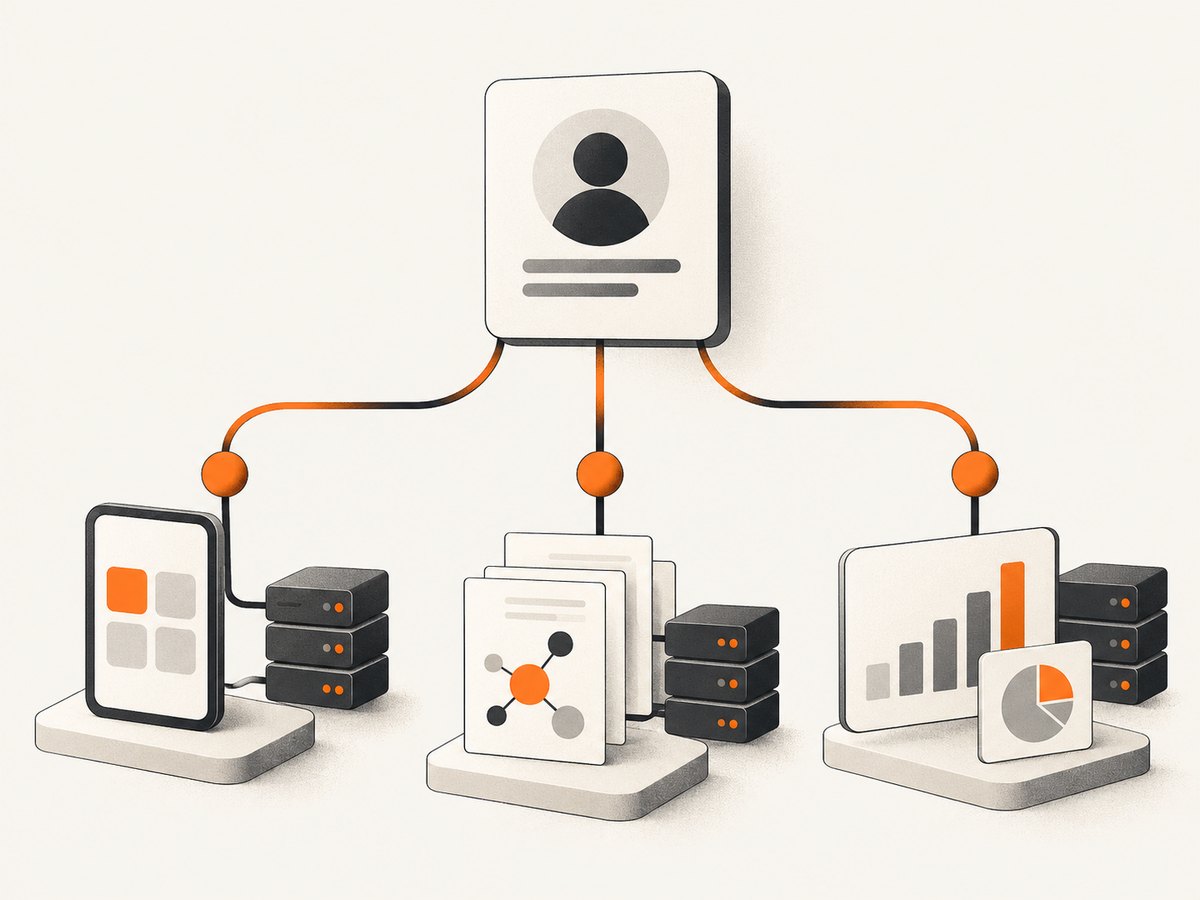
Display a creator profile with the Display API
Use this route when a creator connects their TikTok account to your application and you want to render their identity or public videos. Start with TikTok’s current getting-started page and endpoint documentation because response fields, required headers, and pagination can change.
1. Create and configure your application
- Create a TikTok developer application.
- Configure the redirect URI and request only the scopes your feature needs.
- Send the user through TikTok’s authorization flow.
- Exchange the authorization result for an access token using TikTok’s documented OAuth procedure.
- Store tokens securely on your server; do not put client secrets in browser JavaScript.
2. Request basic profile data
The following examples show the request shape. Replace the token and fields with the exact values in the current endpoint documentation.
curl -G "https://open.tiktokapis.com/v2/user/info/" \
  -H "Authorization: Bearer YOUR_ACCESS_TOKEN" \
  -d "fields=open_id,union_id,avatar_url,display_name"
import requests
url = "https://open.tiktokapis.com/v2/user/info/"
params = {"fields": "open_id,union_id,avatar_url,display_name"}
headers = {"Authorization": "Bearer YOUR_ACCESS_TOKEN"}
response = requests.get(url, params=params, headers=headers, timeout=30)
response.raise_for_status()
print(response.json())const params = new URLSearchParams({
fields: 'open_id,union_id,avatar_url,display_name'
});
const response = await fetch(
`https://open.tiktokapis.com/v2/user/info/?${params}`,
{ headers: { Authorization: `Bearer ${process.env.TIKTOK_ACCESS_TOKEN}` } }
);
if (!response.ok) throw new Error(`${response.status} ${await response.text()}`);
console.log(await response.json());3. List public videos
After authorization, use /v2/video/list/ for a connected user’s public videos. Use the pagination object returned by TikTok rather than assuming a fixed page size. If you need specific videos, use /v2/video/query/ as documented.
curl -X POST "https://open.tiktokapis.com/v2/video/list/" \
  -H "Authorization: Bearer YOUR_ACCESS_TOKEN" \
  -H "Content-Type: application/json" \
  -d '{"max_count":20}'
Persist the video identifiers and the retrieval time with your own records. Treat profile and video responses as refreshable data: names, avatars, visibility, and engagement values can change.
Request additional fields with scopes
Ask for the smallest permission set that supports your feature:
user.info.basic: basic identity fields.user.info.profile: additional profile information such as bio and profile links.user.info.stats: engagement statistics such as follower and video counts, where available to your approved app.video.list: a connected user’s public videos.
Do not infer that a visible profile page makes every field available through an API. A user’s authorization, your app’s product approval, endpoint rules, and current terms all matter.
Use Research Tools for qualifying research
TikTok’s Research Tools are intended for independent and academic, non-profit research. The Research API documentation lists access for qualified researchers in the United States, Europe, Canada, and Brazil. Applicants generally need an eligible organization, evidence of ethical review, a research description, and agreement to the Research Tools Terms.
- Create a developer research account.
- Submit applicant, organization, and project information.
- Provide the requested ethics-review evidence.
- Wait for approval before making research requests.
- Follow the approved scope, rate, retention, and privacy requirements.
TikTok says applicants can typically expect a response within four weeks, although some applications take longer. Verify the current page before planning a launch around that estimate.
Approved research access can include bios, profile pictures, liked, reposted, and pinned videos, follower and following counts and lists, and other public-content data listed in the Research Tools documentation. It is not a general-purpose commercial profile export service.
Analyze a business account
If you manage a brand’s TikTok account, use the Accounts API for Business instead of collecting profile pages. TikTok describes follower-base and profile-engagement analytics, plus reach and engagement information for organic posts. Its current overview says that, from March 20, 2026, specified new apps or scope increases involving the TikTok Accounts permission require an Accounts API Access Application Form. Check the live requirements before submitting an app.
What “scraping” does not authorize
TikTok’s Developer Terms permit automated means through Developer Services as described in the documentation and terms. They also restrict certain unauthorized personal-data collection and creating or supplementing profiles or databases for unauthorized purposes. The Community Guidelines identify deceptive access attempts, including automated scripts or web crawling, as prohibited. Research Tools terms also restrict bypassing measures that prevent or limit access.
Public visibility is not blanket permission for bulk collection, resale, profiling, or indefinite retention. Before collecting data, document your purpose, request only necessary fields, provide a lawful notice where required, limit retention, and review TikTok’s current terms plus the privacy laws that apply to your users and organization.
Capture a visual copy of a profile page
Sometimes “scrape” means keeping a visual record for a report, moderation review, or design reference. A screenshot is not structured profile data and should not be presented as an API substitute. If you capture a page, respect TikTok’s terms, access controls, robots and applicable law, and avoid collecting private content.
Or skip the browser setup
ScreenshotNeo provides a website screenshot API and MCP server. One GET request returns PNG, JPEG, WebP, or PDF. Read the ScreenshotNeo API documentation for all options.
curl -G "https://api.screenshotneo.com/v1/shot" -d access_key=YOUR_API_KEY --data-urlencode url=https://www.tiktok.com/@creator -o profile.webpimport requests
r = requests.get("https://api.screenshotneo.com/v1/shot", params={"access_key": "YOUR_API_KEY", "url": "https://www.tiktok.com/@creator"}, timeout=90)
r.raise_for_status()
open("profile.webp", "wb").write(r.content)const q = new URLSearchParams({ access_key: 'YOUR_API_KEY', url: 'https://www.tiktok.com/@creator' });
const res = await fetch(`https://api.screenshotneo.com/v1/shot?${q}`);
if (!res.ok) throw new Error(`${res.status} ${await res.text()}`);
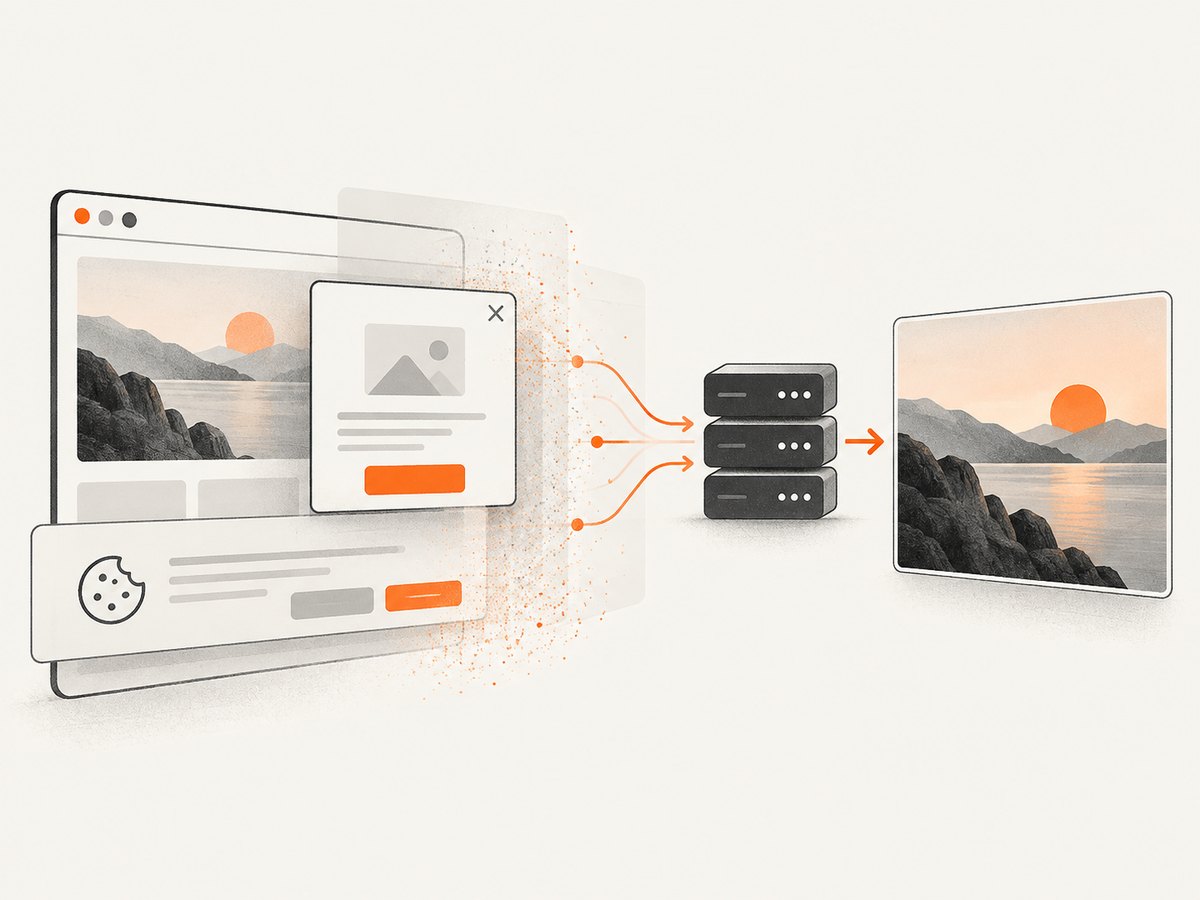
require('fs').writeFileSync('profile.webp', Buffer.from(await res.arrayBuffer()));Cookie banners, newsletter popups, and chat widgets are removed before the shot. Bot checks, blank pages, failed loads, timeouts, and cache hits are not billed; response headers identify the page verdict and whether the shot was billed. An MCP server provides take_screenshot, get_page_info, and capture_pdf tools for Claude, Cursor, and other MCP clients. Free usage includes 1,000 screenshots per month with no card; paid plans start at $5 for 3,000.
Create a free ScreenshotNeo account to get started.
Browser automation when you need rendered details
If your approved workflow requires DOM text, use a real browser automation framework and keep the collection narrow. A minimal Playwright example is suitable for a page you are allowed to access:
import { chromium } from 'playwright';

const browser = await chromium.launch();
const page = await browser.newPage();
await page.goto('https://www.tiktok.com/@creator', { waitUntil: 'domcontentloaded' });
await page.waitForTimeout(1500);
const title = await page.title();
const description = await page.locator('meta[name="description"]').getAttribute('content');
console.log({ title, description });
await browser.close();
This example intentionally does not bypass login, CAPTCHA, rate limits, or other access controls. Add retries with backoff, a clear timeout, and logging. Stop when the site signals that access is restricted.
Reliability, performance, and cost
- API reliability: Treat access tokens as expiring credentials, handle 401 and 403 responses, and preserve TikTok’s error body for diagnosis.
- Pagination: Follow the returned cursor or pagination fields. Never assume that one request returns a complete profile history.
- Freshness: Cache only for a documented purpose and refresh at a controlled interval. Store retrieval timestamps.
- Rate behavior: Use bounded concurrency and exponential backoff for transient failures. Do not evade limits with rotating identities.
- Screenshot cost: ScreenshotNeo bills only clean shots; failed loads, bot checks, blank pages, timeouts, and cache hits are free. Its cache TTL, blocking controls, viewport, device, and wait options let you tune repeat captures.
- Data minimization: Hash or delete identifiers you do not need, restrict access to stored exports, and document retention.
Troubleshooting
| Symptom | Likely cause | Fix |
|---|---|---|
| 401 Unauthorized | Missing, expired, or malformed token | Refresh the token and send Authorization: Bearer .... |
| 403 or missing fields | Scope or app approval does not cover the field | Request the documented scope, obtain user consent, and verify app eligibility. |
| Empty video list | User has no eligible public videos or pagination was ignored | Inspect the response metadata and request the next cursor when supplied. |
| Research application rejected | Organization, ethics review, project, or terms requirements are incomplete | Compare the submission with the current Research Tools checklist; do not substitute unauthorized crawling. |
| Business analytics unavailable | Account or Accounts API application is not approved | Complete the current business access process and verify the requested permission. |
| Screenshot is blank | Page failed, timed out, or requires an unavailable interaction | Use a wait condition, viewport, or page-info check; inspect X-Page-Verdict and X-Billed. |
| CAPTCHA or bot-check page | Automated access is being challenged | Do not attempt to bypass it. Use a documented TikTok API route or retain the unsuccessful screenshot result for diagnostics. |
FAQ
Can I get any TikTok user’s follower count?
Not through a universal unrestricted endpoint. Follower statistics depend on the authorized Display API scopes, approved Research Tools access, or business-account permissions.
Can I export another person’s complete profile?
The documented services do not promise a universal complete export. Available fields, purpose, authorization, and retention conditions differ by route.
Is a screenshot the same as scraping?
No. A screenshot records rendered pixels; it does not provide structured, reusable profile fields. Follow the site’s terms for either activity.
Should I use Research Tools for a commercial dashboard?
Research Tools are described for qualifying independent and academic non-profit research. A commercial dashboard should use an appropriate approved business or creator integration.
Where should I verify limits and schemas?
Use the endpoint-specific TikTok documentation and current terms immediately before implementation. The broad route descriptions do not establish every field, pagination rule, rate limit, or retention obligation.


