How to Scrape TikTok Search Results with JavaScript Rendering
Use Playwright to render TikTok search results responsibly, handle dynamic lists, compare the approved Research API, and capture pages with ScreenshotNeo.
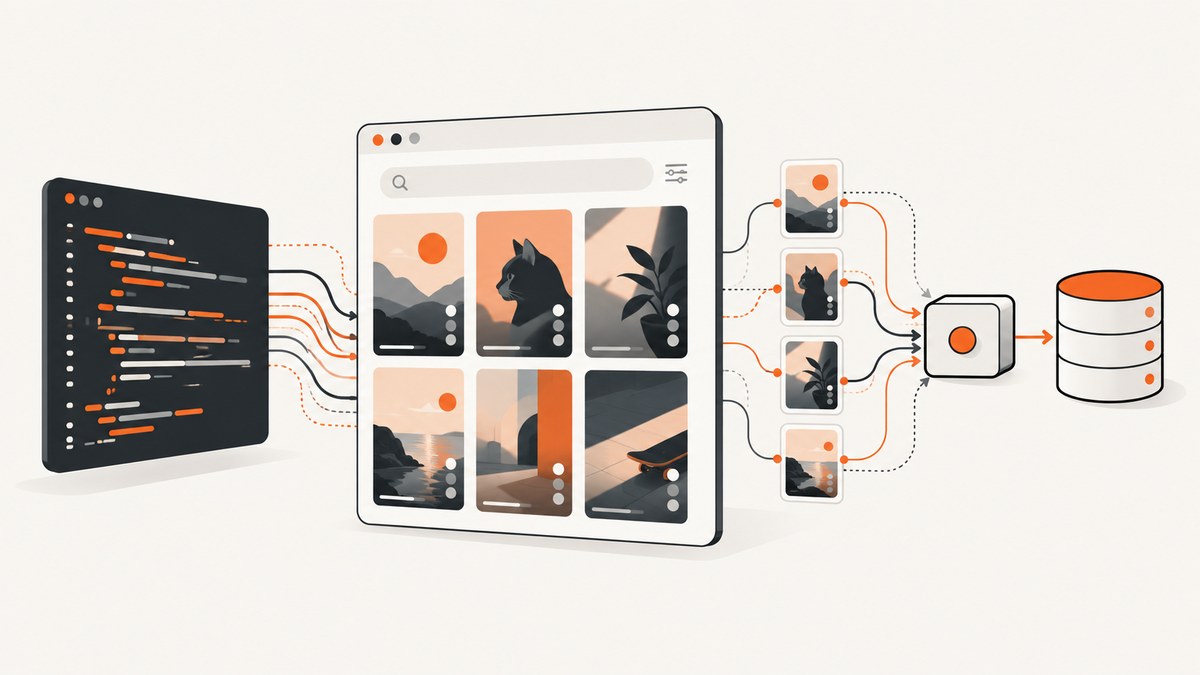
Short answer: use a real browser with Playwright, wait for a specific result-list condition, then extract only the fields you need. TikTok search content is assembled by client-side JavaScript, so an HTTP request alone will usually miss the rendered results. The workflow below shows a responsible JavaScript implementation, how to handle dynamic lists and pagination, and when TikTok’s approved Research API is a better fit.
What JavaScript rendering changes
A normal fetch() or requests.get() call downloads the initial HTML. A browser then executes scripts, makes additional requests, and updates the DOM. Playwright controls that browser and exposes the resulting page through page.goto(), locators, and assertions. It supports navigation readiness states such as domcontentloaded and load; its documentation cautions against using networkidle as a universal signal and recommends asserting the condition your page actually needs.
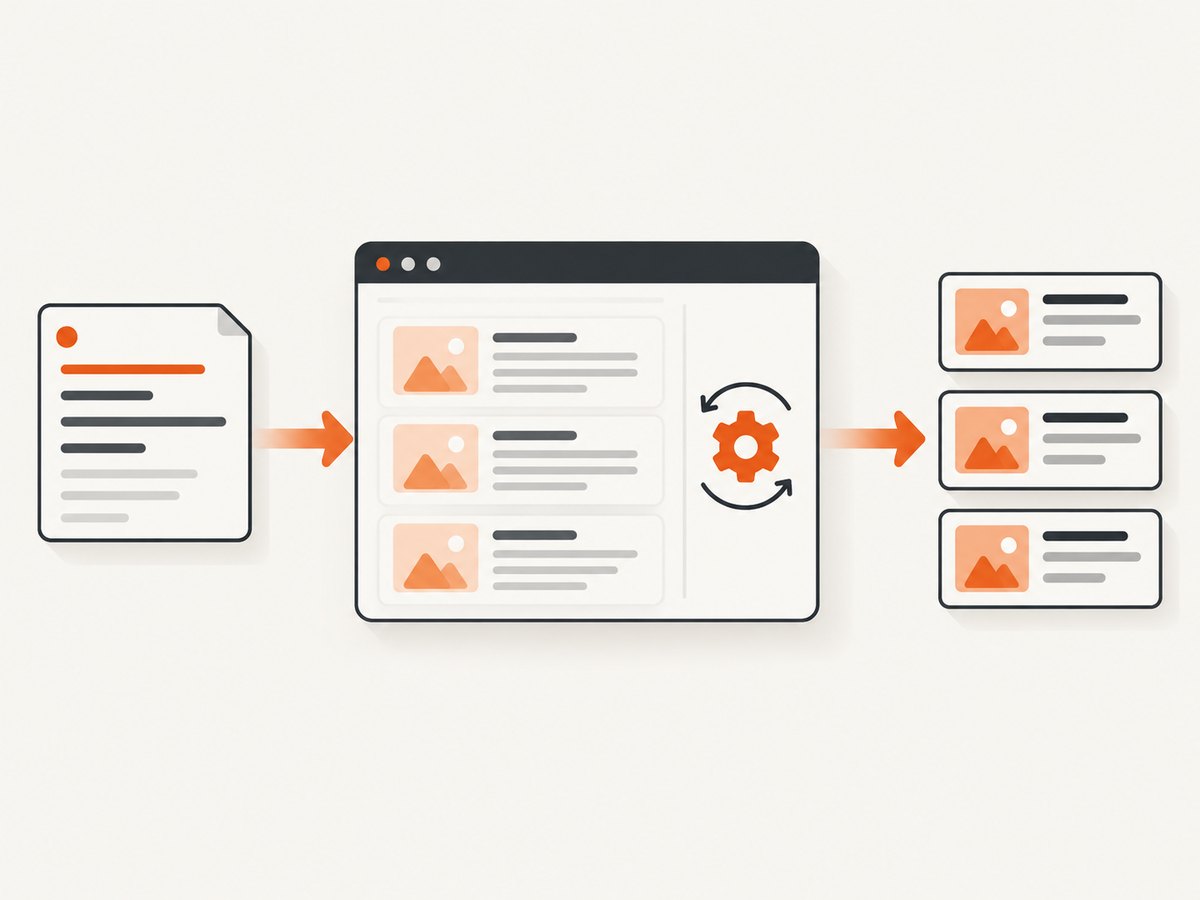
TikTok’s current markup, selectors, ranking behavior, and infinite-scroll details can change. The examples therefore use a clearly marked selector placeholder. Inspect the page you are authorized to access and replace it with a semantic or otherwise verified locator. Do not treat the placeholder as a tested TikTok selector.
Before you collect anything
- Confirm that your use is permitted by TikTok’s terms, your organization’s policy, and applicable law.
- Prefer public, visible fields and collect the minimum data needed.
- Record the query, collection timestamp (UTC), page URL, and code version so results are reproducible.
- Keep concurrency low, stop on errors, and do not attempt CAPTCHA bypass, stealth plugins, private endpoints, proxy rotation, session-cookie harvesting, or rate-limit evasion.
TikTok’s Research Tools terms say covered researchers must not obtain TikTok content outside those tools, including by scraping or other technical or manual extraction. That restriction applies in the terms context; it does not answer every legal question for every use case. If you need a sanctioned research dataset, use the official route described below.
Install Playwright and launch a browser
mkdir tiktok-rendered-search
cd tiktok-rendered-search
npm init -y
npm install playwright
npx playwright install chromium
Create scrape-search.mjs:
import { chromium } from 'playwright';

const query = process.argv[2] ?? 'javascript';
const searchUrl = `https://www.tiktok.com/search?q=${encodeURIComponent(query)}`;
const resultSelector = '[REPLACE_WITH_VERIFIED_RESULT_LOCATOR]';

const browser = await chromium.launch({ headless: true });
const page = await browser.newPage({ viewport: { width: 1280, height: 900 }, locale: 'en-US' });

try {
  await page.goto(searchUrl, { waitUntil: 'domcontentloaded', timeout: 45000 });
  const results = page.locator(resultSelector);
  await results.first().waitFor({ state: 'visible', timeout: 30000 });
  const rows = await results.evaluateAll(nodes => nodes.map(node => ({
    text: node.textContent?.trim() ?? '',
    hrefs: [...node.querySelectorAll('a')].map(a => a.href).filter(Boolean)
  })));
  console.log(JSON.stringify({ query, collectedAt: new Date().toISOString(), rows }, null, 2));
} finally {
  await browser.close();
}
Run it with node scrape-search.mjs 'web scraping'. The extraction intentionally returns visible text and links rather than guessing a TikTok-specific card schema. Once you have verified the DOM, map fields such as video URL, author handle, caption, and visible engagement counts to your own schema.
Wait for content that is actually ready
Playwright locators auto-wait and retry. Use an assertion or an explicit locator wait tied to the result state you need:
import { expect } from '@playwright/test';
const cards = page.locator(resultSelector);
await expect(cards.first()).toBeVisible({ timeout: 30000 });
await expect(cards).not.toHaveCount(0);
locator.all() does not wait for matching elements; on a changing list it can return a partial or unstable snapshot. Wait first, then enumerate. Avoid a fixed sleep as your readiness strategy: a fast connection wastes time, while a slow render can still be incomplete. See Playwright’s page API and locator documentation.
Handling infinite scroll without losing your place
Infinite scroll is an observation loop, not a guarantee of a fixed page size. Stop when you collect the requested number of unique URLs, the list stops growing after a verified scroll, or a time/scroll budget is reached.
const seen = new Set();
const maxItems = 100;
const maxRounds = 20;

for (let round = 0; round < maxRounds && seen.size < maxItems; round++) {
  await results.first().waitFor({ state: 'visible', timeout: 30000 });
  const before = seen.size;
  const items = await results.evaluateAll(nodes => nodes.map(node => ({
    url: node.querySelector('a')?.href ?? null,
    text: node.textContent?.trim() ?? ''
  })));
  for (const item of items) if (item.url) seen.add(item.url);
  if (seen.size >= maxItems) break;
  await page.evaluate(() => window.scrollTo(0, document.body.scrollHeight));
  await page.waitForFunction(previous => document.body.scrollHeight > previous, document.body.scrollHeight, { timeout: 10000 }).catch(() => {});
  if (seen.size === before) break;
}
console.log([...seen].slice(0, maxItems));
Persist each batch as you go, for example as JSON Lines, so a browser crash does not discard the entire run. Deduplicate by canonical URL and store the first-seen timestamp. Ranking can change between runs, so do not describe a later collection as the same result set.
Interaction, consent, and localization
If a consent dialog blocks the page, handle it only when you have permission and can identify the button reliably. Prefer a role or label locator that you verified:
const accept = page.getByRole('button', { name: /accept|allow/i });
if (await accept.isVisible().catch(() => false)) await accept.click();
Set locale, timezone, viewport, and user agent deliberately because they can affect visible content. A different region or language may produce different results. Do not assume that a selector, result count, or ordering is portable across locales or logged-in states.
Extract, validate, and store a stable record
Keep raw evidence separate from normalized fields. A useful record contains:
query, UTCcollected_at, and the exact search URL.position_seenand a canonical public URL, when visible.- Visible text or caption, author handle, and visible metrics, each nullable.
- Locale, viewport, code version, and a run identifier.
Validate before writing: reject records without a URL, normalize tracking parameters only when you can prove they do not identify a different resource, and retain the original URL for audit. Treat missing fields as missing; do not infer them from text.
Official Research API: structured data with approval
TikTok documents a Research API video-query endpoint at POST https://open.tiktokapis.com/v2/research/video/query/. Requests use a client access token, a fields list, a structured query, UTC start_date/end_date, and pagination. The documented maximum response size is 100 videos, and the date interval cannot exceed 30 days. A returned search_id can resume a cached search. See the Query Videos documentation.

This is an archived research dataset, not live search-page parity. TikTok says new videos may take up to 48 hours to enter the query search engine and view/follower statistics may take up to 10 days to update. Access is approval-gated: a developer account alone is insufficient; applicants must meet eligibility requirements, submit a research project, and be approved. Check the current criteria before relying on it.
const token = process.env.TIKTOK_ACCESS_TOKEN;
const payload = {
  fields: ['id', 'video_description', 'create_time', 'like_count', 'view_count'],
  query: { and: [{ operation: 'EQ', field_name: 'keyword', field_values: ['javascript'] }] },
  start_date: '2026-01-01',
  end_date: '2026-01-30',
  max_count: 100,
  is_random: false
};
const response = await fetch('https://open.tiktokapis.com/v2/research/video/query/', {
  method: 'POST',
  headers: { Authorization: `Bearer ${token}`, 'Content-Type': 'application/json' },
  body: JSON.stringify(payload)
});
if (!response.ok) throw new Error(`${response.status} ${await response.text()}`);
console.log(JSON.stringify(await response.json(), null, 2));
Use the API when documented fields, reproducible pagination, and an approved research project matter more than immediate interface fidelity. Use browser rendering only for pages and data you are authorized to access, and expect markup maintenance.
Or skip the browser setup
ScreenshotNeo captures a rendered page with one request. It is useful when your deliverable is a visual record of the TikTok results page rather than a structured dataset. Cookie banners, newsletter popups, and chat widgets are removed before the shot. Bot checks, blank pages, failed loads, timeouts, and cache hits are not billed, and response headers identify the page verdict and whether the shot was billed. An MCP server provides take_screenshot, get_page_info, and capture_pdf for Claude, Cursor, and other MCP clients. See the ScreenshotNeo API documentation for all options.
curl -G 'https://api.screenshotneo.com/v1/shot' -d access_key=YOUR_API_KEY --data-urlencode 'url=https://www.tiktok.com/search?q=javascript' -o shot.webpimport requests
r = requests.get('https://api.screenshotneo.com/v1/shot', params={'access_key': 'YOUR_API_KEY', 'url': 'https://www.tiktok.com/search?q=javascript'}, timeout=90)
r.raise_for_status()
open('shot.webp', 'wb').write(r.content)const q = new URLSearchParams({ access_key: 'YOUR_API_KEY', url: 'https://www.tiktok.com/search?q=javascript' });
const res = await fetch(`https://api.screenshotneo.com/v1/shot?${q}`);
if (!res.ok) throw new Error(`${res.status} ${await res.text()}`);
require('fs').writeFileSync('shot.webp', Buffer.from(await res.arrayBuffer()));The free plan includes 1,000 screenshots a month with no card. Paid plans start at $5 for 3,000 shots, and every feature is available on every plan. Create a free ScreenshotNeo account.
Troubleshooting
| Symptom | Likely cause | Fix |
|---|---|---|
| Zero results | Placeholder or stale selector | Inspect the current DOM, choose a verified locator, and wait for it before reading. |
Timeout at goto |
Slow navigation, consent gate, or transient failure | Capture a trace or screenshot, raise the timeout moderately, retry with backoff, and stop after a bounded number of attempts. |
| Partial list | Enumeration happened before rendering finished | Assert the first item and wait for list growth after each scroll; avoid locator.all() as the readiness check. |
| Duplicate videos | Repeated virtualized nodes or reruns | Deduplicate by canonical public URL and keep a run ID. |
| Different results between runs | Ranking, locale, account state, or time changed | Record UTC time, locale, viewport, and URL; compare only within a defined collection window. |
| Research API 401/403 | Missing, expired, or unapproved token | Check token scope and approval status; a developer account alone does not grant Research Tools access. |
| Research API missing newest posts | Archived index delay | Allow up to 48 hours for new videos and up to 10 days for some metrics. |
Performance, reliability, and cost
- Performance: one browser context per worker is usually cheaper than launching Chromium for every URL. Bound workers, navigation timeouts, scroll rounds, and output size.
- Reliability: save checkpoints, log HTTP status and page errors, take a diagnostic screenshot on failure, and retry only transient failures with exponential backoff.
- Coverage: virtualized lists may remove off-screen nodes. Extract each batch before scrolling and keep URLs, not DOM indexes, as identity.
- Cost: self-hosted Playwright consumes compute and maintenance time. ScreenshotNeo bills only clean shots; failed loads, bot checks, blank pages, timeouts, and cache hits are free. Its cache TTL, bulk capture of up to 100 URLs per call, async jobs, signed webhooks, and usage API can reduce repeated work.
- Reproducibility: archive query parameters, timestamps, and code versions. Neither live rendering nor the archived API should be presented as a permanent ranking snapshot.
FAQ
Can I scrape TikTok search with only Node.js HTTP requests?
Not reliably for client-rendered results. HTTP can fetch initial markup, but JavaScript execution and subsequent requests are what populate the browser view. Use Playwright for an authorized rendered-page workflow.
Does Playwright’s networkidle mean the results are complete?
No. Ongoing analytics or lazy requests can keep the network busy, and idle traffic does not prove the result list is ready. Assert the specific locator or state you need.
Is the Research API a live replacement for the search page?
No. It queries an archived dataset with documented delays and approval requirements. It is suited to approved research queries, not claims of instantaneous ranking parity.
How many videos can one Research API response return?
The documented maximum is 100. Use the returned cursor and, where applicable, search_id to continue a query.
What should I screenshot for an audit?
Capture the exact URL, UTC timestamp, locale, viewport, and visible result state. A visual snapshot supports review; it is not a substitute for permission or structured provenance.


