How to Scrape TikTok Shop Listings
TikTok Shop API access is limited by role, region, and purpose. Learn how to verify authorization before collecting listing data.
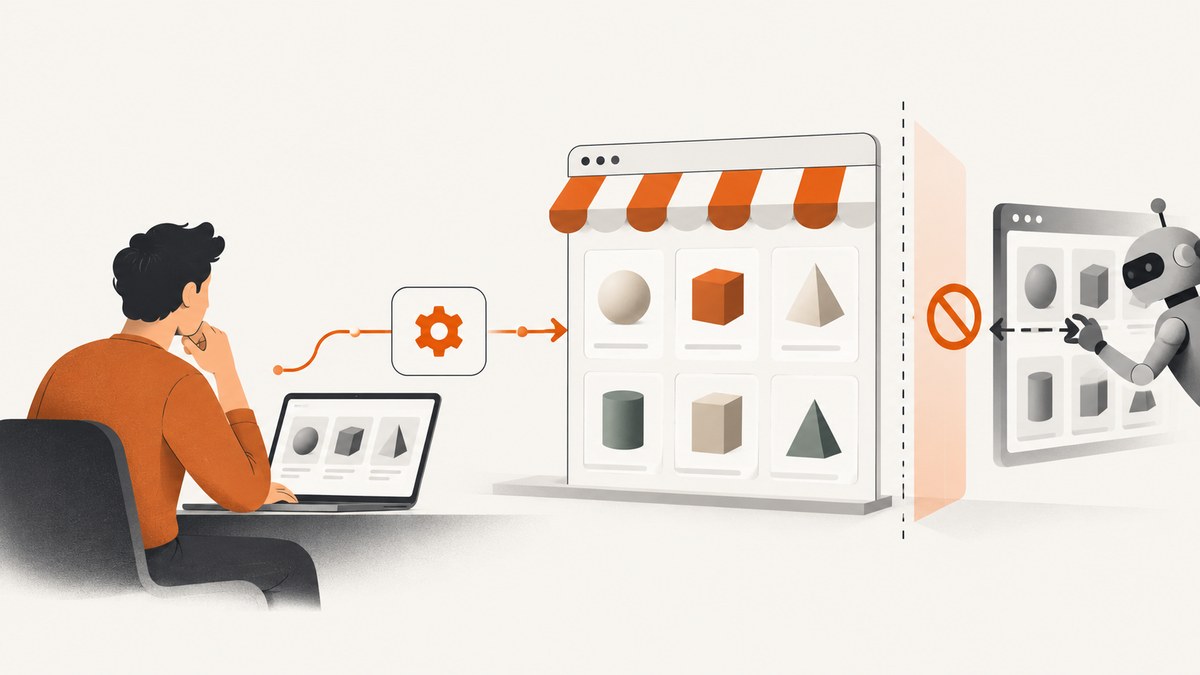
Direct answer: You can collect TikTok Shop listing data only through an access route and for a purpose TikTok authorizes in the terms and documentation for your role and market. The reviewed US Seller Terms describe API access for authorized users building internal seller-management applications. They do not establish a general license to scrape public listings or promise a catalog-wide search API. Check the current official documentation and applicable terms before writing a collector.
“Scraping” may mean three different things: using an authorized API for seller operations, manually inspecting listings visible to you, or automating collection from storefront pages. They have different permission and reliability implications. Public visibility alone does not establish permission for automated extraction, storage, or reuse.
1. Choose the access route that matches your role
Seller API: seller operations
The US Seller Terms describe Seller Center tools for uploading and managing products. They also describe a license for authorized API users to develop, test, maintain, and operate ERP applications for internal use to manage seller activity, with API data displayed in the application. The terms direct API users to the TikTok Shop Developer Terms. This is the route to investigate if you are an eligible seller building an internal workflow around your own seller activity.
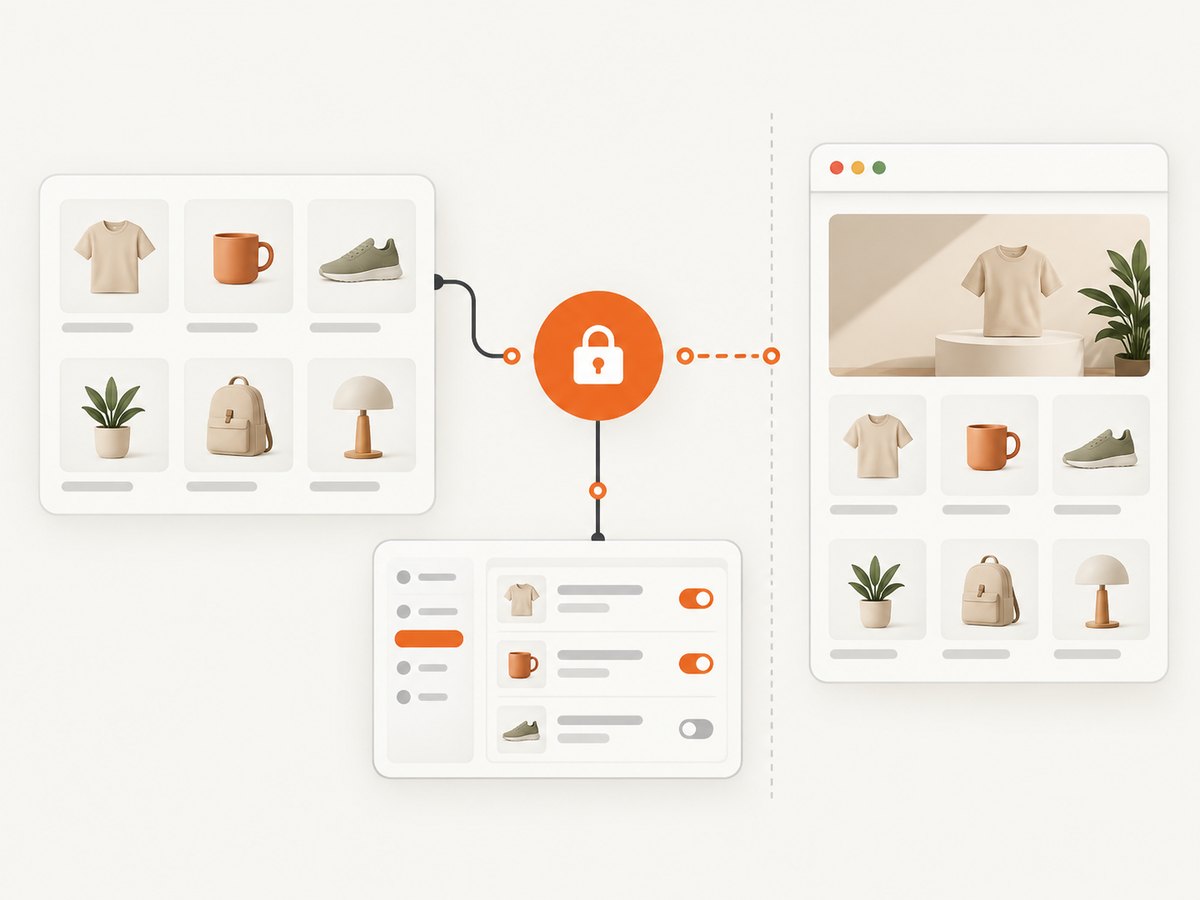
That description is not evidence of a general product-discovery endpoint for downloading listings across TikTok Shop. The reviewed material does not establish endpoint names, returned fields, onboarding steps, or rate limits. Do not design around those details until the current market-specific API documentation confirms them.
Creator API: a separate purpose
The US Creator Terms grant a limited, revocable license for creator-service applications and associated applications that interact with TikTok Shop, including displaying API data within the application. They also impose restrictions, including on excessive calls, unauthorized data collection, and attempts to circumvent access restrictions. Creator access is not a substitute for seller authorization; confirm that your specific workflow fits the creator grant.
Manual review and storefront automation
You can manually review information displayed to you for research, subject to applicable terms and law. That does not automatically authorize bulk automated collection. Browser automation can also encounter login walls, bot checks, changing page markup, regional differences, and personal information. Do not bypass access controls or collect personal data without a lawful basis and clear authorization.
2. Verify permission before implementation
- Identify your role and market. Seller, creator, and other users may have different terms. The reviewed Seller Terms page is for the United States and was updated January 22, 2026; terms can change.
- Find the current official documentation. Start from the official TikTok Shop developer resources linked for your region. Confirm that the API and feature you intend to use are available to your account.
- Confirm the exact purpose. Match your application to the stated license. Seller API access described in the US terms is for internal seller ERP use; creator API access has its own creator-service scope.
- Confirm data and usage conditions. Check allowed data, display, storage, retention, sharing, deletion, and call limits in the current terms and API documentation. The sources reviewed here do not establish a universal field list or limit.
- Use authorized credentials and documented calls only. The US Seller Terms state: “Your sole means of accessing the TikTok API shall be via the API Key.” Do not evade restrictions or use another party’s credentials.
For the US Seller Terms, see TikTok Shop US Seller Terms. For creators, see the applicable TikTok Shop Creator Terms and current creator documentation and verify the URL and current terms from your account before relying on them. The reviewed EU Developer Terms are distinct regional terms and do not prove that US or other-market permissions are identical.
3. Implement only after API access is documented
No current endpoint path, request schema, authentication exchange, listing search method, or response field set was verified in the research for this article. Supplying guessed API calls would risk giving you code that is both unusable and outside the granted scope. Use this implementation sequence once TikTok’s current documentation for your region specifies the supported operation:
- Complete the documented developer authorization and obtain credentials for the approved application.
- Choose the documented seller or creator operation that matches your authorized purpose; do not assume it searches the entire marketplace.
- Construct requests using the exact documented URL, method, headers, parameters, and signing procedure.
- Parse only documented response fields. Handle pagination only as the docs prescribe.
- Persist the minimum data needed for the authorized workflow, with retention and deletion behavior consistent with the applicable terms.
- Record request IDs, response status, timestamps, and retry outcomes without logging secrets or unnecessary personal information.
Keep credentials in a secret manager or protected environment variable, restrict access to the application, and rotate them using the provider’s documented process. Do not put API keys in browser JavaScript, public repositories, screenshots, or error reports.
4. If you are considering browser automation
A browser-driven collector is not a permission shortcut. Before automating a storefront, confirm that the relevant terms permit the activity and that you are not bypassing a login, bot check, CAPTCHA, rate limit, or other access restriction. The official material reviewed does not grant general automated extraction rights for public listings.
If you have separate authorization for a particular page or dataset, define a narrow capture workflow:
- Use an account and session that you are authorized to use; avoid collecting account-specific or personal data unless it is necessary and permitted.
- Capture only the pages and fields within the authorized scope.
- Set conservative pacing and stop when the site signals access denial, throttling, or a challenge. Do not rotate identities or proxies to defeat restrictions.
- Validate extracted values against the displayed page and preserve source and capture time where retention is allowed.
- Recheck markup and authorization when the workflow changes; page layout changes can silently corrupt a scraper.
For permitted visual inspection, a screenshot documents what a page looked like at a point in time, but it does not turn page visibility into permission to harvest or reuse its contents.
5. Or skip the browser setup
If your authorized task is to capture a page visually, ScreenshotNeo takes a screenshot or PDF from one GET request. For example, to capture a page you are allowed to access:
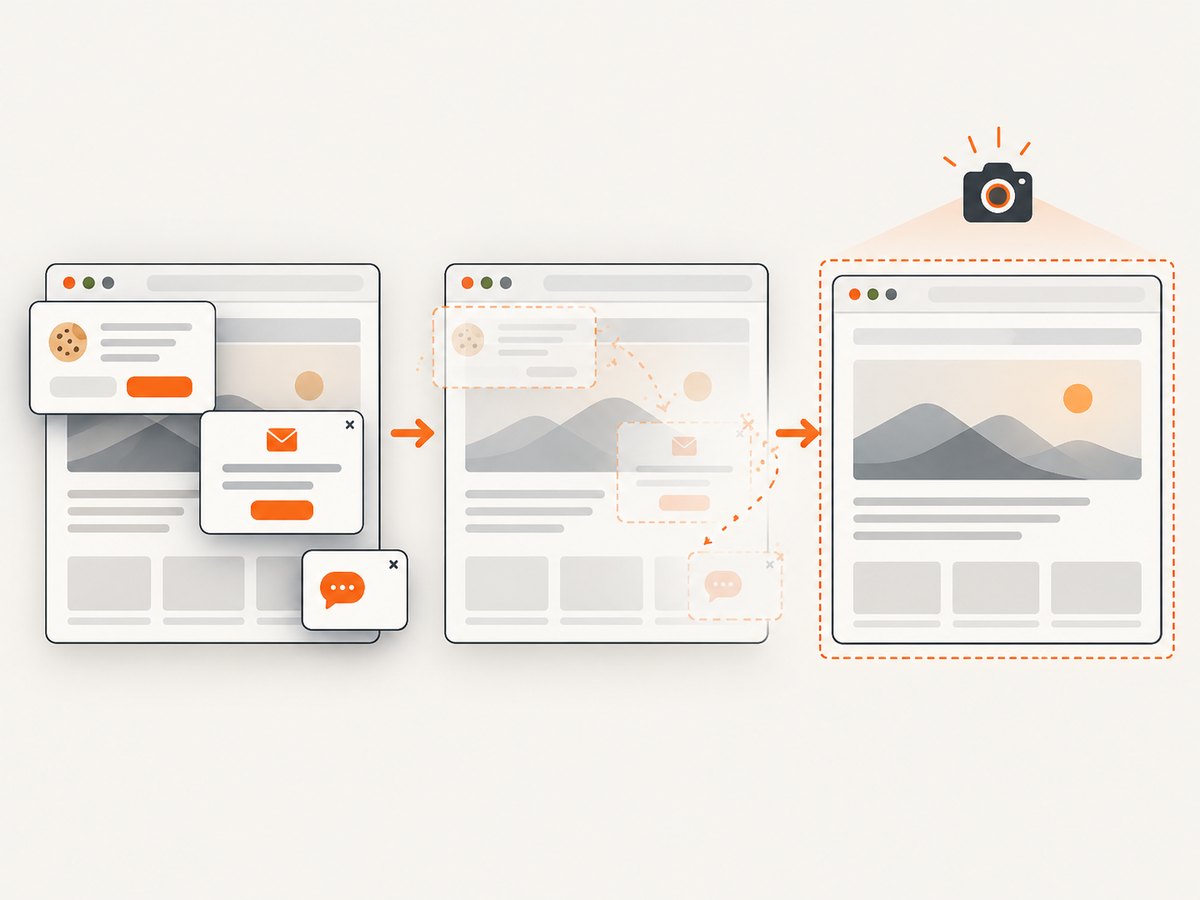
curl -G "https://api.screenshotneo.com/v1/shot" -d access_key=YOUR_API_KEY --data-urlencode url=https://stripe.com -o shot.webpSee the ScreenshotNeo API documentation for request options. Cookie banners, newsletter popups, and chat widgets are removed before the shot; each cleanup step can be turned off. Bot checks, blank pages, failed loads, timeouts, and cache hits are not billed, and response headers identify the page verdict and billing status. An MCP server provides take_screenshot, get_page_info, and capture_pdf for AI agents. The free plan includes 1,000 screenshots per month with no card; paid plans start at $5 for 3,000. Screenshot capture is for visual documentation, not a TikTok listing data API or authorization to extract listing data.
Sign up for 1,000 free screenshots a month, no card required.
6. Troubleshooting
| Symptom | Likely cause | What to do |
|---|---|---|
| No API access or authorization error | The account, application, role, market, or requested operation is not enabled or authorized. | Check the current onboarding instructions and permissions for the correct regional API. Do not try alternate credentials or endpoints to get around the denial. |
| A seller operation does not return general marketplace listings | The authorized API purpose may be seller management rather than catalog-wide discovery. | Confirm the documented operation and its scope. Do not infer a search endpoint from product-management features. |
| Requests are throttled or rejected | Calls may exceed documented limits, or the request may not match the required authorization and schema. | Follow the current docs for limits and retry guidance. Stop on access restrictions; do not increase traffic or evade controls. |
| Browser automation sees a challenge or login wall | The page is gated, access is restricted, or automated activity is not accepted. | Stop automation and use an authorized documented route. Do not solve or bypass the restriction with evasion tactics. |
| Collected values are missing or inconsistent | Page markup, localization, product availability, or rendering may have changed. | Revalidate the source manually where permitted, narrow the workflow, and avoid treating a transient page as authoritative data. |
| Unexpected personal information appears | The page or response includes data outside the intended listing fields. | Stop collection, minimize access, and follow applicable privacy, retention, and deletion obligations. |
7. Reliability, performance, and cost considerations
For API workflows, reliability depends on the documented authorization model, supported operations, call limits, pagination, and error handling for your market. Those technical details were not established by the terms reviewed here, so consult the current documentation rather than assume a retry policy or throughput. Make retries bounded and only use them for errors the documentation identifies as retryable. Avoid duplicate writes by making processing idempotent where possible.
Browser collection adds rendering time and fragility: network delays, lazy content, localization, and page redesigns can change results. More requests do not make an unauthorized workflow acceptable, and aggressive concurrency can trigger restrictions. Keep collection narrow and paced when it is expressly permitted.
Budget for engineering and compliance review as well as compute. The reviewed TikTok terms do not establish API pricing, a rate quota, or scraping costs; do not estimate those from this article. If your goal is a visual record rather than structured listing data, ScreenshotNeo has a free tier of 1,000 shots per month and paid plans from $5 for 3,000. Its billing rules apply to screenshot requests, not to TikTok API authorization.
8. Pre-launch checklist
- ☐ I identified the account role and the market whose terms apply.
- ☐ I located current official API documentation and completed the documented authorization process.
- ☐ The exact operation and data use fit the license granted to my seller or creator application.
- ☐ I confirmed limits, allowed fields, display rules, retention, and deletion requirements.
- ☐ Credentials are protected and requests use only documented access methods.
- ☐ The workflow avoids personal data unless necessary and authorized.
- ☐ It stops on access restrictions and does not bypass controls.
FAQ
Does TikTok Shop have a product listings API?
The reviewed US terms describe seller product-information and listing management features and refer API users to Developer Terms. They do not verify a general marketplace listing-search endpoint. Check current documentation for your role and region.
Can creators use the seller API?
The Creator API has separate terms and a limited creator-service purpose. Do not treat it as interchangeable with seller authorization.
Can I scrape listings because anyone can view them?
Public visibility alone does not establish permission for automated collection or reuse. Confirm the applicable terms and authorization first.
Are the US rules the same in the EU or elsewhere?
No assumption is safe. The reviewed EU Developer Terms are a distinct contract, and each market’s current terms and documentation should be checked independently.


