How to Scrape Udemy Course Data with JavaScript Rendering
Learn when to use Udemy APIs, when JavaScript rendering is necessary, and how to build a resilient Puppeteer extraction workflow.
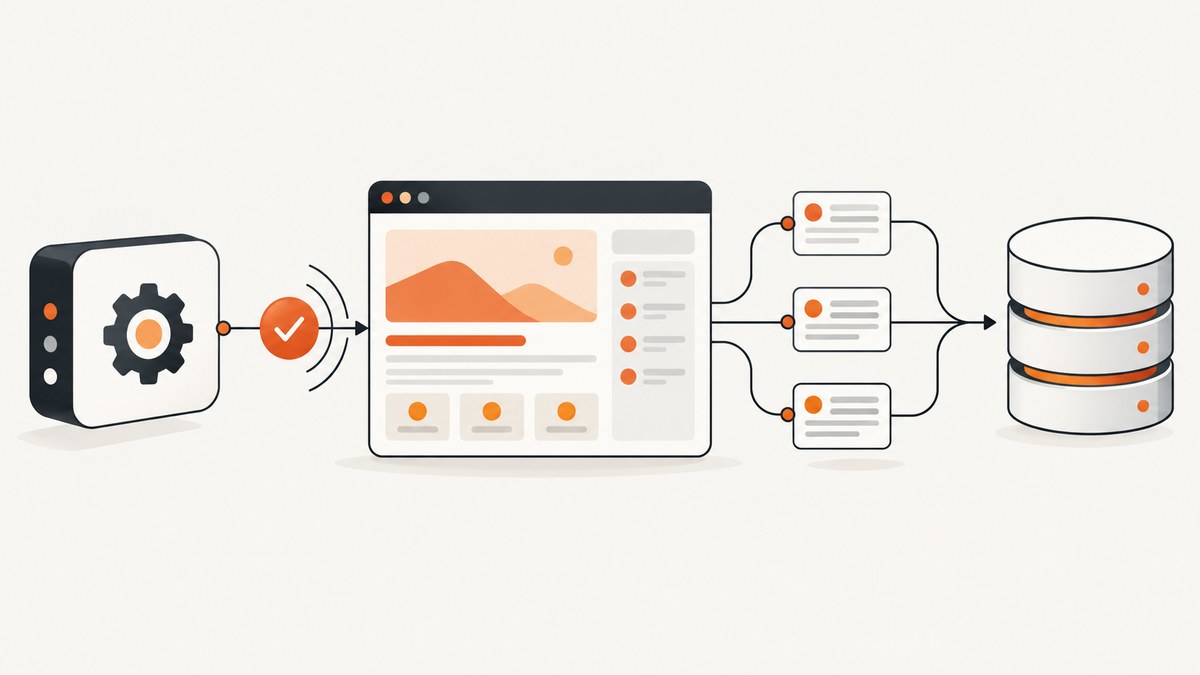
To scrape Udemy course data with JavaScript rendering, first decide whether you are allowed and whether an official API covers your use case. Use an API when your account and agreement provide access. Fetch the ordinary HTML response before launching a browser. Use Puppeteer only when a permitted page does not contain the fields you need until JavaScript executes.
This order matters for authorization, reliability, speed, and cost. Udemy Business documents a GraphQL Courses API and a Search API for eligible Business catalog integrations. Udemy also documents an authenticated Instructor API for instructor workflows. Neither should be treated as an anonymous endpoint for the entire public marketplace. Udemy’s Affiliate API v2 documentation says access was discontinued on 2025-01-01, so old affiliate endpoints are not current scraping instructions.
1. Choose an authorized data route
| Route | Use it for | What to verify |
|---|---|---|
| Udemy Business GraphQL Courses API and Search API | Catalog metadata in an eligible Business integration | Business login, subscription, partner context, API credentials, license and organization agreement |
| Udemy Instructor API v1 | Courses you own or teach and related instructor workflows | Bearer credentials, scopes, pagination, current reference and documented throttle |
| HTTP request | Permitted pages whose data is already in the initial response | Terms, authorization, robots and whether the response actually contains the fields |
| Puppeteer or another browser | Permitted pages where required content appears only after scripts run | Stable content conditions, request volume, consent behavior and changed markup |
Udemy describes its GraphQL Courses API as the next generation of its traditional courses API. Its API overview also says the legacy Courses API will not receive new functionality. Treat documentation and account eligibility as part of implementation, not as an optional administrative step.
The Instructor API is a separate authenticated REST API. Its reference describes HTTPS, JSON responses, bearer authentication, pagination and a throttle of 100 requests per 10 seconds. That limit applies to the documented Instructor API; it is not a verified limit for every Udemy API or public page.
2. Define the fields and permission boundary
Write down the smallest dataset that answers your job. Typical fields include:
- Course title and canonical URL
- Rating and review count
- Publication time
- Visible instructor names
- Course image, price or duration when your authorized route exposes them
The Instructor API Course model documents fields including title, URL, rating, number of reviews, publication time and visible instructors. Do not infer that those fields are available for arbitrary public courses. Avoid learner-specific, account, enrollment or private data unless your integration is explicitly authorized for it.
For public pages, consult the current applicable terms and obtain authorization before extraction. The available research does not establish whether a particular public Udemy scrape is permitted, and it does not verify the current rendering behavior or selectors of any course page.
3. Inspect the normal HTTP response first
A browser is unnecessary when the initial document already contains the required data. An ordinary request is faster, easier to cache and easier to debug.
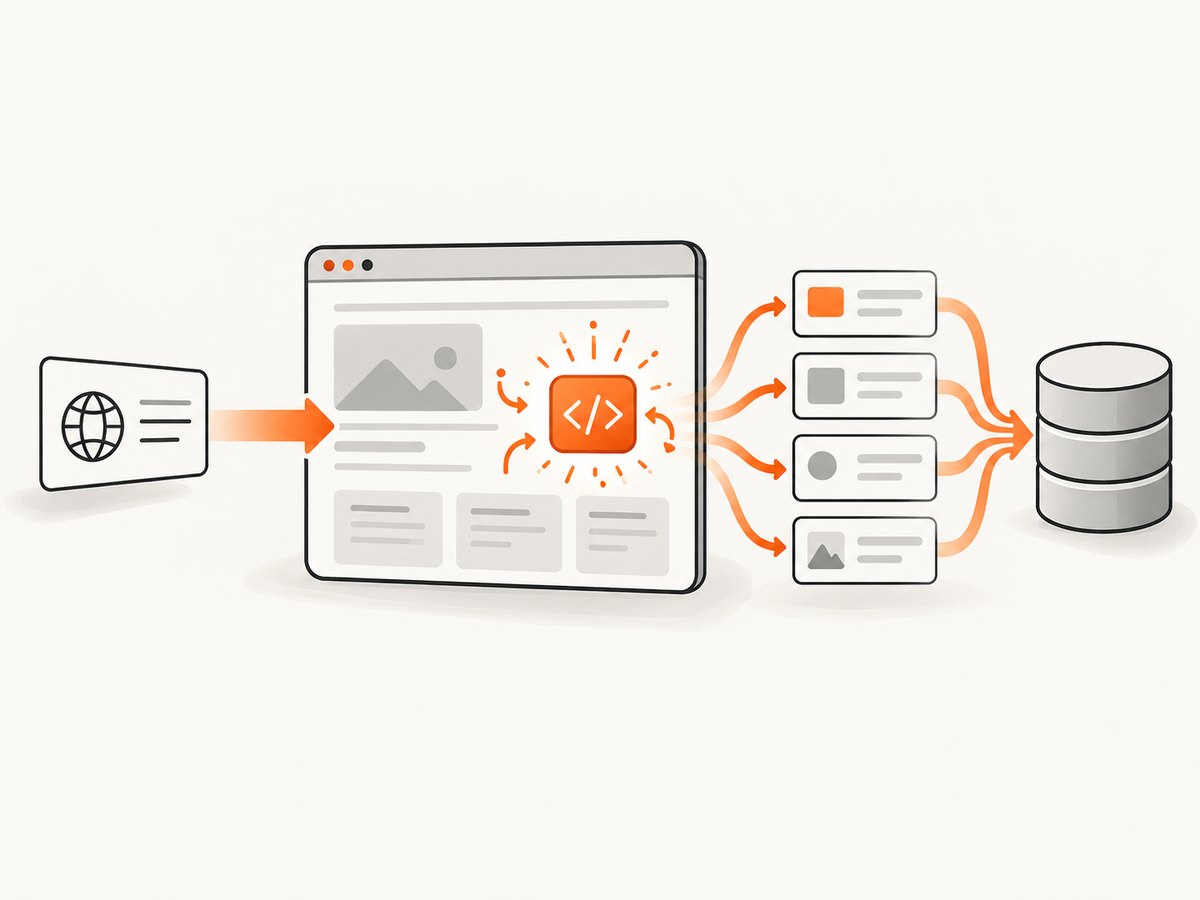
const response = await fetch(courseUrl, {
  headers: {
    'user-agent': 'AuthorizedDataClient/1.0'
  }
});

if (!response.ok) {
  throw new Error(`HTTP ${response.status}`);
}

const html = await response.text();
console.log(html.length);
console.log(html.includes('application/ld+json'));
Inspect the response for JSON-LD, embedded state objects and visible text. Parse structured data only when it represents the fields you are authorized to collect. Do not assume a script tag or class name is a supported API. Keep a saved sample response during development so you can compare changes without repeatedly requesting the site.
4. Render with Puppeteer only when necessary
Puppeteer is a relevant JavaScript and Node.js browser-automation tool for this kind of workflow. The source material recommends checking for a public API first, then making a request for JSON, and using automated browsers such as Puppeteer as a last option. The following example is a template for a permitted page. It deliberately uses placeholder selectors because no Udemy-specific selector or successful scrape was verified.
Install and run
mkdir udemy-extractor
cd udemy-extractor
npm init -y
npm install puppeteer
node extract-course.js https://example.com/permitted-course-page
Complete JavaScript example
import puppeteer from 'puppeteer';

const url = process.argv[2];
if (!url) {
  console.error('Usage: node extract-course.js <authorized-course-url>');
  process.exit(1);
}

const browser = await puppeteer.launch({
  headless: true,
  args: ['--no-sandbox', '--disable-setuid-sandbox']
});

try {
  const page = await browser.newPage();
  await page.setViewport({ width: 1365, height: 900, deviceScaleFactor: 1 });
  await page.setUserAgent('AuthorizedCourseResearch/1.0');
  await page.setDefaultNavigationTimeout(45_000);

  await page.goto(url, { waitUntil: 'domcontentloaded' });

  // Replace this with a condition supported by the page you are authorized to read.
  await page.waitForFunction(() => document.body && document.body.innerText.length > 500, {
    timeout: 20_000
  });

  const result = await page.evaluate(() => {
    const text = document.body.innerText;
    const jsonLd = [...document.querySelectorAll('script[type="application/ld+json"]')]
      .map(node => {
        try { return JSON.parse(node.textContent); } catch { return null; }
      })
      .filter(Boolean);

    return {
      url: location.href,
      title: document.title || null,
      textSample: text.slice(0, 2_000),
      jsonLd
    };
  });

  console.log(JSON.stringify(result, null, 2));
} finally {
  await browser.close();
}
Replace the generic wait condition with a permitted, meaningful condition such as the appearance of a known content container. Prefer a condition over an arbitrary ten-second sleep. If the page has several independent sections, wait for the smallest set of conditions that proves the fields you need are present.
5. Extract defensively from rendered content
Do not make one brittle selector your entire pipeline. Use a priority order:
- Authorized API response.
- JSON-LD or other structured data in the document.
- A stable semantic attribute or container.
- Visible text as a last-resort fallback, with validation.
Normalize whitespace, preserve the source URL, and record a retrieval timestamp. For ratings and review counts, parse numbers only after checking locale-specific separators. A missing field should be represented as null, not silently converted to an empty or zero value.
function cleanText(value) {
  return value?.replace(/\\s+/g, ' ').trim() || null;
}

function parseCount(value) {
  if (!value) return null;
  const normalized = value.replace(/[^0-9.]/g, '');
  const number = Number(normalized);
  return Number.isFinite(number) ? number : null;
}

const record = {
  sourceUrl: page.url(),
  retrievedAt: new Date().toISOString(),
  title: cleanText(raw.title),
  rating: Number.isFinite(Number(raw.rating)) ? Number(raw.rating) : null,
  reviewCount: parseCount(raw.reviewCount),
  instructor: cleanText(raw.instructor)
};
Validate a small sample manually against the visible page. Store both the extracted record and enough provenance to diagnose a later markup change. Never claim that a selector is stable merely because it worked once.
6. Browser configuration that affects results
Navigation and waiting
waitUntil: 'domcontentloaded'finishes when the document is parsed. It does not prove that asynchronous course data is present.networkidle0can be useful for pages that finish loading requests, but analytics or long-lived connections can prevent it from completing.- Use a selector or function condition tied to the data you need, with a finite timeout.
- Handle navigation timeouts and continue only when the required fields were confirmed.
Viewport, locale and identity
Set a deterministic viewport so responsive layouts do not change which elements are visible. Set timezone, locale and user agent only when your authorized use case requires them. A different locale can change currency, number formatting or translated text. Do not use identity spoofing to bypass access controls.
Requests and resources
Blocking images, fonts or analytics can reduce bandwidth, but blocking a resource required to render the course data will produce incomplete records. Apply request interception narrowly, log what was blocked, and compare a full-resource run with the optimized run before deploying it.
7. Pagination, throttling and reliability
For an official API, implement the documented pagination and error model instead of opening one browser per course. Keep bearer tokens server-side and use HTTPS. The Instructor API reference documents a 100-requests-per-10-seconds throttle; pace requests below that ceiling, add exponential backoff for transient failures, and do not retry authentication or permission errors indefinitely.
For browser work, use a queue with a fixed concurrency, a per-host rate limit, and a retry budget. Cache authorized results with a freshness policy appropriate to your use case. A browser page is expensive: reuse a browser process when safe, create isolated pages, and always close pages and browsers in a finally block.
Reliability checks should include:
- HTTP status and navigation error
- Presence of each required field
- Reasonable rating and count ranges
- Canonical URL consistency
- Timestamp and extraction version
- Screenshot or HTML evidence for failed records during debugging
8. Common errors and fixes
| Error | Likely cause | Fix |
|---|---|---|
| Timeout waiting for content | The condition is wrong, the page is slow, or access was denied | Confirm authorization, inspect a saved response, wait for a specific required field, and use a bounded retry |
| Empty title or rating | Field is absent, rendered later, translated, or selector changed | Check API and structured data first; log HTML and update a versioned extractor |
| HTTP 401 or 403 | Missing credentials, insufficient scope, or prohibited access | Use the supported account flow; do not attempt to bypass the control |
| 429 or repeated throttling | Request rate is too high | Honor the route’s documented limit, back off, reduce concurrency and cache results |
| Browser closes unexpectedly | Resource exhaustion or unhandled page errors | Limit concurrency, collect browser and page errors, close pages, and retry a small number of times |
| Different data between runs | Locale, viewport, timing or changing course content | Pin configuration, record timestamps, wait on content, and treat values as time-dependent |
9. Performance, cost and data quality
API requests generally have less startup overhead than a full browser, so use them whenever your account permits and they expose the required fields. Browser rendering consumes CPU and memory per page and adds navigation latency. Measure your own queue because the research does not establish a benchmark between Udemy routes.
Reduce work by deduplicating URLs, caching authorized results, extracting only required fields, and avoiding repeated retries for permanent failures. Keep a dead-letter queue for pages that need manual review. Separate transport failures from “field not present” results so an empty record does not look successful.
Cost also includes operational risk: frequent page changes can require extractor maintenance, while an official API may have contract and account prerequisites. Review the current license, agreement and applicable terms before increasing volume.
10. Or skip the browser setup
If your goal is to obtain a visual record of a permitted course page rather than parse every field, ScreenshotNeo provides a single screenshot or PDF request. It accepts cookie and consent banners before capture and removes more than 60 known consent platforms, newsletter popups and chat widgets; each step can be disabled. Bot checks, blank pages, timeouts, failed loads and cache hits are not billed, and response headers report the page verdict and billing result.

See the ScreenshotNeo API documentation for all options, including full-page capture, CSS element capture, dark mode, device presets, custom viewport and retina scale, custom CSS and JavaScript, waits, request blocking, headers, cookies, user agent, timezone, geolocation, caching, signed links, asynchronous jobs, bulk capture and PDFs.
cURL
curl -G "https://api.screenshotneo.com/v1/shot" \
  -d access_key=YOUR_API_KEY \
  --data-urlencode url=https://stripe.com \
  -o shot.webp
Python
import requests

r = requests.get(
    "https://api.screenshotneo.com/v1/shot",
    params={"access_key": "YOUR_API_KEY", "url": "https://stripe.com"},
    timeout=90,
)
r.raise_for_status()
open("shot.webp", "wb").write(r.content)
Node.js
const q = new URLSearchParams({
  access_key: 'YOUR_API_KEY',
  url: 'https://stripe.com'
});
const res = await fetch(`https://api.screenshotneo.com/v1/shot?${q}`);
if (!res.ok) throw new Error(`HTTP ${res.status}`);
const buffer = Buffer.from(await res.arrayBuffer());
await import('node:fs/promises').then(fs => fs.writeFile('shot.webp', buffer));
ScreenshotNeo also provides an MCP server with take_screenshot, get_page_info and capture_pdf for Claude, Cursor and other MCP clients. The Free plan includes 1,000 shots each month without a card; paid plans start at $5 for 3,000 shots. Create a free ScreenshotNeo account to try it.
11. FAQ
Can I use the Udemy Instructor API for any course?
No. It is an authenticated API documented for instructor workflows. Its course model does not make it a general public-catalog endpoint.
Is Puppeteer always required?
No. Start with an authorized API or ordinary HTTP response. Use Puppeteer only when the required content is genuinely produced after JavaScript execution.
Can I use the old Udemy Affiliate API?
Udemy’s Affiliate API v2 reference says access was discontinued on 2025-01-01. Do not build a new integration against old endpoint examples.
How do I know whether a field is missing or my selector failed?
Save the response or rendered HTML, inspect structured data, and compare the visible page manually. Record missing fields separately from transport and permission errors.
Should I render every course concurrently?
No. Use a bounded queue, respect the applicable route’s limits, cache authorized results and increase concurrency only after observing memory, timeout and error rates.


