The Best Way to Scrape UFC Stats: Fighters, Records, and Finishes
Use UFCStats for event and fight statistics, then verify career totals in UFC’s Record Book. Learn how to define, collect, validate, and report UFC records responsibly.

For UFC event and individual-fight statistics, start with UFCStats. For career and historical leader categories—including wins, finishes, KO/TKO wins, submission wins, and decision wins—use the official UFC Record Book. If you need automated collection, first confirm that your intended access is authorized: UFC’s terms prohibit page scraping and automated access for covered sites, and the research available here does not establish whether ufcstats.com falls within the terms’ defined scope. When permission is unclear, use the sites manually or obtain authorization before writing a crawler.
This guide explains how to choose the right source and measure, design a reliable dataset, and implement a small scraper only when you have permission. The examples use Python, with cURL and Node.js request patterns for an authorized source. They do not assume an official UFC API, a sanctioned bulk download, or a stable page schema.
1. Decide what “UFC stats” means
“Fighter record” can refer to different populations and measures. Before collecting anything, write down the question in one sentence and specify the scope. A UFC-only win total is different from a fighter’s professional record across every promotion. A finish count is different from a finish rate, and career totals are different from one-fight or one-round statistics.
| Question | Useful source | Scope to state |
|---|---|---|
| What happened in a particular UFC bout? | UFCStats event and fight pages | Event, fight, and displayed statistic |
| How many UFC wins or finishes are in a career category? | UFC Record Book career view | UFC-only; modern-era coverage starts at UFC 28 |
| How did a fighter perform in a specific fight or round? | Record Book fight, combined-fight, round, or combined-round views; check individual fight details as needed | View type, bout or round, and observation date |
| What is a fighter’s complete professional MMA record? | Neither UFC-only source alone establishes this | Use a source covering other promotions too, and explain its coverage |
The Record Book describes its coverage as UFC fights from UFC 28 onward, the first event under the Unified Rules of MMA. That makes it useful for consistent modern-era UFC comparisons, but not a complete professional MMA record. Its available views include career, fight, combined-fight, round, combined-round, and event. Categories include fights, wins, finishes, KO/TKO wins, submission wins, decision wins, streaks, time, striking, and grappling. Some rate categories use minimum-fight or attempt thresholds; include the threshold when reporting a filtered leaderboard. UFC’s Record Book announcement describes the views and coverage.
2. Check access and terms before automating
UFC’s Terms of Use prohibit page scraping and automated devices for the sites and content within their scope. The available research does not confirm whether UFCStats is included in that defined scope, so do not treat the uncertainty as permission. Check the applicable terms for the exact site and intended use, and obtain authorization where needed. A public page, a working browser request, or a third-party crawler repository does not by itself establish permission.
The safe default is to consult UFCStats and the Record Book manually. For an authorized project, save the authorization and its limits alongside the project notes. Follow any limits on pages, request rates, retention, or redistribution that apply to your access. If you cannot confirm that automation is permitted, do not run the live-fetch examples below.
3. Design the data before collecting it
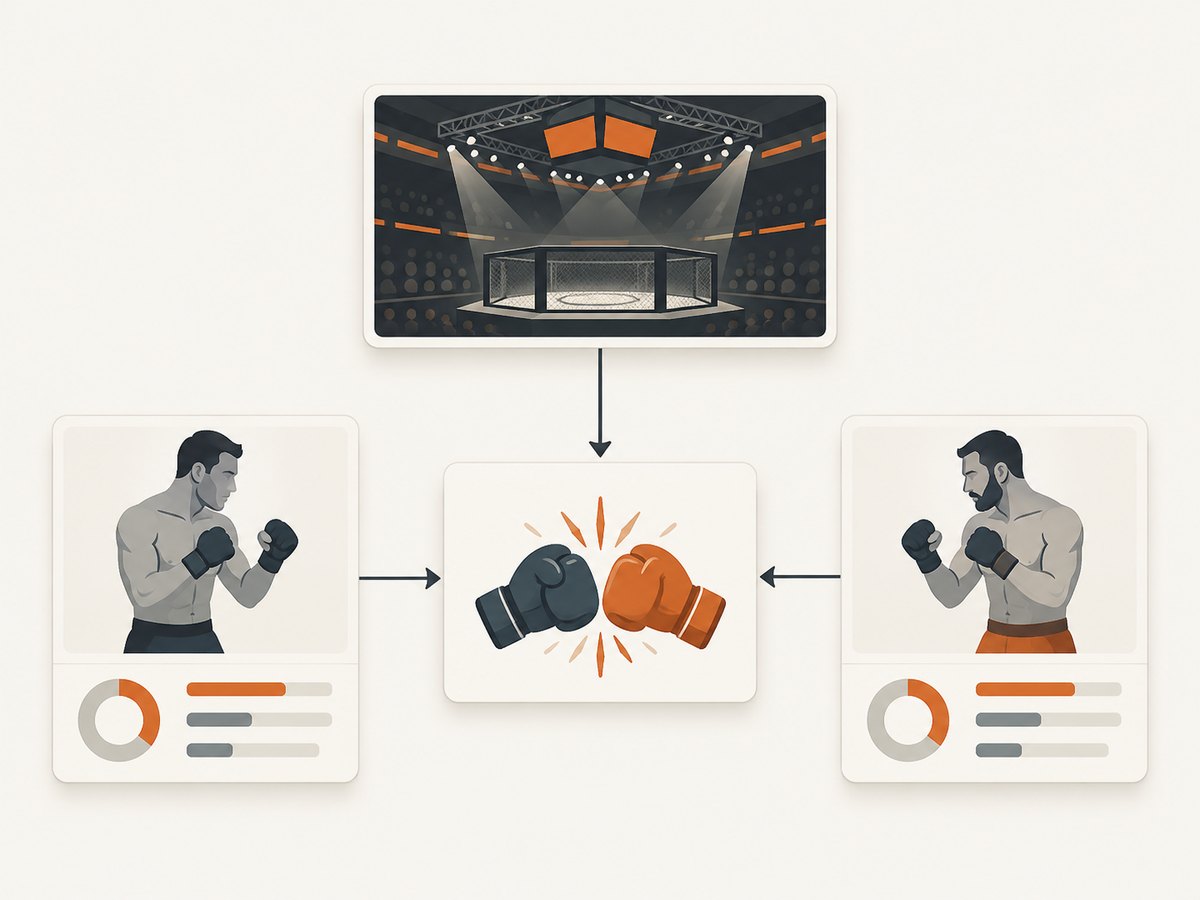
Keep event, fight, fighter, and fighter-in-fight information distinct. A fighter appears in many fights; a fight belongs to an event; and statistics for one fighter in a bout should not be confused with the bout result itself. This structure makes it easier to compare totals without accidentally counting a bout twice.
| Record | Example fields | Why keep it separate |
|---|---|---|
| Event | Source event name, date, location, source URL | Provides event context and a traceable source |
| Fight | Event reference, displayed result, method, round, time, source URL | Represents the bout and its outcome |
| Fighter | Displayed name, source identifier if present, source URL | Helps connect multiple appearances without relying only on name spelling |
| Fighter-in-fight | Fight reference, fighter reference, displayed statistics and original labels | Keeps each competitor’s measurements attached to the correct bout |
Store the retrieval date, page URL, original displayed field labels, and unmodified source values. Normalize values in a separate step so you can review how a displayed label became a category such as “KO/TKO.” Keep blanks as blanks rather than silently converting them to zero; a missing measurement is not evidence of no measurement or a value of zero.
4. Build an authorized, small Python collector
The following template fetches one page from a host you are authorized to automate, saves the raw HTML, and extracts rows from HTML tables. It intentionally leaves the host and table-selection rules to your approved source and its current structure. It is not a ready-made UFCStats scraper, and it should not be pointed at UFCStats unless you have confirmed authorization. The page markup can change, so inspect and validate the output before using it.
from datetime import datetime, timezone
from pathlib import Path
from urllib.parse import urlparse
import requests
from bs4 import BeautifulSoup

# Set this to a page on a source you are authorized to automate.
PAGE_URL = "https://example.org/authorized-stats-page"
ALLOWED_HOST = "example.org"

parsed = urlparse(PAGE_URL)
if parsed.scheme != "https" or parsed.hostname != ALLOWED_HOST:
    raise ValueError("Use HTTPS and the approved host only")

response = requests.get(
    PAGE_URL,
    headers={"User-Agent": "AuthorizedStatsCollector/1.0 (contact: you@example.org)"},
    timeout=(5, 30),
)
response.raise_for_status()

html = response.text
Path("source-page.html").write_text(html, encoding="utf-8")
soup = BeautifulSoup(html, "html.parser")

rows = []
for table in soup.select("table"):
    for tr in table.select("tr"):
        cells = [cell.get_text(" ", strip=True) for cell in tr.select("th, td")]
        if cells:
            rows.append(cells)

retrieved_at = datetime.now(timezone.utc).isoformat()
print({"source_url": PAGE_URL, "retrieved_at": retrieved_at, "rows": rows})
Install the two Python dependencies with python -m pip install requests beautifulsoup4. Save the first output, inspect its table headers, and then add selectors for the exact table and columns you need. Do not assume a column order or label until you have seen it on the current page. If your authorized source provides structured data or a documented API, use that interface instead of parsing presentation HTML.
cURL request pattern for an approved page
Use this only for a URL you are allowed to request programmatically. It saves the response body and prints the HTTP status; a 200 response confirms delivery, not that the content has the expected schema.
curl --fail --silent --show-error \
  --max-time 30 \
  --user-agent 'AuthorizedStatsCollector/1.0 (contact: you@example.org)' \
  --output source-page.html \
  --write-out 'HTTP %{http_code}\n' \
  'https://example.org/authorized-stats-page'
Node.js request pattern for an approved page
This example uses the built-in fetch available in current Node.js releases. It checks the status and writes the returned HTML for later parsing.
import { writeFile } from "node:fs/promises";

const url = "https://example.org/authorized-stats-page";
const response = await fetch(url, {
  headers: {
    "User-Agent": "AuthorizedStatsCollector/1.0 (contact: you@example.org)",
  },
  signal: AbortSignal.timeout(30_000),
});

if (!response.ok) {
  throw new Error(`Request failed: HTTP ${response.status}`);
}
await writeFile("source-page.html", await response.text(), "utf8");
5. Parse carefully and preserve edge cases
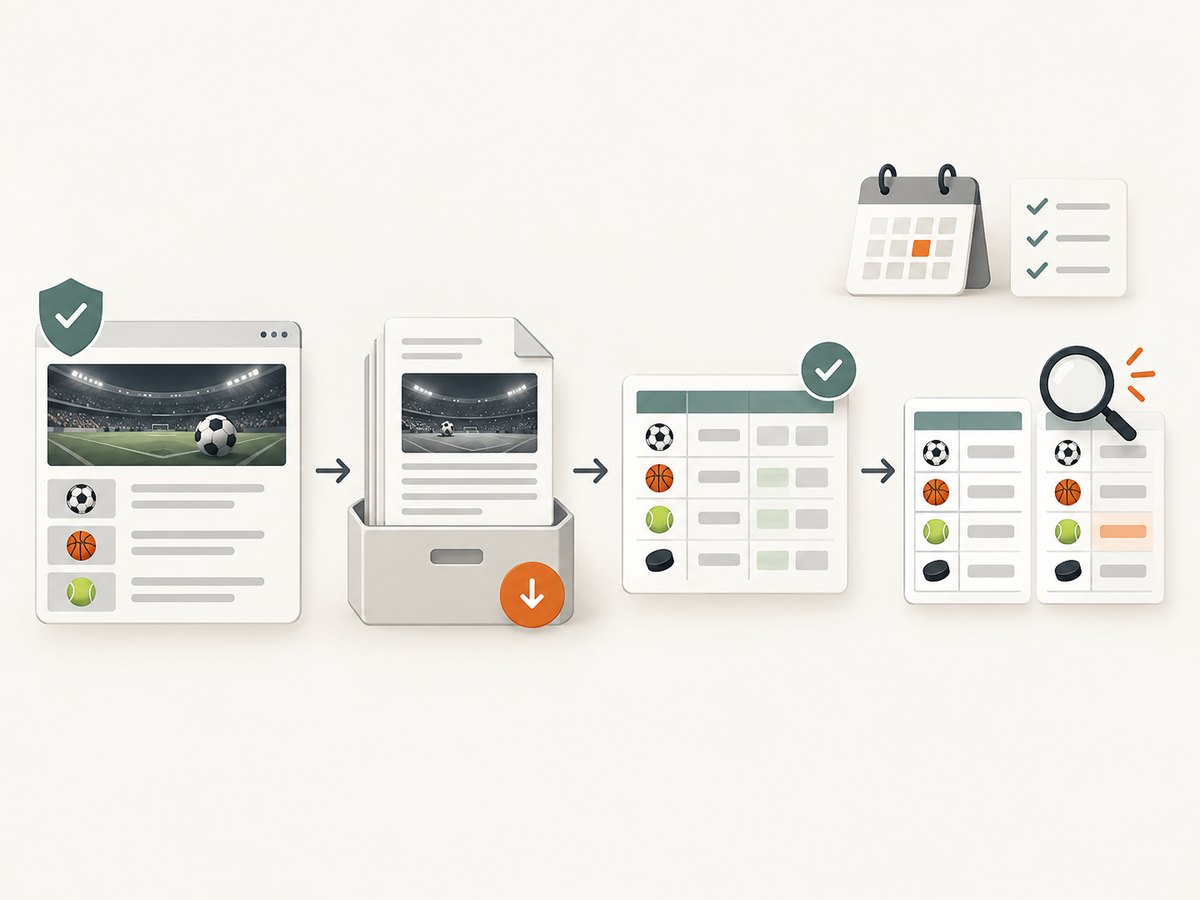
Once the approved page is saved, map displayed headers to named fields and keep the original values. Validate the number of fields in every row. Reject or quarantine rows that do not match the expected structure instead of shifting columns and producing plausible but incorrect statistics.
- Draws and no contests: keep the result categories separate; do not count them as wins or losses.
- Overturned results: preserve the currently displayed result and the source date. If you retain historical snapshots, record changes instead of overwriting history without trace.
- Finish labels: retain the original method string, then map it to a broader family only through an explicit, reviewable rule.
- Missing values: distinguish an absent field, an empty cell, and a displayed zero.
- Repeated names: do not merge fighters solely because their names match. Use stable source identifiers if the authorized page provides them, and keep the source URL for review.
- Rates: record the numerator, denominator, and eligibility threshold. A rate without its bout or attempt basis can mislead.
Before computing a total, verify that each fight is represented once and that each fighter-in-fight row is attached to the right competitor. Compare the result with the corresponding Record Book category when possible. For any published number, report the source, scope, category, and observation date so a reader can reproduce the comparison.
6. Verify freshness and interpret fields
UFC says Record Book statistics recalculate overnight and recommends checking the morning after an event for refreshed numbers. A live leaderboard can therefore differ depending on when it is viewed. Record the displayed update time when available, along with when you retrieved it. UFC’s announcement also explains that the Record Book uses fighter birth location for country coding; that may differ from the flag under which a fighter competes. Do not label this field as nationality or fighting representation without explaining what it means.
For comparisons, hold the scope constant: UFC-only versus full professional record, career versus bout or round, all wins versus finishes, and the same observation date. State any minimum-fight or attempt filter. Avoid quoting a leaderboard position as timeless; standings and totals can change.
7. Performance, reliability, and cost
For an authorized collection job, start with the smallest set of pages that answers the question. Fetch only pages you need, keep a local copy for parsing and review, and avoid repeated requests when a saved response is sufficient. Use conservative request pacing and any stricter limit in your authorization. Do not attempt to evade access controls or increase request volume when a page is slow or rejects a request.
Make the collector restartable: save each successful response with its URL and retrieval time, log failures, and retry only transient network errors within the access limits. A parser should fail visibly when expected headers disappear. Do not silently turn a blocked request, changed layout, or empty page into a valid zero-row dataset. A small, carefully checked collection is more useful than a large file with uncertain coverage.
There is no established official API or sanctioned bulk-download route in the research for this article, so do not budget or architect around one. Your practical costs are development and review time, storage for source snapshots, and any authorized access or infrastructure costs that apply to your project. Keep collection and redistribution permissions distinct: authorization to view or collect information does not automatically answer what reuse is allowed.
8. Troubleshooting
| Symptom | Likely cause | What to do |
|---|---|---|
| HTTP 403 or access denied | The request is not permitted, or the server refuses it | Stop automated requests. Check the applicable terms and authorization; do not try to bypass the refusal. |
| HTTP 429 or repeated throttling | Request volume exceeds a limit or the service is protecting itself | Stop, respect the stated limits, and seek authorization or an approved access method. |
| HTTP 200 but no rows were parsed | The page is empty, dynamically rendered, or its markup changed | Inspect the saved response. Confirm that it contains the expected table before changing selectors. |
| Rows have shifted or malformed columns | Header or cell structure differs from the parser’s assumption | Validate header names and per-row cell counts; quarantine mismatches. |
| Totals disagree with the Record Book | Different coverage, date, category mapping, filters, or a result update | Align scope and observation date, inspect edge cases, and compare displayed categories. |
| Timeouts or intermittent connection errors | Network instability or a slow response | Use finite timeouts and limited retries for transient errors only; do not increase load or bypass a restriction. |
| Country value appears inconsistent with a fighter’s flag | The Record Book country field reflects physical birthplace | Describe the field as birthplace coding, not nationality or fight representation. |
9. Or skip the browser setup
If your goal is to save a visual reference of a page rather than build structured statistics, ScreenshotNeo can return a website screenshot with one API request. It does not turn a screenshot into a verified fighter-record dataset. Its clean-shot flow accepts cookie or consent banners and removes more than 60 known consent platforms, newsletter popups, and chat widgets before capture; individual steps can be turned off. Bot checks, blank pages, timeouts, failed loads, and cache hits are not billed, and responses identify the page verdict and billing status in headers. ScreenshotNeo also offers an MCP server for AI agents, including Claude, Cursor, and other MCP clients.
See the ScreenshotNeo API documentation for request options. This cURL example captures UFCStats as a visual record; confirm you are permitted to request the target page.
curl -G "https://api.screenshotneo.com/v1/shot" -d access_key=YOUR_API_KEY --data-urlencode url=https://ufcstats.com/ -o shot.webpScreenshotNeo offers 1,000 screenshots a month free with no card; paid plans start at $5 for 3,000 shots. Sign up for the free plan.
FAQ
Does UFCStats provide a public API?
This research did not establish an official API or sanctioned bulk-download route. Do not present an undocumented page structure as an API guarantee.
Are UFCStats and the UFC Record Book interchangeable?
No. UFCStats is useful for event and fight statistics; the Record Book organizes career, fight, combined, round, and event leader categories. Choose by the question you are answering.
Can I call UFC career totals a fighter’s MMA record?
Only if you clearly mean the UFC-only total and state its coverage. It does not include a fighter’s complete professional record across other promotions.
When should I check a new event’s updated statistics?
UFC recommends checking the morning after an event because Record Book statistics recalculate overnight.
What should I include when publishing a finish comparison?
Name the fighters, distinguish total wins from finishes and finish methods, state the UFC-only scope and coverage boundary where relevant, and give the observation date and any leaderboard threshold.