How to Scrape Upwork Job Listings with an API
Search Upwork job postings through the approved API, with OAuth, GraphQL pagination, rate-limit handling, policy guidance, and working client examples.
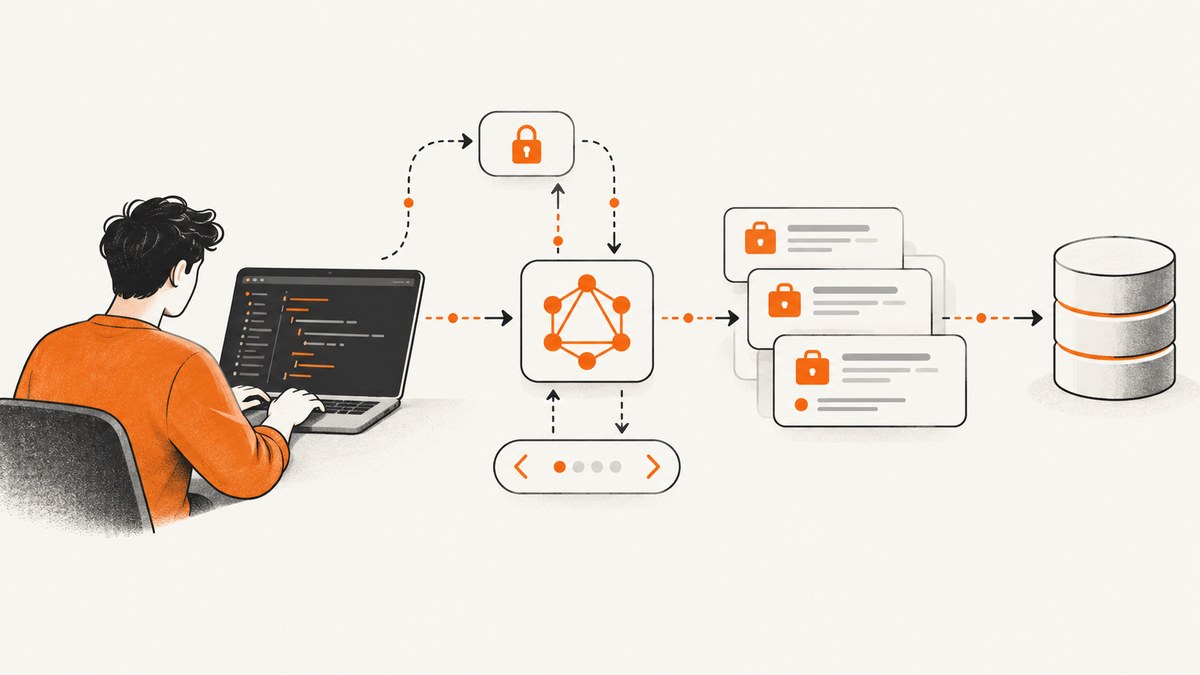
Use Upwork’s documented API to search job postings; do not scrape the Upwork website unless you have written permission. Upwork documents a GraphQL marketplace job-postings search operation with filters and pagination, plus an operation for marketplace job details. Access is reviewed, scoped, and authenticated with OAuth 2.0.
In this guide you will register an application, obtain approved credentials, call the GraphQL search operation, paginate safely, handle rate limits, and store only what your approved use case permits. Upwork’s current schema and eligibility rules can change, so confirm the exact fields, scopes, limits, and application requirements in the Upwork Developer documentation before production use.
What “scrape Upwork jobs with an API” should mean
“Scraping” is often used as shorthand for collecting listings programmatically. For Upwork, the supported route is an approved API integration. Directly fetching pages with a scraper, browser automation, bot, or third-party scraping service is a different activity and may violate Upwork’s terms.
Upwork’s legal terms prohibit using a robot, spider, scraper, or similar mechanism without written permission. Its automation guidance also says that an API key does not grant blanket permission to scrape public or private data. Upwork states: “Even with an API key, some actions remain off-limits. Examples include spamming proposals or invites or scraping public or private data.” Read the current Upwork Legal Center and Help Center automation guidance for your use case.
| Approach | Permission and access | Operational risk |
|---|---|---|
| Documented Upwork API | Application review, OAuth 2.0, granted scopes, and applicable terms | Manage quotas, fields, retention, and disclosure |
| Website scraping or browser automation | Requires written permission under Upwork’s stated policy | Warnings, restrictions, or account blocks may result from unauthorized automation |
Prerequisites and access
- Define the legitimate workflow: for example, showing relevant postings to an authorized user inside your own application.
- Register an application in Upwork’s developer portal and request API credentials. The portal says a client ID and client shared-secret key are required.
- Describe the use case accurately during review. Upwork may consider account standing, verified identity and payment method, earnings or spend, job-success criteria where applicable, and a stated request limit.
- After approval, request only the scopes your integration needs. Upwork documents OAuth 2.0 and a read-only common-entities scope for applicable cases.
- Never ask users for their Upwork password. Use the OAuth flow documented for your approved application.
Eligibility and application conditions are live policy. Upwork documentation has described a daily request limit of 40,000 as an application condition; treat that as a condition to confirm during review, not as a guaranteed allowance.
How the marketplace job search works
The documented GraphQL operation accepts search filters and pagination. Exact operation names, arguments, field names, and scope requirements belong to the current schema. Copy them from the API reference after your application is approved instead of relying on an old example.
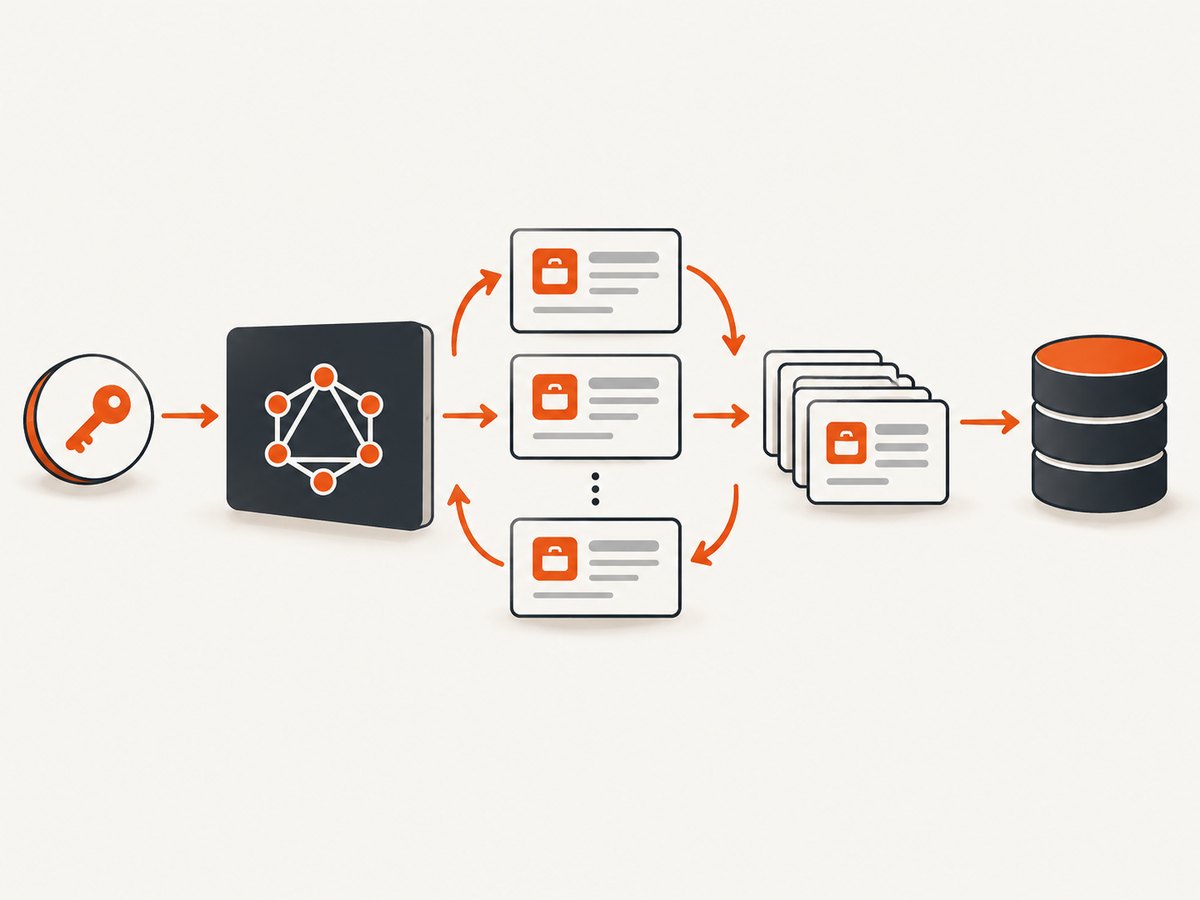
1. Set configuration
export UPWORK_API_URL='PASTE_THE_CURRENT_GRAPHQL_ENDPOINT_HERE'
export UPWORK_ACCESS_TOKEN='YOUR_OAUTH_ACCESS_TOKEN'
2. Start with a small, explicit query
The following shape shows the parts your request needs. Replace the placeholder operation, arguments, and fields with the names shown in Upwork’s current marketplace job-postings reference.
query SearchMarketplaceJobs($input: MarketplaceJobSearchInput!, $first: Int!, $after: String) {
  marketplaceJobPostingsSearch(input: $input, first: $first, after: $after) {
    edges {
      cursor
      node {
        id
        title
        description
        createdDate
        url
      }
    }
    pageInfo {
      hasNextPage
      endCursor
    }
  }
}
Use only fields and filters your approved schema exposes. Common search dimensions include keywords, categories, skills, budget or rate, experience level, project type, and date-related filters, but the available names and permissions must be checked in the live reference.
3. Send the request with cURL
curl -sS "$UPWORK_API_URL" \\
  -H "Authorization: Bearer $UPWORK_ACCESS_TOKEN" \\
  -H "Content-Type: application/json" \\
  --data-binary @- <<'JSON'
{
  "query": "query SearchMarketplaceJobs($input: MarketplaceJobSearchInput!, $first: Int!, $after: String) { marketplaceJobPostingsSearch(input: $input, first: $first, after: $after) { edges { cursor node { id title description createdDate url } } pageInfo { hasNextPage endCursor } } }",
  "variables": {
    "input": { "keywords": "data engineer" },
    "first": 25,
    "after": null
  }
}
JSON
The operation and input names above are illustrative placeholders. Replace them with the exact names from the current Upwork schema before running the command.
4. Python client with cursor pagination
import os
import time
import requests

API_URL = os.environ["UPWORK_API_URL"]
TOKEN = os.environ["UPWORK_ACCESS_TOKEN"]

QUERY = """
query SearchMarketplaceJobs($input: MarketplaceJobSearchInput!, $first: Int!, $after: String) {
  marketplaceJobPostingsSearch(input: $input, first: $first, after: $after) {
    edges { cursor node { id title description createdDate url } }
    pageInfo { hasNextPage endCursor }
  }
}
"""


def search_jobs(keywords, max_pages=4):
    cursor = None
    for _ in range(max_pages):
        payload = {
            "query": QUERY,
            "variables": {
                "input": {"keywords": keywords},
                "first": 25,
                "after": cursor,
            },
        }
        response = requests.post(
            API_URL,
            headers={
                "Authorization": f"Bearer {TOKEN}",
                "Content-Type": "application/json",
            },
            json=payload,
            timeout=30,
        )

        if response.status_code == 429:
            retry_after = int(response.headers.get("Retry-After", "5"))
            time.sleep(min(retry_after, 60))
            continue

        response.raise_for_status()
        body = response.json()
        if body.get("errors"):
            raise RuntimeError(body["errors"])

        result = body["data"]["marketplaceJobPostingsSearch"]
        for edge in result["edges"]:
            yield edge["node"]

        page = result["pageInfo"]
        if not page["hasNextPage"]:
            break
        cursor = page["endCursor"]
5. Node.js client
const apiUrl = process.env.UPWORK_API_URL;
const token = process.env.UPWORK_ACCESS_TOKEN;

const query = `
  query SearchMarketplaceJobs($input: MarketplaceJobSearchInput!, $first: Int!, $after: String) {
    marketplaceJobPostingsSearch(input: $input, first: $first, after: $after) {
      edges { cursor node { id title description createdDate url } }
      pageInfo { hasNextPage endCursor }
    }
  }
`;

const response = await fetch(apiUrl, {
  method: 'POST',
  headers: {
    authorization: `Bearer ${token}`,
    'content-type': 'application/json'
  },
  body: JSON.stringify({
    query,
    variables: { input: { keywords: 'data engineer' }, first: 25, after: null }
  })
});

if (response.status === 429) throw new Error('Rate limited; retry with backoff');
if (!response.ok) throw new Error(`HTTP ${response.status}: ${await response.text()}`);

const body = await response.json();
if (body.errors) throw new Error(JSON.stringify(body.errors));
console.log(body.data.marketplaceJobPostingsSearch.edges.map(({ node }) => node));
Pagination, filtering, and detail retrieval
- Use the API’s cursor fields exactly as documented. Send the returned end cursor as the next request’s after value.
- Set a page size that fits your use case; smaller pages reduce response size and make retries cheaper.
- Stop when hasNextPage is false or when your application’s collection limit is reached.
- Retrieve full marketplace job details only when needed and only through the documented detail operation.
- Request the smallest field set that supports your feature. Avoid collecting, retaining, or republishing descriptions, client information, or other data outside the approved workflow.
Authentication and secret handling
- Keep the client shared secret and access tokens on your server or in a secret manager.
- Do not commit tokens to source control, browser JavaScript, logs, or screenshots.
- Separate OAuth callback handling from job-search code and validate state and redirect URIs according to Upwork’s OAuth documentation.
- Request the minimum scopes and renew tokens using the documented process.
Rate limits, caching, and reliability
Upwork’s documentation states a limit of 300 requests per minute per IP address. Requests over the limit receive HTTP 429. The documentation also states that API responses may not be cached for more than 24 hours. Recheck these values before launch because live limits can change.
- Throttle centrally across workers, not independently in every process.
- On 429, honor Retry-After when present and use exponential backoff with jitter.
- Retry network failures and 5xx responses only for idempotent reads, with a bounded attempt count.
- Record request IDs, status codes, operation names, and latency without logging access tokens or unnecessary job content.
- Use cursors rather than repeatedly requesting the first page; this reduces duplicate work.
- Keep permitted caches under the documented 24-hour maximum and invalidate them when a user requests fresh results.
Common errors and fixes
| Symptom | Likely cause | Fix |
|---|---|---|
| 401 Unauthorized | Missing, expired, or malformed OAuth token | Complete the documented OAuth flow again and send Authorization: Bearer .... |
| 403 Forbidden | Missing scope, unapproved operation, or application restriction | Check granted scopes and approval status; request access through Upwork rather than changing the client. |
| GraphQL validation error | Operation, argument, or field does not match the current schema | Copy the current marketplace search schema and update the query. |
| HTTP 429 | Rate limit exceeded | Reduce concurrency, throttle per IP, honor Retry-After, and retry with backoff. |
| Empty results | Filters too narrow, no permission for a field, or stale assumptions about enum values | Test one filter at a time and inspect the current reference and returned errors. |
| Duplicate listings | Restarting pagination from the first cursor or merging retries blindly | Persist cursors and de-duplicate by the API’s stable job identifier. |
| Application rejected | Use case, account, scope, or request-volume condition not accepted | Describe the workflow precisely, reduce requested access, and follow Upwork’s key-request guidance. |
Data governance checklist
- Document why each field is collected and how long it is retained.
- Restrict access to authorized users and services.
- Do not republish or sell Upwork data unless your agreement and applicable terms allow it.
- Do not use the integration for proposal spam, invitation spam, or automated account actions.
- Provide deletion and refresh behavior that matches your approved workflow.
- Review Upwork’s current API terms, privacy requirements, and automation guidance before launch.
Performance and cost planning
Your main costs are engineering time, API quota, storage, and processing. Minimize calls by using server-side filters, requesting only needed fields, paging predictably, and avoiding detail calls for jobs the user will never open. A 300-requests-per-minute ceiling is not a target; design for lower sustained throughput and leave room for retries.
For a first version, fetch one page on demand, store the cursor only for the active session, and add a bounded background refresh later. Measure latency, 429 frequency, error classes, duplicate rate, and the number of detail calls per search. Do not claim an SLA or throughput figure that Upwork has not documented for your application.
Or skip the browser setup
If your workflow also needs a visual record of a public page, ScreenshotNeo provides a single screenshot request without running Playwright or Selenium. See the ScreenshotNeo API documentation.

curl -G "https://api.screenshotneo.com/v1/shot" -d access_key=YOUR_API_KEY --data-urlencode url=https://www.upwork.com -o shot.webpimport requests
r = requests.get("https://api.screenshotneo.com/v1/shot", params={"access_key": "YOUR_API_KEY", "url": "https://www.upwork.com"}, timeout=90)
open("shot.webp", "wb").write(r.content)const q = new URLSearchParams({ access_key: 'YOUR_API_KEY', url: 'https://www.upwork.com' });
const res = await fetch(`https://api.screenshotneo.com/v1/shot?${q}`);Before capture, cookie and consent banners, newsletter popups, and chat widgets are removed. Bot checks, blank pages, timeouts, failed loads, and cache hits are not billed, and response headers identify the page verdict and billing result. ScreenshotNeo also provides an MCP server so Claude, Cursor, and other MCP clients can take screenshots, inspect pages, and capture PDFs. The free plan includes 1,000 screenshots per month with no card; paid plans start at $5 for 3,000. Create a free ScreenshotNeo account.
FAQ
Does Upwork have a jobs API?
Upwork documents a GraphQL marketplace job-postings search operation and a marketplace job-details operation. Access is conditional on application approval, scopes, and applicable terms.
Can I use a scraper if I have an API key?
No. Upwork’s automation guidance says an API key does not authorize scraping public or private data. Website scraping requires written permission under the stated legal terms.
How many requests can I make?
The reviewed documentation states 300 requests per minute per IP and HTTP 429 when exceeded. Confirm current limits for your application before deployment.
May I cache job listings?
Upwork’s documentation states API responses cannot be cached for more than 24 hours. Apply that limit only after checking the current terms and any agreement specific to your application.
Can I republish the listings in my own database or marketplace?
Do not assume so. API terms and approved scopes govern collection, retention, disclosure, and redistribution. Obtain the permissions needed for your exact product.


