How to Scrape Yellow Pages in 2026
Yellow Pages’ terms prohibit automated extraction without Thryv’s prior express consent. Learn how to establish permission and process authorized business data.
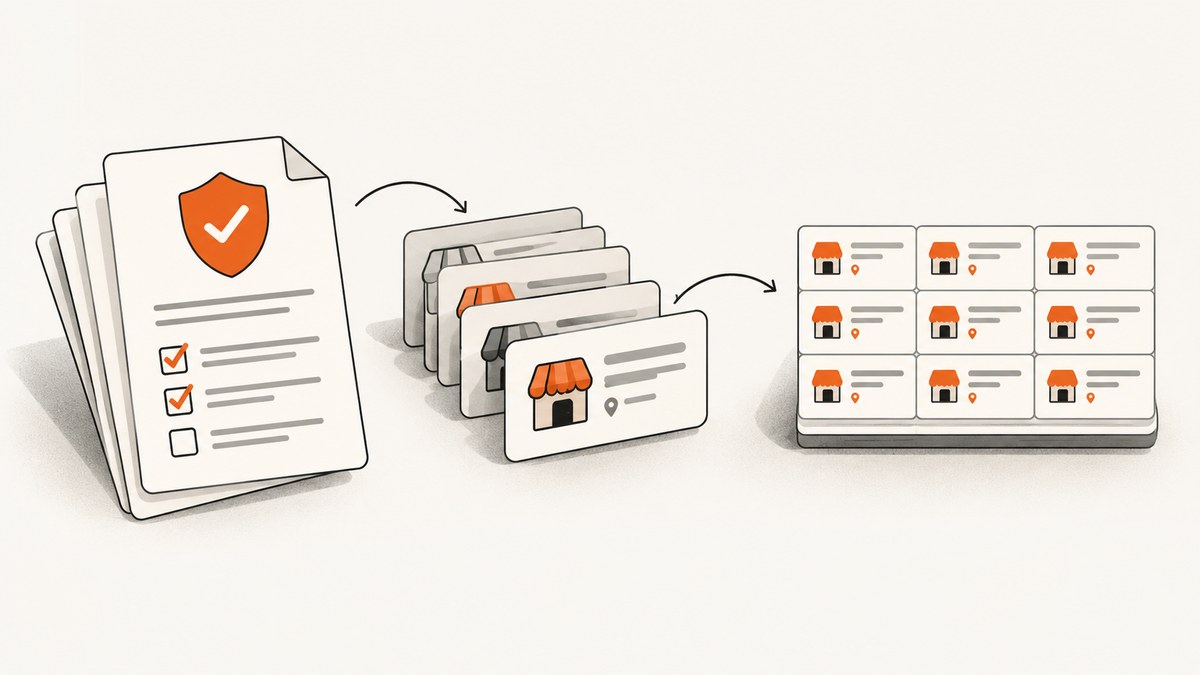
If you want to scrape Yellow Pages for business names, phone numbers, or categories, check the access rules before writing a crawler. YellowPages.com’s Terms of Use prohibit bots, scrapers, crawlers, spiders, and similar tools from gathering or extracting data from YP Sites without Thryv’s prior express consent. Public visibility, manual browser access, and a robots.txt instruction do not grant that permission. Read the YellowPages.com / Thryv Terms of Use and obtain written authorization that covers your planned use before automating extraction. [C1]
This guide explains how to establish an authorized route, define a narrow collection scope, and build an ordinary data pipeline for a source you have permission to process. It does not provide instructions for bypassing Yellow Pages’ access controls.
1. Check permission before collecting
Yellow Pages describes its sites as consumer business search and comparison services. Its terms give visitors a limited right to use the sites for individual, non-commercial informational purposes, subject to the applicable terms and instructions. The terms separately prohibit automated data gathering without Thryv’s prior express consent. They also say Thryv may terminate access for a breach and may use technical barriers to prevent unauthorized access. [C1]
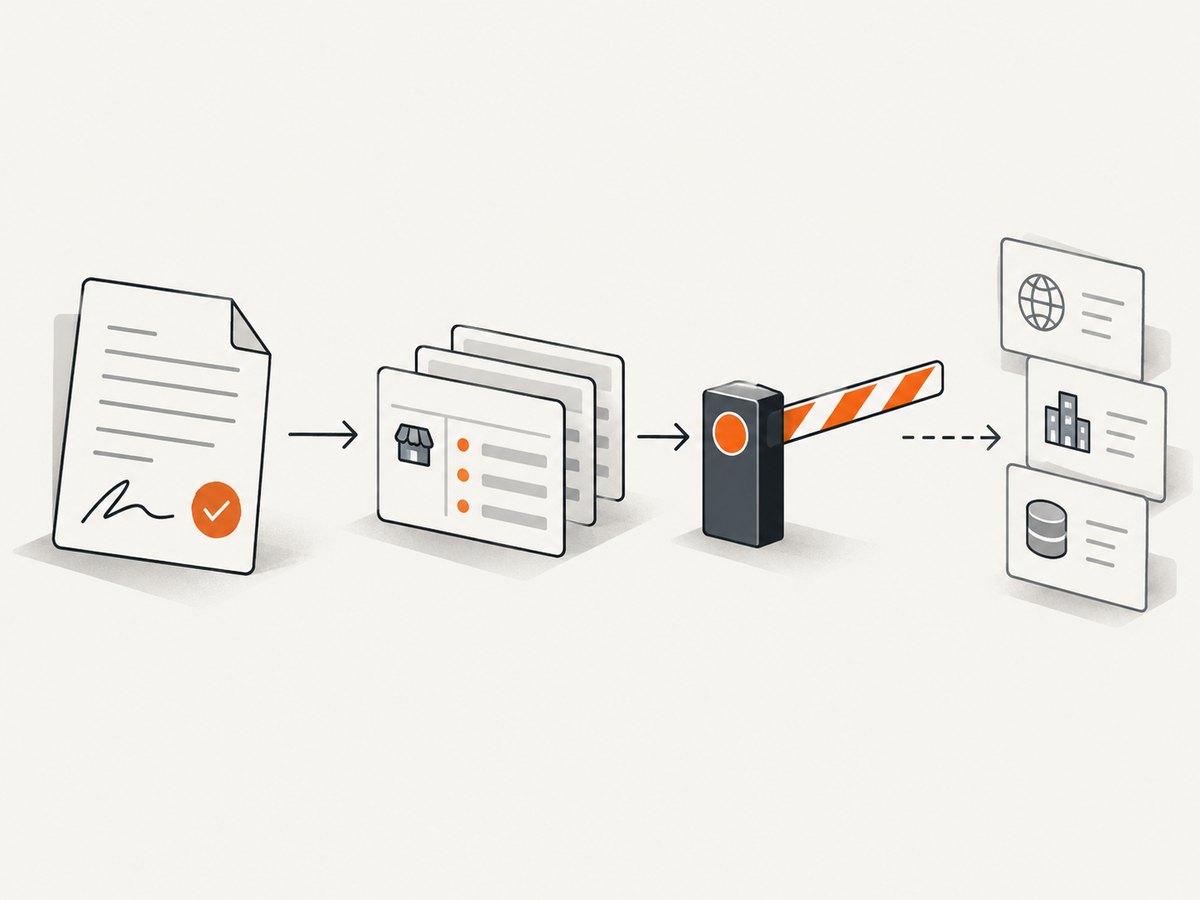
The terms state: “You may not use bots, scrapers, crawlers, spiders, or any similar methods, processes, or tools to ‘data mine’ or otherwise gather or extract data from the YP Sites, and you may not frame or proxy the YP Sites or utilize any other techniques to re-display the YP Sites (or any content on the YP Sites) without Thryv, Inc.’s prior express consent, which consent, if given, may be withdrawn by us at any time, with or without notice, in our sole discretion.” This is the rule to resolve before you automate.
Ask Thryv directly whether it can authorize your particular use, geography, and data needs. The terms refer to API terms “where available,” but that does not establish that a generally available API or bulk-data license exists for every use case. Confirm availability and conditions rather than assuming an endpoint is approved. [C1]
What to get in writing
- The approved service, pages, geography, and business categories.
- Which fields you may collect, such as names, addresses, phone numbers, or categories.
- Permitted collection method, request volume, schedule, and any technical conditions.
- How long you may retain the records and whether you may share, publish, or resell them.
- Whether the authorization can be withdrawn, and what to do with data already collected if it is.
Keep the authorization and any service-specific terms with the project records. If your intended collection or downstream use changes, check whether the approval still covers it.
2. Robots.txt is not permission
A robots.txt file communicates crawler instructions. It does not replace a site’s terms or provide contractual permission to extract data. Google’s documentation describes how Google crawlers fetch and parse robots.txt; that guidance explains crawler behavior, not a general right for other people or programs to collect a site’s data. [C1][C2]
If you have authorization, review any applicable crawler instructions and follow the written conditions as well. If a robots.txt file appears permissive but the terms prohibit your planned extraction, the permissive file does not cancel that prohibition.
3. Choose an authorized source and define the dataset
If Thryv has not authorized your proposed extraction, use a source whose license expressly permits your intended collection and use. Options might include a provider that offers licensed business data, a government open-data portal, or records your organization collected with permission. Verify each source’s actual terms; “publicly accessible” does not necessarily mean free to scrape, reuse, or redistribute.
Compare candidate sources on facts that affect whether the data is fit for your purpose:
| Question | Why it matters |
|---|---|
| Does the license allow automated collection? | It determines whether your planned ingestion method is permitted. |
| Which places and business categories are covered? | Coverage gaps can make an otherwise convenient dataset unsuitable. |
| Which fields are included? | Confirm that necessary contact details and category fields are available. |
| How often is the data updated? | Business listings can change; stale data may undermine the workflow. |
| May you retain, combine, display, or redistribute it? | Collection permission and downstream use rights may differ. |
| What are the fees and usage limits? | Estimate cost against record volume, refresh frequency, and retention needs. |
Do not infer coverage, freshness, or redistribution rights from a sample file or marketing summary. Read the applicable license and ask the provider about any unclear field or use.
4. Build a pipeline for data you may process
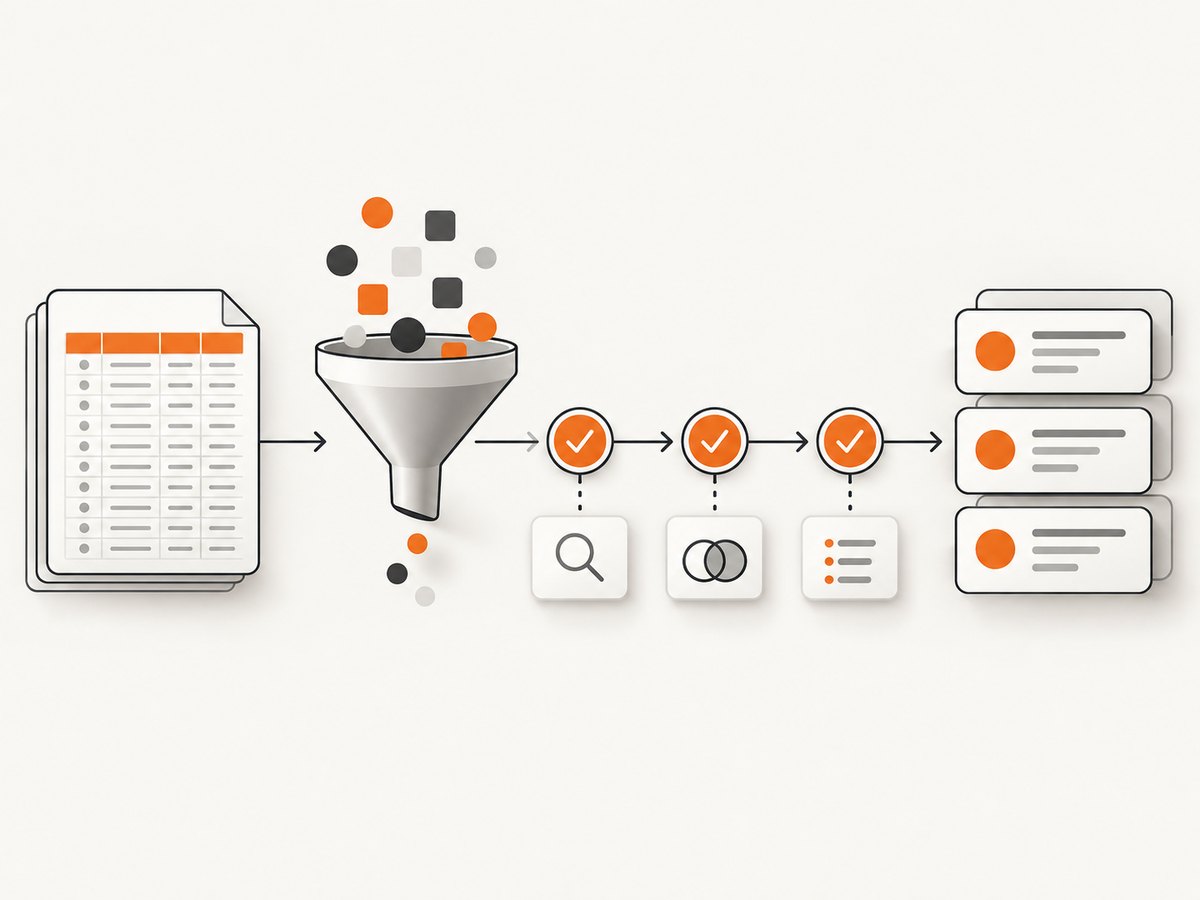
The example below reads a CSV export from a source that explicitly permits your processing. It normalizes phone strings, removes duplicate records by a stable source ID, and writes a new CSV. It intentionally does not fetch YellowPages.com. Replace the input and output paths with files from your authorized provider.
Example input
source_id,name,phone,category,city
acme-001,Acme Plumbing,(555) 010-1000,Plumber,Exampleville
acme-002,Northside Bakery,(555) 010-2000,Bakery,Exampleville
Runnable Python processor
import csv
import re
from pathlib import Path

INPUT = Path("authorized_businesses.csv")
OUTPUT = Path("businesses_clean.csv")
REQUIRED = {"source_id", "name", "phone", "category", "city"}

def clean_phone(value: str) -> str:
    # Preserve a leading plus and digits; keep formatting out of the stored value.
    value = value.strip()
    digits = re.sub(r"\\D", "", value)
    return ("+" if value.startswith("+") else "") + digits

def main() -> None:
    seen = set()
    written = 0
    with INPUT.open("r", encoding="utf-8-sig", newline="") as source:
        reader = csv.DictReader(source)
        fields = set(reader.fieldnames or [])
        missing = REQUIRED - fields
        if missing:
            raise ValueError(f"Missing required columns: {', '.join(sorted(missing))}")
        with OUTPUT.open("w", encoding="utf-8", newline="") as target:
            writer = csv.DictWriter(target, fieldnames=sorted(REQUIRED))
            writer.writeheader()
            for row in reader:
                source_id = (row.get("source_id") or "").strip()
                name = (row.get("name") or "").strip()
                if not source_id or not name or source_id in seen:
                    continue
                seen.add(source_id)
                cleaned = {key: (row.get(key) or "").strip() for key in REQUIRED}
                cleaned["phone"] = clean_phone(cleaned["phone"])
                writer.writerow(cleaned)
                written += 1
    print(f"Wrote {written} unique records to {OUTPUT}")

if __name__ == "__main__":
    main()
Save this as process_businesses.py, put the authorized export beside it as authorized_businesses.csv, then run python process_businesses.py. The script uses only Python’s standard library. Its deduplication assumes source_id is stable and unique within the provider’s dataset; if the provider defines another identifier, use that instead.
Validate fields before downstream use
- Keep the provider’s record ID and source attribution so updates can be reconciled.
- Validate required fields and character encoding; do not silently turn malformed rows into plausible-looking data.
- Store phone numbers consistently, but do not treat a normalized string as proof that a number is current or reachable.
- Preserve the original export securely if your license and retention policy allow it, so transformations can be audited.
- Record when the data was obtained and the provider’s update date, if supplied.
5. If Thryv authorizes automation, keep it scoped
Once written permission is in hand, translate it into an implementation checklist before building a collector. This is general engineering guidance, and the authorization and applicable terms control where they set stricter limits.
- Restrict the target list. Store only the approved pages or endpoints in configuration. Reject any URL outside the approved host and path scope.
- Collect only approved fields. Avoid broad page dumps when the permission names particular fields. Minimize stored personal or business contact data to what the use requires.
- Honor the approved pace. Set concurrency and request rates no higher than authorized. Use a queue and a bounded worker count rather than launching an unbounded batch.
- Make runs resumable. Persist a checkpoint after each successful page or batch. On restart, continue from the last completed checkpoint instead of repeating the entire collection.
- Keep an audit trail. Log run time, source identifier, status, and record counts. Avoid logging credentials or unnecessary page content.
- Stop on denied or changed access. If access is blocked, the site changes, or authorization is withdrawn, stop and contact the rights holder. Do not attempt to defeat a barrier.
Do not add proxy rotation, CAPTCHA solving, fingerprint spoofing, or other bypass techniques. They do not establish consent and can conflict with the express restriction in the terms. [C1]
6. Reliability, performance, and cost
Reliability
For licensed files or an approved interface, treat ingestion as a repeatable data job. Validate each batch, track its source and date, and make reruns idempotent so a retry does not create duplicate records. Keep failed rows in a review file with a reason, rather than dropping them without a trace. If the provider supports stable IDs and incremental updates, use those documented mechanisms.
Performance
For CSV processing, stream rows as the example does instead of loading a very large file into memory. For an authorized network collection, the permitted rate and concurrency are hard limits; optimize inside them through incremental updates, caching where allowed, and avoiding repeated requests for unchanged records. Faster collection is not a reason to exceed an approved scope.
Cost
Budget for more than the initial data acquisition. Consider licensing or API fees, refresh frequency, storage, validation, and the labor needed to resolve duplicates or stale records. Compare providers using the total volume and rights you need, not just the price of a sample or the number of rows offered. The research available for this article did not verify a generally available Yellow Pages API or bulk-data license, so no Yellow Pages price or product comparison is stated. Confirm any offer with Thryv for your own geography and use case. [C1]
7. Troubleshooting authorized collection
| Symptom | Likely cause | What to do |
|---|---|---|
| You do not have permission to automate YP Sites | The terms require Thryv’s prior express consent for extraction. | Do not run a scraper. Request authorization or choose data with a license that permits your workflow. [C1] |
| A robots.txt path looks open | Robots instructions are being mistaken for permission. | Check the terms and obtain required consent; robots.txt does not grant extraction rights. [C1][C2] |
| Thryv or a provider has not confirmed API access | API availability or terms may differ by use case and geography. | Ask the provider directly about endpoint availability, fields, limits, licensing, retention, and redistribution before implementation. [C1] |
| Python reports “Missing required columns” | The export headers do not match the example schema. | Inspect the CSV header and map the provider’s documented field names to the required columns. |
| Rows disappear as duplicates | The chosen ID is repeated or is not stable in this export. | Confirm the provider’s identifier semantics. If needed, define a documented composite key and review collisions rather than dropping records blindly. |
| Phone values look wrong | Formatting was removed, or the source contains extensions or country-specific formats. | Keep the raw value if allowed, define a locale-aware normalization rule, and validate against the provider’s schema. |
| A scheduled job repeats old records | There is no checkpoint or incremental update strategy. | Persist completed IDs or provider cursors and make writes idempotent, subject to the license and retention terms. |
8. Or skip the browser setup
ScreenshotNeo is a website screenshot API and MCP server from Yorker Media. A screenshot captures how a page looks; it does not authorize scraping or provide structured business-directory data. Use it for visual review of pages you are allowed to access. The API documentation covers its request options.
curl -G "https://api.screenshotneo.com/v1/shot" -d access_key=YOUR_API_KEY --data-urlencode url=https://stripe.com -o shot.webpFor a permitted target, replace the example URL with the page you are authorized to capture. ScreenshotNeo can accept cookie or consent banners and remove 60+ known consent platforms, newsletter popups, and chat widgets before capture; each step can be turned off. Bot checks or CAPTCHAs, blank pages, timeouts, failed loads, and cache hits cost nothing, and response headers say which verdict applied and whether the request was billed. Its MCP server provides take_screenshot, get_page_info, and capture_pdf tools for Claude, Cursor, and other MCP clients.
Plans include 1,000 screenshots per month free with no card, then paid plans start at $5 for 3,000. Yearly billing gives two months free, and every feature is on every plan. Sign up for 1,000 free screenshots a month, no card required.
FAQ
Can I scrape Yellow Pages if the pages are visible without logging in?
Visibility in a browser does not override the Terms of Use. The terms prohibit automated extraction without Thryv’s prior express consent. [C1]
Does using a proxy make collection permitted?
No. A proxy does not grant consent, and the terms expressly prohibit proxying or re-displaying YP Sites without prior express consent. [C1]
Is there a Yellow Pages API I can use?
The terms refer to API terms where available, but the research for this article did not verify an API or bulk-data license suitable for all users. Ask Thryv about your specific use case and geography. [C1]
Can I use a screenshot as a data record?
A screenshot is an image of a page, not a structured directory export or permission to extract the content. Confirm the allowed collection and reuse rights with the rights holder or data provider.


