How to Scrape YouTube in 2026
Use YouTube’s official API for permitted metadata. Learn what scraping rules allow, how to build a compliant Python workflow, and where extractors carry risks.
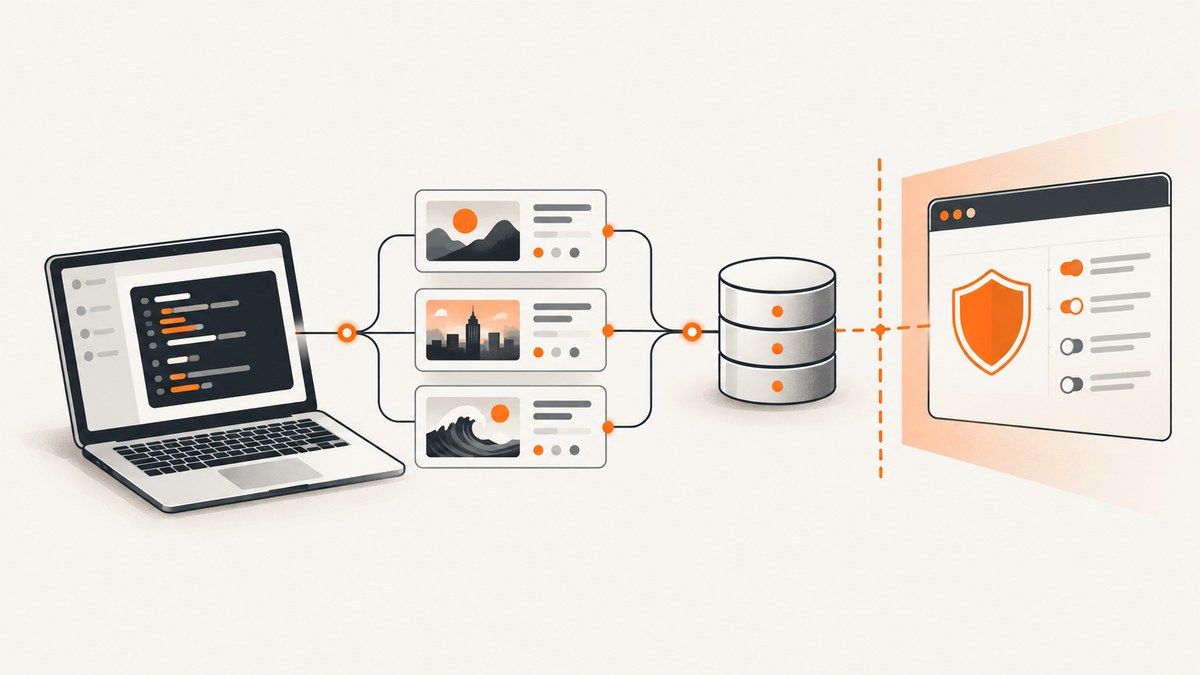
Direct answer: In 2026, use the official YouTube Data API for permitted metadata such as video titles, channel information, and search results. Do not automate extraction from YouTube’s applications as a substitute: YouTube’s Developer Policies prohibit API clients from scraping YouTube or Google applications or obtaining scraped content. YouTube’s consumer terms also restrict automated access, subject to narrow exceptions such as public search engines following robots.txt, prior written permission, or applicable law. YouTube Developer Policies · YouTube Terms of Service
People use “scrape YouTube” to mean three different things: requesting permitted metadata through an API, crawling public search pages under the applicable rules, or extracting data directly from YouTube’s applications. The first is the practical default for research dashboards and metadata pipelines. The third is expressly restricted by YouTube’s policies for API clients and can also create account, privacy, copyright, and reliability problems.
1. Choose the permitted collection method
| Method | Typical use | Key consideration |
|---|---|---|
| YouTube Data API | Search, channel and video metadata workflows | Use only authorized API data, follow the terms and policies, and manage retention and privacy. |
| Public search crawling | Public search engine indexing | YouTube’s policies limit public search engine scraping to robots.txt or prior written permission. |
| Direct automated extraction | Reading pages or downloading media with browser automation or extractors | Automated access is restricted by YouTube’s terms; API clients must not scrape applications. Do not use this guide to bypass access controls. |
YouTube’s API is for API Data and permitted workflows; it is not authorization to download or archive audiovisual files. The policies prohibit downloading, importing, backing up, caching, or storing copies of YouTube audiovisual content without prior written approval. They also require appropriate privacy, security, confidentiality, and transport encryption safeguards. Review the Developer Policies and API Services Terms before building a client.
2. Plan the data workflow before writing code
- List the fields and purpose. Decide whether you need search results, video metadata, channel metadata, or another supported API resource. Collect the minimum needed for the stated purpose.
- Create an API project and credentials. Use Google’s official YouTube Data API setup instructions and keep credentials on a server or in a secret manager, not in browser code or a public repository.
- Use the official API methods. Send requests to documented endpoints with the appropriate API key or authorized credentials. Follow the current documentation for authentication, fields, and quota.
- Limit and govern stored data. Cache only what the policy permits. Document retention, deletion and correction handling, access controls, and the reason for each stored field.
- Control request volume. Rate-limit workers, handle quota and transient failures deliberately, and monitor usage rather than retrying every failure immediately.
- Review policy changes. API contracts and policies can change; confirm the current requirements during implementation and before expanding collection.
For an implementation, start with Google’s YouTube Data API getting-started guide and its resource and method reference. Use the method that matches the resource you need; do not infer that a public video page implies permission to collect every field or retain it indefinitely.
3. Example: search for videos with the official API
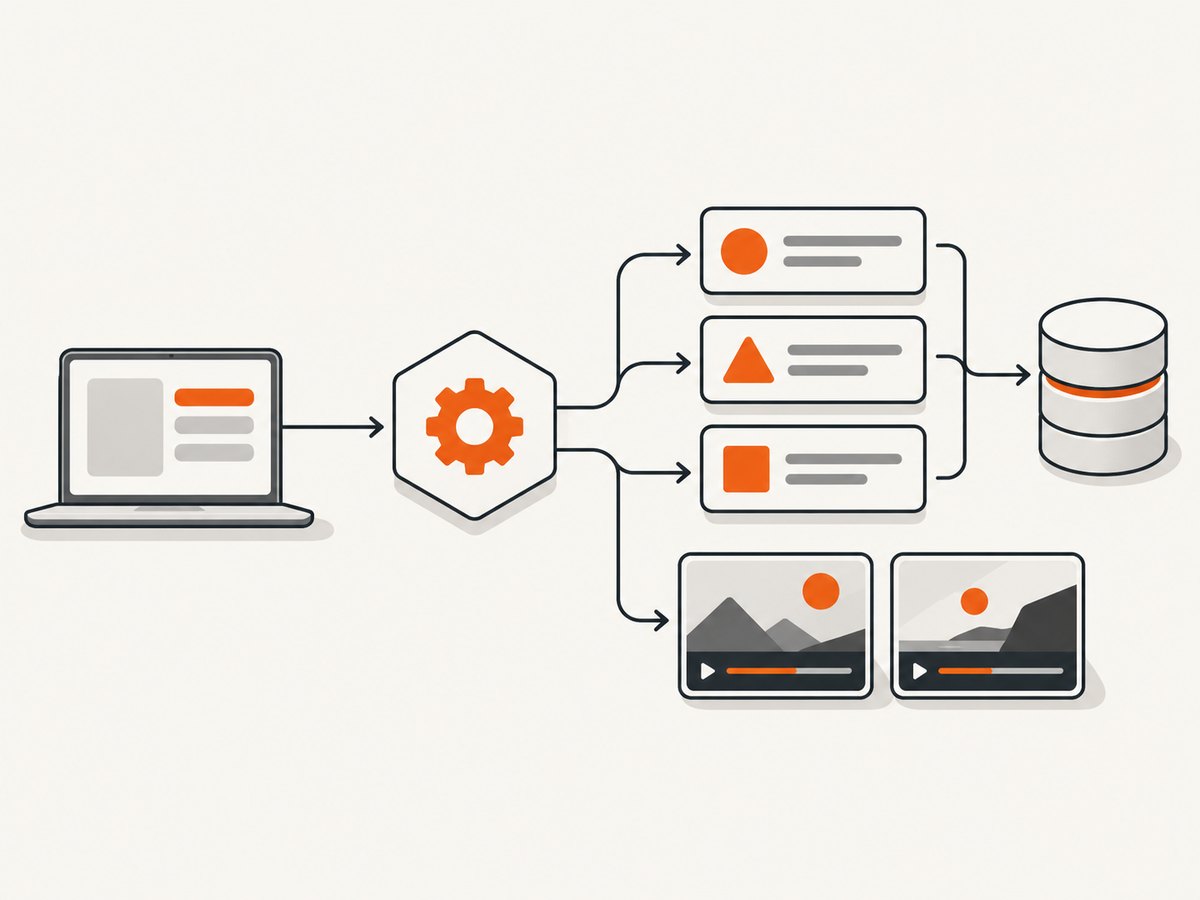
This Python example calls the documented search endpoint and prints the video IDs and titles returned in the response. Set the key in the environment rather than committing it. The precise available fields, quota cost, and authorization requirements are defined by Google’s current API documentation.
import os
import requests

API_KEY = os.environ["YOUTUBE_API_KEY"]

response = requests.get(
    "https://www.googleapis.com/youtube/v3/search",
    params={
        "part": "snippet",
        "type": "video",
        "q": "renewable energy",
        "maxResults": 10,
        "key": API_KEY,
    },
    timeout=30,
)
response.raise_for_status()
payload = response.json()

for item in payload.get("items", []):
    video_id = item["id"].get("videoId")
    snippet = item.get("snippet", {})
    if video_id:
        print(video_id, snippet.get("title", ""))
Install the dependency with python -m pip install requests. Export YOUTUBE_API_KEY using your shell or deployment platform’s secret configuration. Treat the returned metadata as API Data governed by the API terms and policies. This sample does not download video or audio.
Request shape and useful parameters
partselects resource parts to return. Request only the parts your workflow uses.type=videolimits search results to videos rather than other resource types.qis the search query. Check the API reference for supported query behavior.maxResultscontrols page size within the documented limits.pageTokencan be used to request another page when present in the response. Apply a bounded page limit and quota budget.keyidentifies the API project for this request. Restrict and protect the key according to Google’s credential guidance.
For additional video details, use the documented video resource method with the IDs you have collected, selecting only required parts. Do not assume one search response contains all fields or that an API field permits indefinite storage. Check method-specific quota and field behavior in the official reference.
4. Pagination, retries, and data handling
Search workflows often require multiple pages. Continue only while the API returns a next-page token and your job remains within its request and quota budget. Persist a job cursor so a process restart does not cause an unbounded repeat of earlier pages. Store enough provenance to explain when and through which API method a record was retrieved, subject to your retention obligations.
Handle network timeouts and server errors with a small retry policy using exponential backoff and jitter. Do not retry invalid requests, authorization failures, or quota errors in a tight loop. Respect API error responses and project quota controls. If a field is missing, treat it as absent rather than scraping the page to fill the gap.
Keep API keys out of logs, client-side applications, and exception messages. Use HTTPS, restrict access to stored results, and establish a deletion process. The Developer Policies call for privacy, security, confidentiality, and protection against unauthorized access. They also specify that API clients must not use other technology to access or retrieve API Data or audiovisual content. Policy details.
5. Why extractor scripts are a fragile default
Tools such as yt-dlp are extractors, not an alternative authorization layer. The yt-dlp YouTube extractor documentation says YouTube is gradually enforcing PO Tokens for video downloads, that yt-dlp cannot generate those tokens and they must be provided externally, and that formats or features may be unavailable without them. It also warns that using an account with yt-dlp can risk temporary or permanent bans. These are operational cautions, not a promise that any token, cookie, or command will keep working. yt-dlp Extractors documentation.
An extractor may have a narrow role where there is a clear legal and contractual basis, such as authorized first-party archiving. Even then, verify current terms, access restrictions, and copyright obligations. Do not attempt to work around age gates, geographic restrictions, bot challenges, or other access controls. For ordinary metadata research, use the official API and build within its permitted capabilities.
6. Troubleshooting
| Symptom | Likely cause | What to do |
|---|---|---|
| HTTP 400 or invalid request | A parameter, resource part, or value does not match the method’s schema. | Compare the request with the official method reference. Remove unsupported parameters and request only valid parts. |
| HTTP 401 or 403 | Credential, API enablement, authorization, restriction, or policy issue. | Confirm the API is enabled for the project, verify the credential type and restrictions, and inspect the response details. Do not rotate keys as a substitute for resolving authorization. |
| Quota exceeded | The project reached its configured or method-related quota. | Stop retries, inspect quota usage, reduce unnecessary calls, and design bounded pagination. Follow Google’s current quota process. |
| Empty or incomplete results | The query has no matching results, requested fields are absent, or the method does not expose the desired information. | Check the response structure and method documentation. Handle missing fields as normal; do not silently fall back to page scraping. |
| Timeout or intermittent 5xx | Transient connectivity or service failure. | Use bounded retries with backoff and jitter, set a sensible timeout, and preserve job progress to avoid duplicate collection. |
| Extractor suddenly stops working | Upstream changes, token enforcement, or account controls. | Do not try to bypass challenges. Reassess whether there is a documented legal basis; use the API for permitted metadata workflows. |
| Account warning or restriction | Automated access may have triggered account enforcement. | Stop the activity and review the applicable terms. The yt-dlp documentation itself warns of account ban risk when using account credentials. |
7. Performance, reliability, and cost
For API collection, performance depends on the number of calls, response sizes, network conditions, and the API’s current quota model. Ask for only needed fields, avoid fetching the same resource repeatedly, and cache only as the policies permit. Use bounded concurrency so parallel workers do not exhaust quota or create a retry storm. Measure your own queue time, request latency, error rate, and quota consumption; there is no single reliable throughput figure for every project.
Reliability favors documented API contracts and explicit error handling over parsing rendered application pages whose structure and access behavior can change. Still, API access is governed by terms and quotas, and a successful request does not remove data governance obligations. Budget engineering time for credential rotation, policy review, retention enforcement, and schema changes.
For a small project, the main direct cost consideration is API quota and the applicable Google project terms; confirm current quota and any billing conditions in Google’s documentation. Extractor scripts can appear to have no API bill, but that does not make the access permitted or operationally free: maintenance, account risk, storage, and compliance work all have costs. The research for this guide did not establish a trustworthy general scraping price or success-rate statistic.
8. If the task is a screenshot rather than metadata
Sometimes “scrape a video” means capturing a visual record of a public page for QA, documentation, or a permitted internal workflow. A screenshot is a rendered image, not structured YouTube metadata or a video download; it does not grant permission to bypass access restrictions. If you need a page image, use an authorized capture workflow and respect the page’s terms.
Or skip the browser setup
ScreenshotNeo is a website screenshot API and MCP server. One GET request returns a PNG, JPEG, WebP, or PDF. Its capture can accept consent banners like a visitor and remove 60+ known consent platforms, newsletter popups, and chat widgets before the shot; each step can be turned off. Bot checks, blank pages, timeouts, failed loads, and cache hits cost nothing, and response headers report the page verdict and billing status. AI agents can use its MCP server tools: take_screenshot, get_page_info, and capture_pdf.
curl -G "https://api.screenshotneo.com/v1/shot" -d access_key=YOUR_API_KEY --data-urlencode url=https://stripe.com -o shot.webpSee the ScreenshotNeo API documentation for the request options and setup. Free includes 1,000 screenshots a month with no card; paid plans start at $5 for 3,000. Sign up for 1,000 free screenshots a month, with no card.
9. Short FAQ
Can I scrape YouTube without getting blocked?
There is no reliable guarantee that automated extraction will avoid enforcement, and avoiding blocks does not establish permission. Use documented API access for permitted metadata.
Is the YouTube Data API permission to download videos?
No. The API policies restrict copying or storing audiovisual content without prior written approval. Metadata access and media downloading are different activities.
Can I collect comments or transcripts?
Use only data and methods that the current official API documentation and policies permit for your use case. Do not assume a page-visible value is authorized API Data or that direct extraction is allowed.
Is yt-dlp guaranteed to keep working?
No. Its own documentation describes PO Token enforcement and warns about account ban risk when using account credentials. Its behavior is not an authorization guarantee.
What is the safest default for a research dashboard?
Define the minimum metadata needed, use the official API, protect credentials, enforce retention and deletion rules, and monitor quota and policy changes.
10. Implementation checklist
- Identify a permitted use and the precise metadata fields required.
- Use the official YouTube Data API and follow its terms and developer policies.
- Protect credentials and send requests over HTTPS.
- Bound pagination, concurrency, retries, and retention.
- Handle missing data and quota errors without falling back to scraping pages.
- Do not download or archive audiovisual content without prior written approval.
- Recheck current documentation and policies before launch and when the workflow changes.


