How to Scrape Zara with an API
Learn the safe, practical ways to obtain structured Zara catalog data with third-party APIs or a careful self-managed scraper.
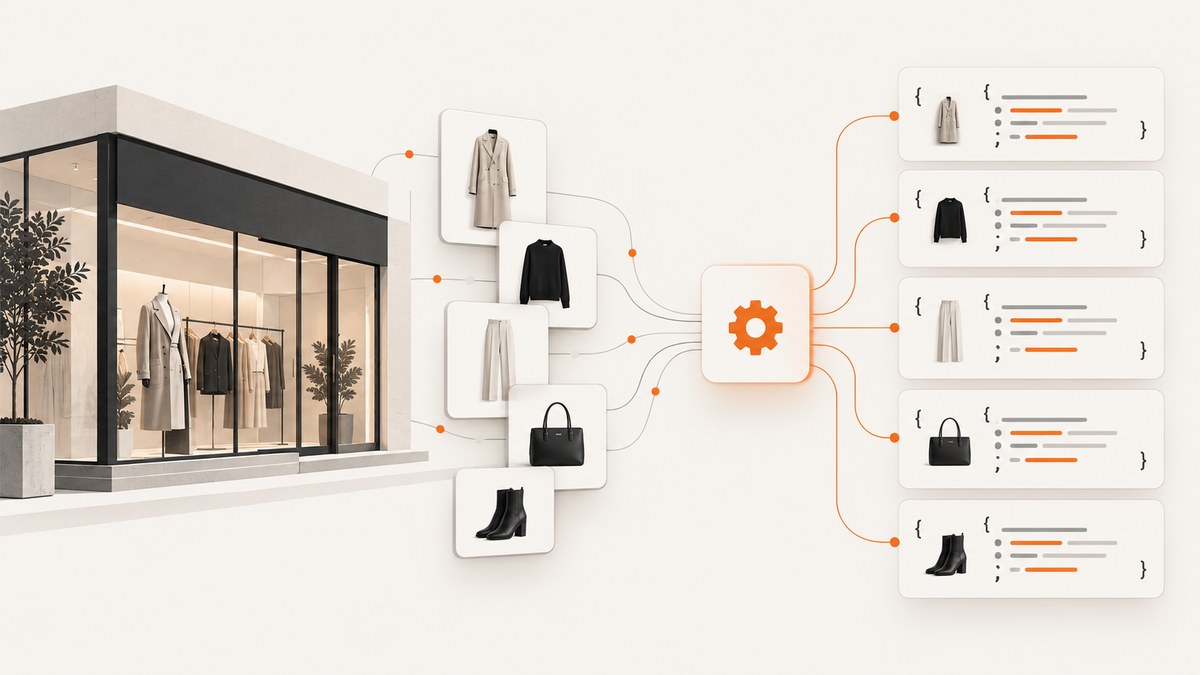
Short answer: Zara does not have a documented public developer API established by the sources reviewed. To obtain structured Zara catalog data, use a third-party service whose current documentation and terms you have checked, or build a small, respectful scraper for pages you are permitted to access. ReefAPI documents Zara search, product-detail, and price operations; Hermai documents Zara schemas but says hosted execution was not enabled for those endpoints when its page was reviewed. Neither service is Zara’s official API.
Before collecting, storing, or redistributing data, check the current Zara terms for your market, robots instructions, the provider’s terms, and the law that applies to your use case. The available sources do not establish permission for a particular country, volume, purpose, or reuse.
1. Choose an access route
| Route | What you get | What to verify |
|---|---|---|
| Third-party structured-data API | Provider-normalized search, product, price, variant, availability, and image fields. | Current endpoint URL, credentials, markets, limits, freshness, price, terms, and actual response shape. |
| Self-managed page scraper | Exactly what the public product page currently renders, including JSON-LD and visible fields. | Access rules, rate, robots guidance, consent behavior, bot checks, page changes, storage and reuse obligations. |
| Schema or hosted data package | Predefined category, product, robots.txt, or sitemap schemas. | Whether fetching is currently hosted and which fields and markets are supported. |
A third-party API or proxy does not make collection authorized and does not bypass restrictions. Treat it as an implementation service, not as evidence of Zara endorsement.
2. Use a documented third-party API
ReefAPI’s Zara documentation describes three operations: search, product_detail, and price. Its descriptions include product identifiers, names, prices, availability, colors, images, department or family, page links, descriptions, variants, and size-level information. The market selection changes catalog, assortment, price, and currency. These are the provider’s claims; validate live responses before designing a data model around them.
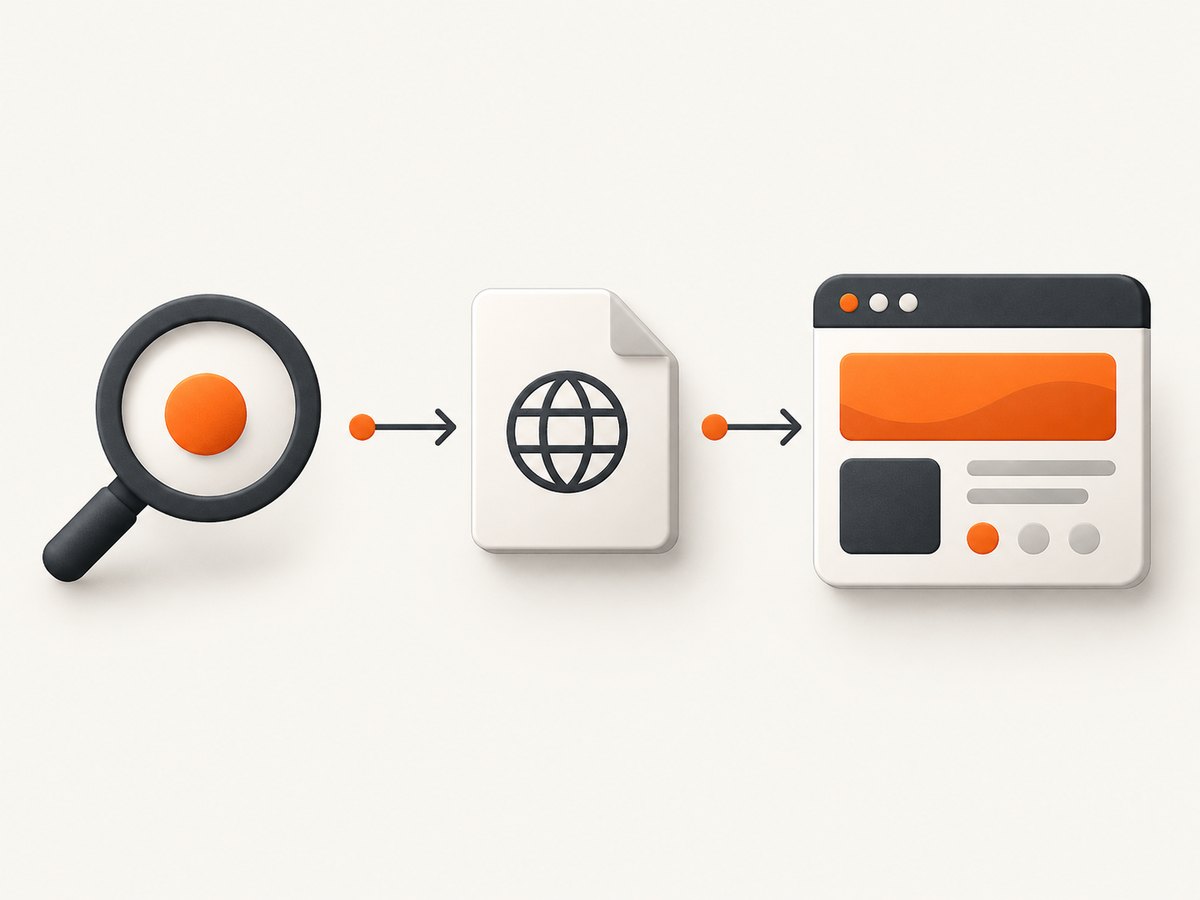
2.1 Configure credentials and market
- Create credentials with the provider according to its current documentation.
- Choose the Zara market you actually need. Do not assume a US response represents the UK, EU, or another catalog.
- Start with one request and save the raw response for schema inspection.
- Validate required fields and retain the market, retrieval time, and source operation with each record.
The following examples intentionally take the endpoint from an environment variable. The research dossier does not verify a current ReefAPI base URL, authentication header, request schema, rate limit, or price, so those values must come from the live provider documentation.
2.2 cURL template
export REEFAPI_ENDPOINT='PASTE_THE_CURRENT_REEFAPI_ENDPOINT_HERE'
export REEFAPI_KEY='YOUR_API_KEY'

curl --fail-with-body --request POST "$REEFAPI_ENDPOINT" \
  --header "Authorization: Bearer $REEFAPI_KEY" \
  --header 'Content-Type: application/json' \
  --data '{
    "operation": "search",
    "market": "us",
    "query": "linen shirt",
    "page": 1
  }'
Use the exact method, authentication scheme, parameter names, and operation payload shown in the provider’s current documentation. If its API uses separate paths for search, product_detail, and price, set REEFAPI_ENDPOINT to the corresponding path for each call.
2.3 Python client with validation and retries
import json
import os
import time
import requests

endpoint = os.environ["REEFAPI_ENDPOINT"]
api_key = os.environ["REEFAPI_KEY"]
payload = {
    "operation": "search",
    "market": os.getenv("ZARA_MARKET", "us"),
    "query": "linen shirt",
    "page": 1,
}

for attempt in range(4):
    response = requests.post(
        endpoint,
        headers={
            "Authorization": f"Bearer {api_key}",
            "Accept": "application/json",
            "Content-Type": "application/json",
        },
        json=payload,
        timeout=60,
    )
    if response.status_code not in (429, 500, 502, 503, 504):
        response.raise_for_status()
        break
    if attempt == 3:
        response.raise_for_status()
    time.sleep(2 ** attempt)

data = response.json()
if not isinstance(data, (dict, list)):
    raise ValueError("Unexpected JSON response")

with open("zara-search.json", "w", encoding="utf-8") as file:
    json.dump(data, file, ensure_ascii=False, indent=2)
print("Saved zara-search.json")
2.4 Node.js client
const endpoint = process.env.REEFAPI_ENDPOINT;
const apiKey = process.env.REEFAPI_KEY;
if (!endpoint || !apiKey) throw new Error('Set REEFAPI_ENDPOINT and REEFAPI_KEY');

const payload = {
  operation: 'search',
  market: process.env.ZARA_MARKET || 'us',
  query: 'linen shirt',
  page: 1
};

const response = await fetch(endpoint, {
  method: 'POST',
  headers: {
    Authorization: `Bearer ${apiKey}`,
    Accept: 'application/json',
    'Content-Type': 'application/json'
  },
  body: JSON.stringify(payload)
});

if (!response.ok) {
  throw new Error(`API request failed: ${response.status} ${await response.text()}`);
}
const data = await response.json();
console.log(JSON.stringify(data, null, 2));
2.5 Fetch product details and prices safely
Use the identifier returned by search for a detail request, then use the provider’s price operation when you need a current market price. Keep identifiers as strings, because catalog IDs can contain leading zeroes or non-numeric characters. Store the market and timestamp beside every price. Treat availability and sizes as snapshots: they can change without notice.
3. Understand the Hermai schema option
Hermai’s Zara schema page lists category-tree, category-products, product-details, robots.txt, and sitemap-index schemas. At the time described by the source, the data package existed but hosted fetching was not enabled for those endpoints. Recheck the page before treating it as a callable hosted API.
4. Build a small self-managed scraper when appropriate
A self-managed scraper is useful when you need fields a provider does not expose and you have confirmed that your collection is allowed. Keep the rate low, identify your requests where appropriate, cache results, and stop when the site returns a bot check, consent wall, or repeated error. Do not attempt to defeat CAPTCHA or access controls.

4.1 Install Playwright
python -m pip install playwright
python -m playwright install chromium
4.2 Runnable Python example
This script accepts a URL, waits for the page to load, extracts JSON-LD product objects, and writes the page title and structured data. It does not guess Zara’s internal endpoints.
import argparse
import json
from playwright.sync_api import sync_playwright

parser = argparse.ArgumentParser()
parser.add_argument("url", help="A Zara product or category URL you are allowed to access")
args = parser.parse_args()

with sync_playwright() as playwright:
    browser = playwright.chromium.launch(headless=True)
    page = browser.new_page(
        locale="en-US",
        user_agent="CatalogResearch/1.0 (contact: you@example.com)",
    )
    page.goto(args.url, wait_until="domcontentloaded", timeout=60_000)
    page.wait_for_timeout(2_000)
    title = page.title()
    json_ld = page.locator('script[type="application/ld+json"]').all_text_contents()
    records = []
    for text in json_ld:
        try:
            records.append(json.loads(text))
        except json.JSONDecodeError:
            continue
    result = {"url": page.url, "title": title, "json_ld": records}
    print(json.dumps(result, ensure_ascii=False, indent=2))
    browser.close()
Run it with a URL you have selected:
python scrape_zara.py 'https://www.zara.com/' > zara-page.jsonReal product URLs, consent flows, and markup vary by market and can change. If JSON-LD is absent, inspect the rendered page manually and update selectors only after confirming the new markup.
4.3 A browser-free first check
You can inspect a page’s HTML with cURL when the required data is server-rendered:
curl --fail --location --max-time 60 \
  --user-agent 'CatalogResearch/1.0 (contact: you@example.com)' \
  'https://www.zara.com/' -o zara.html
An HTML response is not proof that automated collection is permitted. It also may not contain data rendered by JavaScript.
5. Normalize the data model
Keep the provider payload and your normalized record together. A practical record contains:
sourceand operation namemarketand currency- product ID, canonical URL, name, department, and family
- color, variants, sizes, availability, and image URLs
- price plus retrieval timestamp
- raw response hash or archived response, subject to your retention rules
Do not merge products from different markets solely by name. Prefer a stable provider or page identifier, and record when an item disappears so downstream users can distinguish “unavailable” from “not collected.”
6. Reliability, performance, and cost
Reliability
- Use bounded timeouts and exponential backoff only for transient provider responses.
- Honor documented rate limits. A
429response should slow the client, not trigger a faster retry loop. - Validate response shape before writing records.
- Cache unchanged product pages and avoid recrawling every item on every run.
- Monitor empty results, sudden field loss, market mismatches, and bot-check pages.
Performance
API calls are usually simpler to parallelize than browser sessions, but the provider’s limits control safe concurrency. For a browser scraper, reuse a browser process, limit simultaneous pages, and wait only for the selector or network state you need. Full-page rendering and image loading consume more time and bandwidth than extracting server-rendered JSON-LD.
Cost
The sources reviewed do not provide an independently verified price comparison for Zara data APIs. Confirm current provider pricing, quotas, overage rules, and market coverage before committing. Your own costs include browser compute, bandwidth, storage, maintenance, and time spent handling markup changes.
7. Troubleshooting
| Symptom | Likely cause | Fix |
|---|---|---|
| 401 or 403 from a data API | Wrong credential, auth scheme, or account permission. | Copy the current authentication instructions exactly; rotate the key and verify the account and endpoint. |
| 429 responses | Provider rate limit or quota. | Reduce concurrency, honor Retry-After when supplied, and check plan limits. |
| Empty search results | Wrong market, unsupported query syntax, or changed catalog. | Try a known product identifier, verify market and operation names, and inspect the raw response. |
| Price or currency is wrong | Market was omitted or normalized incorrectly. | Send the target market explicitly and store currency with every value. |
| Browser receives a bot check | Traffic pattern, consent state, or access control. | Stop, lower request volume, review current rules, and do not attempt to bypass the check. |
| JSON-LD is missing | Data is client-rendered or markup changed. | Inspect the rendered DOM, wait for a documented product selector, and update the parser carefully. |
| Images return 404 later | Temporary or signed image URLs. | Check provider terms before downloading; store only URLs that are intended for your use and refresh them as needed. |
| Different markets show different products | Zara catalog and assortment are market-specific. | Partition storage by market and never silently mix records. |
8. Legal and operational checklist
- Identify the exact Zara market and read its current terms and crawl instructions.
- Check whether your purpose, volume, and redistribution are allowed.
- Review the third-party provider’s contract, privacy terms, retention rules, and permitted uses.
- Minimize personal data. Zara’s US privacy policy describes collection of platform-use information such as browsing activity, interactions, purchases, and search terms; that policy is not an API specification or scraping permission. Read the policy.
- Keep a contact and stop procedure for complaints or access changes.
Or skip the browser setup
ScreenshotNeo is useful when your workflow needs a visual record of Zara pages rather than structured catalog fields. It captures a URL with one request and can return PNG, JPEG, WebP, or PDF. Cookie and consent banners are accepted and 60+ known consent platforms, newsletter popups, and chat widgets are removed before capture; each step can be disabled. Bot checks, blank pages, timeouts, failed loads, and cache hits are not billed, and the response identifies the result with X-Page-Verdict and X-Billed headers. It does not turn Zara into an official data API, so continue to verify access and reuse rights.
See the ScreenshotNeo API documentation for all options.
One-call examples
curl -G "https://api.screenshotneo.com/v1/shot" -d access_key=YOUR_API_KEY --data-urlencode url=https://www.zara.com/ -o shot.webpimport requests
r = requests.get("https://api.screenshotneo.com/v1/shot", params={"access_key": "YOUR_API_KEY", "url": "https://www.zara.com/"}, timeout=90)
open("shot.webp", "wb").write(r.content)const q = new URLSearchParams({ access_key: 'YOUR_API_KEY', url: 'https://www.zara.com/' });
const res = await fetch(`https://api.screenshotneo.com/v1/shot?${q}`);ScreenshotNeo also provides an MCP server with take_screenshot, get_page_info, and capture_pdf tools for Claude, Cursor, and other MCP clients. The free plan includes 1,000 screenshots each month with no card; paid plans start at $5 for 3,000. Create a free ScreenshotNeo account.
FAQ
Does Zara have an official API?
The reviewed sources do not establish a documented public Zara developer API. Treat ReefAPI and other services as third-party providers.
How can I get Zara product data with an API?
Check a provider such as ReefAPI, select the correct market, validate a live response, and store the retrieval time and source operation. Confirm current terms, limits, and pricing first.
Can I use a proxy to bypass Zara restrictions?
A proxy or API does not grant permission and should not be used to defeat bot checks, CAPTCHAs, or access controls.
Is a screenshot API the same as a catalog API?
No. A screenshot API returns a visual rendering or PDF. A catalog API returns structured fields such as IDs, sizes, prices, and availability.
Where can I learn general scraping practice?
O’Reilly’s Web Scraping with Python, 3rd Edition covers scraping, APIs, proxies, and legal and ethical considerations, but it is not Zara-specific. See the publisher page.


