How to Scrape Zomato Without Managing Browsers or Proxies
Learn how hosted browser services work—and why Zomato scraping requires written authorization or an approved API relationship first.
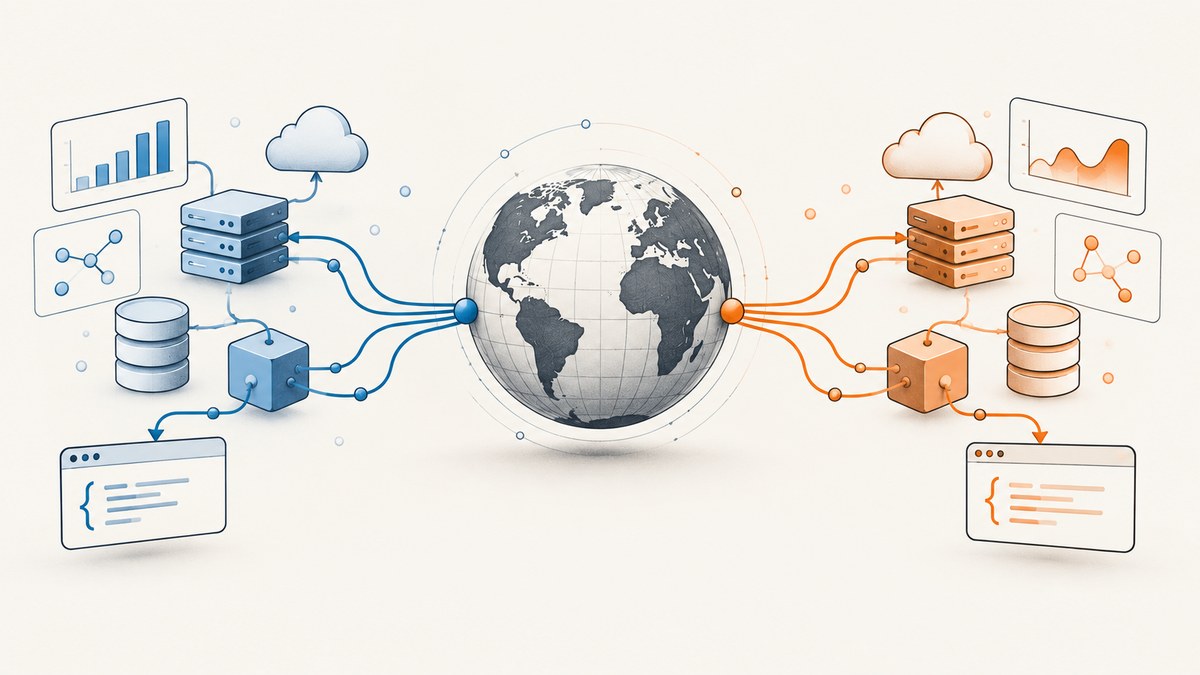
Direct answer: A hosted scraping API can run the browser and proxy infrastructure for you, but it does not grant permission to automate Zomato. Zomato’s current Terms prohibit automated access by scripts or crawlers and require compliance with robots.txt. Before sending automated requests, obtain written authorization or use an approved API relationship. For licensed access, send only permitted requests to a managed provider such as Browserless; use its rendered-browser path only when JavaScript makes it necessary.
This guide shows the managed-service pattern for an authorized workflow. It does not provide a way to evade Zomato’s access controls. A rotating proxy or CAPTCHA-solving feature does not change the permission boundary.
1. Confirm permission before making requests
Zomato’s Terms of Service state that users agree not to access its services through automated means, including scripts or web crawlers, and must follow any robots.txt instructions. The Terms also identify Zomato as the owner of its content. The API Policy describes a licensed-access framework and imposes conditions on use of licensed content.
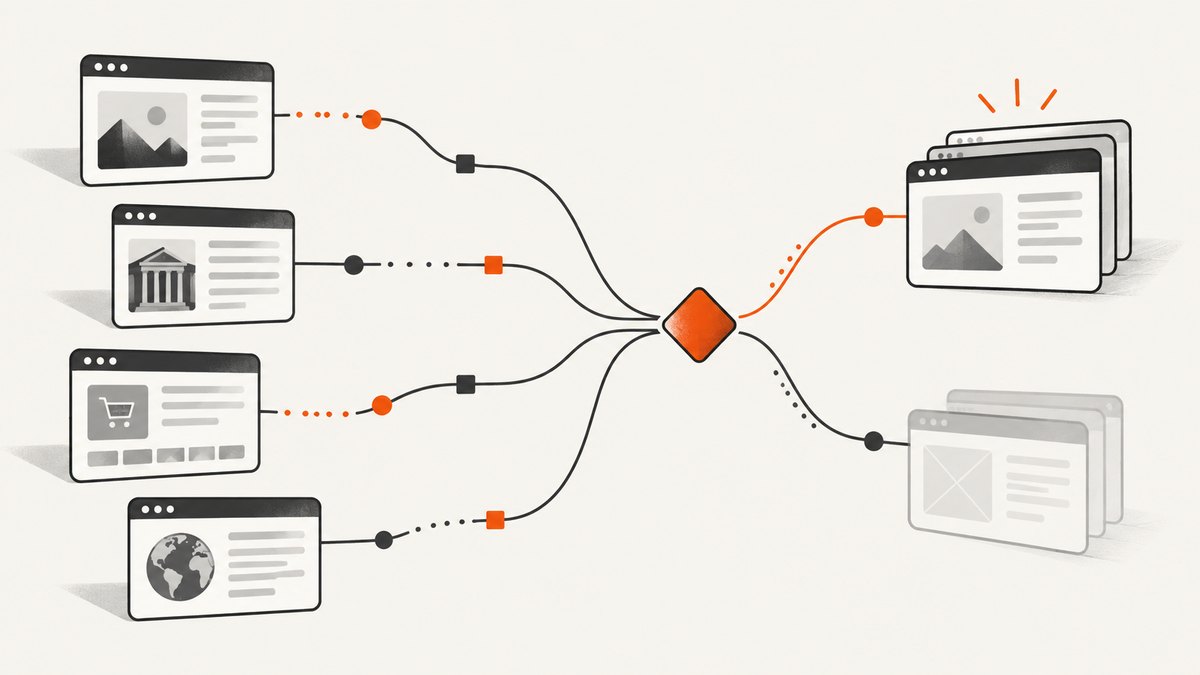
The practical first step is therefore not choosing a proxy. It is documenting the permitted access route and scope. If your intended use is commercial, obtain written agreement covering the data and use. Do not assume that publicly visible pages, a successful request, a third-party API key, or a vendor’s ability to render a page is permission to collect or reuse its contents.
| Question | What to establish |
|---|---|
| Are automated requests allowed? | Written authorization or an approved API relationship that covers automation. |
| Which data and purposes? | Named fields, allowed uses, retention, and any commercial use. |
| Which scope? | Permitted domains, URL patterns, geography, request volume, and dates. |
| What constraints apply? | Robots directives, caching, bulk downloads, onward transfer, and analysis limits under the applicable terms or API agreement. |
Zomato’s policy is the authority for its access rules. The hosted browser vendor handles execution infrastructure only; it cannot grant rights to the target site’s data.
2. Choose the lightest permitted retrieval method
For authorized access, prefer the approved API if one is available under your relationship. If a permitted resource is ordinary server-rendered HTML, a straightforward HTTP request may be sufficient. Use browser rendering only when the authorized page genuinely depends on client-side JavaScript to expose the permitted content.
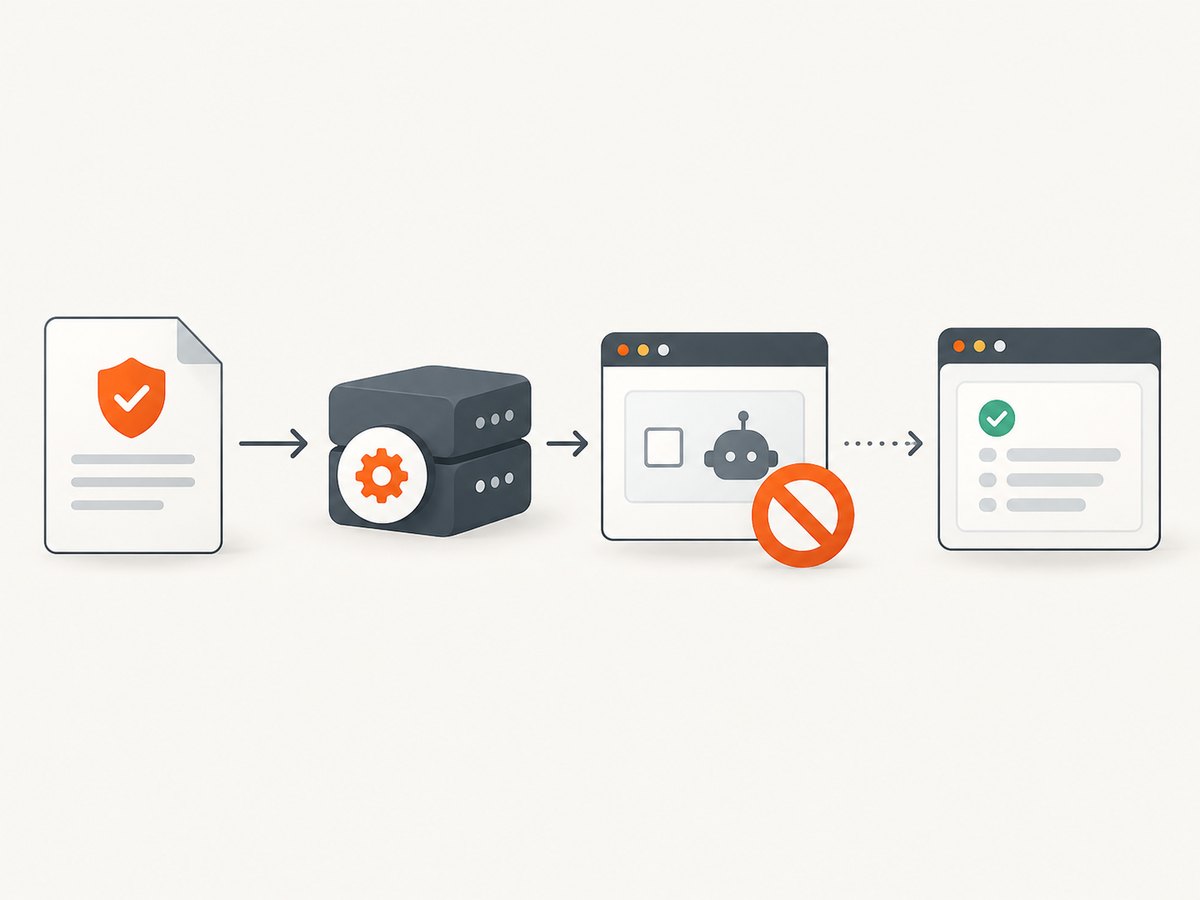
Browserless documents REST APIs for fetching rendered HTML, extracting selected fields, screenshots, PDFs, and a Smart Scrape endpoint that can try a lighter fetch before escalating to a browser. Its REST API calls are HTTP requests, so your application does not need to host a browser fleet. See the REST API overview and Smart Scrape documentation.
For this topic, Smart Scrape’s ability to escalate to proxies, stealth rendering, or CAPTCHA solving must be treated strictly as infrastructure behavior within an authorized scope. Do not enable those capabilities to get around Zomato restrictions or challenges. When authorization limits you to a particular API or network path, follow that specification instead of experimenting with fallback modes.
3. Submit an authorized URL with Browserless
The following minimal request illustrates Smart Scrape’s documented request shape, using a placeholder URL. Replace it only with a URL you are authorized to access. The example requests HTML and raw text; it does not target a Zomato page or define any Zomato selectors.
curl --request POST \
  --url 'https://production-sfo.browserless.io/smart-scrape?token=YOUR_API_TOKEN_HERE' \
  --header 'Content-Type: application/json' \
  --data '{
    "url": "https://example.com/permitted-page",
    "formats": ["html", "rawText"]
  }'
Smart Scrape takes a POST request with JSON. Its documented formats include html, markdown, rawText, screenshot, pdf, and links. The default format is HTML. Keep the API token on your server: query-string tokens can appear in application logs, proxies, traces, or error reports, so redact them in observability systems and never embed them in a browser app or public repository.
Python example
import os
import requests

endpoint = "https://production-sfo.browserless.io/smart-scrape"
token = os.environ["BROWSERLESS_API_TOKEN"]

response = requests.post(
    endpoint,
    params={"token": token, "timeout": 30000},
    json={
        "url": "https://example.com/permitted-page",
        "formats": ["html", "rawText"],
    },
    timeout=90,
)
response.raise_for_status()
data = response.json()

# Inspect the response shape before making assumptions about fields.
print(data.keys())
Install the dependency with python -m pip install requests, and set BROWSERLESS_API_TOKEN in the server environment. The 90-second client timeout is a ceiling for the HTTP call; Browserless’s timeout query parameter controls the allowed time for each strategy attempt. Its default applies if omitted.
Node.js example
const token = process.env.BROWSERLESS_API_TOKEN;
if (!token) throw new Error("Set BROWSERLESS_API_TOKEN");

const endpoint = new URL("https://production-sfo.browserless.io/smart-scrape");
endpoint.searchParams.set("token", token);
endpoint.searchParams.set("timeout", "30000");

const response = await fetch(endpoint, {
  method: "POST",
  headers: { "content-type": "application/json" },
  body: JSON.stringify({
    url: "https://example.com/permitted-page",
    formats: ["html", "rawText"],
  }),
  signal: AbortSignal.timeout(90000),
});

if (!response.ok) {
  throw new Error(`Browserless returned HTTP ${response.status}: ${await response.text()}`);
}
const result = await response.json();
console.log(Object.keys(result));
This example uses modern Node.js with global fetch. Validate the returned object against the documented response format for the selected outputs before persisting or processing it.
4. Configure rendering and extraction narrowly
Start with the minimum request that satisfies the authorized task. Smart Scrape documents these useful controls:
| Option | Use | Operational note |
|---|---|---|
formats |
Select html, markdown, rawText, screenshot, pdf, or links. | Request only outputs you will consume. Screenshot and PDF represent rendered-page outputs. |
waitFor |
Wait after page load before reading. | Milliseconds; capped at 30,000. Any positive value forces a browser strategy and adds work. |
onlyMainContent |
Remove common navigation, footer, aside, script, style, and noscript elements from content outputs. | Does not affect screenshot or PDF. It cannot be combined with includeTags. |
includeTags |
Keep content matching CSS selectors. | Up to 100 selectors. Cannot be combined with excludeTags or onlyMainContent; if none match, unfiltered content is returned. |
excludeTags |
Remove content matching CSS selectors. | Up to 100 selectors; cannot be combined with includeTags. |
headers |
Supply allowed custom request headers. | Transport, proxy, authentication, and cookie headers are stripped; invalid header values can produce HTTP 400. |
timeout |
Bound each strategy attempt via query parameter. | Set a value appropriate to the authorized operation and enforce a client-side timeout too. |
proxy |
Choose a supported route such as residential or datacenter where permitted. | Proxy routing does not change authorization. A mid-session egress IP change can retrigger anti-bot defenses. |
Smart Scrape tries a fast HTTP fetch, can escalate to a proxied fetch, then a headless browser for JavaScript rendering. Its docs describe further CAPTCHA handling, but that capability is not authorization to defeat a challenge. Stop and resolve a challenge through the approved access relationship. For plain rendered HTML when the required JavaScript rendering is already known, Browserless documents a separate /content endpoint; for selector-based structured extraction, it documents /scrape. See its endpoint guide.
5. Validate, minimize, and store results safely
A successful HTTP response does not prove you received the intended page or that its contents are complete. Validate the result before downstream use. Define a schema for the fields your authorization allows, reject unexpected pages, and preserve enough metadata to audit collection without retaining unnecessary personal or business data.
- Record the authorization reference, allowed purpose, geography, collection date, and permitted URL scope.
- Check HTTP status and response type, then detect empty or challenge/interstitial responses.
- Parse only fields covered by the permission scope; treat absent values as absent rather than guessing from page layout.
- Deduplicate by an approved stable identifier, if one is provided; do not invent identifiers by scraping hidden endpoints.
- Set retention and access controls consistent with the license, and document any downstream sharing or analysis permissions.
- Use conservative concurrency and stop on access denials, CAPTCHA pages, or unexpected rate limits until the provider or Zomato confirms the permitted path.
Selectors and page structure change. Keep extraction code small, version selectors, monitor missing-field rates, and route anomalous output to review. Avoid retrying every failure automatically: retries can multiply traffic and worsen a denial or temporary challenge.
6. Or skip the browser setup
ScreenshotNeo is a website screenshot API and MCP server. It is for capturing an authorized page as an image or PDF, not for extracting restaurant records or bypassing Zomato’s access rules. If a permitted task needs a visual capture, one GET request is enough; see the ScreenshotNeo API docs.
curl -G "https://api.screenshotneo.com/v1/shot" \
  -d access_key=YOUR_API_KEY \
  --data-urlencode url=https://stripe.com \
  -o shot.webp
import requests
r = requests.get(
"https://api.screenshotneo.com/v1/shot",
params={"access_key": "YOUR_API_KEY", "url": "https://stripe.com"},
timeout=90,
)
open("shot.webp", "wb").write(r.content)const q = new URLSearchParams({ access_key: 'YOUR_API_KEY', url: 'https://stripe.com' });
const res = await fetch(`https://api.screenshotneo.com/v1/shot?${q}`);ScreenshotNeo accepts cookie and consent banners like a visitor and removes more than 60 known consent platforms, newsletter popups, and chat widgets before capture; each step can be turned off. Bot checks, blank pages, timeouts, failed loads, and cache hits cost nothing, with response headers identifying the page verdict and billing status. Its MCP server provides take_screenshot, get_page_info, and capture_pdf for AI agents. The free plan includes 1,000 shots a month with no card; paid plans start at $5 for 3,000 shots. Every feature is on every plan. These are screenshot features, not a license to automate Zomato or extract its data.
Sign up free for 1,000 screenshots a month with no card.
7. Performance, reliability, and cost
Hosted browser APIs shift browser installation, process management, and proxy connectivity out of your application, but they do not make page loads deterministic. A JavaScript render takes more work than a simple permitted HTTP fetch; a delay or browser action forces the heavier rendering route in Smart Scrape. Keep response formats and waits minimal, and request only the pages and data your authorization permits.
Build for variable latency and transient provider errors: set both a service timeout and a client timeout, bound concurrency, use capped retries with backoff only for retryable failures, and make downstream writes idempotent. Do not retry access-denied or CAPTCHA outcomes as if they were network glitches. Track status, duration, output size, and validation failures without logging tokens or collecting extra page content.
Budget against the provider’s current plan and billing units; do not infer a per-page price from the fact that a request uses one HTTP call. Browserless documents different proxy unit rates for residential and datacenter traffic, and a browser fallback may consume more resources than a lightweight fetch. Review the current proxy documentation and account pricing before deployment. For ScreenshotNeo visual captures, its stated monthly tiers are Free 1,000, Starter $5/3,000, Growth $15/15,000, Pro $39/60,000, Scale $99/250,000, and Business $249/1,000,000; yearly billing gives two months free.
8. Troubleshooting
| Symptom | Likely cause | Next step |
|---|---|---|
| HTTP 400 from Smart Scrape | Malformed JSON, invalid header name/value, incompatible content-shaping options, or an invalid selector. | Validate JSON and options; remove conflicting includeTags, excludeTags, or onlyMainContent settings. Ensure header values are strings without control characters. |
| 401/403 from Browserless | Missing, invalid, expired, or unauthorized provider token; a request may also be denied by the target. | Check the token server-side and provider account. Distinguish provider authentication from a target-site denial; do not respond by rotating proxies. |
| Output is empty or missing fields | Content is client-rendered, selectors changed, the requested format omits what the parser expects, or the returned page is an interstitial. | Inspect a permitted response safely; use browser rendering only if allowed and necessary; validate schema and stop if a challenge appears. |
| Request times out | Slow target, overly long page wait, browser escalation, or a client timeout shorter than the provider operation. | Align the service and client limits, remove unnecessary waitFor, and retry only transient infrastructure failures within a bounded policy. |
| 429 or CAPTCHA | Rate limit or access challenge. | Stop automated attempts. Confirm permission, request limits, and the approved access method with Zomato. Proxy rotation or challenge solving is not a fix for missing authorization. |
| Different page content by location | Regional variation or an explicitly authorized geographic setting. | Record the permitted geography and use only the geography authorized by the agreement. |
FAQ
Is there a Zomato API for commercial data?
Zomato publishes an API Policy describing licensed access. Whether a particular commercial use is available or approved depends on the applicable relationship and written terms; confirm it with Zomato rather than assuming public-page access is licensed.
Can Browserless handle JavaScript-heavy restaurant pages?
Browserless documents browser rendering for JavaScript-dependent pages and Smart Scrape’s automatic escalation. Use it only for an authorized URL and permitted content; capability does not grant permission.
Does rotating proxies make Zomato scraping legal?
No. A proxy changes the network route. It does not override Zomato’s Terms, robots.txt, an API license, or other access controls.
Can ScreenshotNeo scrape restaurant fields?
No. ScreenshotNeo captures authorized pages as screenshots or PDFs. Use the approved Zomato API or authorized extraction workflow for structured records.


