How to Scrape ZoomInfo with Stealth Proxies
Stealth proxies do not create permission to collect ZoomInfo data. Learn the authorization checks, safer export paths, and an auditable workflow.
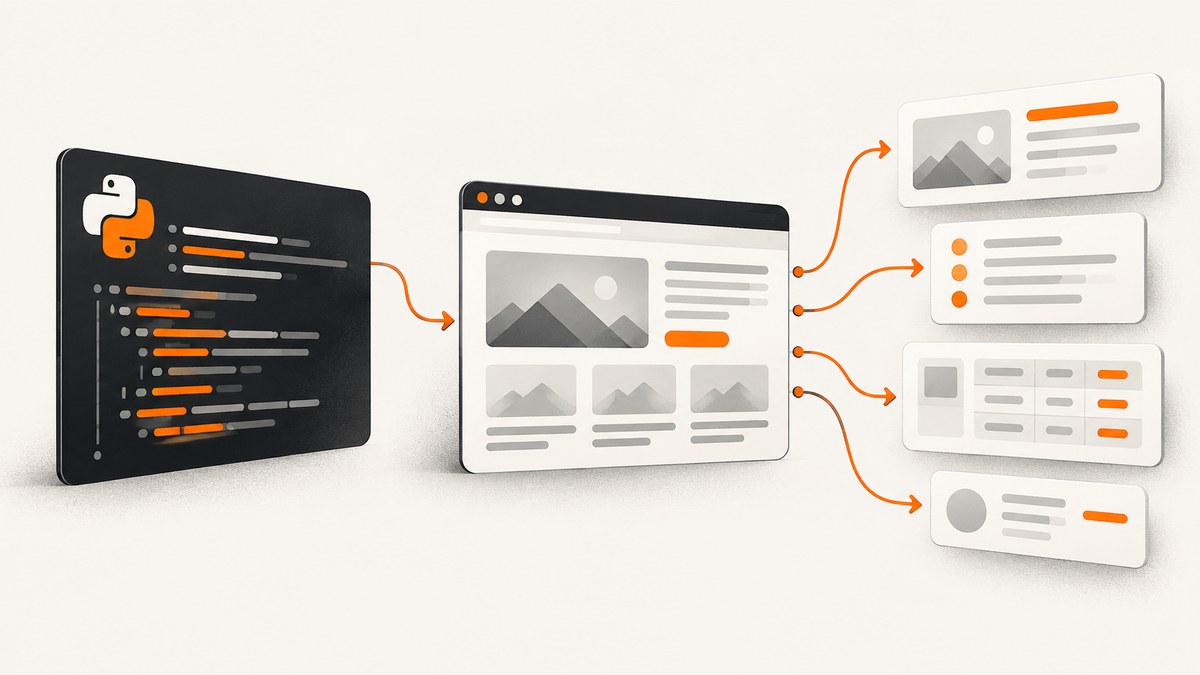
Direct answer: a stealth proxy only changes the apparent network route. It does not grant permission to access ZoomInfo, reuse its database, bypass a login, defeat a CAPTCHA, or ignore rate limits. The research reviewed for this guide does not establish that ZoomInfo currently permits automated scraping, does not verify a current public API, and does not test any proxy vendor. Treat the title as a question about authorization and data handling, not as a recipe for concealment.
If you need ZoomInfo data, first check the current agreement for the account, purpose, jurisdiction, and fields involved. Ask ZoomInfo for a documented export or API route, and preserve that approval with your project records. If you already have authorized access, use the supported export or integration and design collection around the contract’s retention, redistribution, and deletion rules.
What a stealth proxy can and cannot do
A proxy forwards traffic through another network address. A “stealth” label may refer to IP reputation, rotation, browser fingerprints, or other vendor claims, but none of those claims were verified in the reviewed sources. Even a technically successful request can still violate a contract, terms of use, privacy law, or an internal policy.
| Question | What a proxy changes | What it does not change |
|---|---|---|
| Network route | The destination sees the proxy’s address instead of your origin address. | Your contractual permission, identity, or rights to reuse data. |
| Availability | It may alter connectivity or routing. | Whether login, CAPTCHA, robots controls, or rate limits may be bypassed. |
| Data handling | Nothing. | Privacy duties, retention limits, deletion requests, and redistribution restrictions. |
| Auditability | It can make attribution harder. | Your obligation to keep an accurate access and processing record. |
Do not use proxy rotation to conceal automation or defeat access controls. The reviewed research contains no evidence that a particular proxy is safer, more reliable, or authorized for ZoomInfo.
What the available evidence actually shows
A federal district court described a May 2017 End User License Agreement between ZoomInfo and North America Photon Infotech. The agreement gave Photon access to ZoomInfo’s database and service for twelve months. The opinion described restrictions on redistribution, sublicensing, transfer, sale, and disclosure to third parties, plus a requirement to stop using the licensed materials and destroy copies after expiration. The court granted ZoomInfo summary judgment on a breach-of-contract claim concerning Photon’s continued use after expiration and disclosure to a third party. Read that decision as evidence about that contract, parties, record, and dispute—not as the current agreement for every ZoomInfo customer. Read the cited court record in its original context.
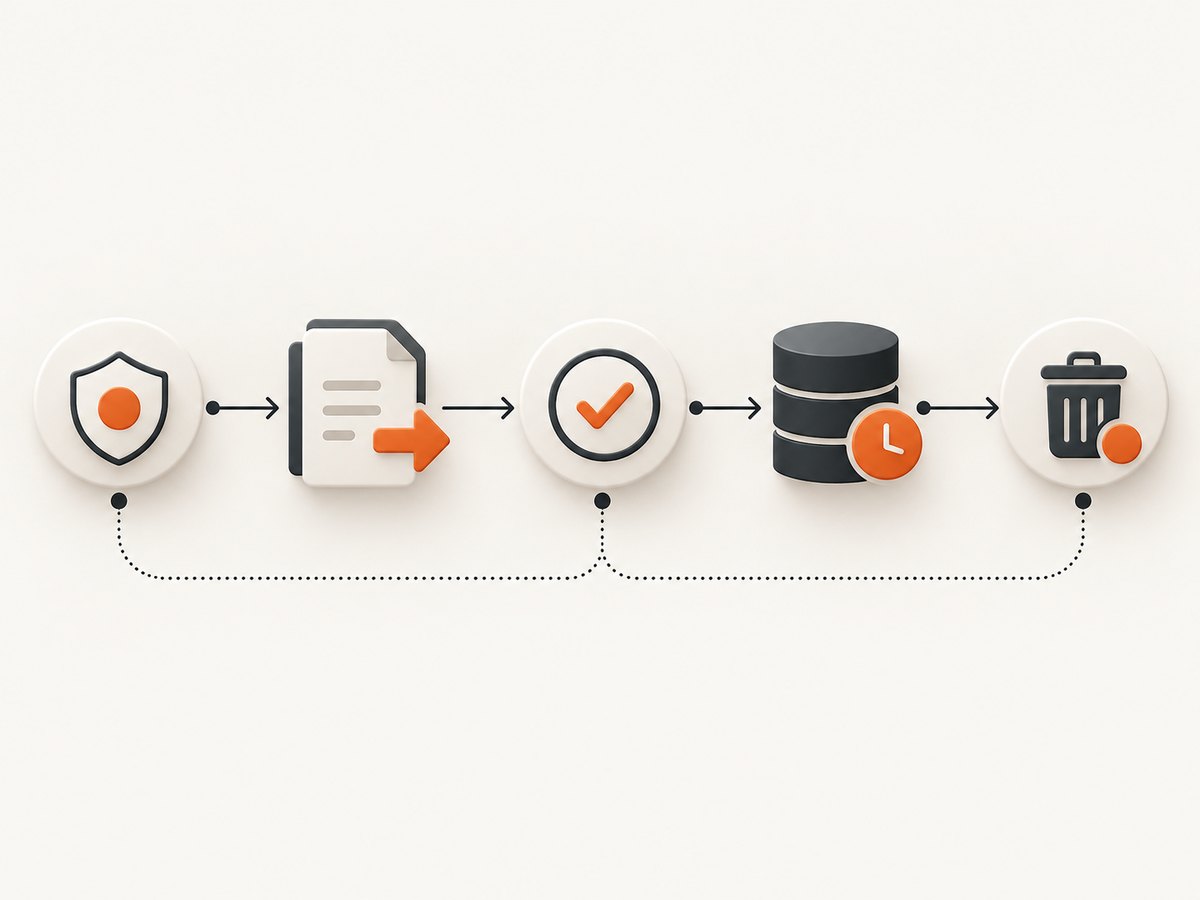
ZoomInfo’s 2024 Form 10-K says business contact information and other data are integral to its products and services. It describes a Trust Center for access, opt-out, and deletion requests, along with security measures such as access controls and reviews of service-provider security practices. Those are company disclosures; they are not authorization for automated collection. See the 2024 filing.
Meta’s 2022 account describes a lawsuit alleging that a scraping service performed unauthorized automated scraping and attempted to conceal it to avoid detection and blocking. That example concerns Meta’s services and litigation allegations; it does not decide ZoomInfo’s legal position. Read Meta’s account.
Step 1: establish an authorized data route
- Identify the account and contract. Record the customer entity, subscription, permitted users, term, geography, and products involved. Locate current terms, order forms, data-processing terms, and any usage policy.
- Define the purpose and fields. List exactly what you need: company attributes, work contact details, technographics, or another category. Separate personal data from non-personal fields and document the business purpose.
- Ask ZoomInfo for a supported method. Request a current API, bulk export, integration, or written permission for your use case. Ask about rate limits, attribution, retention, downstream sharing, deletion, and audit logs. The reviewed research did not verify a currently available approved API, so obtain the answer directly from ZoomInfo.
- Get written approval. Keep the response attached to the project. A historical court opinion cannot substitute for your current agreement.
- Choose the minimum collection. Prefer the smallest field set and lowest frequency that satisfies the purpose. Avoid collecting sensitive or unnecessary personal information.
Step 2: design a compliant collection workflow
For an approved export or integration, separate acquisition from processing. Store the source, timestamp, account, contract reference, and field-level provenance. Encrypt data in transit and at rest, limit credentials to a service account, and keep an access log. Set an automatic deletion date based on the contract and your retention policy.
Suggested record schema
{
  "source": "ZoomInfo approved export",
  "authorization_reference": "contract-or-ticket-id",
  "retrieved_at": "2026-09-30T12:00:00Z",
  "purpose": "documented internal sales research",
  "fields": ["company_name", "industry"],
  "retention_until": "2026-12-29",
  "redistribution": "prohibited unless written approval states otherwise"
}
Use a staging area for validation, then move only approved fields to production. Hash or tokenize identifiers when analysts do not need direct contact details. Build a deletion job that removes records when the contract expires or a valid deletion request arrives.
Step 3: if browser automation is approved, keep it transparent
Some authorized workflows require a browser because an export is initiated from an account portal. Use the account’s normal login, a stable user agent, and the documented rate limit. Do not add CAPTCHA solving, login bypasses, fingerprint spoofing, stealth plugins, or proxy rotation intended to evade detection. Stop on a challenge, consent change, or unexpected block and ask the account owner or ZoomInfo support what to do.
import { chromium } from 'playwright';

const browser = await chromium.launch({ headless: true });
const context = await browser.newContext({
  // Use only credentials and settings permitted by your agreement.
  userAgent: 'AuthorizedExportBot/1.0 (contact: data-team@example.com)'
});
const page = await context.newPage();
await page.goto(process.env.ZOOMINFO_EXPORT_URL, { waitUntil: 'domcontentloaded' });
await page.getByRole('button', { name: 'Export' }).click();
const download = await page.waitForEvent('download');
await download.saveAs('./authorized-export.csv');
await browser.close();
This example is intentionally limited to an approved export flow. Replace the selector and URL only with details supplied by your account documentation. Keep secrets in environment variables or a secret manager; never commit them.
Step 4: validate, minimize, and monitor
- Check that every row has an authorization reference and retrieval timestamp.
- Reject fields outside the approved schema.
- Deduplicate without merging records when identity is uncertain.
- Record failed requests and stop after repeated errors instead of increasing concurrency.
- Measure freshness and accuracy against the service’s documented commitments, if any; do not assume figures from another contract apply to yours.
- Review opt-out and deletion queues before using data for outreach.
Common errors and safer fixes
| Symptom | Likely cause | Fix |
|---|---|---|
| 403 or “access denied” | Permission, account, policy, or rate-limit issue. | Stop retrying, save the response, and ask ZoomInfo support or your administrator to confirm the permitted route. |
| CAPTCHA or bot challenge | The service is asking for an interactive verification. | Do not attempt to solve or evade it programmatically. Use the supported export or request written guidance. |
| Login loop | Expired session, SSO policy, or blocked automation context. | Use the documented SSO flow with an approved service account, or run the export manually. |
| Empty export | Filters, entitlement, or field permissions exclude all rows. | Check the account’s entitlements and query definition; do not broaden collection silently. |
| Unexpected personal data | Schema drift or a broad export. | Quarantine the file, remove unapproved fields, and update the schema review. |
| Proxy connection failures | Provider outage, TLS issue, or blocked egress. | Remove the proxy from the workflow unless it is expressly approved; troubleshoot with your network team. |
Performance, reliability, and cost planning
For authorized exports, reliability comes from a narrow scope and predictable schedule, not from hiding traffic. Prefer one documented bulk operation over thousands of page requests. Use bounded concurrency, exponential backoff for transient network errors, and an idempotency key so a retry cannot duplicate a dataset. Keep raw files immutable and process a copy.
Budget for storage, validation, privacy review, and support time in addition to any subscription fee. A proxy subscription is not evidence of authorization and can add another processor that sees account traffic and potentially personal data. If a proxy is required for a corporate network, document its owner, logging, retention, and security review.
Or skip the browser setup
If your goal is to capture a public page for documentation or QA, ScreenshotNeo provides a website screenshot API and MCP server. It is separate from ZoomInfo data access: it does not authorize collection from a gated account, and you must still have permission to capture the target page.
One GET request returns PNG, JPEG, WebP, or PDF. See the ScreenshotNeo documentation for parameters and response headers.
curl -G "https://api.screenshotneo.com/v1/shot" -d access_key=YOUR_API_KEY --data-urlencode url=https://stripe.com -o shot.webpimport requests
r = requests.get("https://api.screenshotneo.com/v1/shot", params={"access_key": "YOUR_API_KEY", "url": "https://stripe.com"}, timeout=90)
open("shot.webp", "wb").write(r.content)const q = new URLSearchParams({ access_key: 'YOUR_API_KEY', url: 'https://stripe.com' });
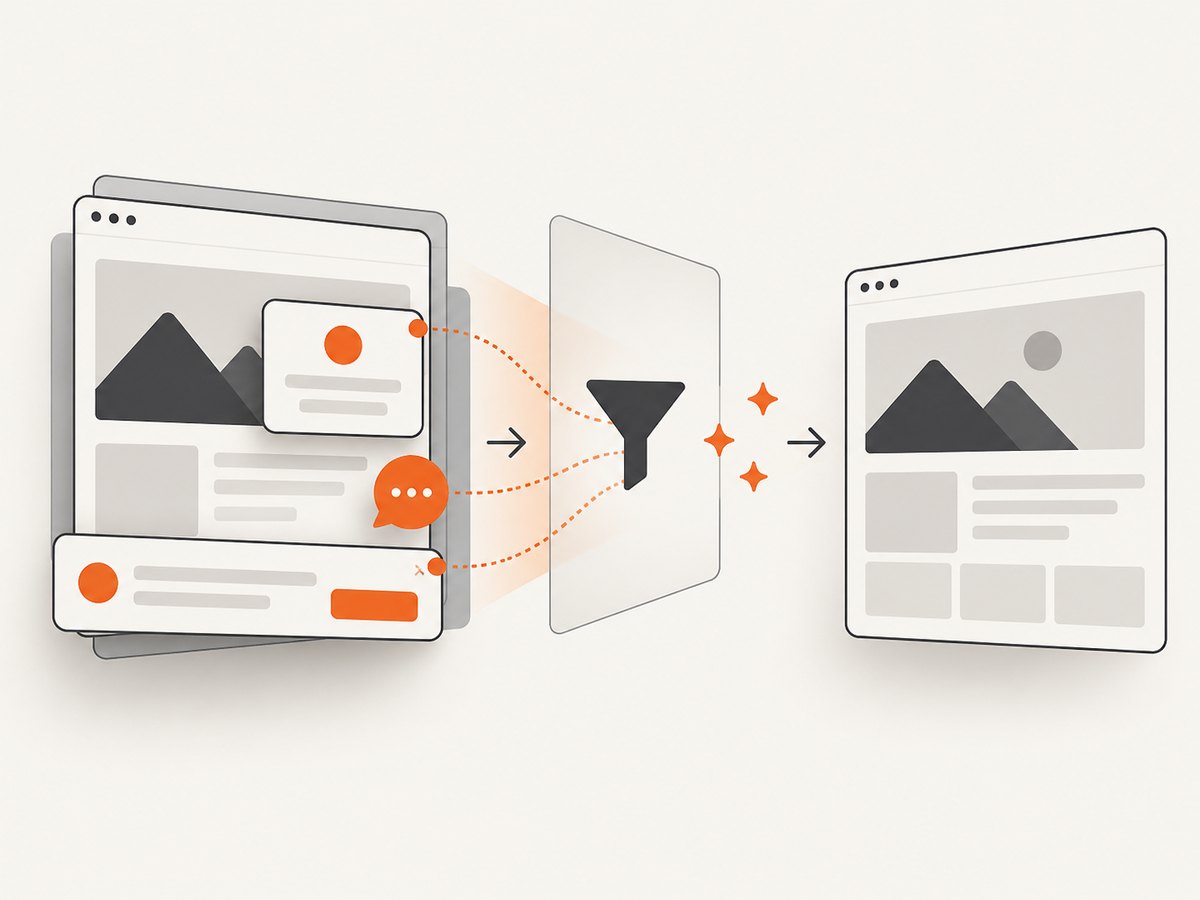
const res = await fetch(`https://api.screenshotneo.com/v1/shot?${q}`);ScreenshotNeo removes cookie and consent banners, newsletter popups, and chat widgets before capture; each step can be disabled. Bot checks, blank pages, timeouts, failed loads, and cache hits are not billed, and the response reports the page verdict and billing status in X-Page-Verdict and X-Billed headers. Its MCP server includes take_screenshot, get_page_info, and capture_pdf for Claude, Cursor, and other MCP clients. The Free plan includes 1,000 shots per month without a card; paid plans start at $5 for 3,000 shots. Use it for pages you are authorized to capture, never to bypass account controls.
Create a free ScreenshotNeo account and start with the 1,000 monthly shots.
FAQ
Does ZoomInfo allow scraping?
The reviewed research does not verify current automated-access terms. Check your current agreement and obtain written guidance from ZoomInfo.
Can a proxy make scraping legal?
No. A proxy changes routing, not permission, contract scope, privacy duties, or reuse rights.
Is the Photon court decision a rule for all customers?
No. It concerns a specific 2017 agreement, parties, conduct, and dispute. Use it to understand why term, redistribution, and deletion clauses matter.
What should I request from ZoomInfo?
Ask for the current approved API or export route, rate limits, permitted fields, retention and deletion rules, redistribution rights, and an audit-friendly authentication method.
Can ScreenshotNeo access a private ZoomInfo account?
It is a screenshot service, not an authorization mechanism. Use it only for pages you are allowed to capture and do not provide credentials or attempt to bypass challenges.


