How to Scrape Zoro.com: A Step-by-Step Guide
Learn how to collect Zoro product data responsibly: check authorization first, request an approved route, and build a timestamped, validated export.

Short answer: Before automating collection from Zoro.com, read its current Website Terms of Access and obtain written permission or an approved interface for your intended use. Zoro’s terms prohibit unpermitted commercial use of its content, including screen scraping, web harvesting, and data extraction. The research reviewed for this guide does not document a public Zoro API or feed, so do not assume one is available. For an authorized project, define the permitted fields and purpose, use the approved route, record provenance, and validate prices and availability before relying on them.
This is a permission-aware collection workflow, not a guide to bypassing Zoro’s controls. If your goal is to compare products or build a procurement record, first ask Zoro which access method and reuse rights it will approve.
1. Decide what you need and why
Write down the purpose before choosing a technical approach. Personal research, internal procurement, and commercial redistribution can have different contractual implications. In particular, don’t assume that being able to view a page grants permission to collect and reuse its content at scale.
Keep the requested dataset as small as the task allows. A practical starting schema for an authorized procurement workflow is:
source_url: canonical product page URLmanufacturer_part_number: stable identifier shown on the page, when presenttitle: displayed product title, only if permitted to retain itdisplayed_priceandcurrency: the amount and currency as displayedavailability_text: displayed stock or availability wordingshipping_region: destination or account geography used for the observationretrieved_at: timestamp with timezoneparser_version: version of your authorized collection processstatus: captured, unavailable, needs review, or another explicit state
Do not collect product photography, catalog prose, supplier documents, or other material unless your written authorization explicitly permits it. Zoro says its content and supplier materials are protected by intellectual-property rights.
2. Check Zoro’s terms and get an approved route
Read Zoro’s current Website Terms of Access before making automated requests. The terms limit access to viewing linked pages for legitimate business purposes and prohibit unpermitted commercial use of Zoro Content, expressly including screen scraping, web harvesting, data extraction, or similar technologies. The terms reviewed for this article were updated March 10, 2025; check the live page because terms may change.
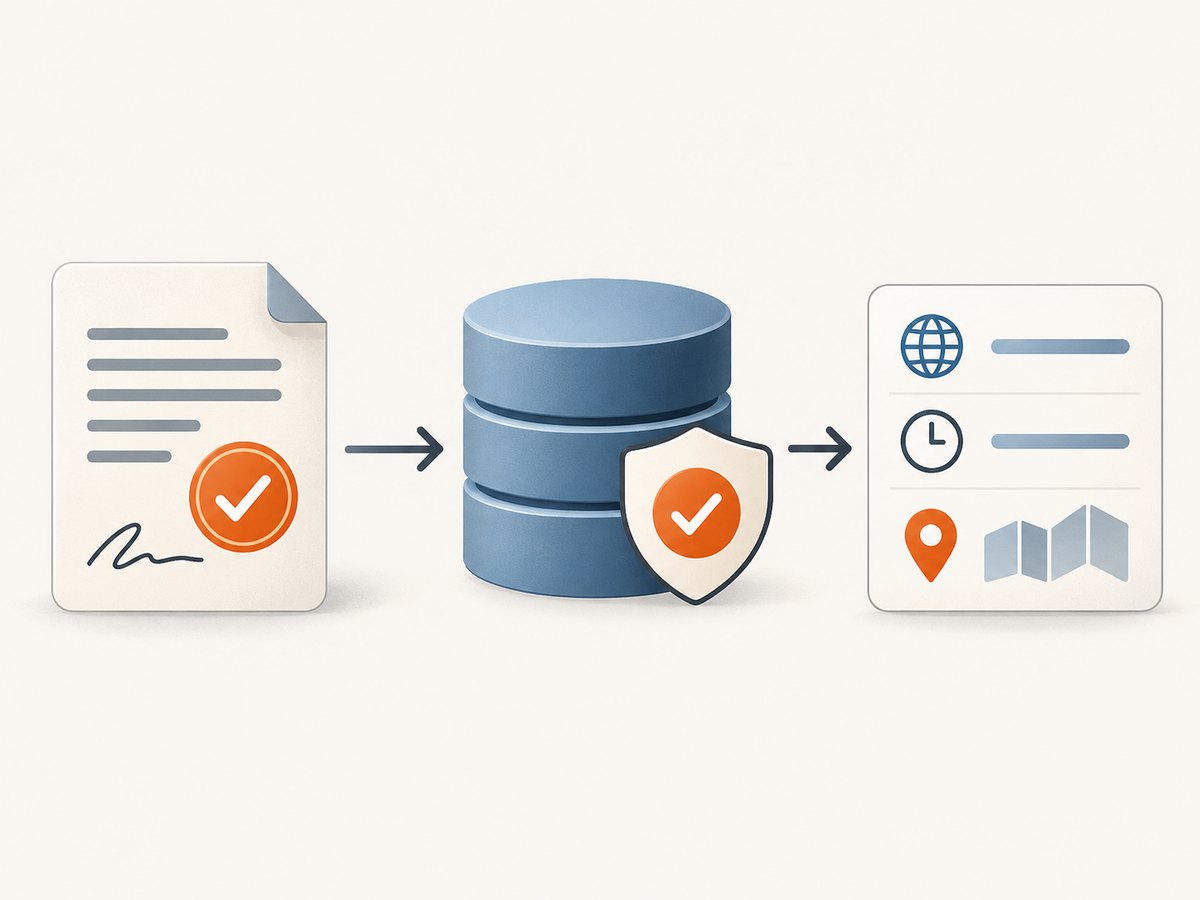
Ask Zoro for written permission and an approved mechanism suited to your purpose. You can ask whether it offers a licensed API, data feed, export, or another authorized option, what fields may be collected, how frequently, and whether storage or redistribution is allowed. The reviewed pages do not document a public API, feed, or affiliate program; that is not proof that no private or newly introduced option exists.
Keep the answer with your project record. Note the authorized purpose, fields, paths or products, rate limits, identification requirements, retention period, and permitted recipients. If the answer does not clearly authorize automated collection, do not start a scraper.
3. Choose the collection method
Once you have authorization, compare the options against the permission you received. A human browser workflow may be appropriate for a small number of products. A Zoro-approved feed or API, if offered to you, is usually easier to keep within explicit field and rate limits. A licensed third-party dataset can be considered only after confirming its provenance and your rights to use its records.
| Option | Check before use | Best fit |
|---|---|---|
| Manual browser research | Whether copying or retaining the selected fields is allowed; capture the viewed page and time in your own notes. | Small, one-time comparisons. |
| Approved Zoro interface | Contract scope, fields, freshness, authentication, request limits, error behavior, and retention rights. | Repeat procurement workflows with a direct approved source. |
| Licensed third-party dataset | Collection provenance, authorization, geographic coverage, freshness, redistribution rights, and total cost. | When the license covers the intended use and required coverage. |
| Automated page collection | Written permission for the exact purpose and method, paths, rates, fields, and data handling. | Only when explicitly approved and within all stated boundaries. |
Compare price data only when the unit, region, account context, and retrieval time are comparable. A displayed amount alone may not represent the delivered cost.
4. Build an authorized, auditable workflow
- Load the authorization rules. Store allowed paths, fields, maximum request rate, identification requirements, and expiration date as configuration. Have the job stop if required authorization settings are missing or expired.
- Use the approved access route. Follow the interface and authentication method Zoro approved. Do not bypass login requirements, CAPTCHAs, bot checks, paywalls, or other access controls.
- Request conservatively. Stay below written limits, avoid unnecessary duplicate requests, and cache results where allowed. Stop on blocks, unexpected challenges, or repeated errors instead of trying alternate techniques to get around them.
- Parse only authorized fields. Prefer stable product identifiers and visible, labeled values. Avoid depending on transient layout classes. If a value is absent or ambiguous, record it as unavailable or send it for review rather than guessing.
- Save provenance with each record. Preserve the source URL, retrieval timestamp, geography, parser version, status, and any normalization. Keep only the data and for the period the authorization permits.
- Validate before use. Compare like-for-like units and include shipping destination and account context. Recheck high-impact records before a purchase or pricing decision.
- Review and stop at expiry. Log parser failures for human review. Remove, refresh, or restrict retained data when permission or its retention period ends.
Example record shape
This JSON is a schema example, not a Zoro API response. Populate it only from a source and fields your authorization permits.
{
  "source_url": "https://www.zoro.com/example-product/",
  "manufacturer_part_number": "EXAMPLE-MPN",
  "title": "Example product title",
  "displayed_price": "12.34",
  "currency": "USD",
  "availability_text": "Availability as displayed",
  "shipping_region": "US destination used for lookup",
  "retrieved_at": "2026-09-30T12:00:00Z",
  "parser_version": "procurement-export-1.0",
  "status": "captured"
}
Use an explicit unavailable state when a field is not shown. A missing price is not zero, and a page-level error is not evidence that an item is out of stock.
5. Account for price, shipping, and product terms
Zoro’s terms state that listed prices are wholesale, exclude shipping, handling fees, taxes, and duties, and may be corrected or changed without notice. Record the retrieval time, currency, destination geography, and relevant account context. If your approved process can’t establish one of these, label the value accordingly rather than treating it as a universal quote.
Zoro’s standard shipping information says most products qualify for free standard ground shipping on orders over $50 for signed-in or newly registered accounts. Special-delivery surcharges can apply. Do not infer that a specific product, order, or destination qualifies without checking its current terms.
The reviewed sales terms describe a 30-day satisfaction return period for undamaged products and a one-year business-customer limited warranty for qualifying defects. Product-specific restrictions may apply, so check the product page and current terms before using these as procurement assumptions.
6. A safe technical template after approval
Zoro’s reviewed pages do not specify a public endpoint or API schema, so there is no responsible generic request URL or selector to provide. Use the exact endpoint or access method Zoro authorizes. The following Python template shows the controls to add around that approved client; replace the clearly marked adapter with the documented interface you received. It deliberately fails closed when authorization is not configured.
from datetime import datetime, timezone
import json
import time

# Configure these values from written authorization and the approved interface.
AUTHORIZED = False
MAX_REQUESTS_PER_MINUTE = 6
ALLOWED_FIELDS = {"source_url", "manufacturer_part_number", "title",
                  "displayed_price", "availability_text"}


def approved_fetch(product_id):
    """Implement only with Zoro's documented, approved access method."""
    raise NotImplementedError("Add the authorized client and response mapping")


def collect(product_ids):
    if not AUTHORIZED:
        raise RuntimeError("Automated collection is disabled pending authorization")
    if MAX_REQUESTS_PER_MINUTE < 1:
        raise ValueError("Rate limit must be positive")

    delay = 60 / MAX_REQUESTS_PER_MINUTE
    records = []
    for product_id in product_ids:
        # Keep request volume within the written limit.
        time.sleep(delay)
        try:
            data = approved_fetch(product_id)
            record = {k: data.get(k) for k in ALLOWED_FIELDS}
            record["retrieved_at"] = datetime.now(timezone.utc).isoformat()
            record["status"] = "captured"
        except NotImplementedError:
            raise
        except Exception as exc:
            # Do not retry indefinitely or evade blocks. Record for review.
            record = {
                "source_url": None,
                "retrieved_at": datetime.now(timezone.utc).isoformat(),
                "status": "needs_review",
                "error_type": type(exc).__name__
            }
        records.append(record)
    return records


if __name__ == "__main__":
    output = collect(["authorized-product-id"])
    print(json.dumps(output, indent=2))
Before enabling the adapter, define how the approved response maps to each field, how pagination works, which status codes require a stop, and how to handle authorization expiry. Do not put credentials in source code; use your approved secret-management method. A request template without a documented, authorized Zoro interface would invite guesswork and is intentionally omitted.
7. Reliability, performance, and cost
Freshness: Product information can be incomplete, inaccurate, out of date, or changed without notice, according to Zoro’s terms. Treat every value as a time-bounded observation. Set refresh intervals based on the task and the authorization, and refresh critical fields before relying on them.
Retries: Retry only transient failures and only within permission. Use bounded exponential backoff with jitter when your approved interface’s guidance permits retries. Stop after a small configured number of attempts; stop immediately for access-denied, challenge, or rate-limit signals unless the approved documentation explicitly gives a recovery path.
Cost: Estimate the cost of the approved access method, engineering and review time, storage, refresh frequency, and the consequences of stale prices. A low request cost can still produce poor procurement data if regional context, units, or timestamps are omitted.
Performance: Deduplicate product identifiers, request only needed fields, and cache only as long as your permission allows. Concurrency must remain within the authorized rate and any per-account limits. Keep a queue so a slow or unavailable item does not trigger a burst of retries.
Data governance: Restrict access to the export, track transformations, and honor retention and deletion commitments. Do not republish catalog copy, photographs, trademarks, or supplier documents without rights covering that use.
8. Troubleshooting
| Symptom | Likely cause | Safe next step |
|---|---|---|
| No API endpoint or schema can be found | The reviewed Zoro pages do not document a public API or feed. | Ask Zoro for an approved interface; do not guess endpoints or scrape around access controls. |
| Access denied, CAPTCHA, or bot challenge | The request is not authorized for that route, or automated access was blocked. | Stop automation and contact Zoro. Do not rotate identities or attempt a bypass. |
| Price differs from a prior export | Prices may change, and geography, account state, shipping, unit, or retrieval time may differ. | Compare the full context and recheck the current product page. |
| Price or stock field is missing | The page may omit it, require a different authorized context, or have changed. | Record unavailable and flag for review; never infer zero price or zero stock. |
| Parser suddenly returns empty values | Page structure or visible labels changed, or the response was not a normal product page. | Pause the job, log the source and response status, review manually, and update only within authorization. |
| Too many requests or intermittent errors | Rate limits, service issues, or a request pattern outside the approved envelope. | Reduce volume, respect the written limit, use bounded retries if permitted, and stop on repeated blocks. |
| Unexpected shipping total | Displayed prices exclude shipping and other charges; special delivery may add surcharges. | Recalculate for the actual destination and order, and verify current shipping terms. |
9. ScreenshotNeo for authorized visual records
If your approved workflow needs a visual record of a page, ScreenshotNeo is a website screenshot API and MCP server. A screenshot is a visual capture, not a substitute for permission to collect or reuse Zoro content. Use it only for pages and purposes your authorization covers. The API accepts one GET request with a URL and can return PNG, JPEG, WebP, or PDF. See the ScreenshotNeo API documentation for request options.
Or skip the browser setup
For a page you are authorized to capture, the one-call API example is:
curl -G "https://api.screenshotneo.com/v1/shot" -d access_key=YOUR_API_KEY --data-urlencode url=https://stripe.com -o shot.webpScreenshotNeo removes cookie banners, newsletter popups, and chat widgets before capture; bot checks, blank pages, failed loads, and cache hits are not billed. Its MCP server gives AI agents tools to take screenshots, get page information, and capture PDFs. The free plan includes 1,000 screenshots a month with no card; paid plans start at $5 for 3,000. Those are ScreenshotNeo product details, not permission to capture Zoro pages. Sign up for 1,000 free screenshots a month, with no card.
10. Frequently asked questions
Can I scrape Zoro product prices?
Only after confirming that your purpose and method are authorized. Zoro’s terms prohibit unpermitted commercial data extraction, and prices need timestamp and geography context because they can change and exclude additional costs.
Is scraping Zoro legal?
There is no universal answer based on the word “scraping” alone. The terms set contractual limits, and applicable law and your use case also matter. Get qualified advice for your situation and written permission from Zoro where required; this guide is not legal advice.
Does Zoro have an API?
The pages reviewed for this guide do not document a public API or feed. Contact Zoro to ask about an approved interface for your use case.
Can I republish the product images or descriptions?
Do not assume so. Zoro says it and its suppliers retain intellectual-property rights in site content and materials. Obtain rights for the specific reuse before publishing.
How should I handle a changed or discontinued product?
Keep the original source URL and retrieval history, mark unavailable records explicitly, and recheck critical items. Remove or refresh data when your authorization or retention period ends.
Before you run a collection job
- Purpose and intended recipients are documented.
- Written permission or an approved interface covers the method, fields, frequency, and reuse.
- Rate, identity, retention, and stop conditions are configured from that authorization.
- Each record has source, retrieval time, geography, and status.
- Price, shipping, units, and account context are validated before procurement decisions.
- There is a human review path for missing fields, changed pages, and uncertain records.


