ScrapeGraphAI Alternatives: A Practical Guide to Choosing the Right Scraper
Compare ScrapeGraphAI alternatives by output, hosting, rendering, monitoring, integrations, reliability, and total cost.
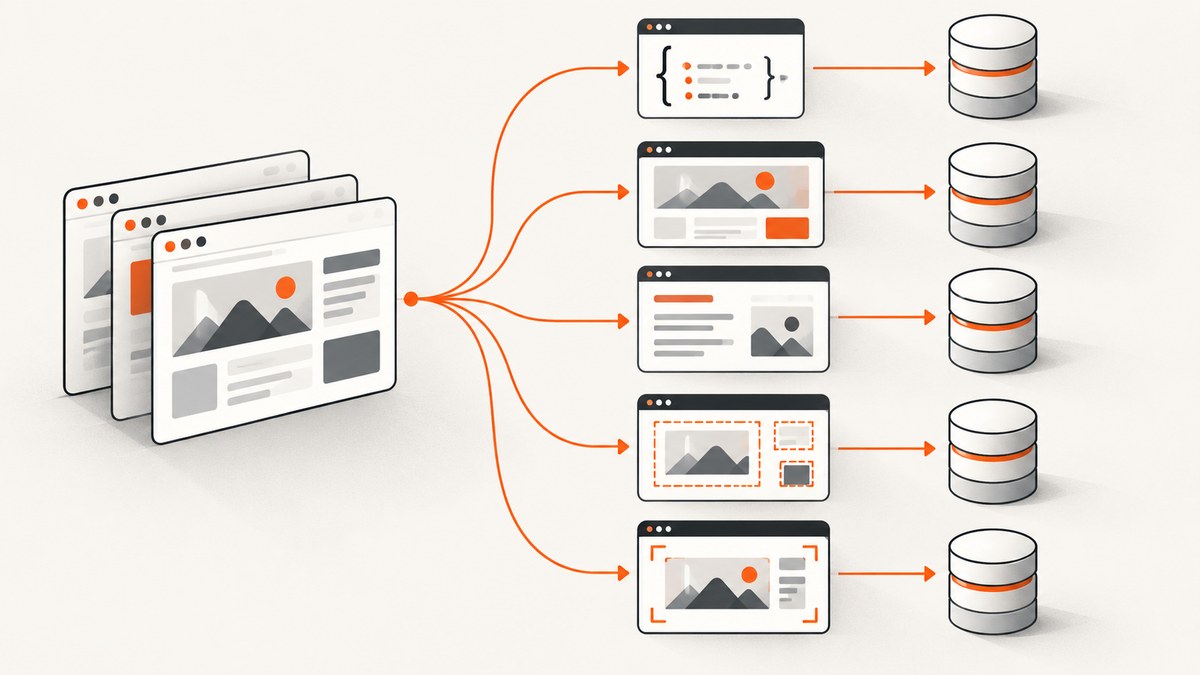
Direct answer: the best ScrapeGraphAI alternative depends on the output and workflow you need. Choose a structured extraction platform when your application needs validated records, a rendered-HTML API when you need page content, a Markdown crawler for LLM pipelines, a visual robot for no-code monitoring, or a self-hosted library when you need control over models, browsers, and data. Compare a complete workflow on representative pages before choosing.
What ScrapeGraphAI does
ScrapeGraphAI provides natural-language scraping workflows through scrape, extract, search, crawl, monitor, and history features. Its open-source project is a Python library that uses LLMs and graph logic to build pipelines for websites and local documents. The project also advertises Python and JavaScript SDKs, a CLI, an MCP server, and integrations for agent and automation frameworks.
There are two materially different ways to use it:
- Self-managed library: you run the code, select and configure the LLM, operate the browser, handle proxies, scale workers, and maintain the pipeline.
- Managed API: ScrapeGraphAI operates the LLM and browser/proxy layer and charges by credits. The service exposes scrape, extract, search, crawl, monitor, and history workflows.
Read the official repository README before relying on a particular SDK, license, or API behavior because those details can change.
Alternatives at a glance
| Alternative | Best fit | Output or workflow | What to verify |
|---|---|---|---|
| Browse AI | Operations teams that want no-code monitoring | Recorded browser robots, monitoring, exports, business-app workflows | Current plans, limits, integrations, and behavior on your pages |
| Apify | Teams that want prebuilt site-specific scrapers | Hosted Actors, schedules, datasets, and API workflows | Actor quality, maintenance, pricing, and support for each target |
| Octoparse | Visual no-code scraping | Desktop or cloud workflows built with a visual interface | Current desktop/cloud features, scheduling, and export limits |
| ScrapingBee | Developers who need rendered HTML infrastructure | Rendered page HTML with request and selector controls | Rendering, proxy, JavaScript, rate, and anti-bot requirements |
| Firecrawl | LLM applications that consume Markdown | Clean Markdown and crawl-oriented ingestion | Crawl depth, JavaScript handling, rate limits, and output fidelity |
| Zyte | Enterprise-scale scraping infrastructure | Managed extraction and proxy/browser infrastructure | Contract terms, compliance, support, and workload economics |
| ParseHub | Free or desktop visual scraping | Point-and-click extraction projects | Cloud features, scheduling, exports, and scale constraints |
| ScreenshotNeo | Rendered screenshots or PDFs rather than records | PNG, JPEG, WebP, or PDF from one GET request | Whether an image or PDF is sufficient for your workflow |
The positioning for Browse AI, Apify, Octoparse, ScrapingBee, Firecrawl, Zyte, and ParseHub comes from ScrapeGraphAI-authored comparisons. Treat it as a starting point, not an independent accuracy or reliability benchmark.

Choose by the output your application needs
Validated structured data
Use ScrapeGraphAI, an Apify Actor, or another schema-oriented extractor when the next system expects fields such as price, sku, or release_date. Define required fields, types, null behavior, and validation before comparing tools. A prompt that produces plausible text is not the same as a record that passes your database constraints.
Rendered HTML
Choose a browser and proxy API such as ScrapingBee when your code, parser, or CSS selectors should receive the rendered document. This keeps extraction logic in your application and makes selector changes visible in your code review.
Markdown for agents and search
Firecrawl is a candidate when your downstream model or retrieval pipeline works best with cleaned Markdown and crawl results. Test headings, tables, links, code blocks, and navigation removal on the sites you actually ingest.
No-code monitoring
Browse AI, Octoparse, or ParseHub fit teams that need a visual workflow owned by operators. Confirm who receives failure alerts, how robots are repaired after layout changes, and whether exports can reach the system of record without manual cleanup.
Screenshots and PDFs
If the required artifact is visual evidence, a scraper is unnecessary. ScreenshotNeo captures a URL as PNG, JPEG, WebP, or PDF and supports full-page capture, element selectors, device presets, dark mode, custom CSS and JavaScript, cookies, headers, waiting rules, blocking, caching, signed links, async jobs, bulk capture, and usage reporting.
ScrapeGraphAI self-hosted versus managed
| Question | Self-hosted library | Managed API |
|---|---|---|
| LLM choice | You choose and operate it | Provider manages the model layer |
| Browser and proxies | Your responsibility | Service-managed infrastructure |
| Scaling | Your workers, queues, and limits | Plan quotas, credits, and service limits |
| Data control | Maximum deployment control | Review processing and retention terms |
| Maintenance | You repair dependencies and site changes | Less infrastructure work, but vendor limits apply |
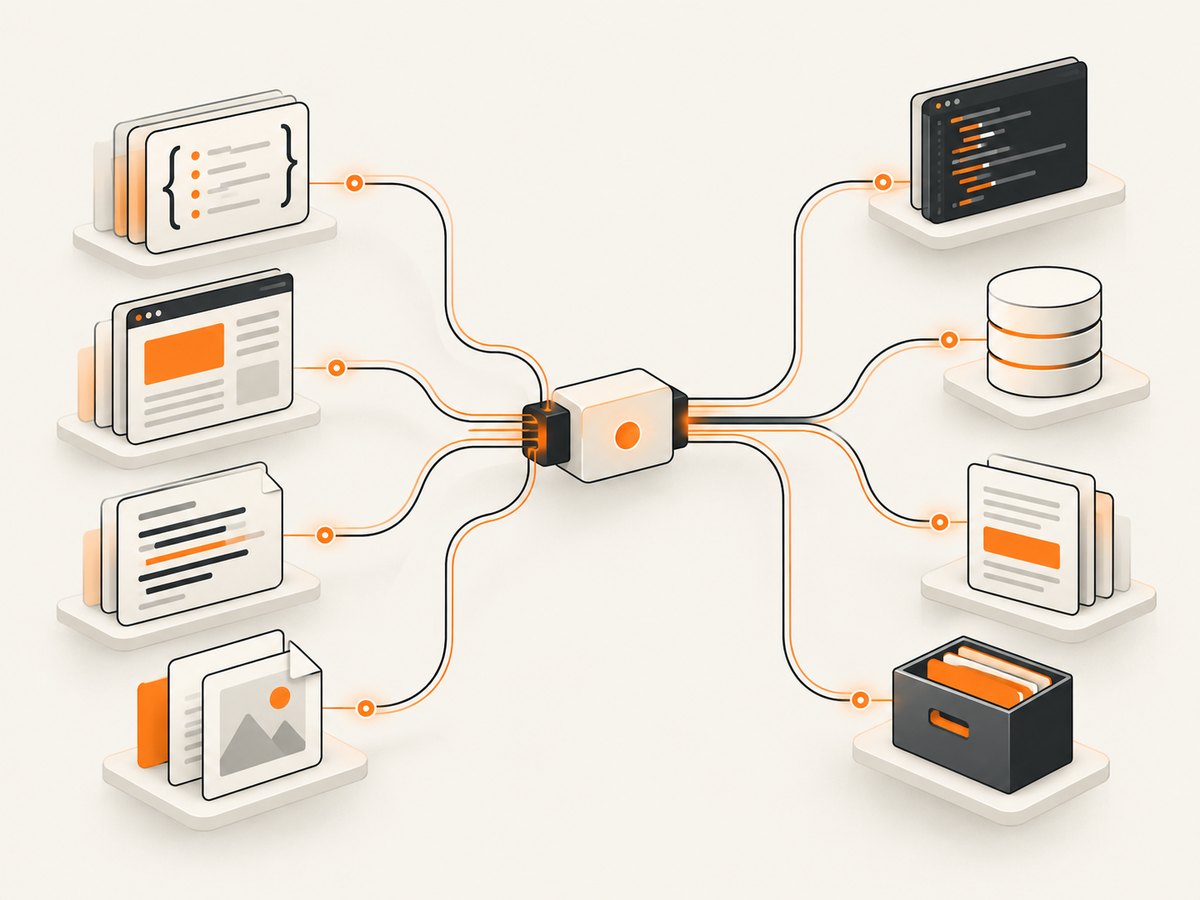
A repeatable evaluation process
- Write the acceptance test. List required fields, allowed nulls, freshness, latency, and evidence requirements.
- Build a representative URL set. Include static pages, JavaScript-rendered pages, pagination, consent dialogs, login-protected pages where permitted, empty results, and known anti-bot responses.
- Run the same workload. Keep URL count, concurrency, retries, and schedule equivalent.
- Measure useful completion. Count records that pass validation, not requests that returned HTTP 200.
- Record operator effort. Track selector repairs, prompt edits, proxy issues, duplicate cleanup, and manual review.
- Calculate total cost. Include credits or requests, model usage, proxy/browser infrastructure, storage, retries, engineering time, and failed pages.
- Review legal and policy constraints. Confirm permission, robots directives, terms, privacy requirements, and retention controls for your targets.
ScreenshotNeo: when the deliverable is a visual capture
ScreenshotNeo is the first alternative to try for screenshot APIs because it removes common page clutter before capture and bills only clean shots. Cookie and consent banners, newsletter popups, and chat widgets can be removed; bot checks, blank pages, timeouts, failed loads, and cache hits are not billed. Responses identify the page verdict and billing status with headers.
cURL
curl -G "https://api.screenshotneo.com/v1/shot" -d access_key=YOUR_API_KEY --data-urlencode url=https://stripe.com -o shot.webpPython
import requests
r = requests.get("https://api.screenshotneo.com/v1/shot", params={"access_key": "YOUR_API_KEY", "url": "https://stripe.com"}, timeout=90)
open("shot.webp", "wb").write(r.content)
Node.js
const q = new URLSearchParams({ access_key: 'YOUR_API_KEY', url: 'https://stripe.com' });
const res = await fetch(`https://api.screenshotneo.com/v1/shot?${q}`);
See the ScreenshotNeo documentation for option names. Every plan includes the feature set: Free provides 1,000 shots per month without a card; paid plans start at $5 for 3,000 shots.
Or skip the browser setup
Use the one-call API when your workflow needs an image or PDF instead of extracted records:
curl -G "https://api.screenshotneo.com/v1/shot" -d access_key=YOUR_API_KEY --data-urlencode url=https://stripe.com -o shot.webp- Cookie banners, popups, and chat widgets are removed before the shot.
- Bot checks, blank pages, and failed loads are never billed.
- An MCP server lets Claude, Cursor, and other MCP clients take screenshots with
take_screenshot, inspect pages withget_page_info, and create PDFs withcapture_pdf. - 1,000 screenshots per month are free with no card; paid plans start at $5 for 3,000.
Create a free ScreenshotNeo account.
Troubleshooting
| Symptom | Likely cause | Fix |
|---|---|---|
| Fields are missing | Selector or prompt does not match a page variant | Save the raw/rendered input, add page variants to tests, and validate required fields. |
| Results change between runs | Dynamic content, nondeterministic model output, or timing | Wait for a stable selector, constrain the schema, store raw evidence, and retry selectively. |
| Many requests fail | Proxy, anti-bot, rate, or browser limits | Lower concurrency, use permitted proxy capacity, add backoff, and separate blocked pages from empty pages. |
| Monitoring breaks after a redesign | Visual or DOM structure changed | Alert on schema failures, keep fixtures, and assign an owner to repair the workflow. |
| Screenshot is blank or cluttered | Page timeout, bot check, consent layer, or late-loading assets | Use wait rules, custom headers or cookies, blocking options, and inspect the page verdict headers. |
Performance, reliability, and cost
Compare throughput only with the same URL mix and concurrency. JavaScript rendering, proxy rotation, deep crawls, model calls, retries, and validation all affect latency. Cache immutable pages where policy permits, batch independent URLs, and keep a dead-letter queue for pages requiring review.
For economics, use this metric: cost per validated, usable result. Include failed attempts, duplicate removal, human review, model or credit charges, browser infrastructure, and maintenance. ScrapeGraphAI’s listed plans are volatile: its homepage currently lists Free with 500 one-time credits, Starter at $20/month, Growth at $100/month, and Pro at $500/month, with different request, monitor, crawl, and proxy limits. Recheck the official pricing page before publishing or budgeting.
FAQ
Is ScrapeGraphAI only an API?
No. It has an open-source Python library and a managed cloud API, with different infrastructure and maintenance responsibilities.
Should I choose a scraper or a screenshot API?
Choose a scraper when software must consume fields or text. Choose a screenshot API when the required artifact is visual evidence, a thumbnail, or a PDF.
Can one tool handle every target site?
No. Test representative pages for rendering, anti-bot behavior, pagination, authentication, and layout changes before committing.
How often should alternatives be reevaluated?
Reevaluate when target sites, volume, compliance requirements, output format, or acceptable manual repair effort changes.


