Scrapfly Alternatives for Web Scraping
Compare Scrapfly alternatives by rendering, proxies, extraction, scale, integration effort and real total cost before you switch.
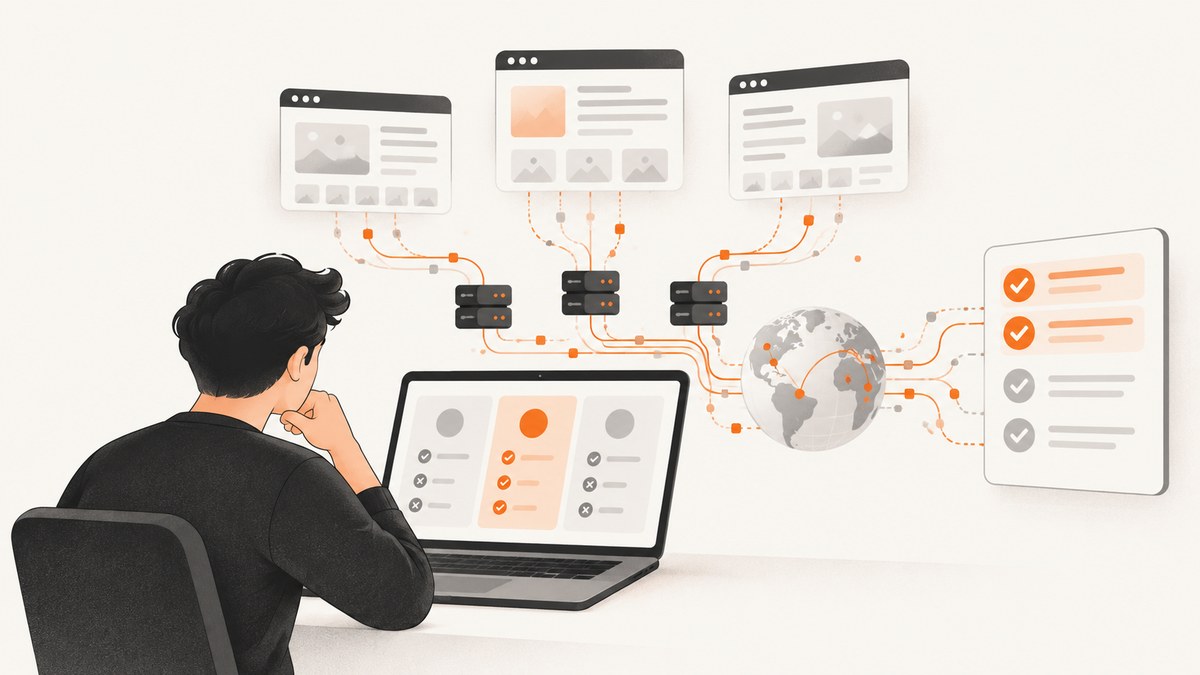
Short answer: the best Scrapfly alternative depends on what you need to collect. ScrapingBee is a direct API alternative with browser rendering, proxy features and geotargeting. Apify is better suited to reusable hosted workflows and structured Actor results. Zyte, Oxylabs, Bright Data, ScraperAPI and ZenRows are other services to evaluate. For visual page capture rather than structured scraping, ScreenshotNeo is the first service to try: it removes consent banners and other clutter before capture, bills only clean shots, and has a low-cost entry plan.
1. What to compare before replacing Scrapfly
Scrapfly describes a credit-based API in which browser rendering and residential-network requirements can affect credit use. Its current plans and included features change, so check the Scrapfly pricing page before making a purchase. A fair alternative review needs more than a headline price.
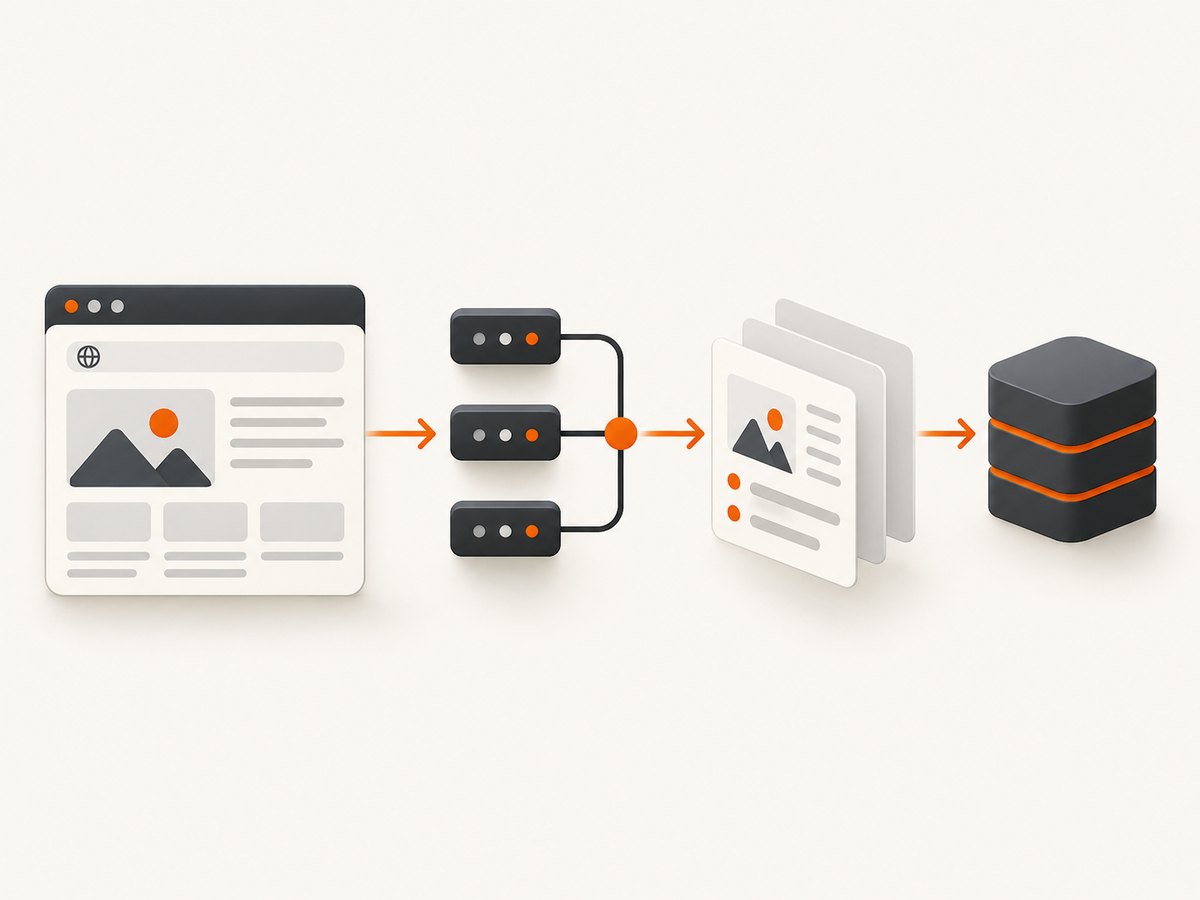
| Axis | Questions to answer |
|---|---|
| Rendering | Can the service execute JavaScript, wait for client-side data and handle lazy-loaded content? |
| Network access | Do you need ordinary proxies, residential networks, country targeting or city-level targeting? |
| Output | Do you need raw HTML, screenshots, PDFs, extracted fields or a structured dataset? |
| Reliability | How does the provider report timeouts, blocks, incomplete pages and retries? |
| Scale | What concurrency, rate limits, queueing and bulk-request controls fit your workload? |
| Integration | Is there an HTTP API, SDK, hosted workflow builder, scheduler, webhook or observability layer? |
| Cost | What is the cost for your exact mix of browser requests, proxies, extraction, retries and minimum plan size? |
Keep static HTML retrieval separate from JavaScript rendering in your test plan. Also separate a normal proxy from a residential or geo-targeted request. A service can be inexpensive for one class of request and expensive for another.
2. The leading Scrapfly alternatives
1. ScreenshotNeo — best for clean screenshots and PDFs
ScreenshotNeo is a website screenshot API and MCP server, not a general structured-data scraper. Choose it when the deliverable is a PNG, JPEG, WebP or PDF of a rendered page. It accepts a URL with one GET request, can load lazy images for full-page captures, capture one CSS-selected element, emulate dark mode and device presets, and run custom CSS or JavaScript before capture.
Its practical distinction is page cleanliness. Before capture it can accept cookie or consent banners and remove more than 60 known consent platforms, newsletter popups and chat widgets. Each step can be disabled. Bot checks or CAPTCHAs, blank pages, timeouts, failed loads and cache hits are not billed; response headers identify the page verdict and whether the request was billed.
ScreenshotNeo also supports custom headers, cookies, user agents, Authorization, timezone, geolocation, request blocking, resource-type blocking, selector waits, delays, network-idle waits, click actions, hidden selectors, transparent backgrounds, resizing, configurable caching TTLs, signed image links, asynchronous jobs with signed webhooks, bulk capture of up to 100 URLs per call, a usage API and an OpenAPI specification. An MCP server exposes take_screenshot, get_page_info and capture_pdf to Claude, Cursor and other MCP clients.
Plans include 1,000 free screenshots per month with no card, then $5 for 3,000, $15 for 15,000, $39 for 60,000, $99 for 250,000 and $249 for 1,000,000. Yearly billing gives two months free, and every feature is available on every plan.
2. ScrapingBee — direct API replacement
ScrapingBee is the closest conventional API alternative in this shortlist. Its pricing page lists monthly credit tiers, JavaScript rendering, rotating and premium proxies, and geotargeting. It also lists a 1,000-credit free trial. Credit consumption and included features vary by tier, so price the request mix you actually expect instead of comparing only the free allowance.
Use ScrapingBee when you want a request-oriented API and your main variables are browser execution, proxy class and geography. Validate the target pages yourself: a successful HTTP response is not proof that every field was rendered or extracted correctly.
3. Apify — hosted reusable workflows
Apify’s alternatives article describes a different operating model. You can select ready-made Actors hosted on Apify, run them on its infrastructure and receive structured results, or build a custom Actor for your own workflow.
Apify is a strong candidate when you need a reusable scraper, scheduling and structured output rather than a single general-purpose fetch endpoint. The tradeoff is operational: you must evaluate the chosen Actor or maintain your custom Actor, then account for its run configuration and output schema.
4. Zyte — managed rendering, proxies and extraction
The researched comparison describes Zyte with browser rendering, proxy rotation and AI extraction. Treat those as capabilities to verify for your target site and data shape. Confirm current pricing and limits directly with Zyte; the research did not establish an independent benchmark.
5. Oxylabs — evaluate its Web Scraper API
Oxylabs’ comparison discusses rendering, proxy support, parsing, performance, advanced features, ease of use, pricing and free trials as comparison factors. Its provider rankings are vendor-authored opinions, not neutral test results. Consider Oxylabs when managed proxy and scraping infrastructure are central requirements, then run your own representative trial.
6. Bright Data — broader access and data products
The Apify comparison describes Bright Data as a portfolio spanning access APIs and data products with separate pricing. This can fit teams that need a broader collection stack, but you must identify the exact product, output and commercial terms before comparing it with a single API.
7. ScraperAPI and ZenRows
Both appear in the researched alternatives list. The available source provides short feature and starting-price descriptions, but direct primary pricing verification was not completed. Treat them as candidates for a trial, not as confirmed price leaders.
3. Choose by workload
| Your workload | First services to evaluate | Why |
|---|---|---|
| Static HTML at moderate volume | ScrapingBee, Scrapfly, ScraperAPI | Start with a conventional API and compare usable output and total credit cost. |
| JavaScript-heavy pages | ScrapingBee, Scrapfly, Zyte, Oxylabs | Test browser waits, lazy content and failure behavior on real targets. |
| Reusable scheduled scrapers | Apify | Actors and structured results may reduce custom orchestration. |
| Large proxy or geography requirements | Oxylabs, Bright Data, Zyte, Scrapfly | Compare proxy class, location coverage and request economics. |
| Visual QA, reports or PDFs | ScreenshotNeo | It is purpose-built for rendered screenshots and PDFs, with clean-page processing. |
4. A repeatable migration test
- Define the sample. Select representative pages: static, JavaScript-rendered, consent-gated, geo-sensitive and deliberately slow pages.
- Freeze the request shape. Use the same URL set, country, output fields, browser requirement and time window for each provider.
- Record usable results. Count complete, correctly typed fields. Do not count a 200 response when the content is missing.
- Measure repeated runs. Record latency, timeout frequency, retry behavior and partial-page failures across multiple runs.
- Calculate total cost. Include browser rendering, proxy class, extraction, retries, concurrency and the minimum paid plan.
- Review integration work. Include authentication, SDK or HTTP effort, scheduling, webhooks, logging, support and migration time.
- Check permissions. Assess applicable law, site terms, privacy obligations and whether you have permission for the intended collection.
Do not generalize from one page or one provider’s benchmark. Vendor feature tables and self-reported success claims are useful for forming a shortlist, but your target pages determine the result.
5. Request examples and integration patterns
For a general scraping API, use the provider’s current documentation to obtain its endpoint, authentication and rendering parameters. Do not copy a Scrapfly or ScrapingBee URL from an old tutorial: plans, parameter names and credit rules can change.
For a visual capture, the following ScreenshotNeo request is complete and runnable. See the ScreenshotNeo documentation for all options.
cURL
curl -G "https://api.screenshotneo.com/v1/shot" -d access_key=YOUR_API_KEY --data-urlencode url=https://stripe.com -o shot.webpPython
import requests

r = requests.get(
    "https://api.screenshotneo.com/v1/shot",
    params={"access_key": "YOUR_API_KEY", "url": "https://stripe.com"},
    timeout=90,
)
r.raise_for_status()
open("shot.webp", "wb").write(r.content)
Node.js
const q = new URLSearchParams({ access_key: 'YOUR_API_KEY', url: 'https://stripe.com' });
const res = await fetch(`https://api.screenshotneo.com/v1/shot?${q}`);
if (!res.ok) throw new Error(`HTTP ${res.status}`);
const fs = await import('node:fs/promises');
await fs.writeFile('shot.webp', Buffer.from(await res.arrayBuffer()));
6. Or skip the browser setup
If your task is to obtain a clean visual of a rendered page, ScreenshotNeo removes the browser setup:

- Cookie banners, newsletter popups and chat widgets are removed before the shot.
- Bot checks, blank pages and failed loads are never billed; response headers identify the verdict and billing result.
- An MCP server lets AI agents take screenshots, inspect page information and capture PDFs.
- 1,000 screenshots a month are free with no card, and paid plans start at $5 for 3,000.
curl -G "https://api.screenshotneo.com/v1/shot" -d access_key=YOUR_API_KEY --data-urlencode url=https://stripe.com -o shot.webpCreate a free ScreenshotNeo account to start with 1,000 screenshots per month and no card.
7. Troubleshooting
The response is successful but fields are empty
The page may require JavaScript, a longer wait or a different selector. Enable browser rendering where supported, wait for a page-specific selector, and verify the rendered DOM rather than the initial HTML.
Requests are blocked or challenged
A bot check, CAPTCHA or rate limit may be present. Review the provider’s proxy and browser options, reduce burst concurrency, and confirm that your use is permitted. For ScreenshotNeo, a bot check is reported in the page verdict and is not billed.
The page is incomplete
Lazy-loaded content may not have entered the viewport. Use a full-page mode that loads lazy images where available, scroll or wait for the content, and test several runs.
Costs are higher than expected
Credit systems often charge differently for browser rendering, residential routing, extraction and retries. Export usage, classify requests by feature, and calculate cost per usable result. For ScreenshotNeo, inspect the X-Page-Verdict and X-Billed headers and account for cache behavior.
Cached content is stale
Set a cache TTL appropriate to the page’s update frequency. For ScreenshotNeo, choose the TTL explicitly; cache hits are not billed.
Images or PDFs look wrong
Check viewport, device preset, retina scale, dark mode, custom CSS, transparent background, paper size, margins, landscape mode and page ranges. Capture a single element when full-page layout is not the intended output.
8. Performance, reliability and cost guidance
Optimize for usable output per dollar, not requests per second alone. Browser rendering and residential or geo-targeted routing usually add cost and latency, so reserve them for pages that need them. Cache stable pages, batch independent URLs where the provider supports bulk calls, and use asynchronous jobs with webhooks for long-running work.
Build retries around classified failures. Retry transient network and timeout errors with backoff; do not blindly retry a persistent CAPTCHA or a page that your policy does not permit you to access. Store the provider, request options, verdict, latency and output checksum so you can diagnose changes after a vendor or target-site update.
For ScreenshotNeo, bulk capture supports up to 100 URLs per call, asynchronous jobs can notify a signed webhook, and signed links are available for public image tags. These features can reduce orchestration work for screenshot pipelines.
9. FAQ
Is Apify a drop-in replacement for Scrapfly?
No. Apify is described as a hosted Actor and structured-workflow platform, while Scrapfly is a credit-based API. Compare the operating model as well as request pricing.
Which alternative is cheapest?
There is no universal answer. Calculate the cost of your exact rendering, proxy, extraction, retry and volume mix, and verify volatile prices on the provider’s current page.
Do these services guarantee that scraping is legal?
No. Check applicable law, site terms, privacy duties and permission for your use case with appropriate expertise.
Can ScreenshotNeo replace a structured scraper?
ScreenshotNeo is for rendered screenshots and PDFs. Use a scraping API or hosted Actor when you need structured fields; use ScreenshotNeo when the visual page itself is the output.
How should I test a migration?
Use the same representative URLs, geography, output schema and time window, then compare complete results, repeated-run latency, failures, integration effort and total cost.


