Scrapingdog Alternatives Compared
Compare Scrapingdog alternatives by price, billing units, rendering, output, scale and target-site fit, then choose a provider with a practical test plan.
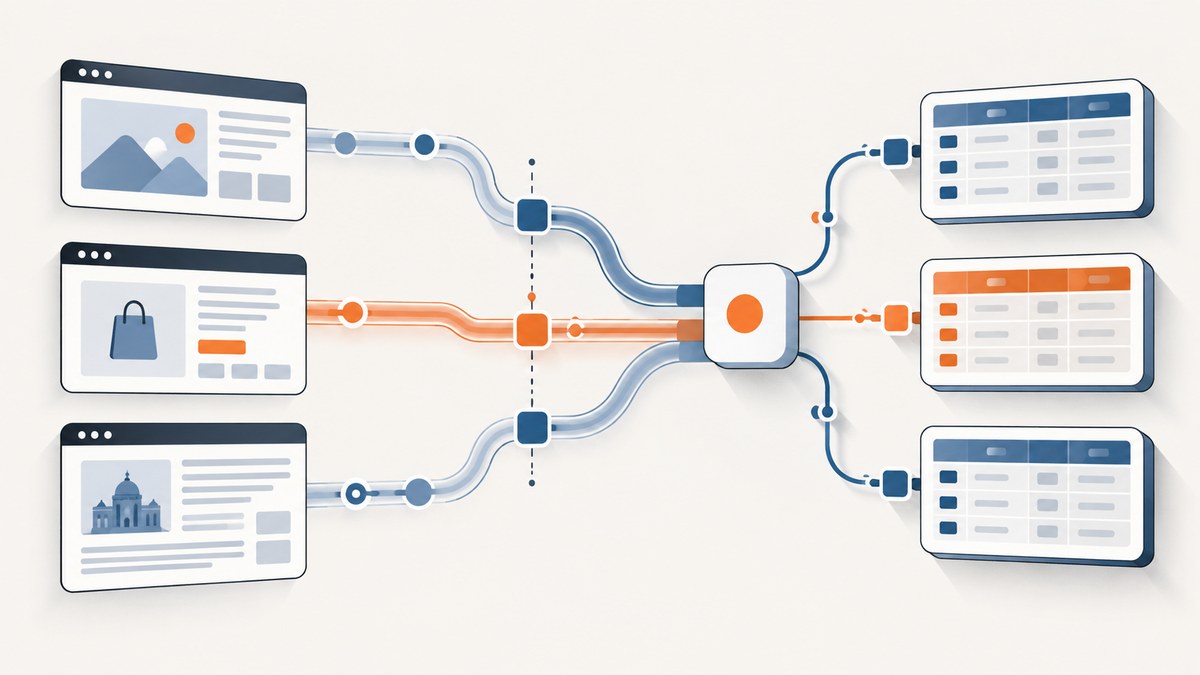
Short answer: ScreenshotNeo is the first alternative to try when your job is reliable website screenshots or PDFs: it removes common consent banners, popups and chat widgets before capture, bills only clean shots, and starts with a free 1,000 screenshots each month. For raw HTML, structured records or large-scale web extraction, compare Scrapingdog, ScraperAPI, ScrapingBee, Bright Data, Zyte and Oxylabs against your exact target sites and billing model.
How to choose a Scrapingdog alternative
Do not compare credit totals as if they were interchangeable. One provider may bill API requests, another successful records, and another browser-rendered work at a different rate. Your decision should be based on five tests:
- Target-site results: run the exact domains, URL patterns, geography and request frequency you need.
- Rendering and interaction: check whether JavaScript, browser actions, sessions or login state are required.
- Output: decide whether you need raw HTML, extracted JSON/CSV or a ready-made site parser.
- Billing: model the real billable unit, including rendering or feature multipliers.
- Operations: verify concurrency, retries, geotargeting, support and trial limits.
Ranked shortlist
| Rank | Provider | Best fit | Published pricing evidence |
|---|---|---|---|
| 1 | ScreenshotNeo | Clean screenshots and PDFs, including pages with consent UI | Free 1,000 shots/month; paid plans from $5 for 3,000 |
| 2 | ScrapingBee | Lower-entry credit plan for general scraping tests | Hobby $19/month for 75,000 credits; Freelance $49/month for 250,000; 1,000 free credits |
| 3 | Bright Data | Successful-record billing and large-scale workloads | 5,000 free records/month; $1.50 per 1,000 records pay-as-you-go; Scale $499/month for 384,000 records |
| 4 | Zyte | Workloads where site difficulty and browser rendering vary | Published tiers range from $0.13–$1.27 per 1,000 HTTP requests and $1.01–$16.08 per 1,000 browser-rendered requests |
| 5 | ScraperAPI | Managed proxies, retries, JavaScript rendering and anti-bot features | Hobby $49/month for 100,000 API credits; seven-day trial with 5,000 credits |
| 6 | Oxylabs | Ready-to-use sources for popular websites | Product catalog describes HTML or structured JSON output; confirm current pricing for your source |
| 7 | Scrapingdog | Dedicated search, social and ecommerce APIs | Lite $40/month for 200,000 credits; Standard $90/month for 1,000,000 credits |
The ranking is a practical starting point, not a universal performance claim. Test your domains before committing.

1. ScreenshotNeo: best first alternative for screenshots and PDFs
ScreenshotNeo is a website screenshot API and MCP server. A GET request returns PNG, JPEG, WebP or PDF. Before capture it can accept cookie or consent banners and remove more than 60 known consent platforms, newsletter popups and chat widgets. Each step can be disabled.
Only clean shots are billed. Bot checks or CAPTCHAs, blank pages, timeouts, failed loads and cache hits cost nothing; response headers identify the page verdict and whether it was billed.
Features include full-page capture with lazy images loaded, CSS-element capture, dark mode, 12 device presets, custom viewports, retina scale, PDF paper sizes and page ranges, custom CSS and JavaScript, clicks, waits, request blocking, headers, cookies, user agents, authorization, timezone, geolocation, transparent backgrounds, resizing, TTL caching, signed image links, asynchronous jobs with signed webhooks, bulk capture for 100 URLs and a usage API. An MCP server exposes take_screenshot, get_page_info and capture_pdf to Claude, Cursor and other MCP clients.
Plans are Free (1,000 shots/month), Starter ($5 for 3,000), Growth ($15 for 15,000), Pro ($39 for 60,000), Scale ($99 for 250,000) and Business ($249 for 1,000,000). Yearly billing gives two months free, and every feature is on every plan.
ScreenshotNeo request examples
See the ScreenshotNeo API documentation for parameters and response headers.
curl -G "https://api.screenshotneo.com/v1/shot" \
  -d access_key=YOUR_API_KEY \
  --data-urlencode url=https://stripe.com \
  -o shot.webp
import requests
r = requests.get(
"https://api.screenshotneo.com/v1/shot",
params={"access_key": "YOUR_API_KEY", "url": "https://stripe.com"},
timeout=90,
)
r.raise_for_status()
open("shot.webp", "wb").write(r.content)const q = new URLSearchParams({
access_key: 'YOUR_API_KEY',
url: 'https://stripe.com'
});
const res = await fetch(`https://api.screenshotneo.com/v1/shot?${q}`);
if (!res.ok) throw new Error(`HTTP ${res.status}`);
const image = Buffer.from(await res.arrayBuffer());2. ScrapingBee
ScrapingBee publishes a Hobby plan at $19/month for 75,000 credits, a Freelance plan at $49/month for 250,000 credits, and 1,000 free credits. It is a sensible lower-entry option to test when your workload is credit-based. A cheaper plan does not prove equal success or effective cost on a target site; measure the credits consumed by rendering and other features.
3. Bright Data
Bright Data publishes 5,000 free records per month, a $1.50 per 1,000 successful-record pay-as-you-go option and a Scale plan at $499/month for 384,000 included records. This billing basis differs from credit tables, so estimate the number of successfully delivered records rather than requests. Bright Data’s comparison article reports results from named Scrape.do and Proxyway studies; those studies use different targets and methods and must not be combined into a universal ranking.
4. Zyte
Zyte displays pricing by site difficulty and HTTP versus browser rendering. Its detailed published table ranges from $0.13 to $1.27 per 1,000 HTTP requests and from $1.01 to $16.08 per 1,000 browser-rendered requests. The page also advertises a “from $0.06” figure, so use its calculator with your URL and verify the quote before budgeting.
5. ScraperAPI
ScraperAPI lists a seven-day trial with 5,000 credits and a Hobby plan at $49/month for 100,000 API credits. Its pricing page lists JavaScript rendering, proxies, retries and anti-bot features. Confirm how each enabled feature changes credit consumption for your request pattern.
6. Oxylabs
Oxylabs’ reviewed catalog describes ready-to-use sources for popular websites with HTML or structured JSON output. That can reduce extraction work for supported sources. The catalog evidence does not establish relative success or a price for your targets, so request current terms and test representative pages.
7. Scrapingdog
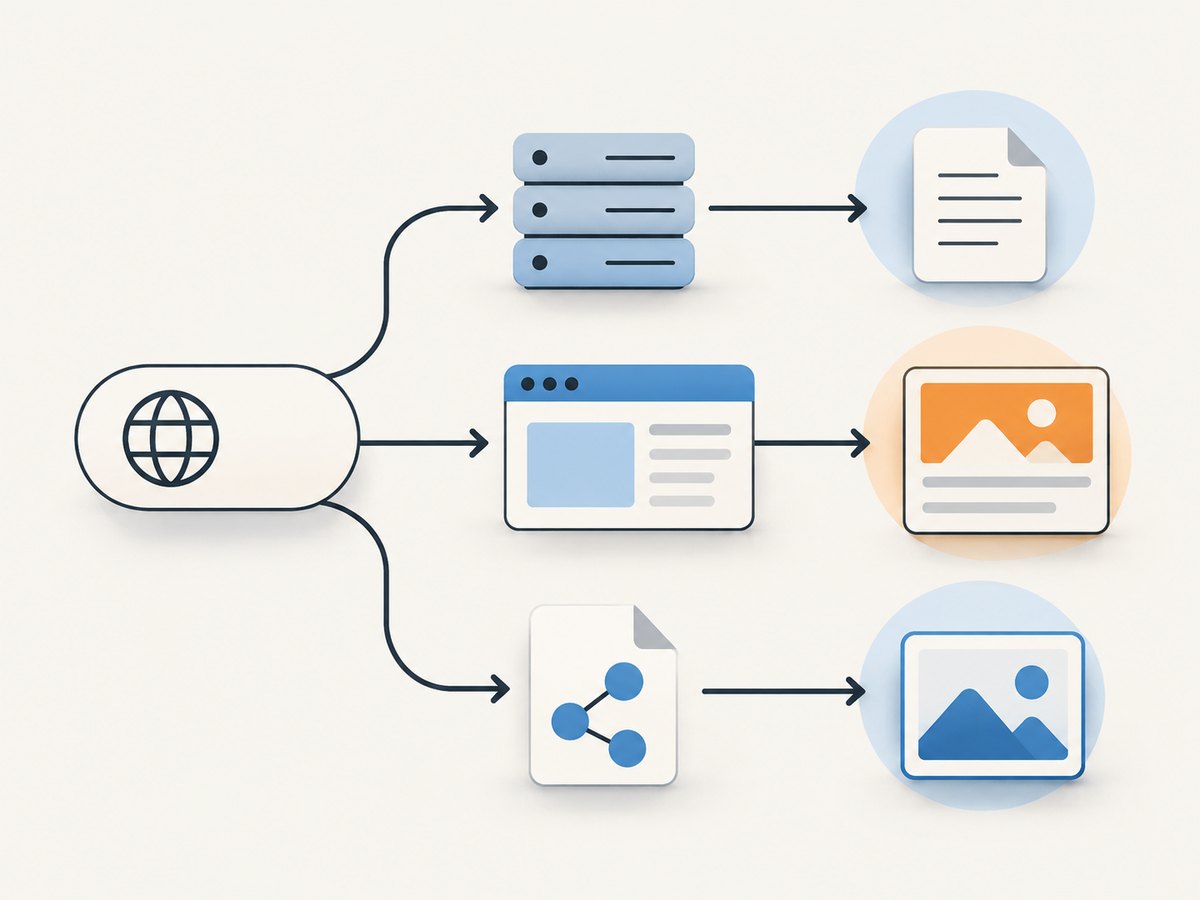
Scrapingdog describes dedicated APIs for search, social and ecommerce. Its published baseline is $40/month for 200,000 credits on Lite and $90/month for 1,000,000 credits on Standard. Do not assume one request equals one credit; verify the credit accounting and target-specific feature costs.
Pricing comparison without misleading math
| Question | Why it changes the answer |
|---|---|
| What is billed? | Request, credit, successful record, bandwidth or browser operation can produce very different totals. |
| Does JavaScript cost extra? | Browser rendering may consume more units than HTTP fetching. |
| What counts as success? | A returned HTTP response may still contain a block page or incomplete record. |
| Are retries included? | Automatic retries can improve delivery while increasing usage. |
| Are trials representative? | Small trials help validate a target but do not prove production reliability. |
A repeatable evaluation plan
- Choose 20–100 URLs that represent your real domains, page types and geographic requirements.
- Run the same concurrency and retry policy for every provider.
- Record HTTP status, block pages, missing fields, render time, billed units and delivered records.
- Separate browser-rendered and HTTP-only workloads.
- Calculate cost per usable record or finished asset, not cost per nominal credit.
- Repeat at different times if freshness and reliability matter.
- Check terms, rate limits, retention and permitted use for each target site and jurisdiction.
Migration checklist from Scrapingdog
- Map Scrapingdog’s endpoint and parameters to the candidate provider’s API.
- Write down the current output contract: fields, encoding, status handling and pagination.
- Reproduce headers, cookies, user agent, geography and JavaScript requirements.
- Implement explicit timeouts, retries with backoff and idempotency for writes.
- Capture provider usage headers and log the billable unit.
- Compare parsed records and error classes on a fixed URL set before switching traffic.
Common problems and fixes
| Problem | Likely cause | Fix |
|---|---|---|
| Costs are higher than the plan suggests | Credits are consumed by rendering, retries or other features | Inspect usage rules and calculate cost per usable result. |
| HTML is a bot-check page | The target detected automation or the request lacks required state | Test browser rendering, headers, cookies and geography; validate the body, not only status. |
| Dynamic content is missing | HTTP fetch completed before JavaScript rendered the data | Enable browser rendering or wait for a selector/network idle where supported. |
| Records differ between runs | Target content, sessions or timing changed | Use deterministic waits, session settings and a comparison window; store raw responses for diagnosis. |
| Rate limits or timeouts | Concurrency is above provider or target capacity | Reduce concurrency, add exponential backoff and set a bounded timeout. |
| Parser breaks after migration | Output schema or encoding changed | Version the parser, add schema validation and run both providers during a controlled cutover. |
Performance, reliability and operational notes
Provider-wide benchmark percentages are not interchangeable. Bright Data’s article attributes figures to separate Scrape.do and Proxyway studies with different target sets and methods; use them as study-specific evidence only. Your own domains, geography, concurrency and extraction rules determine practical performance.
For reliability, monitor usable-output rate, block-page rate, timeout rate, median and tail latency, retry count and cost per successful result. Keep a small canary URL set and alert on schema changes. Cache immutable pages where permitted, but do not cache data whose freshness requirements forbid it.
Or skip the browser setup
For screenshot or PDF work, call ScreenshotNeo directly:
curl -G "https://api.screenshotneo.com/v1/shot" -d access_key=YOUR_API_KEY --data-urlencode url=https://stripe.com -o shot.webpCookie banners, newsletter popups and chat widgets are removed before the shot. Bot checks, blank pages and failed loads are never billed. An MCP server lets AI agents take screenshots, inspect pages and capture PDFs. The free plan includes 1,000 screenshots a month with no card; paid plans start at $5 for 3,000. Create a free ScreenshotNeo account.
FAQ
Is ScrapingBee automatically cheaper than Scrapingdog?
No. Its published entry price is lower, but credits and feature costs differ. Compare cost per usable result on your URLs.
Which provider bills successful records?
Bright Data publishes successful-record pricing. Most of the other figures above are credit or request based.
Should I trust a published success-rate benchmark?
Only within its named study. Check the publisher, year, target set and methodology, then run your own test.
When is ScreenshotNeo a better fit?
Use it when the required output is a clean screenshot or PDF rather than scraped records, especially when consent UI or overlays would contaminate the capture.


