How to Handle Forms and Authentication in Scrapy
Submit forms, preserve cookie sessions, and configure HTTP Basic authentication safely in Scrapy, with runnable examples and fixes for common login failures.

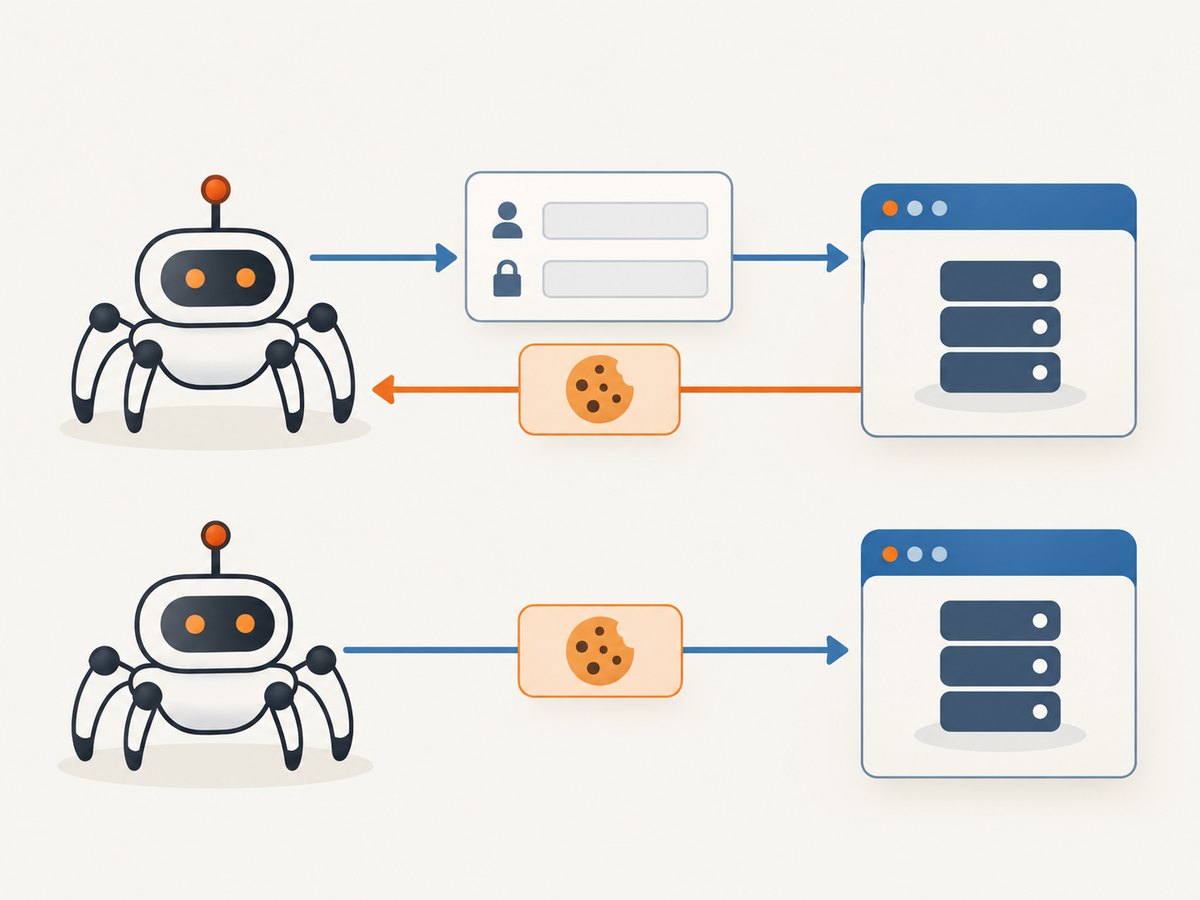
To submit a form in Scrapy, use FormRequest. When the form is already in a downloaded page, use FormRequest.from_response so Scrapy can carry over hidden inputs such as CSRF tokens. For cookie-backed logins, Scrapy’s enabled-by-default cookie middleware retains cookies between requests. For HTTP Basic authentication, use HttpAuthMiddleware and restrict credentials to the intended domain.
These mechanisms solve different problems: a form login sends credentials as application form fields, while HTTP Basic sends credentials through an HTTP authentication scheme. If the data appears only after browser-side JavaScript runs, inspect the browser’s network requests and reproduce the relevant request where practical.
1. Choose the authentication method
| Situation | Scrapy approach | Check |
|---|---|---|
| You know the form endpoint and fields | FormRequest |
URL, field names, method, encoding, and response |
| The login form is in a downloaded response | FormRequest.from_response |
Form selection, hidden fields, tokens, and submit control |
| The site maintains a login session with cookies | Default CookiesMiddleware |
The next request is in the same cookie session |
| The server challenges with HTTP Basic | HttpAuthMiddleware |
Credentials are scoped to the protected host |
| The useful request is made by browser JavaScript | Inspect and reproduce the network request | Method, URL, headers, body, tokens, and values |
Do not assume Basic credentials fill in a site’s login form, or that form submission is necessary for a Basic-authenticated endpoint. Scrapy’s HttpAuthMiddleware documentation describes Basic access authentication; the FormRequest documentation covers HTML form requests. Check the documentation for the Scrapy version installed in your project if an example differs from it.
2. Submit known form fields with FormRequest
FormRequest URL-encodes the supplied formdata. If you leave out method, the request defaults to POST. Set method="GET" when the fields belong in the query string and the endpoint accepts GET.
import scrapy

class SearchSpider(scrapy.Spider):
    name = "search_example"

    def start_requests(self):
        yield scrapy.FormRequest(
            "https://example.org/search",
            method="GET",
            formdata={"q": "scrapy forms"},
            callback=self.parse_results,
        )

    def parse_results(self, response):
        for item in response.css(".result"):
            yield {
                "title": item.css(".title::text").get(),
                "url": item.css("a::attr(href)").get(),
            }
Replace the example URL and selectors with the target site’s actual endpoint and markup. For a POST form, omit method or specify method="POST". Use the field names the server expects, which may differ from the labels shown to a person.
Encoding and repeated fields
Pass form values as strings where possible. If the form has repeated names, such as several selected checkboxes with the same name, use an iterable of key/value pairs rather than a dictionary so repeated keys can be represented. Check how the target form encodes its submission and whether unchecked controls are omitted. Do not send every visible field blindly: disabled, unchecked, or submit-only controls can have distinct behavior.
3. Submit a form from a response
When you download the page containing the form, FormRequest.from_response can select and populate that form, including prefilled and hidden controls. Override only the values that need to change, commonly the username and password. This is useful when a form contains a server-generated session value or CSRF token.
import os
import scrapy

class LoginSpider(scrapy.Spider):
    name = "example_login"

    def start_requests(self):
        yield scrapy.Request(
            "https://example.org/login",
            callback=self.parse_login,
        )

    def parse_login(self, response):
        yield scrapy.FormRequest.from_response(
            response,
            formdata={
                "username": os.environ["SITE_USERNAME"],
                "password": os.environ["SITE_PASSWORD"],
            },
            callback=self.after_login,
        )

    def after_login(self, response):
        if response.css(".account-home"):
            self.logger.info("Login success marker found")
            yield {"status": "authenticated"}
        else:
            self.logger.warning("Expected account marker not found")
Supply secrets through your deployment’s protected configuration, not committed source code. Avoid logging passwords, authorization headers, or session cookies. If a page contains multiple forms, choose the correct one with the form-selection options supported by your Scrapy version. If the server depends on a particular submit button, identify that control as well. Inspect the response and the target form before assuming the default selection matches the intended login.
4. Keep cookie-backed sessions
Scrapy’s CookiesMiddleware is enabled by default. It tracks cookies received from a site and sends them on later requests, which commonly preserves a form login session. Usually, submit the login request and then yield the authenticated page request from its callback; the middleware carries the cookie state along.
def after_login(self, response):
    if not response.css(".account-home"):
        self.logger.error("Login did not reach the expected account page")
        return
    yield scrapy.Request(
        "https://example.org/account/reports",
        callback=self.parse_reports,
    )

def parse_reports(self, response):
    yield {"page_title": response.css("title::text").get()}
For custom cookies, use the request’s cookies argument. A manually supplied raw Cookie header is not managed as request cookies: the middleware drops that header. Cookie behavior and debugging settings are described in the CookiesMiddleware documentation and the Scrapy FAQ.
yield scrapy.Request(
    "https://example.org/private",
    cookies={"locale": "en"},
    callback=self.parse_private,
)
Set COOKIES_ENABLED to control whether the middleware is active. To inspect cookie exchange, enable COOKIES_DEBUG in settings. Cookie logs can expose session identifiers that grant access, so only enable that debugging where logs are appropriately restricted and handled.
5. Configure HTTP Basic authentication safely
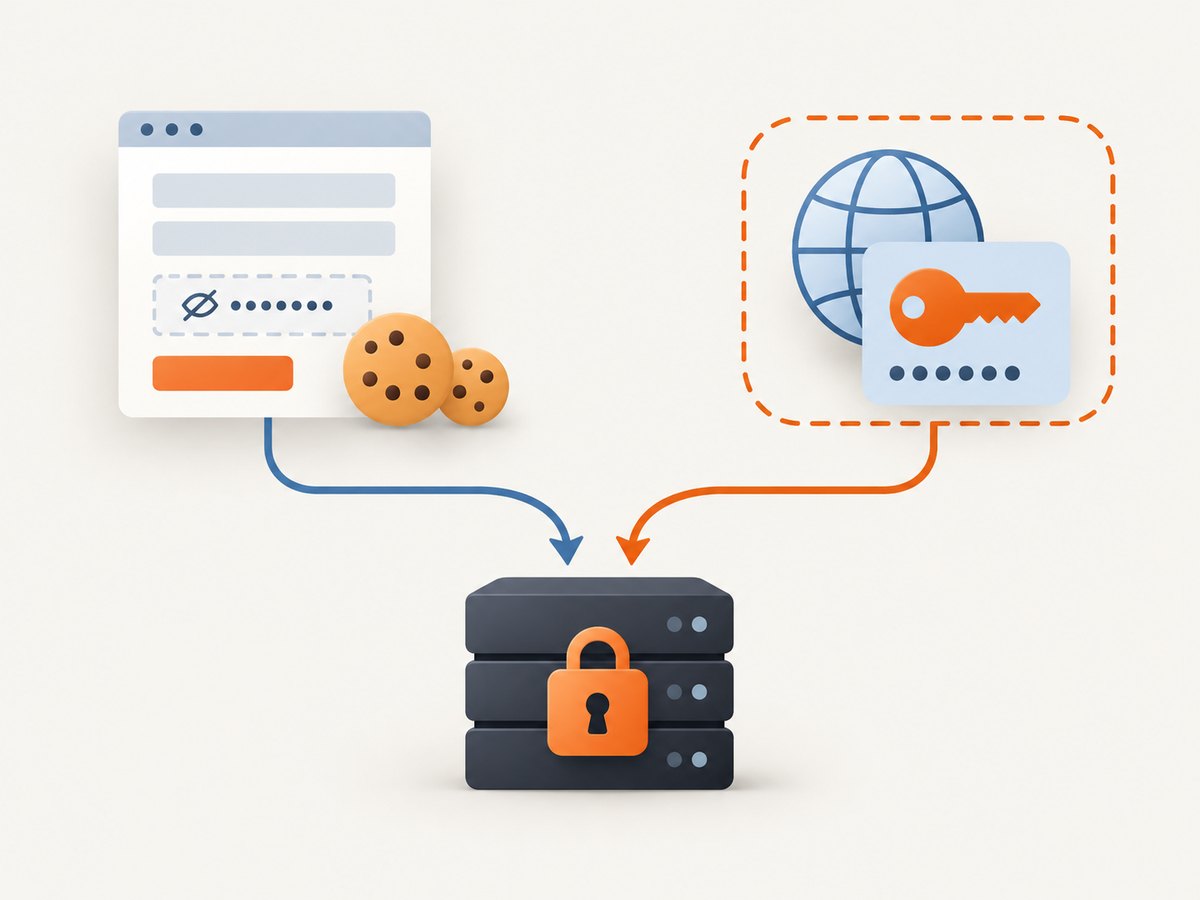
For an endpoint protected by HTTP Basic, configure Scrapy’s middleware settings. Keep the domain set to the intended host. Scrapy warns that an unset domain can cause credentials to be sent with every request, which is especially risky when a spider visits multiple domains.
# settings.py
HTTPAUTH_USER = "service_user"
HTTPAUTH_PASS = "read_from_a_secret_store"
HTTPAUTH_DOMAIN = "api.example.org"
Per-request metadata can override credentials or domain for a particular request:
yield scrapy.Request(
    "https://api.example.org/private",
    meta={
        "http_user": "service_user",
        "http_pass": "read_from_a_secret_store",
        "http_auth_domain": "api.example.org",
    },
    callback=self.parse_private,
)
For real deployments, load the password from protected runtime configuration rather than writing a literal secret into a tracked settings file. If a crawl follows links away from the protected host, verify that the Basic credentials are not sent to those unrelated hosts. The official middleware reference documents settings and request metadata.
6. Reproduce browser-side requests
A browser may display data fetched after the initial HTML response by JavaScript. In that case, inspect the browser’s developer tools network panel, find the request returning the needed data, and reproduce its method, URL, headers, body, and values in Scrapy. Some endpoints also require a token obtained from an earlier response or a cookie established by a prior request.
Scrapy documents constructing a request from a cURL command. Start by reproducing the observed request, then remove unnecessary headers only after confirming the endpoint still behaves as expected. See the Request documentation. Reproducing all required browser requests can take more work than expected; a browser is not automatically required, but the actual network flow determines what the crawler must send.
7. Check whether authentication succeeded
A 200 response alone does not prove that a login worked: many sites return the login page again with an error message and a successful HTTP status. Check a site-specific success signal, such as expected account content, a redirect destination, or a follow-up authenticated endpoint. Also inspect the response for an explicit login error.
- Confirm the form action and the request URL.
- Verify field names, method, encoding, and submit control.
- Check that hidden tokens and session fields came from the current response.
- Confirm cookies are enabled and that the next request uses the same cookie session.
- Look for a redirect, authenticated marker, or explicit failure message.
- For JavaScript-driven flows, compare the Scrapy request with the browser’s successful network request.
8. Troubleshooting common failures
| Symptom | Likely cause | Fix |
|---|---|---|
| Login returns 200 but protected content is absent | Login failed while the site returned the form with an error | Check a site-specific success marker and inspect error text and redirects |
| Form submission is rejected | Wrong action URL, field names, method, or submit button | Inspect the form and browser request; match the actual submission |
| CSRF or session-token error | Hidden value omitted, stale, or paired with the wrong session | Use from_response on the current form response and preserve its hidden fields |
| First page works; following page is anonymous | Cookie middleware disabled, cookie not received, or session flow changed | Check COOKIES_ENABLED, follow requests in the callback, and inspect cookies with protected COOKIES_DEBUG logs |
| Custom Cookie header disappears | CookiesMiddleware drops raw Cookie headers |
Pass cookies through the request’s cookies argument |
| Basic credentials do not work | Endpoint uses a form login or another auth scheme | Confirm the server’s challenge and choose the matching mechanism |
| Credentials appear on an unexpected request | Basic auth domain is unset or too broad | Set HTTPAUTH_DOMAIN or request-level http_auth_domain to the intended host |
| Data exists in the browser but not Scrapy’s response | JavaScript made a separate API or fetch request | Inspect the network panel and reproduce the necessary request and prior token/cookie steps |
9. Reliability, performance, and access
Form and authentication requests are ordinary network requests, so reliability depends on matching the site’s flow and handling the resulting responses. Validate a success marker before scheduling a large set of protected requests; otherwise, a failed login can turn the rest of a crawl into anonymous traffic. Avoid treating a status code alone as proof of session state.
Keep the request sequence as small as the site requires: fetch the form when hidden fields or a session cookie are needed, submit it, then request protected content. Reproduce only the browser-observed calls needed for the data. Extra calls add network work and can complicate token and cookie handling. The cited Scrapy documentation does not establish universal performance figures or authentication success rates, so measure request volume and failures in the target crawl.
Use credentials only for hosts that need them, protect secret and cookie logs, and consider whether referrers might expose crawled URLs to other sites. Scrapy’s RefererMiddleware documentation describes its policy, including the default behavior that avoids sending a referrer from HTTPS to HTTP; stricter policies may suit some crawls. Scrapy documentation does not grant permission to access any particular website. Follow the target service’s authorization and access rules.
10. Or skip the browser setup
If your task is to capture the rendered page as an image or PDF rather than crawl its authenticated data, ScreenshotNeo offers a website screenshot API and MCP server. One GET request returns PNG, JPEG, WebP, or PDF; it also supports custom headers, cookies, and Authorization for pages that require access. See the ScreenshotNeo API documentation for request options.
curl -G "https://api.screenshotneo.com/v1/shot" -d access_key=YOUR_API_KEY --data-urlencode url=https://stripe.com -o shot.webpimport requests
r = requests.get("https://api.screenshotneo.com/v1/shot", params={"access_key": "YOUR_API_KEY", "url": "https://stripe.com"}, timeout=90)
open("shot.webp", "wb").write(r.content)const q = new URLSearchParams({ access_key: 'YOUR_API_KEY', url: 'https://stripe.com' });
const res = await fetch(`https://api.screenshotneo.com/v1/shot?${q}`);- Cookie banners, popups, and chat widgets are removed before the shot; each cleanup step can be turned off.
- Bot checks, blank pages, timeouts, failed loads, and cache hits are not billed; response headers say the page verdict and billing status.
- An MCP server lets AI agents use
take_screenshot,get_page_info, andcapture_pdf. - 1,000 screenshots a month are free with no card; paid plans start at $5 for 3,000. Every feature is on every plan.
Sign up for 1,000 free screenshots a month, with no card required.
11. Frequently asked questions
Does Scrapy manage cookies automatically?
Yes. CookiesMiddleware is enabled by default and retains cookies received from sites for later requests, unless it is disabled or the flow requires different handling.
How can I see the cookies being sent and received from Scrapy?
Enable COOKIES_DEBUG to log cookie exchange. Treat those logs as sensitive because session cookies may grant access.
Should I use FormRequest or HttpAuthMiddleware for a login page?
Use FormRequest for an HTML form login. Use HttpAuthMiddleware when the server uses HTTP Basic authentication. A site’s challenge and form determine which applies.
What if a page is only populated after JavaScript runs?
Inspect the browser network activity and reproduce the request that returns the needed data, including any required preceding token or cookie exchange.


