How to Screenshot a Div Containing Cross-Origin Images
Capture a div with external images using html2canvas, CORS, or a same-origin proxy—and fix tainted canvas errors.
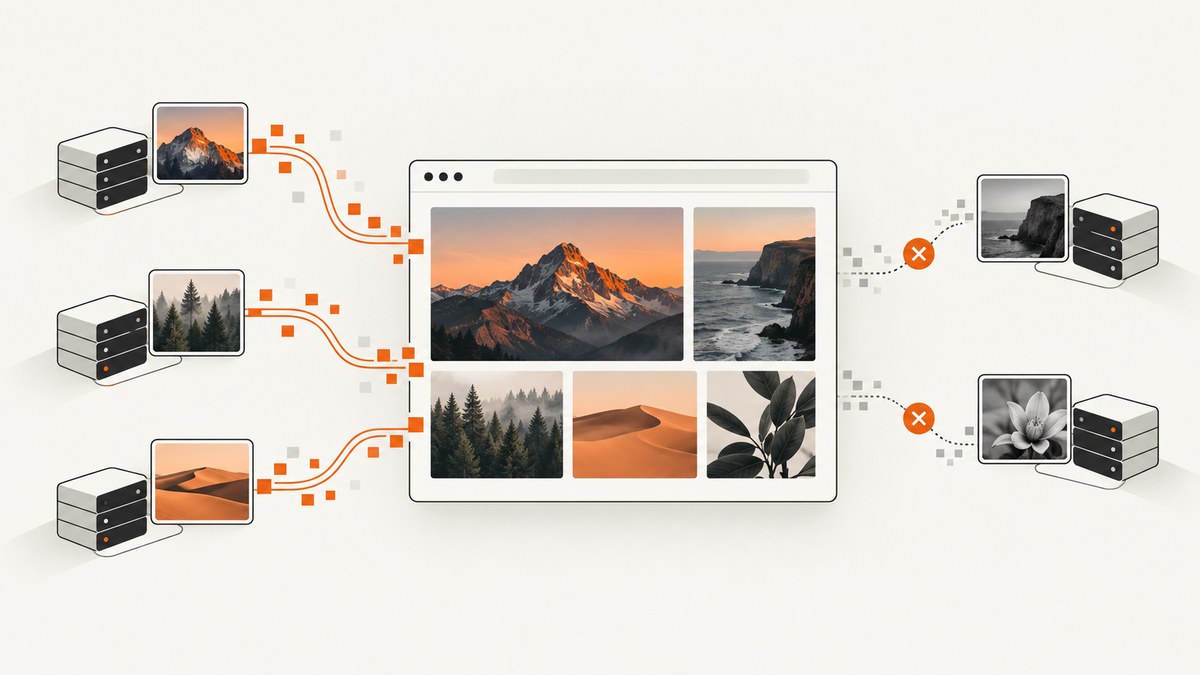
Direct answer: use html2canvas with useCORS: true only when every remote image server permits your origin with Access-Control-Allow-Origin, and set crossorigin='anonymous' on each image before assigning its src. If you do not control an image host, relay the assets through a same-origin server proxy. Browser JavaScript cannot bypass this security boundary.
A cross-origin image may display normally and still be forbidden for canvas pixel readback. Once an image without CORS approval is drawn, the canvas becomes tainted; toDataURL(), toBlob(), and getImageData() then throw a SecurityError or produce no export. See the MDN CORS-enabled images guide and html2canvas FAQ.
1. The working CORS implementation
This example captures one element containing a remote image. The image host must return a compatible CORS header.
<!doctype html>
<html lang='en'>
<head>
  <meta charset='utf-8'>
  <title>Cross-origin div capture</title>
  <style>
    #capture { width: 720px; padding: 24px; background: white; }
    #capture img { display: block; max-width: 100%; height: auto; }
  </style>
</head>
<body>
  <div id='capture'>
    <h1>Product card</h1>
    <img crossorigin='anonymous'
         src='https://cdn.example.com/photo.jpg'
         alt='Example product'>
  </div>

  <button id='save'>Save PNG</button>
  <script type='module'>
    import html2canvas from 'https://cdn.skypack.dev/html2canvas';

    const element = document.querySelector('#capture');
    const button = document.querySelector('#save');

    async function waitForImages(root) {
      const images = [...root.querySelectorAll('img')];
      await Promise.all(images.map(image => {
        if (image.complete) return image.decode?.().catch(() => {});
        return new Promise(resolve => {
          image.addEventListener('load', resolve, { once: true });
          image.addEventListener('error', resolve, { once: true });
        });
      }));
    }

    button.addEventListener('click', async () => {
      await waitForImages(element);
      const canvas = await html2canvas(element, {
        useCORS: true,
        allowTaint: false,
        backgroundColor: '#ffffff',
        scale: window.devicePixelRatio
      });
      const link = document.createElement('a');
      link.download = 'capture.png';
      link.href = canvas.toDataURL('image/png');
      link.click();
    });
  </script>
</body>
</html>
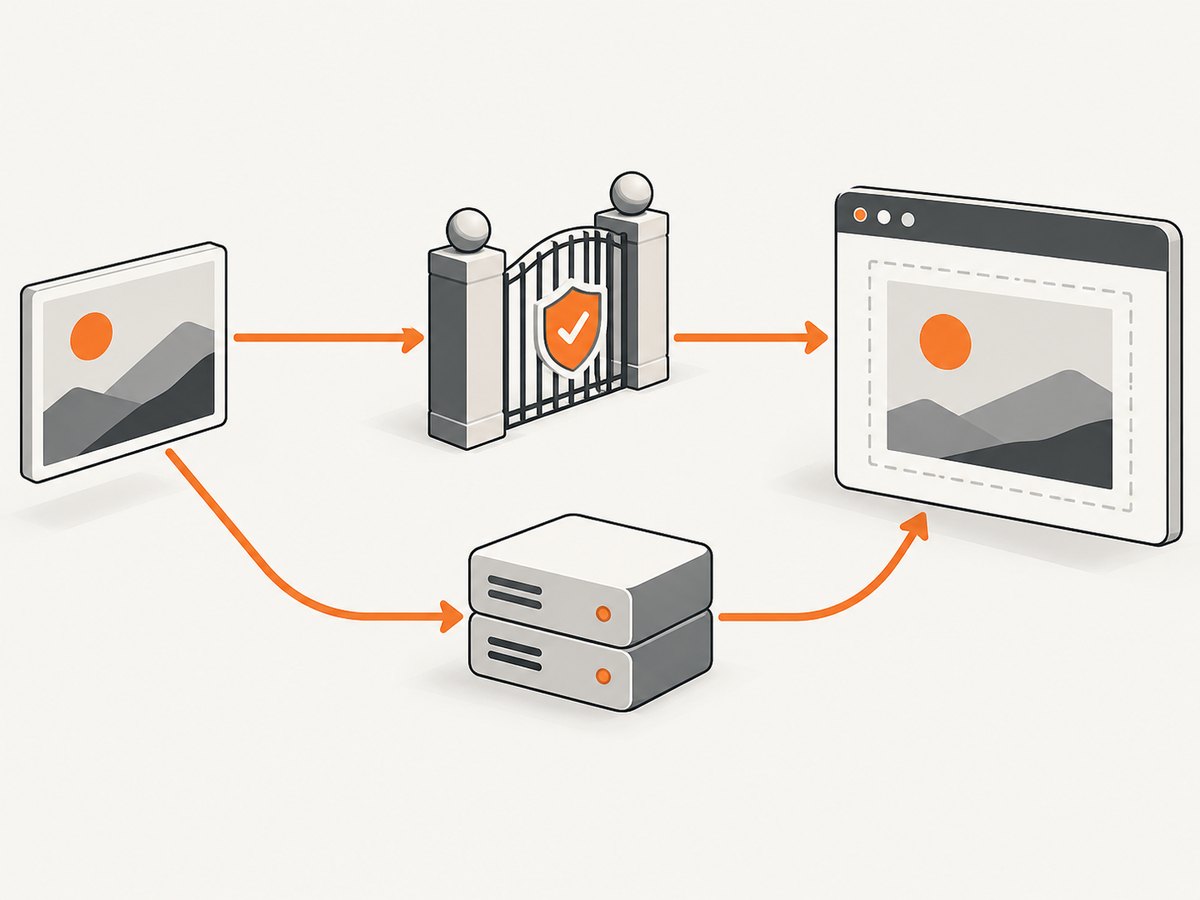
Set crossorigin before src starts loading. The server response must include, for example, Access-Control-Allow-Origin: https://your-site.example. For anonymous requests, * is also allowed when the response does not use credentials. The attribute alone is insufficient, and a server header alone cannot repair an image that was already requested without CORS mode.
What the browser is enforcing
Canvas can draw foreign pixels, but reading or exporting those pixels requires an origin-clean canvas. MDN describes the result this way: “As soon as you draw into a canvas any data that was loaded from another origin without CORS approval, the canvas becomes tainted.” The restriction applies to every resource that reaches the canvas, including CSS background images, nested SVG images, and images inside the selected subtree.
2. Configure the image server
Add an Access-Control-Allow-Origin response header at the image host. Use the exact requesting origin when possible.
# Nginx example
location /images/ {
  add_header Access-Control-Allow-Origin 'https://app.example' always;
}
# Express example
import express from 'express';
const app = express();
app.use('/images', (req, res, next) => {
res.set('Access-Control-Allow-Origin', 'https://app.example');
next();
});Check the actual image response in browser developer tools or with:
curl -I https://cdn.example.com/photo.jpgFor credentialed requests, use an explicit origin and the matching credentialed CORS configuration; do not combine credentials with a wildcard origin. Keep the image URL HTTPS when your page is HTTPS to avoid mixed-content blocking.
3. When you cannot change the image host: use a same-origin proxy
If the remote server sends no CORS permission, there is no client-only fix. Fetch the asset on your backend, return it from your own origin, and use that URL in the captured DOM. Your proxy must validate destinations, limit response size and content type, enforce timeouts, and prevent server-side request forgery.
Minimal Node.js proxy
import express from 'express';
const app = express();

app.get('/image-proxy', async (req, res) => {
  const source = new URL(req.query.url);
  if (source.protocol !== 'https:' || source.hostname !== 'cdn.example.com') {
    return res.status(400).send('Image host is not allowed');
  }
  const upstream = await fetch(source, { signal: AbortSignal.timeout(10000) });
  if (!upstream.ok) return res.status(502).send('Upstream image failed');
  const type = upstream.headers.get('content-type') || '';
  if (!type.startsWith('image/')) return res.status(415).send('Not an image');
  res.set('Cache-Control', 'public, max-age=3600');
  res.type(type);
  res.send(Buffer.from(await upstream.arrayBuffer()));
});

app.listen(3000);
<img crossorigin='anonymous'
src='/image-proxy?url=https%3A%2F%2Fcdn.example.com%2Fphoto.jpg'
alt=''>Because the proxy URL is same-origin, the browser can load it without cross-origin pixel restrictions. You can still retain useCORS: true; it is harmless and helps when some resources remain cross-origin.
Python Flask proxy
from flask import Flask, request, Response
from urllib.parse import urlparse
import requests

app = Flask(__name__)
ALLOWED_HOSTS = {'cdn.example.com'}

@app.get('/image-proxy')
def image_proxy():
    raw = request.args['url']
    parsed = urlparse(raw)
    if parsed.scheme != 'https' or parsed.hostname not in ALLOWED_HOSTS:
        return ('Image host is not allowed', 400)
    upstream = requests.get(raw, timeout=10, stream=True)
    upstream.raise_for_status()
    content_type = upstream.headers.get('Content-Type', '')
    if not content_type.startswith('image/'):
        return ('Not an image', 415)
    return Response(upstream.content,
                    content_type=content_type,
                    headers={'Cache-Control': 'public, max-age=3600'})

app.run(port=3000)
4. html2canvas options that affect cross-origin captures
| Option | Use | Important detail |
|---|---|---|
useCORS |
Request images using CORS mode | Requires the image response header; it cannot override policy. |
allowTaint |
Permit drawing resources that may taint the canvas | Leave false when you need PNG, JPEG, WebP, or pixel readback. |
proxy |
Proxy resources through a server | Use a controlled same-origin endpoint when the asset host cannot opt in. |
scale |
Set output pixel density | Higher values improve detail but increase memory and encoding time. |
backgroundColor |
Set the output background | Use null for transparency when the format and design require it. |
windowWidth, windowHeight |
Control responsive layout | Set them explicitly for repeatable captures. |
useCORS plus image readiness |
Ensure assets are available before cloning | Wait for load and decode(); failed images need explicit handling. |
html2canvas reconstructs the DOM rather than taking the browser’s native compositor output. Its documentation warns that the result is not necessarily a 100% accurate representation of the rendered page. For exact browser pixels, use a native browser or extension screenshot API instead.
5. Common failure modes and fixes
| Error or symptom | Cause | Fix |
|---|---|---|
SecurityError: Tainted canvases may not be exported |
At least one image was loaded without successful CORS approval. | Set crossorigin='anonymous' before src, add the server header, or proxy every image. |
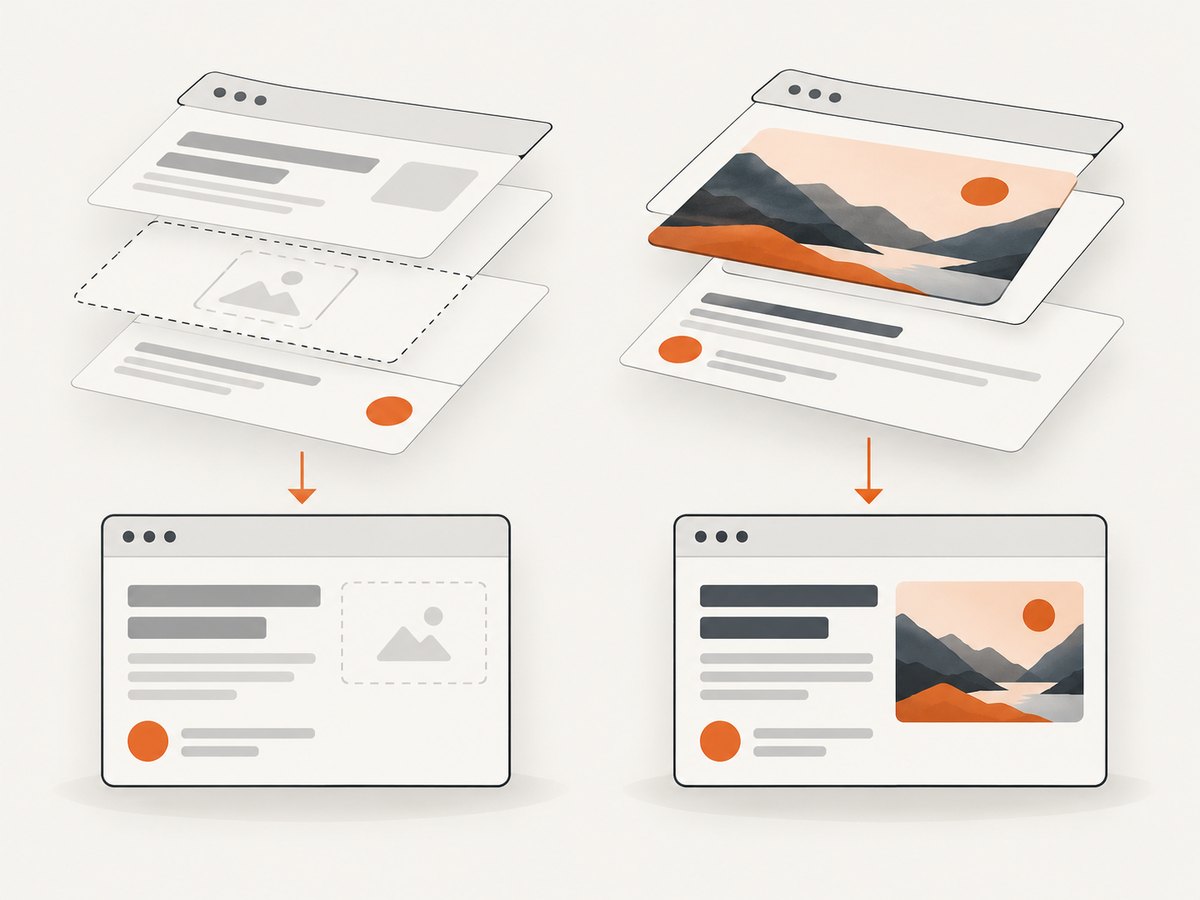
| Image is missing from the output | html2canvas skipped a resource that would taint the canvas, or it failed to load. | Inspect the network panel, enable useCORS, verify headers, and wait for images. |
| Works locally but not in production | Production origin differs, or the CDN sends different headers. | Allow the deployed origin and test the production response directly. |
| Only CSS background images fail | The background URL is also cross-origin and lacks CORS permission. | Configure CORS for it too or rewrite the background through your proxy. |
| SVG capture is blank or partial | Nested external images or fonts are not origin-clean. | Inline safe assets, configure CORS for every dependency, or proxy them. |
| Capture is blurry | The canvas is rendered at CSS resolution. | Increase scale, while watching memory use. |
| Capture is clipped | The element’s scrollable content exceeds its layout box. | Set explicit dimensions, temporarily expand overflow, or capture a full-page layout. |
| Fonts change between runs | Web fonts had not finished loading. | Await document.fonts.ready before calling html2canvas. |
6. A reliable capture checklist
- List every image, CSS background, SVG reference, and font used inside the target.
- Set
crossorigin='anonymous'before assigning each cross-origin image URL. - Confirm every response has a matching
Access-Control-Allow-Originheader. - Use
useCORS: trueand keepallowTaint: falsefor exports. - Wait for images, fonts, lazy-loaded content, and any application data to finish.
- Proxy assets whose servers cannot provide CORS; restrict hosts and response sizes.
- Export only after capture resolves, and handle load failures visibly.
- Test at the viewport widths and device pixel ratios you support.
7. Performance, reliability, and cost
Capture time is dominated by page layout, image downloads, font loading, and canvas encoding. Large elements at a high scale consume substantially more memory because canvas pixels grow with width multiplied by height and scale squared. Limit capture dimensions, compress source images, reuse a proxy cache, and avoid repeated captures when the content has not changed.
A browser-side proxy adds a network hop and an operational dependency, but it gives you control over CORS, caching, timeouts, and validation. Cache immutable images with a long lifetime and use short upstream timeouts so one unavailable asset does not stall the entire capture. Treat failed images explicitly rather than silently exporting an incomplete card.
8. Or skip the browser setup
ScreenshotNeo provides a hosted screenshot API when you need the rendered page rather than a DOM reconstruction. A single request captures the target URL:
curl -G 'https://api.screenshotneo.com/v1/shot' \
  -d access_key=YOUR_API_KEY \
  --data-urlencode url=https://stripe.com \
  -o shot.webp
import requests
r = requests.get(
'https://api.screenshotneo.com/v1/shot',
params={'access_key': 'YOUR_API_KEY', 'url': 'https://stripe.com'},
timeout=90,
)
r.raise_for_status()
open('shot.webp', 'wb').write(r.content)const q = new URLSearchParams({ access_key: 'YOUR_API_KEY', url: 'https://stripe.com' });
const res = await fetch(`https://api.screenshotneo.com/v1/shot?${q}`);
if (!res.ok) throw new Error(`Screenshot failed: ${res.status}`);
const data = Buffer.from(await res.arrayBuffer());See the ScreenshotNeo API documentation for request options. ScreenshotNeo removes cookie and consent banners, newsletter popups, and chat widgets before capture. Bot checks, blank pages, failed loads, timeouts, and cache hits are not billed, and the response identifies the result with X-Page-Verdict and X-Billed headers. Its MCP server lets Claude, Cursor, and other MCP clients call take_screenshot, get_page_info, and capture_pdf. The free plan includes 1,000 screenshots per month with no card; paid plans start at $5 for 3,000 screenshots. Create a free ScreenshotNeo account.
9. FAQ
Can I capture cross-origin images without a proxy?
Yes only when the image server sends permission through CORS and the image is requested with crossorigin='anonymous'. Without server permission, no client-side option makes the exported canvas readable.
Does allowTaint: true fix the error?
No. It allows html2canvas to draw potentially unsafe resources, but the resulting canvas remains unavailable to export or read.
Why does the image display but disappear in the screenshot?
Displaying an image and reading its pixels are separate permissions. html2canvas may skip an image that would taint the canvas, even though the normal page can display it.
Should I use html2canvas for pixel-perfect screenshots?
Use it for a DOM-based reconstruction when that is acceptable. For exact browser pixels, choose a native browser screenshot API or a hosted capture service.


