Can You Screenshot a Facebook Story?
Yes. Facebook Stories can be screenshotted, and current reporting says the poster is not notified. Messenger disappearing messages are different.
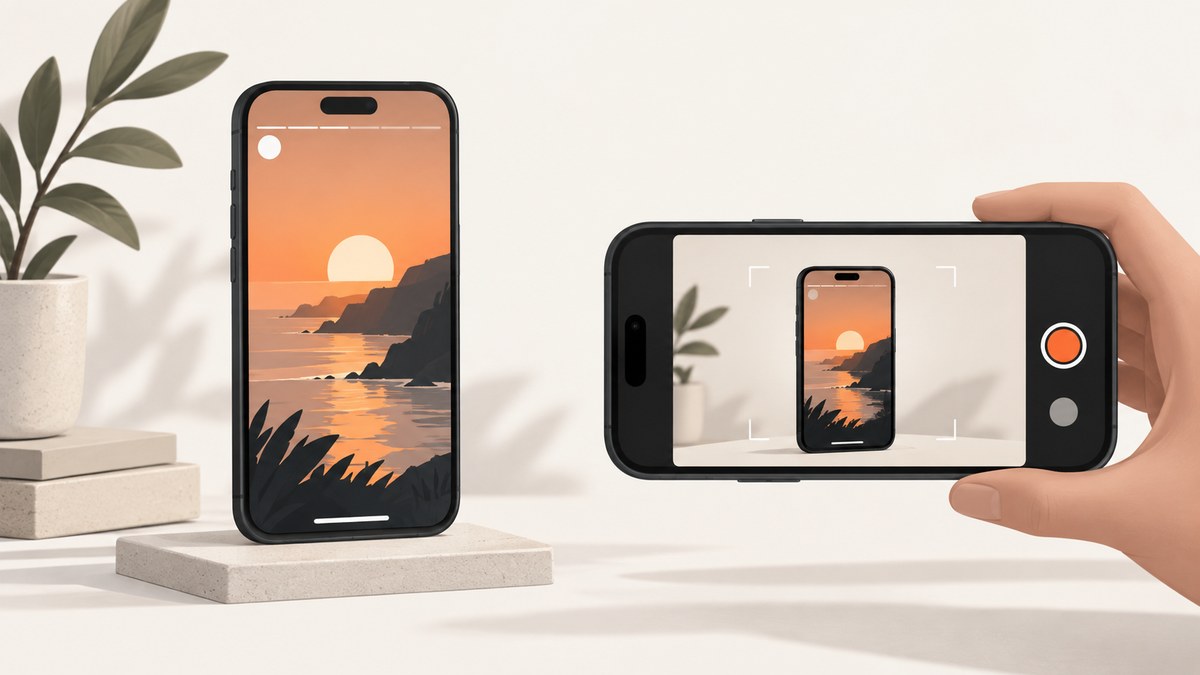
Yes. You can screenshot a Facebook Story, and current explainers and fact-checking report that Facebook does not notify the person who posted the Story when you do. That assessment comes from secondary reporting, not a directly on-point Meta Help Center statement, so treat it as current behavior that could change.
1. Does Facebook notify someone when you screenshot their Story?
According to the reviewed explainers, a Story screenshot is silent: the person who posted it does not receive a screenshot alert. They may still see that you viewed the Story, because viewing and screenshot notifications are separate behaviors.
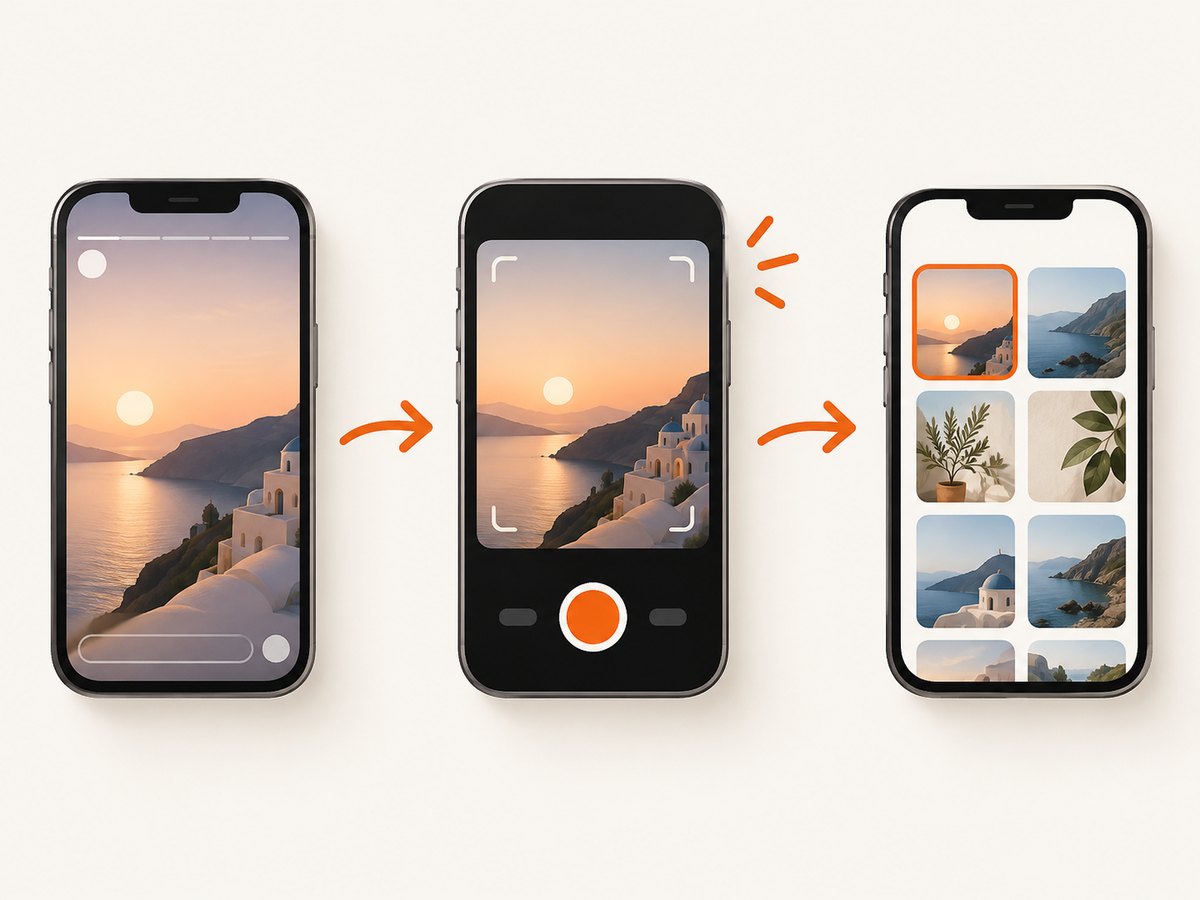
Android Authority reports that most Facebook content screenshots do not trigger notifications and identifies disappearing messages in Messenger as a separate exception. Rumor Scanner’s fact-check likewise says Story screenshots do not generate alerts. See Android Authority’s explainer and Rumor Scanner’s fact-check.
2. The Messenger exception is different
Do not apply the Story rule to every Meta product. Facebook Stories and Messenger disappearing messages are different features.
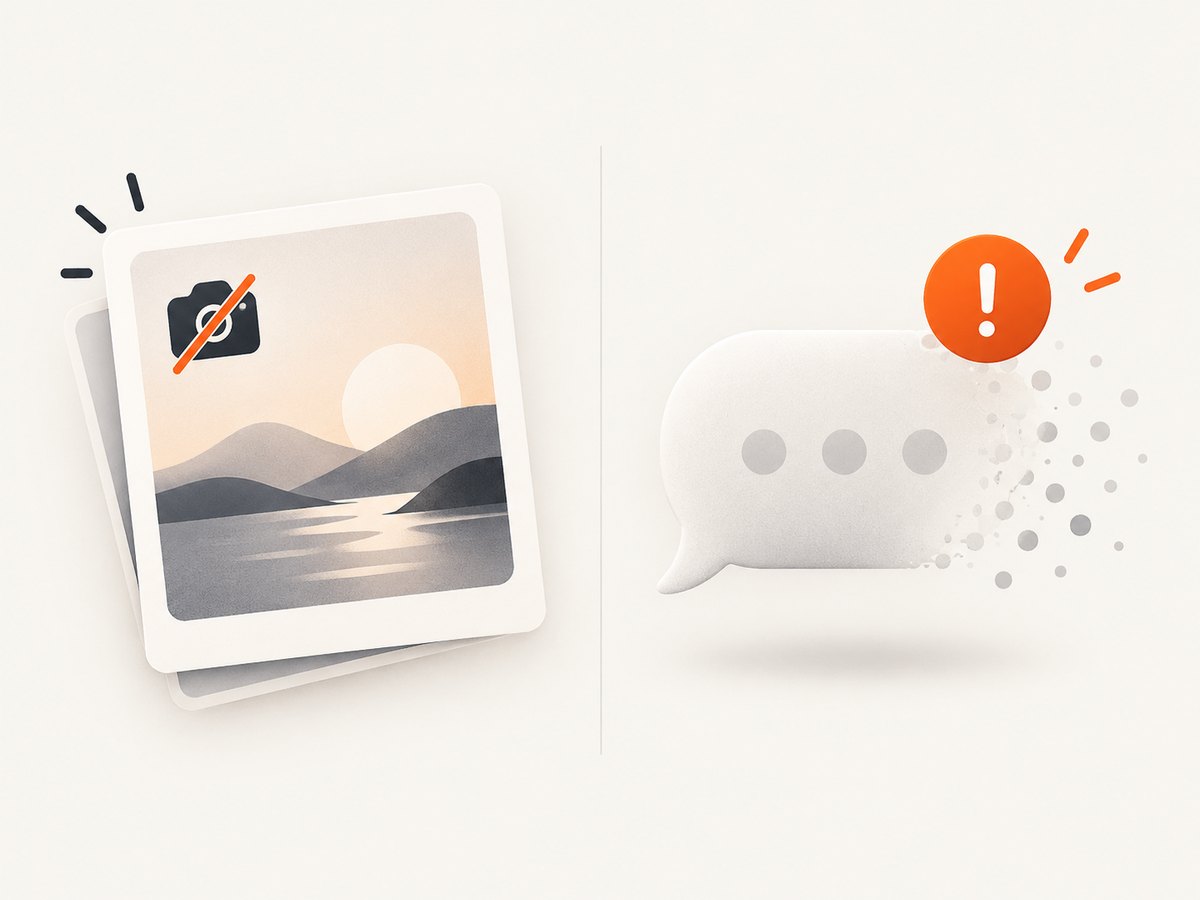
Meta announced screenshot detection for disappearing messages in opt-in, end-to-end encrypted Messenger chats. Its January 27, 2022 announcement says: “we’re introducing a new notification when we detect that someone screenshots a disappearing message.” That official statement concerns Messenger conversations, not Facebook Stories. Read Meta’s announcement for the exact scope.
| Feature | Screenshot notification reported? | Evidence |
|---|---|---|
| Facebook Story | No, according to current secondary reporting | Android Authority; Rumor Scanner |
| Messenger disappearing message | May trigger detection notification in the specified opt-in encrypted chats | Meta Newsroom |
3. How to screenshot a Facebook Story
On an iPhone or iPad
- Open Facebook and open the Story.
- Pause on the frame you need.
- Press the device screenshot shortcut (Side button + Volume Up on Face ID models, or Home + Side/Top button on models with a Home button).
- Open the thumbnail to crop or mark up the capture, then save it to Photos.
On Android
- Open the Story and pause on the required frame.
- Press Power + Volume Down together, or use your device’s screenshot control.
- Crop or annotate the image from the screenshot preview and save it.
On Windows
- Open the Story in Facebook on the frame you want.
- Use Windows + Shift + S to select the Story area, or use Print Screen for a full display capture.
- Save the result from Snipping Tool or your image editor.
On macOS
- Open and pause the Story.
- Press Shift + Command + 4 and select the Story area, or Shift + Command + 3 for the entire screen.
- Find the saved capture on your desktop or in the configured screenshot location.
These steps create a local screen image. They do not change whether Facebook records a Story view, and they do not create a notification according to the current reporting above.
Automating a browser capture with Playwright
Automation is useful for your own account, a test environment, or public pages where you have permission. It cannot bypass a login, bot check, or access control.
npm install playwright
npx playwright install chromium
const { chromium } = require('playwright');
(async () => {
const browser = await chromium.launch({ headless: true });
const page = await browser.newPage({ viewport: { width: 390, height: 844 }, deviceScaleFactor: 2 });
await page.goto('https://www.facebook.com/', { waitUntil: 'domcontentloaded' });
console.log('Log in interactively or reuse an authorized storage state before capturing.');
await page.screenshot({ path: 'facebook-story.png', fullPage: false });
await browser.close();
})();For a real workflow, authenticate explicitly with Playwright’s storage state, navigate to the permitted Story URL, wait for the Story frame, and capture only content you are allowed to save. Never put a password in source code or commit session cookies.
Python Playwright example
pip install playwright
playwright install chromium
from playwright.sync_api import sync_playwright
with sync_playwright() as p:
browser = p.chromium.launch(headless=True)
page = browser.new_page(viewport={"width": 390, "height": 844}, device_scale_factor=2)
page.goto("https://www.facebook.com/", wait_until="domcontentloaded")
page.screenshot(path="facebook-story.png", full_page=False)
browser.close()Facebook may require an interactive login, additional verification, or a changed URL structure. Those are access and automation issues, not evidence that a Story screenshot notification was sent.
4. Or skip the browser setup
ScreenshotNeo provides a website screenshot API and MCP server. One request captures a URL as PNG, JPEG, WebP, or PDF. It removes cookie banners, newsletter popups, and chat widgets before capture; bot checks, blank pages, failed loads, timeouts, and cache hits are not billed. Responses identify the result with X-Page-Verdict and X-Billed headers. Its MCP server exposes take_screenshot, get_page_info, and capture_pdf for Claude, Cursor, and other MCP clients.
Use this for a public page or a page you are authorized to capture. A Facebook Story that requires your private session still needs an authorized browser session; do not send credentials or private cookies to an API.
See the ScreenshotNeo API documentation for all options.
curl -G "https://api.screenshotneo.com/v1/shot" -d access_key=YOUR_API_KEY --data-urlencode url=https://www.facebook.com -o shot.webpimport requests
r = requests.get("https://api.screenshotneo.com/v1/shot", params={"access_key": "YOUR_API_KEY", "url": "https://www.facebook.com"}, timeout=90)
open("shot.webp", "wb").write(r.content)const q = new URLSearchParams({ access_key: 'YOUR_API_KEY', url: 'https://www.facebook.com' });
const res = await fetch(`https://api.screenshotneo.com/v1/shot?${q}`);ScreenshotNeo supports full-page capture, element selectors, device presets, custom viewport and retina scale, waits, custom headers and cookies, blocking rules, caching, signed links, async jobs, bulk capture, and PDF output. The Free plan includes 1,000 shots per month with no card; paid plans start at $5 for 3,000 shots. Create a free ScreenshotNeo account.
5. Troubleshooting
| Problem | Likely cause | Fix |
|---|---|---|
| The Story is black, blank, or incomplete | The frame has not loaded, the browser is throttled, or content is protected. | Wait for the frame, retry on a stable connection, and capture only content you can lawfully access. |
| Playwright shows a login or checkpoint page | The session is unauthenticated or Facebook requires verification. | Use an interactive, authorized session and saved storage state; do not automate around a checkpoint. |
| The screenshot contains popups or cookie consent | Overlays appeared before capture. | Dismiss them manually, add a wait for the target element, or use ScreenshotNeo’s cleanup options for supported public pages. |
| You expected a notification | Story screenshots and Messenger disappearing-message alerts were conflated. | Check which feature you captured. Meta’s documented notification concerns disappearing messages in specified encrypted Messenger chats. |
| The API response is not an image | The request failed or returned a verdict/error response. | Inspect the HTTP status and X-Page-Verdict/X-Billed headers, then verify the URL and access key. |
6. Privacy, reliability, and cost
- Privacy: A screenshot can contain names, profile photos, messages, or other personal information. Store it securely and share it only when you have permission.
- Reliability: Story availability can change as the author deletes or expires a Story, privacy settings change, or Facebook requests authentication. A successful capture today is not a permanent archive guarantee.
- Cost: Device screenshots and local Playwright captures use your own hardware. ScreenshotNeo bills only clean shots; bot checks, blank pages, timeouts, failed loads, and cache hits cost nothing.
- Accuracy: The no-notification conclusion reflects the sources reviewed for this article as of September 29, 2026. Recheck current behavior if the decision has legal, safety, or policy consequences.
7. FAQ
Can someone see that I viewed their Facebook Story?
Viewing and screenshot alerts are separate. The sources reviewed for this article address screenshot notifications, not every detail of Facebook’s Story viewer list.
Does screen recording notify a Facebook Story poster?
The reviewed evidence is specifically about screenshots. It does not establish a universal rule for every recording method or future app version.
Does the Messenger exception mean every Facebook screenshot is reported?
No. Meta’s announcement is limited to detected screenshots of disappearing messages in opt-in, end-to-end encrypted Messenger chats.
Can I screenshot a private Story with ScreenshotNeo?
Only capture pages you are authorized to access. A private, logged-in Story generally requires your own authenticated browser session; do not upload private credentials or session cookies to a third-party service.
Could Facebook change this behavior?
Yes. The Story conclusion is based on current secondary reporting, and platform behavior can change without a directly on-point official notice.


