How to Take a Screenshot of an Iframe in a Webpage
Capture same-origin iframe content with html2canvas, handle cross-origin limits safely, and choose browser, extension, or API workflows.

Direct answer: If the iframe is same-origin, access its contentDocument after it loads and render the document or a selected element with html2canvas. If it is cross-origin, the parent page cannot read the iframe DOM because of the browser same-origin policy. You then need cooperation from the iframe application through postMessage, a user-approved display capture, or a browser extension with capture permission.
This guide covers each case with runnable JavaScript, security checks, image-quality settings, failure diagnosis, and production alternatives.
1. Decide which iframe case you have
Before writing capture code, identify the relationship between the parent page and the frame:
| Case | Can parent read DOM? | Best approach |
|---|---|---|
| Same scheme, host, and port | Yes | Use contentDocument with html2canvas |
| Cross-origin, both applications controlled | No | Capture inside the iframe and exchange the result with postMessage |
| Cross-origin, frame not controlled | No | Use getDisplayMedia() with user selection or a browser extension |
Sandboxed without allow-same-origin |
Usually no | Adjust sandbox policy if you control it, otherwise use cooperation or display capture |
“Same origin” means the scheme, host, and port all match. https://app.example.com and https://app.example.com:8443 are different origins. A parent on https://www.example.com cannot directly inspect a frame on https://checkout.example.com.
2. Capture a same-origin iframe with html2canvas
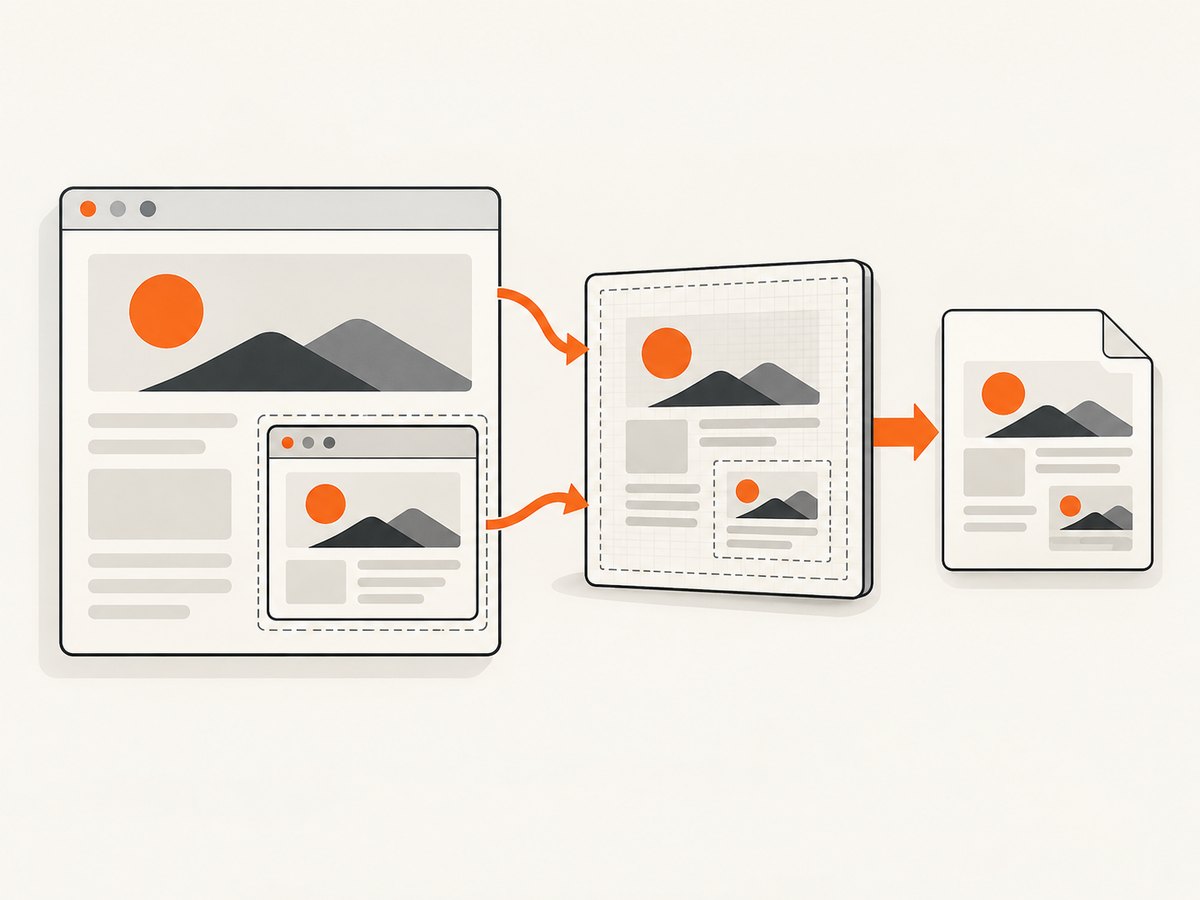
html2canvas does not copy the browser compositor’s final pixels. It builds a canvas representation from the DOM and CSS it can read. Same-origin iframe content is supported recursively, but unsupported CSS, plugins, video, WebGL, fonts, and blocked images can differ from what the user sees.
Minimal example
<iframe id="report-frame" src="/report.html" width="900" height="600"></iframe>
<button id="download">Download screenshot</button>
<script type="module">
  import html2canvas from 'https://cdn.jsdelivr.net/npm/html2canvas@1.4.1/+esm';

  const frame = document.querySelector('#report-frame');
  const button = document.querySelector('#download');

  function waitForLoad(iframe) {
    if (iframe.contentDocument?.readyState === 'complete') return Promise.resolve();
    return new Promise((resolve, reject) => {
      iframe.addEventListener('load', resolve, { once: true });
      iframe.addEventListener('error', () => reject(new Error('iframe failed to load')), { once: true });
    });
  }

  button.addEventListener('click', async () => {
    await waitForLoad(frame);
    const doc = frame.contentDocument;
    if (!doc) throw new Error('The iframe document is not accessible; check its origin.');

    const canvas = await html2canvas(doc.body, {
      scale: window.devicePixelRatio,
      backgroundColor: '#ffffff',
      useCORS: true
    });

    const link = document.createElement('a');
    link.download = 'iframe.png';
    link.href = canvas.toDataURL('image/png');
    link.click();
  });
</script>
Use frame.contentDocument.body for the complete document, or select a narrower descendant to exclude navigation and controls:
const invoice = frame.contentDocument.querySelector('[data-print-area]');
if (!invoice) throw new Error('Capture element not found');
const canvas = await html2canvas(invoice, { scale: 2 });
Capture a fixed region
When the target element is large, the x, y, width, and height options limit the rendered area. Coordinates are relative to the selected element’s document:
const canvas = await html2canvas(doc.body, {
  x: 40,
  y: 120,
  width: 760,
  height: 480,
  scale: 2
});
Export PNG, JPEG, or a Blob
// PNG data URL
const png = canvas.toDataURL('image/png');

// Smaller JPEG (quality is 0 to 1)
const jpeg = canvas.toDataURL('image/jpeg', 0.9);

// Blob for upload without a large base64 string
canvas.toBlob(blob => {
  if (!blob) throw new Error('Canvas encoding failed');
  const form = new FormData();
  form.append('file', blob, 'iframe.png');
  fetch('/upload', { method: 'POST', body: form });
}, 'image/png');
3. Make same-origin captures reliable
Wait for the frame and its application
The iframe load event means the document loaded, not that charts, fonts, or asynchronous data finished. Add an application-level signal when you control the frame:
// Inside report.html
window.parent.postMessage({ type: 'report-ready' }, window.location.origin);

// Parent page
await new Promise((resolve, reject) => {
  const timer = setTimeout(() => reject(new Error('Timed out waiting for report')), 15000);
  function onMessage(event) {
    if (event.origin !== window.location.origin) return;
    if (event.source !== frame.contentWindow) return;
    if (event.data?.type !== 'report-ready') return;
    clearTimeout(timer);
    window.removeEventListener('message', onMessage);
    resolve();
  }
  window.addEventListener('message', onMessage);
});
Fonts, images, and canvas tainting
- Wait for fonts with
await doc.fonts.readywhen available. - Images loaded from another origin need suitable CORS response headers.
useCORS: trueonly helps when the image server permits it. - A cross-origin image without permission can taint the canvas, causing
toDataURL()ortoBlob()to fail with a security error. - A proxy can fetch permitted assets through your origin, but it does not grant access to a cross-origin iframe DOM.
- Web fonts, video frames, WebGL, browser plugins, and some advanced CSS effects may be missing or visually different because html2canvas reconstructs the page.
Improve dimensions and sharpness
Set the iframe’s internal layout deliberately. A responsive frame may reflow when the viewport changes. For a predictable output, use a known width, remove unwanted body margins, and choose a scale appropriate for the target:
const canvas = await html2canvas(target, {
  scale: 2,
  windowWidth: 1200,
  windowHeight: 900,
  backgroundColor: '#fff'
});
Higher scale increases pixel dimensions, memory use, encoding time, and output size. On mobile devices, very large canvases can exceed browser canvas limits; capture sections or reduce scale.
4. Capture a cooperative cross-origin iframe
CORS headers do not make an arbitrary iframe’s DOM readable. If you control both applications, run capture code inside the iframe, then send a Blob or data URL to the parent with a strict origin.
Code inside the iframe
import html2canvas from 'https://cdn.jsdelivr.net/npm/html2canvas@1.4.1/+esm';

const ALLOWED_PARENT = 'https://portal.example.com';

window.addEventListener('message', async event => {
  if (event.origin !== ALLOWED_PARENT) return;
  if (event.source !== window.parent) return;
  if (event.data?.type !== 'capture-request') return;

  const canvas = await html2canvas(document.querySelector('#receipt'), {
    scale: window.devicePixelRatio
  });
  const blob = await new Promise(resolve => canvas.toBlob(resolve, 'image/png'));
  if (!blob) return;

  const reader = new FileReader();
  reader.onload = () => {
    window.parent.postMessage(
      { type: 'capture-result', dataUrl: reader.result },
      ALLOWED_PARENT
    );
  };
  reader.readAsDataURL(blob);
});
Request from the parent
const FRAME_ORIGIN = 'https://widgets.example.net';
const frame = document.querySelector('#receipt-frame');

window.addEventListener('message', event => {
  if (event.origin !== FRAME_ORIGIN) return;
  if (event.source !== frame.contentWindow) return;
  if (event.data?.type !== 'capture-result') return;

  const image = document.createElement('img');
  image.alt = 'Receipt captured from the iframe';
  image.src = event.data.dataUrl;
  document.body.append(image);
});

frame.addEventListener('load', () => {
  frame.contentWindow.postMessage(
    { type: 'capture-request' },
    FRAME_ORIGIN
  );
});
Validate both event.origin and event.source. Use an exact targetOrigin; avoid * for sensitive captures. Treat received image data as private and apply size limits and authentication to any upload endpoint.
5. Capture a cross-origin iframe you do not control
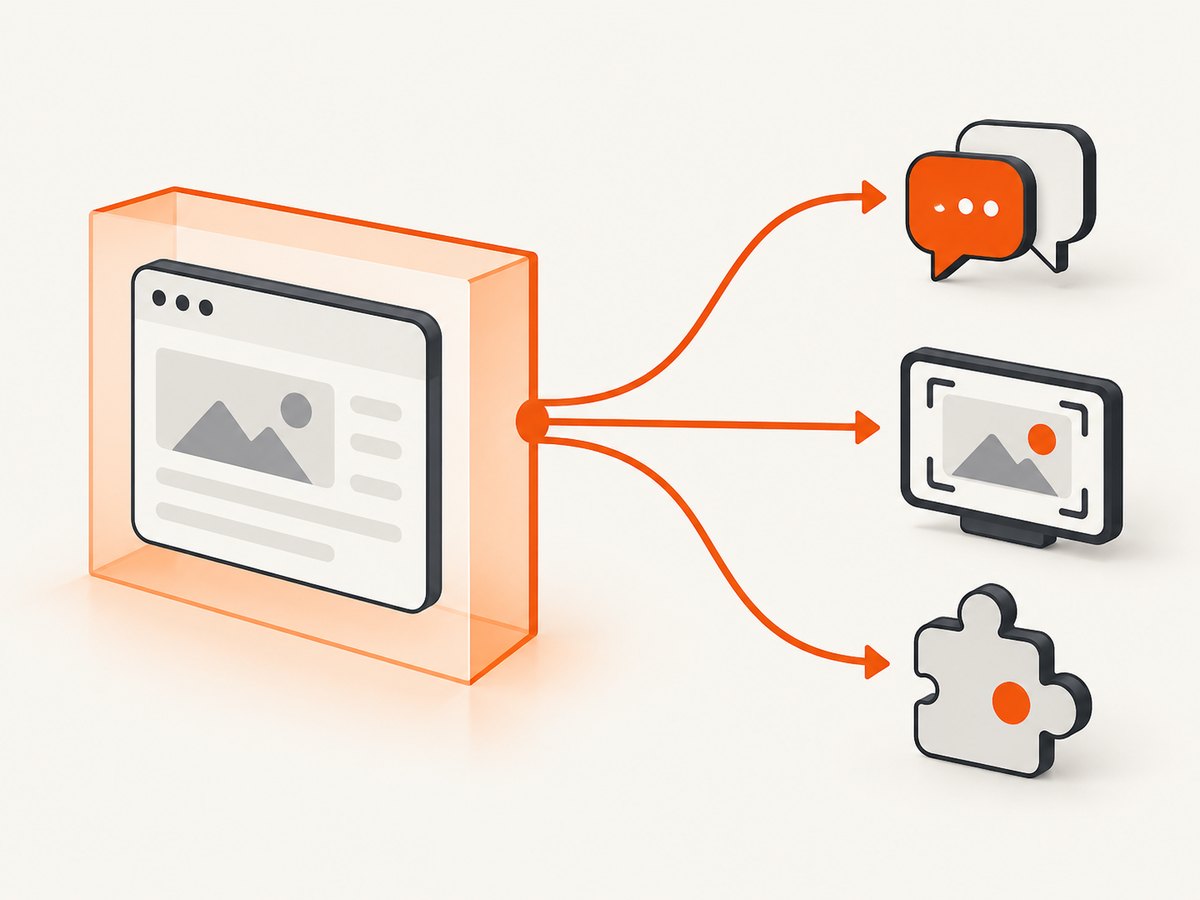
Ordinary page JavaScript cannot inspect or render the frame. Choose based on the required fidelity and user experience.
User-mediated display capture
navigator.mediaDevices.getDisplayMedia() asks the user to select a visible tab, window, or screen. It is appropriate when the exact displayed pixels matter, but it cannot silently scrape a frame.
async function captureVisibleSurface() {
  const stream = await navigator.mediaDevices.getDisplayMedia({
    video: { displaySurface: 'browser' },
    audio: false
  });
  const track = stream.getVideoTracks()[0];
  const video = document.createElement('video');
  video.srcObject = stream;
  await video.play();
  await new Promise(requestAnimationFrame);

  const canvas = document.createElement('canvas');
  canvas.width = video.videoWidth;
  canvas.height = video.videoHeight;
  canvas.getContext('2d').drawImage(video, 0, 0);

  track.stop();
  return canvas.toDataURL('image/png');
}
Permissions Policy and the iframe’s allow attribute can affect availability when capture starts inside an embedded document. The browser chooser and permission prompt are intentional security controls.
Browser extension capture
A WebExtension can use tabs.captureVisibleTab() to capture the visible area of the active tab, including a displayed cross-origin frame. The extension must declare the required permissions and follow browser UI rules. This captures what is visible, so scroll the frame or use a full-page workflow when necessary.
6. Or skip the browser setup
ScreenshotNeo provides a website screenshot API and MCP server. Send one GET request with a URL to receive PNG, JPEG, WebP, or PDF. For a page that embeds an iframe, capture the page URL when the iframe is rendered as part of the page; for a protected or separately addressable frame, capture its permitted URL directly.
Before the capture, cookie and consent banners, newsletter popups, and chat widgets are removed. Bot checks, blank pages, timeouts, failed loads, and cache hits are not billed, and response headers identify the page verdict and billing status. An MCP server exposes take_screenshot, get_page_info, and capture_pdf to Claude, Cursor, and other MCP clients.
See the ScreenshotNeo API documentation for all options.
cURL
curl -G "https://api.screenshotneo.com/v1/shot" \
  -d access_key=YOUR_API_KEY \
  --data-urlencode url=https://example.com/page-with-iframe \
  -o shot.webp
Python
import requests

r = requests.get(
    "https://api.screenshotneo.com/v1/shot",
    params={"access_key": "YOUR_API_KEY", "url": "https://example.com/page-with-iframe"},
    timeout=90,
)
r.raise_for_status()
open("shot.webp", "wb").write(r.content)
Node.js
const q = new URLSearchParams({
  access_key: 'YOUR_API_KEY',
  url: 'https://example.com/page-with-iframe'
});
const res = await fetch(`https://api.screenshotneo.com/v1/shot?${q}`);
if (!res.ok) throw new Error(`Screenshot failed: ${res.status}`);
const bytes = Buffer.from(await res.arrayBuffer());
require('fs').writeFileSync('shot.webp', bytes);
ScreenshotNeo includes full-page capture with lazy images loaded, CSS-element capture, custom JavaScript and CSS, waits, device presets, viewport and retina controls, headers, cookies, user agents, authorization, blocking rules, caching, signed links, asynchronous jobs, webhooks, bulk capture, PDF options, and usage data. It is useful when you need a server-side result without maintaining browser automation.
There is a free plan with 1,000 screenshots per month and no card. Paid plans start at $5 for 3,000 shots. Create a free ScreenshotNeo account.
7. Troubleshooting checklist
| Symptom | Likely cause | Fix |
|---|---|---|
contentDocument is null or access throws |
Cross-origin frame or restrictive sandbox | Use cooperative capture, display capture, or an extension; verify scheme, host, and port |
| Blank canvas | Captured before frame/app content rendered | Wait for load, fonts, data, images, and an application-ready message |
| SecurityError during export | Canvas tainted by a cross-origin image | Configure image CORS headers, use a permitted proxy, or omit the asset |
| Missing video or WebGL | DOM reconstruction cannot reproduce compositor content | Use display capture or a browser automation/API service that captures rendered pixels |
| Text looks blurry | Scale is too low | Increase scale or use device pixel ratio; watch memory limits |
| Layout differs from the frame | Responsive width, fonts, or unsupported CSS | Set deterministic dimensions, await fonts, and simplify the capture target |
| Cross-origin message ignored | Wrong origin or unverified source | Compare exact event.origin and expected contentWindow |
| Display capture unavailable | Permission, browser policy, or insecure context | Run in a secure context, request from a user gesture, and check Permissions Policy |
8. Performance, reliability, and cost
- Client CPU: html2canvas walks the DOM and paints a potentially large canvas. Capture only the needed element, reduce scale, and avoid repeated captures during animation.
- Memory: A canvas uses roughly width × height × four bytes before encoding, plus intermediate browser memory. Split very tall pages into sections.
- Network: Cross-origin fonts and images add latency. Cache stable assets and wait for only the resources required for the target.
- Reliability: Add explicit timeouts, ready signals, error handling, and cleanup for display-capture tracks. Never assume
loadmeans application data is ready. - Privacy: Validate message origins, restrict upload destinations, avoid logging data URLs, and stop display tracks immediately after capture.
- API cost: ScreenshotNeo bills only clean shots; bot checks, blank pages, timeouts, failed loads, and cache hits are not billed. Caching with a chosen TTL can reduce duplicate work.
9. FAQ
Can html2canvas screenshot a cross-origin iframe?
No. Browser security prevents the parent from reading the cross-origin document. CORS for individual images does not change that boundary.
Does postMessage bypass same-origin policy?
No. It provides controlled communication between windows. The iframe still captures its own DOM, and both sides must validate origins.
Can I capture an iframe without user interaction?
Same-origin html2canvas and cooperative iframe code can run silently. getDisplayMedia() requires a user choice and permission. Extensions and server-side APIs use their own permission or authentication models.
Why is my screenshot different from what Chrome displays?
html2canvas reconstructs DOM and CSS rather than copying compositor pixels. Video, WebGL, plugins, unsupported CSS, fonts, and cross-origin images are common differences.
Should I capture the parent page or the iframe URL?
Capture the parent when the embedded frame is part of the required visual composition. Capture the frame URL directly when you need only its content and the URL is accessible to your capture system.
10. Practical decision guide
- Use html2canvas on
contentDocumentfor a same-origin report, dashboard, or form. - If both teams control the applications, place capture code in the iframe and exchange the result with strict
postMessagechecks. - If the frame is external and exact visible pixels matter, ask the user to select the tab with
getDisplayMedia()or use an appropriately permissioned extension. - For repeatable server-side screenshots, PDFs, bulk URLs, waits, authentication, and cleanup of consent UI, use ScreenshotNeo and its documented API.


