Screenshot Machine Alternatives for Full-Page Screenshots
Compare Screenshot Machine alternatives for full-page captures, from managed APIs to browser automation. Learn what to check before switching and get runnable examples.
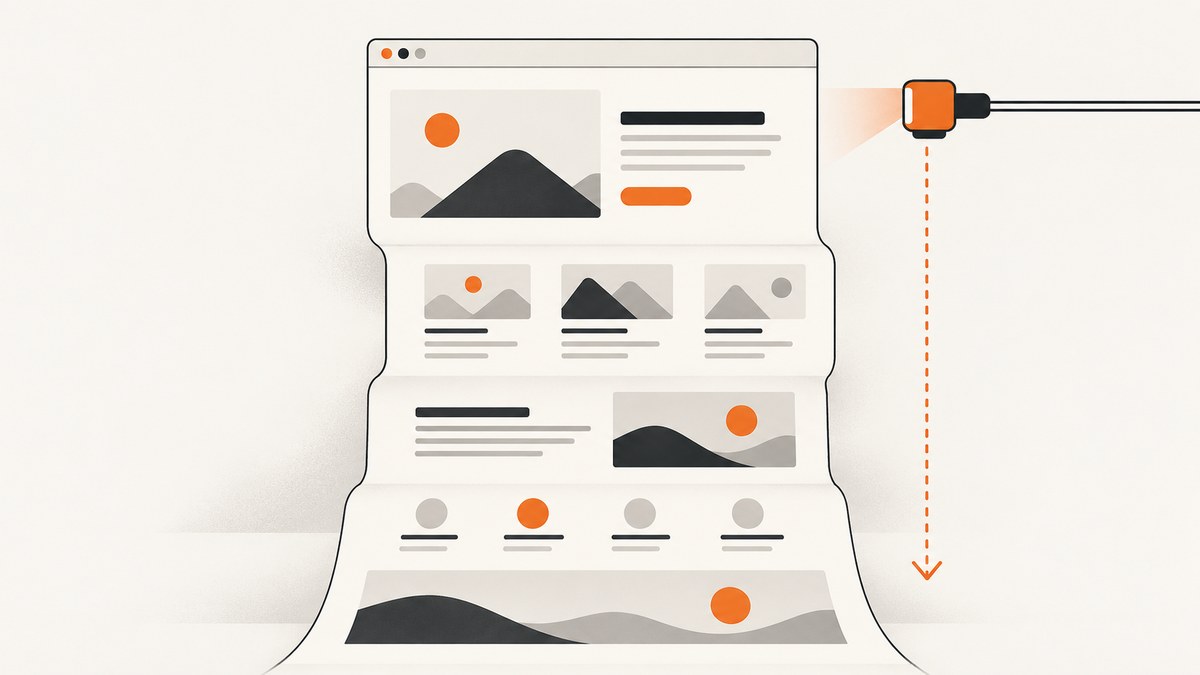
For full-page screenshots, start by deciding whether you want a managed API, a browser tool for occasional manual captures, or browser automation that your team operates. Screenshot Machine documents full-page capture through a dimension value such as 1024xfull. The shortlist of hosted alternatives includes ScreenshotNeo, ScreenshotOne, Urlbox, CaptureKit, and Restpack, but the research available here does not establish equivalent feature support or current prices across those services.
ScreenshotNeo is a website screenshot API and MCP server. It puts clean captures first: it accepts consent banners and removes known consent platforms, newsletter popups, and chat widgets before capture; only clean shots are billed, and response headers identify the page verdict and billing status. Compare any candidate against your own pages and needs before switching.
1. What to check in a full-page screenshot alternative
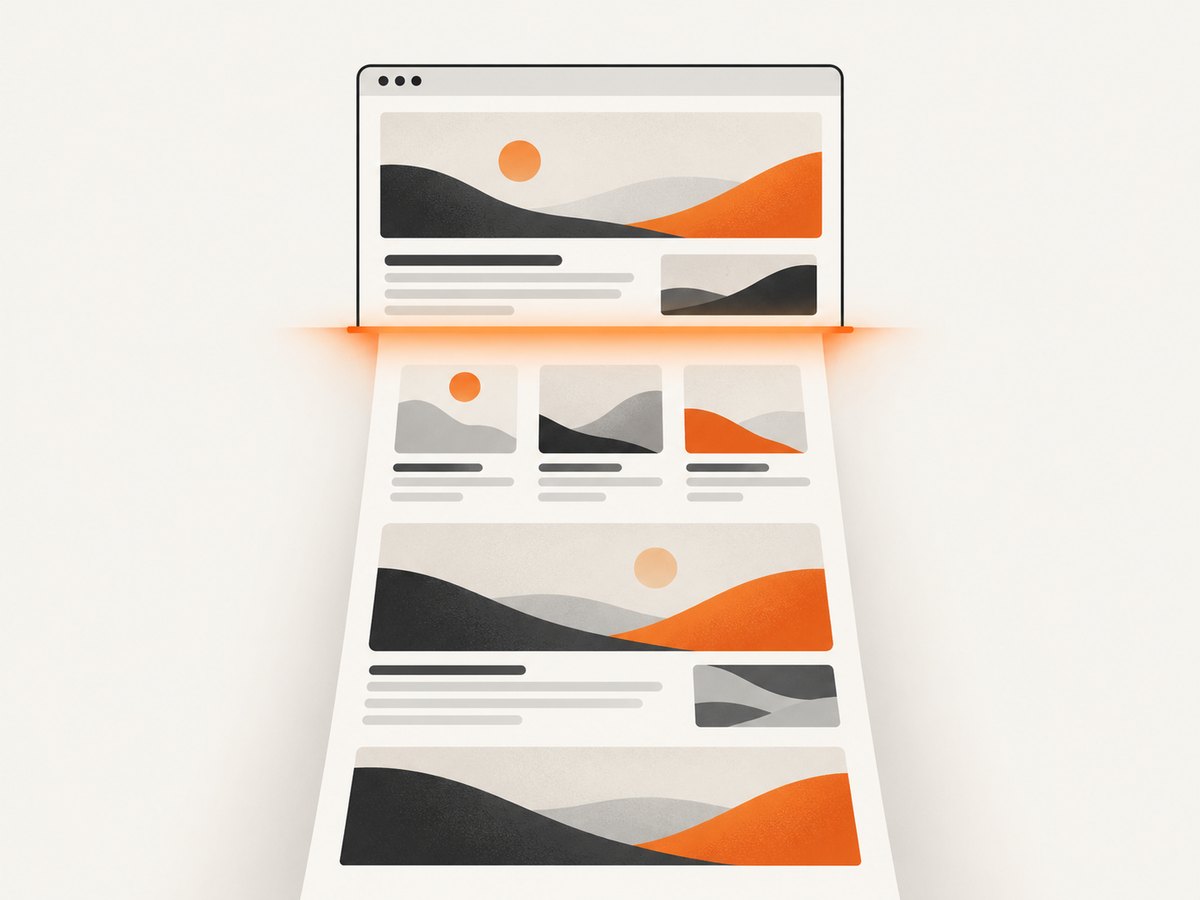
A “full page” option is only the starting point. A capture may still be incomplete if content loads as the page scrolls, animation changes the layout, a consent layer covers the content, or the browser renders at a different viewport than expected. Compare services and tools against these dimensions:
| Question | Why it matters |
|---|---|
| How is full-page capture requested? | Some APIs use a special height value; others expose a separate setting. Check maximum page height and behavior on long pages. |
| How are lazy images and dynamic sections handled? | Content may load only after scrolling, or after client-side code runs. Look for documented wait, scroll, or network-idle controls. |
| Can you set viewport and device? | Responsive breakpoints can change layout, so viewport dimensions and device emulation affect the result. |
| Can you control page state? | Cookies, headers, user agent, interactions, custom CSS, or hiding elements may be needed for reproducible output. |
| What output and integrations are available? | Check image formats, PDF, storage, async jobs, webhooks, SDKs, and whether the API fits your pipeline. |
| What are the limits and actual costs? | Confirm quotas, concurrency, feature gates, overage behavior, and current prices in vendor documentation. |
Screenshot Machine’s own documentation describes full as a valid height in its dimension parameter, with 1024xfull as an example. It also documents device presets, JPG/PNG/GIF output, cache age, rendering delay, zoom, cookies, user-agent and language headers, clicking and hiding elements, and CSS selector capture. These details describe Screenshot Machine; do not assume that other APIs accept the same parameters. See research dossier source c001
2. Screenshot Machine alternatives at a glance
- ScreenshotNeo — try this first if clean captures and predictable billing matter. It provides a GET screenshot API and MCP server. Cookie banners, newsletter popups, and chat widgets are removed before capture, and failed or unsuitable page outcomes such as bot checks, blank pages, timeouts, and failed loads are not billed. Its plans include the same features across tiers.
- ScreenshotOne — hosted API candidate. It appears in comparative coverage of screenshot APIs. Verify full-page handling, page-state controls, limits, and current pricing directly with the provider before adopting it.
- Urlbox — hosted API candidate. Compare its current documentation and pricing against your required viewport, wait, output, and integration controls.
- CaptureKit — hosted API candidate. Treat it as a shortlist option and verify full-page behavior and plan restrictions for your workload.
- Restpack — hosted API candidate. Review the current API and pricing pages for the exact capture and delivery features you need.
- Browser capture — for occasional manual work. A browser’s built-in screenshot route or an extension can be convenient when a person is capturing a page interactively. It may not be the right interface for a repeatable production pipeline.
- Puppeteer or Playwright — for teams operating their own browser automation. These are options when you need broader browser control or want to run the browser infrastructure yourself. Account for browser deployment, updates, concurrency, retries, and artifact storage.
The comparative research names the four hosted candidates above but does not verify their current prices, plan-specific features, or identical full-page behavior. Treat them as candidates to evaluate, not a universal ranking. See research dossier source c002 Browser tools and self-managed automation are distinct operating models; choose based on whether your work is manual, integrated, or infrastructure-heavy. See research dossier source c003
3. How to migrate from Screenshot Machine
- Write down the capture contract. Record target URL, viewport, full-page behavior, image format, cookies or headers, wait condition, interactions, and whether you need a selector-only capture or a PDF.
- Collect representative pages. Include a short static page, a long page with lazy images, a page with consent UI, and any authenticated or highly dynamic page in your real workflow.
- Map settings individually. Screenshot Machine’s
1024xfulldimension syntax is not a universal API standard. Translate each setting using the destination provider’s docs rather than copying parameter names blindly. - Compare artifacts and failure handling. Check that the same content appears, the image dimensions are acceptable, and the integration can distinguish a valid capture from a timeout or blocked page.
- Validate operating cost. Use your expected monthly volume and include retries, cache behavior, concurrency, storage, and any required higher plan. Prices and feature gates change, so verify them on the vendor’s official pages.
- Roll out with observability. Log request identifiers, status, capture settings, and output dimensions. Keep a way to retry or route failures while the new path is being evaluated.
4. Screenshot Machine full-page capture example
Screenshot Machine documents a GET API and uses dimension to set image width and height. Use full as the height for the full-length page; its documentation example is 1024xfull. The exact endpoint and authentication details should come from its current API documentation. The following is the documented parameter shape, not a fabricated runnable endpoint:
GET {Screenshot Machine API endpoint}?key=YOUR_API_KEY&url=https%3A%2F%2Fexample.com&dimension=1024xfullFor a runnable integration, use the endpoint and required key parameter shown in your Screenshot Machine account documentation, then save the returned image bytes to a file. The vendor documents a longer delay for long pages containing images or animations. Increase the delay when the page is not ready at the default timing, and prefer a condition-based wait when the API offers one. Screenshot Machine documentation (research source c001)
5. DIY full-page capture with browser automation
If you want to manage the browser yourself, Playwright can open a page and save a full-page screenshot. Install the package and browser first, then run this Node.js example. It uses a fixed wait as a simple baseline; for pages with known readiness signals, wait for a selector or application state instead.
npm install playwright
npx playwright install chromium
// capture.mjs
import { chromium } from 'playwright';
const url = process.argv[2] ?? 'https://example.com';
const browser = await chromium.launch({ headless: true });
try {
const page = await browser.newPage({ viewport: { width: 1280, height: 800 } });
await page.goto(url, { waitUntil: 'domcontentloaded', timeout: 60_000 });
// Replace this delay with a page-specific readiness condition where possible.
await page.waitForTimeout(1500);
await page.screenshot({ path: 'full-page.png', fullPage: true });
} finally {
await browser.close();
}node capture.mjs https://example.comPlaywright’s full-page screenshot captures the page beyond the viewport. The browser still has to load and render the page, and external factors such as authentication, anti-bot checks, and network failures remain your responsibility. The example uses a fixed delay to keep it runnable, not as a guarantee that every site has finished rendering.
cURL, Python, and Node.js for a hosted API
Use each service’s own documented endpoint, key name, and full-page parameter. Do not assume that Screenshot Machine’s dimension=1024xfull works with another provider. This template shows the request shape only; substitute the endpoint and parameters confirmed in that service’s docs.
curl -G 'https://YOUR_PROVIDER_API_ENDPOINT' \
  --data-urlencode 'key=YOUR_API_KEY' \
  --data-urlencode 'url=https://example.com' \
  --data-urlencode 'dimension=1024xfull' \
  -o full-page.png
import requests
endpoint = 'https://YOUR_PROVIDER_API_ENDPOINT'
params = {
'key': 'YOUR_API_KEY',
'url': 'https://example.com',
'dimension': '1024xfull',
}
response = requests.get(endpoint, params=params, timeout=90)
response.raise_for_status()
with open('full-page.png', 'wb') as image:
image.write(response.content)const endpoint = 'https://YOUR_PROVIDER_API_ENDPOINT';
const params = new URLSearchParams({
key: 'YOUR_API_KEY',
url: 'https://example.com',
dimension: '1024xfull',
});
const response = await fetch(`${endpoint}?${params}`);
if (!response.ok) throw new Error(`Capture failed: ${response.status}`);
await import('node:fs/promises').then(fs => fs.writeFile('full-page.png', Buffer.from(await response.arrayBuffer())));6. Or skip the browser setup
ScreenshotNeo makes a full-page capture with one API request. See the API documentation for supported options. Change the target URL as needed.
curl -G "https://api.screenshotneo.com/v1/shot" -d access_key=YOUR_API_KEY --data-urlencode url=https://stripe.com -o shot.webpimport requests
r = requests.get("https://api.screenshotneo.com/v1/shot", params={"access_key": "YOUR_API_KEY", "url": "https://stripe.com"}, timeout=90)
open("shot.webp", "wb").write(r.content)const q = new URLSearchParams({ access_key: 'YOUR_API_KEY', url: 'https://stripe.com' });
const res = await fetch(`https://api.screenshotneo.com/v1/shot?${q}`);- Cookie banners, popups, and chat widgets are removed before the shot.
- Bot checks, blank pages, timeouts, failed loads, and cache hits are not billed; response headers report the page verdict and billing status.
- An MCP server gives AI agents tools for screenshots, page information, and PDF capture.
- The Free plan includes 1,000 screenshots a month with no card; paid plans start at $5 for 3,000.
Create a free ScreenshotNeo account and get 1,000 screenshots a month without a card.
7. Full-page capture options that affect the result
Before choosing a provider, check which of these controls matter for your pages. Screenshot Machine documents several controls listed below; ScreenshotNeo also offers these capabilities across its plans. For other candidates, confirm support and exact parameter names in their docs.

- Viewport and device: set width and height deliberately, and capture phone and desktop layouts separately if responsive behavior matters.
- Wait behavior: use a selector, delay, or network-idle condition where supported. A fixed delay is easy to configure but can waste time on quick pages and still be too short for slow pages.
- Lazy content: full-page capture may require scrolling or lazy-image loading. Confirm how the provider handles content below the initial viewport.
- Page state: cookies, headers, user agent, language, and authorization can change what the page renders. Avoid placing secrets in logs or publicly shared URLs.
- Obstructions: cookie banners and overlays can cover content. Some tools let you click, hide, or remove elements; make sure doing so is appropriate for the page and capture purpose.
- Output: consider image type and dimensions. Large full-page images can be expensive to transfer and process; PDF may be a better deliverable for document-like content.
- Long pages: very tall images consume memory and may encounter provider limits. Check maximum capture dimensions and consider splitting the page or capturing relevant sections.
8. Performance, reliability, and cost
Capture time depends on navigation, page scripts, fonts, images, and the wait condition. A longer delay can help when content is still appearing, but it adds latency to every request. Screenshot Machine specifically recommends increasing the delay on long pages with images or animation. Prefer a meaningful readiness condition when available, and set a timeout appropriate to your page class.
Reliability depends on more than successful HTTP transport. A screenshot can be returned even when it shows a CAPTCHA, blank page, or partially loaded content. Record status and any provider-specific verdict metadata, validate image bytes and dimensions, and use bounded retries for transient failures. Avoid infinite retries: blocked pages will not become useful just because they are retried rapidly.
For cost, calculate expected successful captures, retry volume, cache hits, and any plan limits. Verify current prices, quotas, and feature gates on each provider’s official pricing page; the research reviewed for this article does not establish current competitor prices. ScreenshotNeo’s published options are: Free 1,000 per month; Starter $5 for 3,000; Growth $15 for 15,000; Pro $39 for 60,000; Scale $99 for 250,000; Business $249 for 1,000,000. Yearly billing gives two months free, and every feature is on every plan.
9. Troubleshooting common capture problems
| Symptom | Likely cause | What to try |
|---|---|---|
| Bottom of page is missing | The provider used a fixed height or hit a maximum capture dimension. | Use the documented full-page mode, check maximum height, or capture sections separately. |
| Images are blank or missing | Lazy loading, slow image responses, or a premature capture. | Use a provider’s lazy-load handling, scroll/wait control, selector wait, or a longer delay. |
| Screenshot shows a loading spinner | Capture began before the app reached its usable state. | Wait for a stable selector or application-ready condition rather than relying only on page navigation completion. |
| Consent dialog covers the page | The capture retained the default visitor state. | Use documented interaction or element hiding. ScreenshotNeo removes known consent platforms before capture. |
| API returns an error | Invalid key, malformed URL, unsupported option, quota limit, or request timeout. | Check the provider’s error response and docs, encode URL parameters, and verify account limits. |
| Image file is unexpectedly tiny or invalid | The response may be an error body rather than an image. | Check HTTP status and content type before saving; do not assume every response body is an image. |
| Page differs from a human browser | Viewport, cookies, locale, geolocation, user agent, or bot checks differ. | Set the relevant browser context and review provider support for authentication and anti-bot outcomes. |
| Requests become slow or expensive | Waits are longer than needed, pages are very tall, or retries repeat non-transient failures. | Use targeted waits, cache where suitable, cap retries, and monitor capture dimensions and outcomes. |
10. Choosing a route
- Choose a hosted API when captures must run in an application or pipeline and you prefer not to own browser deployment.
- Choose browser capture for a small number of one-off screenshots where manual operation is acceptable.
- Choose Playwright or Puppeteer when you need browser-level control and are prepared to maintain the runtime, capacity, and retry behavior.
- Put ScreenshotNeo first in your evaluation if clean shots, transparent billed outcomes, an MCP workflow, or a low-cost starting plan match your requirements.
For API alternatives, shortlist ScreenshotNeo first, then compare ScreenshotOne, Urlbox, CaptureKit, and Restpack against documented behavior and verified pricing. Run the same representative pages through each option before migrating production traffic.
11. FAQ
Does Screenshot Machine support full-page screenshots?
Yes. Its documentation describes full as a height value in dimension, with 1024xfull as an example.
Is a full-page screenshot always the same as a scrolling screenshot?
No. A provider may render the complete page into one image, while an interactive tool may capture a sequence or visible area. Check how the selected tool handles content triggered by scrolling.
Which alternative has the best current price?
The research basis does not verify current competitor pricing. Compare official pricing pages using your expected monthly capture volume and required features.
Should I use an API or Playwright?
Use an API when you want a managed capture service in an integration. Use Playwright when browser control and ownership of the runtime are worth the operational work.
Can I use the same parameters after switching providers?
Do not assume so. Translate each setting using the destination API’s documentation; parameter names and semantics can differ.