How to Use the Screenshot Machine API for Website Captures
Capture webpages with Screenshot Machine using HTTP GET, control viewport and rendering, diagnose errors, and compare a simpler ScreenshotNeo workflow.
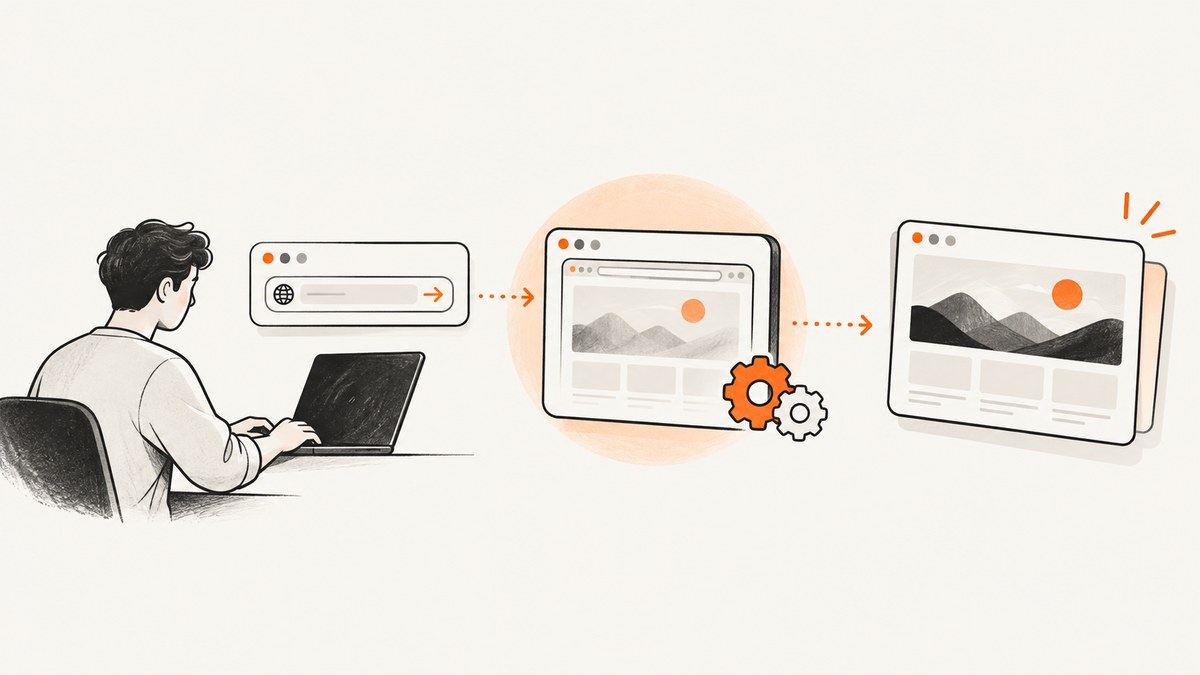
Short answer: Screenshot Machine captures a webpage with an HTTP GET request to https://api.screenshotmachine.com/. Send your customer key, a URL-encoded url, and optional settings such as dimension, device, format, delay, zoom, selector, or height=full. Save the response as an image, and inspect the X-Screenshotmachine-Response header when the service returns an error image.
This guide shows a complete request first, then explains every setting developers commonly need, language-specific examples, public-page credential protection, troubleshooting, and operational considerations.
1. Make your first Screenshot Machine request
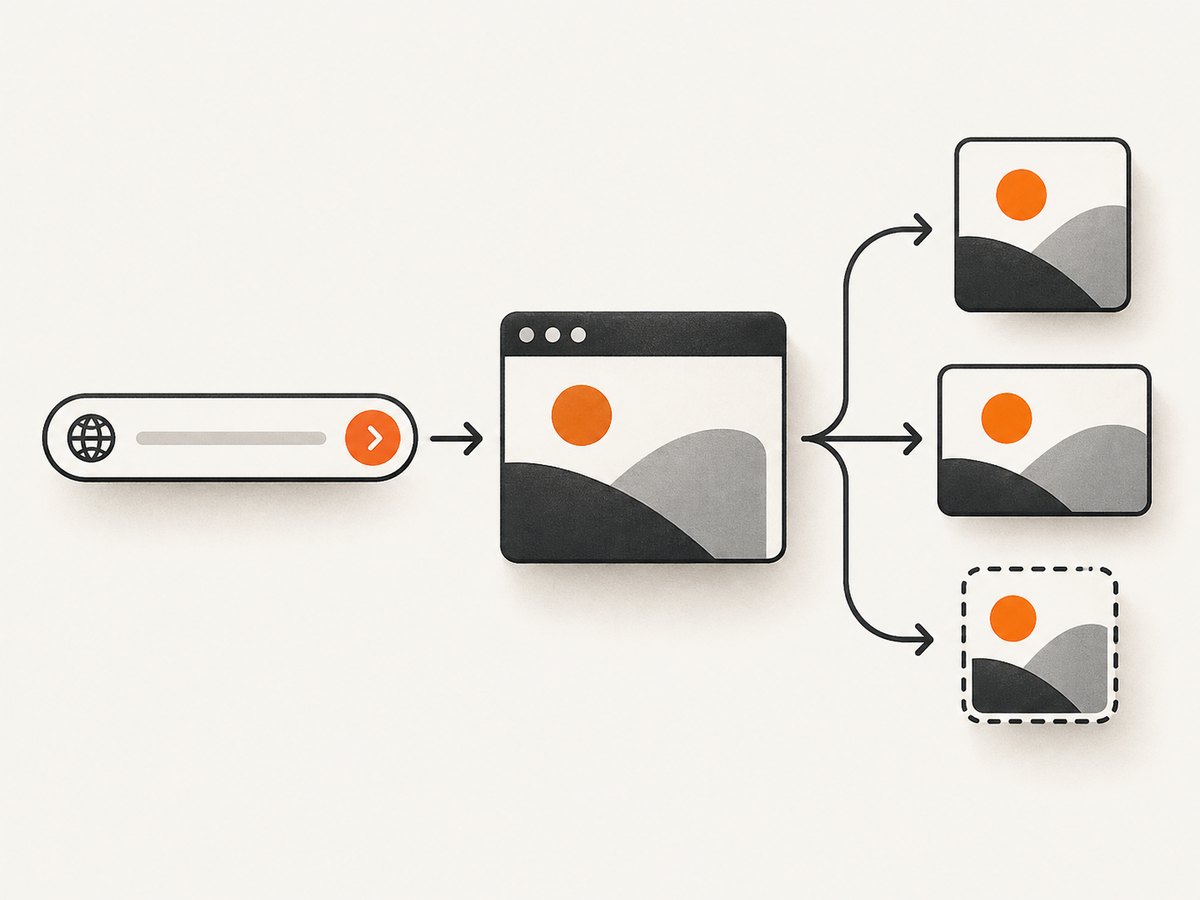
Create a Screenshot Machine account and obtain a customer API key. The required inputs are the key and the target URL. The API is based on an HTTP GET request, and the vendor recommends percent-encoding query values.
curl -Gs 'https://api.screenshotmachine.com/' \
  --data-urlencode 'key=YOUR_CUSTOMER_KEY' \
  --data-urlencode 'url=https://example.com' \
  --data-urlencode 'dimension=1366x768' \
  --data-urlencode 'device=desktop' \
  --data-urlencode 'format=png' \
  --data-urlencode 'cacheLimit=0' \
  --data-urlencode 'delay=200' \
  --data-urlencode 'zoom=100' \
  > capture.png
The command writes the returned bytes to capture.png. Replace the key and URL before running it. Using --data-urlencode protects characters such as ?, &, #, spaces, and non-ASCII characters in the target address.
The documented defaults are a 120x90 dimension, desktop device, jpg format, a 14-day cache limit, a 200 millisecond delay, and 100 percent zoom. Set values explicitly in production so a later default change does not alter your output. See the vendor endpoint at api.screenshotmachine.com for the current reference.
2. Capture a page in Python
This example uses Python’s standard HTTP client pattern with requests. A timeout prevents a worker from waiting indefinitely.
import requests

params = {
    "key": "YOUR_CUSTOMER_KEY",
    "url": "https://example.com",
    "dimension": "1366x768",
    "device": "desktop",
    "format": "png",
    "cacheLimit": "0",
    "delay": "200",
    "zoom": "100",
}

response = requests.get(
    "https://api.screenshotmachine.com/",
    params=params,
    timeout=90,
)

response.raise_for_status()
with open("capture.png", "wb") as image_file:
    image_file.write(response.content)

print("saved capture.png")
Install the dependency with python -m pip install requests. Keep the key in an environment variable or secret manager rather than committing it to source control.
3. Capture a page in Node.js
Modern Node.js versions include fetch. The URL object handles query-string encoding for you.
import { writeFile } from "node:fs/promises";

const params = new URLSearchParams({
  key: process.env.SCREENSHOT_MACHINE_KEY,
  url: "https://example.com",
  dimension: "1366x768",
  device: "desktop",
  format: "png",
  cacheLimit: "0",
  delay: "200",
  zoom: "100",
});

const response = await fetch(`https://api.screenshotmachine.com/?${params}`);

if (!response.ok) {
  throw new Error(`HTTP ${response.status}`);
}

const bytes = Buffer.from(await response.arrayBuffer());
await writeFile("capture.png", bytes);
console.log("saved capture.png");
Run it with SCREENSHOT_MACHINE_KEY=YOUR_CUSTOMER_KEY node capture.mjs. If you use an older Node release without built-in fetch, add a fetch-compatible HTTP library.
4. Choose the viewport and page length
| Parameter | What it controls | Documented values and examples |
|---|---|---|
dimension |
Viewport width and height | widthxheight, such as 1024x768. Width is documented from 100 to 1920 pixels; height from 100 to 9999 pixels, or full. |
height=full |
Full-page rendering | Use dimension=1024xfull to request the entire page at 1024 pixels wide. |
device |
Device mode and responsive behavior | desktop, phone, or tablet. Examples pair 1024×768 with desktop, 480×800 with phone, and 800×1280 with tablet. |
format |
Output image type | jpg, png, or gif. The documented default is jpg. |
Use a desktop viewport for documentation and dashboards, a phone viewport for responsive regressions, and a tablet viewport when that breakpoint matters to your product. Full-page images can be very tall; choose a format and storage policy that suit your downstream system.
5. Control freshness, waiting, and scale
Cache behavior
cacheLimit accepts 0 through 14 days and also supports decimal values for shorter periods. The documented default is 14 days. Set cacheLimit=0 when a current deployment, price, inventory page, or test fixture must be fetched fresh. A positive value can reduce repeated rendering for stable pages.
Waiting for page content
delay adds a wait before capture. The documented range includes steps from 0 through 10,000 milliseconds, with a 200 millisecond default. Increase it for pages that load images, animations, or client-rendered content after the initial response. A delay does not guarantee that every asynchronous request has finished, so use a page-specific value and inspect the resulting image.
Zoom
zoom accepts 10 through 400 percent and defaults to 100. A value of 200 can produce a result twice as large. The documentation warns that zoom is ignored below typical device dimensions, so set a sensible viewport first and avoid treating zoom as a substitute for a high-resolution layout.
6. Interact with or simplify the page
Screenshot Machine accepts CSS selectors for several operations. Reserved selector characters, including #, must be percent-encoded.
click: Click a CSS-selected element before the screenshot. This is useful for opening a menu, dismissing a prompt, or switching a tab.hide: Remove CSS-selected elements before capture. Common uses include cookie notices, sticky bars, and chat launchers.selector: Capture one DOM element instead of the entire viewport.crop: Capture a viewport rectangle usingx,y,width,heightpixel coordinates.
For example, a request that hides a cookie banner and captures a product card can be written as:
curl -Gs 'https://api.screenshotmachine.com/' \
  --data-urlencode 'key=YOUR_CUSTOMER_KEY' \
  --data-urlencode 'url=https://example.com/products' \
  --data-urlencode 'hide=#cookie-banner' \
  --data-urlencode 'selector=.product-card' \
  --data-urlencode 'format=png' \
  > product-card.png
Selectors that do not exist or crop rectangles outside the viewport produce documented error responses. Start with a broad capture while developing a selector, then narrow the request once the page structure is confirmed.
7. Set language, cookies, and user-agent context
Use accept-language to set the request language. This lets you capture localized navigation, dates, and currency when the target site uses that header for content negotiation.
The cookies parameter accepts semicolon-separated name/value pairs. Encode the complete value because cookie names or values can contain reserved characters. The user-agent parameter changes the user-agent header and can emulate a device profile. These settings affect responsive layout and server-side personalization, so record them alongside the image when reproducibility matters.
curl -Gs 'https://api.screenshotmachine.com/' \
  --data-urlencode 'key=YOUR_CUSTOMER_KEY' \
  --data-urlencode 'url=https://example.com/account' \
  --data-urlencode 'accept-language=fr-FR,fr;q=0.9' \
  --data-urlencode 'cookies=region=eu; currency=EUR' \
  --data-urlencode 'user-agent=Mozilla/5.0 (iPhone; CPU iPhone OS 17_0 like Mac OS X) AppleWebKit/605.1.15 Mobile/15E148 Safari/604.1' \
  --data-urlencode 'dimension=480x800' \
  --data-urlencode 'device=phone' \
  > french-phone.jpg
8. Protect API keys in public HTML
A browser-side request exposes anything placed in the page source. Screenshot Machine documents a safeguard for direct requests from public HTML: configure a secret phrase and send a hash calculated with MD5 from the target URL followed by that secret phrase. After a secret phrase is enabled, requests with a missing or incorrect hash are ignored.
This mechanism protects the documented public-request flow, but it does not make a customer key safe to publish casually. Prefer a server-side proxy when you control the application. Keep the secret phrase and key out of client bundles, logs, issue reports, and URLs that third parties can reuse.
9. Diagnose error-image responses
The API can return an error image instead of the requested page. Always inspect the X-Screenshotmachine-Response response header before treating the bytes as a successful capture.
| Header code | Likely cause | Fix |
|---|---|---|
missing_key |
No customer key was supplied. | Send key and verify the environment variable is populated. |
missing_url |
No target URL was supplied. | Send a complete http:// or https:// URL. |
invalid_key |
The credential is incorrect or inactive. | Copy the key again from the account and check for whitespace or truncation. |
invalid_hash |
The public-request hash is absent or does not match. | Hash the exact target URL followed by the configured secret phrase. |
invalid_url |
The URL is malformed, unavailable, or requires authorization. | Open the URL publicly, encode it, and check whether the site blocks unauthenticated visitors. |
no_credits |
The account has exhausted its available credits. | Review the account and plan before retrying. |
invalid_selector |
The CSS selector cannot be used for the requested operation. | Validate the selector against the page and encode reserved characters. |
invalid_crop |
The crop coordinates are malformed or outside the viewport. | Use x,y,width,height values inside the selected dimensions. |
system_error |
A generic service-side failure. | Retry carefully, retain the response header, and reduce the request to required parameters when diagnosing. |
Do not assume that an authorization-required website will work simply because its URL is valid. The reviewed documentation does not fully establish supported login workflows or compatibility with every protected site.
10. Production checklist
- Store the key in a secret manager or server environment.
- Percent-encode every URL, cookie string, and selector containing reserved characters.
- Set
dimension,device, andformatexplicitly. - Choose
cacheLimit=0only when freshness is worth the extra rendering request. - Use the smallest delay that reliably includes required content.
- Check
X-Screenshotmachine-Responsebefore storing or publishing the returned bytes. - Log request settings and error codes without logging secrets.
- Retry transient failures with a bounded backoff, and avoid creating duplicate work during an outage.
- For full-page captures, monitor image dimensions and storage size.
11. Performance, reliability, and cost considerations
The supplied vendor material does not publish an independent latency, success-rate, or throughput benchmark. Treat capture time as variable: page complexity, network resources, JavaScript, full-page height, and your selected delay all affect the work required. Measure your own workload if screenshots run inside a request path.
Caching can reduce repeated rendering for unchanged pages; disabling it gives freshness at the cost of another capture. A queue with bounded concurrency is usually safer than launching unlimited requests at once. For critical workflows, persist the target URL, parameters, response header, and a content hash so you can audit what was captured.
The reviewed pages establish that Screenshot Machine advertises a free API and says no credit card is required, but they do not establish current quotas, paid prices, or feature limits. Check the live account and plan information before budgeting a production workload.
12. Or skip the browser setup: ScreenshotNeo
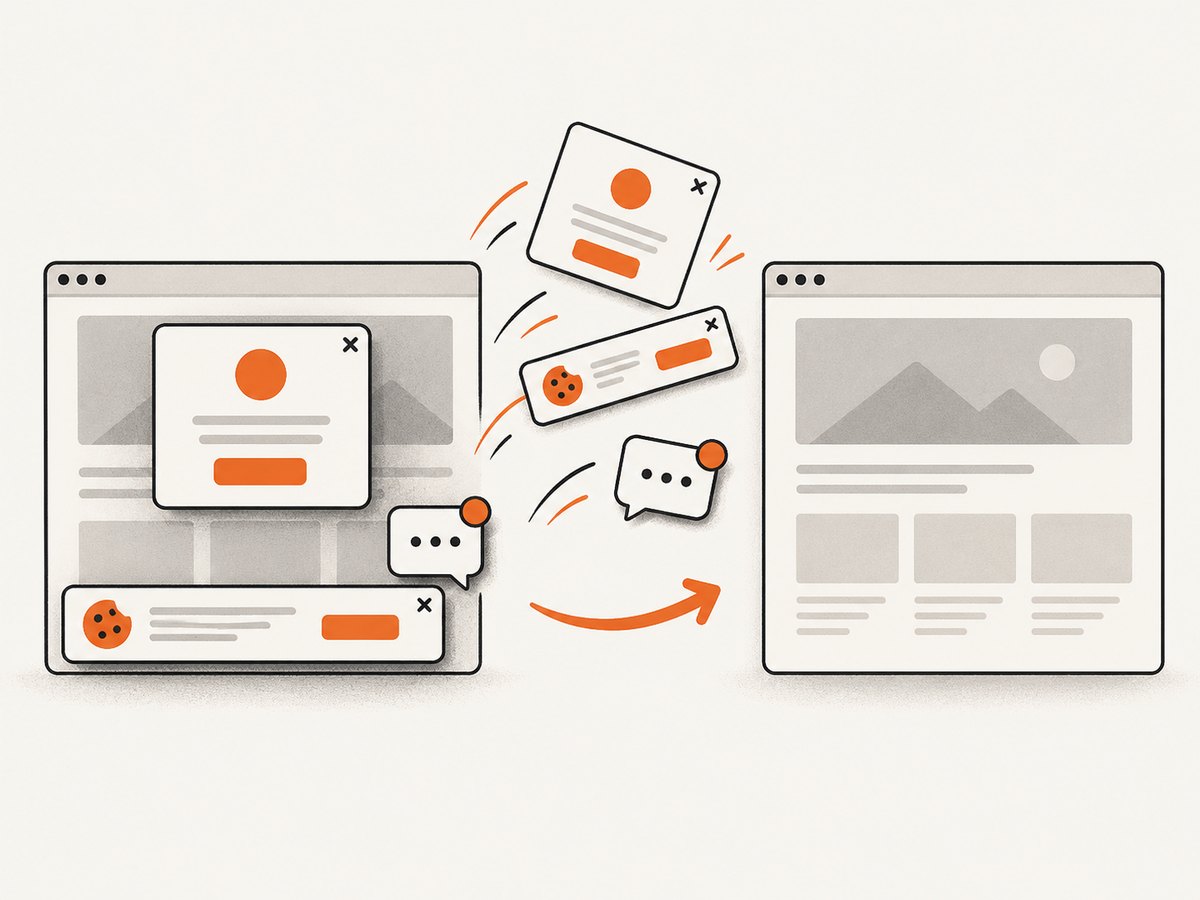
If you want a hosted screenshot endpoint without maintaining a browser-rendering stack, ScreenshotNeo accepts one GET request and returns a PNG, JPEG, WebP, or PDF. Its clean-shot process accepts cookie and consent banners like a visitor, then removes more than 60 known consent platforms, newsletter popups, and chat widgets; each step can be turned off. Bot checks, CAPTCHAs, blank pages, timeouts, failed loads, and cache hits are not billed, and the response identifies the result with X-Page-Verdict and X-Billed headers.
See the ScreenshotNeo API documentation for the full option list.
curl -G "https://api.screenshotneo.com/v1/shot" -d access_key=YOUR_API_KEY --data-urlencode url=https://stripe.com -o shot.webpimport requests
r = requests.get("https://api.screenshotneo.com/v1/shot", params={"access_key": "YOUR_API_KEY", "url": "https://stripe.com"}, timeout=90)
open("shot.webp", "wb").write(r.content)const q = new URLSearchParams({ access_key: 'YOUR_API_KEY', url: 'https://stripe.com' });
const res = await fetch(`https://api.screenshotneo.com/v1/shot?${q}`);ScreenshotNeo includes full-page captures with lazy images loaded, CSS-selector element captures, dark mode, 12 device presets plus custom viewports, retina scale, PDF paper and margin controls, HTML/CSS-to-image, custom CSS and JavaScript, clicks, selector or delay waits, network-idle waits, request blocking, custom headers and cookies, authorization, timezone and geolocation, transparent backgrounds, resizing, configurable caching, signed image links, asynchronous jobs with signed webhooks, bulk capture for up to 100 URLs per call, a usage API, and an OpenAPI specification. An MCP server provides take_screenshot, get_page_info, and capture_pdf tools for Claude, Cursor, and other MCP clients.
There is a free plan with 1,000 screenshots per month and no card. Paid plans start at $5 for 3,000 shots; yearly billing provides two months free, and every feature is available on every plan. Create a free ScreenshotNeo account.
13. FAQ
Can I request a full-page screenshot?
Yes. Set a width and full height, such as dimension=1024xfull.
Why is my URL rejected even though it opens in a browser?
The URL may require authorization, block automated access, or be incorrectly encoded. Check the response header for invalid_url and test a public URL.
Should I always disable caching?
No. Use the documented 14-day default or another positive cacheLimit for stable pages. Use zero when freshness is required.
How do I capture only one component?
Pass a CSS selector with selector. If you need a rectangular area in the viewport instead, use crop=x,y,width,height.
What should I save when a capture fails?
Save the HTTP status, X-Screenshotmachine-Response value, target URL without secrets, and the effective capture parameters. Those details make selector, credential, and quota problems diagnosable.


