How to Screenshot Social Media Pages Reliably
Capture social posts with identity, context, timestamps, and notes so screenshots remain useful when pages change or disappear.
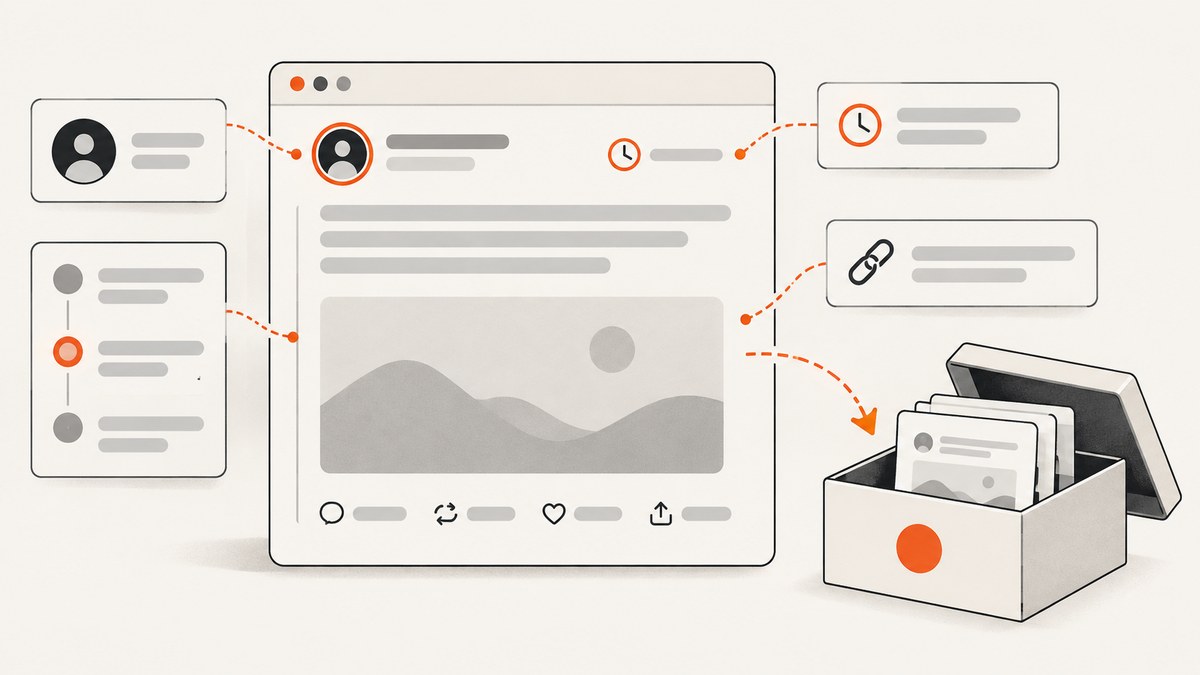
A reliable social-media screenshot captures more than the post itself. Open the post in its own view, include the account and visible date or time, preserve enough thread context, save the direct URL separately, and record when and how you captured it. Keep the original file unchanged and add corroborating exports or web archives when the content matters.
A screenshot is a visual record, not independent authentication. It can be edited, it only shows what was inside the captured frame, and the file creation time does not prove when the platform published the post. For important or disappearing content, retain the screenshot with URLs, capture notes, a platform export when available, and an archive or WARC capture where appropriate. The OsloMet document-forensics guide describes an uncorroborated screenshot as a starting point for investigation, not proof; the applicable legal standard depends on your jurisdiction and circumstances (OsloMet Document Forensics).
What should I include in a screenshot of a social-media post?
Include the platform identity, account name or handle, the complete visible post text or media, the visible date or time, and enough surrounding material to identify the conversation. Keep the post’s direct URL and the account or profile URL in your notes even when both are visible in the image.
- Identity: platform, display name, handle, profile image when useful, and the profile URL.
- Content: the full text, attached media, quoted post, links, and visible labels such as edited or pinned.
- Time: the platform’s displayed date or time, plus your capture date, time, and time zone in a separate record.
- Context: parent post, replies, repost or quote-post relationship, and enough adjacent items to show what the post responds to.
- Provenance notes: browser or capture tool, URL opened, login or access limitations, and any scrolling, expansion, or translation performed.
Do not crop away the account identifier or timestamp just to make the post larger. If one frame cannot contain the text and its context, make an ordered sequence and label the files.
A repeatable capture workflow
1. Open the original post
Use the post’s standalone view instead of a feed preview. On Facebook and X, a visible timestamp commonly links to the standalone post; on TikTok, use the post’s share or copy-link control. Interfaces change, so confirm the current platform help instructions before publishing a platform-specific procedure. Copy the post URL and profile URL into your notes before capturing.

2. Prepare a stable viewing state
Use a normal browser window at a readable zoom. Wait for media and replies to finish loading. Expand “see more” text, quoted posts, alt text, or translated content only when doing so helps answer the question your record must answer, and note each expansion. If a page requires login, record that fact; a private view cannot be independently checked by someone without access.
3. Frame the evidence
Capture the platform chrome or another unmistakable platform cue, the account identity, post content, visible time, and relevant parent or thread material. For a comment, include the commenter and parent post. For a repost or quote-post, capture both the original and the repost relationship. Avoid including unrelated private messages or personal data that the record does not need.
4. Capture a sequence when necessary
Long threads and comment sections need sequential screenshots. Start with an overview that identifies the post, then capture each continuation with a small overlap so order is clear. Name files with a sortable prefix such as 2026-09-29T1430Z-x-post-01.png, and keep a manifest listing the sequence.
5. Record capture notes immediately
Store a plain-text or JSON note beside the image:
{
  "captured_at": "2026-09-29T14:30:00Z",
  "timezone": "UTC",
  "platform": "X",
  "post_url": "https://example.invalid/post",
  "profile_url": "https://example.invalid/account",
  "account_identifier": "@example",
  "method": "browser full-page screenshot",
  "access": "public view",
  "actions": ["expanded post text", "opened quoted post"],
  "limitations": "replies loaded only through the first page"
}
The file’s operating-system timestamp tells you when the file was written, not when the author published the post. NARA guidance recommends preserving a complete record with associated metadata and describes agency practices that label captures with date, title, and recorder initials (NARA, Best Practices for the Capture of Social Media Records).
6. Preserve originals and make a backup
Keep the first downloaded image or recording unchanged. Work from a copy if you need to annotate or redact it, and clearly label the derivative. Store the original and notes in a separate backup location. A drive or cloud folder protects against loss; it does not verify authenticity.
7. Add corroboration for significant public content
Search for an existing public archive or request a web capture where suitable. A WARC capture can preserve requests and responses that an image cannot, although archives may not reach private, login-gated, or ephemeral content. Treat archive availability as an additional record, not a guarantee that every resource was captured.
8. Export your own account data
For content you own, request the platform’s data export. Meta documents Download Your Information for Facebook and Instagram, and X documents downloads of registered users’ account information, including posts (Meta Law Enforcement Guidelines; X Guidelines for law enforcement). Exports complement screenshots; their fields and availability can change.
Browser automation for repeatable screenshots
For a public page that does not require a login, Playwright can create a deterministic full-page image. Install it with npm install playwright and download a browser with npx playwright install chromium.
import { chromium } from 'playwright';

const url = process.argv[2];
if (!url) throw new Error('Usage: node capture.mjs <post-url>');

const browser = await chromium.launch();
const page = await browser.newPage({
  viewport: { width: 1440, height: 1100 },
  deviceScaleFactor: 1
});
await page.goto(url, { waitUntil: 'networkidle', timeout: 60000 });
await page.screenshot({ path: 'post.png', fullPage: true });
console.log({
  url: page.url(),
  title: await page.title(),
  capturedAt: new Date().toISOString()
});
await browser.close();
Replace networkidle with an explicit selector wait when a platform keeps analytics requests open. For a thread, scroll in measured increments, save numbered images, and stop when the expected reply selector is absent. Do not automate around access controls or capture private content without authorization. If a banner or modal obscures the post, record that it was present and whether dismissing it changed the page.
Still image, recording, export, or archive?
| Method | Preserves well | Main limitation | Best use |
|---|---|---|---|
| Screenshot | Visible appearance and context | Easy to edit; limited to the frame; does not prove publication time | Quick record of a post or comment |
| Screen recording | Motion, sequence, and potentially audio as viewed | User-created and can omit hidden context | Video, live content, or interactions |
| Platform export | Account-holder data supplied by the platform | Requires access; fields vary | Complement for your own account |
| Web archive or WARC | Public responses and page resources | May miss private, login-gated, or ephemeral material | Longer-term public preservation |
Use screen recording when movement or sound is part of the claim, and note the date and time viewed. A recording still needs the URL, account identity, and corroboration for high-stakes use.
Or skip the browser setup
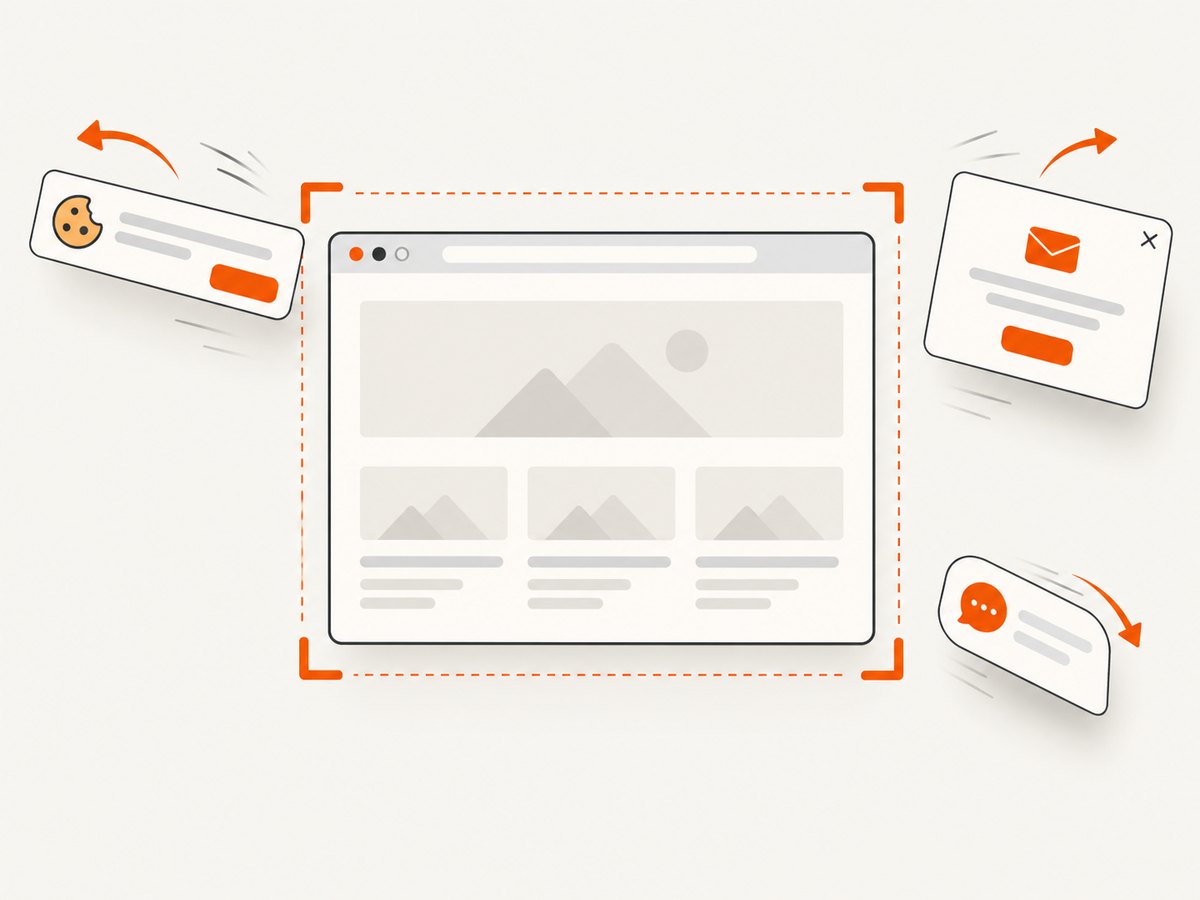
ScreenshotNeo provides a website screenshot API and MCP server. It accepts a URL and returns PNG, JPEG, WebP, or PDF. Before capture it can accept cookie or consent banners and remove more than 60 known consent platforms, newsletter popups, and chat widgets; each step can be turned off. Bot checks, blank pages, timeouts, failed loads, and cache hits are not billed, and response headers identify the page verdict and billing status.
See the ScreenshotNeo API documentation for the complete option list. Relevant controls include full-page capture with lazy images loaded, CSS-selector element capture, dark mode, device presets or custom viewports, retina scale, custom CSS and JavaScript, click and wait actions, hidden selectors, ad or tracker blocking, custom headers, cookies, user agents and Authorization, timezone and geolocation, transparent backgrounds, resizing, TTL caching, signed links, asynchronous jobs with signed webhooks, bulk capture of up to 100 URLs, usage reporting, and PDF output.
cURL
curl -G "https://api.screenshotneo.com/v1/shot" \
  -d access_key=YOUR_API_KEY \
  --data-urlencode url=https://stripe.com \
  -o shot.webp
Python
import requests

r = requests.get(
    "https://api.screenshotneo.com/v1/shot",
    params={"access_key": "YOUR_API_KEY", "url": "https://stripe.com"},
    timeout=90,
)
r.raise_for_status()
open("shot.webp", "wb").write(r.content)
Node.js
const q = new URLSearchParams({ access_key: 'YOUR_API_KEY', url: 'https://stripe.com' });
const res = await fetch(`https://api.screenshotneo.com/v1/shot?${q}`);
if (!res.ok) throw new Error(`${res.status} ${res.statusText}`);
const fs = await import('node:fs/promises');
await fs.writeFile('shot.webp', Buffer.from(await res.arrayBuffer()));
For social pages, pass the standalone post URL and choose full-page capture when replies or expanded media matter. Keep your API key server-side. The MCP server exposes take_screenshot, get_page_info, and capture_pdf to Claude, Cursor, and other MCP clients, so an agent can gather the image and page metadata in one workflow.
ScreenshotNeo offers 1,000 shots per month free with no card; paid plans start at $5 for 3,000 shots, and every feature is on every plan. Create a free ScreenshotNeo account.
Troubleshooting
The screenshot shows a login wall
Cause: the post is private, region-restricted, or the session expired. Fix: authenticate only with an account you are authorized to use, record the restriction, and do not claim that an inaccessible view represents the public page. Use an account export for your own content.
The post is cut off
Cause: feed preview, collapsed text, lazy loading, or viewport cropping. Fix: open the standalone URL, expand text, wait for media, and use full-page or sequential captures with overlap.
Replies or quoted posts are missing
Cause: they load after scrolling, require a click, or are filtered by the platform. Fix: capture the parent and continuation, note filters and missing items, and preserve each URL separately.
Automation times out
Cause: analytics and live connections prevent network idle, or the page is blocked. Fix: wait for a specific post selector, set a bounded timeout, retry once, and record the failure. A timeout is not evidence that the post does not exist.
A banner or chat widget covers content
Cause: consent, newsletter, or support overlays. Fix: dismiss it when permitted and record the action, or use a capture service that removes known overlays before the shot. Keep a raw browser capture if the overlay itself is relevant.
The image looks different later
Cause: edits, deleted media, responsive layout, personalization, or dark-mode settings. Fix: preserve the original file, viewport and timezone in notes, and capture a PDF or archive in addition to the image when the distinction matters.
Performance, reliability, and cost considerations
- Performance: a single standalone post is cheaper and faster to process than an entire feed. Capture only the thread depth you need, and use a selector wait instead of an indefinite network-idle wait.
- Reliability: retry transient navigation failures, keep the URL and response metadata, and make filenames deterministic. For batches, queue work and preserve ordering.
- Dynamic content: record viewport, device scale, timezone, geolocation, login state, and expansion actions because each can change what is rendered.
- Cost: browser automation consumes your own compute. ScreenshotNeo supports caching with a TTL you choose, asynchronous jobs, and bulk capture for up to 100 URLs; only clean shots are billed and cache hits or failed loads are not.
- Preservation: back up originals and notes separately. Storage redundancy helps recovery but does not establish who authored a post.
Checklist before you publish or rely on a capture
- Standalone post URL and profile URL copied.
- Account, handle, platform, content, and visible time are readable.
- Parent, quoted, repost, or reply context is included.
- Long content is captured as an ordered sequence.
- Capture date, time zone, method, access state, and limitations are recorded.
- Original files are retained and backed up.
- Platform export or public archive is added when the stakes justify it.
- No claim relies on the screenshot alone to prove publication time or authenticity.
FAQ
Does a screenshot prove when a post was published?
No. It records what was displayed at capture time. Preserve the platform timestamp, direct URL, and corroborating records; the image file’s creation time is not publication proof.
Should I capture the whole profile?
Usually capture the standalone post and a separate profile view or URL. A full profile adds noise and can expose unrelated personal information.
Is a screen recording stronger than a screenshot?
It preserves motion and sequence, which helps for live or video content, but it remains a user-made capture and can still omit hidden context or fail to authenticate the source.
Can an archive capture a private post?
Generally not without authorized access, and ephemeral content may disappear before capture. Treat archive coverage as limited and document what could not be reached.
How long should I retain the files?
Retain them according to your project, organizational, or legal requirements. Keep the original image or recording, notes, URLs, and any exports together so the record remains interpretable.
Sources and limits
This workflow draws on NARA’s capture guidance, the OsloMet document-forensics resource, Meta’s official guidance, X’s official guidance, and the practical Digital Defence collection guide. Platform interfaces, exports, archive behavior, and notification policies can change; verify current help pages before relying on a platform-specific step.


