How to Screenshot a Specific Page Area with JavaScript or jQuery
Capture a div or other page area with html2canvas, handle CORS and scaling, and learn when native screen capture or ScreenshotNeo fits better.
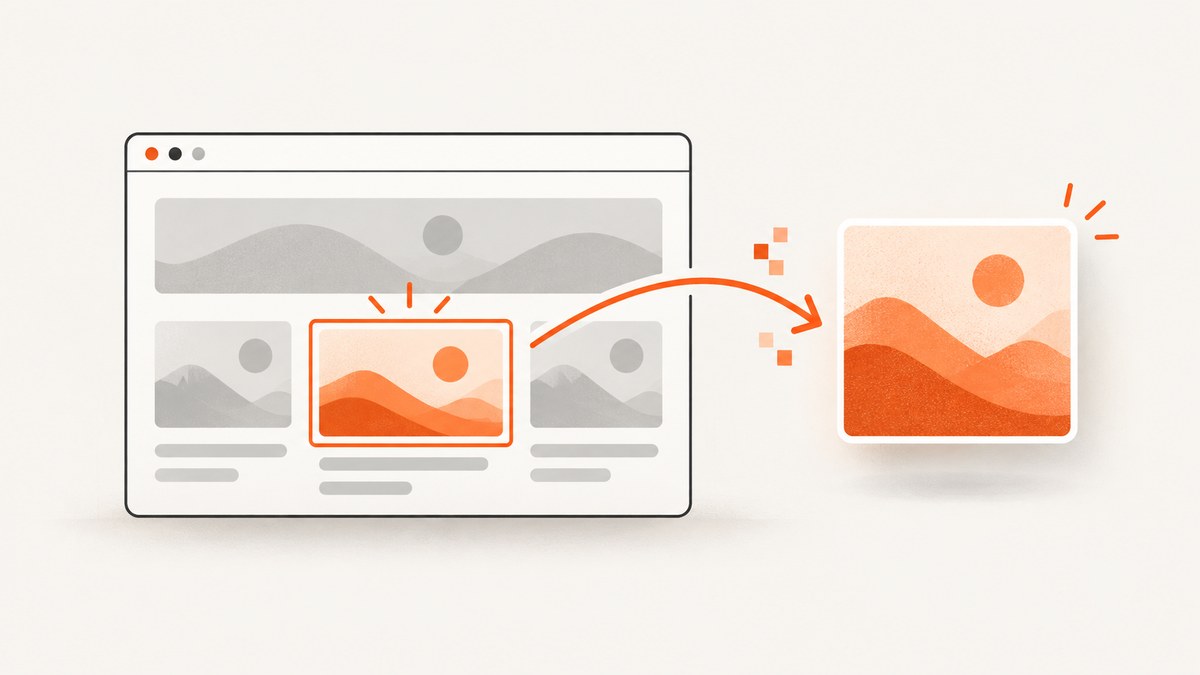
To screenshot a specific page area in JavaScript, select the element and pass the DOM node to html2canvas. The promise returns a canvas that you can download as PNG, JPEG or another supported format:
<script src="https://cdn.jsdelivr.net/npm/html2canvas@1.4.1/dist/html2canvas.min.js"></script>
<script>
  const element = document.querySelector('#capture');

  html2canvas(element, { scale: window.devicePixelRatio }).then(canvas => {
    const link = document.createElement('a');
    link.download = 'capture.png';
    link.href = canvas.toDataURL('image/png');
    link.click();
  });
</script>
This is a DOM redraw, not a literal browser screenshot. html2canvas reads the DOM and the CSS properties it supports, then paints an approximation into a canvas. Unsupported CSS, cross-origin content and embedded documents can be missing or look different. The project describes this limitation in its documentation.
1. Capture a div with html2canvas
Give the area an ID or another stable selector, then capture it after the page has rendered.
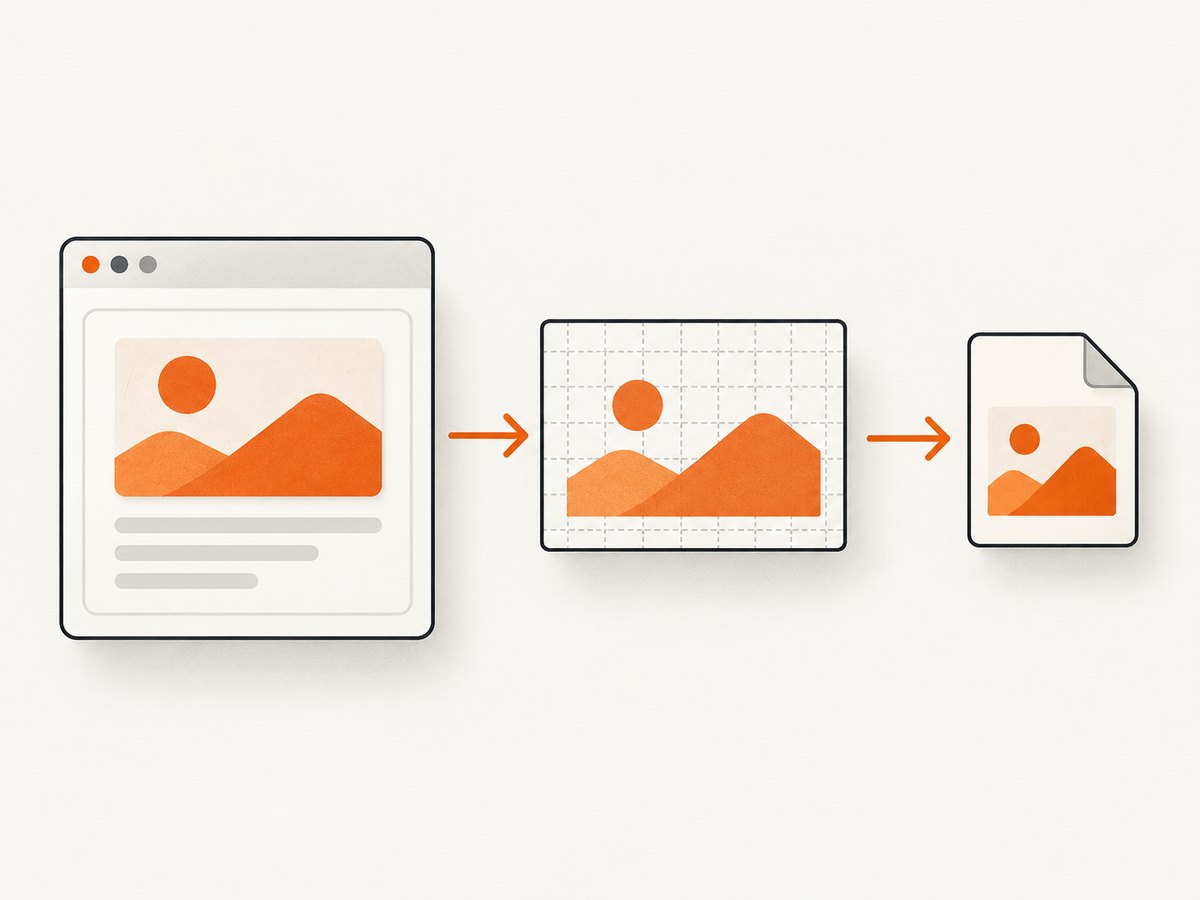
<button id="save-capture" type="button">Save panel</button>
<section id="capture" style="padding:24px; background:#fff; color:#111;">
  <h2>Account summary</h2>
  <p>This panel becomes an image.</p>
</section>

<script>
  document.querySelector('#save-capture').addEventListener('click', async () => {
    const element = document.querySelector('#capture');
    if (!element) throw new Error('The #capture element was not found');

    const canvas = await html2canvas(element, {
      scale: window.devicePixelRatio,
      backgroundColor: '#ffffff'
    });

    canvas.toBlob(blob => {
      if (!blob) throw new Error('The browser could not encode the canvas');
      const url = URL.createObjectURL(blob);
      const link = document.createElement('a');
      link.href = url;
      link.download = 'account-summary.png';
      link.click();
      URL.revokeObjectURL(url);
    }, 'image/png');
  });
</script>
Use toBlob() for a downloadable file or upload. Use toDataURL() when you specifically need a data URL, but remember that large data URLs consume more memory.
Wait for fonts, images and application state
Capture only after the content you need is ready. For web fonts and images, a small readiness helper prevents blank or partially rendered output:
await document.fonts.ready;
await Promise.all([...document.images].map(image => {
  if (image.complete) return Promise.resolve();
  return new Promise(resolve => {
    image.addEventListener('load', resolve, { once: true });
    image.addEventListener('error', resolve, { once: true });
  });
}));

const canvas = await html2canvas(document.querySelector('#capture'));
2. The jQuery version
jQuery returns a collection. html2canvas expects the actual DOM element, so pass the first item with [0]:
$('#save-capture').on('click', function () {
  const element = $('#capture')[0];
  if (!element) return;

  html2canvas(element, { scale: window.devicePixelRatio }).then(function (canvas) {
    const link = document.createElement('a');
    link.download = 'capture.png';
    link.href = canvas.toDataURL('image/png');
    link.click();
  });
});
html2canvas($('#capture')) is incorrect because the argument is a jQuery wrapper rather than a node.
3. Crop coordinates, dimensions and resolution
If you need a crop inside the selected area, html2canvas supports crop options such as x, y, width and height. Coordinates are interpreted according to the library’s rendered capture behavior, so validate them on the layouts and scroll positions your application supports.
const element = document.querySelector('#capture');
const canvas = await html2canvas(element, {
  x: 20,
  y: 10,
  width: 640,
  height: 360,
  scale: 2
});
These controls solve different problems:
| Goal | Option | Effect |
|---|---|---|
| Choose the DOM area | Element passed to html2canvas | Limits the main render to that node |
| Trim inside it | x, y, width, height |
Crops the rendered capture |
| Sharper output | scale |
Renders more pixels; increases memory and file size |
| Transparent result | backgroundColor: null |
Leaves the canvas background transparent where supported |
scale: window.devicePixelRatio is a useful default for high-DPI displays. A fixed value such as 2 gives predictable output, but very large areas at high scale can exceed canvas or memory limits.
4. Useful html2canvas options
backgroundColor: set a color, or usenullfor transparency.scale: control output resolution.useCORS: true: request CORS-enabled image loading. The remote server must still send suitable CORS headers; this option does not bypass same-origin policy.allowTaint: changing this can affect whether cross-origin images taint the canvas. A tainted canvas cannot be read or exported safely.logging: enable diagnostic messages while investigating a render.ignoreElements: returntruefor nodes that should be omitted.data-html2canvas-ignore: add this attribute to an element you want excluded.windowWidth,windowHeight,scrollXandscrollY: control the virtual viewport and scroll position when layout depends on them.
const canvas = await html2canvas(document.querySelector('#capture'), {
  scale: window.devicePixelRatio,
  useCORS: true,
  backgroundColor: '#f7f7f8',
  logging: false,
  ignoreElements: element => element.matches('.no-capture'),
  windowWidth: document.documentElement.clientWidth,
  windowHeight: document.documentElement.clientHeight
});
5. Cross-origin images, iframes and CSS limits
html2canvas cannot inspect a cross-origin iframe’s document. Images loaded from another origin need same-origin access or cooperation through CORS. If an image or canvas violates origin rules, the resulting canvas may be tainted and calls such as toDataURL() can fail with a security exception.
- Serve assets from the same origin where possible.
- Configure the image server to return an appropriate
Access-Control-Allow-Originvalue and useuseCORS: true. - Use an authorized server-side proxy when you control the asset flow and its permissions.
- Do not treat
useCORSas a way to bypass browser security. - Expect differences for CSS features that html2canvas does not implement, filters, plugins, video and complex compositing.
6. Hide controls and capture a clean state
Mark temporary controls with data-html2canvas-ignore or use ignoreElements. For stateful components, add a capture class before rendering and remove it in a finally block.
const root = document.querySelector('#capture');
root.classList.add('is-capturing');
try {
  const canvas = await html2canvas(root);
  canvas.toBlob(blob => upload(blob), 'image/png');
} finally {
  root.classList.remove('is-capturing');
}
7. Native screen capture: when you need real pixels
If you need pixels from an authorized display surface rather than a DOM reconstruction, use navigator.mediaDevices.getDisplayMedia(). The browser shows a chooser, requires a user gesture and returns a MediaStream. Permission cannot be silently persisted for later captures.
async function captureScreenFrame() {
  const stream = await navigator.mediaDevices.getDisplayMedia({
    video: true,
    audio: false
  });

  try {
    const track = stream.getVideoTracks()[0];
    const imageCapture = new ImageCapture(track);
    const bitmap = await imageCapture.grabFrame();

    const canvas = document.createElement('canvas');
    canvas.width = bitmap.width;
    canvas.height = bitmap.height;
    canvas.getContext('2d').drawImage(bitmap, 0, 0);

    canvas.toBlob(blob => {
      const url = URL.createObjectURL(blob);
      const link = document.createElement('a');
      link.href = url;
      link.download = 'screen-frame.png';
      link.click();
      URL.revokeObjectURL(url);
    }, 'image/png');
  } finally {
    stream.getTracks().forEach(track => track.stop());
  }
}

document.querySelector('#capture-screen').addEventListener('click', captureScreenFrame);
Browser support for screen capture, ImageCapture, Element Capture and Region Capture varies. Check the target browser versions and the current MDN Screen Capture API documentation before relying on these APIs.
Element Capture versus Region Capture
Element Capture restricts an already authorized stream to the target element’s DOM tree and descendants. Region Capture crops the tab to the target element’s bounding rectangle, so overlapping content can remain visible. Both operate after the user has selected a surface; neither silently captures arbitrary page pixels.
const stream = await navigator.mediaDevices.getDisplayMedia({ video: true });
const track = stream.getVideoTracks()[0];
const element = document.querySelector('#capture');

if ('CropTarget' in window && track.cropTo) {
  const target = await CropTarget.fromElement(element);
  await track.cropTo(target); // geometric region crop
}

// Element Capture uses RestrictionTarget where supported:
if ('RestrictionTarget' in window && track.restrictTo) {
  const target = await RestrictionTarget.fromElement(element);
  await track.restrictTo(target); // element tree restriction
}
8. Which approach should you choose?
| Requirement | Best fit | Reason |
|---|---|---|
| Save an app-controlled div without a chooser | html2canvas | Works from the page’s DOM, with redraw limitations |
| Capture pixels from a selected tab or window | getDisplayMedia | Uses an authorized display stream |
| Capture cross-origin or server-rendered pages | ScreenshotNeo | Server-side capture avoids browser setup and can return an image or PDF |
9. Troubleshooting
| Symptom | Likely cause | Fix |
|---|---|---|
| Output is blank | Capture ran before content, fonts or images loaded | Wait for document.fonts.ready, images and application data. |
| Images are missing | Cross-origin image without CORS | Serve it same-origin, configure CORS, or use an authorized proxy. |
SecurityError from toDataURL() |
Canvas is tainted | Resolve the origin and CORS issue; useCORS alone cannot bypass it. |
| Iframe content is absent | Iframe document is cross-origin | Capture the iframe from its own origin or use native/server-side capture. |
| Text or effects look different | html2canvas supports a subset of CSS and redraws the DOM | Simplify capture styles, test target browsers, or use a real display/server capture. |
| Image is blurry | Low canvas scale | Set scale: window.devicePixelRatio or a controlled higher value. |
| Browser refuses screen capture | No transient user activation, insecure context or unsupported browser | Call from a user click, use HTTPS, and verify API support. |
| Region includes overlapping content | Region Capture is geometric | Use Element Capture where eligible, or redesign the captured area. |
| Large capture crashes or is slow | Canvas dimensions and memory are too large | Reduce scale or area, capture in sections, and release object URLs. |
10. Performance, reliability and cost
- Capture the smallest area that meets the requirement.
- Use a moderate scale and measure output dimensions before increasing it.
- Do not run repeated captures on every animation frame unless you have a specific need; debounce user actions.
- Wait for stable application state so retries do not save inconsistent images.
- Revoke object URLs after downloads and release screen-capture tracks in a
finallyblock. - For untrusted or arbitrary URLs, browser-side code is the wrong boundary: you need server-side navigation, isolation, timeouts and origin handling.
11. Or skip the browser setup
ScreenshotNeo is a website screenshot API and MCP server. One GET request captures a URL as PNG, JPEG, WebP or PDF, including a specific element by CSS selector when you send the relevant option. See the ScreenshotNeo API documentation for the complete parameter list.
curl -G "https://api.screenshotneo.com/v1/shot" -d access_key=YOUR_API_KEY --data-urlencode url=https://stripe.com -o shot.webpimport requests
r = requests.get("https://api.screenshotneo.com/v1/shot", params={"access_key": "YOUR_API_KEY", "url": "https://stripe.com"}, timeout=90)
r.raise_for_status()
open("shot.webp", "wb").write(r.content)const q = new URLSearchParams({ access_key: 'YOUR_API_KEY', url: 'https://stripe.com' });
const res = await fetch(`https://api.screenshotneo.com/v1/shot?${q}`);
if (!res.ok) throw new Error(`Screenshot failed: ${res.status}`);
const data = await res.arrayBuffer();
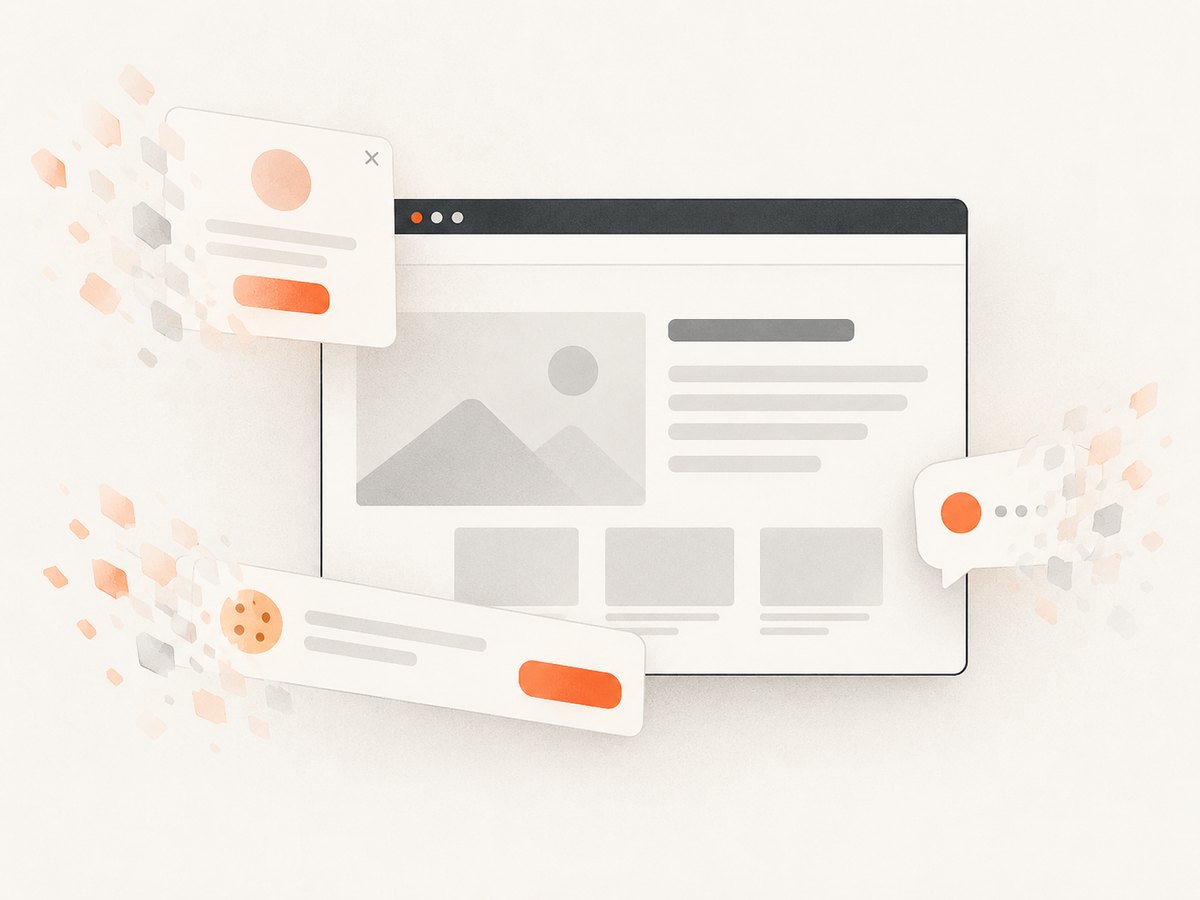
await Bun.write('shot.webp', data);ScreenshotNeo removes cookie banners, newsletter popups and chat widgets before the shot. Bot checks, blank pages and failed loads are never billed, and response headers report the page verdict and billing result. It also provides custom CSS and JavaScript, waits, blocking rules, cookies and headers, device presets, retina scale, caching, signed links, asynchronous jobs, bulk capture, PDF options and an MCP server for AI agents.
The Free plan includes 1,000 screenshots per month with no card. Paid plans start at $5 for 3,000 shots. Create a free ScreenshotNeo account.
12. FAQ
Can html2canvas capture a whole page?
Yes, you can pass a page container and adjust its dimensions, but very large canvases increase memory use. A server-side capture service is usually more reliable for arbitrary full pages.
Can I capture an element selected by the user?
Yes. Resolve the user’s selection to a DOM node, then pass that node to html2canvas. Native Element Capture has separate eligibility and browser-support requirements.
Does jQuery take the screenshot?
No. jQuery only helps select the element. html2canvas performs the DOM rendering, and you must pass the raw element with $('#capture')[0].
Why is my output not pixel perfect?
html2canvas redraws supported DOM and CSS information. It does not ask the browser compositor for a literal screenshot, so unsupported styles and cross-origin content can differ.
Do users need to approve html2canvas?
No separate screen-share chooser is required for html2canvas because it works with the page’s own DOM. getDisplayMedia() does require a user gesture and explicit surface permission.


