How to Screenshot TikTok on iPhone and Android
Learn how to screenshot TikTok on iPhone and Android, save videos or photos, capture scrolling pages, and understand screenshot notifications.
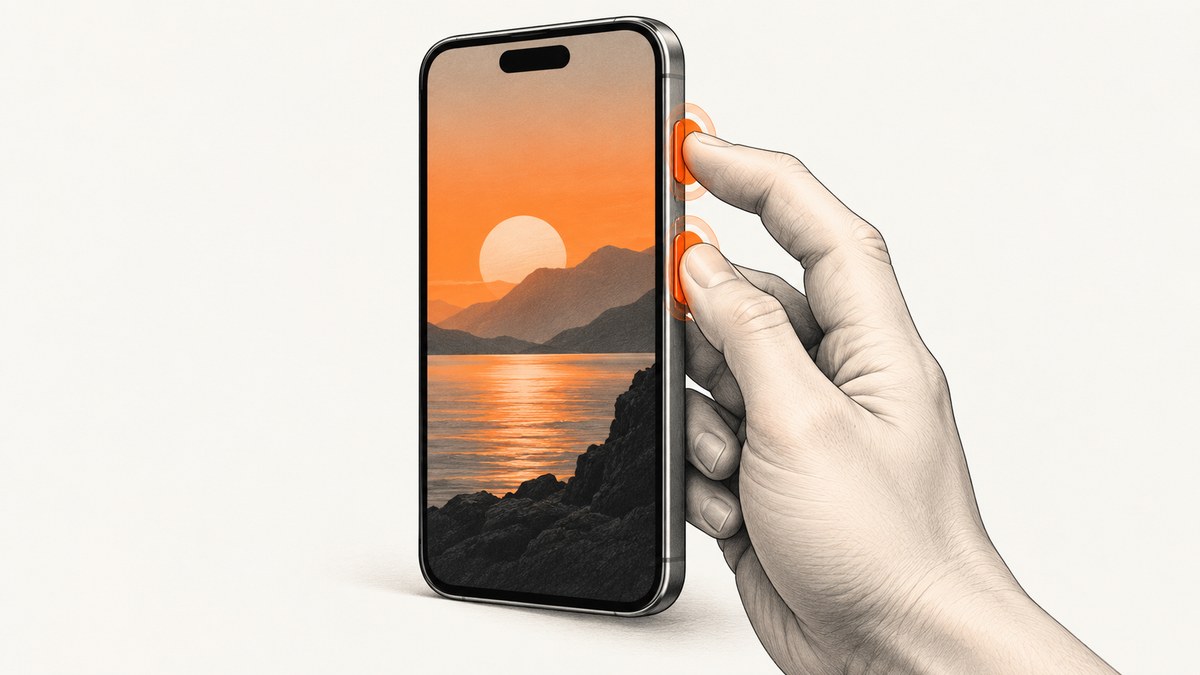
To screenshot TikTok, pause the post on the frame you want and use your phone’s built-in screenshot shortcut. On an iPhone with Face ID, press the side button and Volume Up together, then release quickly. On most Android phones, press Power and Volume Down together. The result is a still image of whatever is visible, including captions, comments, profile details, and on-screen controls.
If you need the original video or a complete photo post, use TikTok’s built-in download option instead. Open the post, tap Share, then Save video. For a photo post, choose Save photo, select the photos, and tap Save. TikTok says these controls may be unavailable when the creator has disabled downloads.
How to screenshot TikTok on an iPhone
iPhone with Face ID
- Open TikTok and navigate to the video or photo post.
- Pause playback on the exact frame you want.
- Press the side button and Volume Up at the same time.
- Release both buttons quickly.
- Tap the thumbnail that appears in the lower-left corner if you want to crop, annotate, or share it. Otherwise, let it disappear; the image is saved in Photos.
Apple describes this as a quick way to save what is on your screen. On iOS 26, screenshot editing tools appear immediately after capture. You can crop out playback controls, draw on the image, add text, or share it from the preview. See Apple’s screenshot instructions for model-specific variations.
iPhone with a Home button
On iPhones with Touch ID, press the Home button and the side button (or the top button on older models) together, then release. The screenshot thumbnail and editing flow work the same way.
Getting a clean TikTok frame
Pause before taking the screenshot. If the playback controls are visible, wait a moment for them to fade or crop them from the preview. For a profile picture, comment, caption, or other interface detail, keep the controls visible if they are part of what you need to document. Rotate the phone only when the post itself benefits from a wider view; TikTok videos are normally vertical.
How to screenshot TikTok on Android
Standard Android shortcut
- Open the TikTok post and pause it at the desired frame.
- Press Power and Volume Down simultaneously.
- Release both buttons after the screen flashes or the screenshot animation appears.
- Tap the preview to edit or share, or find the image in Google Photos or your phone’s Gallery app.
Google documents Power plus Volume Down as the standard Android shortcut. If your phone does not respond, hold the Power button for a few seconds and tap Screenshot in the power menu. Button names and menus can vary by manufacturer. Google’s Android screenshot help covers the standard flow.
Scrolling screenshots
Android 12 and newer support scrolling screenshots on most screens that allow scrolling. TikTok’s normal video view is not a long document, so a scrolling capture usually will not extend a single video frame. It can be useful on a scrollable profile, comment list, search results page, or settings screen:
- Take a normal screenshot.
- Tap Capture more, Scroll, or the equivalent button in the screenshot toolbar.
- Extend the selection until the content you need is included.
- Save or share the resulting image.
If the scrolling control does not appear, that screen may not support it, your Android version may be older, or the phone maker may use a different label.
Screenshot versus TikTok’s Save option
| Need | Best method | Why |
|---|---|---|
| A single video frame | Screenshot | Captures exactly what is visible, including overlays. |
| The original video file | Save video | Provides the media file when the creator permits downloads. |
| A complete photo carousel | Save photo | Downloads selected photos instead of one screen image. |
| Comments, captions, or profile details | Screenshot | Preserves interface details that are not part of the media file. |
| A post whose downloads are disabled | Screenshot | The device can still capture visible content, subject to applicable rights and rules. |
TikTok’s official help center says to open a post, tap Share, and choose Save video. For photo posts, choose Save photo, select the photos, and tap Save. If the option is missing, TikTok says the creator does not allow downloads. TikTok also recommends enabling Save to device from More options before publishing your own content, or tapping Save in the editing side panel. Read the TikTok Help Center instructions.
Does TikTok notify someone when you screenshot?
The official TikTok Help Center source reviewed for this guide explains downloading videos and photos, but it does not state that creators receive screenshot alerts. Treat screenshot-notification behavior as unconfirmed unless TikTok publishes a current policy that specifically addresses it. Search snippets and AI-generated third-party pages are not reliable substitutes for an official policy.
A screenshot is still subject to the creator’s rights and the rules that apply where you live. Credit the creator when you share captured material, and avoid presenting someone else’s work as your own. A screenshot may be appropriate for personal reference, accessibility, reporting, or documentation, but the fact that a phone can capture it does not automatically grant permission to republish it.
How to capture a TikTok without unwanted controls
Pause and wait
Tap the video once to pause, then wait for the playback controls to fade. This produces a cleaner frame without the progress bar or pause icon. If you need the caption or comments, keep the relevant panel open and crop the rest.
Use the preview editor
Both iOS and Android let you crop immediately after capture. Crop out navigation bars, notification banners, and unrelated account information. Save a copy before heavy markup if you may need the uncropped evidence later.
Prevent accidental notifications
Enable Do Not Disturb or dismiss incoming banners before capturing sensitive material. Notifications can appear in screenshots and expose private information. On Android, check the screenshot toolbar for options to hide sensitive content; the exact control depends on the phone maker.
Troubleshooting
The button shortcut does nothing
Cause: The buttons were pressed at different times, a case is obstructing them, or the device uses a different shortcut.
Fix: Press both buttons firmly at the same time and release quickly. Remove a tight case temporarily. On Android, use the Power-menu Screenshot command. On an iPhone with a Home button, use Home plus the side or top button instead of Side plus Volume Up.
The screen turns off or the volume changes
Cause: One button was held longer than the other.
Fix: Use a brief simultaneous press. Do not hold the buttons. If hardware is unreliable, use AssistiveTouch on iPhone or the accessibility shortcut offered by your Android manufacturer.
The screenshot is black
Cause: Some protected video surfaces block screen capture, or the app has not finished rendering the frame.
Fix: Wait for the video to load, pause on a different frame, and try again. If TikTok or the operating system applies capture protection, use the creator-enabled Save option when available. Do not attempt to bypass technical restrictions.
The image is blurry
Cause: The video frame itself is low resolution, playback was moving, or the screenshot was enlarged after capture.
Fix: Pause before pressing the shortcut and capture at the phone’s native resolution. For the original quality, use Save video or Save photo instead of a screenshot.
There is no Save video or Save photo button
Cause: TikTok says the creator has disabled downloads.
Fix: Use a screenshot when a still image is sufficient, or ask the creator for the original file. A screenshot will not provide the original video data or every photo in a carousel unless you capture each one.
Scrolling capture stops early
Cause: The screen does not expose a scrollable region, or the phone does not support scrolling screenshots.
Fix: Update Android when possible, try the feature from a profile or comments view, or take several ordinary screenshots and combine them with an image editor. Scrolling screenshots are generally available from Android 12 on supported screens.
Or skip the browser setup
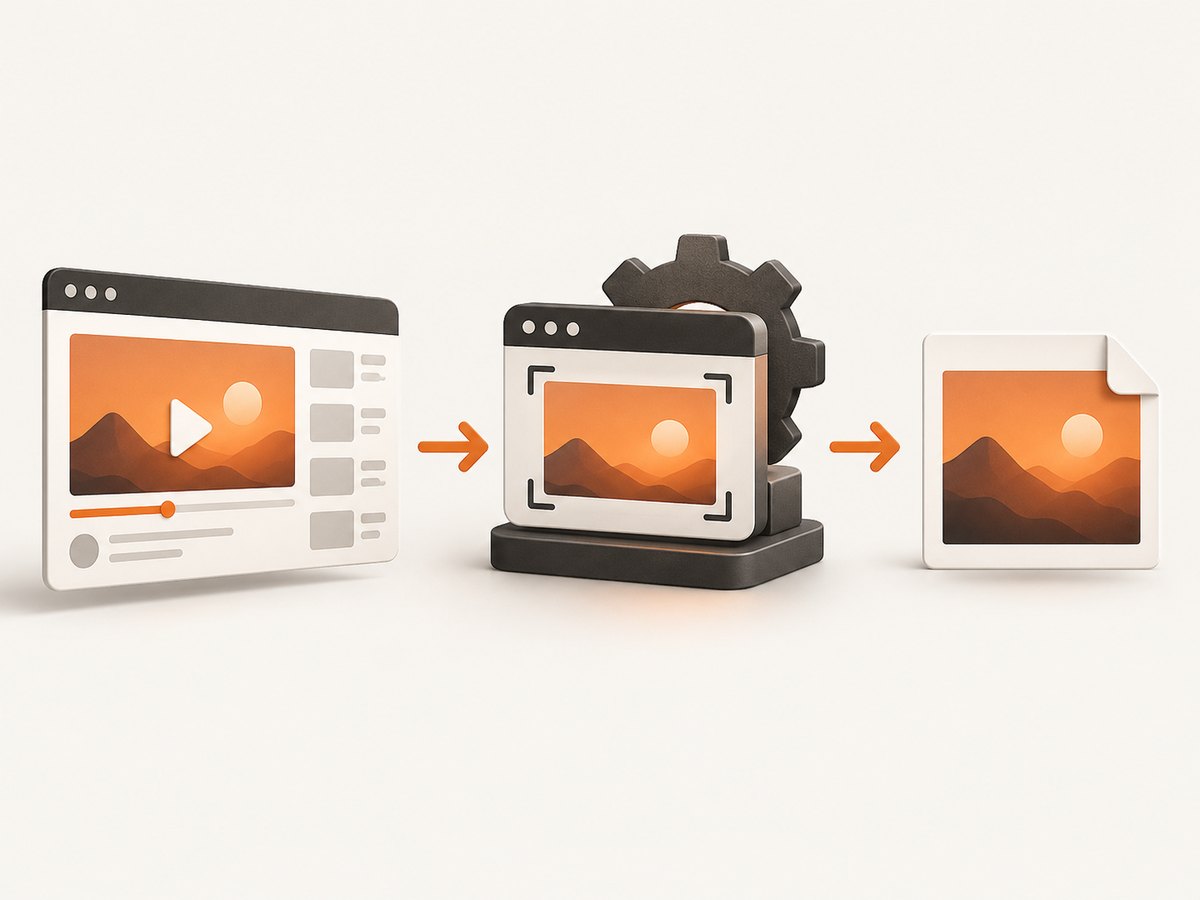
If you are building a workflow that needs screenshots of TikTok pages or other websites, ScreenshotNeo returns a PNG, JPEG, WebP, or PDF from one GET request. Its capture flow accepts cookie and consent banners like a visitor, then removes more than 60 known consent platforms along with newsletter popups and chat widgets. Each cleanup step can be turned off.
Only clean shots are billed. Bot checks or CAPTCHAs, blank pages, timeouts, failed loads, and cache hits cost nothing, and response headers report the page verdict and whether the request was billed. ScreenshotNeo also provides an MCP server with take_screenshot, get_page_info, and capture_pdf tools for Claude, Cursor, and other MCP clients.
See the ScreenshotNeo documentation for authentication, options, and response headers.
cURL
curl -G "https://api.screenshotneo.com/v1/shot" -d access_key=YOUR_API_KEY --data-urlencode url=https://www.tiktok.com/@example/video/123456789 -o shot.webpPython
import requests

r = requests.get(
    "https://api.screenshotneo.com/v1/shot",
    params={
        "access_key": "YOUR_API_KEY",
        "url": "https://www.tiktok.com/@example/video/123456789",
    },
    timeout=90,
)
r.raise_for_status()
open("shot.webp", "wb").write(r.content)
Node.js
const q = new URLSearchParams({
  access_key: 'YOUR_API_KEY',
  url: 'https://www.tiktok.com/@example/video/123456789'
});
const res = await fetch(`https://api.screenshotneo.com/v1/shot?${q}`);
if (!res.ok) throw new Error(`Screenshot failed: ${res.status}`);
const image = Buffer.from(await res.arrayBuffer());
require('fs').writeFileSync('shot.webp', image);
Useful capture options
- Full page: capture the complete loaded page, including lazy-loaded images.
- Element capture: target one CSS selector instead of the entire page.
- Device and viewport: choose one of 12 device presets or provide a custom viewport.
- Retina scale: increase pixel density for sharper output.
- Timing: wait for a selector, a fixed delay, or network idle.
- Interaction: click an element before capture and run custom JavaScript.
- Privacy and consistency: set cookies, headers, user agent, Authorization, timezone, geolocation, or custom CSS; hide selectors and block ads, trackers, requests, or resource types.
- Output: choose PNG, JPEG, WebP, or PDF; resize images or use transparent backgrounds.
- Delivery: use a cache TTL, signed links for public image tags, asynchronous jobs with signed webhooks, or bulk capture for up to 100 URLs per call.
For TikTok pages, allow enough wait time for the page and video poster frame to render. A bot check or login wall may produce a verdict instead of a useful page image. Use custom headers or cookies only when you are authorized to access the page. Caching can reduce repeat work, while a selector wait is more reliable than an arbitrary short delay when a specific element must appear.
Performance, reliability, and cost notes
Phone screenshots are immediate and local, but they capture only the current device viewport. Automated capture is better for repeatable archives, QA, moderation evidence, and server-side workflows. Full-page shots and pages with heavy video or third-party scripts take longer than a simple still frame. Waiting for a selector or network idle improves consistency; blocking unnecessary trackers and resource types can reduce page work.

ScreenshotNeo’s plans include every feature: Free provides 1,000 shots per month with no card; Starter is $5 for 3,000; Growth is $15 for 15,000; Pro is $39 for 60,000; Scale is $99 for 250,000; and Business is $249 for 1,000,000. Yearly billing gives two months free. Failed loads, blank pages, bot checks or CAPTCHAs, timeouts, and cache hits are not billed when the response identifies them as such.
FAQ
Can I screenshot a TikTok Live?
Yes, if the operating system and app permit capture. Pause or capture the visible moment, and remember that a live stream may change while you prepare the shot.
Where are TikTok screenshots saved?
On iPhone they appear in Photos. On Android they normally appear in Google Photos or the Gallery app, inside a Screenshots album.
Can I screenshot a private TikTok account?
You can capture content visible to you, but access and sharing should follow the account owner’s permissions and applicable rules.
Does a screenshot include sound?
No. A screenshot is a still image. Use TikTok’s save control or a permitted screen recording when you need motion or audio.
How do I automate many screenshots?
Use an API with bulk capture or asynchronous jobs. ScreenshotNeo supports up to 100 URLs per bulk call, signed webhooks for async jobs, usage reporting, and an OpenAPI specification.
Create a free ScreenshotNeo account to get 1,000 screenshots each month with no card. Paid plans start at $5 for 3,000 shots.


