Can You Screenshot a WhatsApp Status?
Yes. WhatsApp does not currently notify someone when you screenshot a regular Status, but screenshot rules differ for View Once media and profile photos.
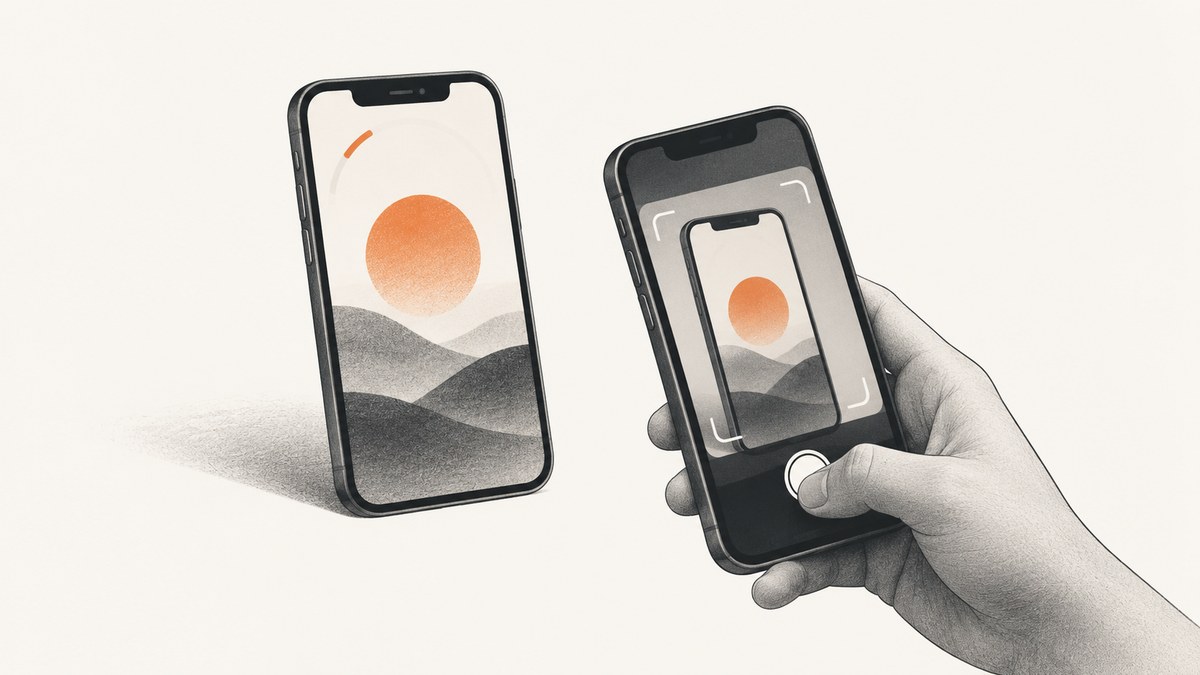
Yes. You can screenshot a regular WhatsApp Status, and WhatsApp does not currently send the person who posted it a separate screenshot alert. The poster may still see that you viewed the Status when viewer information is available. App behavior can change with operating-system versions, WhatsApp releases, and staged rollouts.
What happens when you screenshot a regular Status?
A regular Status can contain photos, videos, GIFs, text, and more, and it disappears from WhatsApp’s normal viewing window after 24 hours. If you can open the Status, your phone’s standard screenshot command can capture what is displayed.
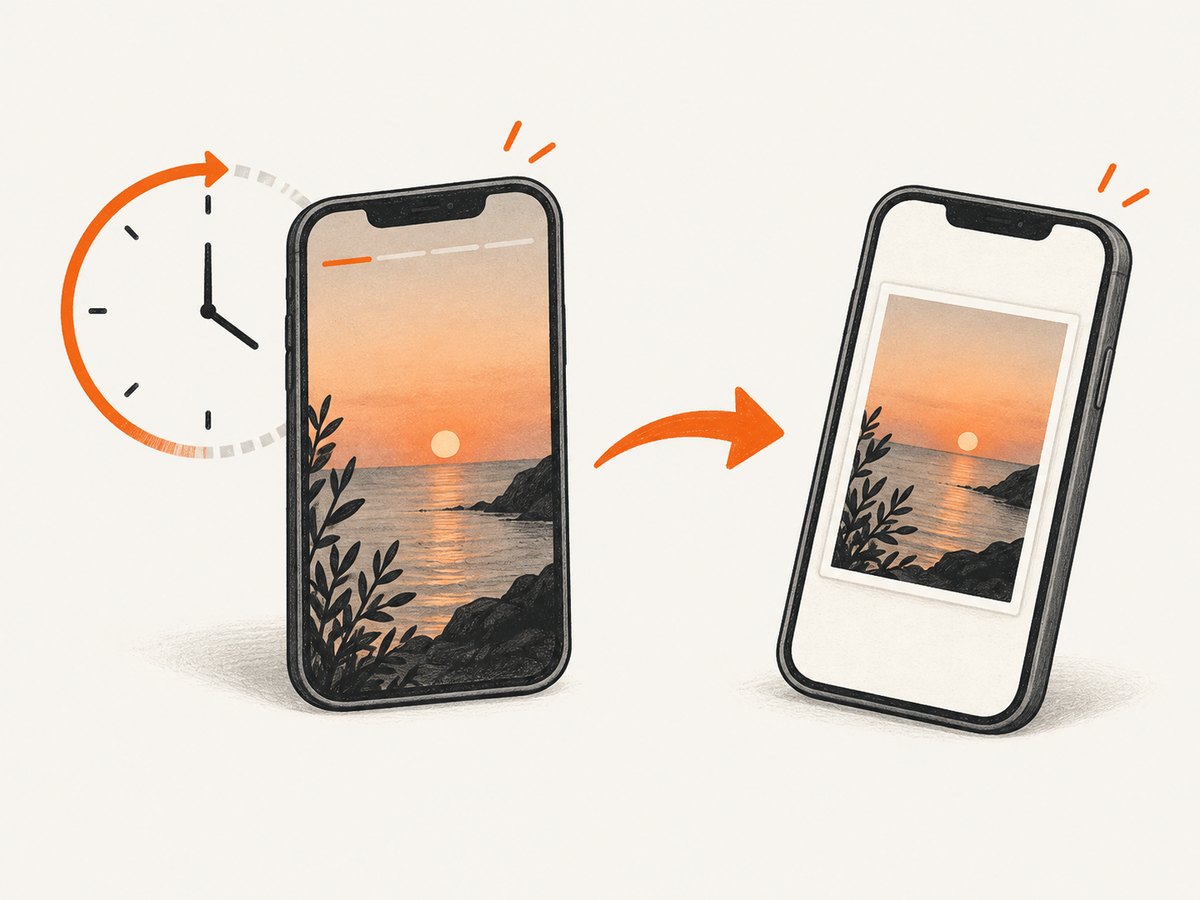
- No screenshot notification is currently reported: the poster is not shown a separate alert that you captured the Status.
- Viewing is separate from capturing: the poster may be able to see that you viewed the Status, depending on read-receipt and viewer settings.
- Expiry does not erase copies: when the 24-hour Status expires, a screenshot or another recording made by a viewer still exists.
- Privacy is audience-based: Status is encrypted while shared through WhatsApp, but the poster controls who can see it.
This answer applies to an ordinary Status. It does not mean every WhatsApp surface allows screenshots.
How to screenshot a Status
Android
- Open WhatsApp and select the Updates or Status tab.
- Open the contact’s Status and pause on the frame you need.
- Use your device’s screenshot shortcut, commonly Power + Volume Down. Some phones provide a Screenshot button in Quick Settings.
- Open the notification or your Photos/Gallery app to crop or share the saved image.
Android manufacturers can use different shortcuts. If the key combination does not work, search your phone’s Settings for “screenshot” or use the power-menu screenshot control.
iPhone
- Open WhatsApp, go to Updates, and open the Status.
- Pause on the frame you want to save.
- On Face ID iPhones, press Side + Volume Up together. On Home-button iPhones, press Side/Top + Home.
- Tap the thumbnail to edit, crop, or mark up the image, or let it save to Photos.
WhatsApp on a computer
WhatsApp Web and the desktop app display Status updates in a browser or app window. Use the operating system’s normal screen-capture command, then check where your system saves screenshots. A capture of the entire desktop can include names, notifications, or other private data, so crop it before sharing.
Does WhatsApp notify screenshots?
For regular Status updates, the current independent reference used for this guide reports no screenshot alert to the poster. WhatsApp’s own documentation separately describes screenshot blocking for profile photos and View Once media, which indicates that protection is feature-specific rather than a blanket rule for every screen.
WhatsApp can change behavior in a future release. Keep the app updated and check the relevant Help Center page if you need to rely on the behavior for a sensitive situation.
Status vs. Profile Photo vs. View Once
| Feature | Visibility window | Audience control | Screenshot behavior | Typical use |
|---|---|---|---|---|
| Regular Status | 24 hours | My contacts; My contacts except; Only share with | Screenshot is possible; no poster alert is currently reported | Temporary updates to selected contacts |
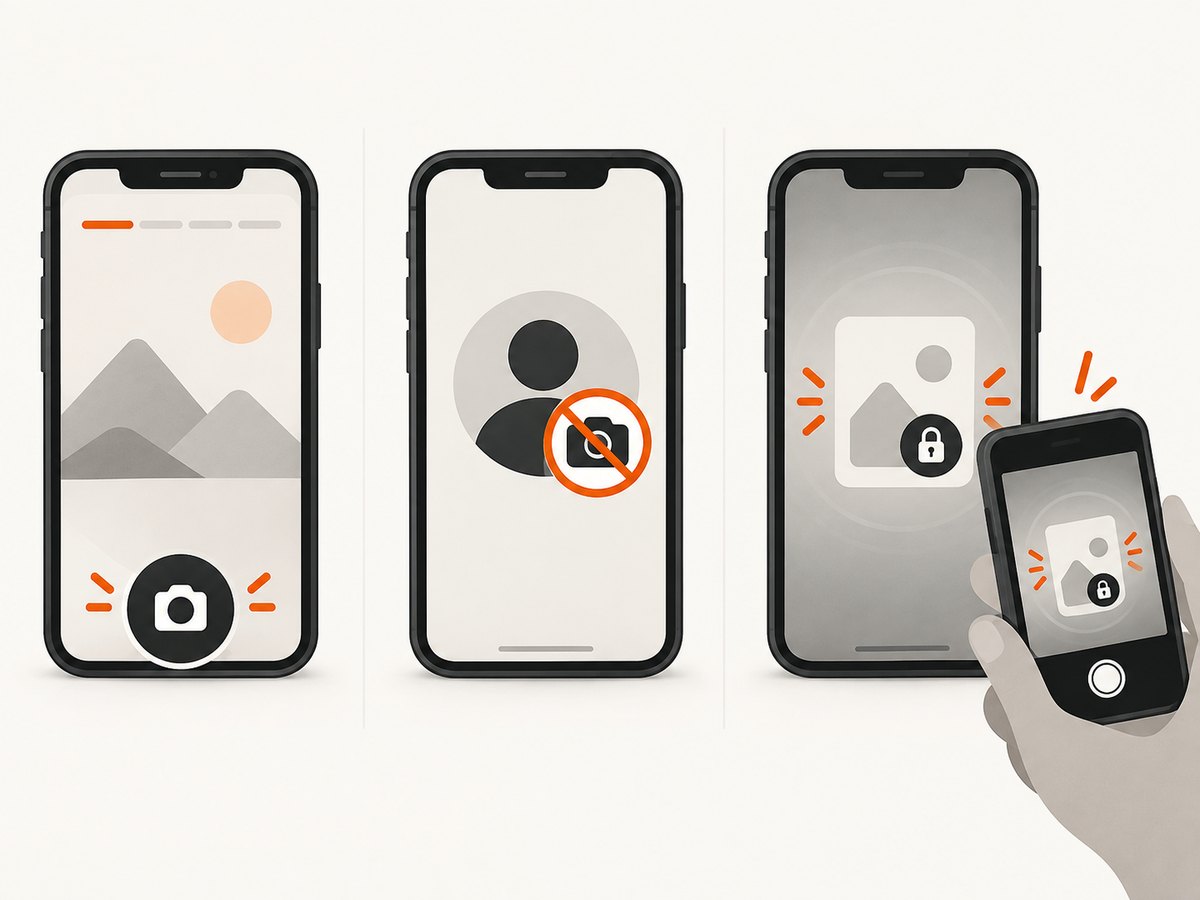
| Profile Photo | Until changed | Profile-photo privacy settings | WhatsApp blocks screenshots on supported Android and iOS versions | Account identity image |
| View Once media | One opening, then expires | Sent to a chat recipient | WhatsApp says recipients cannot take an in-app screenshot; another device can still photograph or record the screen | Sensitive, one-time media |
Do not use View Once as a guarantee that content cannot be copied. WhatsApp warns that someone can use another phone or camera to capture what is displayed.
How to control who sees your Status
If you are posting a Status, audience selection is WhatsApp’s main first-party privacy control. In WhatsApp’s Status privacy settings, choose one of these options:
- My contacts: everyone in your WhatsApp contacts can see it.
- My contacts except: exclude specific contacts.
- Only share with: choose the contacts who may see it.
Review the audience before posting, especially when a Status contains work information, a location, a child’s image, or anything intended for a small group. WhatsApp also supports mentions: mentioned people receive a private notification and may reshare the Status to their own audience.
What screenshot protection can and cannot do
- A blocked in-app screenshot does not prevent a viewer from photographing the screen with another device.
- A 24-hour expiry removes the Status from the normal viewing window; it does not recall screenshots, downloads, or recordings already made.
- Screenshot behavior can differ by Android or iOS version, WhatsApp version, and staged feature rollout.
- No screenshot alert does not mean the interaction is invisible: view receipts and other account activity can still apply.
Troubleshooting
| Problem | Likely cause | What to do |
|---|---|---|
| The screenshot shortcut does nothing | Device-specific key combination, restricted app state, or a hardware button issue | Try the alternate shortcut, Quick Settings, AssistiveTouch, or your phone’s built-in screenshot tool. |
| The Status is gone | It expired after 24 hours or the poster removed it | There is no reliable way to recover an expired or deleted Status from WhatsApp’s normal viewer. |
| The image is black or blocked | You may be viewing protected content such as View Once media or a profile photo | Do not treat regular Status behavior as proof that protected media can be captured. Use the sharing feature’s rules. |
| The poster says they know you captured it | They may have inferred it, seen a shared copy, or observed a view receipt | WhatsApp currently does not report a separate screenshot alert for ordinary Status updates, but avoid sharing content without permission. |
| Screenshot contents include private notifications | System banners or notification previews were visible | Enable Do Not Disturb, wait for notifications to clear, and crop or redact before sending the image. |
Or skip the browser setup
ScreenshotNeo is useful when the thing you need is a screenshot of a public web page rather than a private WhatsApp Status inside the app. It provides a single GET request for PNG, JPEG, WebP, or PDF output, with options for full-page capture, waiting, custom headers, cookies, device settings, and more. See the ScreenshotNeo API documentation for the complete parameter list.
curl -G "https://api.screenshotneo.com/v1/shot" -d access_key=YOUR_API_KEY --data-urlencode url=https://stripe.com -o shot.webpimport requests
r = requests.get("https://api.screenshotneo.com/v1/shot", params={"access_key": "YOUR_API_KEY", "url": "https://stripe.com"}, timeout=90)
open("shot.webp", "wb").write(r.content)const q = new URLSearchParams({ access_key: 'YOUR_API_KEY', url: 'https://stripe.com' });
const res = await fetch(`https://api.screenshotneo.com/v1/shot?${q}`);Cookie banners, newsletter popups, and chat widgets can be removed before the shot, with each cleanup step configurable. Bot checks, blank pages, failed loads, timeouts, and cache hits are not billed as clean shots, and response headers identify the page verdict and billing result. An MCP server provides take_screenshot, get_page_info, and capture_pdf tools for AI agents. The Free plan includes 1,000 screenshots a month with no card; paid plans start at $5 for 3,000 shots.
Sign up for ScreenshotNeo free to try it with 1,000 screenshots per month and no card.
FAQ
Can someone see if I screenshot their WhatsApp Status?
WhatsApp does not currently send a separate screenshot alert for a regular Status. They may still see that you viewed it.
Does screenshotting a Status violate WhatsApp’s rules?
The technical behavior and your permission to reuse the content are separate questions. Ask before redistributing someone else’s image, video, or text.
Can I screenshot a Status after it expires?
Not through WhatsApp’s normal viewer. If you captured it while it was available, your saved copy remains after the 24-hour expiry.
Are View Once and Status screenshots treated the same?
No. WhatsApp says View Once recipients cannot take an in-app screenshot, while ordinary Status screenshots are currently possible without a reported poster alert.
Can WhatsApp change this behavior?
Yes. Screenshot controls can change with app updates, operating systems, and staged rollouts, so re-check WhatsApp’s current Help Center guidance for time-sensitive decisions.


