ScreenshotAPI.net vs ScreenshotMachine: Which Screenshot API Is Better in 2026?
Compare ScreenshotAPI.net and ScreenshotMachine on price, formats, full-page capture, PDFs, authentication, caching and developer experience.
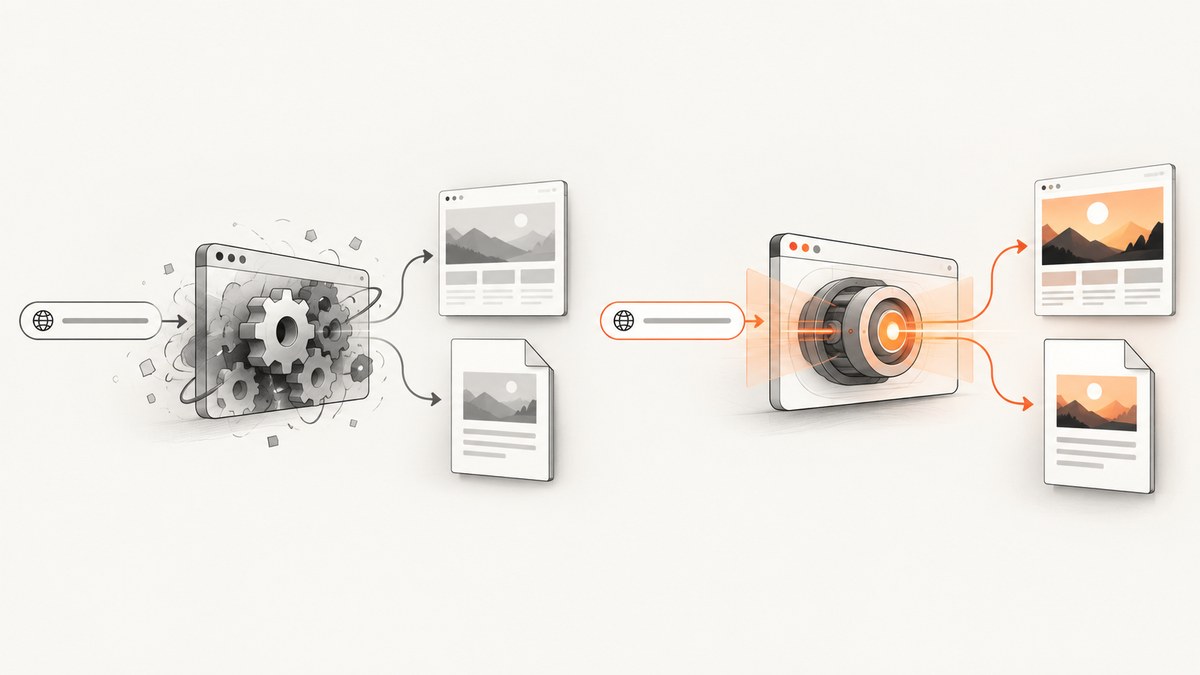
Short answer: ScreenshotAPI.net is the better default for most modern applications. It supports WebP, dark-mode emulation, authenticated pages, cookies, headers, full-page capture and configurable delays, with plans that reach 100,000 renders per month. Screenshot Machine is a good fit when you want a straightforward GET request, device presets, full-page images, cached repeat views or a separate URL-to-PDF API.
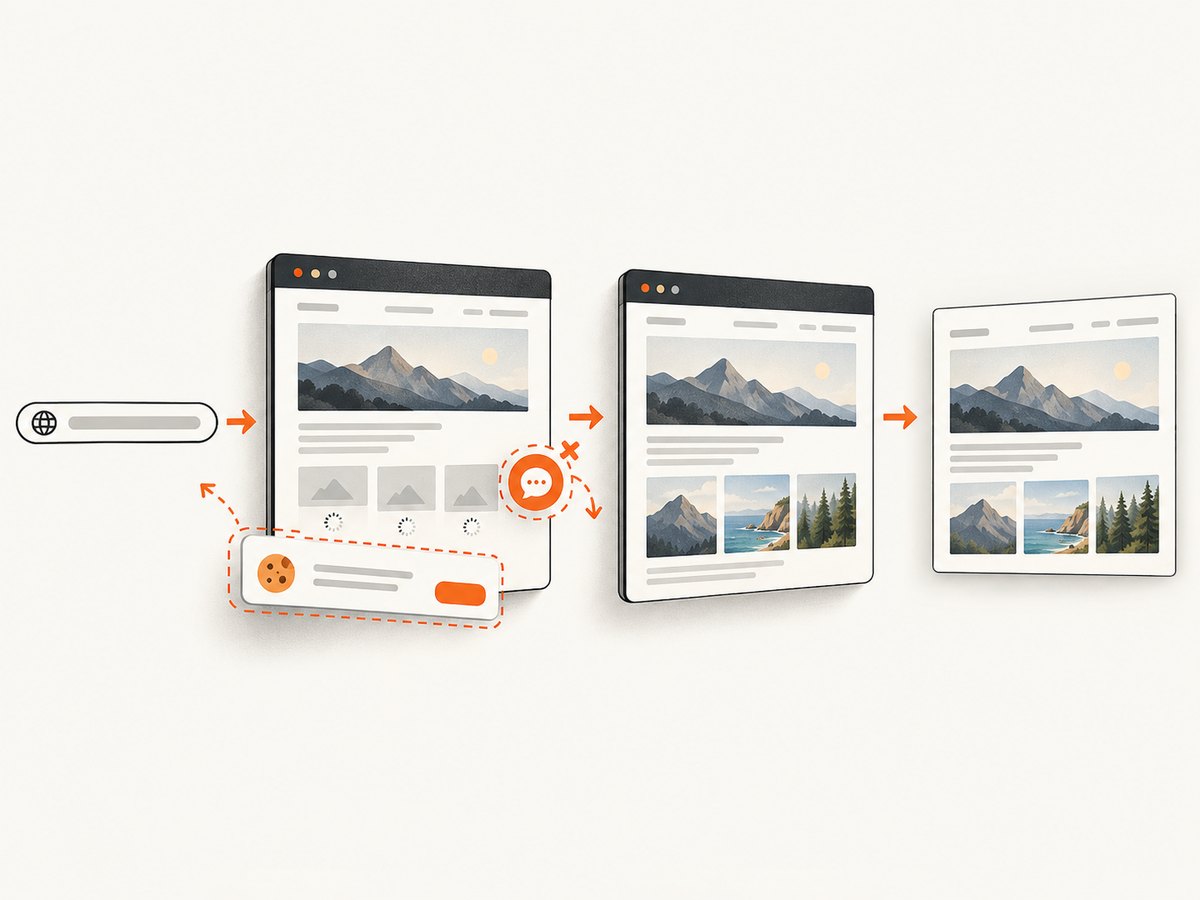
There is a third option to put first on your shortlist: ScreenshotNeo. It produces clean screenshots by accepting consent banners and removing known cookie tools, newsletter popups and chat widgets before capture. Only clean shots are billed, and its MCP server lets AI agents capture screenshots and PDFs.
This comparison uses the vendors’ published documentation and pricing. No independent latency or visual-quality test was performed. Prices, quotas and limits can change, so verify the current plan page before procurement.
At-a-glance comparison
| Service | Best for | Formats and capture | Authentication and timing | Published plans |
|---|---|---|---|---|
| ScreenshotNeo | Clean production captures, AI-agent workflows and predictable billing | PNG, JPEG, WebP and PDF; full page, element, custom viewport, device presets, retina scale | Cookies, headers, user agent, Authorization, selector/delay/network-idle waits, custom JS and CSS | Free 1,000/month; Starter $5/3,000; Growth $15/15,000; Pro $39/60,000; Scale $99/250,000; Business $249/1,000,000 |
| ScreenshotAPI.net | Modern applications needing WebP, dark mode or authenticated pages | PNG, JPEG and WebP; full page; viewport up to 3840 CSS px wide and 4320 px high; scale up to 3 | Cookies, scoped headers, basic authentication and delay up to 10,000 ms; documented default timeout is 25 seconds | Free 100/month; Starter $9/2,000; Pro $29/10,000; Team $49/25,000; Business $149/100,000 |
| Screenshot Machine | Simple GET captures, device presets and URL-to-PDF conversion | PNG, JPG and GIF; full-length dimensions such as 1024xfull; PDF endpoint with paper and print options |
Delay, zoom, click and hide controls; desktop, phone and tablet presets | Free 100 fresh/month; Basic €9/2,500; Pro €59/20,000; Enterprise €99/50,000 |
ScreenshotAPI.net’s pricing page lists paid request limits from 5 to 50 requests per second. Its help documentation describes 20–80 requests per minute depending on plan, so confirm the applicable limit for your account. Screenshot Machine advertises a 99.99% uptime SLA, 14-day screenshot caching and unlimited cached impressions on its pricing page.
ScreenshotAPI.net: capabilities, limits and fit
ScreenshotAPI.net is the stronger general-purpose choice when the page you render behaves like an application rather than a static document. Its API documentation lists PNG, JPEG and WebP output, full-page capture, dark mode, cookies, headers, basic authentication and a configurable delay. A scale value up to 3 is useful when you need a high-density image without changing the CSS viewport.
When ScreenshotAPI.net is the better choice
- WebP delivery: useful for image-heavy dashboards and previews where bytes matter.
- Dark-mode rendering: the API can emulate a dark color scheme before capture.
- Authenticated pages: send cookies, scoped headers or basic-auth credentials for private routes.
- Dynamic content: a delay of up to 10,000 ms gives client-side charts and data time to render.
- Higher volume: the Business plan includes 100,000 renders monthly.
Important ScreenshotAPI.net checks
The published pricing and help pages express rate limits differently. Treat the pricing-page value as the plan-specific reference and ask support to clarify whether your account is governed by requests per second, requests per minute, or both. Also account for the documented 25-second default timeout when pages depend on slow third-party resources.
Screenshot Machine: capabilities, limits and fit
Screenshot Machine is attractive when integration simplicity matters more than a large parameter surface. Its screenshot API uses GET requests and exposes dimensions, device presets, format, delay, zoom, click and hide controls. The 1024xfull dimension is a direct way to request a full-length image.
Its separate PDF API supports paper sizes from letter through A0–A6, portrait or landscape orientation, screen or print media, background rendering, delay and scale. That separation can make PDF generation easier to reason about when your application needs a document rather than an image.
When Screenshot Machine is the better choice
- Simple GET integration: construct a URL with query parameters and fetch the result.
- Device presets: desktop, phone and tablet settings cover common preview jobs.
- Cached repeat views: the service states that screenshots are cached for 14 days and cached impressions are unlimited.
- PDF output: use the dedicated endpoint when paper size, print media or orientation are central requirements.
- EUR budgeting: the published paid plans are priced in euros.
Which is cheapest for 10,000 screenshots?
For exactly 10,000 fresh captures in a month, ScreenshotAPI.net’s Pro plan lists 10,000 renders for $29. Screenshot Machine’s Pro plan lists 20,000 for €59, so it supplies twice the stated volume but uses a different currency. ScreenshotNeo’s Growth plan provides 15,000 shots for $15. The Free ScreenshotNeo plan includes 1,000 shots each month without a card.
| Service | Closest published plan | Included volume | List price | What to verify |
|---|---|---|---|---|
| ScreenshotNeo | Growth | 15,000 | $15/month | Whether your workload qualifies as billable clean shots; failed loads and cache hits are not billed |
| ScreenshotAPI.net | Pro | 10,000 | $29/month | Current rate limit and overage treatment |
| Screenshot Machine | Pro | 20,000 | €59/month | Currency conversion, fresh-versus-cached volume and current SLA terms |
Do not compare only the headline quota. A workload with many repeated URLs may benefit from caching, while a monitoring system that needs every fresh render should model cache behavior, geography, timing controls and failure handling.
Feature-by-feature decision guide
Output formats
ScreenshotAPI.net and ScreenshotNeo publish PNG, JPEG and WebP support. Screenshot Machine publishes PNG, JPG and GIF for screenshots. If your consumers expect WebP, ScreenshotAPI.net or ScreenshotNeo removes a conversion step. If GIF output is a requirement, Screenshot Machine is the documented option in this comparison.
Full-page capture
All three services support full-page workflows. ScreenshotAPI.net documents a full-page mode with viewport limits. Screenshot Machine uses full dimensions such as 1024xfull. ScreenshotNeo loads lazy images during full-page capture and can also capture one element by CSS selector.
Dark mode and responsive devices
ScreenshotAPI.net documents dark-mode emulation. Screenshot Machine offers desktop, phone and tablet presets. ScreenshotNeo provides 12 device presets plus any custom viewport, dark mode and retina scale, so you can combine a named device with a precise pixel density.
Authentication and private pages
ScreenshotAPI.net supports cookies, scoped headers and basic authentication. Screenshot Machine’s documented comparison material emphasizes capture parameters rather than an equivalent authentication surface. ScreenshotNeo accepts custom headers, cookies, user agents and an Authorization header, which is useful for internal dashboards and signed application routes.
PDF generation
Screenshot Machine has a dedicated PDF API with paper, orientation, media and background controls. ScreenshotNeo supports PDF with paper size, margins, landscape mode and page ranges. ScreenshotAPI.net’s capabilities in the supplied documentation focus on image formats; confirm PDF support directly before selecting it for document generation.
Integration examples
For a vendor-neutral integration, keep the capture URL, options and binary response separate from your application logic. Store API keys in environment variables, set an explicit timeout and inspect the response status before writing a file.
ScreenshotNeo cURL
See the ScreenshotNeo API documentation for all options. This request returns a WebP image:
curl -G "https://api.screenshotneo.com/v1/shot" -d access_key=YOUR_API_KEY --data-urlencode url=https://stripe.com -o shot.webpScreenshotNeo Python
import requests

r = requests.get(
    "https://api.screenshotneo.com/v1/shot",
    params={"access_key": "YOUR_API_KEY", "url": "https://stripe.com"},
    timeout=90,
)
r.raise_for_status()
open("shot.webp", "wb").write(r.content)
ScreenshotNeo Node.js
const q = new URLSearchParams({ access_key: 'YOUR_API_KEY', url: 'https://stripe.com' });
const res = await fetch(`https://api.screenshotneo.com/v1/shot?${q}`);
if (!res.ok) throw new Error(`Screenshot failed: ${res.status}`);
const fs = await import('node:fs/promises');
await fs.writeFile('shot.webp', Buffer.from(await res.arrayBuffer()));
For ScreenshotAPI.net or Screenshot Machine, use the same pattern with the endpoint and parameter names from the vendor’s current documentation. Their published interfaces are GET-based, but endpoint paths and authentication parameters should be copied from the account documentation rather than hard-coded from a third-party example.
Or skip the browser setup
ScreenshotNeo handles the browser work behind one request:
curl -G "https://api.screenshotneo.com/v1/shot" -d access_key=YOUR_API_KEY --data-urlencode url=https://stripe.com -o shot.webpConsent banners are accepted and removed before the shot, along with more than 60 known consent platforms, newsletter popups and chat widgets. Bot checks, blank pages, timeouts, failed loads and cache hits cost nothing; the response reports the result in X-Page-Verdict and X-Billed headers. An MCP server provides take_screenshot, get_page_info and capture_pdf tools for Claude, Cursor and other MCP clients. You get 1,000 screenshots per month free without a card, and paid plans start at $5 for 3,000 shots. Create a free ScreenshotNeo account.
Reliability, performance and cost details
Control page readiness
Static pages can be captured immediately, but dashboards and charts need a readiness rule. ScreenshotAPI.net documents a delay control. Screenshot Machine exposes delay and zoom. ScreenshotNeo can wait for a selector, a fixed delay or network idle, and can click an element before capture. Prefer a selector or network-idle condition when page load time varies; use fixed delays only when the page has no reliable marker.
Reduce unnecessary work
- Use the smallest viewport and image format that meets your downstream requirement.
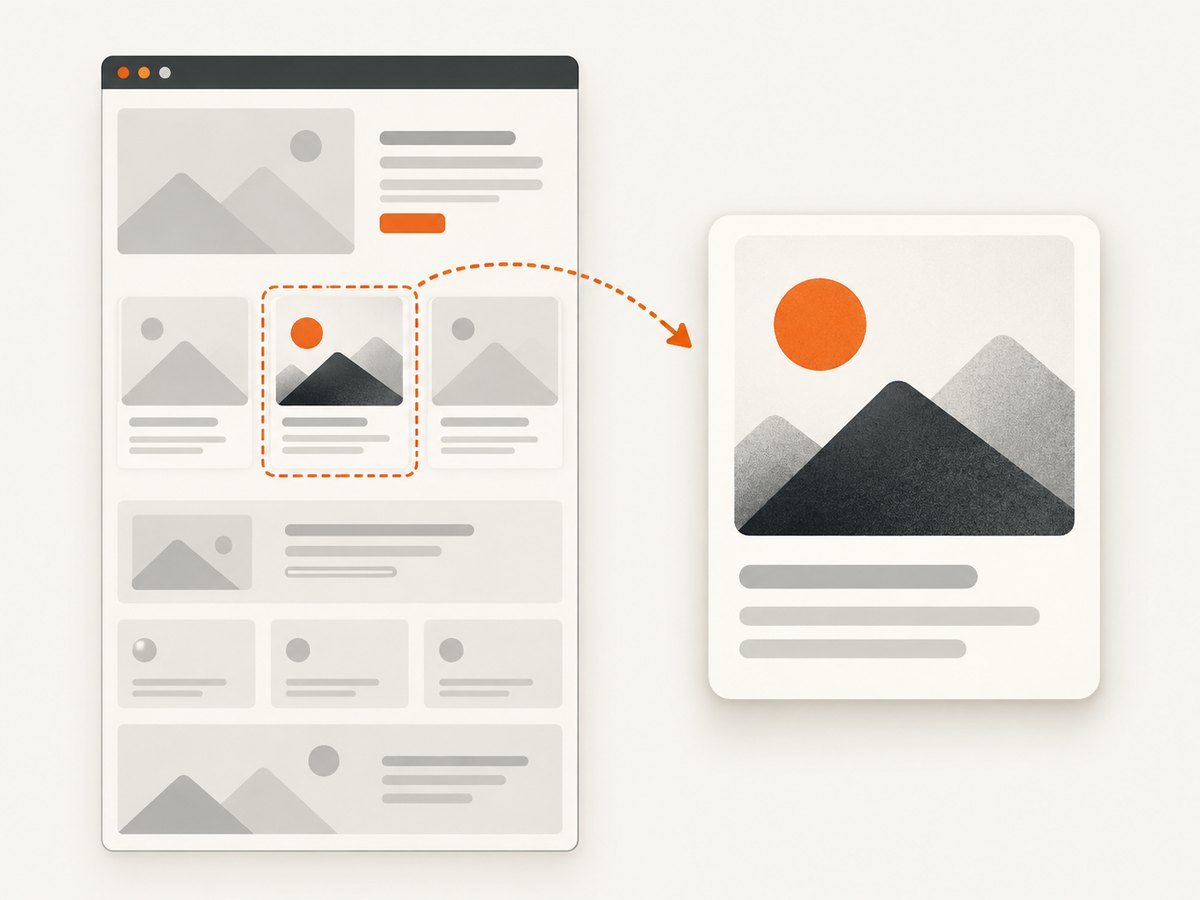
- Request an element capture when a full document is unnecessary.
- Reuse cached captures for stable pages and set a deliberate TTL.
- Block ads, trackers or nonessential resource types when they cannot affect the visual result.
- Queue bursts and honor the provider’s rate limits rather than retrying every failure immediately.
Handle failures as data
Record HTTP status, provider headers, target URL, capture options and elapsed time. ScreenshotNeo distinguishes clean shots, bot checks, blank pages, timeouts, failed loads and cache hits in its response headers, which lets billing and monitoring systems avoid treating every binary response as a successful render.
Troubleshooting checklist
| Symptom | Likely cause | Fix |
|---|---|---|
| Blank or nearly blank image | The app renders after the initial document load or requires a client-side route | Increase the delay, wait for a known selector or network idle, and verify the target URL directly |
| Cookie banner covers content | Consent UI is rendered inside the page | Use a consent-aware service such as ScreenshotNeo, or click and hide the banner before capture |
| Images missing in a full-page shot | Lazy-loaded images never entered the viewport | Use a full-page mode that loads lazy images, or scroll/click through the page before capture |
| Private page redirects to login | Cookies, Authorization or basic-auth credentials were not sent | Pass the required session data using the provider’s documented authentication options; never place secrets in a public URL |
| 429 or throttling response | Requests exceed the account’s rate limit | Use bounded concurrency, exponential backoff and a queue; confirm whether your plan uses per-second or per-minute limits |
| PDF pagination is wrong | Print CSS, paper size, margins or scale do not match the document | Set paper, orientation, media, margins and background options explicitly, then test representative pages |
| Unexpected billing | Fresh renders, cache misses or retries were counted | Enable caching where appropriate, deduplicate jobs and inspect each provider’s quota rules; ScreenshotNeo does not bill failed loads, bot checks, blank pages or cache hits |
Final recommendation
Choose ScreenshotAPI.net when WebP, dark mode, authenticated pages and richer image-rendering controls are the deciding factors. Choose Screenshot Machine when a simple GET request, device presets, full-page images, cached repeats or a dedicated PDF endpoint fit your workflow and EUR pricing is acceptable.
Put ScreenshotNeo first when clean output and predictable billing matter: it removes consent UI, popups and chat widgets before capture, bills only clean shots, supports image and PDF workflows, and adds MCP tools for AI agents. Its free tier includes 1,000 shots per month with no card.
FAQ
Does ScreenshotAPI.net support WebP?
Yes. Its documented image formats include PNG, JPEG and WebP.
Can ScreenshotAPI.net capture dark-mode pages?
Yes. Dark-mode emulation is listed among its documented options.
Can Screenshot Machine create PDFs?
Yes. Screenshot Machine documents a separate PDF API with paper sizes, orientation, print or screen media, backgrounds, delay and scale.
Which service is easiest for one request?
Screenshot Machine emphasizes a simple GET interface. ScreenshotAPI.net is also request-based but exposes more rendering options. ScreenshotNeo uses one GET request and adds clean-page handling and verdict headers.
Do cached screenshots consume quota?
Screenshot Machine states that cached impressions are unlimited and screenshots are cached for 14 days. ScreenshotAPI.net’s help documentation says reused cached screenshots do not count, while its pricing and help pages should be checked for current limits. ScreenshotNeo states that cache hits are not billed.
Is there a free option?
Yes. ScreenshotAPI.net and Screenshot Machine each publish 100 free renders or fresh screenshots per month. ScreenshotNeo provides 1,000 free shots per month without a card.


